here!
here!
I’m your shopping assistant for PC builds, upgrades, and everything tech.
Got questions? Ask away!
Start a conversation
here!
I’m your shopping assistant for PC builds, upgrades, and everything tech.
Got questions? Ask away!
Start a conversation





Any questions? Ask CelesteSM will help you find out quickly.
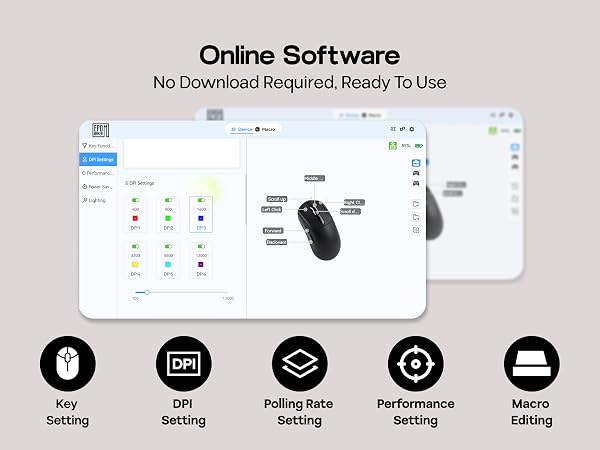
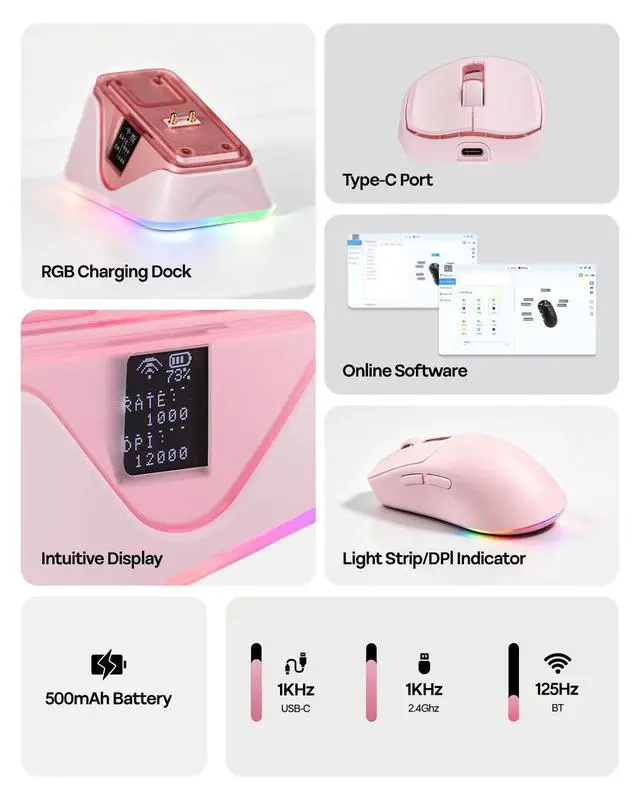
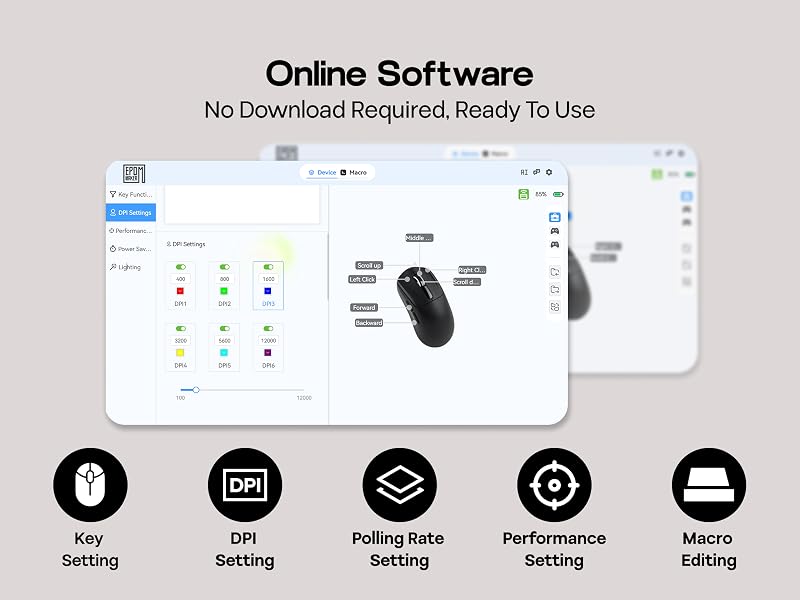
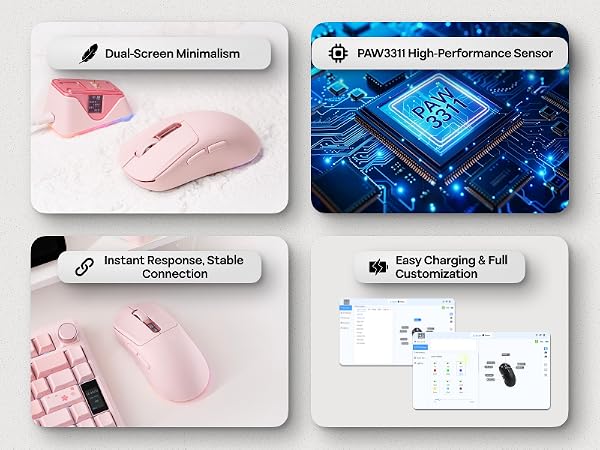
With online software customization, there's nothing to install. Open your browser and instantly adjust DPI, polling rate, sleep mode, macro recording, and more. Assign custom macros or shortcuts to 5 programmable buttons and tailor every aspect of your mouse to fit your gaming style.
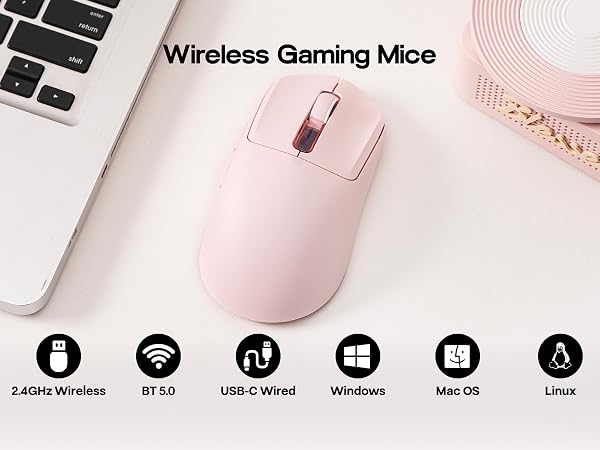
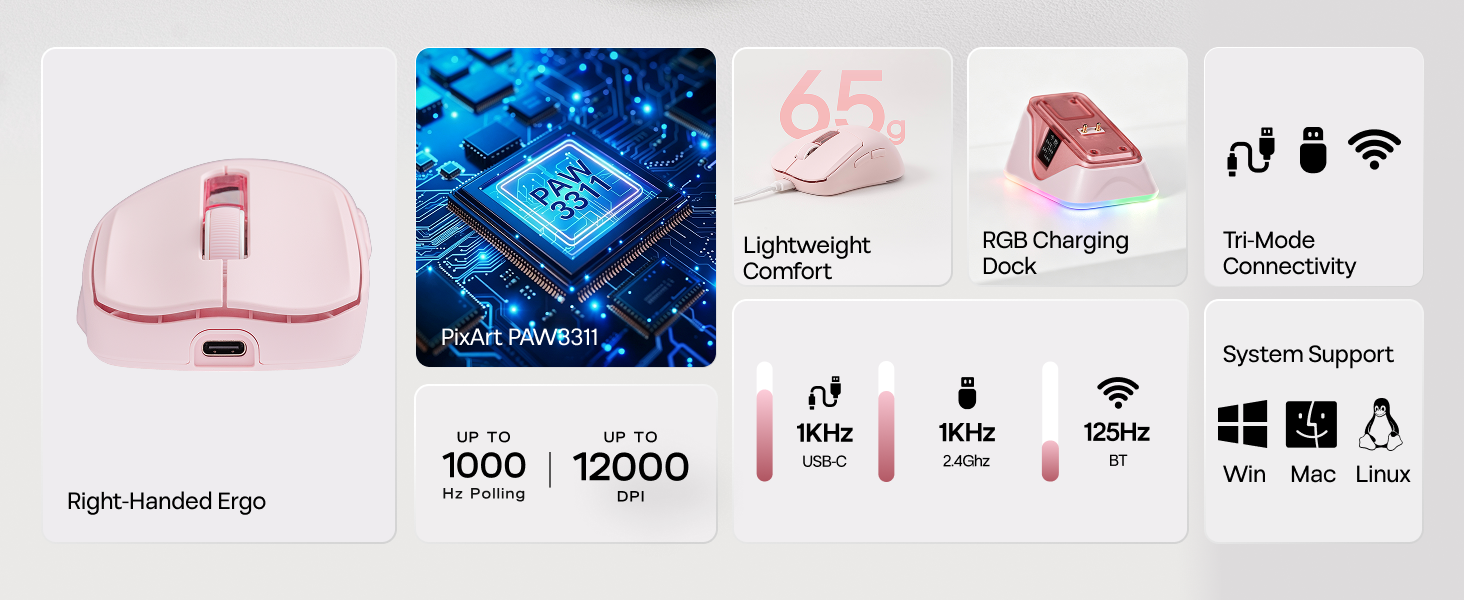
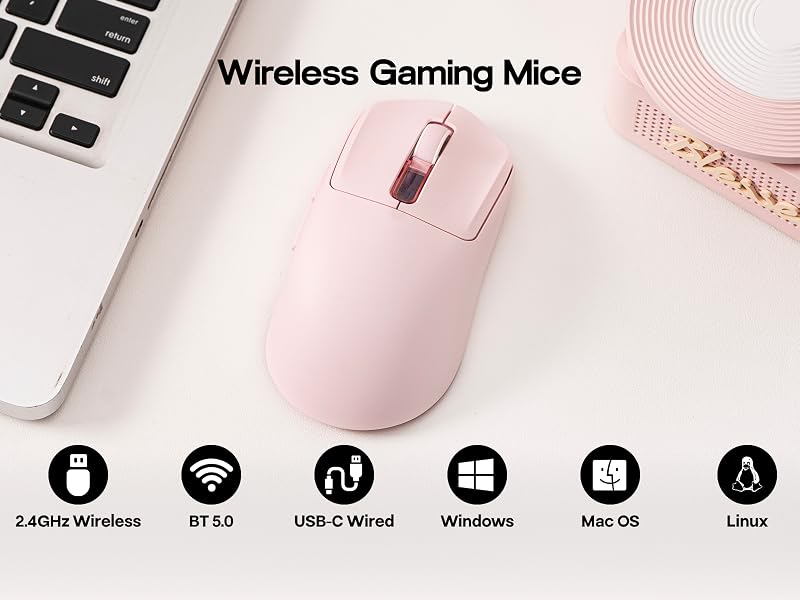
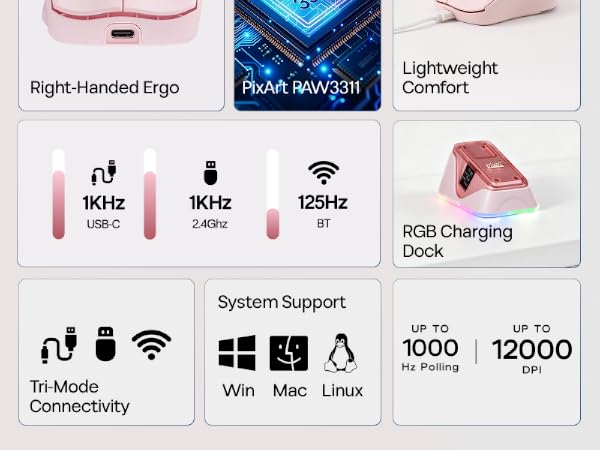
The NEX Lite wireless office mouse features tri-mode connectivity, letting you switch seamlessly between 2.4GHz wireless, BT, and USB-C wired modes. Compatible with Windows, macOS and Linux — so whether you're gaming at your desk or moving between devices, the NEX Lite keeps up without missing a beat.
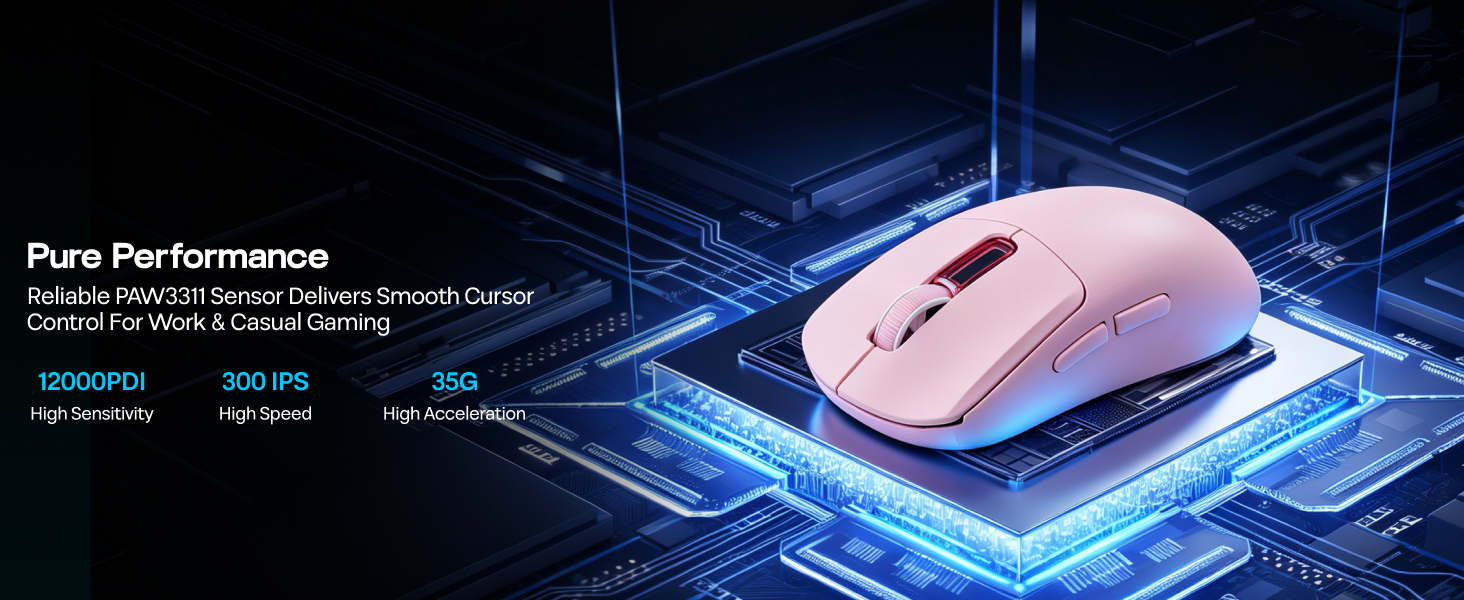
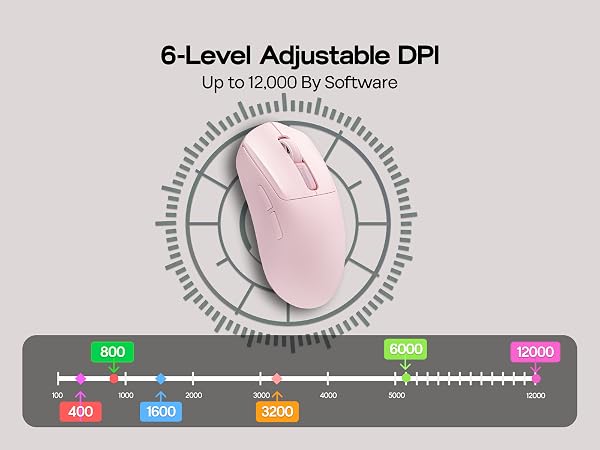
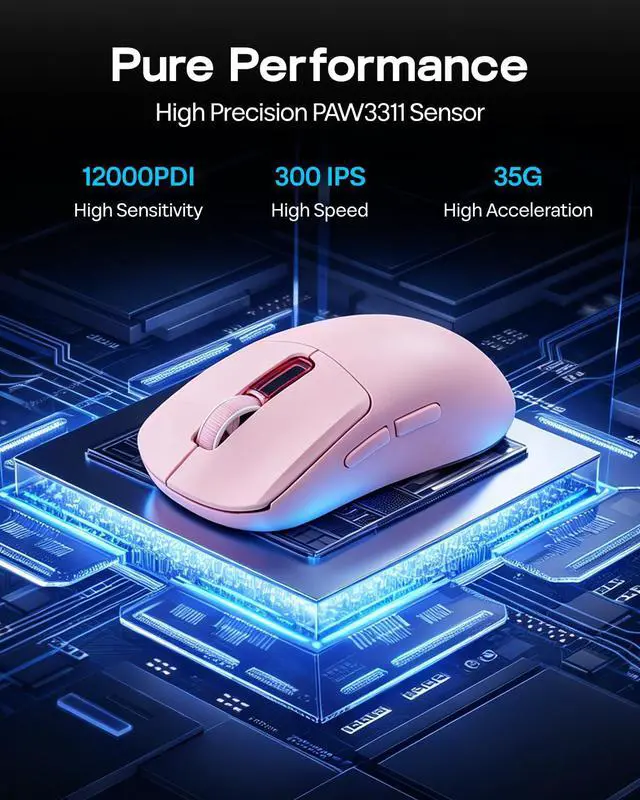
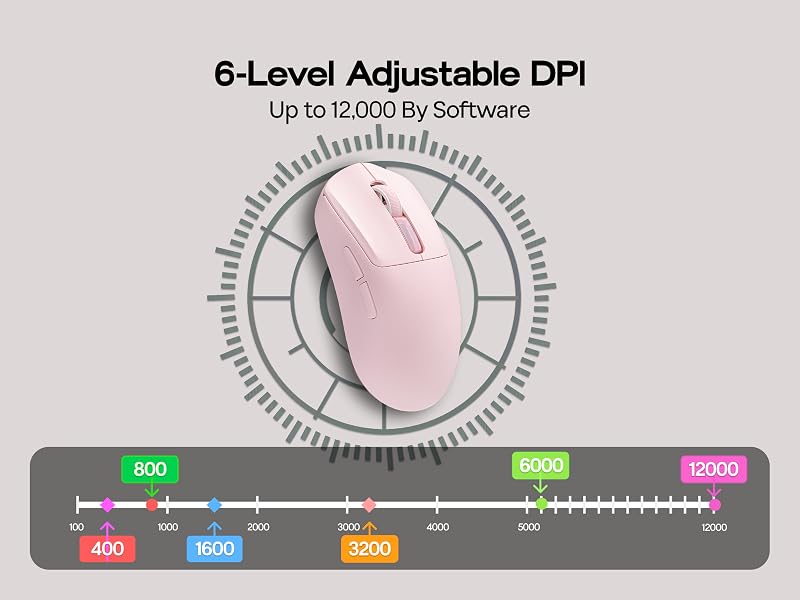
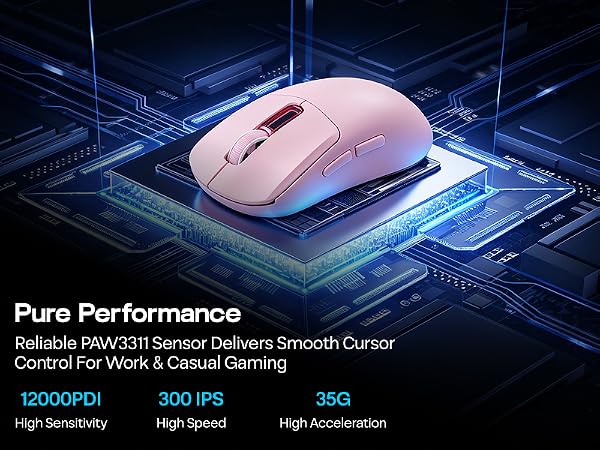
Powered by the PAW3311 optical sensor, the NEX Lite delivers 12K DPI, 300 IPS, and 35G acceleration. Choose from 6 adjustable DPI levels to dial in exactly the sensitivity you need — from precise, long-range targeting to fast, sweeping movements across the screen.
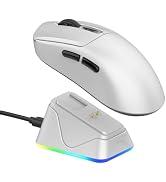
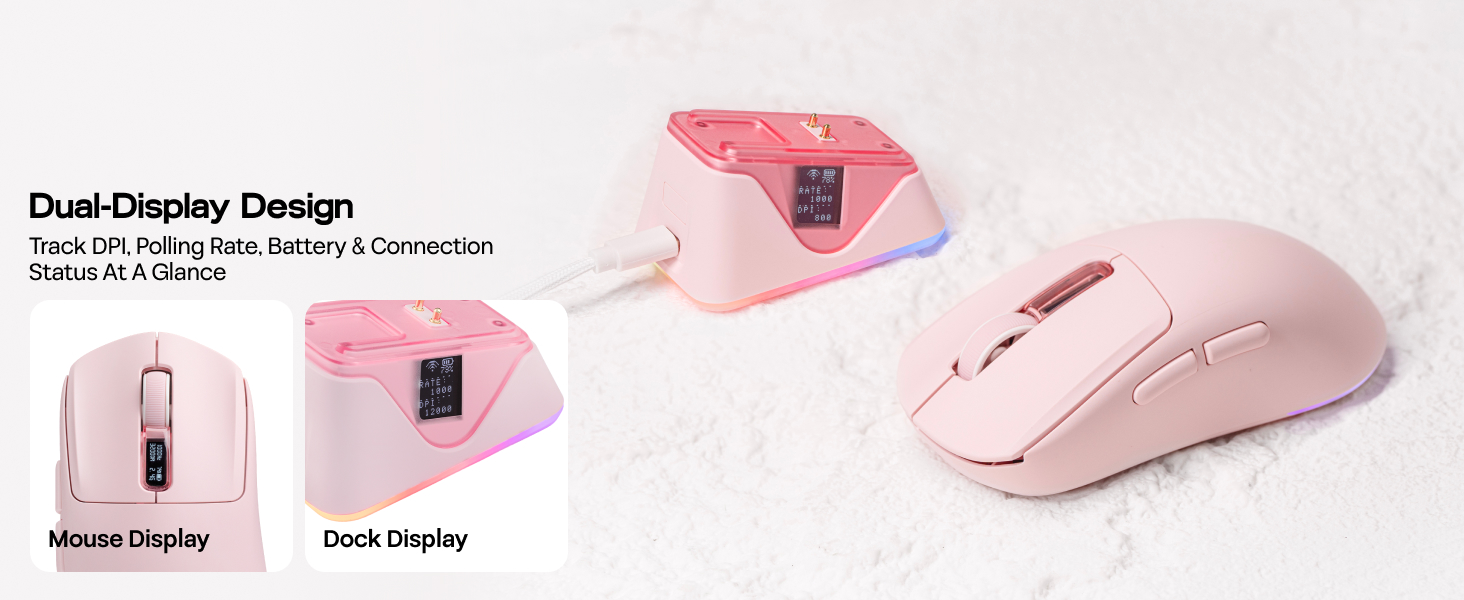
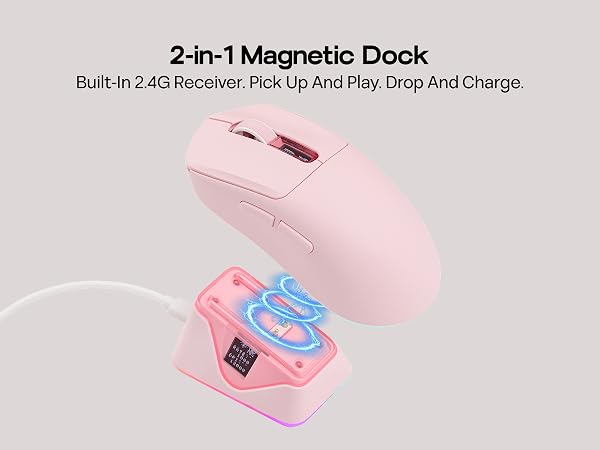
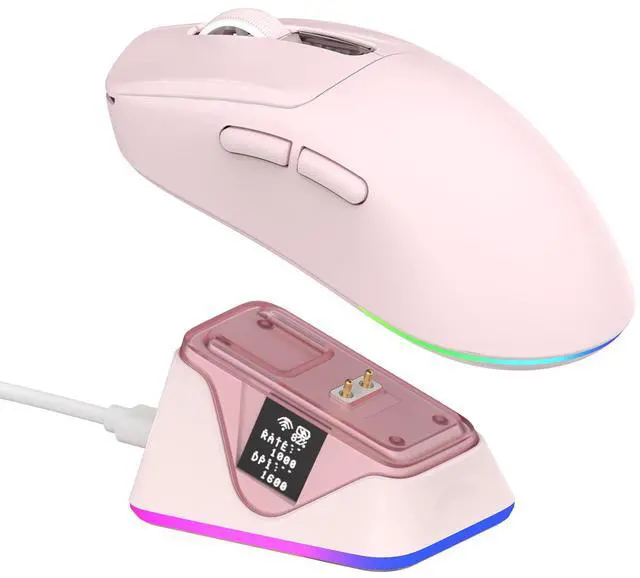
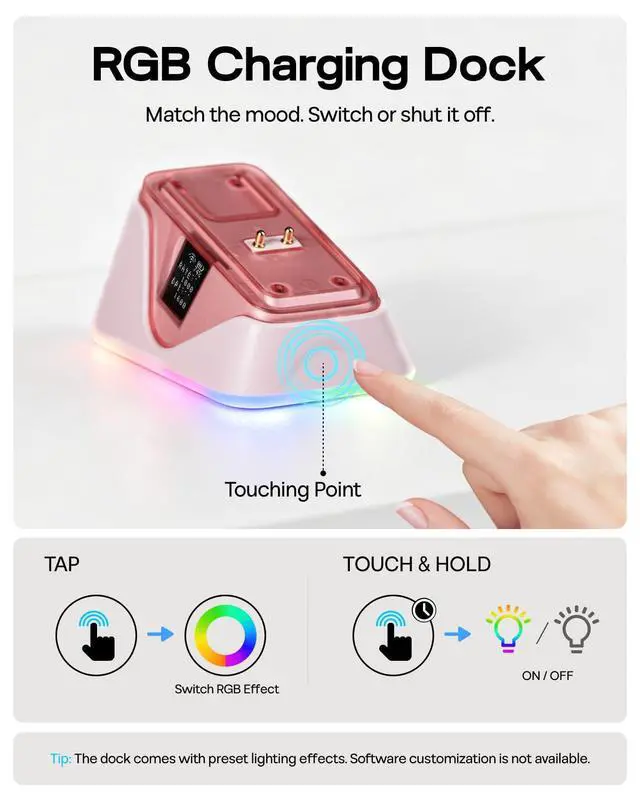
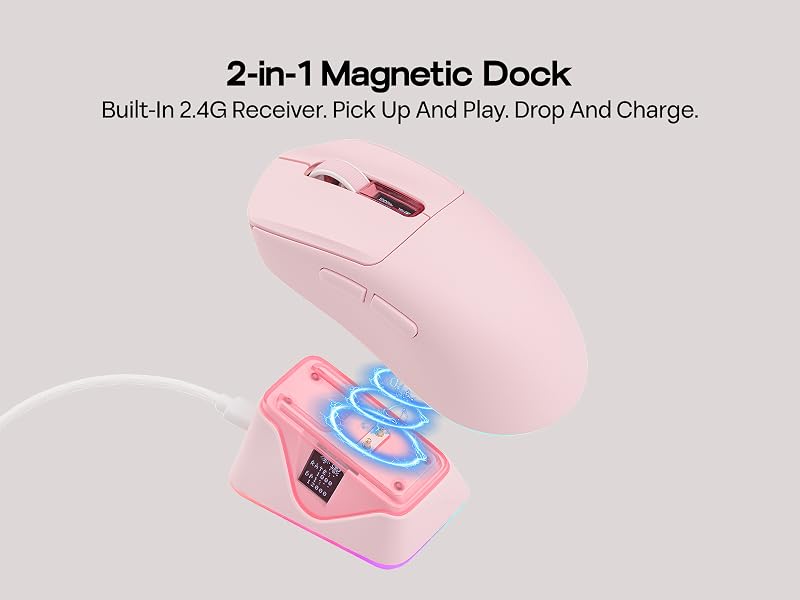
The included RGB charging dock does more than charge — it adds a dynamic visual element to your setup. A touch sensor lets you switch lighting effects or toggle the light strip on and off with ease. The dock's indicator light keeps you informed of charging status at a glance, blending style and practicality into one sleek accessory.
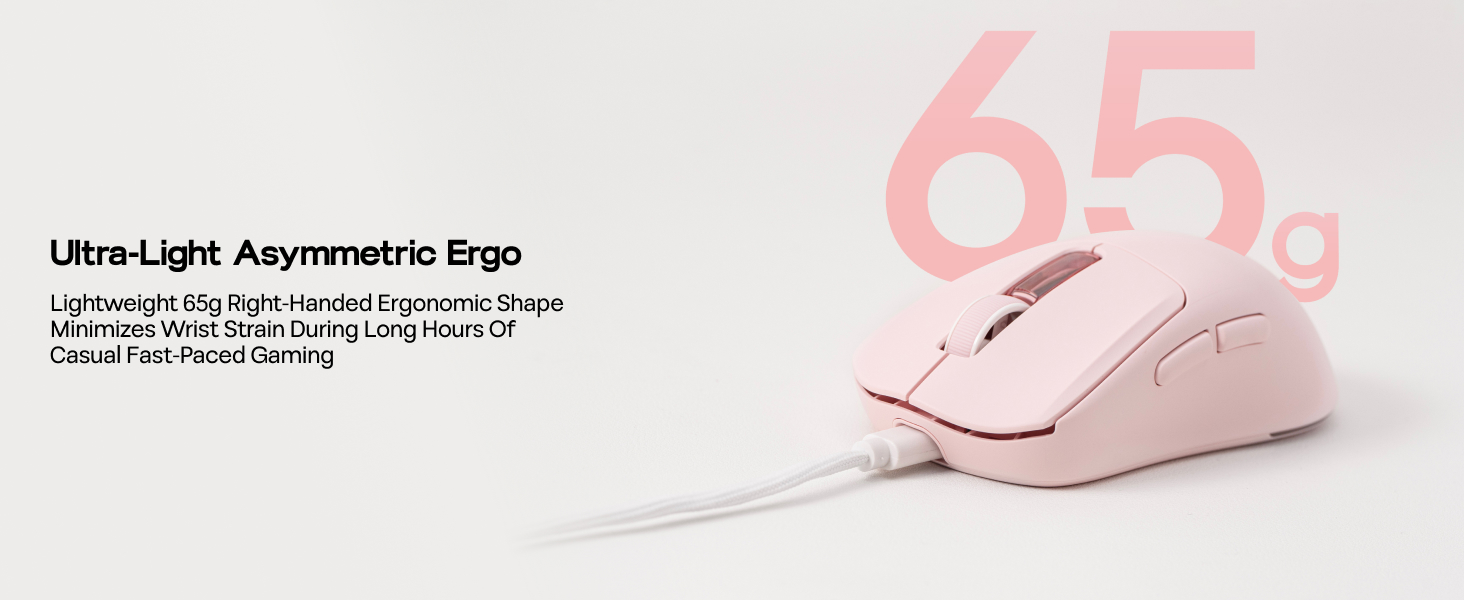
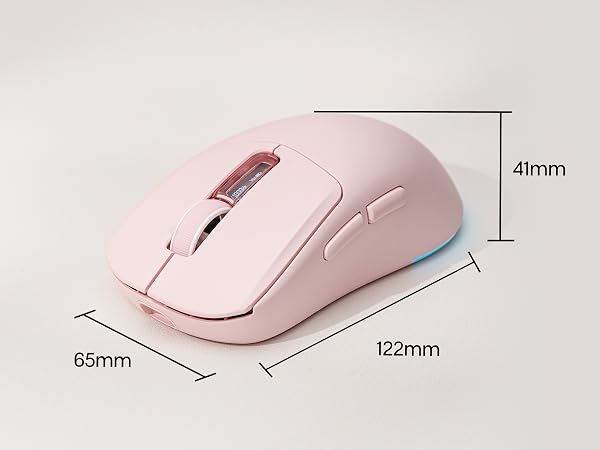
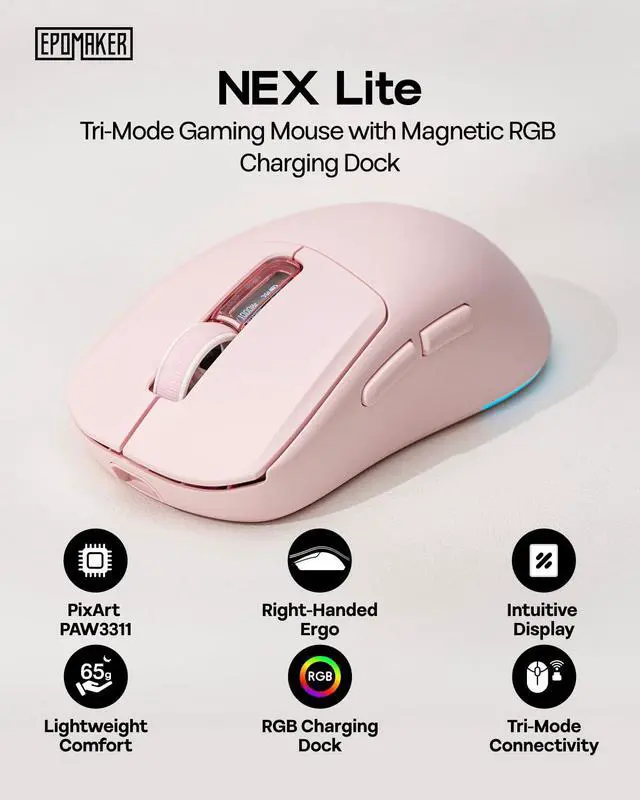
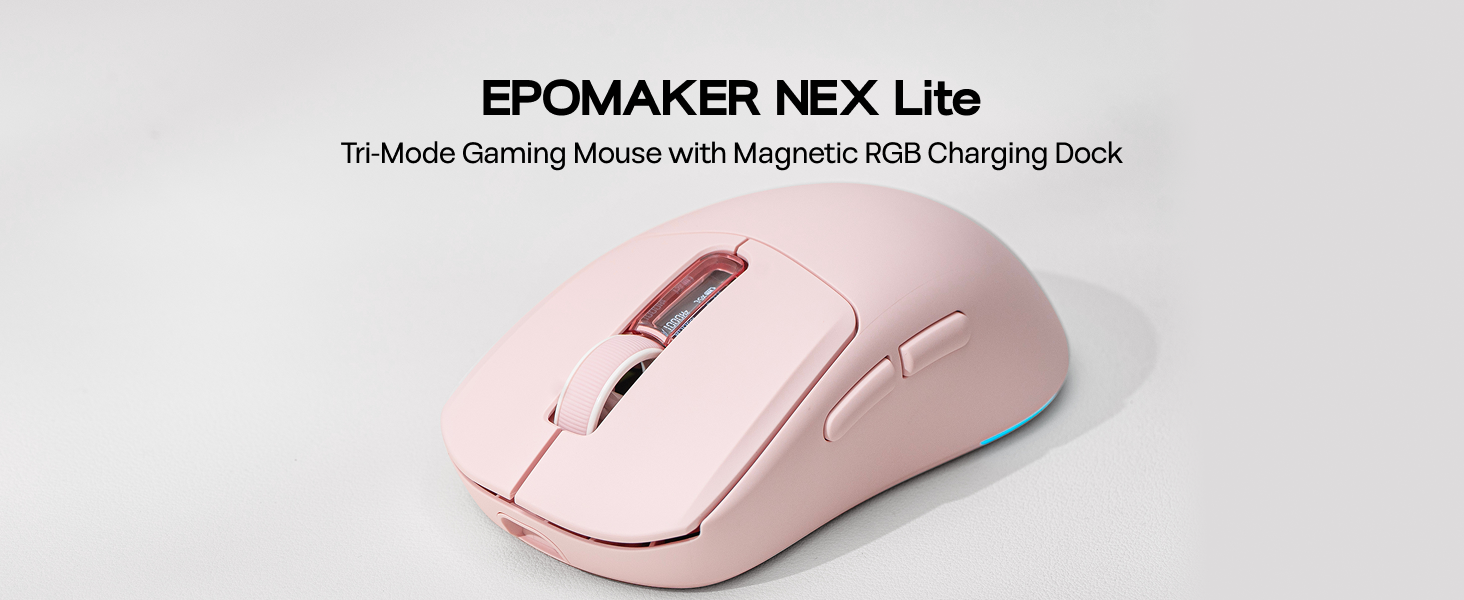
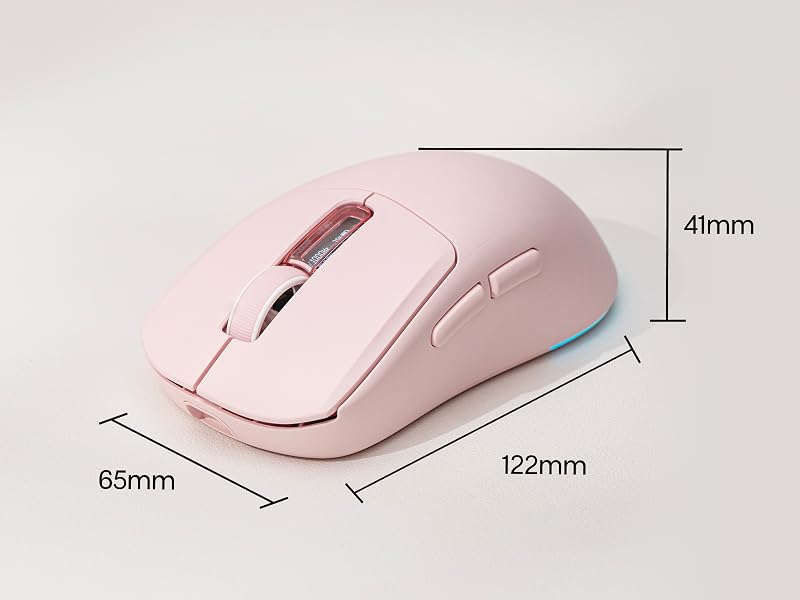
At just 65g (2.29 oz) and measuring 4.8 x 2.56 x 1.65 inches, the NEX Lite is engineered for agility without sacrificing comfort. Its compact, right-handed ergonomic form fits medium-to-large hands naturally, reducing fatigue during extended sessions so you can stay focused and in control from the first click to the last.
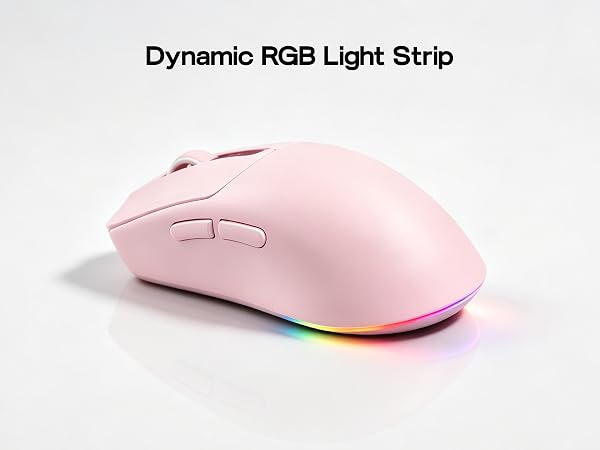
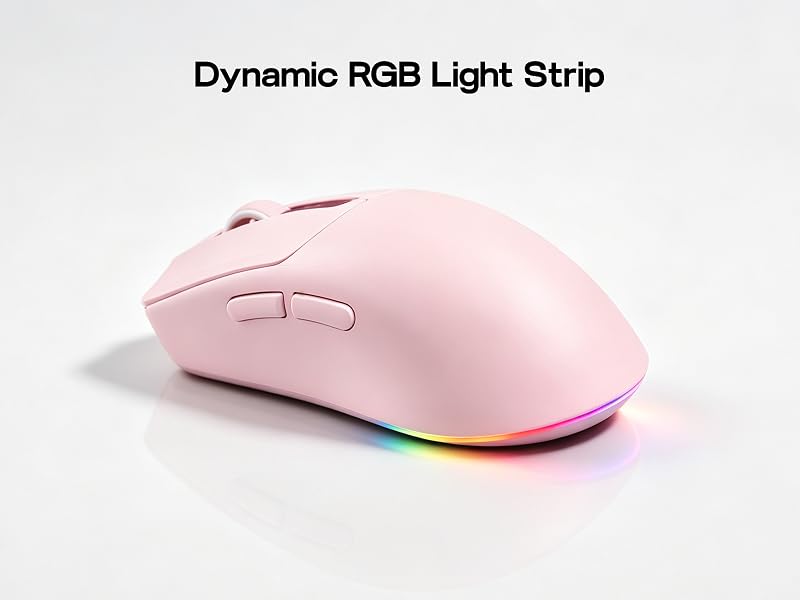
NEX Lite mouse is equipped with a dynamic RGB light strip at the rear, adding vivid lighting to your desktop. The light strip also acts as a DPI indicator. You can switch among preset lighting effects or turn off the lights completely via the driver software.

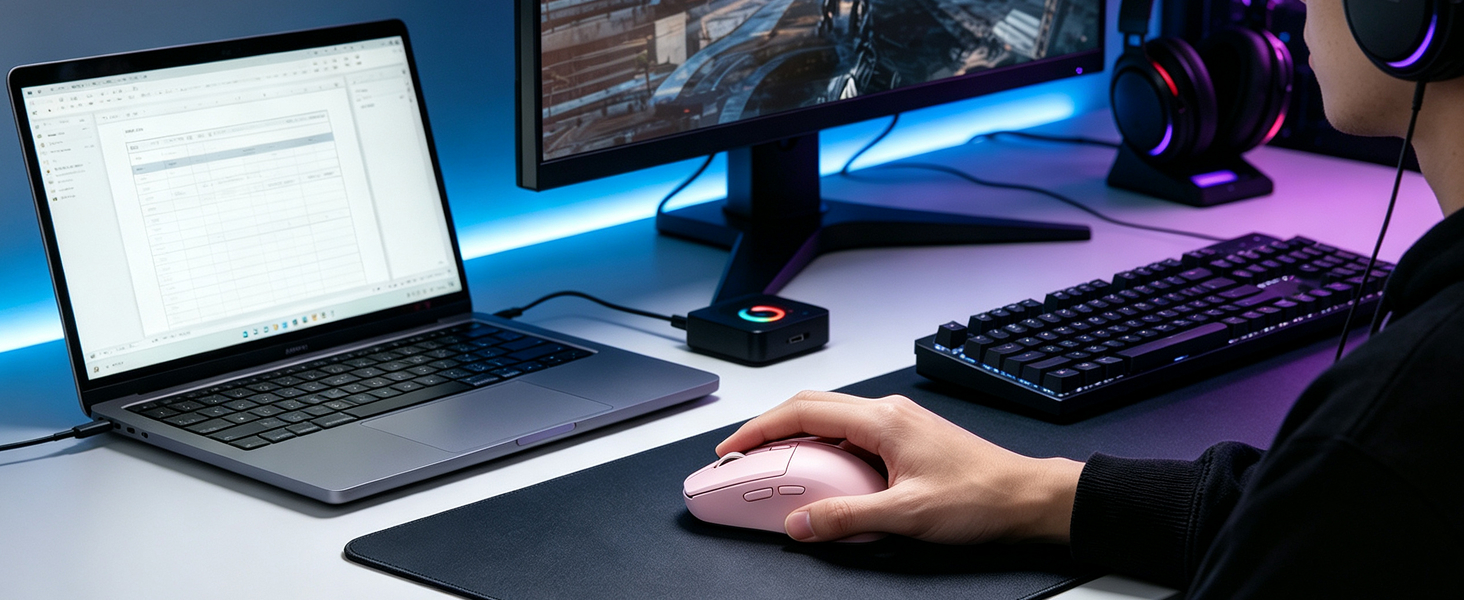
Suitable for study and after-school gaming with moderate budget&RGB aesthetic preference.65g lightweight right-handed design offers long-session comfort. PAW3311 sensor works great for MOBA&casual FPS

Balances gaming, office use and stylish appearance with user-friendly operation. Built-in dual displays show DPI, polling rate and battery directly without opening software.
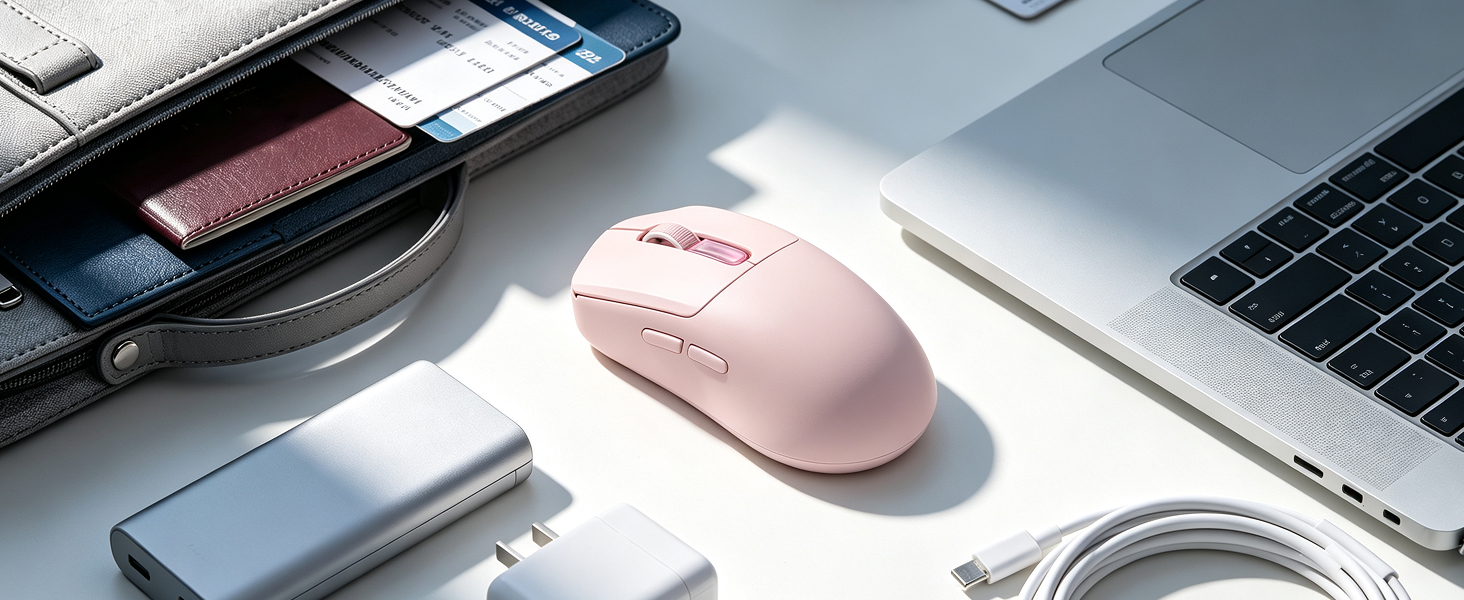
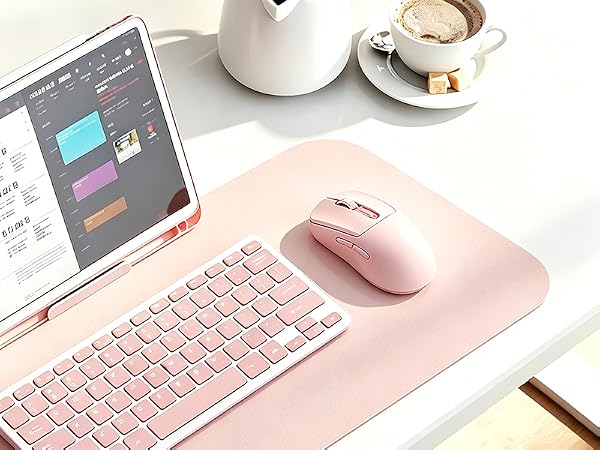
Lightweight right-handed design eases wrist strain for all-day work. Low-power PAW3311 extends battery life, magnetic dock for instant charging.

Perfect for precise small movements in casual matches rather than competitive ranked gameplay. The lightweight frame enables nimble control, while PAW3311 delivers steady tracking.
What connectivity options does this mouse support?
The mouse features Tri-Mode Connectivity — seamlessly switch between 2.4GHz wireless, BT 5.0, and USB-C wired modes. This makes it compatible with virtually any device or setup you use.
What information do the Dual OLED Screens display?
Both the mouse and the charging dock feature Dual OLED Screens that show real-time stats including DPI level, battery percentage, connection mode, and polling rate — all at a glance without interrupting your session.
How does the RGB Charging Dock work?
The RGB Charging Dock provides a stable resting spot and convenient charging for your mouse. A built-in touch point lets you cycle through RGB lighting effects or turn them off. It keeps your desk tidy while your mouse stays charged and ready.
Is this mouse comfortable for long gaming sessions?
At just 65g Lightweight, this mouse is designed to reduce wrist fatigue during extended play. Its right-handed ergonomic shape suits medium-to-large hands and supports both claw and palm grip styles comfortably.
Does the mouse save my settings if I use it on a different computer?
Yes! Onboard Memory lets you save your custom DPI levels, button mappings, and settings directly to the mouse. Plug it into any device and your preferences are ready to go — no software or reconfiguration needed.



With online software customization, there's nothing to install. Open your browser and instantly adjust DPI, polling rate, sleep mode, macro recording, and more. Assign custom macros or shortcuts to 5 programmable buttons and tailor every aspect of your mouse to fit your gaming style.
The NEX Lite wireless office mouse features tri-mode connectivity, letting you switch seamlessly between 2.4GHz wireless, BT, and USB-C wired modes. Compatible with Windows, macOS and Linux — so whether you're gaming at your desk or moving between devices, the NEX Lite keeps up without missing a beat.
Powered by the PAW3311 optical sensor, the NEX Lite delivers 12K DPI, 300 IPS, and 35G acceleration. Choose from 6 adjustable DPI levels to dial in exactly the sensitivity you need — from precise, long-range targeting to fast, sweeping movements across the screen.
The included RGB charging dock does more than charge — it adds a dynamic visual element to your setup. A touch sensor lets you switch lighting effects or toggle the light strip on and off with ease. The dock's indicator light keeps you informed of charging status at a glance, blending style and practicality into one sleek accessory.
At just 65g (2.29 oz) and measuring 4.8 x 2.56 x 1.65 inches, the NEX Lite is engineered for agility without sacrificing comfort. Its compact, right-handed ergonomic form fits medium-to-large hands naturally, reducing fatigue during extended sessions so you can stay focused and in control from the first click to the last.
NEX Lite mouse is equipped with a dynamic RGB light strip at the rear, adding vivid lighting to your desktop. The light strip also acts as a DPI indicator. You can switch among preset lighting effects or turn off the lights completely via the driver software.
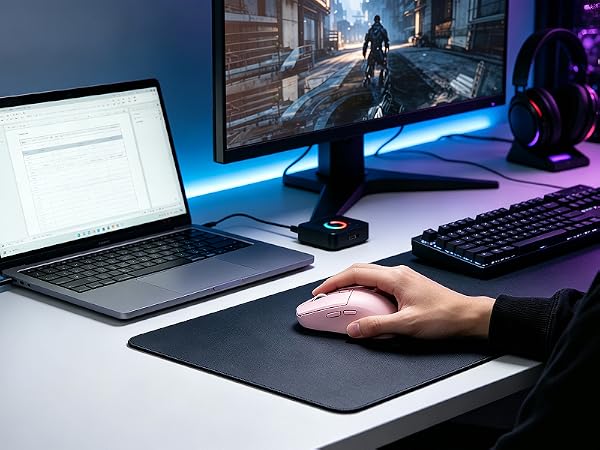
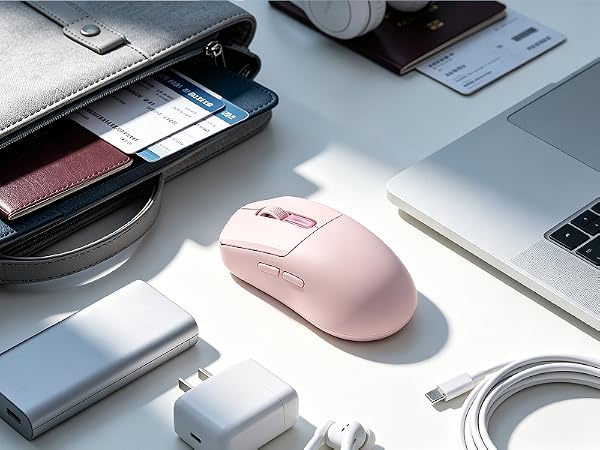

Suitable for study and after-school gaming with moderate budget&RGB aesthetic preference.65g lightweight right-handed design offers long-session comfort. PAW3311 sensor works great for MOBA&casual FPS
Balances gaming, office use and stylish appearance with user-friendly operation. Built-in dual displays show DPI, polling rate and battery directly without opening software.
Lightweight right-handed design eases wrist strain for all-day work. Low-power PAW3311 extends battery life, magnetic dock for instant charging.
Perfect for precise small movements in casual matches rather than competitive ranked gameplay. The lightweight frame enables nimble control, while PAW3311 delivers steady tracking.
What connectivity options does this mouse support?
The mouse features Tri-Mode Connectivity — seamlessly switch between 2.4GHz wireless, BT 5.0, and USB-C wired modes. This makes it compatible with virtually any device or setup you use.
What information do the Dual OLED Screens display?
Both the mouse and the charging dock feature Dual OLED Screens that show real-time stats including DPI level, battery percentage, connection mode, and polling rate — all at a glance without interrupting your session.
How does the RGB Charging Dock work?
The RGB Charging Dock provides a stable resting spot and convenient charging for your mouse. A built-in touch point lets you cycle through RGB lighting effects or turn them off. It keeps your desk tidy while your mouse stays charged and ready.
Is this mouse comfortable for long gaming sessions?
At just 65g Lightweight, this mouse is designed to reduce wrist fatigue during extended play. Its right-handed ergonomic shape suits medium-to-large hands and supports both claw and palm grip styles comfortably.
Does the mouse save my settings if I use it on a different computer?
Yes! Onboard Memory lets you save your custom DPI levels, button mappings, and settings directly to the mouse. Plug it into any device and your preferences are ready to go — no software or reconfiguration needed.