here!
here!
I’m your shopping assistant for PC builds, upgrades, and everything tech.
Got questions? Ask away!
Start a conversation
here!
I’m your shopping assistant for PC builds, upgrades, and everything tech.
Got questions? Ask away!
Start a conversation



Any questions? Ask CelesteSM will help you find out quickly.








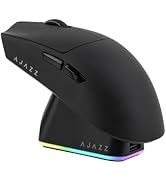


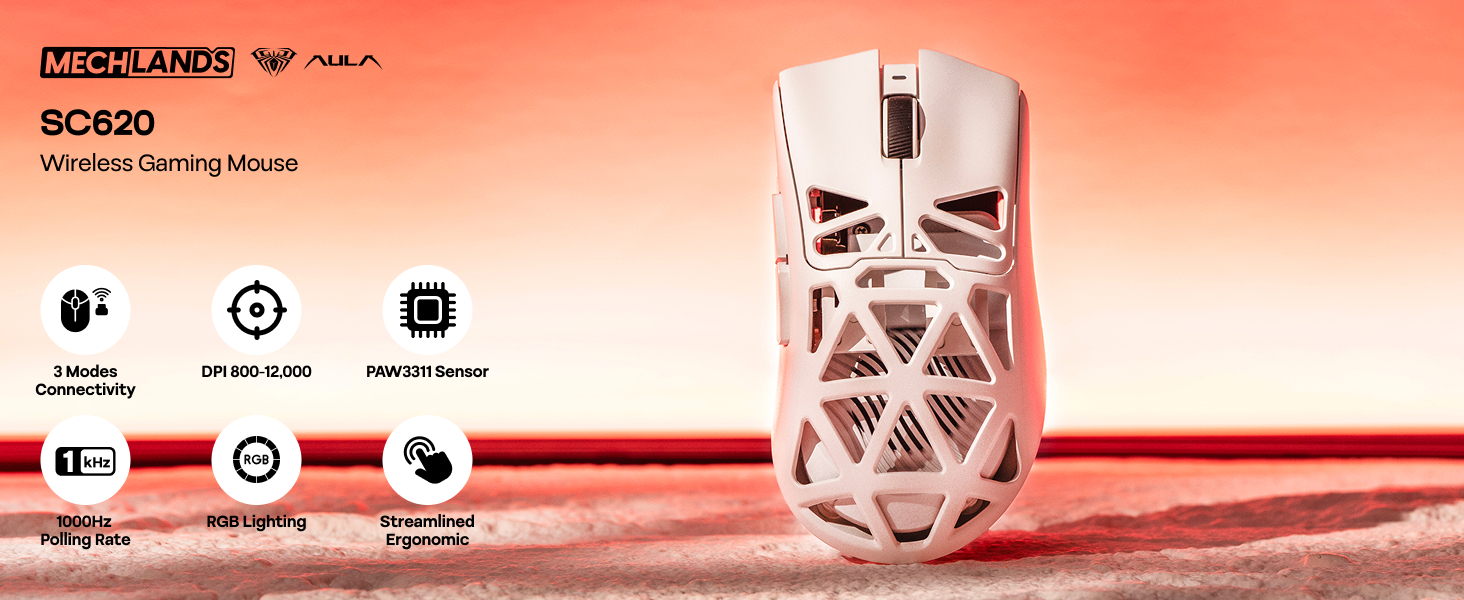
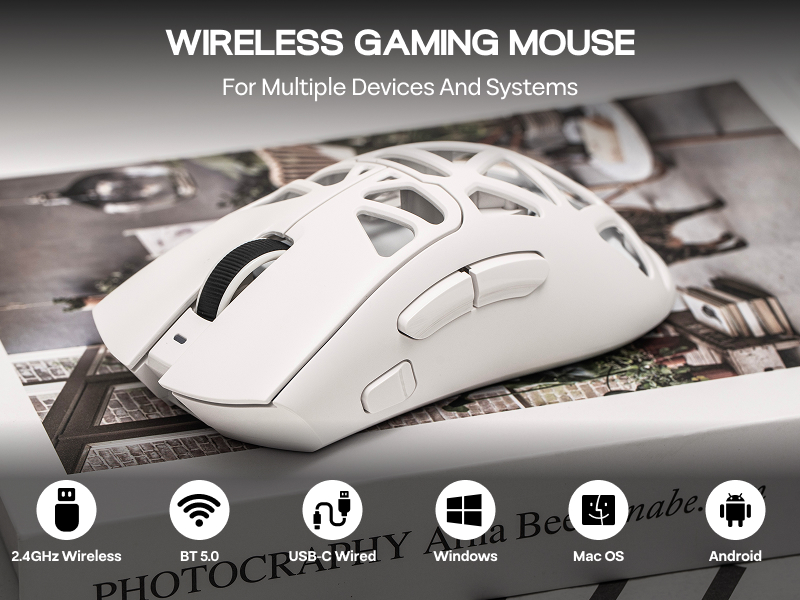
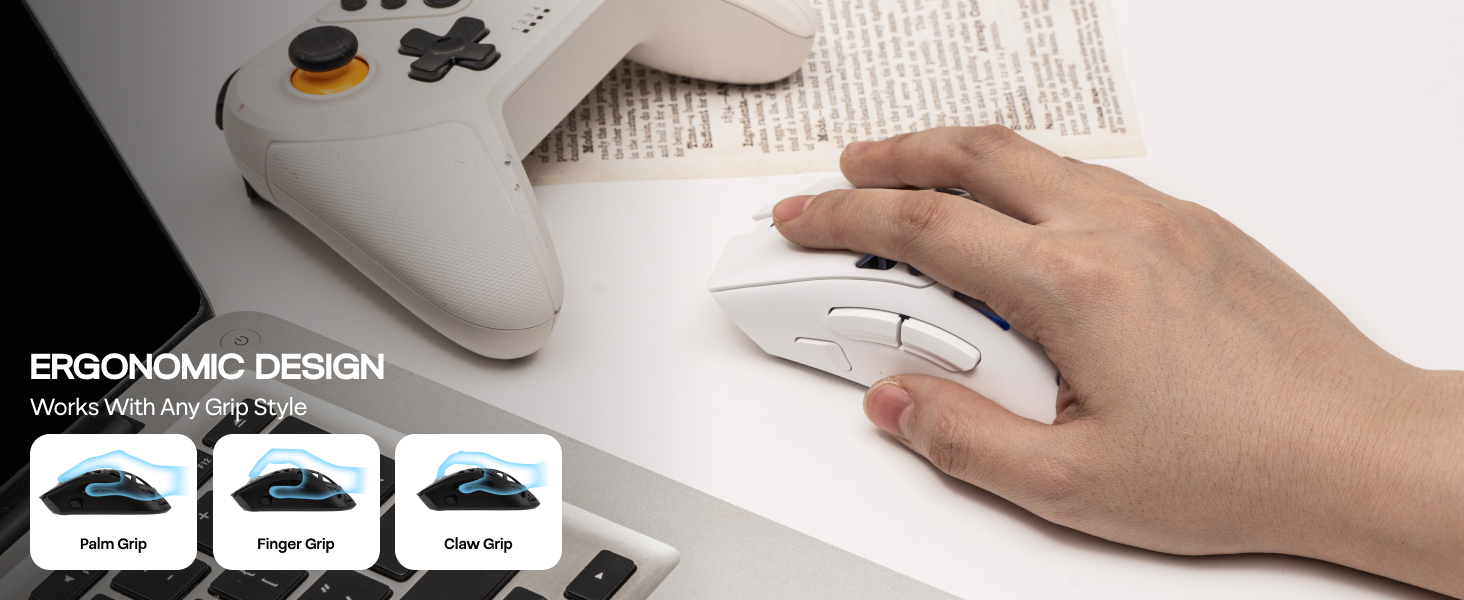
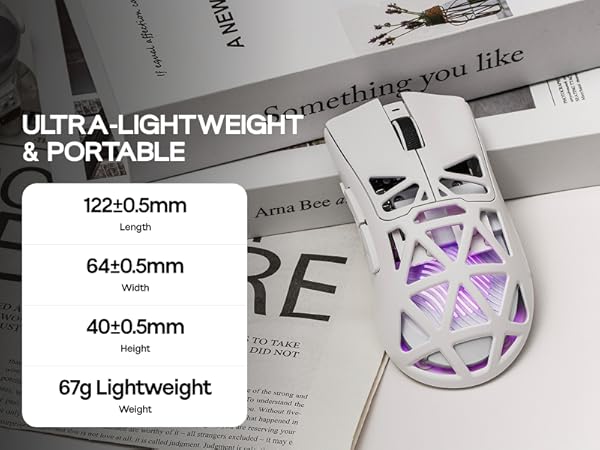
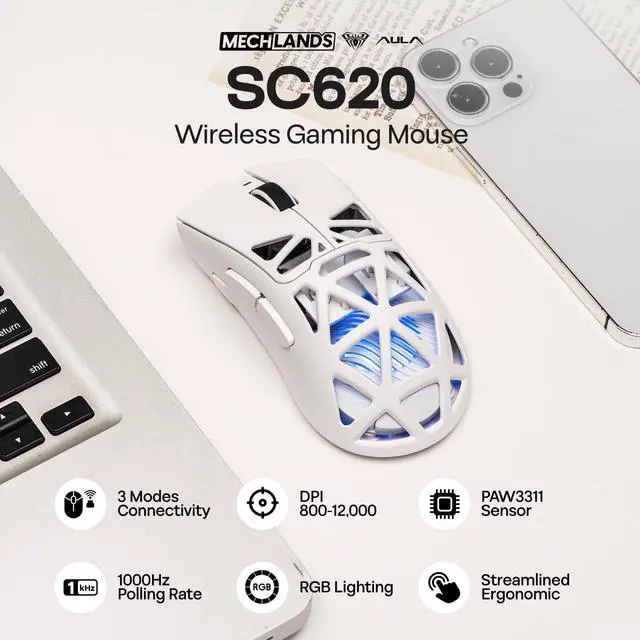
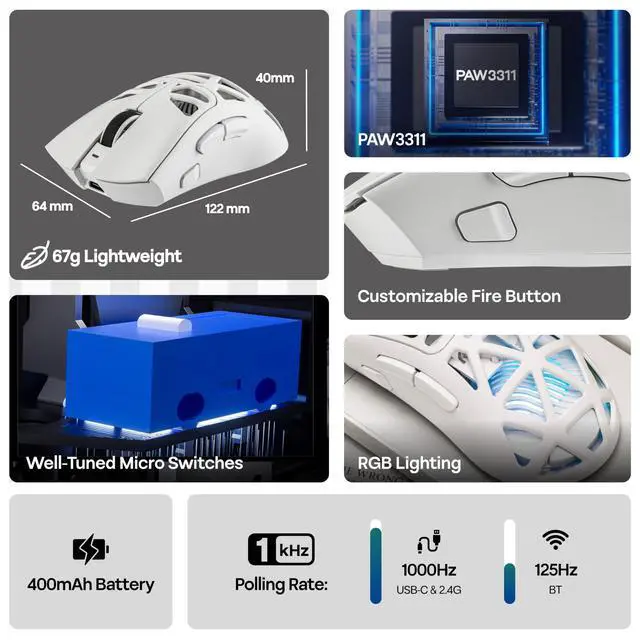
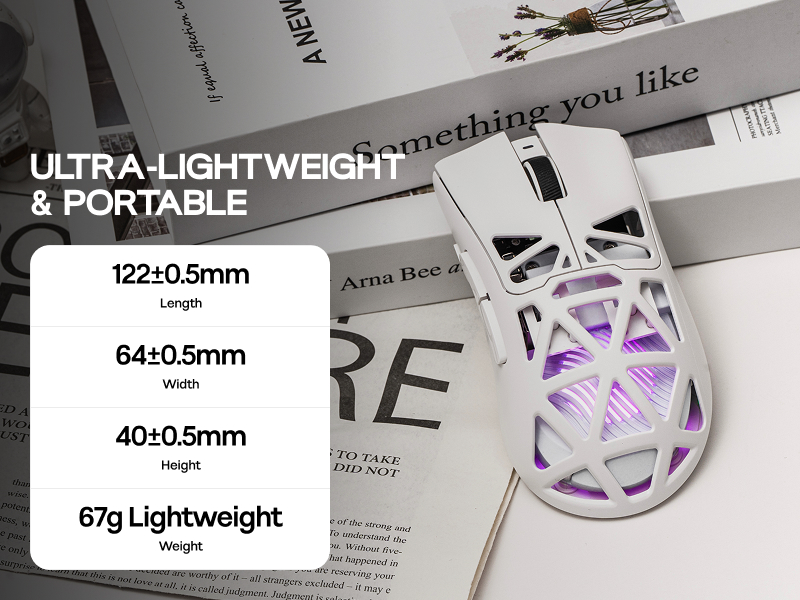
Measuring 122*64*40mm and weighing 67g, the SC620 mice boasts a refined design that provides a comfortable grip, ensuring ease of movement and making it a suitable choice for on-the-go professionals.
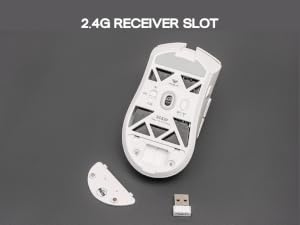
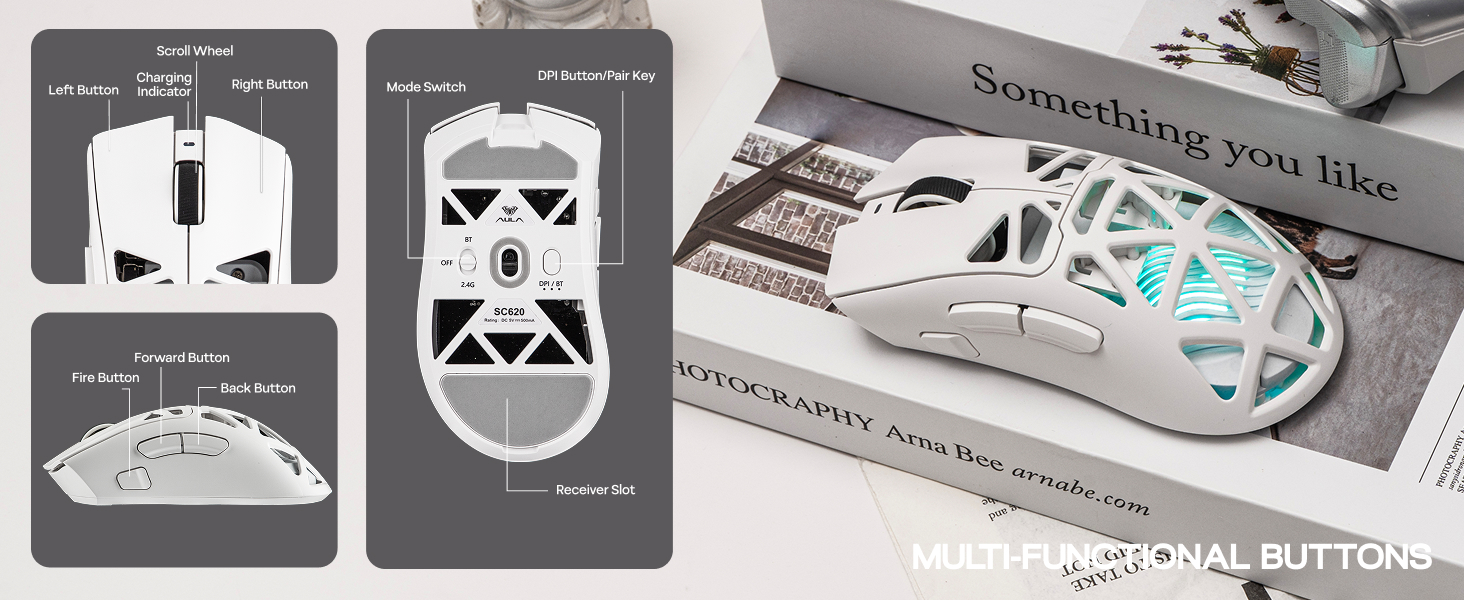
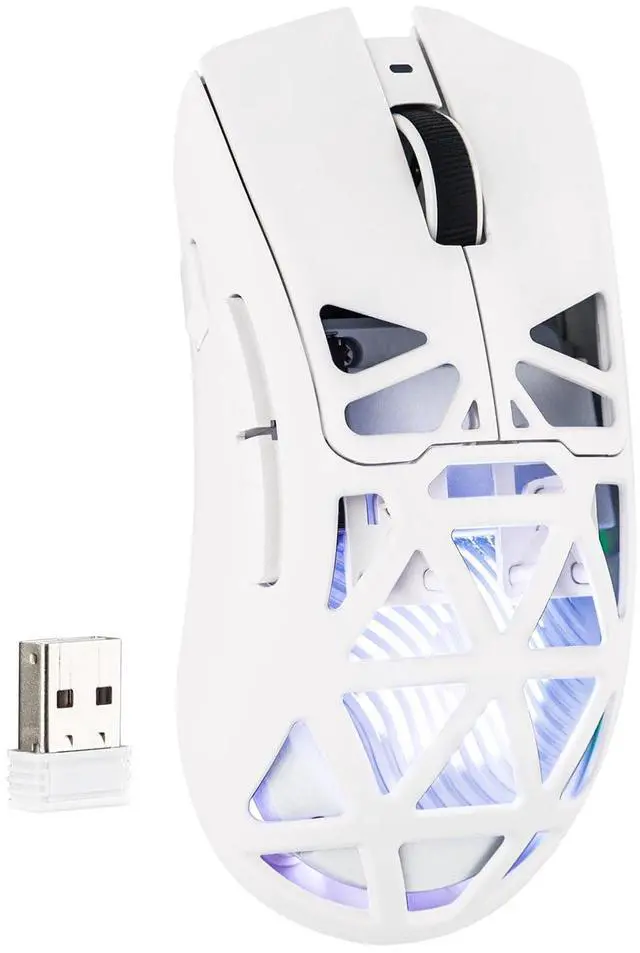
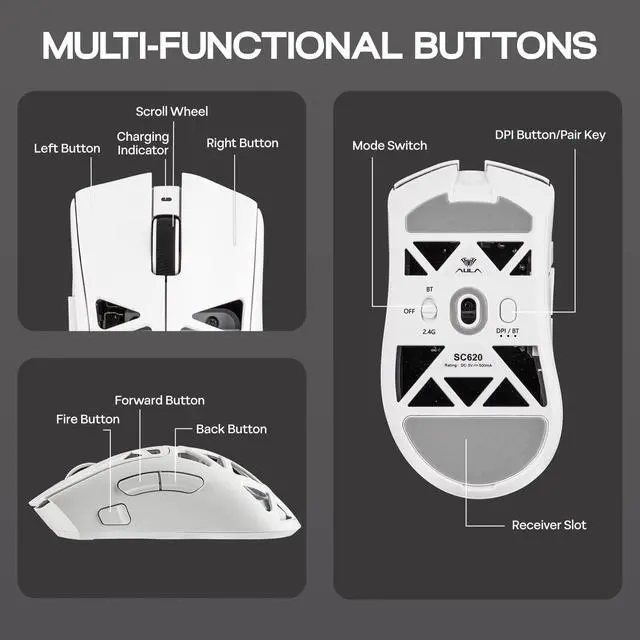
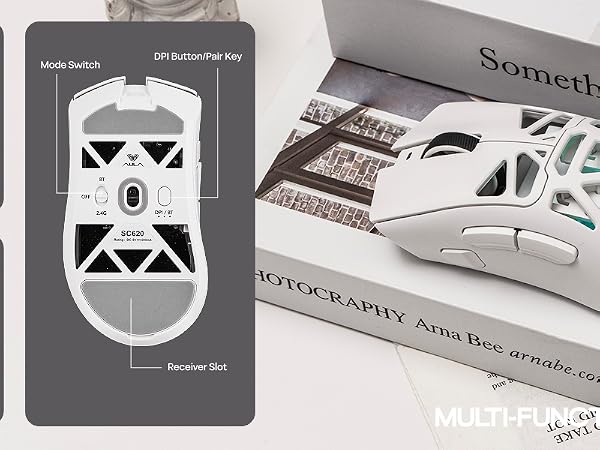
Easy to store the 2.4G receiver on the back of the mouse. Avoid the problem of loss.

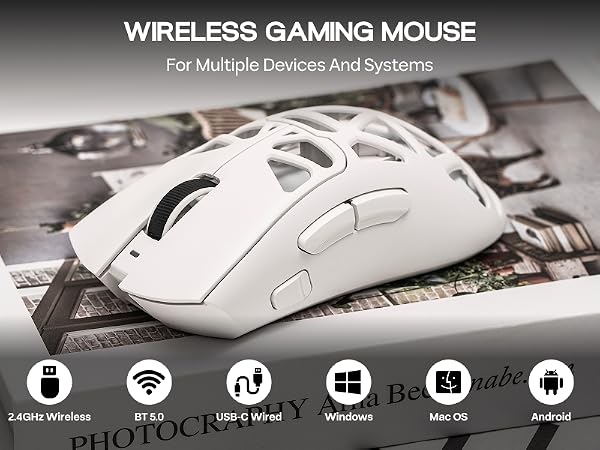
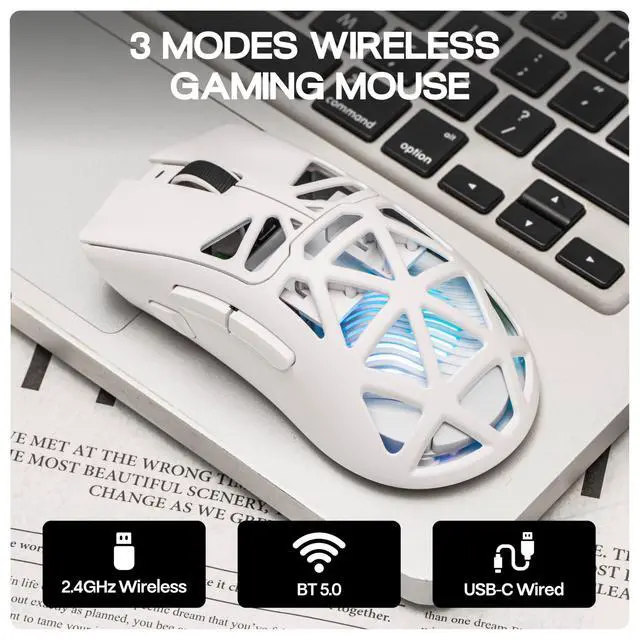
When a Type-C cable is connected, it automatically switches to wired mode and starts charging the mouse.
During charging, the front charging indicator stays red; turns green when fully charged.
What are the polling rate of this wireless mouse?
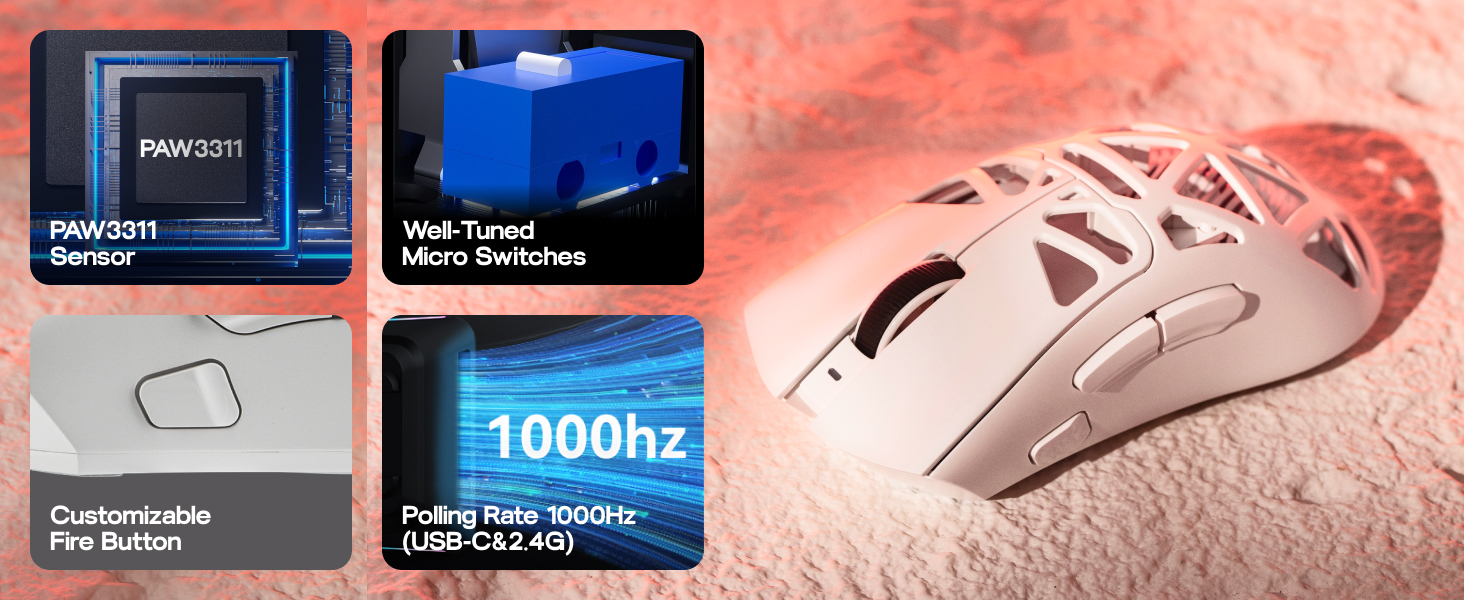
2.4GHz Wireless & USB Wired mode: 125Hz/250Hz/500Hz/1000Hz
BT5.3 Wireless mode: 125Hz
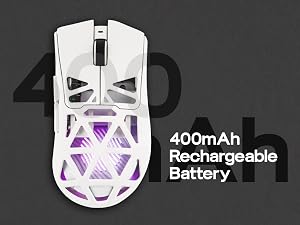
What is the battery capacity of the SC620 mouse?
The battery capacity is 400mAh.
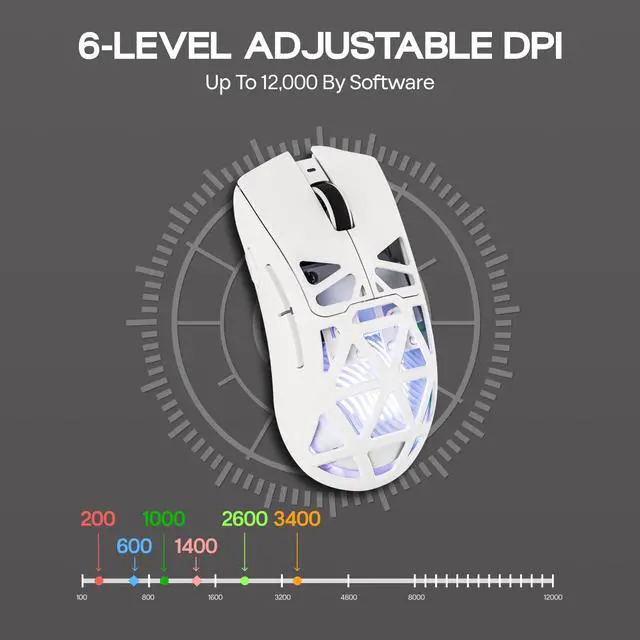
Can the DPI values corresponding to each indicator light color be adjusted?
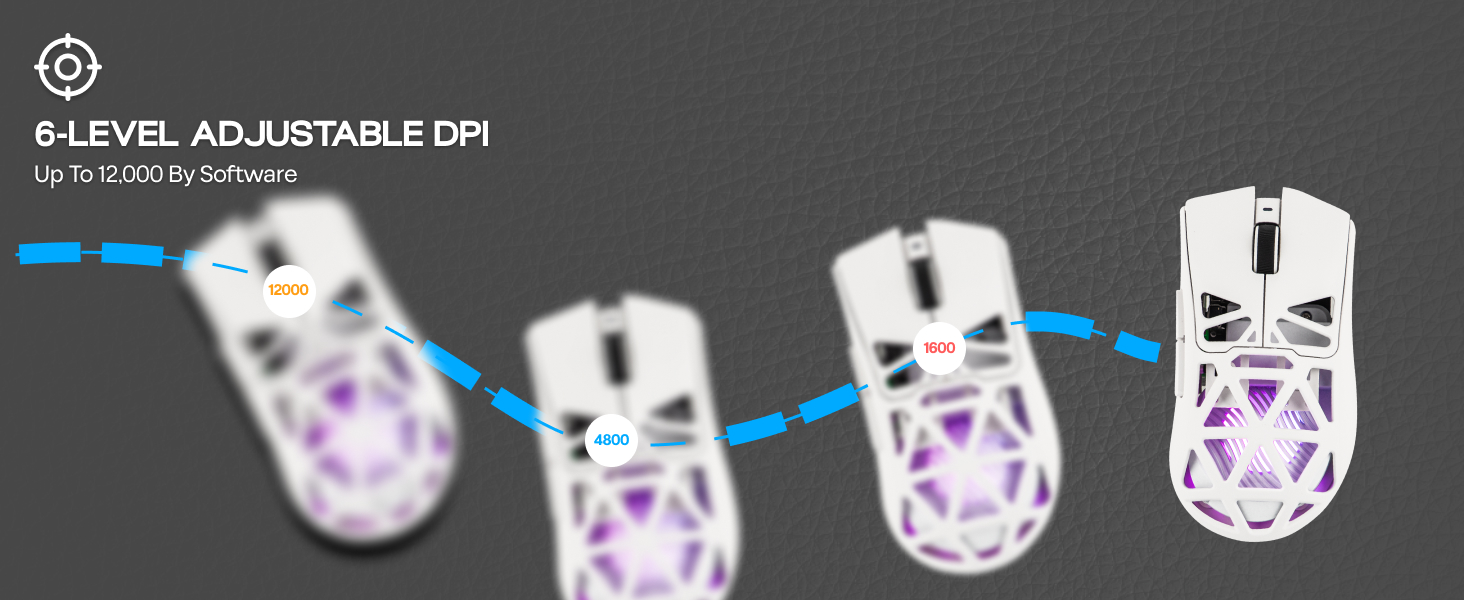
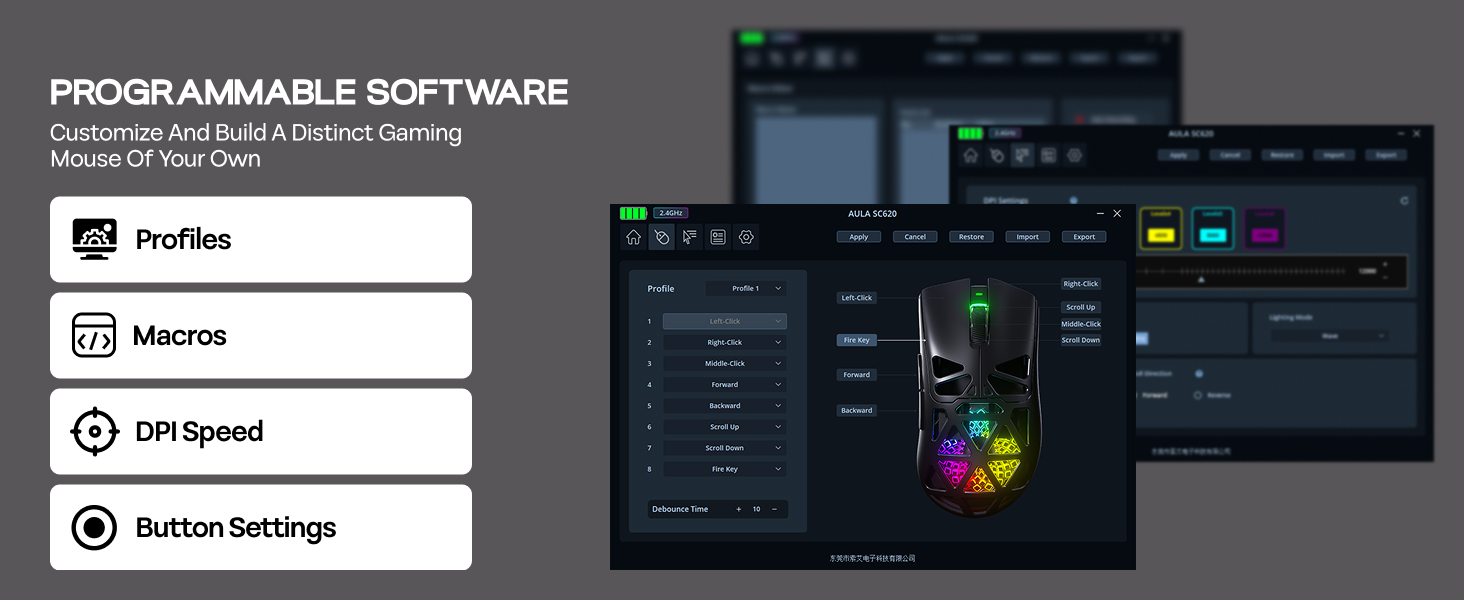
Yes, you can customize the DPI value corresponding to each color.
How to swtich the polling rate rapidly?
Press and hold the Right Buton + Middle Button for 5 seconds to switch polling rate. (Note: There is no indicator light to show the switching status except for the driver software)
What sensor does this mouse use?
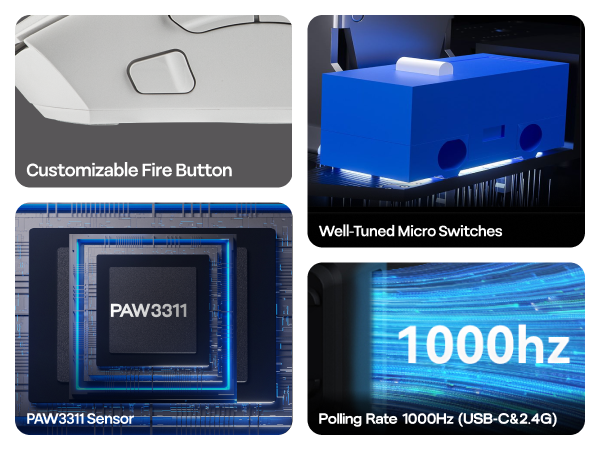
PAW3311
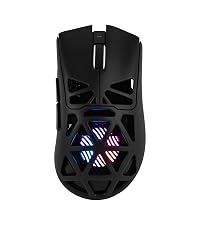 SC620 |  AJ139 V2 MC | 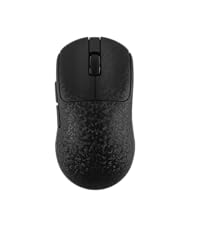 AJ199 | 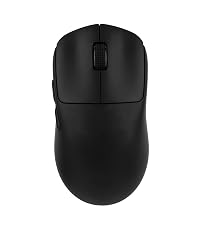 SC800 | 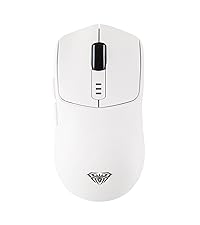 SC580 | |
|---|---|---|---|---|---|
Customer Reviews | — | — | — | — | — |
Price | — | — | — | — | — |
Honeycomb shell? | ? | ? | ? | ? | ? |
RGB Lighting? | ? | ? | ? | ? | ? |
Sensor | PAW3311 | PAW3311 | PAW3311 | PAW3395 | PAW3311 |
DPI | 800-12,000 | 400-12,000 | 400-12,000 | 400-26,000 | 800-10,000 |
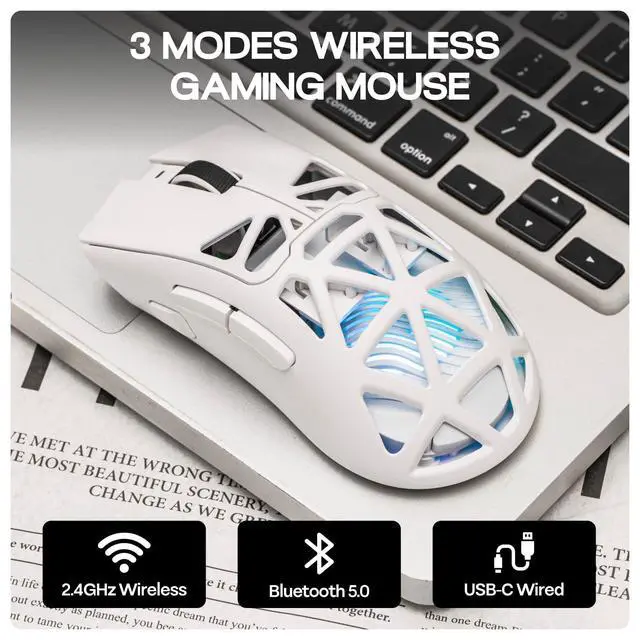
Connections | BT5.3/2.4G/USB-C | BT5.0/2.4G/USB-C | BT5.0/2.4G/USB-C | 2.4G/USB-C | BT5.0/2.4G/USB-C |
Battery | 400mAh | 500mAh | 500mAh | 250mAh | 500mAh |
Dimension | 122*64*40mm | 125.3*63.3*38.1mm | 118.6*62.2*39.6mm | 116.5*61.5*38.7mm | 119*62*38mm |
Weight | 67g | 66g | 58g | 37g | 82g |
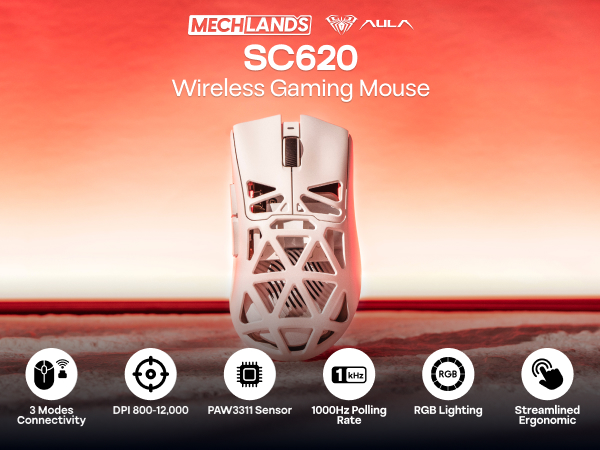

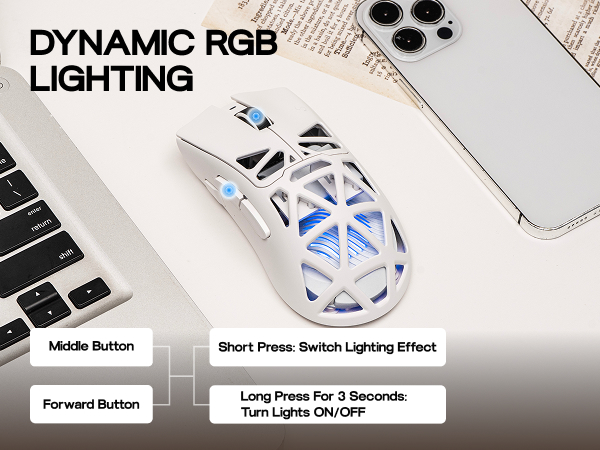
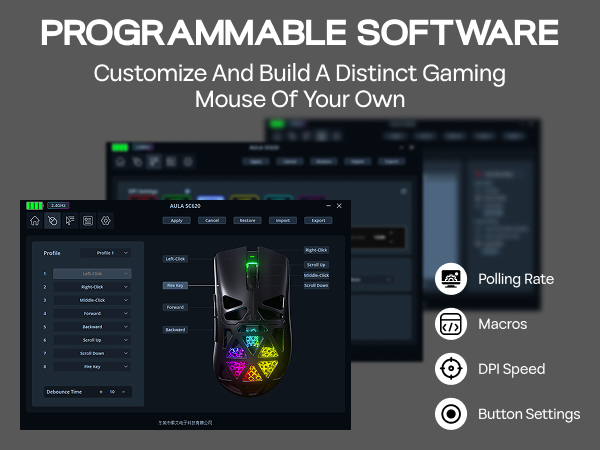

Measuring 122*64*40mm and weighing 67g, the SC620 mice boasts a refined design that provides a comfortable grip, ensuring ease of movement and making it a suitable choice for on-the-go professionals.
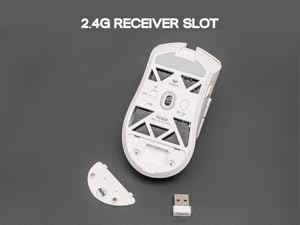
Easy to store the 2.4G receiver on the back of the mouse. Avoid the problem of loss.
When a Type-C cable is connected, it automatically switches to wired mode and starts charging the mouse.
During charging, the front charging indicator stays red; turns green when fully charged.
What are the polling rate of this wireless mouse?
2.4GHz Wireless & USB Wired mode: 125Hz/250Hz/500Hz/1000Hz
BT5.3 Wireless mode: 125Hz
What is the battery capacity of the SC620 mouse?
The battery capacity is 400mAh.
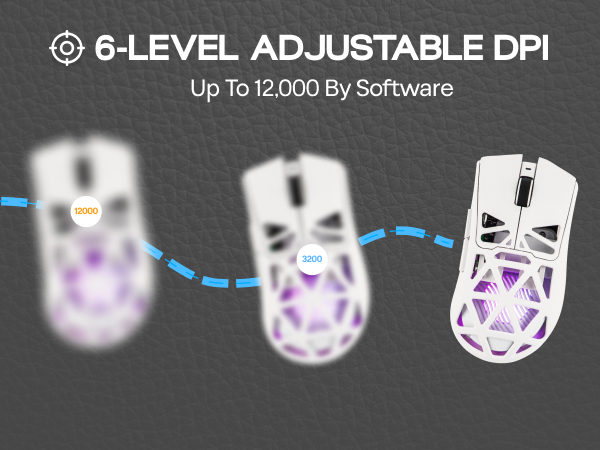
Can the DPI values corresponding to each indicator light color be adjusted?
Yes, you can customize the DPI value corresponding to each color.
How to swtich the polling rate rapidly?
Press and hold the Right Buton + Middle Button for 5 seconds to switch polling rate. (Note: There is no indicator light to show the switching status except for the driver software)
What sensor does this mouse use?
PAW3311
SC620 | AJ139 V2 MC | AJ199 | SC800 | SC580 |
|---|---|---|---|---|
| Customer Reviews | ||||
| — | — | — | — | — |
| Price | ||||
| — | — | — | — | — |
| Honeycomb shell? | ||||
| ? | ? | ? | ? | ? |
| RGB Lighting? | ||||
| ? | ? | ? | ? | ? |
| Sensor | ||||
| PAW3311 | PAW3311 | PAW3311 | PAW3395 | PAW3311 |
| DPI | ||||
| 800-12,000 | 400-12,000 | 400-12,000 | 400-26,000 | 800-10,000 |
| Connections | ||||
| BT5.3/2.4G/USB-C | BT5.0/2.4G/USB-C | BT5.0/2.4G/USB-C | 2.4G/USB-C | BT5.0/2.4G/USB-C |
| Battery | ||||
| 400mAh | 500mAh | 500mAh | 250mAh | 500mAh |
| Dimension | ||||
| 122*64*40mm | 125.3*63.3*38.1mm | 118.6*62.2*39.6mm | 116.5*61.5*38.7mm | 119*62*38mm |
| Weight | ||||
| 67g | 66g | 58g | 37g | 82g |