here!
here!
I’m your shopping assistant for PC builds, upgrades, and everything tech.
Got questions? Ask away!
Start a conversation
here!
I’m your shopping assistant for PC builds, upgrades, and everything tech.
Got questions? Ask away!
Start a conversation



Any questions? Ask CelesteSM will help you find out quickly.
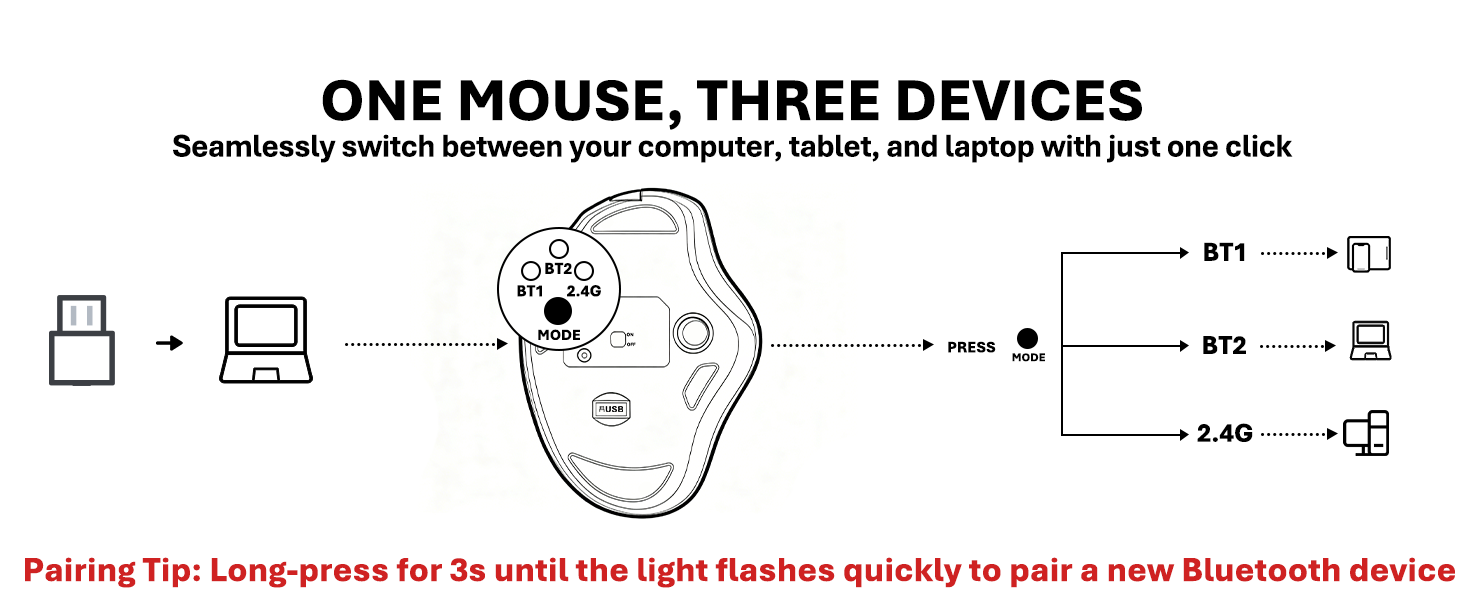
How do I switch modes and identify the light indicators?
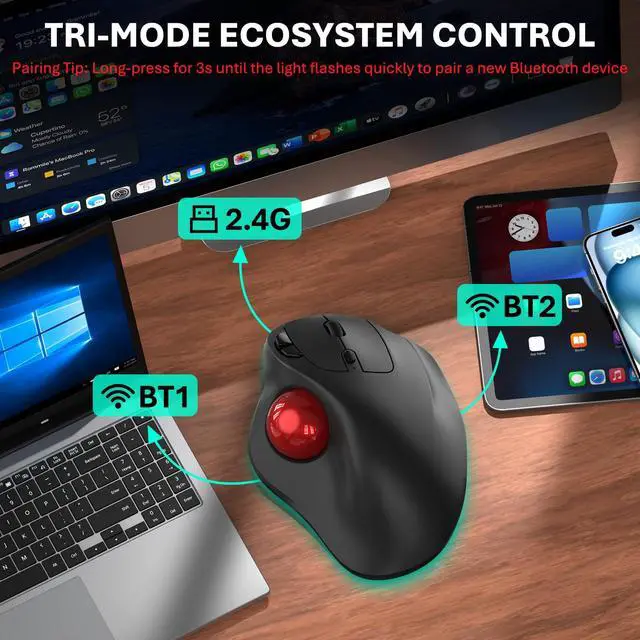
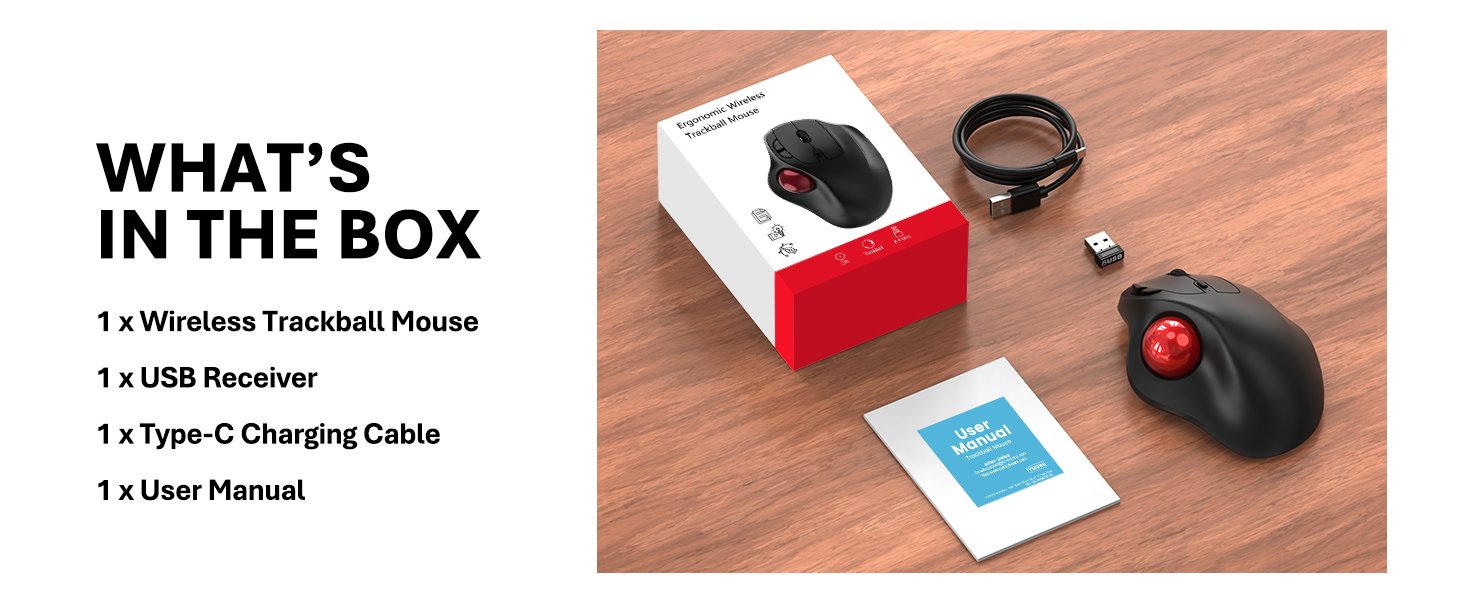
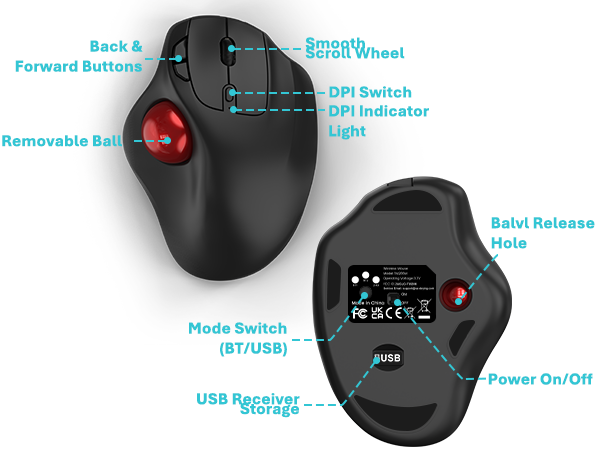
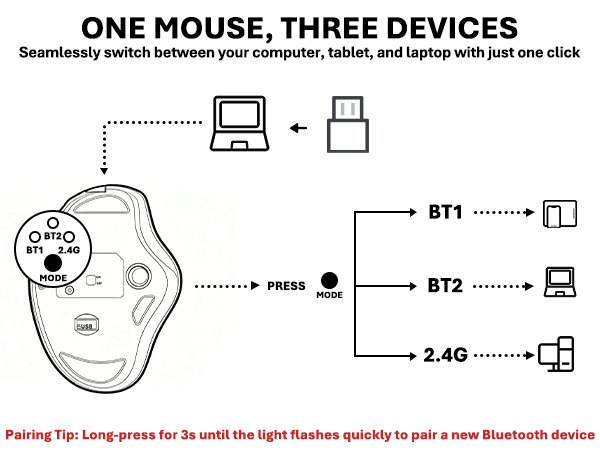
Click the bottom button to switch devices. Lights 1 and 2 mean Bluetooth, and Light 3 is for the 2.4G USB receiver. Note: Only hold the button for 3 seconds when pairing Bluetooth for the first time. After that, just a single click is enough.
Is this mouse suitable for both large and small hand sizes?
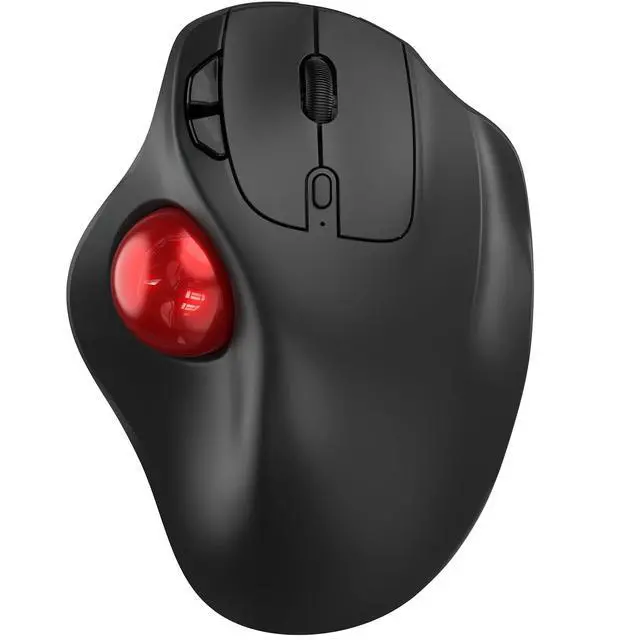
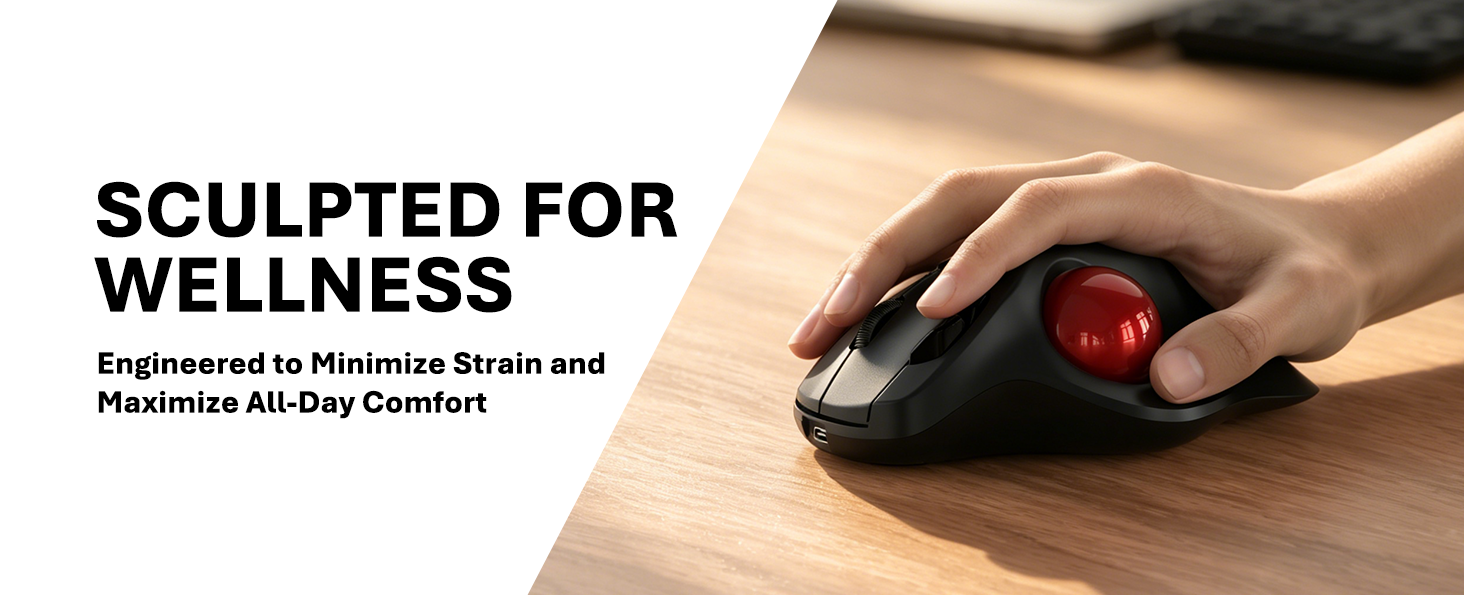
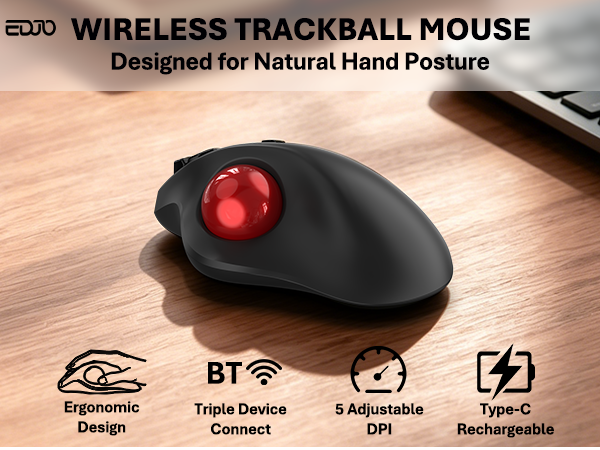
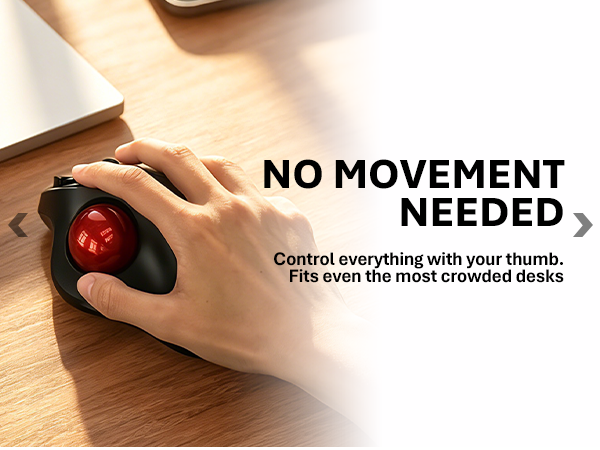
This specific trackball model is specially optimized for medium to large hands. Its contoured shape provides full palm support, ensuring a comfortable and relaxed grip without cramping your fingers.
How does the handshake orientation improve ergonomic posture?
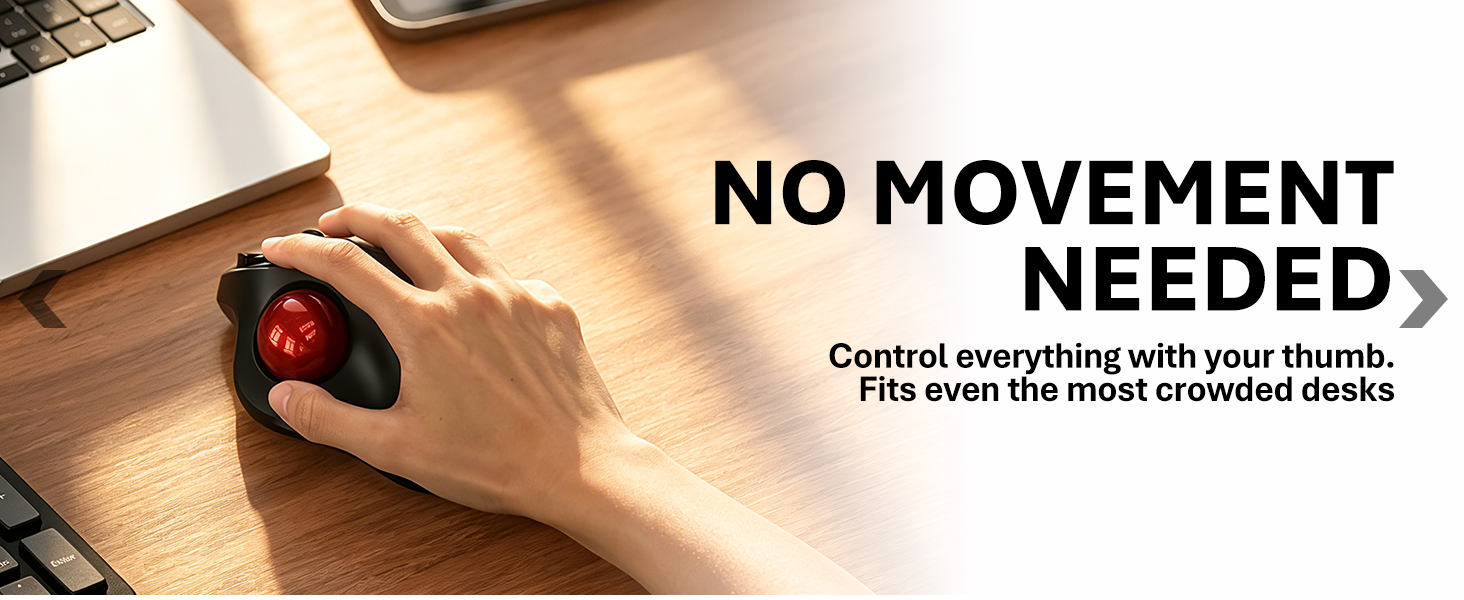
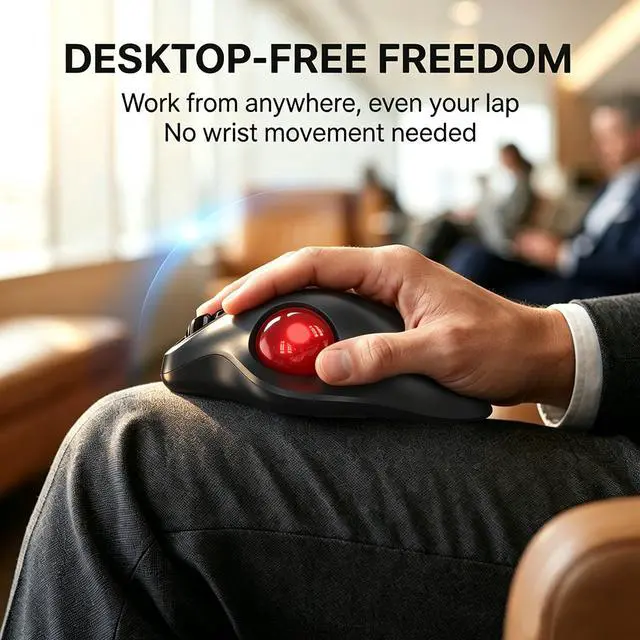
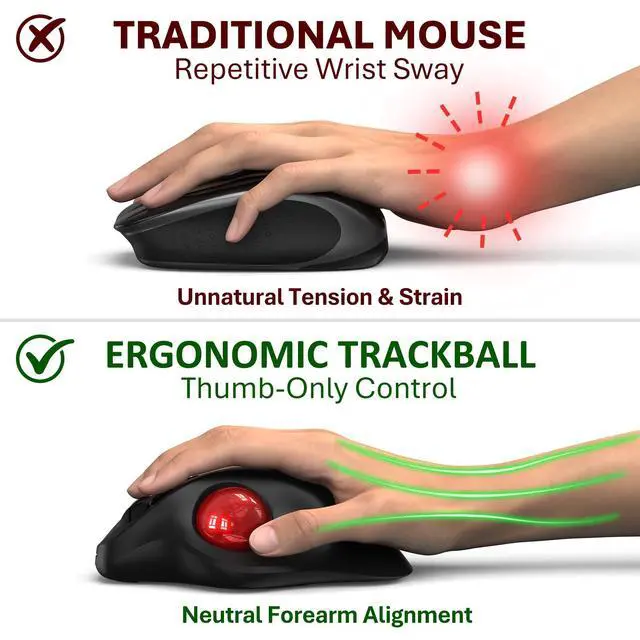
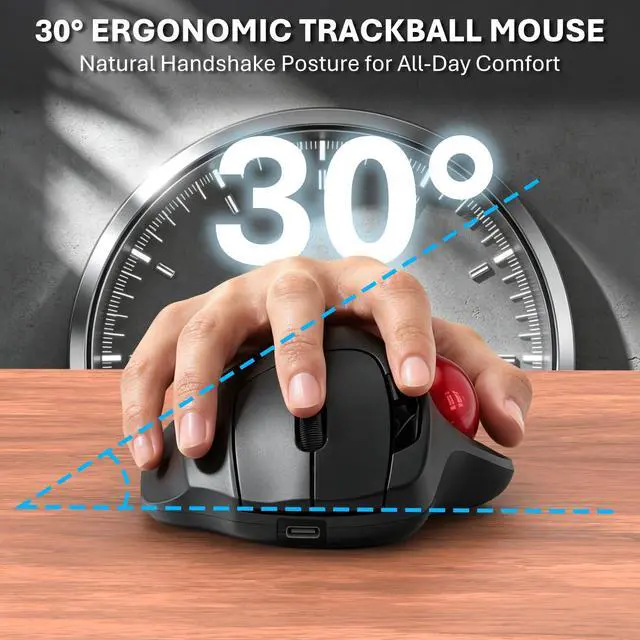
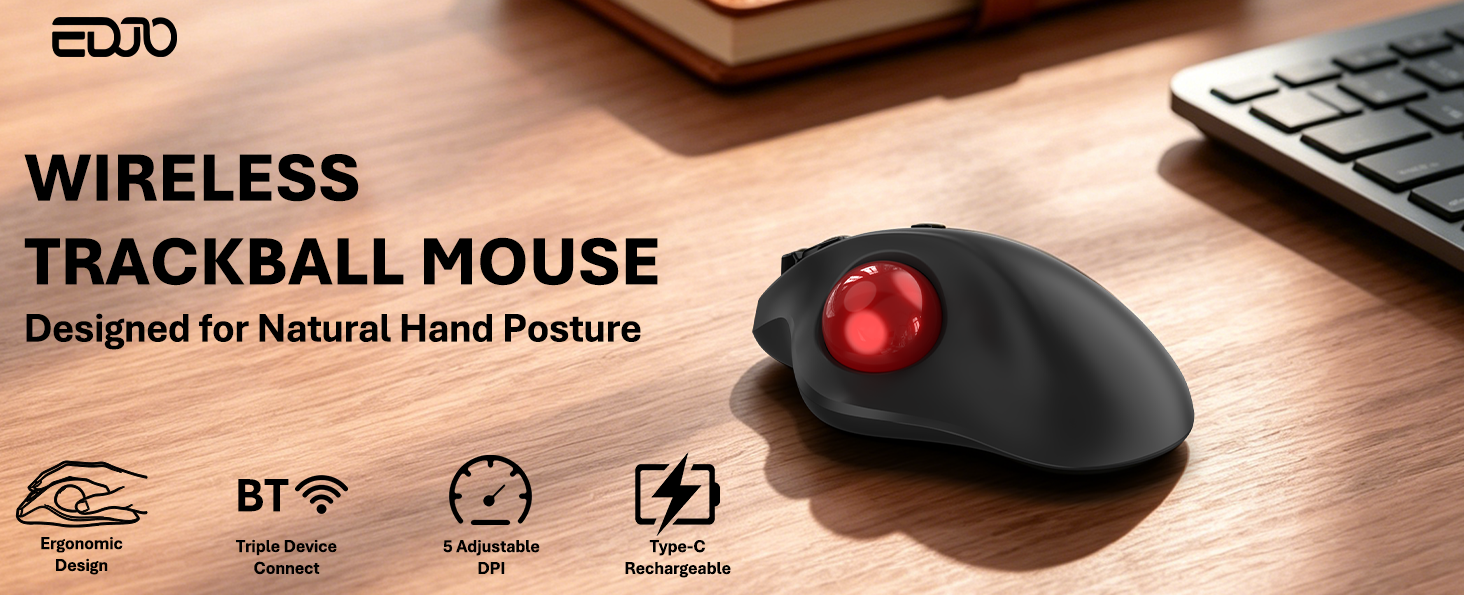
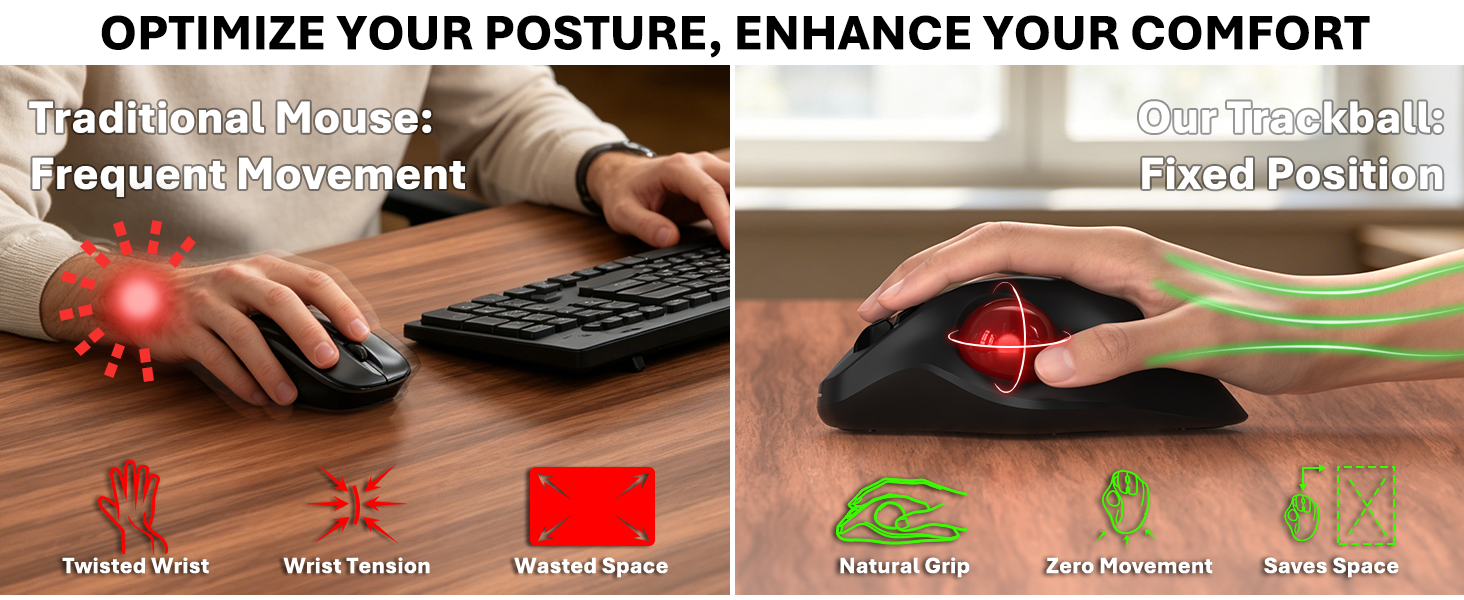
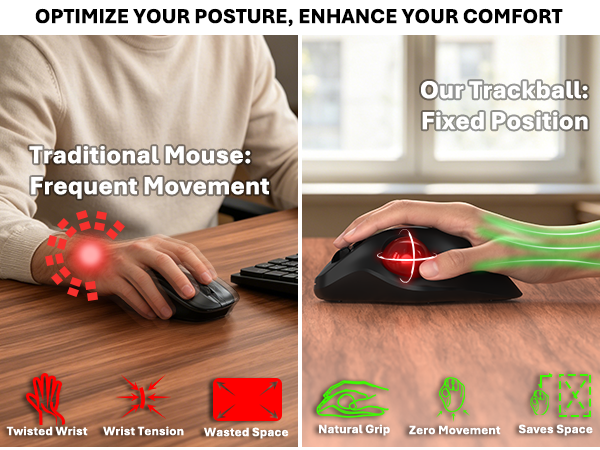
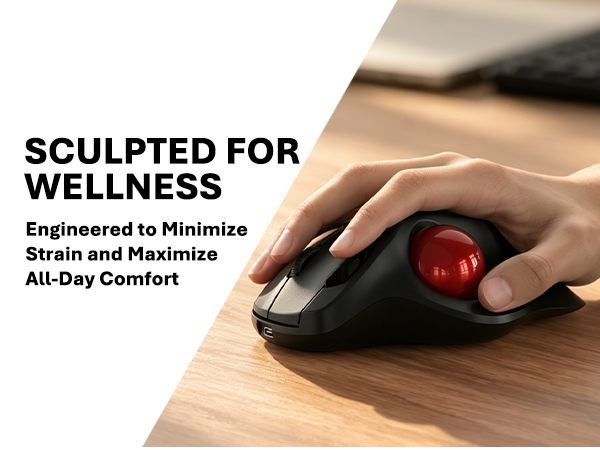
It keeps your hand in a natural, upright "handshake" position. This stops the unnatural twisting of your wrist and forearm caused by standard flat mice, significantly reducing joint fatigue during long work hours.
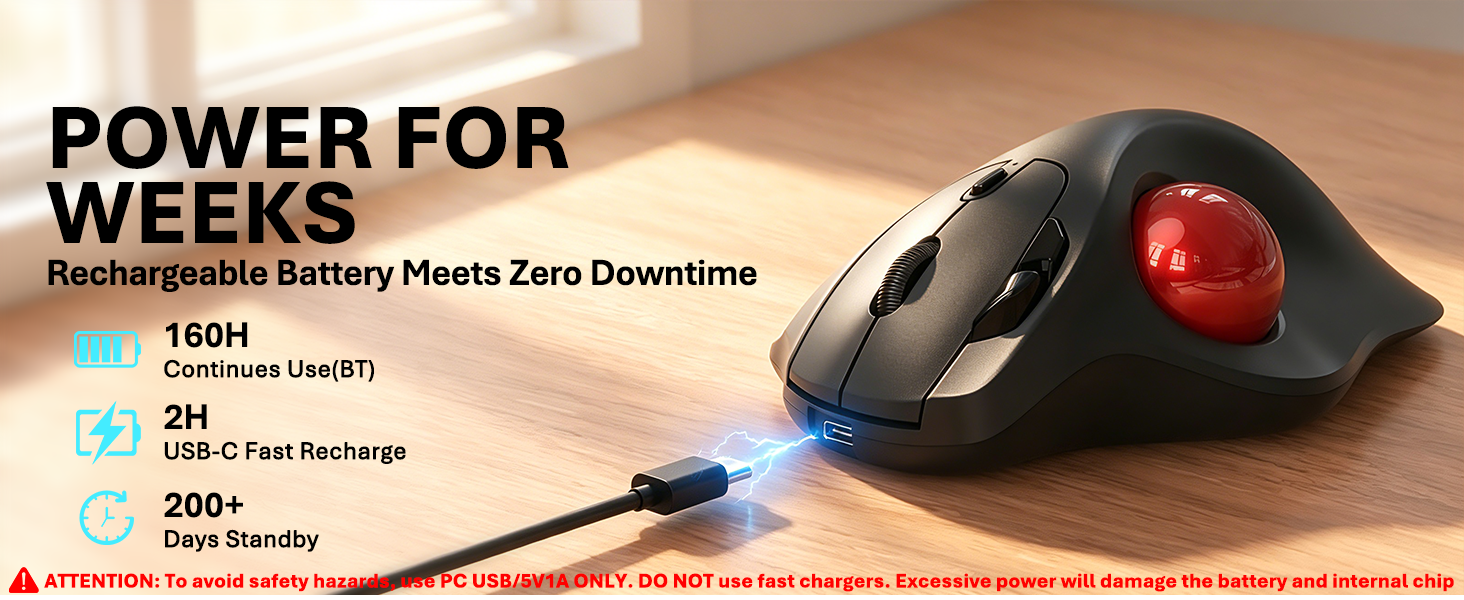
How long does the battery last and how do I recharge it?
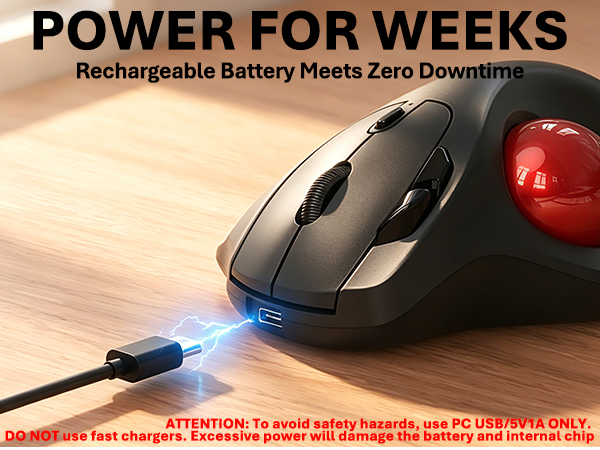
It features a 500mAh battery that delivers up to 160 hours of continuous tracking on a 2-hour charge via the Type-C port. Pro tip: Use standard computer USB ports for charging and avoid high-wattage wall chargers to protect the internal battery life.
What should I do if the trackball movement feels less smooth?
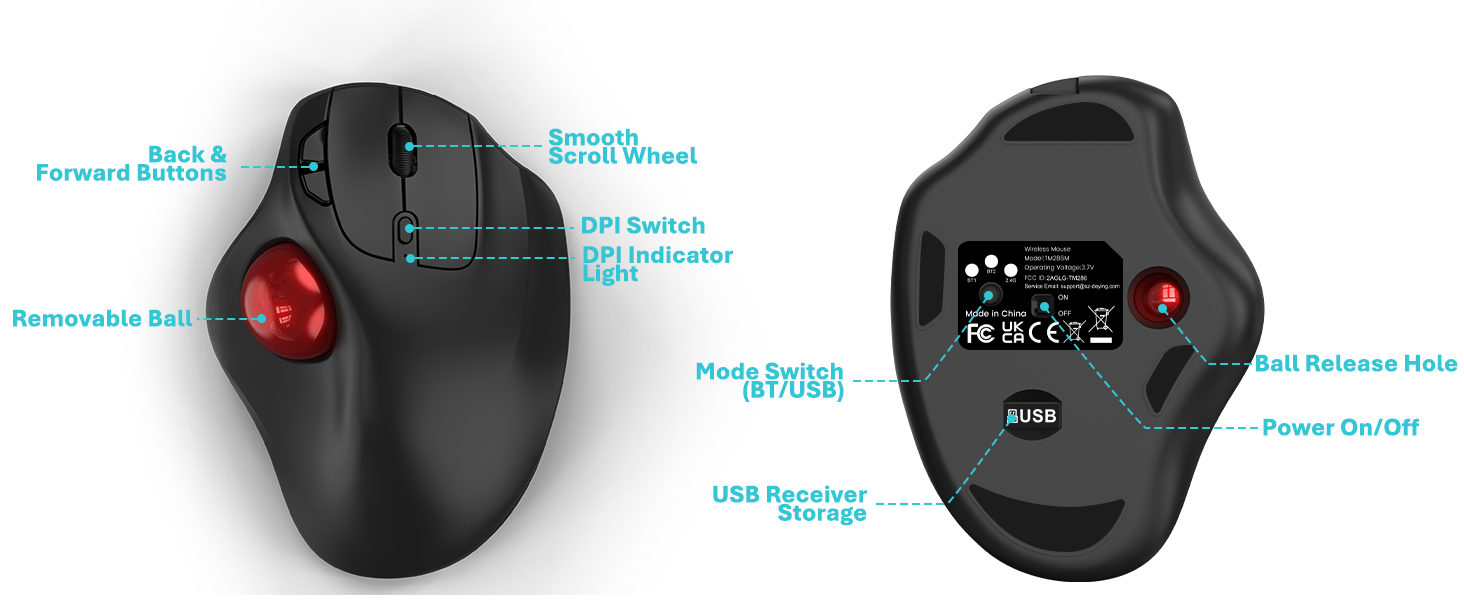
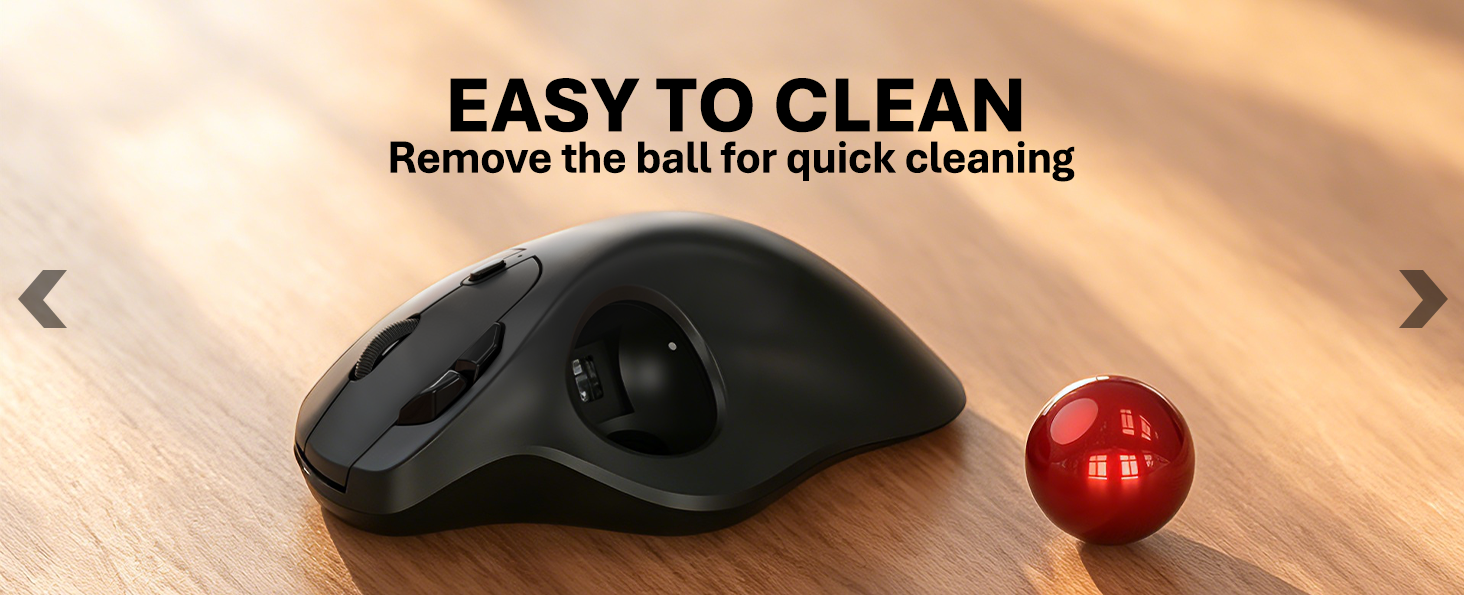
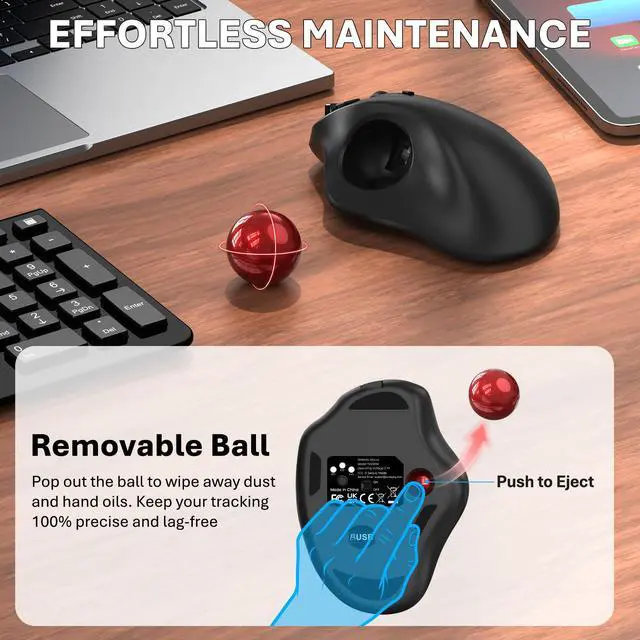
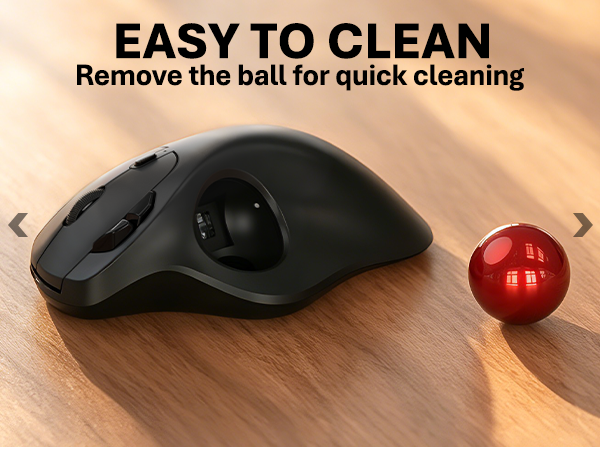
Simply use a pen to push the ball out from the bottom hole. Then, gently wipe the three internal support bearings and the optical sensor with a soft cloth to remove dust. This instantly restores smooth and responsive tracking.
How do I switch modes and identify the light indicators?
Click the bottom button to switch devices. Lights 1 and 2 mean Bluetooth, and Light 3 is for the 2.4G USB receiver. Note: Only hold the button for 3 seconds when pairing Bluetooth for the first time. After that, just a single click is enough.
Is this mouse suitable for both large and small hand sizes?
This specific trackball model is specially optimized for medium to large hands. Its contoured shape provides full palm support, ensuring a comfortable and relaxed grip without cramping your fingers.
How does the handshake orientation improve ergonomic posture?
It keeps your hand in a natural, upright "handshake" position. This stops the unnatural twisting of your wrist and forearm caused by standard flat mice, significantly reducing joint fatigue during long work hours.
How long does the battery last and how do I recharge it?
It features a 500mAh battery that delivers up to 160 hours of continuous tracking on a 2-hour charge via the Type-C port. Pro tip: Use standard computer USB ports for charging and avoid high-wattage wall chargers to protect the internal battery life.
What should I do if the trackball movement feels less smooth?
Simply use a pen to push the ball out from the bottom hole. Then, gently wipe the three internal support bearings and the optical sensor with a soft cloth to remove dust. This instantly restores smooth and responsive tracking.