




 here!
here!
I’m your shopping assistant for PC builds, upgrades, and everything tech.
Got questions? Ask away!
Start a conversation
here!
I’m your shopping assistant for PC builds, upgrades, and everything tech.
Got questions? Ask away!
Start a conversation




Any questions? Ask CelesteSM will help you find out quickly.
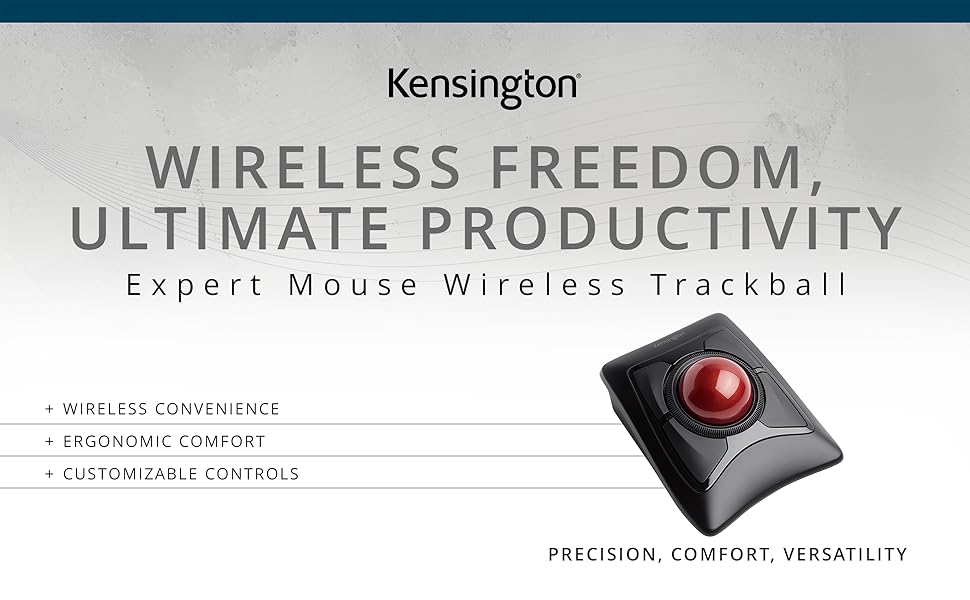

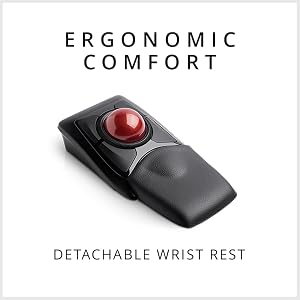
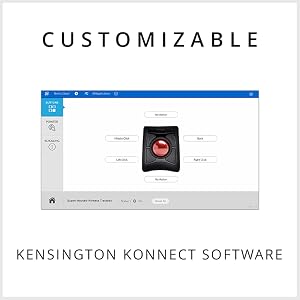
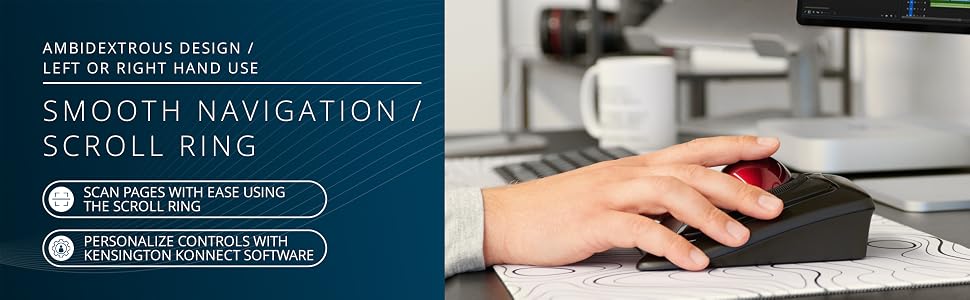
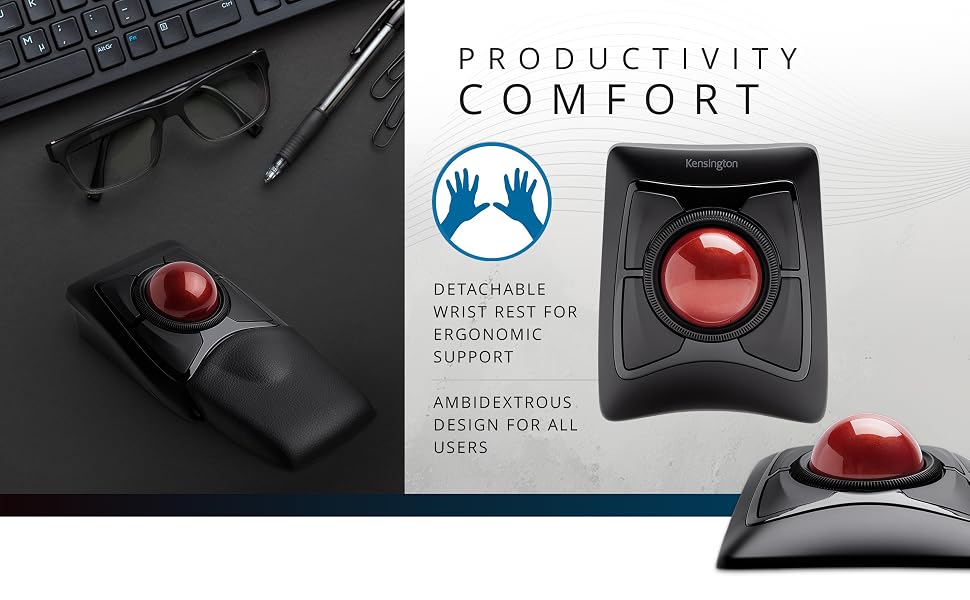
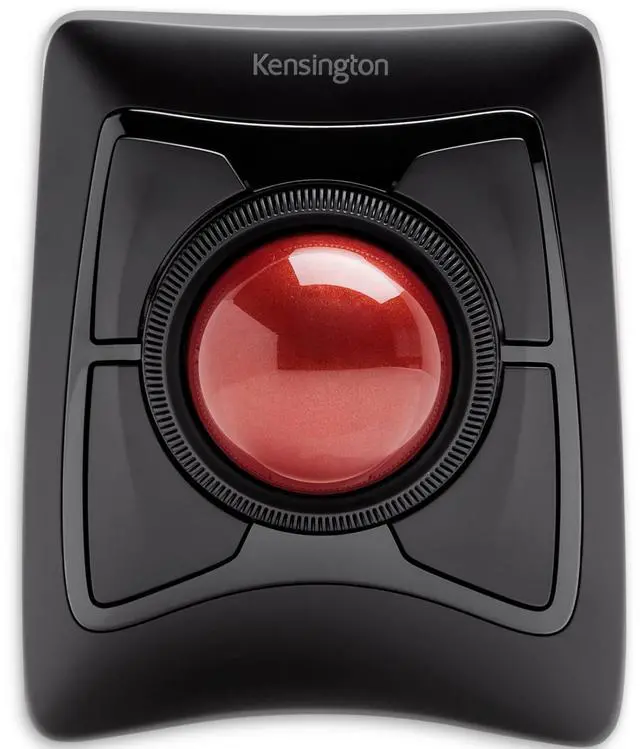
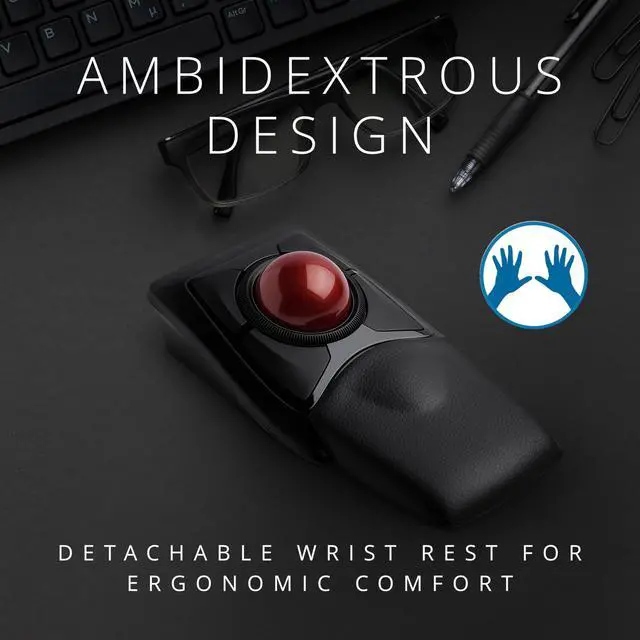
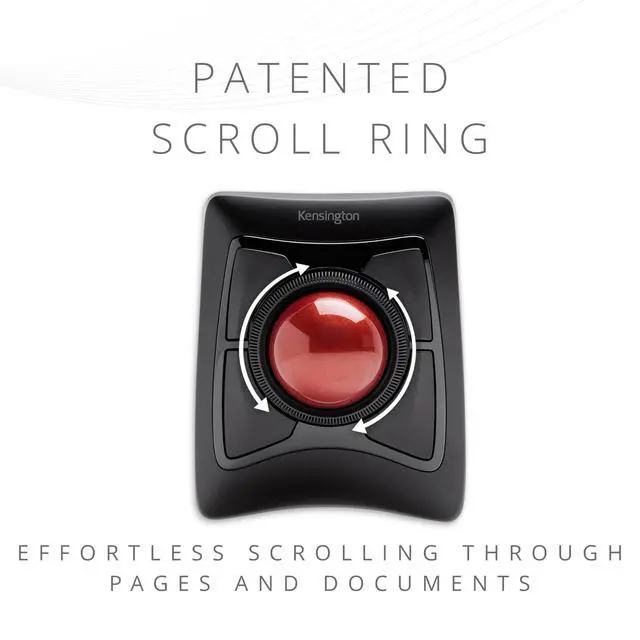
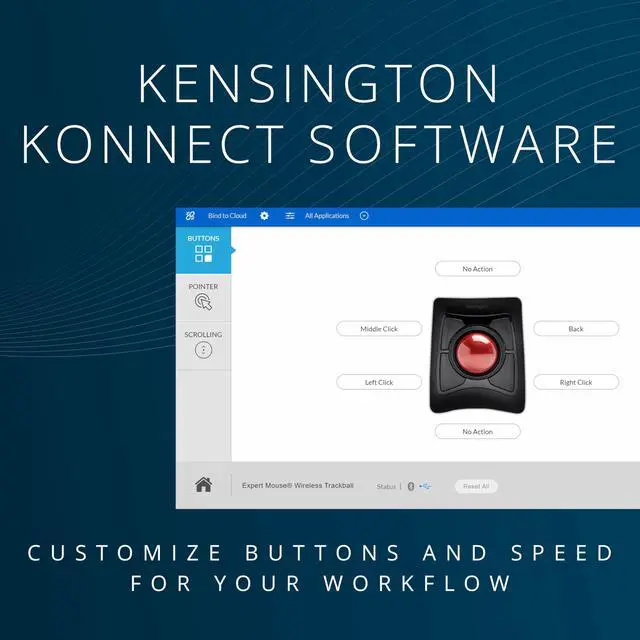
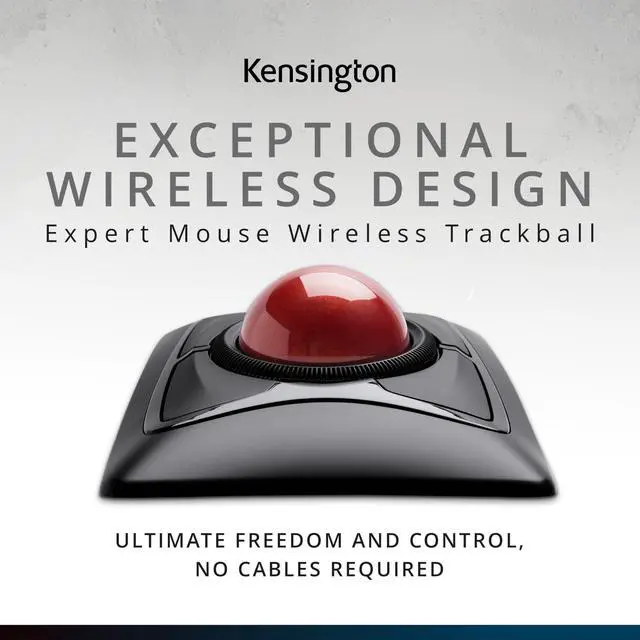
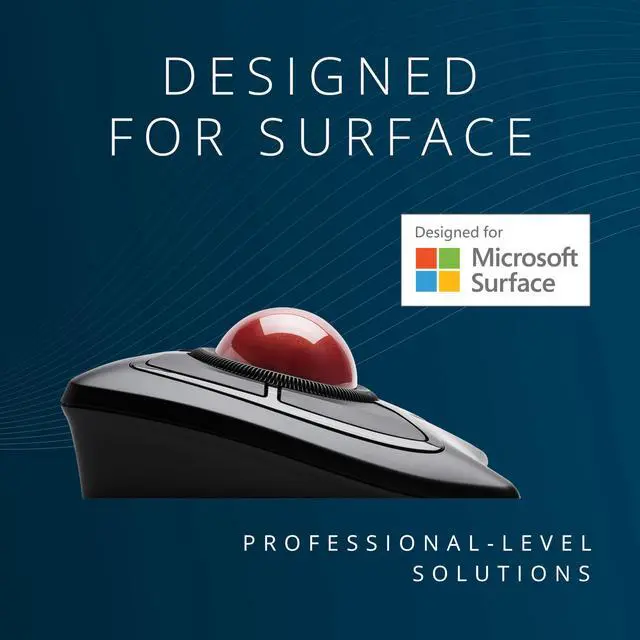
The Expert Mouse Wireless Trackball gives you the freedom to be hyper-productive without being limited by a USB cable. The trackball can be paired through Bluetooth LE to save a valuable USB port, or connected via USB nano receiver. KensingtonWorks software offers incredible customization, and optical tracking technology offers smooth, precise cursor control. Plus, our patented Scroll Ring lets you quickly scan up and down web pages or long documents. Add it all up and you get exceptional comfort and ease-of-use from the brand that has set the industry standard in trackballs for more than 20 years.
Q: What can I do to extend the battery life of this product?
A: To extend the battery life of the product, use only Alkaline batteries and turn off any unnecessary features when not in use. Store the product in a cool, dry place and remove the batteries when not in use for an extended period.
 Expert Wireless | 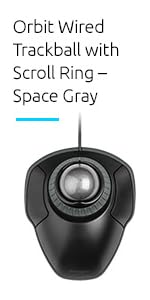 Orbit Trackball with Scroll Ring | 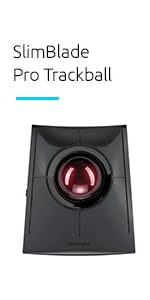 Slimblade Pro | 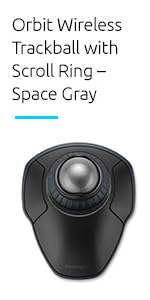 Orbit Wireless with Scroll Ring | 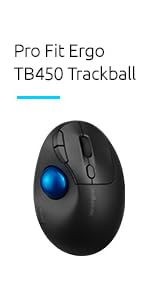 TB450 | 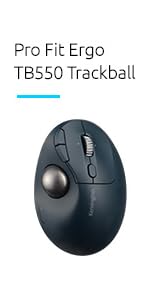 TB550 | |
|---|---|---|---|---|---|---|
| Customer Reviews | — | — | — | — | — | — |
| Price | — | — | — | — | — | — |
| Operation | Finger-operated | Finger-operated | Finger-operated | Finger-operated | Thumb-operated | Thumb-operated |
| Scroll Ring | ? | ? | no data | ? | no data | no data |
| 4-way Scroll | no data | no data | no data | no data | no data | ? |
| Rechargeable | no data | no data | ? | no data | no data | ? |
| Programmable | ? | ? | ? | ? | ? | ? |


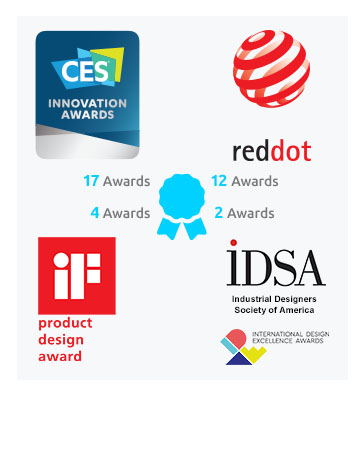
At Kensington, we identify areas where the modern workplace needs to be better and craft professional-tier product and solutions for organizations committed to inspiring their workforce to perform at its peak. From docks to locks and everything in between, we’ve got what you need. And we’re proud to be a leader in desktop and mobile device accessories, trusted by organizations around the world for more than 40 years.
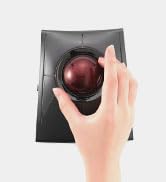
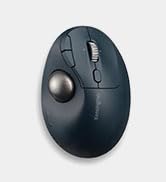
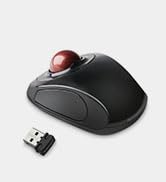
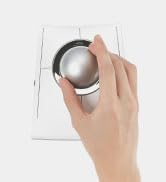
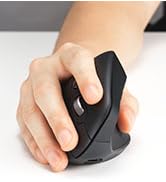

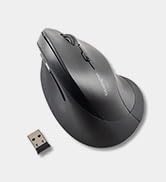





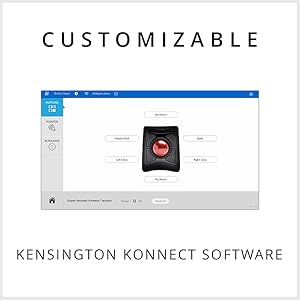
The Expert Mouse Wireless Trackball gives you the freedom to be hyper-productive without being limited by a USB cable. The trackball can be paired through Bluetooth LE to save a valuable USB port, or connected via USB nano receiver. KensingtonWorks software offers incredible customization, and optical tracking technology offers smooth, precise cursor control. Plus, our patented Scroll Ring lets you quickly scan up and down web pages or long documents. Add it all up and you get exceptional comfort and ease-of-use from the brand that has set the industry standard in trackballs for more than 20 years.
Q: What can I do to extend the battery life of this product?
A: To extend the battery life of the product, use only Alkaline batteries and turn off any unnecessary features when not in use. Store the product in a cool, dry place and remove the batteries when not in use for an extended period.
Expert Wireless | Orbit Trackball with Scroll Ring | Slimblade Pro | Orbit Wireless with Scroll Ring | TB450 | TB550 | |
|---|---|---|---|---|---|---|
| Customer Reviews | — | — | — | — | — | — |
| Price | — | — | — | — | — | — |
| Operation | Finger-operated | Finger-operated | Finger-operated | Finger-operated | Thumb-operated | Thumb-operated |
| Scroll Ring | ? | ? | no data | ? | no data | no data |
| 4-way Scroll | no data | no data | no data | no data | no data | ? |
| Rechargeable | no data | no data | ? | no data | no data | ? |
| Programmable | ? | ? | ? | ? | ? | ? |
At Kensington, we identify areas where the modern workplace needs to be better and craft professional-tier product and solutions for organizations committed to inspiring their workforce to perform at its peak. From docks to locks and everything in between, we’ve got what you need. And we’re proud to be a leader in desktop and mobile device accessories, trusted by organizations around the world for more than 40 years.


