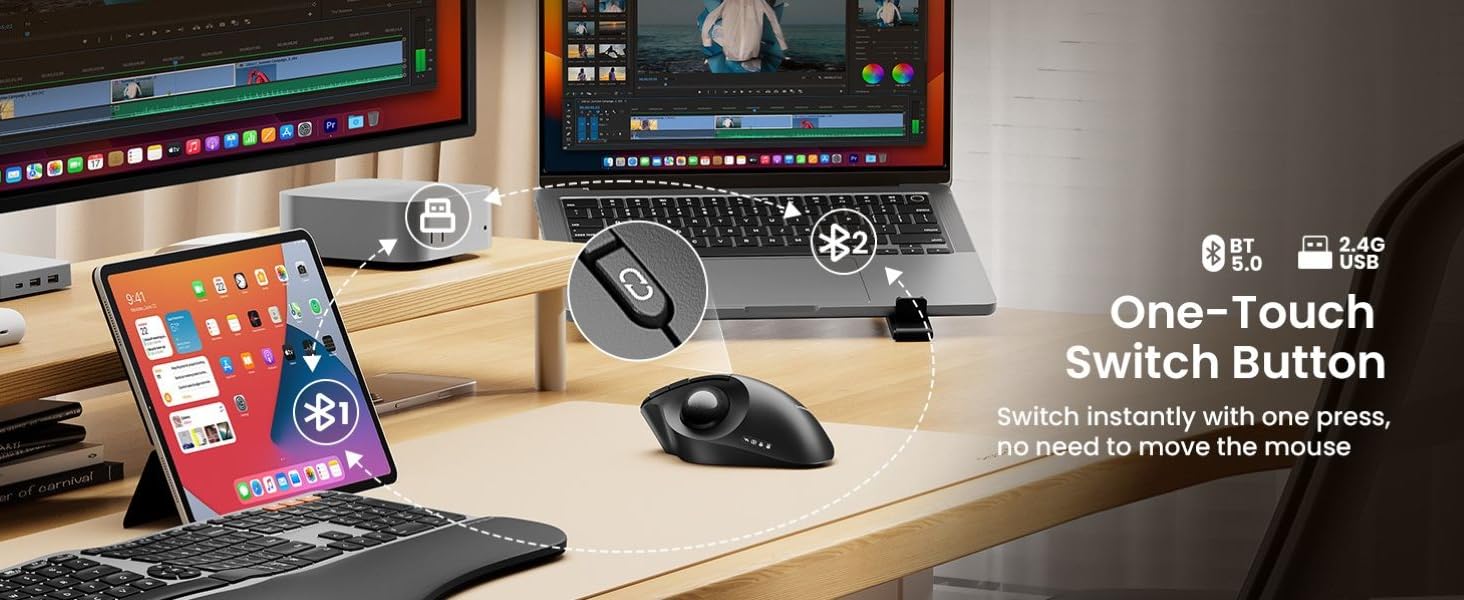
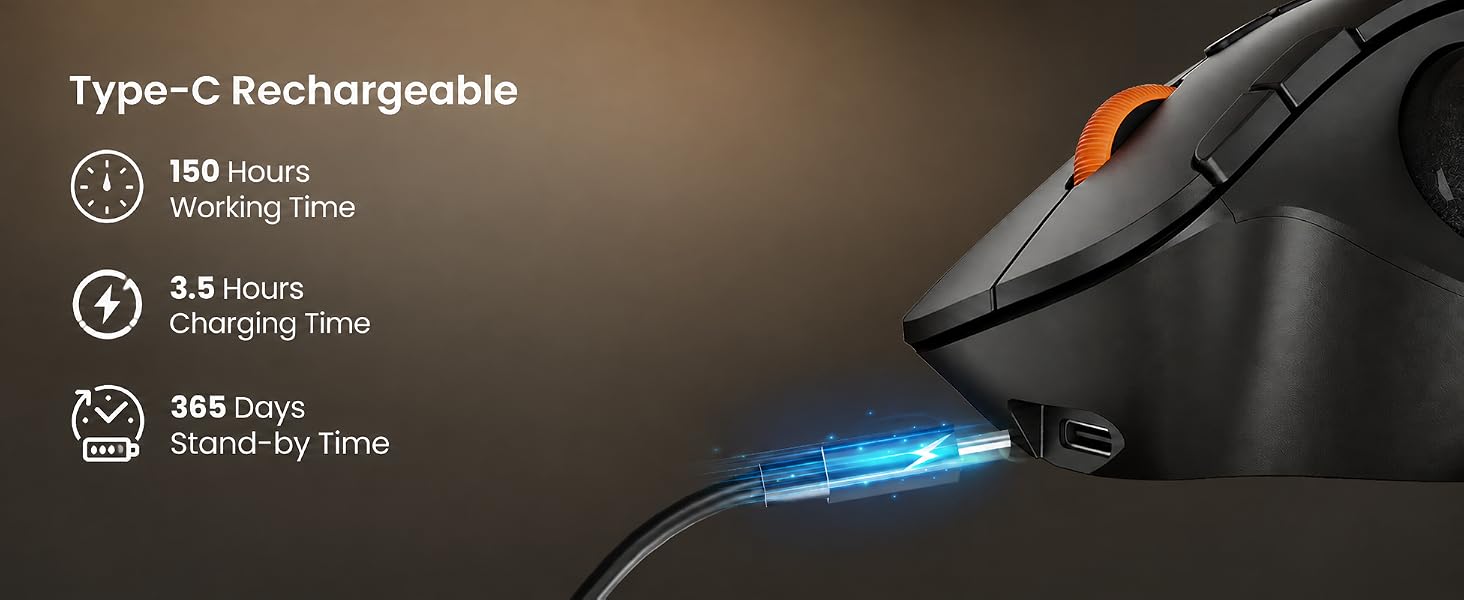
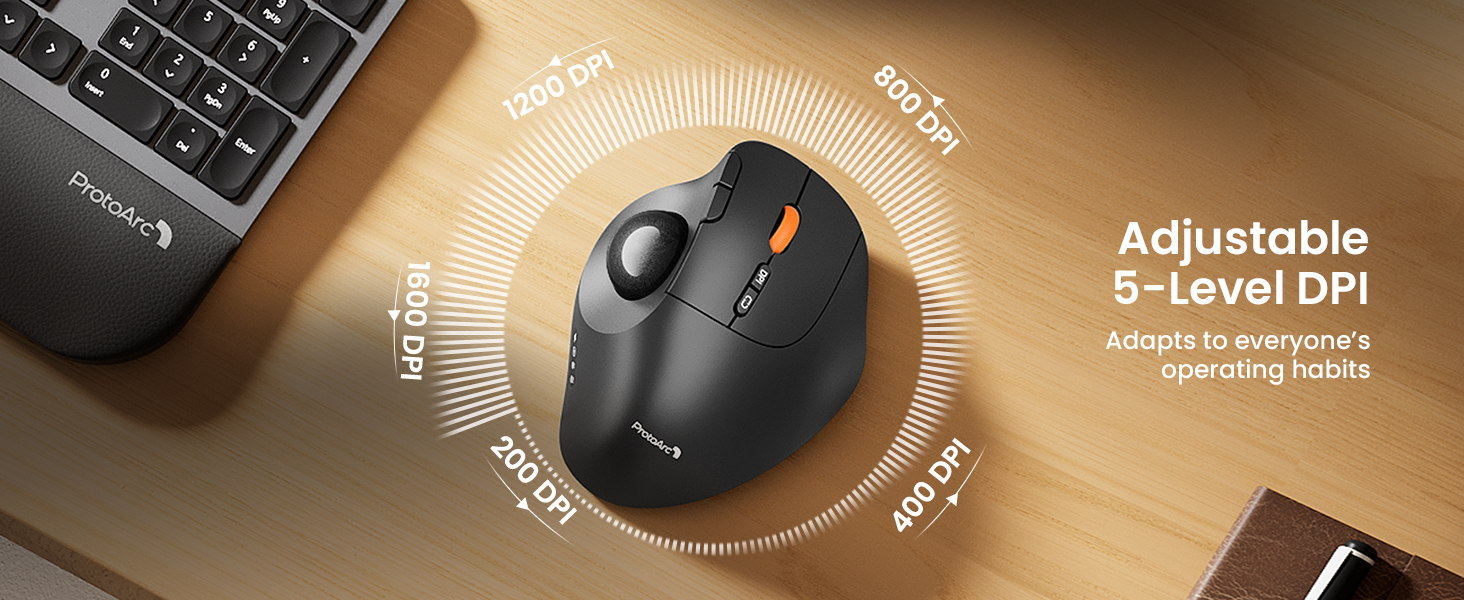
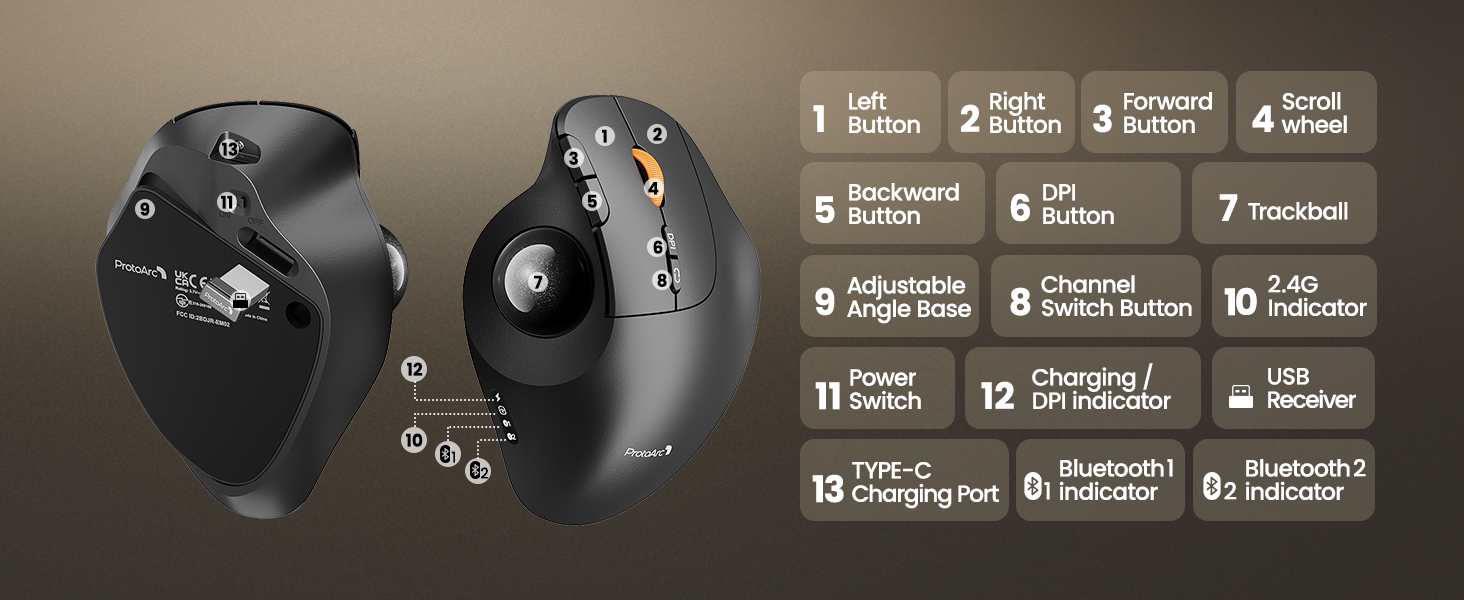
here!
here!
I’m your shopping assistant for PC builds, upgrades, and everything tech.
Got questions? Ask away!
Start a conversation
here!
I’m your shopping assistant for PC builds, upgrades, and everything tech.
Got questions? Ask away!
Start a conversation
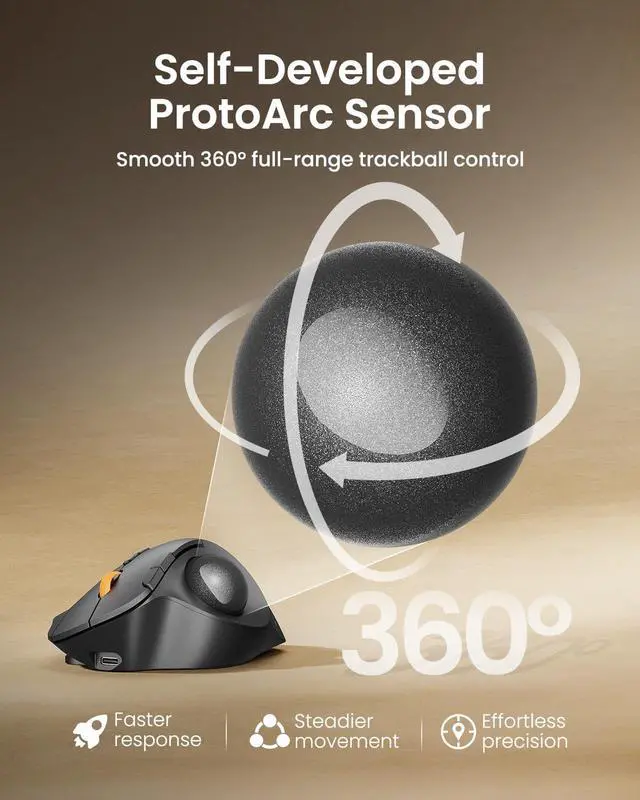
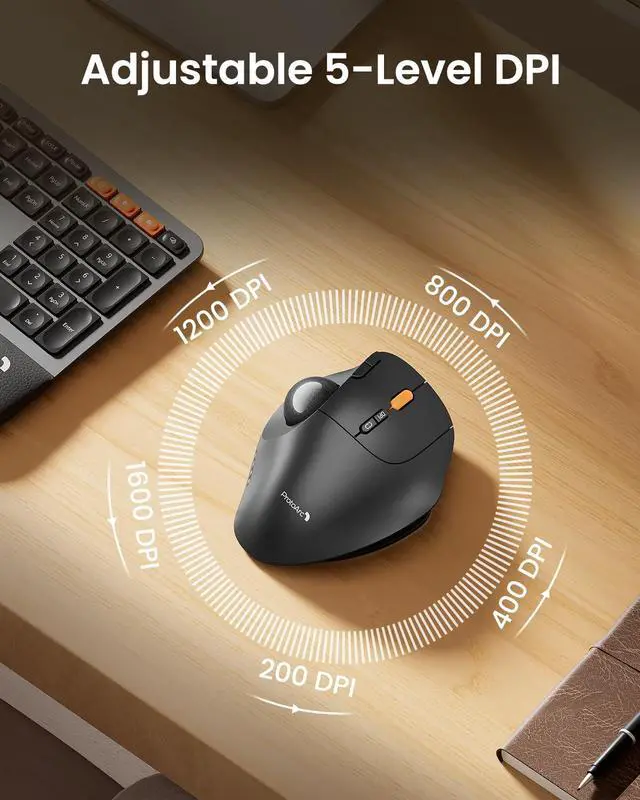
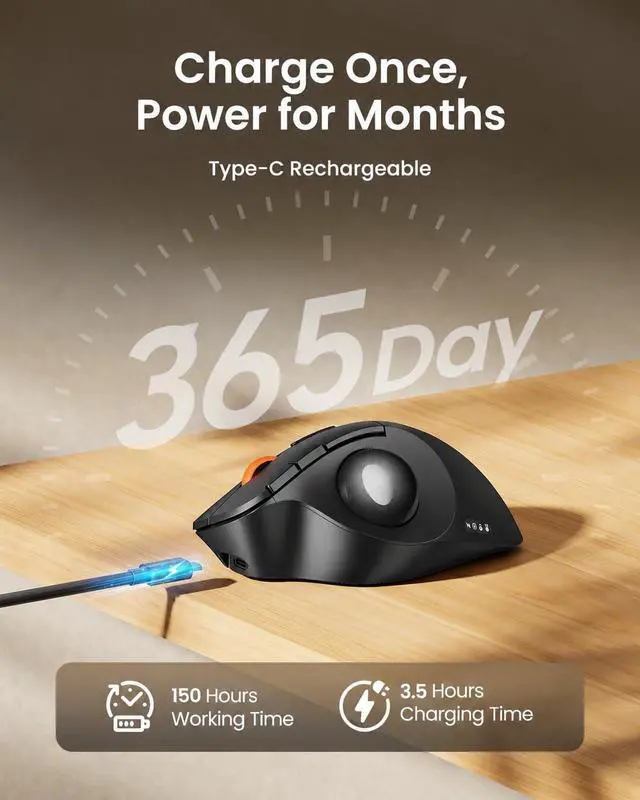



Any questions? Ask CelesteSM will help you find out quickly.
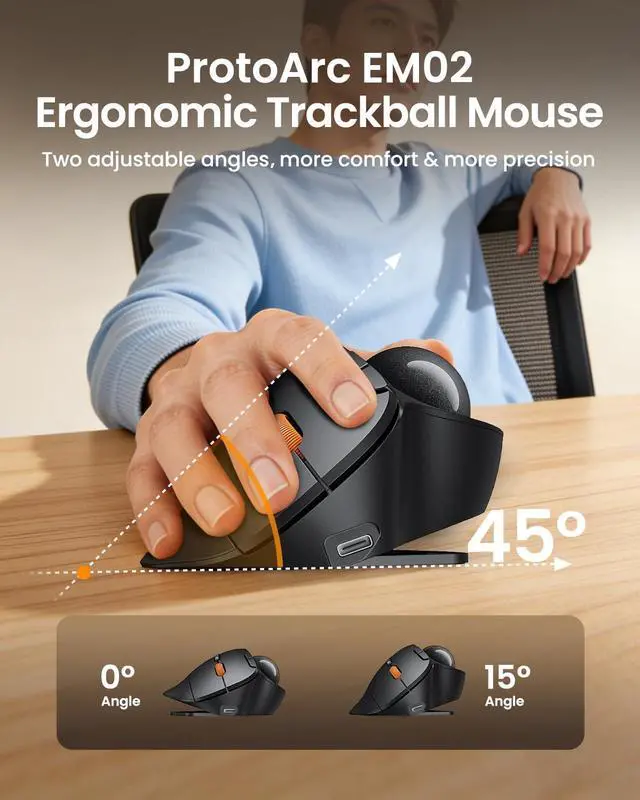
Adjust freely based on your comfort and work needs. Switch between 30° standard and 45° vertical angles for a more natural, personalized ergonomic fit.
Is this trackball mouse easy to use for first-time trackball users?
It may take 1-2 weeks to get familiar with. For first-time users, we recommend starting with a lower DPI setting (200/400 DPI) and gradually adjusting the sensitivity once you become comfortable with the trackball control.
Does this mouse support horizontal scrolling or tilt scrolling?
No. This trackball mouse does not support horizontal scrolling (tilt function). It is designed for precise cursor control and smooth vertical scrolling.
Is this mouse suitable for small hands?
EM02 suits for medium to large hands. For users with smaller hands (less than 17.5 cm measured from the base of the palm to the center of the hand), the size may feel larger and may not provide the most comfortable grip.
Can I use another USB-C cable to charge this mouse?
We recommend using the included USB charging cable for the best charging compatibility. Some third-party USB cables may only support charging or may not be fully compatible with the mouse.
Are the buttons programmable? Does it support forward/back buttons on Mac?
No. The buttons are not programmable. Please note that the forward and backward buttons are not supported on Mac OS systems and may not function as expected.
 EM02 Trackball Mouse |  EM01 NL Trackball Mouse |  EM05NL Vertical Trackball |  EM04 Trackball Mouse |  EM03 NL Trackball Mouse |  EM18 Bluetooth Mouse | |
|---|---|---|---|---|---|---|
Customer Reviews | — | — | — | — | — | — |
Price | — | — | — | — | — | — |
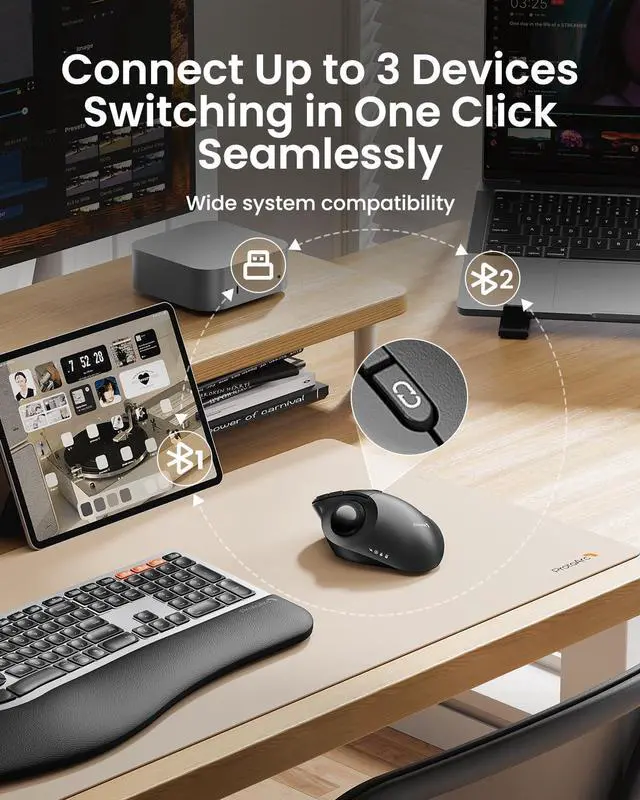
Connection Type | 2.4G + Dual Bluetooth | 2.4G + Dual Bluetooth | 2.4G + Dual Bluetooth | 2.4G + Dual Bluetooth | 2.4G + Dual Bluetooth | 2.4G USB + Dual Bluetooth |
Adjustable Angle | ? | ? | ? | ? | ? | ? |
Channel Switching Button | The Top of the Mouse | The Top of the Mouse | The Bottom of the ,Mouse | The Bottom of the ,Mouse | The Bottom of the ,Mouse | The Bottom of the ,Mouse |
Forward/Back Buttons | ? | ? | ? | ? | ? | ? |
Buttons Programmable | ? | ? | ? | ? | ? | ? |
Mouse Type | Thumb Type | Thumb Type | Thumb Type | Thumb Type | Index Finger Type | — |
Hand Size | Great for Medium Hand | Great for Medium Hand | Great for Medium Hand | Great for Small Hand | Great for Medium to Large Hand | Great for Small to Medium Hand |
USB-C Charging | ? | ? | ? | ? | ? | ? |
Compatibility | MacOS,iOS, iPadOS, Win,Android | MacOS,iOS, iPadOS, Win,Android | MacOS,iOS, iPadOS, Win,Android | MacOS,iOS, iPadOS, Win,Android | MacOS,iOS, iPadOS, Win,Android | Windows , Mac OS , Android |


Mission
At ProtoArc, our mission is to deliver innovative workspace solutions that enhance comfort, boost productivity, and foster overall wellness.
Vision
We believe that everyone deserves a workspace that not only meets their functional needs but also empowers them to thrive. Our vision is a world where work environments promote health, happiness, and high performance.
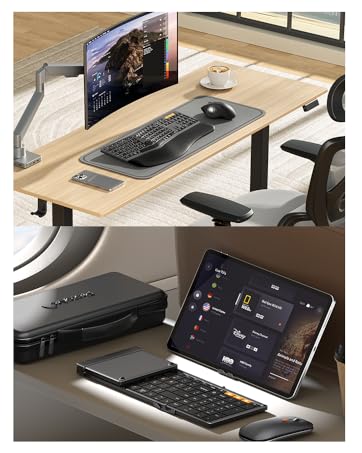
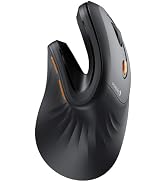
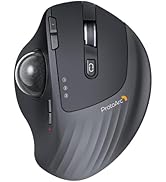
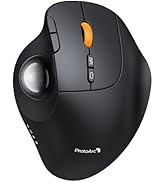
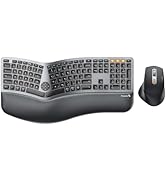
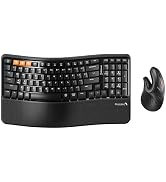
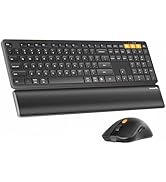

Adjust freely based on your comfort and work needs. Switch between 30° standard and 45° vertical angles for a more natural, personalized ergonomic fit.
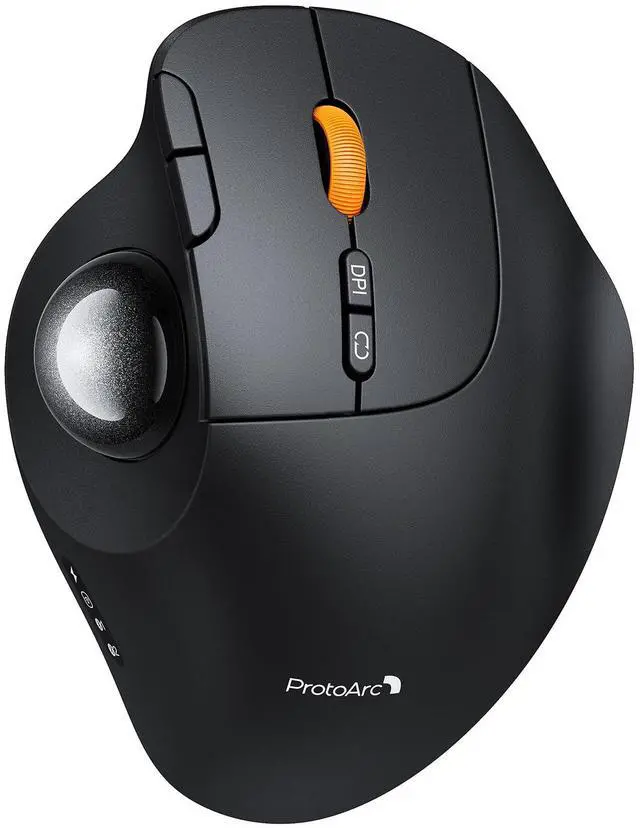
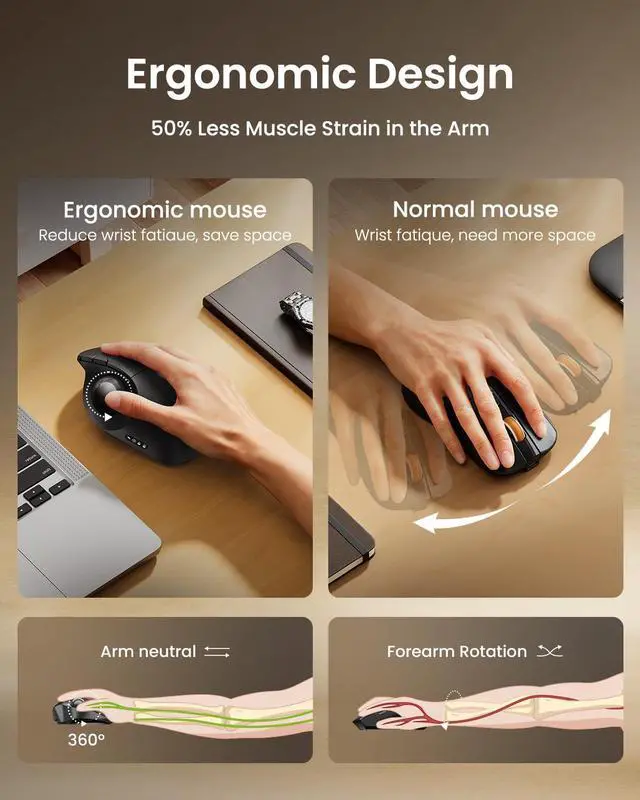
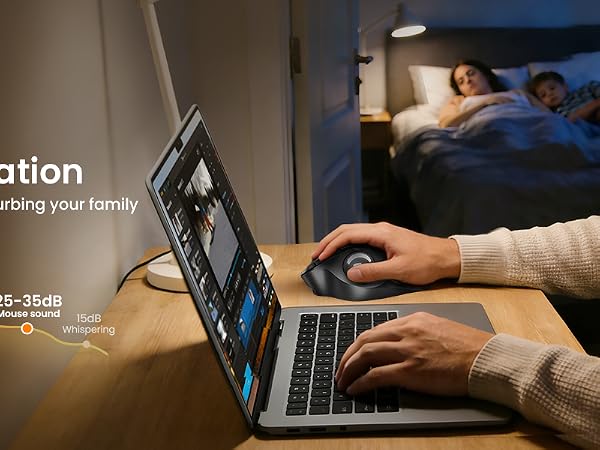
Easy thumb control, no need to move the mouse, providing a more comfortable working experience







Is this trackball mouse easy to use for first-time trackball users?
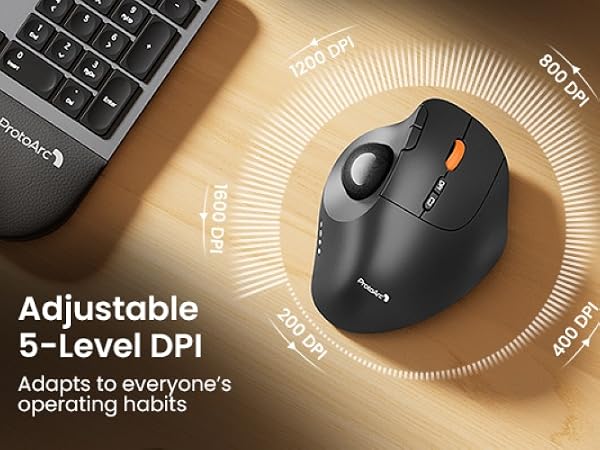
It may take 1-2 weeks to get familiar with. For first-time users, we recommend starting with a lower DPI setting (200/400 DPI) and gradually adjusting the sensitivity once you become comfortable with the trackball control.
Does this mouse support horizontal scrolling or tilt scrolling?
No. This trackball mouse does not support horizontal scrolling (tilt function). It is designed for precise cursor control and smooth vertical scrolling.
Is this mouse suitable for small hands?
EM02 suits for medium to large hands. For users with smaller hands (less than 17.5 cm measured from the base of the palm to the center of the hand), the size may feel larger and may not provide the most comfortable grip.
Can I use another USB-C cable to charge this mouse?
We recommend using the included USB charging cable for the best charging compatibility. Some third-party USB cables may only support charging or may not be fully compatible with the mouse.
Are the buttons programmable? Does it support forward/back buttons on Mac?
No. The buttons are not programmable. Please note that the forward and backward buttons are not supported on Mac OS systems and may not function as expected.
EM02 Trackball Mouse | EM01 NL Trackball Mouse | 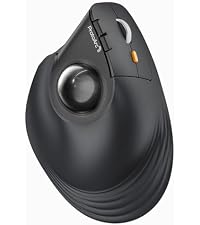 EM05NL Vertical Trackball | 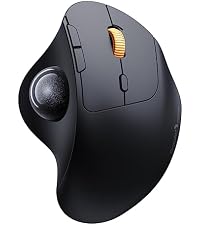 EM04 Trackball Mouse | 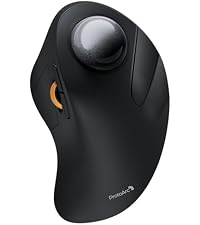 EM03 NL Trackball Mouse | EM18 Bluetooth Mouse |
|---|---|---|---|---|---|
| Customer Reviews | |||||
| — | — | — | — | — | — |
| Price | |||||
| — | — | — | — | — | — |
| Connection Type | |||||
| 2.4G + Dual Bluetooth | 2.4G + Dual Bluetooth | 2.4G + Dual Bluetooth | 2.4G + Dual Bluetooth | 2.4G + Dual Bluetooth | 2.4G USB + Dual Bluetooth |
| Adjustable Angle | |||||
| ? | ? | ? | ? | ? | ? |
| Channel Switching Button | |||||
| The Top of the Mouse | The Top of the Mouse | The Bottom of the ,Mouse | The Bottom of the ,Mouse | The Bottom of the ,Mouse | The Bottom of the ,Mouse |
| Forward/Back Buttons | |||||
| ? | ? | ? | ? | ? | ? |
| Buttons Programmable | |||||
| ? | ? | ? | ? | ? | ? |
| Mouse Type | |||||
| Thumb Type | Thumb Type | Thumb Type | Thumb Type | Index Finger Type | — |
| Hand Size | |||||
| Great for Medium Hand | Great for Medium Hand | Great for Medium Hand | Great for Small Hand | Great for Medium to Large Hand | Great for Small to Medium Hand |
| USB-C Charging | |||||
| ? | ? | ? | ? | ? | ? |
| Compatibility | |||||
| MacOS,iOS, iPadOS, Win,Android | MacOS,iOS, iPadOS, Win,Android | MacOS,iOS, iPadOS, Win,Android | MacOS,iOS, iPadOS, Win,Android | MacOS,iOS, iPadOS, Win,Android | Windows , Mac OS , Android |
Mission
At ProtoArc, our mission is to deliver innovative workspace solutions that enhance comfort, boost productivity, and foster overall wellness.
Vision
We believe that everyone deserves a workspace that not only meets their functional needs but also empowers them to thrive. Our vision is a world where work environments promote health, happiness, and high performance.