





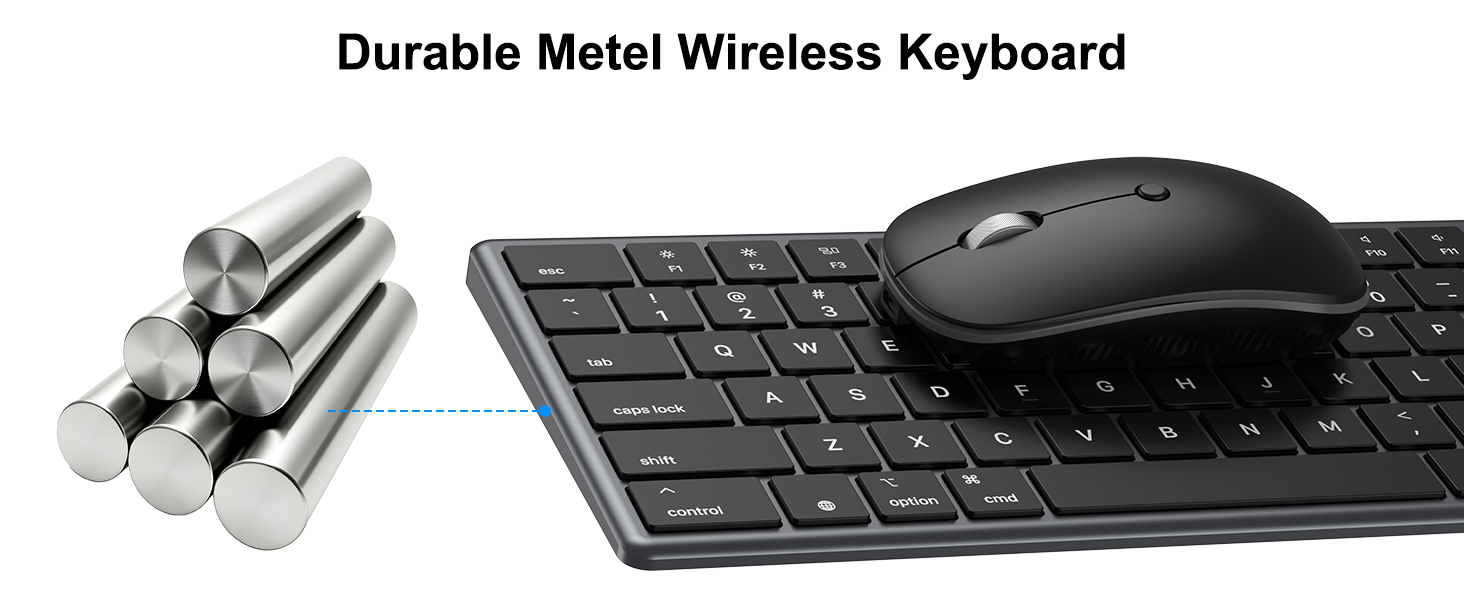

Does this wireless keyboard and mouse combo work with different operating systems?
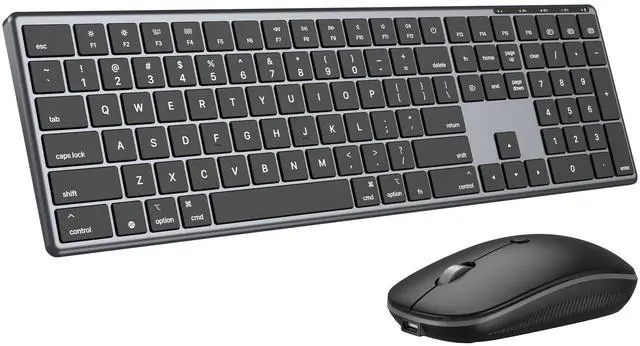
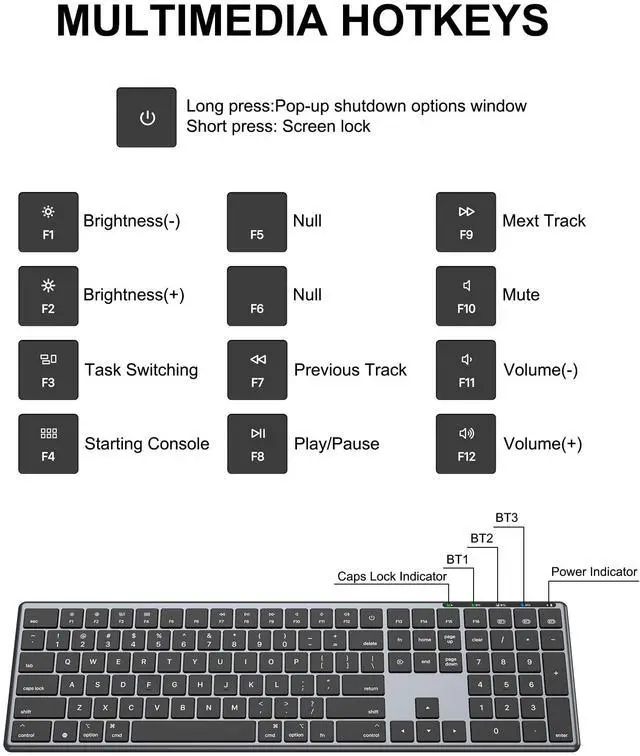
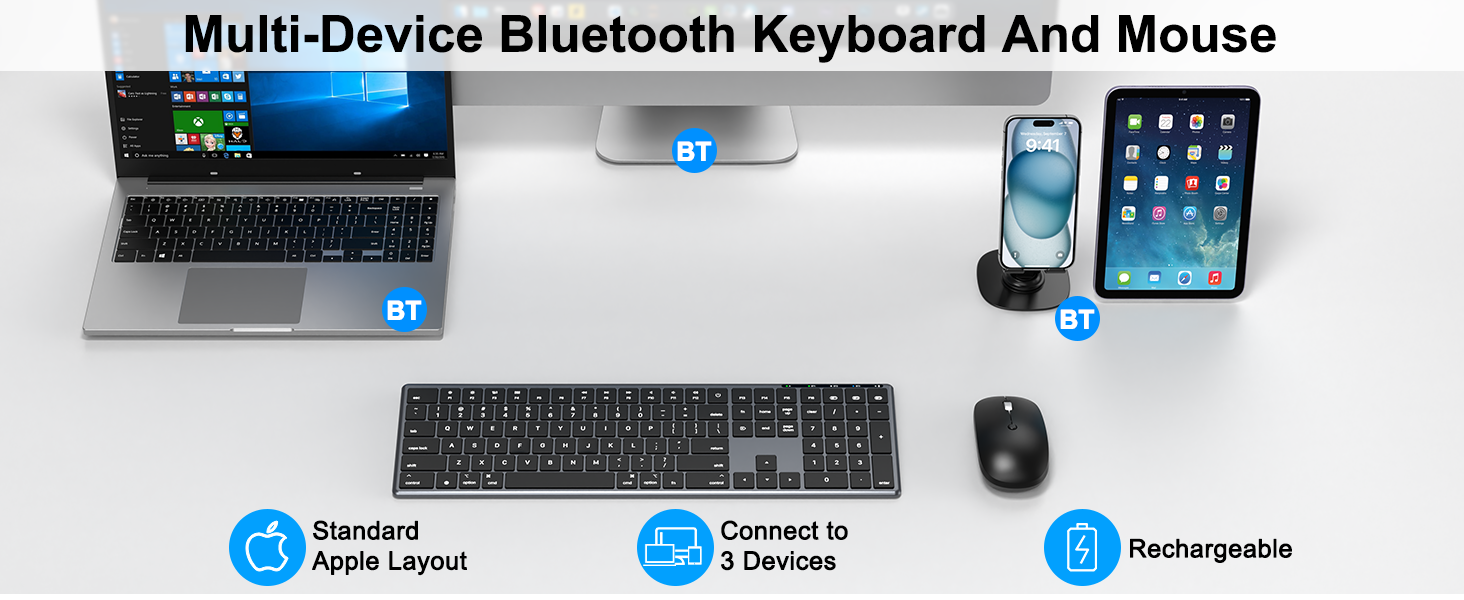
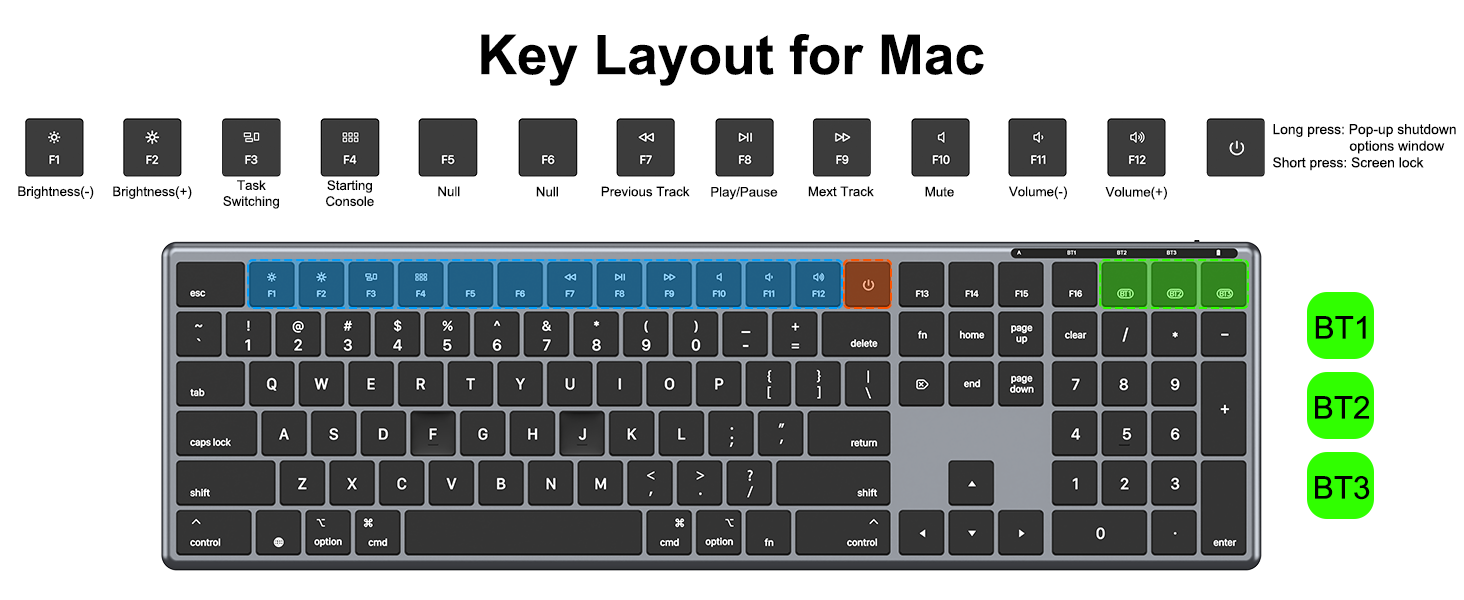
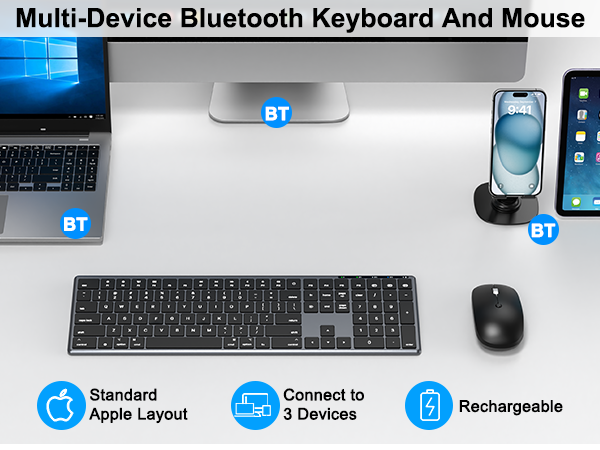
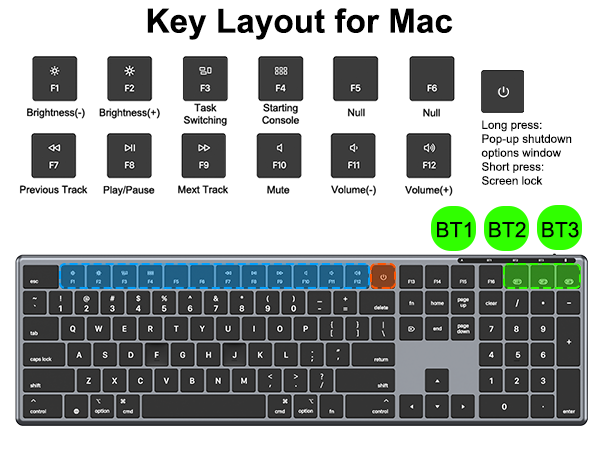
The MK698 Bluetooth keyboard and mouse combo is specifically designed for the Mac system. While typing works fine on other systems, the multimedia functions are not fully compatible.
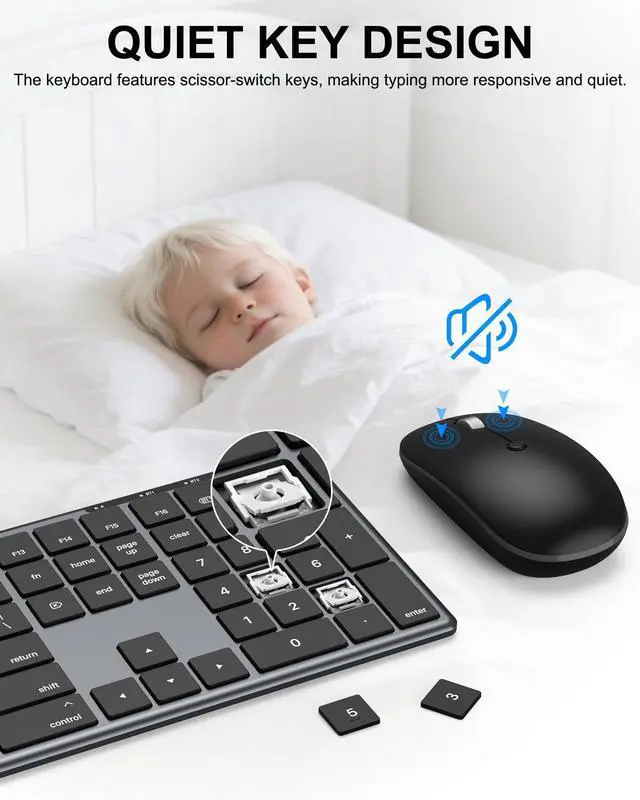
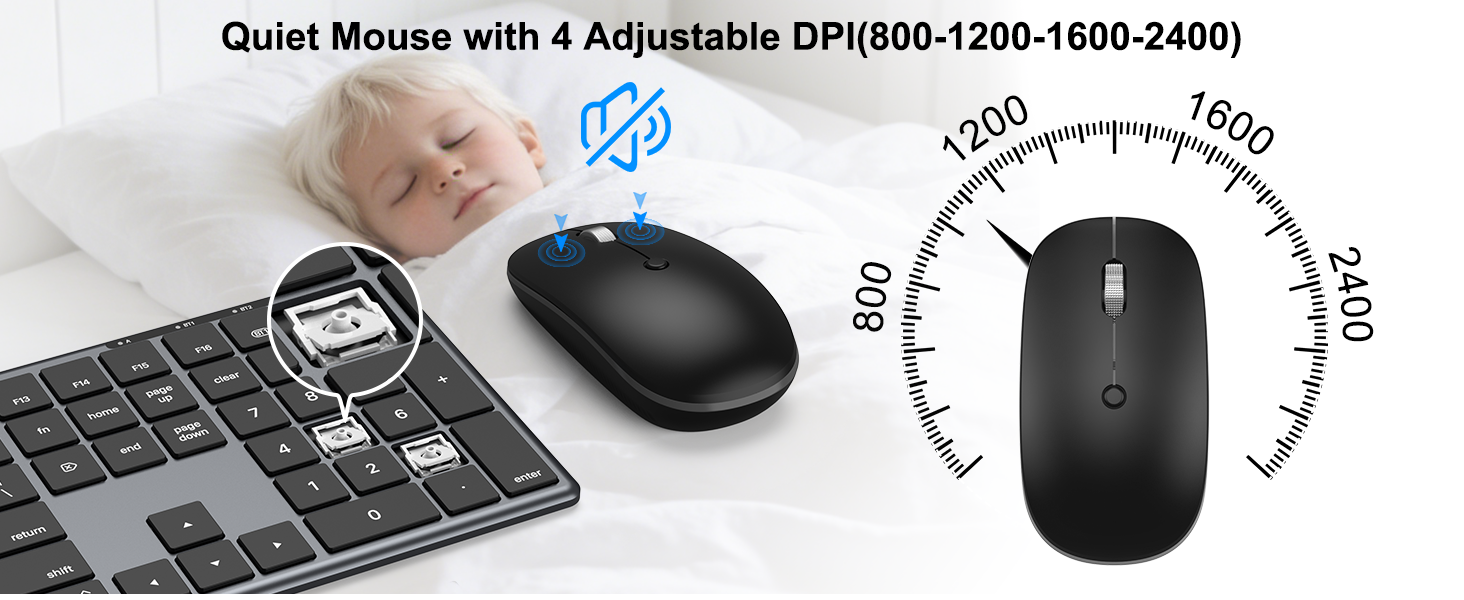
Does this Bluetooth wireless keyboard and mouse combo offer quiet key switches?
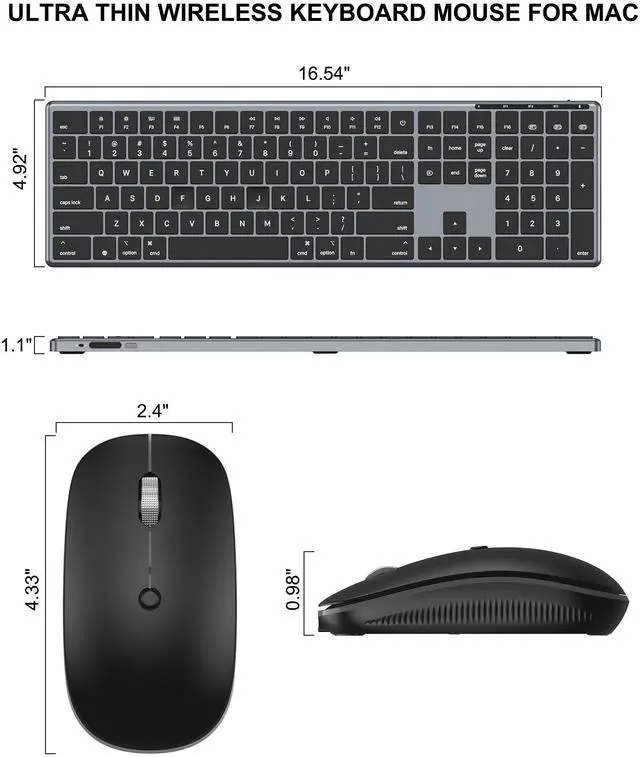
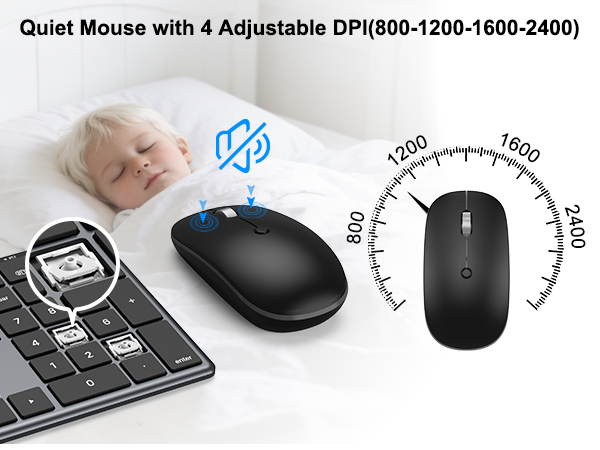
Yes, this Bluetooth keyboard features scissor-switch quiet keys, and the mouse is also designed for quiet operation, so typing late at night, in the library, or in the office won’t disturb anyone.
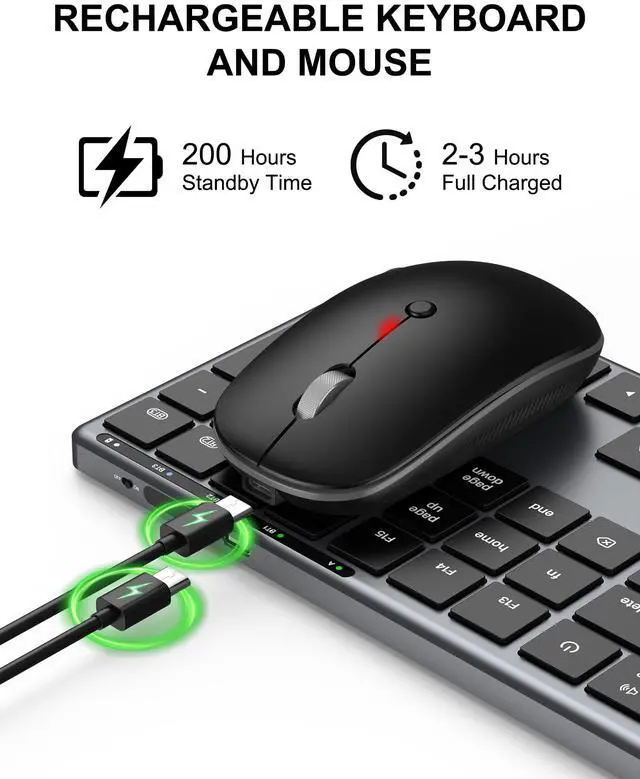
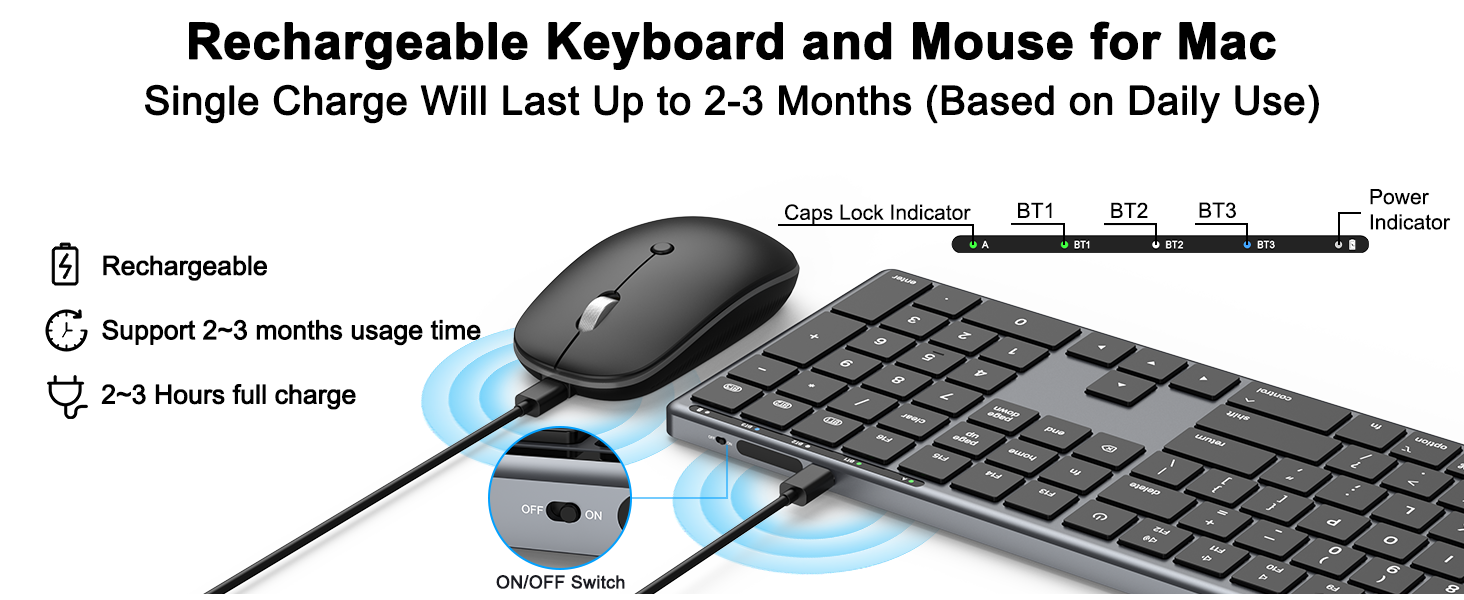
Does this wireless keyboard and mouse combo include rechargeable batteries?
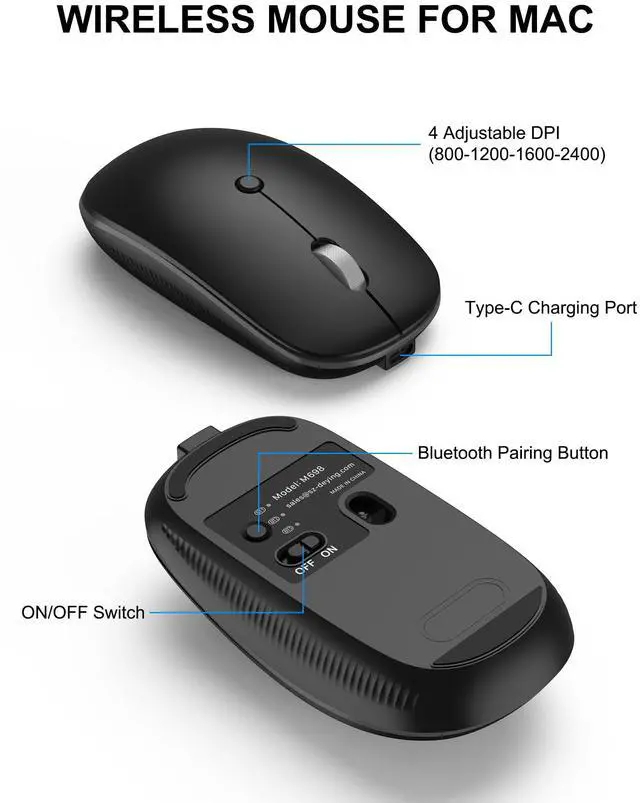
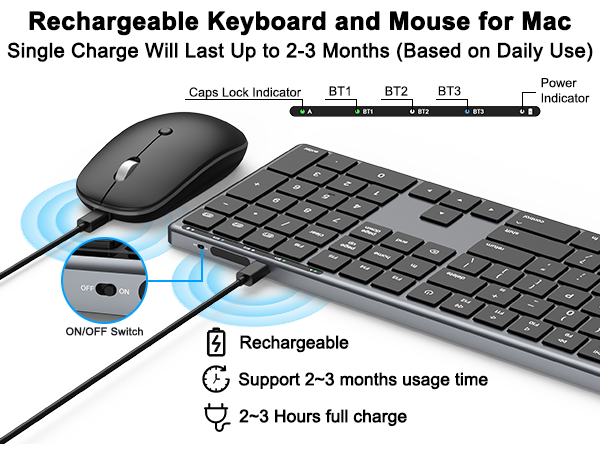
Yes, both the keyboard and the mouse are rechargeable, and a Type-C charging cable is included in the package.
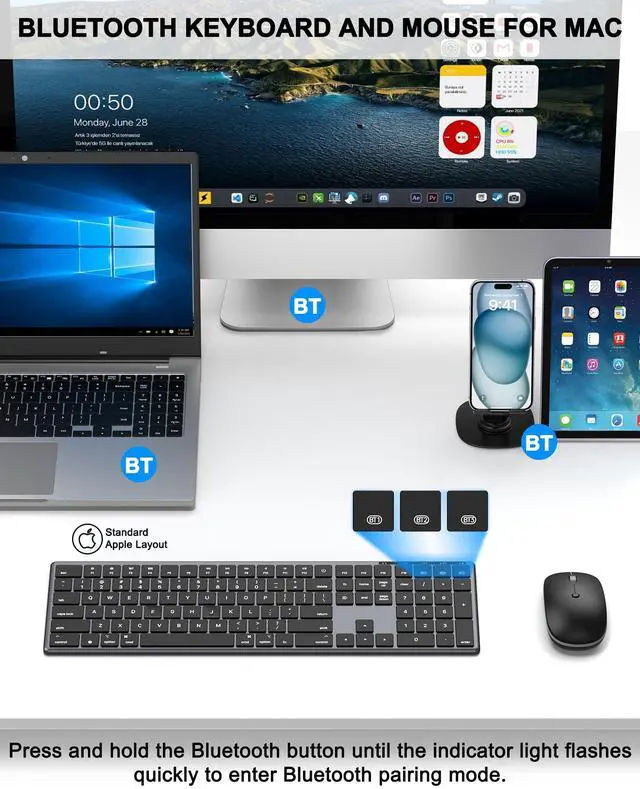
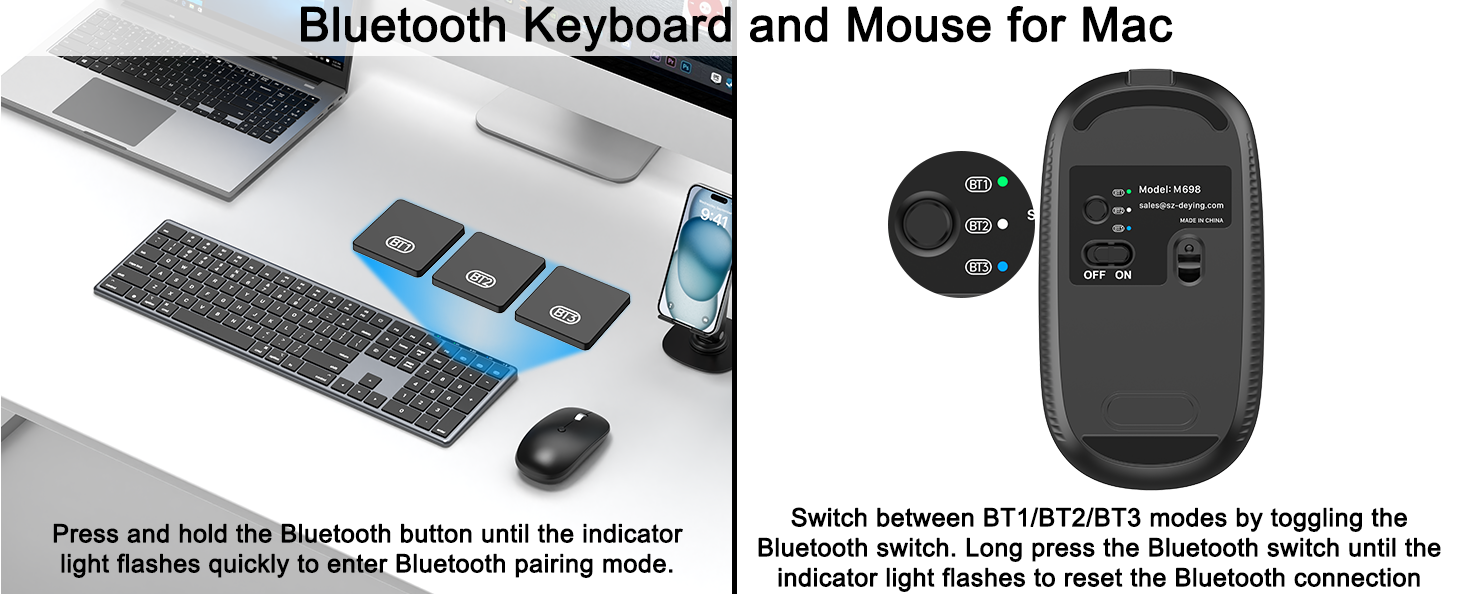
How to fix the issue of Bluetooth keyboard and mouse not connecting?
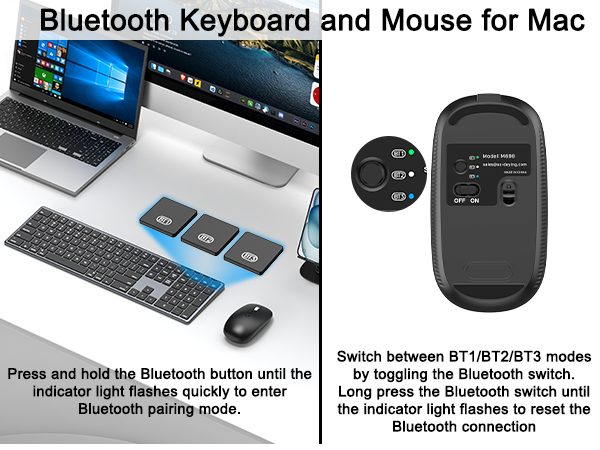
Press and hold the Bluetooth switch on the keyboard/mouse until the indicator light starts flashing rapidly. This indicates that the keyboard/mouse has been reset. You can then find K698/M698 on your device and click to connect.
My keyboard and mouse are having issues, but I've missed the return window. What should I do?
Please E-M us. Even if you've missed the return window, we will continue to provide after-sales service for you.


The QUASIO team is focused on better products , and we will listen attentively to any comments you may have until you are satisfied, your satisfaction is our greatest motivation.
We enjoy bringing better products and the smiles on every customer's face when they are satisfied, which is the biggest motivation for our progress.

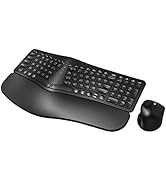
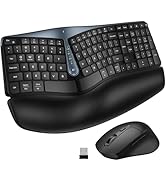
QUASIO Ergonomic Keyboard
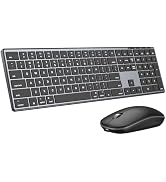

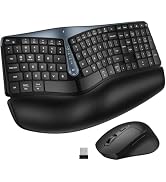
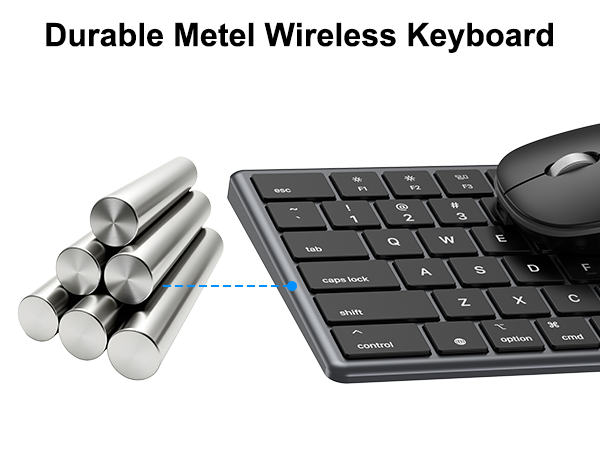
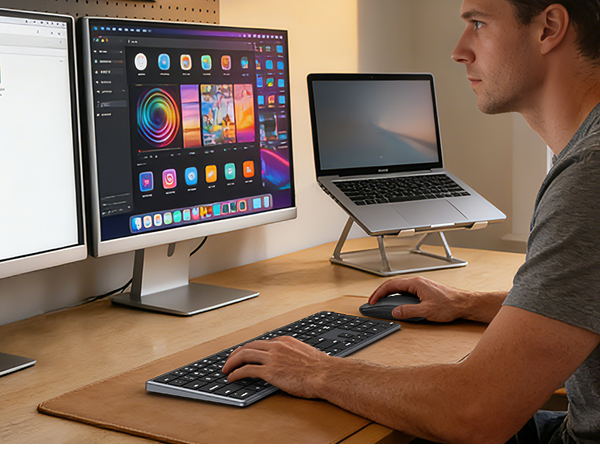
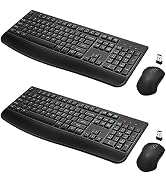
QUASIO Keyboard Mouse Combo
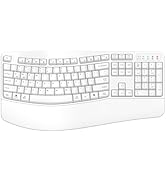
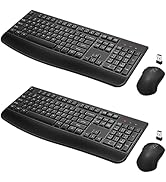
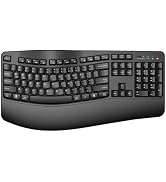
Ergonomic Keyboard


Does this wireless keyboard and mouse combo work with different operating systems?
The MK698 Bluetooth keyboard and mouse combo is specifically designed for the Mac system. While typing works fine on other systems, the multimedia functions are not fully compatible.
Does this Bluetooth wireless keyboard and mouse combo offer quiet key switches?
Yes, this Bluetooth keyboard features scissor-switch quiet keys, and the mouse is also designed for quiet operation, so typing late at night, in the library, or in the office won’t disturb anyone.
Does this wireless keyboard and mouse combo include rechargeable batteries?
Yes, both the keyboard and the mouse are rechargeable, and a Type-C charging cable is included in the package.
How to fix the issue of Bluetooth keyboard and mouse not connecting?
Press and hold the Bluetooth switch on the keyboard/mouse until the indicator light starts flashing rapidly. This indicates that the keyboard/mouse has been reset. You can then find K698/M698 on your device and click to connect.
My keyboard and mouse are having issues, but I've missed the return window. What should I do?
Please E-M us. Even if you've missed the return window, we will continue to provide after-sales service for you.
The QUASIO team is focused on better products , and we will listen attentively to any comments you may have until you are satisfied, your satisfaction is our greatest motivation.
We enjoy bringing better products and the smiles on every customer's face when they are satisfied, which is the biggest motivation for our progress.
QUASIO Ergonomic Keyboard
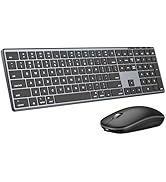
QUASIO Keyboard Mouse Combo
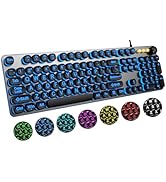
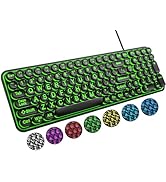
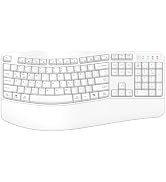
Ergonomic Keyboard
