



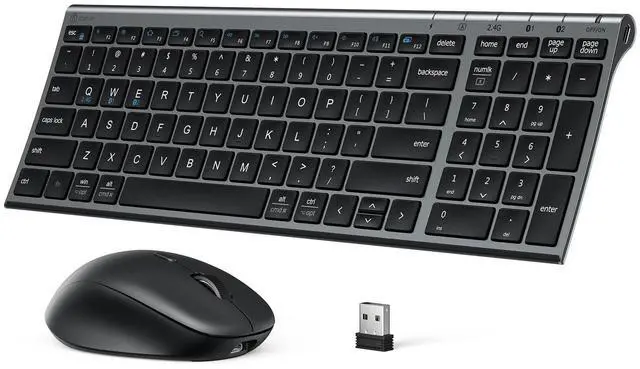
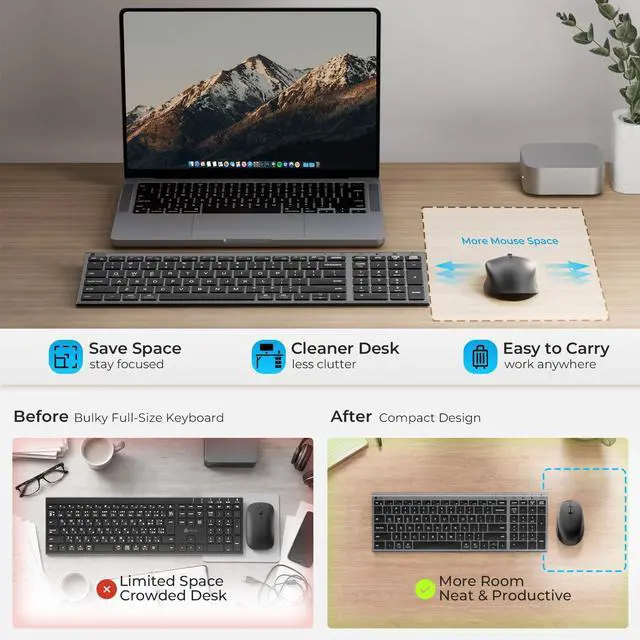
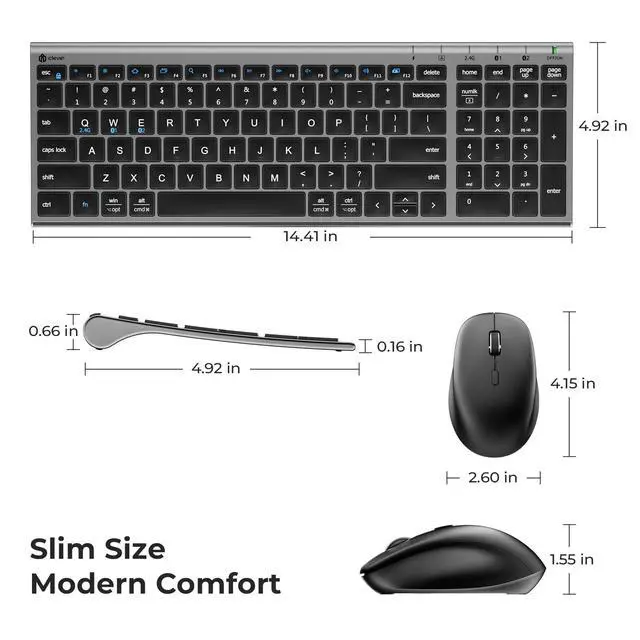





DK05 Bluetooth Keyboard and Mouse
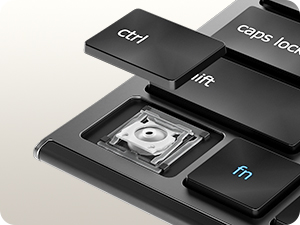
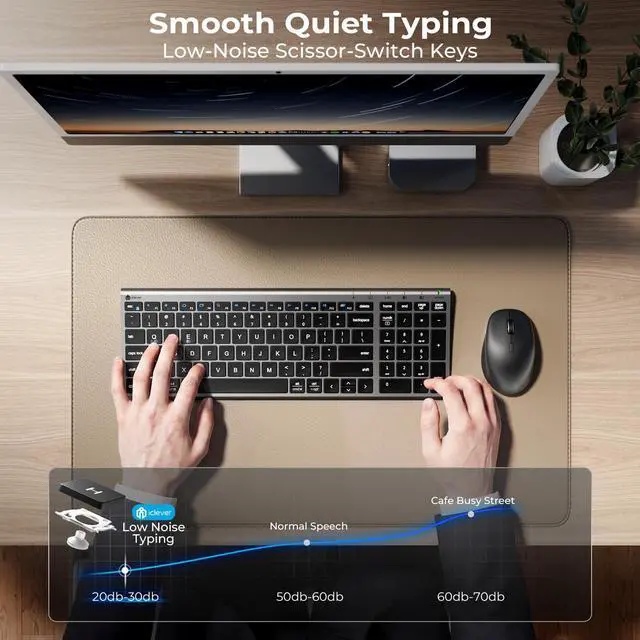
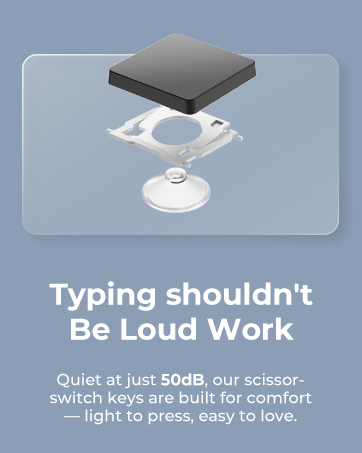
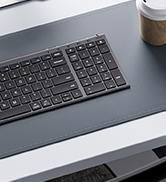
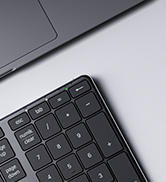
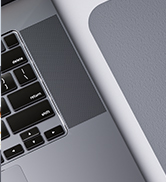
Scissor-Switch Keys
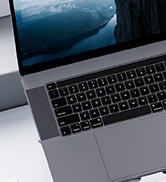
Designed for precise feedback and a comfortable typing experience.
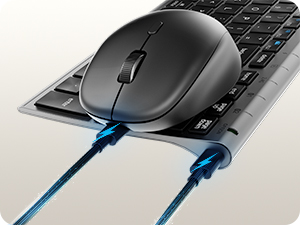
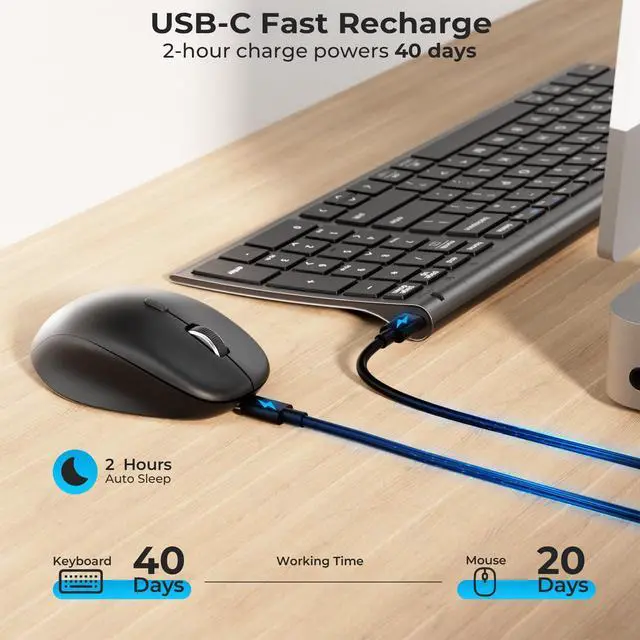
Easy USB-C Charging
Power up the keyboard and mouse with a single charging standard.
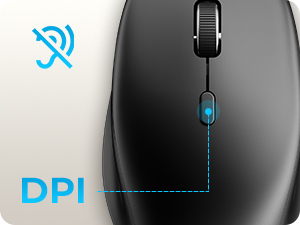
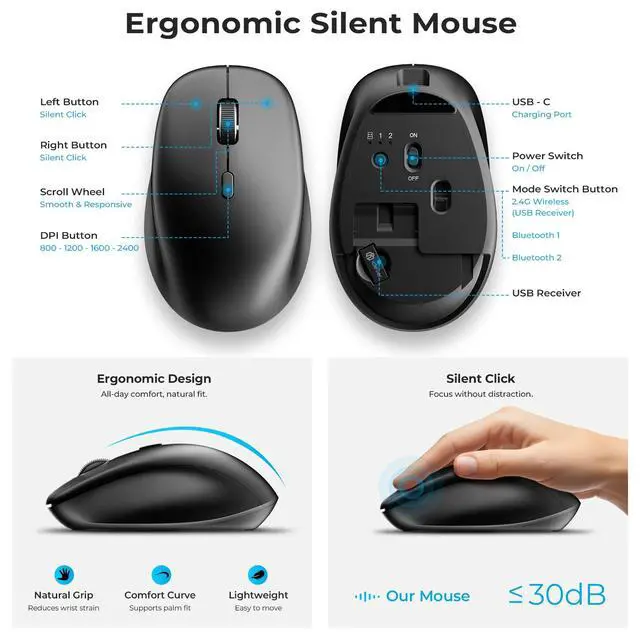
4-Level DPI
Easily switch between 800, 1200, 1600, and 2400 DPI settings.
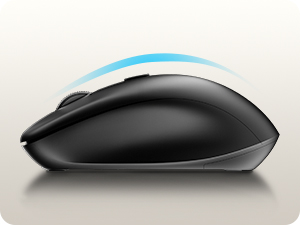
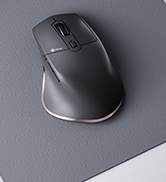
Ergonomic Design
Designed with a contoured shape for a natural and comfortable hold.
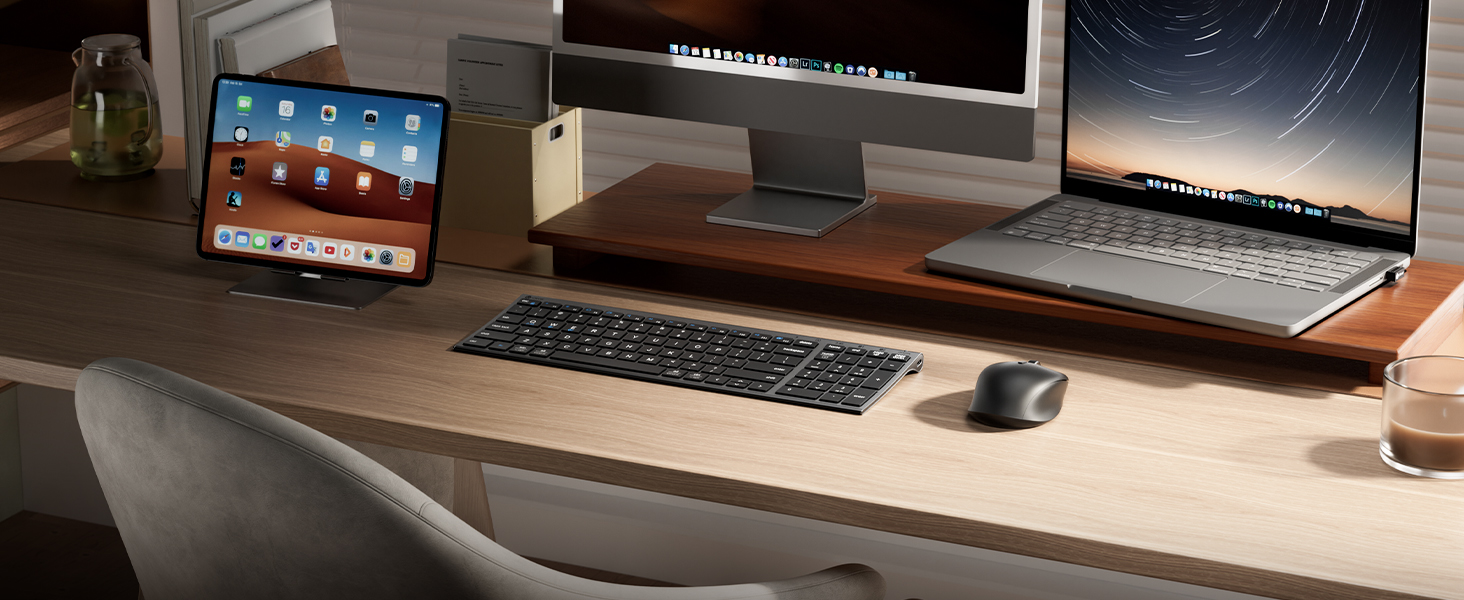
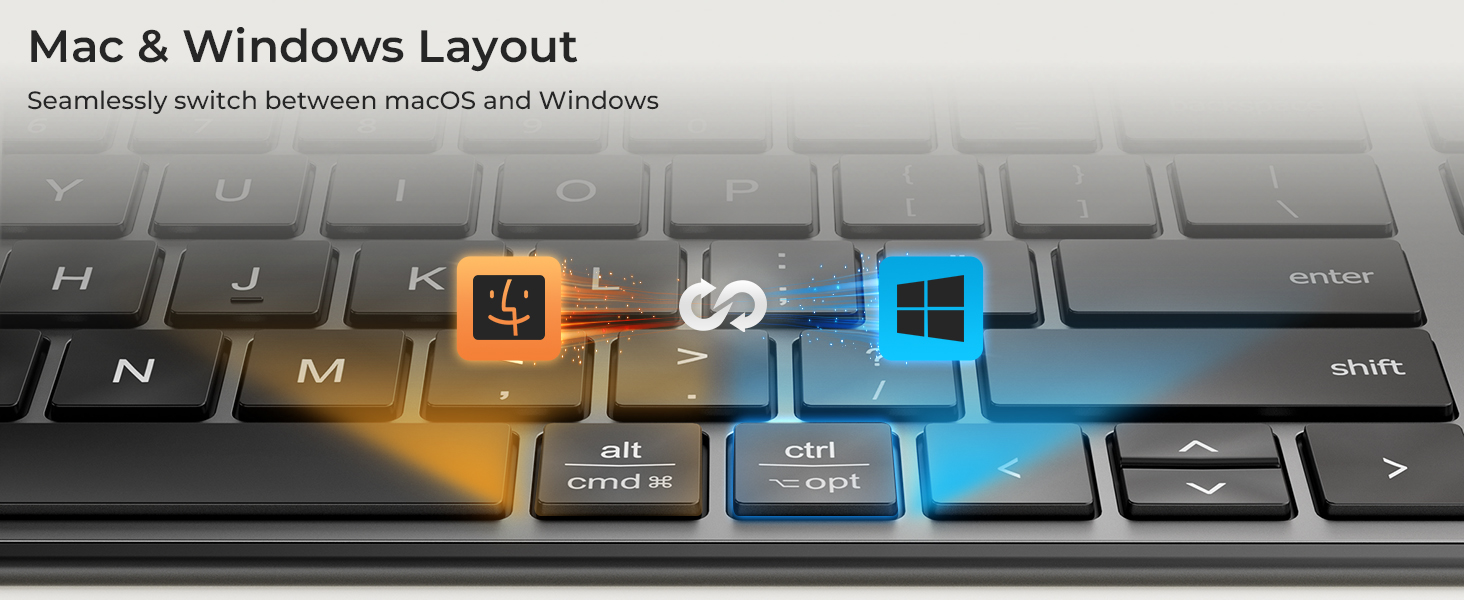
Can I connect it to both my Mac and Windows PC?
Yes. The keyboard and mouse work seamlessly with macOS, Windows, iPadOS, Android, and other Bluetooth-enabled devices.
Please note that the product is not compatible with systems and devices such as PS4, PS5, XBOX, Smart TV, Mac mini and Linux.
What does “Numlock” and “clear” mean?
The Numlock key is treated differently on macOS than on Windows. Typically, the Numlock key does not function as a switch between the numeric keypad and the function keys on macOS, but is treated as a “clear” key.
Will I need to replace batteries?
No. Both the keyboard and mouse are USB-C rechargeable, eliminating the need for disposable batteries.
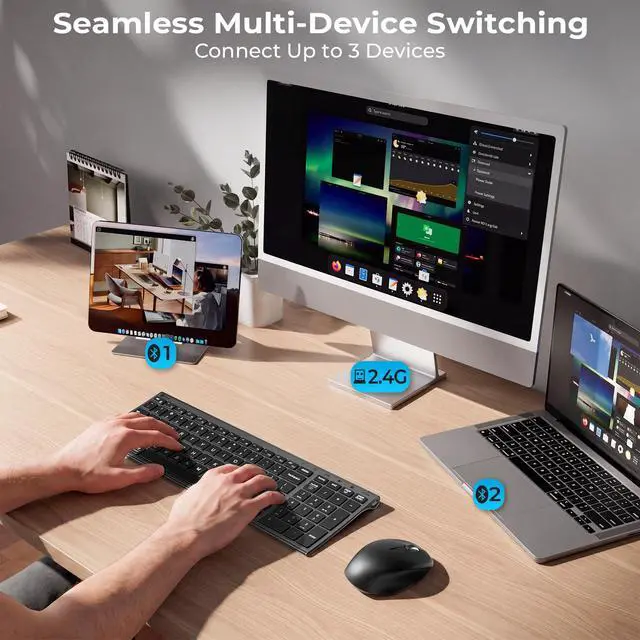
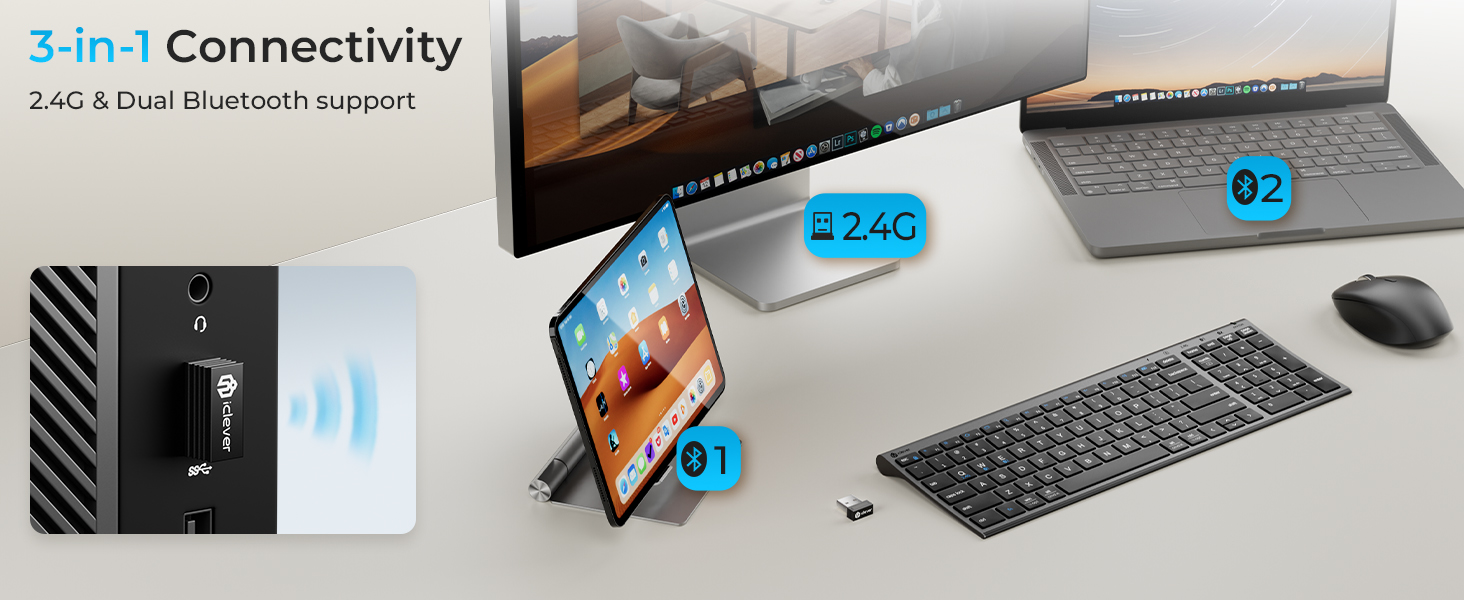
Can I use the keyboard and mouse with multiple devices?
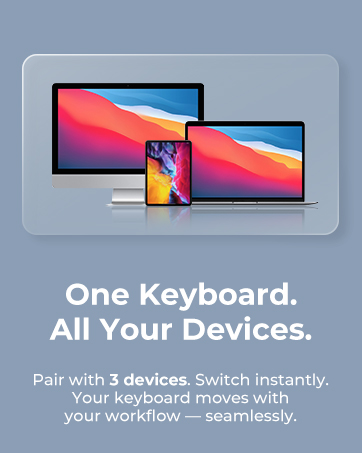
Yes. Easily connect and switch between up to 3 devices using Bluetooth and 2.4G wireless modes.
What should I do if the keyboard does not turn on?
Make sure the keyboard is fully charged and switched on. If needed, reconnect the device to restore normal operation.
DK05 Bluetooth Keyboard and Mouse
Scissor-Switch Keys
Designed for precise feedback and a comfortable typing experience.
Easy USB-C Charging
Power up the keyboard and mouse with a single charging standard.
4-Level DPI
Easily switch between 800, 1200, 1600, and 2400 DPI settings.
Ergonomic Design
Designed with a contoured shape for a natural and comfortable hold.

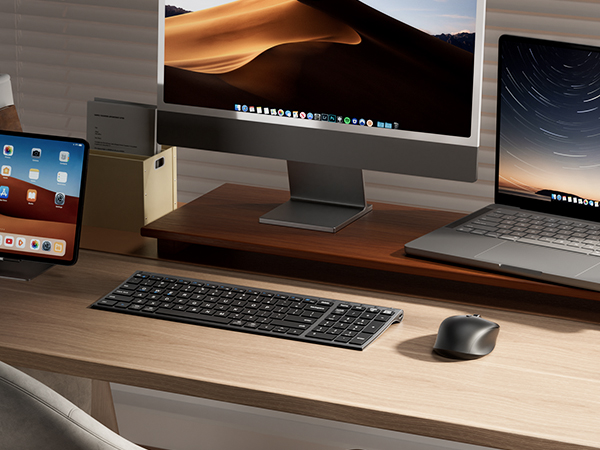
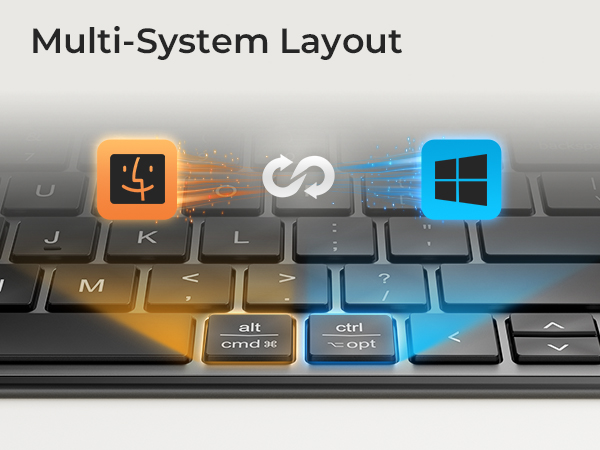
Can I connect it to both my Mac and Windows PC?
Yes. The keyboard and mouse work seamlessly with macOS, Windows, iPadOS, Android, and other Bluetooth-enabled devices.
Please note that the product is not compatible with systems and devices such as PS4, PS5, XBOX, Smart TV, Mac mini and Linux.
What does “Numlock” and “clear” mean?
The Numlock key is treated differently on macOS than on Windows. Typically, the Numlock key does not function as a switch between the numeric keypad and the function keys on macOS, but is treated as a “clear” key.
Will I need to replace batteries?
No. Both the keyboard and mouse are USB-C rechargeable, eliminating the need for disposable batteries.
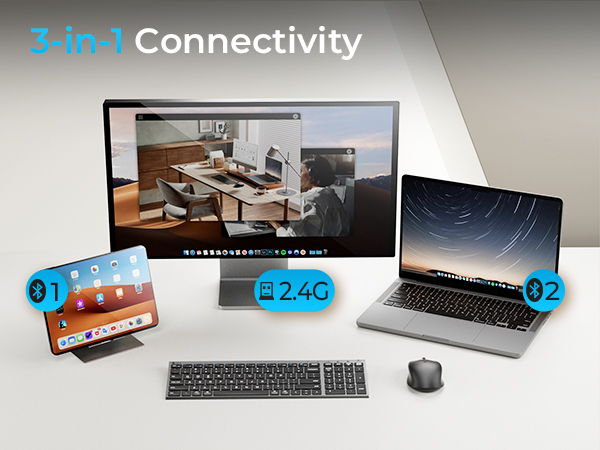
Can I use the keyboard and mouse with multiple devices?
Yes. Easily connect and switch between up to 3 devices using Bluetooth and 2.4G wireless modes.
What should I do if the keyboard does not turn on?
Make sure the keyboard is fully charged and switched on. If needed, reconnect the device to restore normal operation.
WorkMate
FoldMate
NumMate
SilentTap
