







MEETION is a play on the concept of "meeting". All the products we develop revolve around this theme.
In terms of investment in the scientific research of new products, we never hold back. We have dedicated quality control for every single product, every detail in the production process is precise and controlled. Our product and intellectual property rights are top priorities.

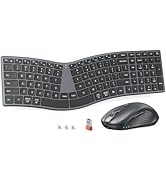
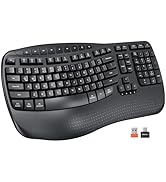
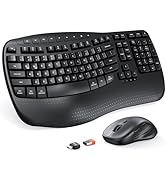
Ergonomic Hot Series
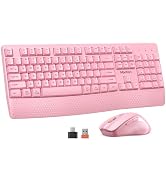
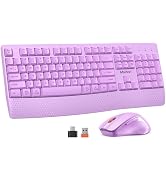
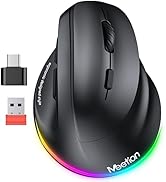
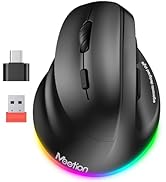
Wireless Hot Series
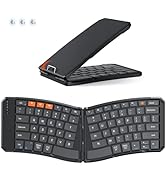
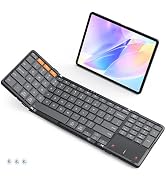
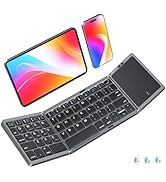
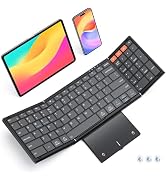
Foldbale Hot Series
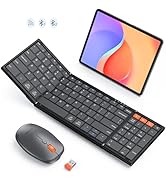
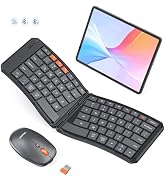
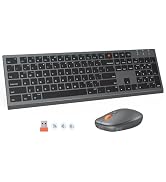
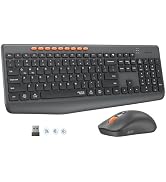
New Products Hot Series
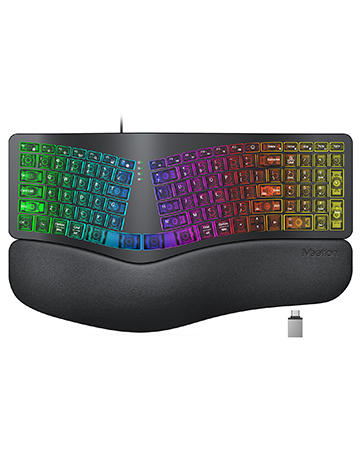
Backlit Ergonomic Keyboard
How do I connect the keyboard via Bluetooth for the first time?
Turn on the keyboard. Press and hold the Bluetooth button for 3–5 seconds until the indicator light flashes quickly. Then go to your device's Bluetooth settings, find "MeetionKB", and tap to pair. The light will turn off once connected.
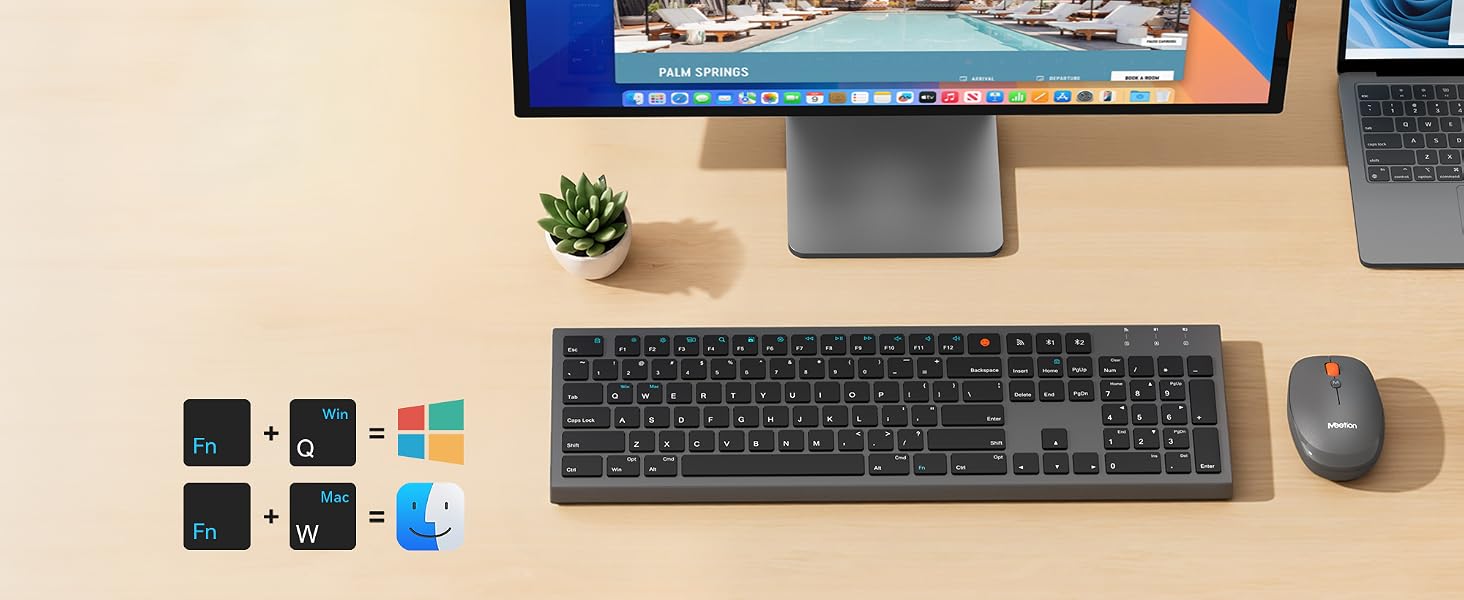
Can I switch between multiple devices (laptop, tablet, phone)?
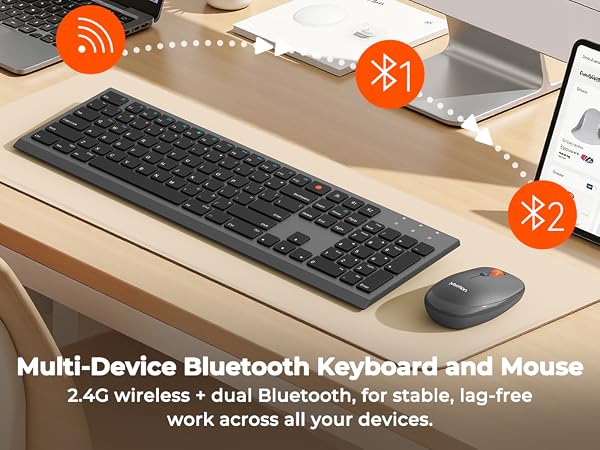
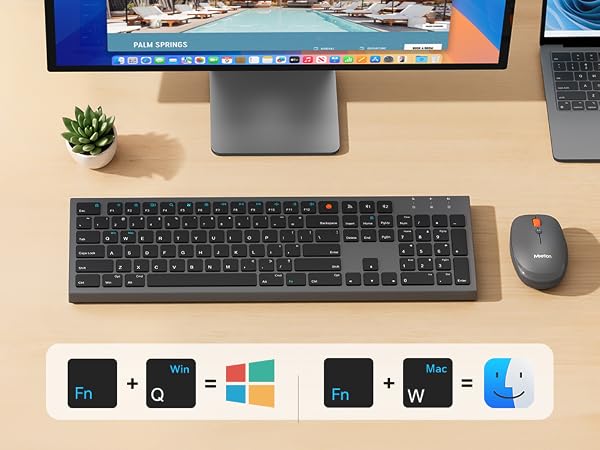
Yes. The keyboard supports pairing with multiple devices. Use the shortcuts Fn + Q or Fn + W to switch between different devices instantly – no need to re-pair every time.
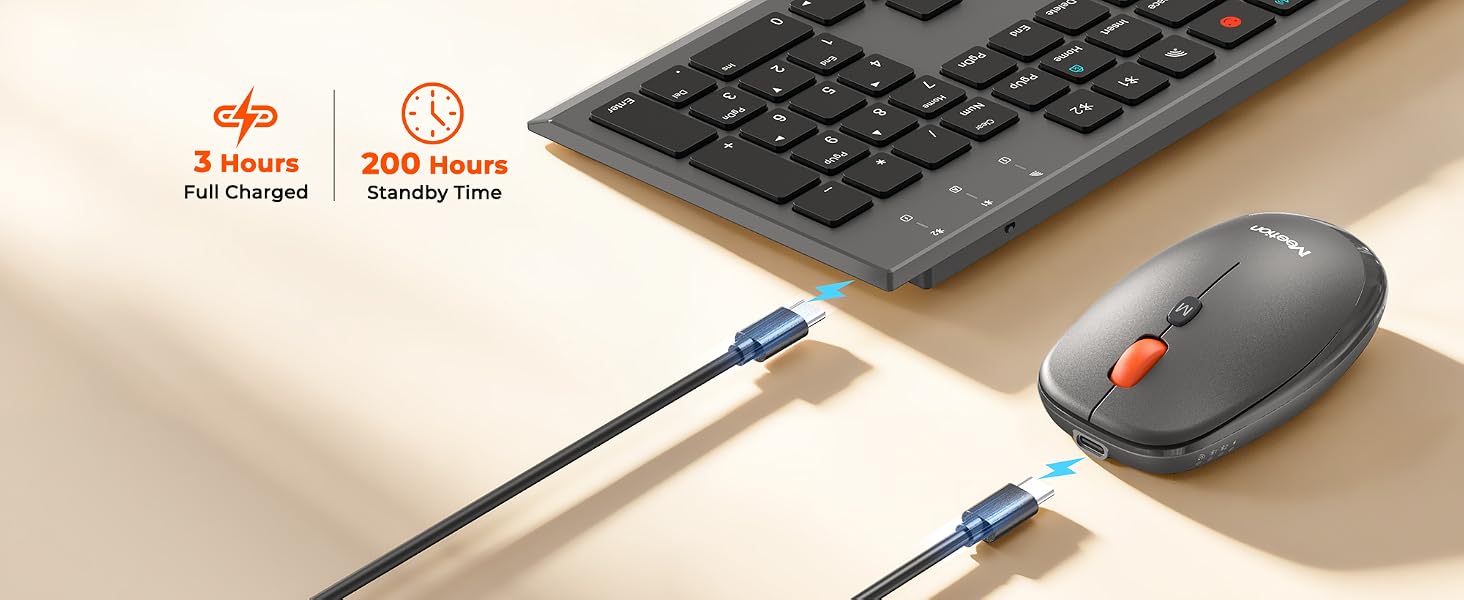
How long does the battery last, and how do I charge it?
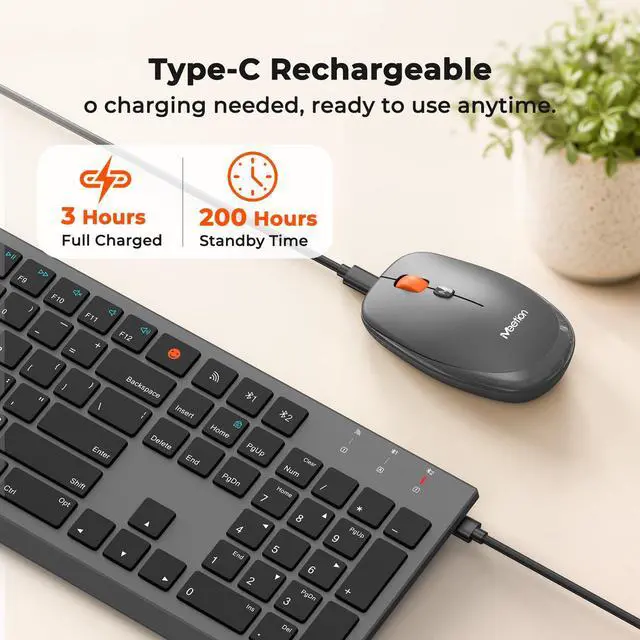
A full charge via USB-C takes about 2 hours and gives you 15 days of typical use (or 75+ hours of continuous typing). The red light stays on while charging and turns off when fully charged. Low battery warning: the indicator light flashes red slowly.
The keyboard is not responding. What should I do?
First, make sure keyboard is on. Bluetooth mode: enable BT on device, remove keyboard from paired list, then re-pair. 2.4G mode: unplug USB receiver and plug into a different port. Still no response? Charge for 30 min – battery may be fully drained.
Can I use the keyboard while charging?
Yes, the keyboard supports pass-through charging. You can keep typing while it's connected to USB power. However, if you're using the 2.4G USB receiver, it's recommended to use a USB extension cable or charge via a wall adapter to avoid interference.
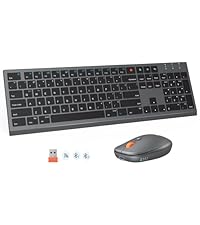
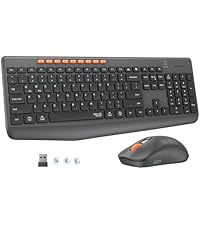
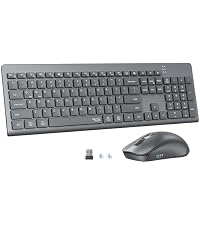
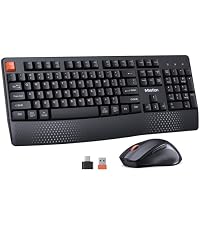
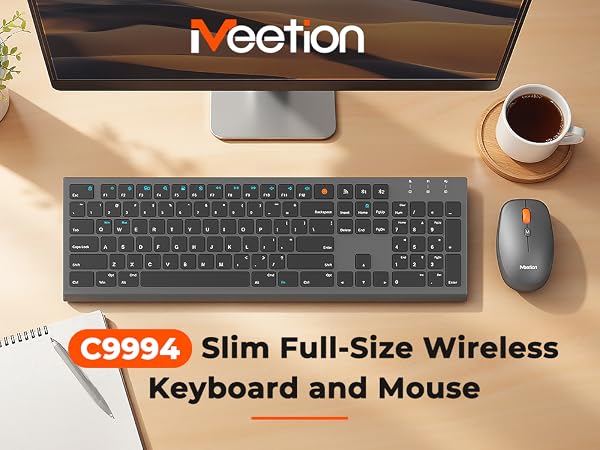
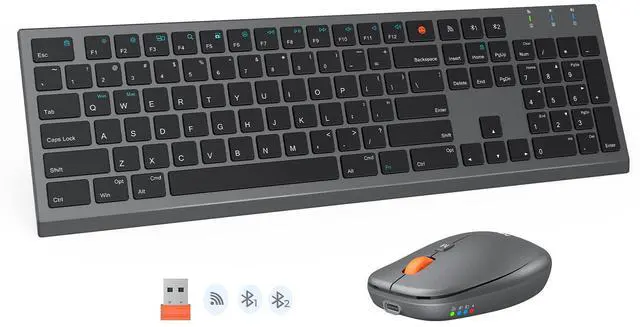
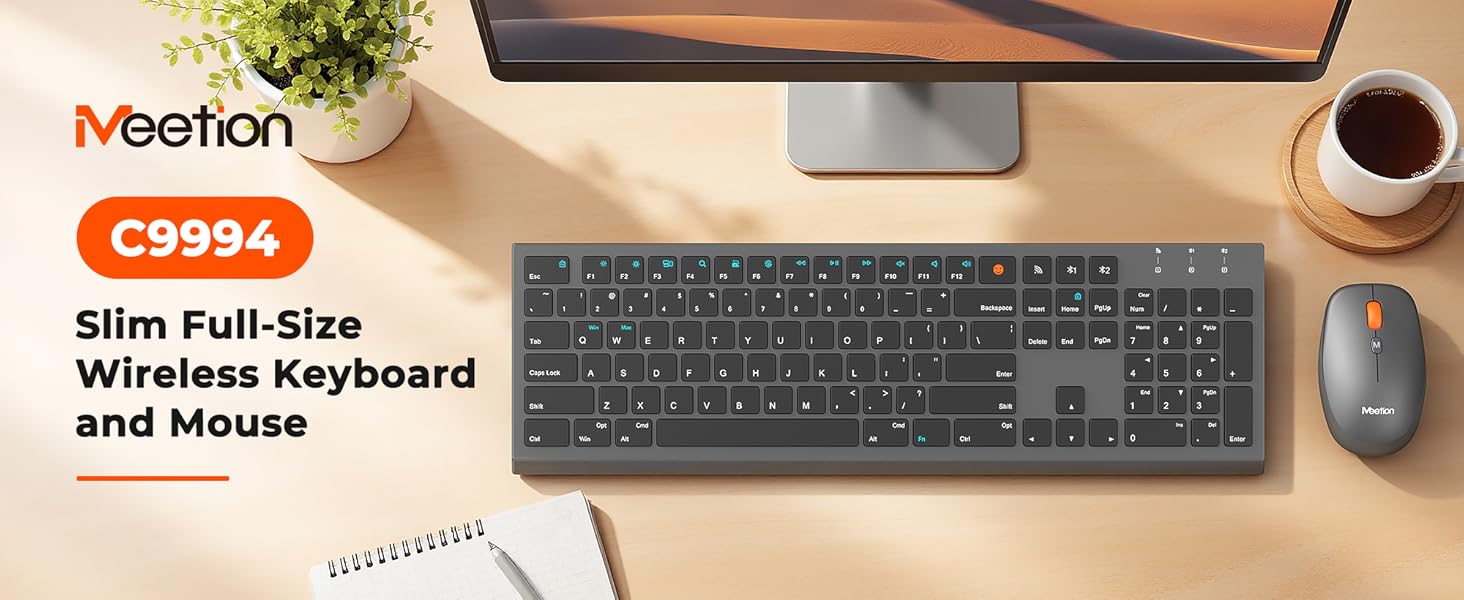
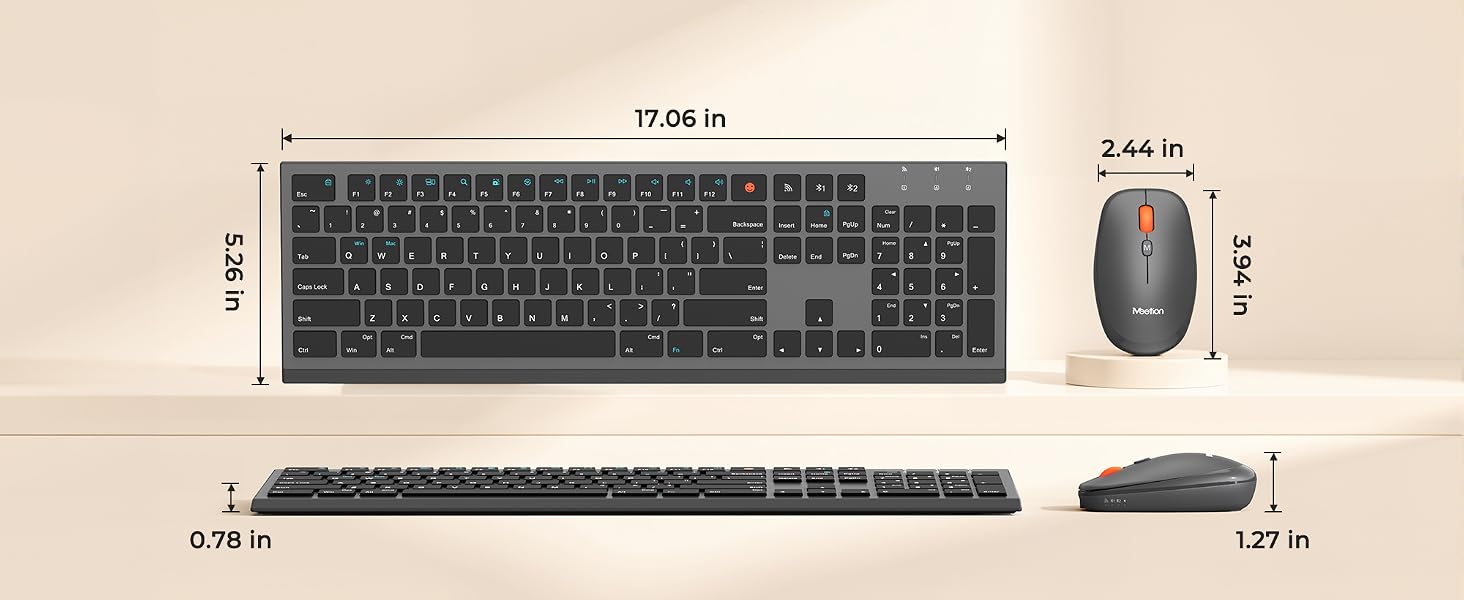
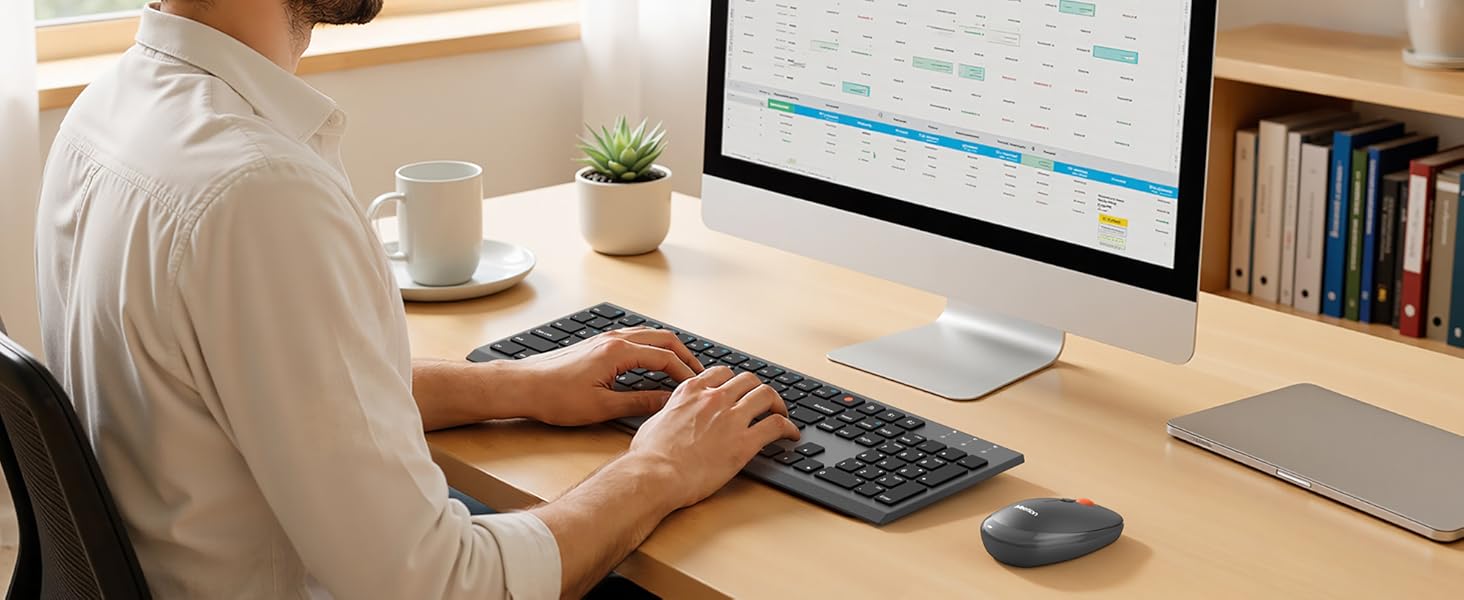
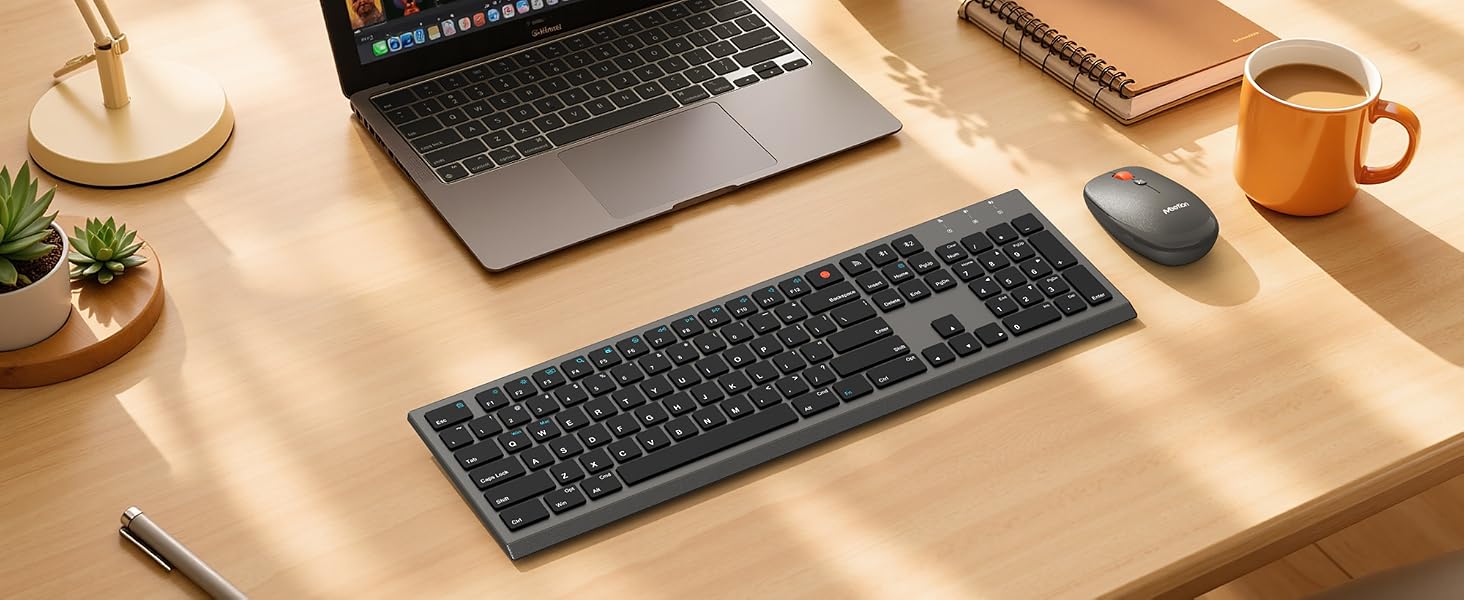
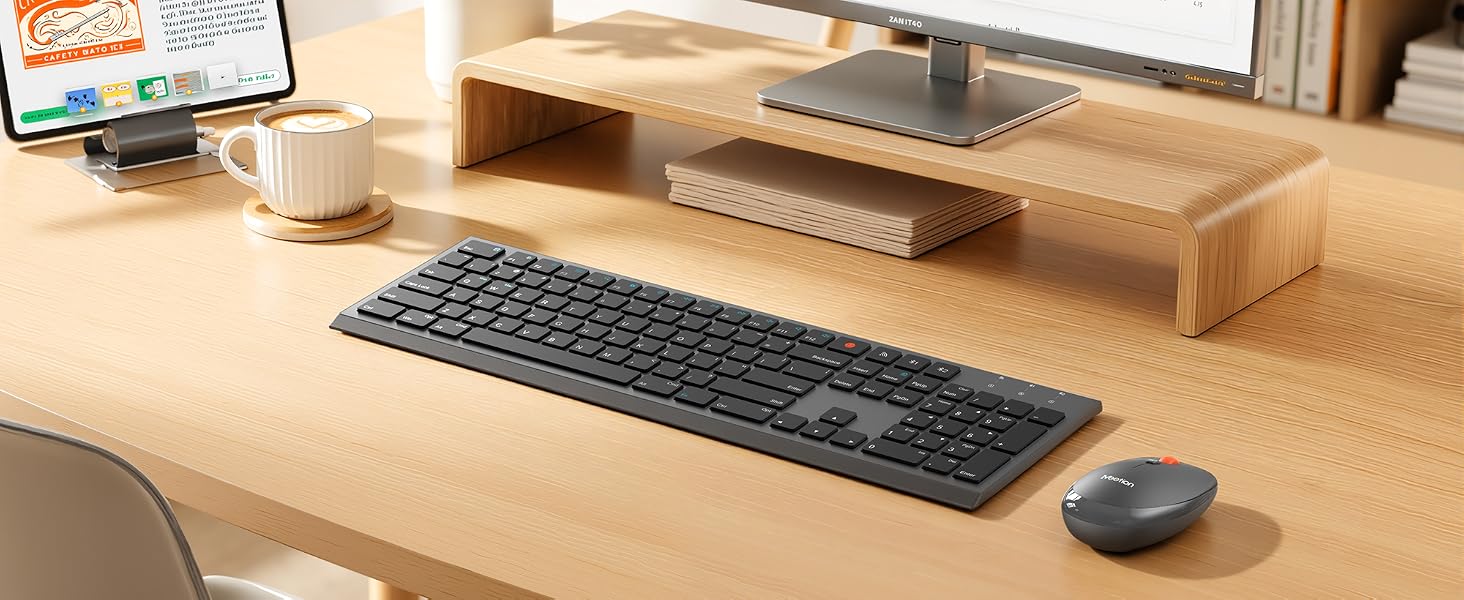
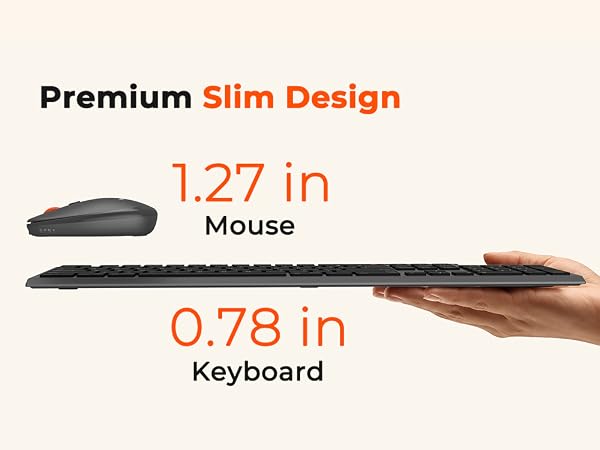
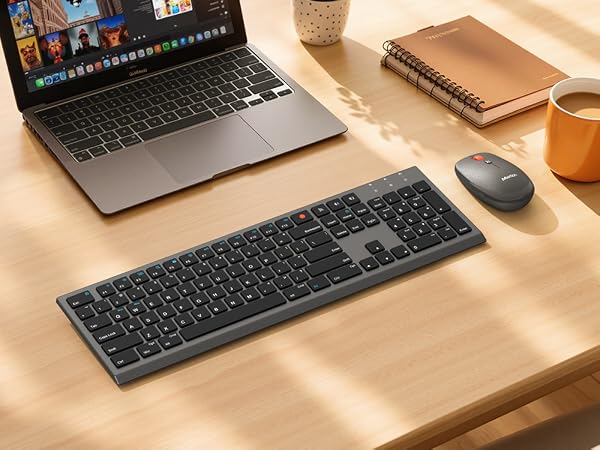
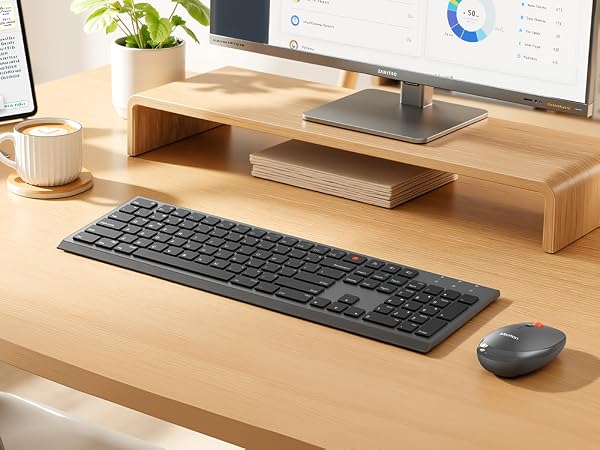
Ultra-Slim, Dual-Mode Keyboard + 4-Level DPI Mouse – Your Perfect Wireless Combo
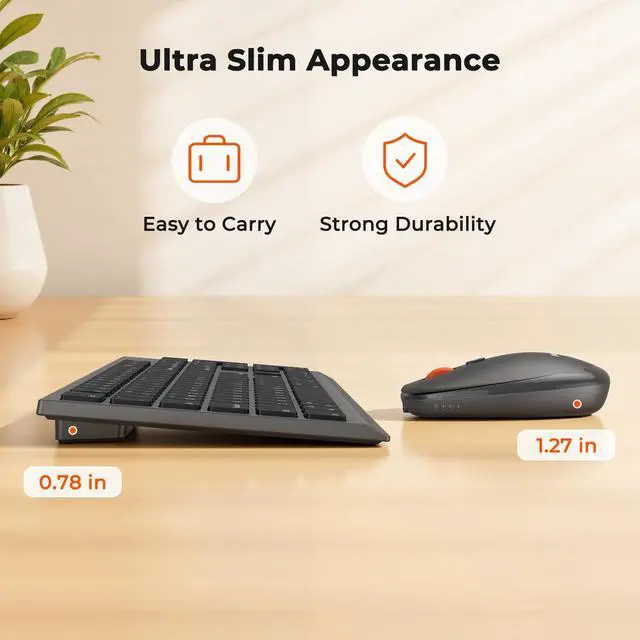
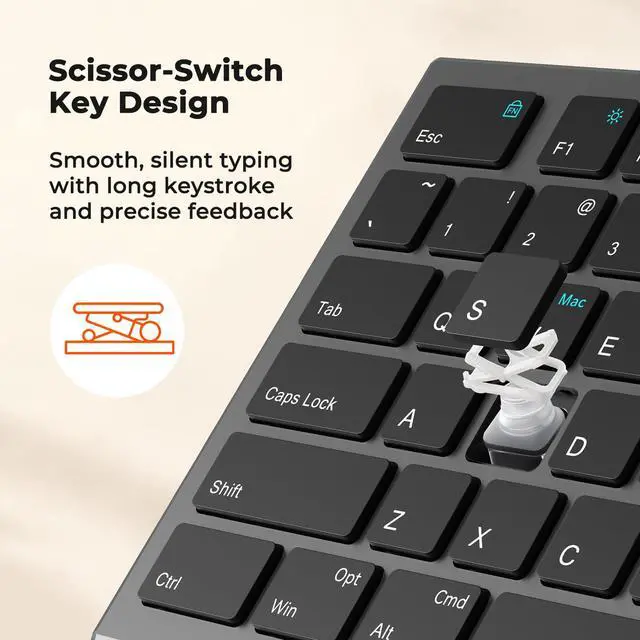
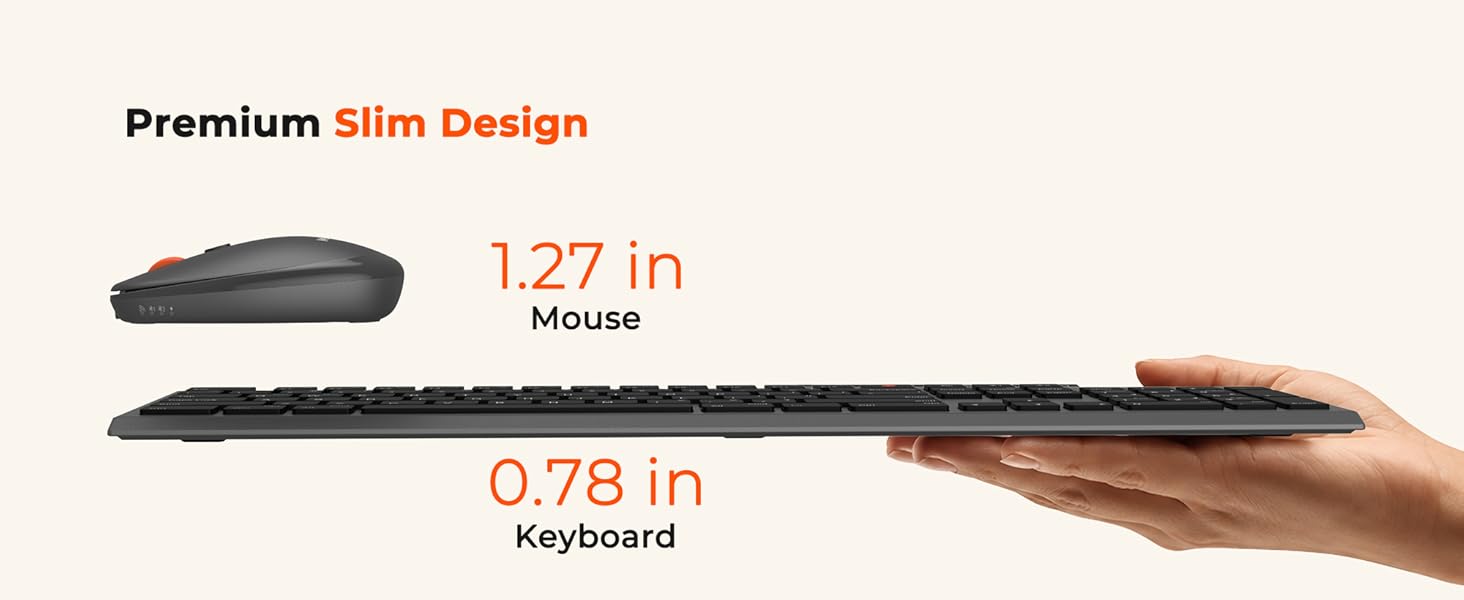
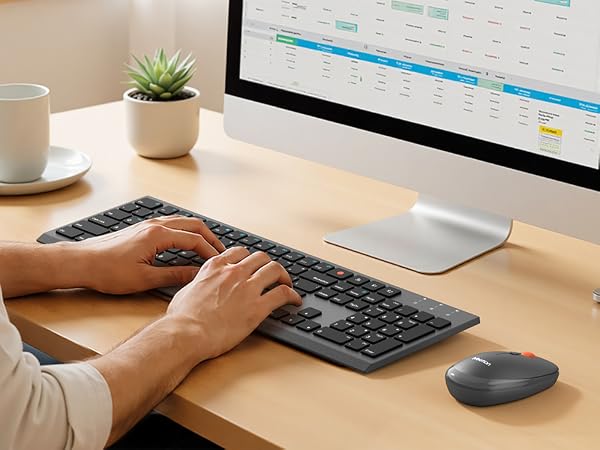
Ultra-Slim, Whisper-Quiet, and Perfect for Open Offices or Late-Night Work.
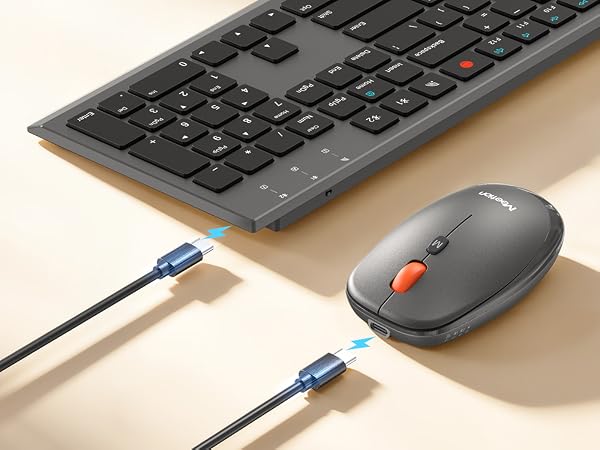
TYPE-C Rechargeable
Say goodbye to battery replacements withrechargeable design
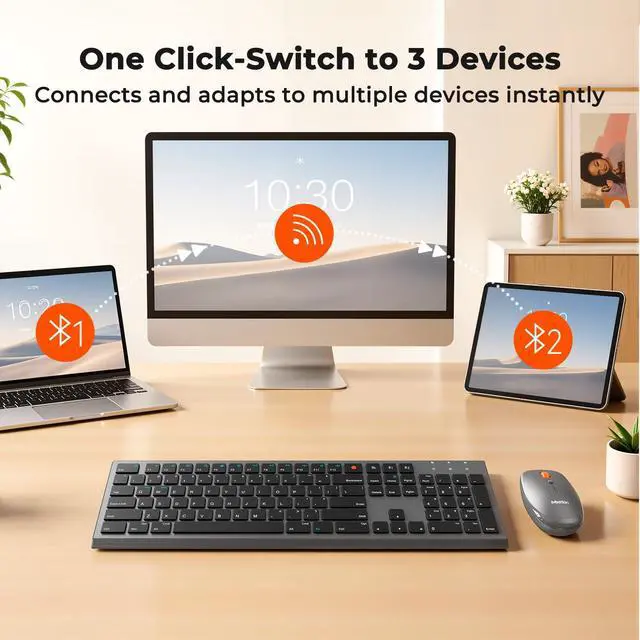
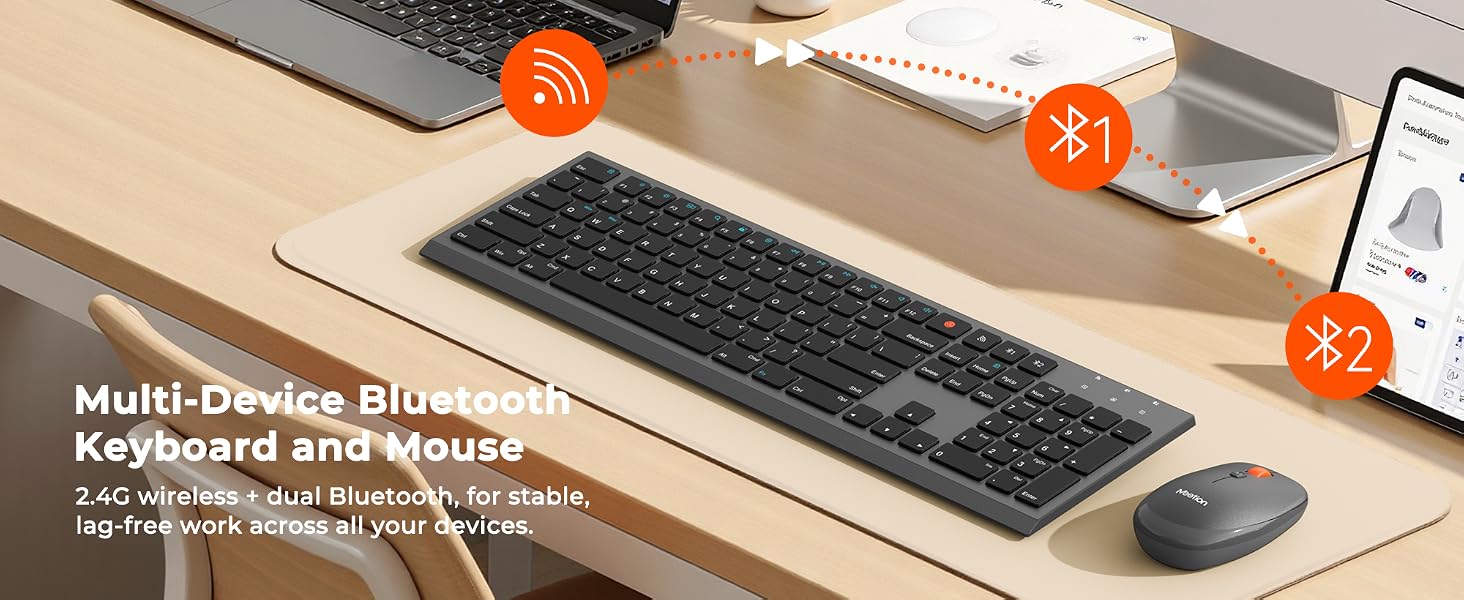
Seamless Switching
Designed for both Windows and Mac layouts, it catersto your divers needs.Press Fn+Q/W to switch
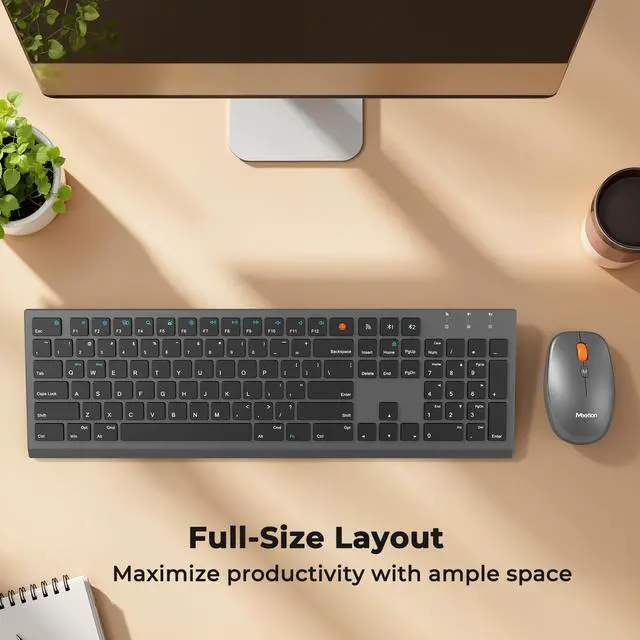
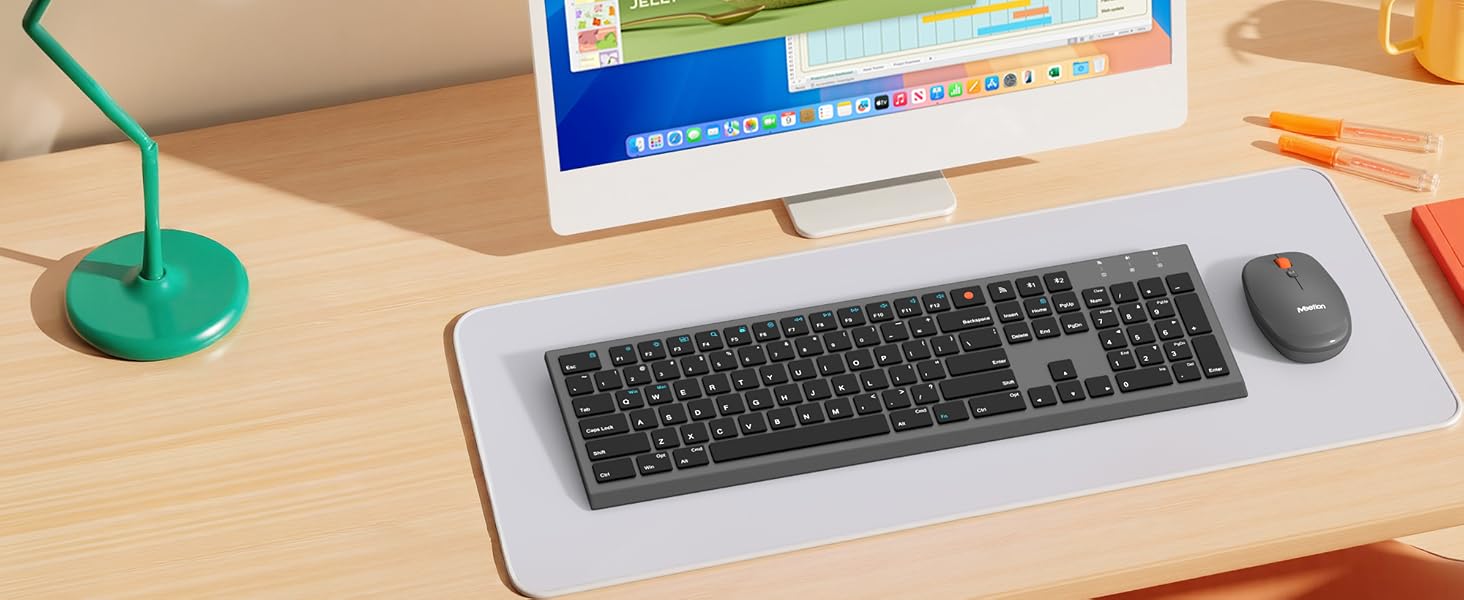
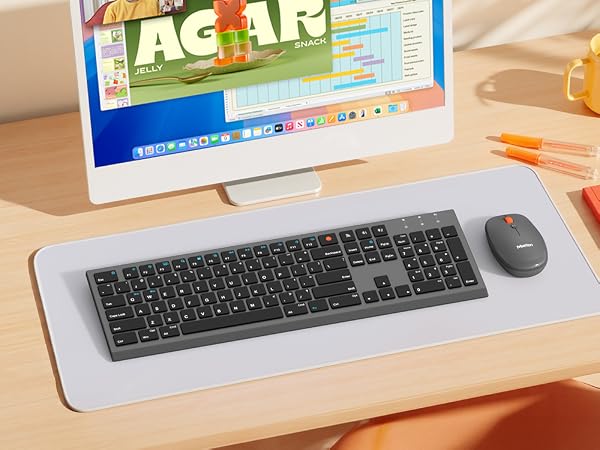
Enhance Your Space
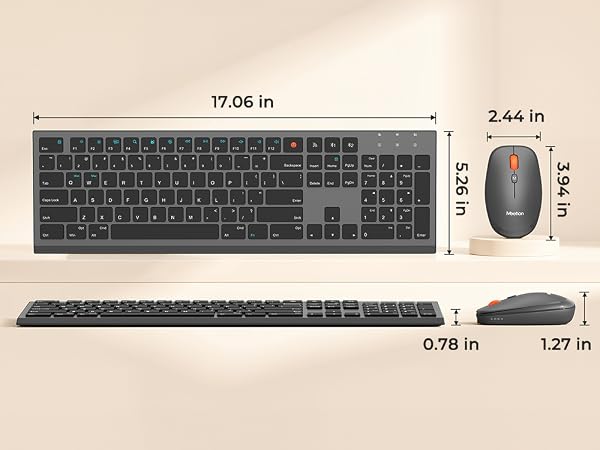
Sleek full-size keyboard, laptop-style typing, contoured recycled-plastic mouse
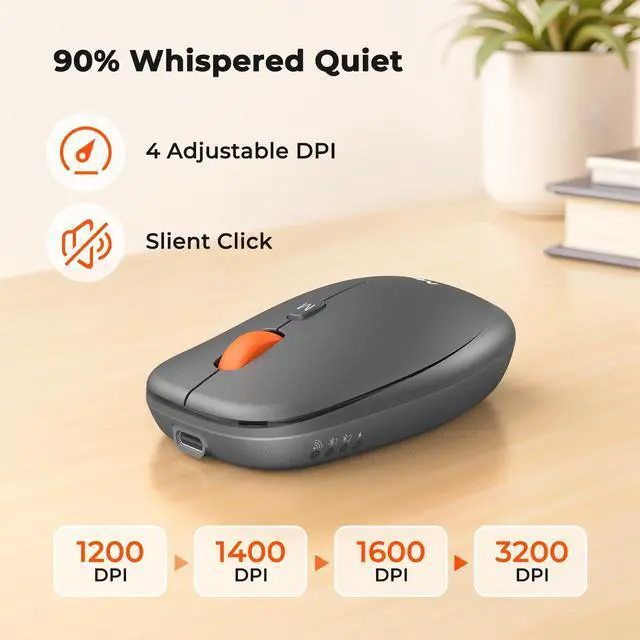
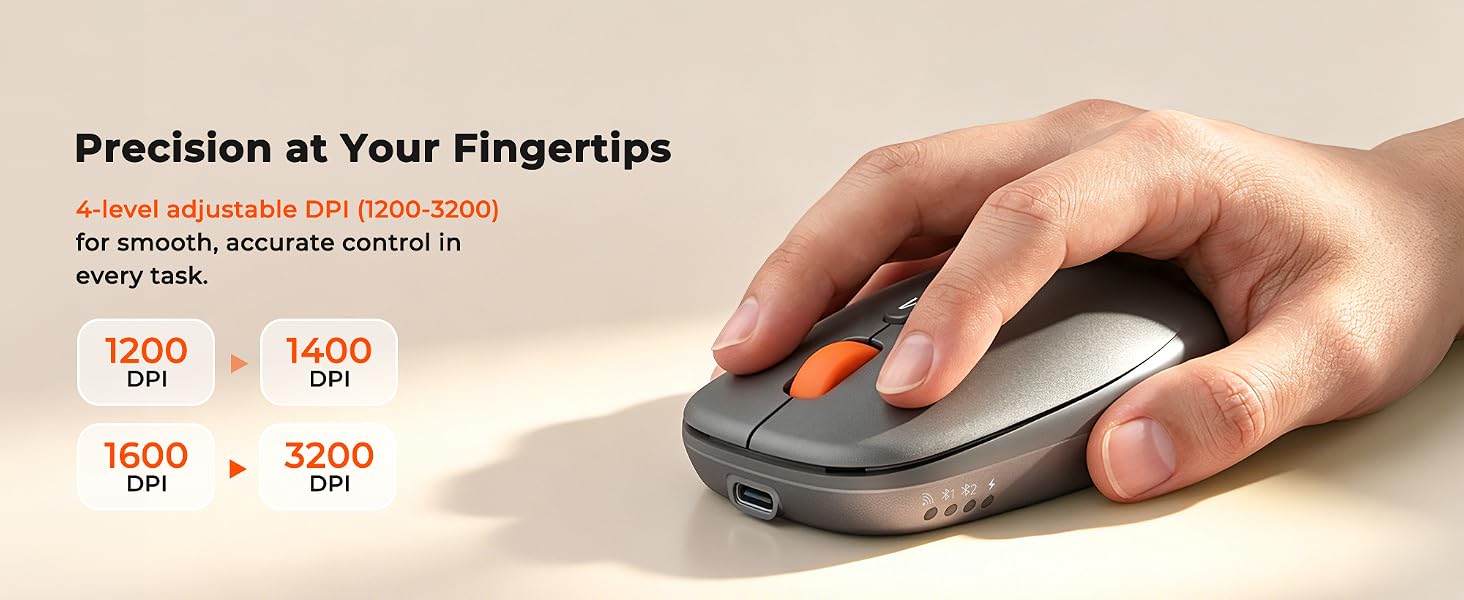
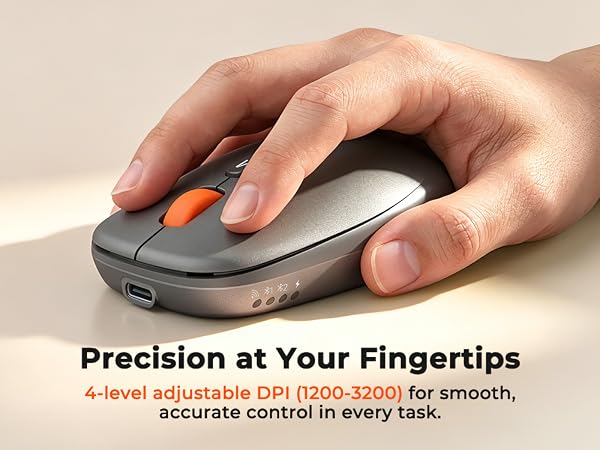
Switch Four DPI Levels with One Click – from Precise Control to Fast Tracking.
How do I connect the keyboard via Bluetooth for the first time?
Turn on the keyboard. Press and hold the Bluetooth button for 3–5 seconds until the indicator light flashes quickly. Then go to your device's Bluetooth settings, find "MeetionKB", and tap to pair. The light will turn off once connected.
Can I switch between multiple devices (laptop, tablet, phone)?
Yes. The keyboard supports pairing with multiple devices. Use the shortcuts Fn + Q or Fn + W to switch between different devices instantly – no need to re-pair every time.
How long does the battery last, and how do I charge it?
A full charge via USB-C takes about 2 hours and gives you 15 days of typical use (or 75+ hours of continuous typing). The red light stays on while charging and turns off when fully charged. Low battery warning: the indicator light flashes red slowly.
The keyboard is not responding. What should I do?
First, make sure keyboard is on. Bluetooth mode: enable BT on device, remove keyboard from paired list, then re-pair. 2.4G mode: unplug USB receiver and plug into a different port. Still no response? Charge for 30 min – battery may be fully drained.
Can I use the keyboard while charging?
Yes, the keyboard supports pass-through charging. You can keep typing while it's connected to USB power. However, if you're using the 2.4G USB receiver, it's recommended to use a USB extension cable or charge via a wall adapter to avoid interference.
MEETION is a play on the concept of "meeting". All the products we develop revolve around this theme.
In terms of investment in the scientific research of new products, we never hold back. We have dedicated quality control for every single product, every detail in the production process is precise and controlled. Our product and intellectual property rights are top priorities.
Ergonomic Hot Series
Wireless Hot Series
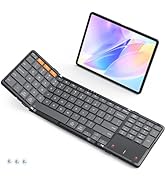
Foldbale Hot Series
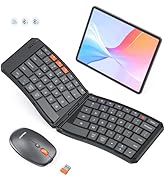
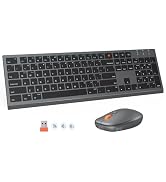
New Products Hot Series
Backlit Ergonomic Keyboard
