





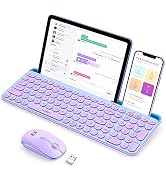
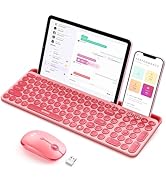
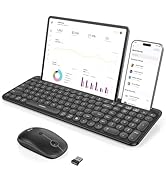
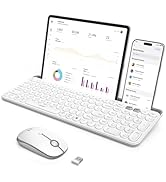
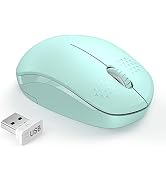
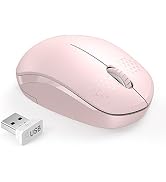

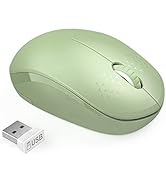
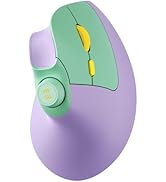
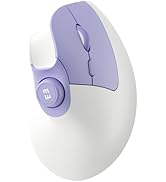
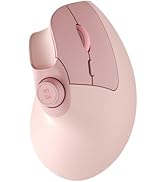
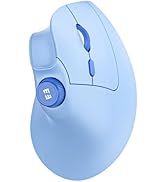
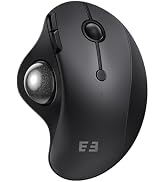
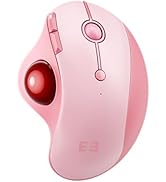
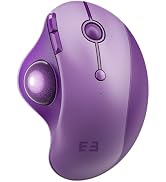
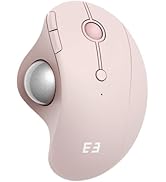
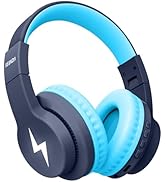
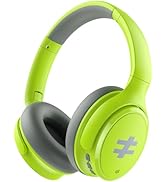
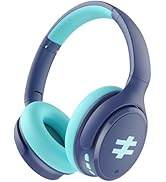
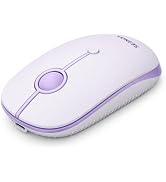
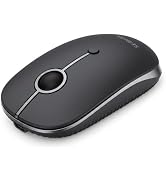
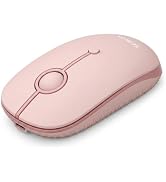
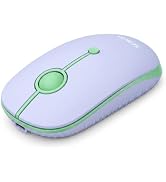
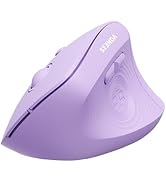
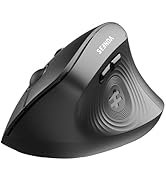
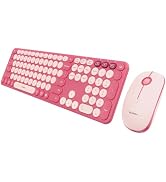
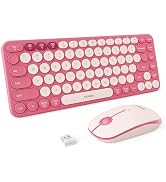

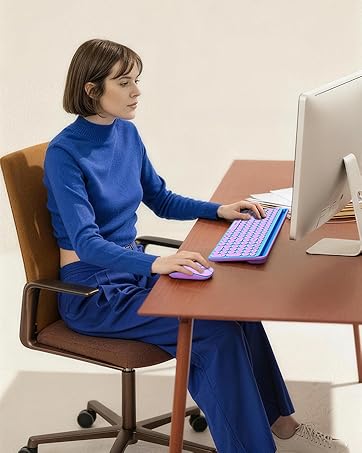




Find Your Perfect Seenda Mouse
 MOU110 Bluetooth Mouse |  MOU001 Bluetooth Mouse |  MOU200 Ergonomic Mouse | 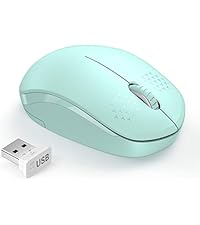 Wireless Mouse-Green |  MOU101 Bluetooth Mouse |  Wired RGB Mouse-Purple | |
|---|---|---|---|---|---|---|
Customer Reviews | — | — | — | — | — | — |
Price | — | — | — | — | — | — |
Special Features | Wireless+ Bluetooth+RGB | Wireless+ Bluetooth+Colorful | Wireless+ Bluetooth+Colorful | Wireless+Colorful | Wireless+ Bluetooth+Colorful | Wired+RGB |
Connection | 2.4G USB + Bluetooth | 2.4G USB + 2* Bluetooth | 2.4G USB + 2* Bluetooth | 2.4G USB | 2.4G USB + Bluetooth | Wired |
Backlit | RGB | NA | NA | NA | NA | RGB |
Compatibility | PC/Mac/Laptop | PC/Mac/Laptop | PC/Mac/Laptop | PC/Mac/Laptop | PC/Mac/Laptop | USB Type-A Devices |
Battery | Rechargeable | Rechargeable | 1*AA Battery | AA Battery | AA Battery | Wired |
How to deal with keyboard/mouse won't turn on or stops working?
1.Check the positive and negative terminals before batteries install.
2.Replace the batteries if the keyboard or mouse stops working.
3.If the power indicator on either the keyboard or the mouse does not light up, plz let us know.
What should I do if keys/mouse buttons stop working or feel sticky?
1.Clean debris with compressed air (for keys) or a cotton swab dipped in isopropyl alcohol (for buttons).
2.Avoid water or debris entering the keyboard,as these are the main causes of unresponsive keys.
How to deal with disconnection issues, keys repeating or typing delay?
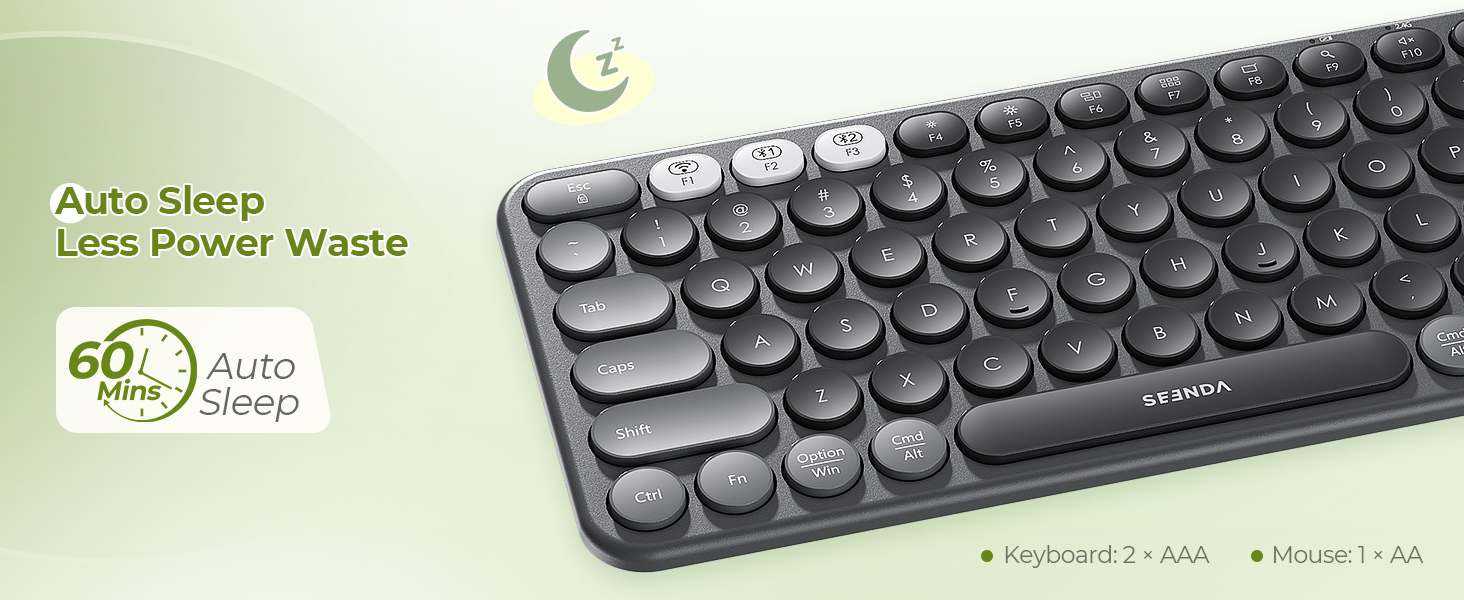
1.Please replace batteries. A low battery can affect the performance.
2.Unplug and replug the USB receiver. Try using a different USB port if needed.
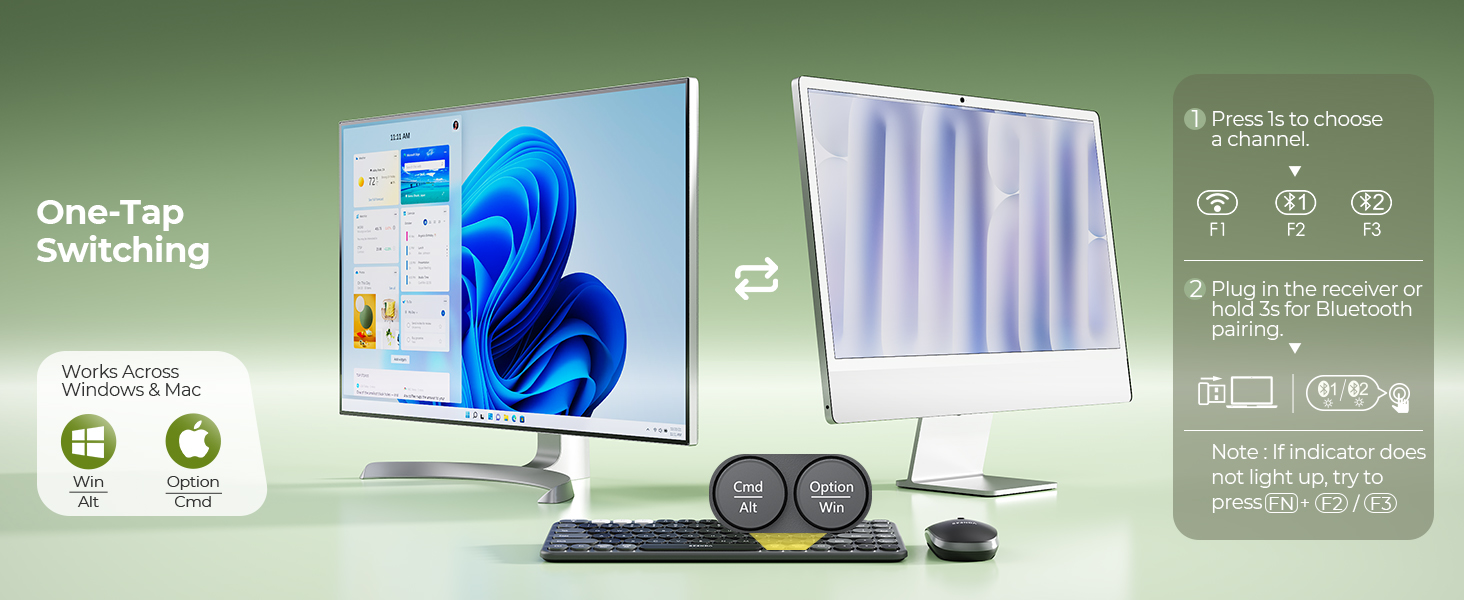
3.Delete the Bluetooth name from your list, restart your device, and re-pair thekeyboard/mouse.
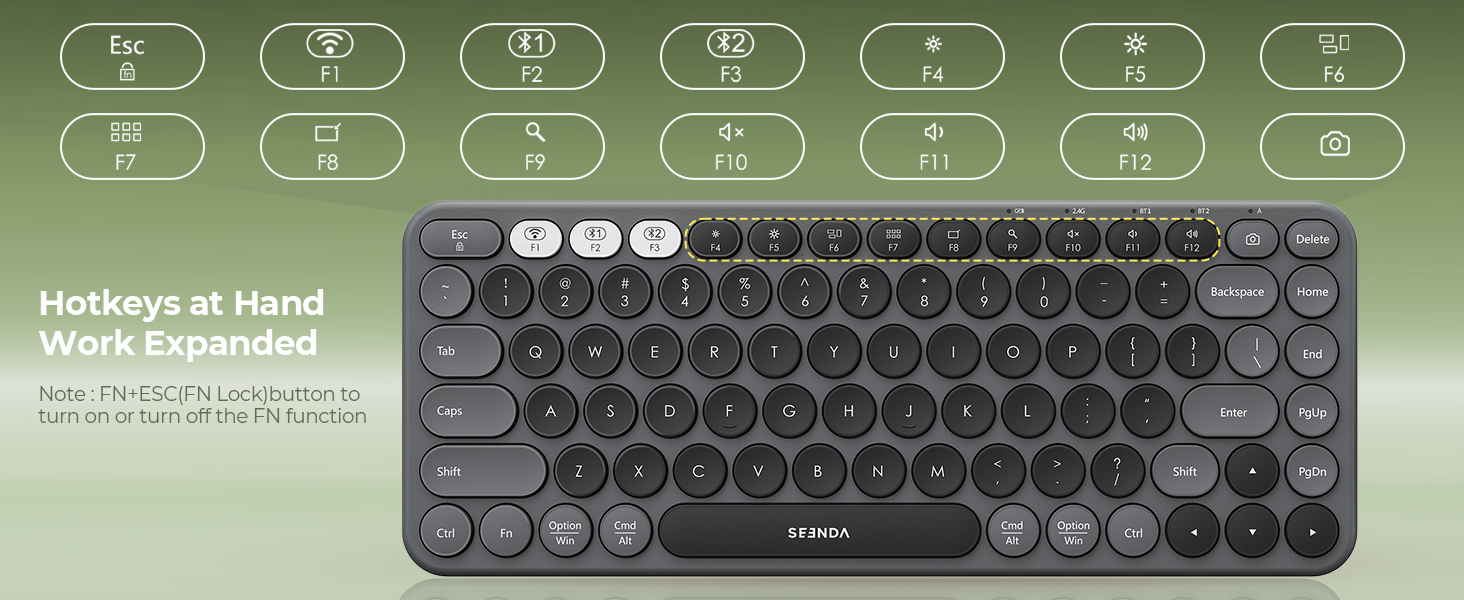
How to activate the Fn Lock?
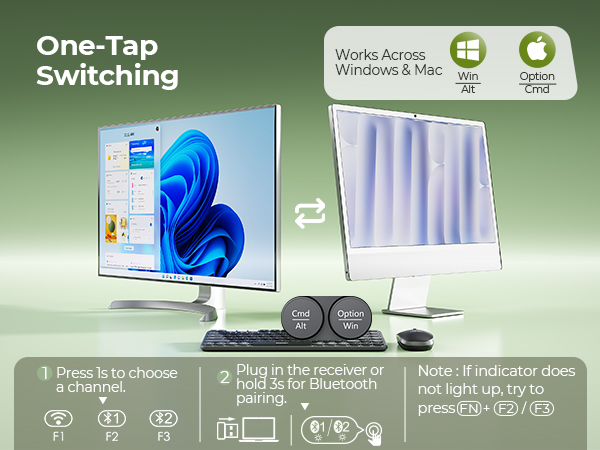
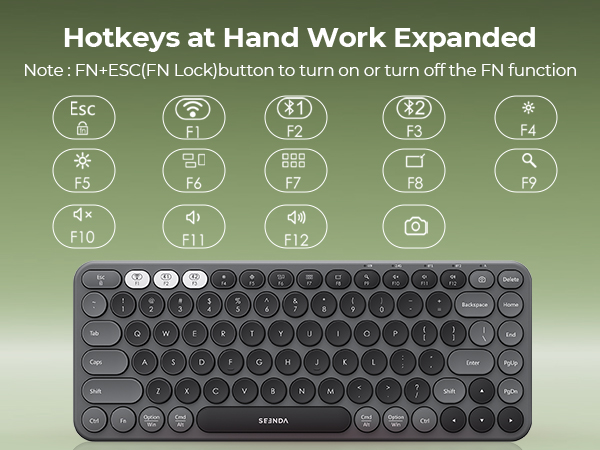
Press Fn + Fn lock.

Find Your Perfect Seenda Mouse
MOU110 Bluetooth Mouse |  MOU001 Bluetooth Mouse | MOU200 Ergonomic Mouse | Wireless Mouse-Green | MOU101 Bluetooth Mouse | Wired RGB Mouse-Purple |
|---|---|---|---|---|---|
| Customer Reviews | |||||
| — | — | — | — | — | — |
| Price | |||||
| — | — | — | — | — | — |
| Special Features | |||||
| Wireless+ Bluetooth+RGB | Wireless+ Bluetooth+Colorful | Wireless+ Bluetooth+Colorful | Wireless+Colorful | Wireless+ Bluetooth+Colorful | Wired+RGB |
| Connection | |||||
| 2.4G USB + Bluetooth | 2.4G USB + 2* Bluetooth | 2.4G USB + 2* Bluetooth | 2.4G USB | 2.4G USB + Bluetooth | Wired |
| Backlit | |||||
| RGB | NA | NA | NA | NA | RGB |
| Compatibility | |||||
| PC/Mac/Laptop | PC/Mac/Laptop | PC/Mac/Laptop | PC/Mac/Laptop | PC/Mac/Laptop | USB Type-A Devices |
| Battery | |||||
| Rechargeable | Rechargeable | 1*AA Battery | AA Battery | AA Battery | Wired |
How to deal with keyboard/mouse won't turn on or stops working?
1.Check the positive and negative terminals before batteries install.
2.Replace the batteries if the keyboard or mouse stops working.
3.If the power indicator on either the keyboard or the mouse does not light up, plz let us know.
What should I do if keys/mouse buttons stop working or feel sticky?
1.Clean debris with compressed air (for keys) or a cotton swab dipped in isopropyl alcohol (for buttons).
2.Avoid water or debris entering the keyboard,as these are the main causes of unresponsive keys.
How to deal with disconnection issues, keys repeating or typing delay?
1.Please replace batteries. A low battery can affect the performance.
2.Unplug and replug the USB receiver. Try using a different USB port if needed.
3.Delete the Bluetooth name from your list, restart your device, and re-pair thekeyboard/mouse.
How to activate the Fn Lock?
Press Fn + Fn lock.
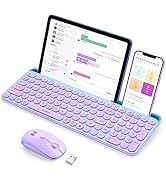
Ipad Keyboard and Mouse
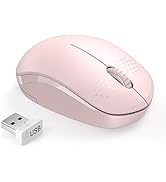
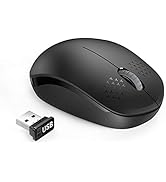
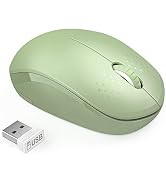
Wireless Mouse for Laptop
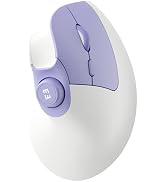
Ergonomic Bluetooth Mouse
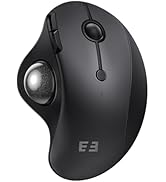
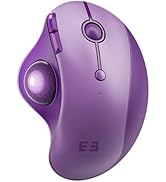
Wireless Trackball Mouse
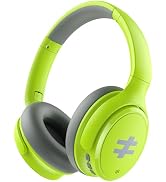
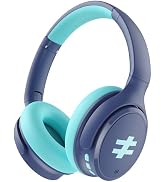
Kids Bluetooth Headphones
Bluetooth Wireless Mouse
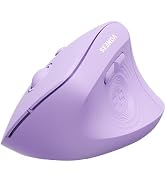
Wireless Mouse and Keyboard