






How do l confirm that the keyboard is at low battery?
The low battery indicator on the keyboard will flash red when the power is too low, until it is turned off. And problems such as response delaying and keys sticking may occur when in low battery.
How do l switch the shortcut keys to multimedia or F1-F12 functions?
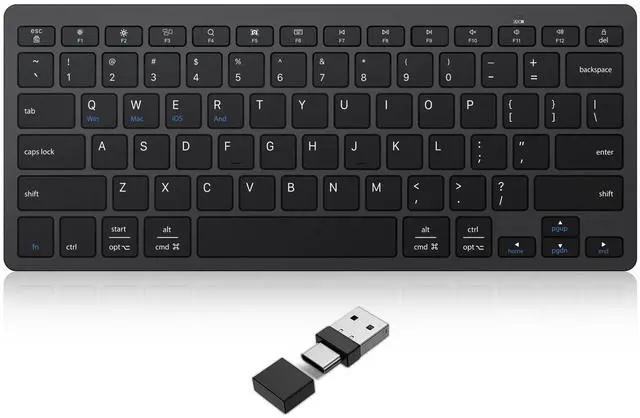
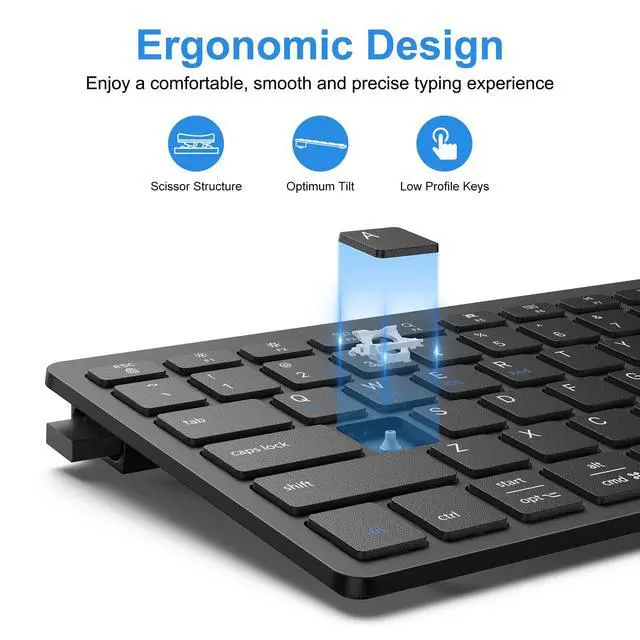
This keyboard is in multimedia functions by default. The F1-F12 functions need to be activated by pressing fn + F1-F12 keys. Or you can activate the fn lock (Press fn + fn Lock key) to use the F1-F12 functions directly.
How about making the product compatible/connected to your device?
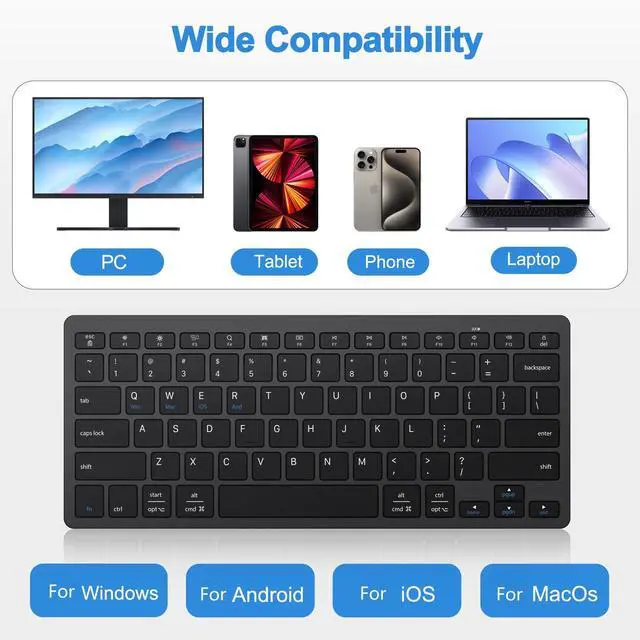
1.Make sure your system is compatible with this product.
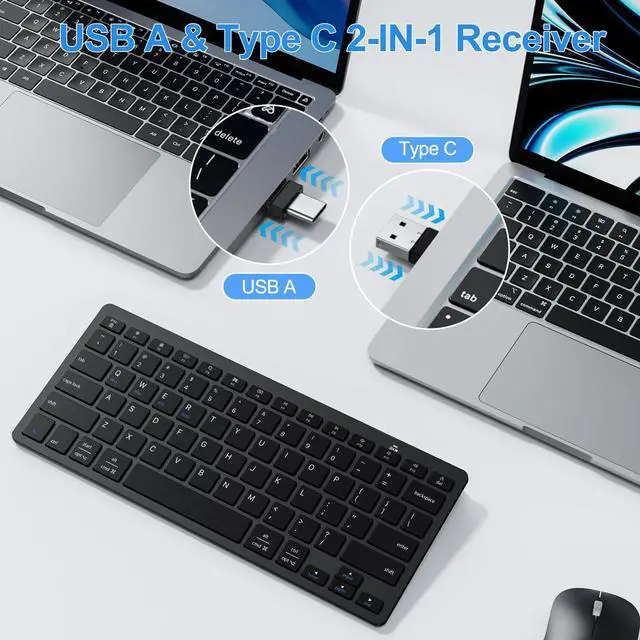
2. Make sure the batteries are brand new as well the receiver is fully inserted into the USB-A or Type-C port;
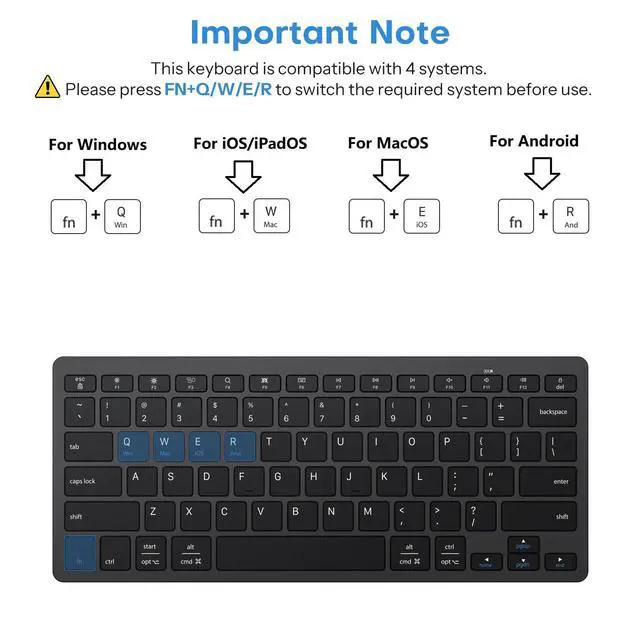
3. Please press the fn+ Q/W/E/R to switch to the corresponding system.
How to Fix Keyboard Typing Multiple Letters on Windows 10?
Click win key> Settings > Ease of Access > Keyboard > find "Use Filter Keys", turn it on.
How to Fix Keyboard Typing Multiple Letters on Mac?
1.On a Mac, choose the Apple menu>"System Preferences", click"Keyboard", and choose the Keyboard tab.
2. Locate the "Key Repeat"slider setting and adjust it to the "Off" position.
Caps Lock does not work properly on iPad?
Please check your Hardware Keyboard setting. Here is how: Click Setting >General > Keyboard > Hardware Keyboard, and Disable "Switch Languages using Caps Lock".
What are the dimensions and weight of this wireless keyboard?
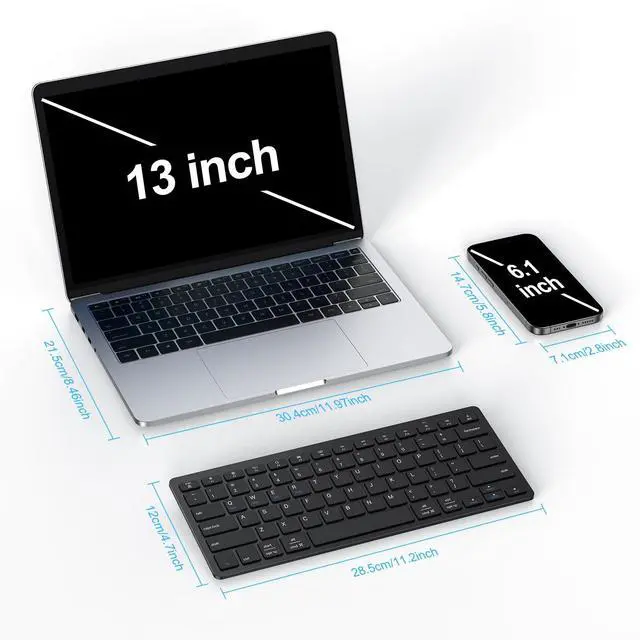
It measures 28.5 cm × 12 cm (11.2" × 4.7") and weighs 260g (0.57 lb).

OMOTON Keyboard & Mouse Series
Different Kinds of keyboard and mouse, such as keyboard for iPad, Mac,foldable; Bluetooth; Wired Keyboard for your needs.
About us
We believe in enhancing everyday life through smart, high-quality products designed for modern living. Born from a passion for innovation and a commitment to excellence, we create solutions that are functional, stylish, and built to last. Our journey began with a simple idea: to make technology and accessories more intuitive, reliable, and enjoyable—because great design should simplify, not complicate.
How did we get our start?
It all begins with a problem to solve and a spark of creativity. We ask: How can we make this better?
What makes our products unique?
? Premium Quality, Always – We meticulously craft every product to ensure durability, performance, and a seamless user experience.
? Relentless Innovation – From ergonomic designs to cutting-edge materials
Why do we love what we do?
Because we see the joy in the details—the perfect angle of a stand, the satisfying click of a keyboard, or the effortless glide of a well-designed accessory.
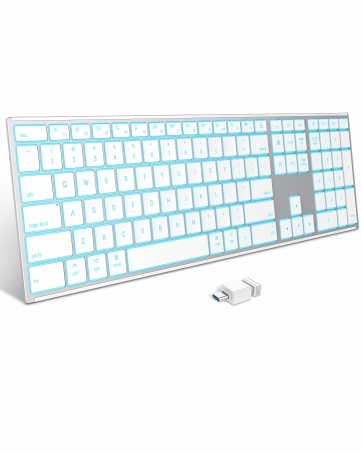
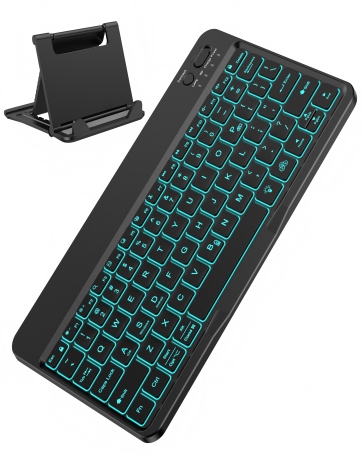
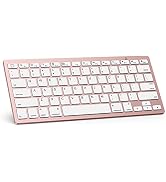
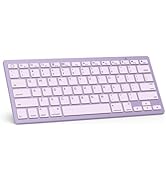
Wireless Keyboard for iPad
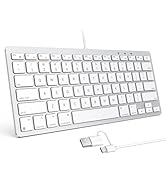
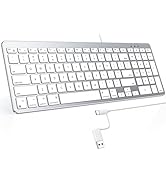
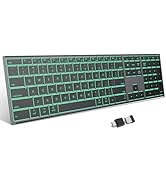
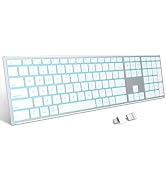
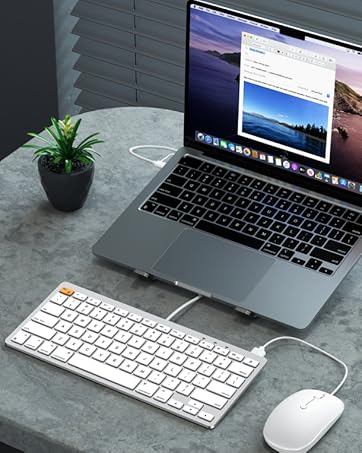
Different Size for Mac
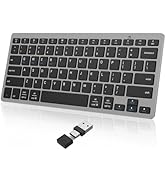
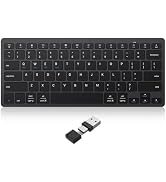
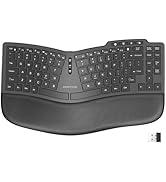
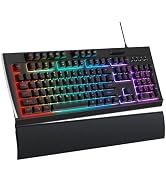
Various Type for Windows


How do l confirm that the keyboard is at low battery?
The low battery indicator on the keyboard will flash red when the power is too low, until it is turned off. And problems such as response delaying and keys sticking may occur when in low battery.
How do l switch the shortcut keys to multimedia or F1-F12 functions?
This keyboard is in multimedia functions by default. The F1-F12 functions need to be activated by pressing fn + F1-F12 keys. Or you can activate the fn lock (Press fn + fn Lock key) to use the F1-F12 functions directly.
How about making the product compatible/connected to your device?
1.Make sure your system is compatible with this product.
2. Make sure the batteries are brand new as well the receiver is fully inserted into the USB-A or Type-C port;
3. Please press the fn+ Q/W/E/R to switch to the corresponding system.
How to Fix Keyboard Typing Multiple Letters on Windows 10?
Click win key> Settings > Ease of Access > Keyboard > find "Use Filter Keys", turn it on.
How to Fix Keyboard Typing Multiple Letters on Mac?
1.On a Mac, choose the Apple menu>"System Preferences", click"Keyboard", and choose the Keyboard tab.
2. Locate the "Key Repeat"slider setting and adjust it to the "Off" position.
Caps Lock does not work properly on iPad?
Please check your Hardware Keyboard setting. Here is how: Click Setting >General > Keyboard > Hardware Keyboard, and Disable "Switch Languages using Caps Lock".
What are the dimensions and weight of this wireless keyboard?
It measures 28.5 cm × 12 cm (11.2" × 4.7") and weighs 260g (0.57 lb).
OMOTON Keyboard & Mouse Series
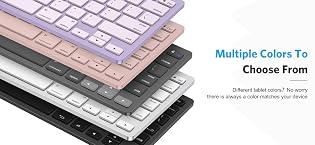
Different Kinds of keyboard and mouse, such as keyboard for iPad, Mac,foldable; Bluetooth; Wired Keyboard for your needs.
About us
We believe in enhancing everyday life through smart, high-quality products designed for modern living. Born from a passion for innovation and a commitment to excellence, we create solutions that are functional, stylish, and built to last. Our journey began with a simple idea: to make technology and accessories more intuitive, reliable, and enjoyable—because great design should simplify, not complicate.
How did we get our start?
It all begins with a problem to solve and a spark of creativity. We ask: How can we make this better?
What makes our products unique?
? Premium Quality, Always – We meticulously craft every product to ensure durability, performance, and a seamless user experience.
? Relentless Innovation – From ergonomic designs to cutting-edge materials
Why do we love what we do?
Because we see the joy in the details—the perfect angle of a stand, the satisfying click of a keyboard, or the effortless glide of a well-designed accessory.
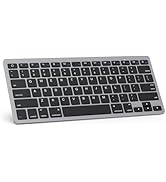
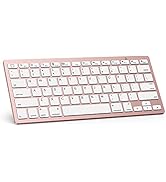
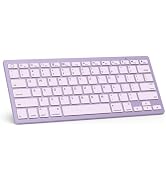
Wireless Keyboard for iPad
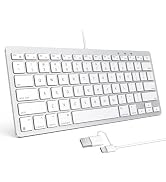
Different Size for Mac
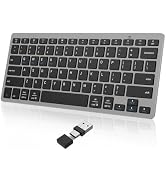
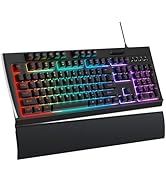
Various Type for Windows
