









What's the sleeping mode of this mouse? (At this time,cursor cannot move)
This product goes into sleep mode when the ring mouse is not operated for a while.It will take a few seconds to recover when the button is pressed.
The ring mouse is recognized and connected, but does not work.
Please check if the Bluetooth device driver of your PC is not updated and try again.
The ring mouse(mouse cursor)does not move.
1. Check if the pairing (connection)is disconnected; 2. Check if the ring mouse has power; 3. Check if the power switch is turned ON.
Did not receive a USB receiver.
This product is a Bluetooth ring mouse, which connects wirelessly through a Bluetooth channel, and therefore does not come with a USB receiver. Your device needs to support Bluetooth functionality.
Why i feel the cusor jumpy or hard to maneuver precisely?
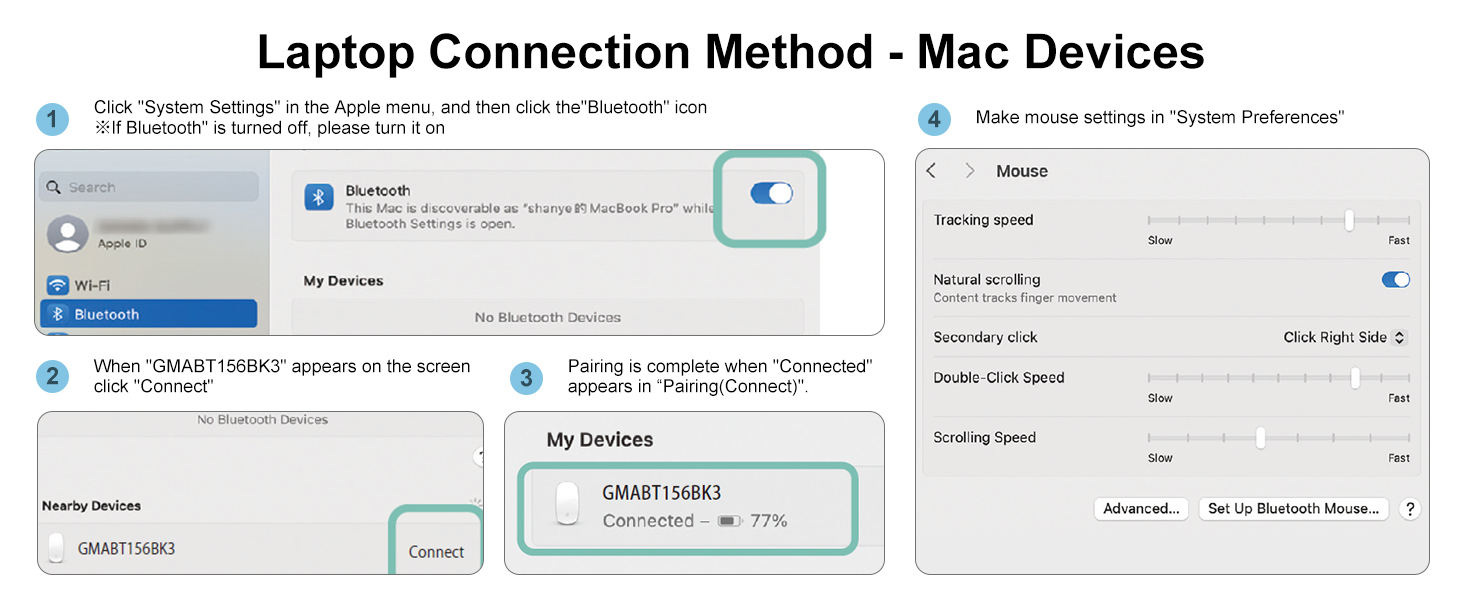
The 156BK3's cursor speed is factory preset. Adjust your original mouse's DPI to change 156BK3's speed(auto-detects new DPI). If the preset speed isn’t suitable, you can manually adjust it in computer settings. See the A+ page for details.


At SANWA, we create solutions that make life more comfortable and satisfying, whether at work or at home. Our products are designed to be functional, high-quality, and stylish, making your spaces for family, friends, and colleagues more comfortable and enjoyable.
Our Philosophy
- Think People First
- Create with Empathy
- Growing together

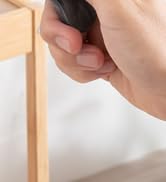
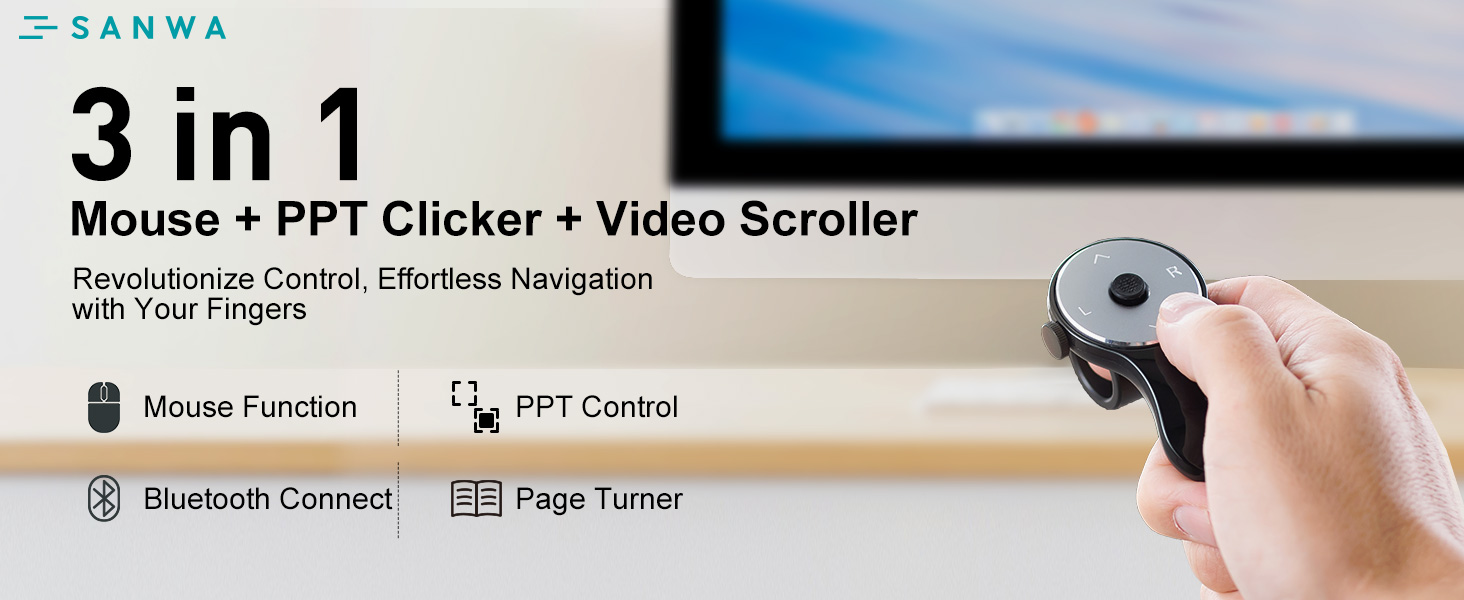
Fingers Fly, Tasks Done.
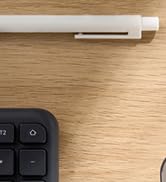

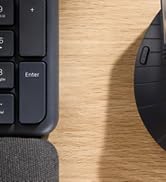
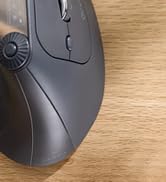
Twist. Click. Command.
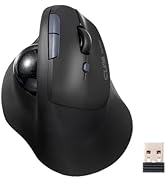
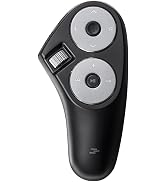
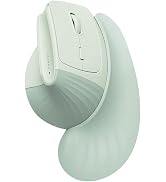

Hot Pick
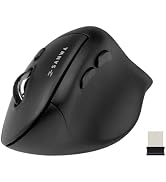
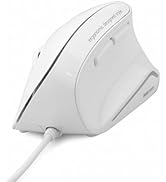
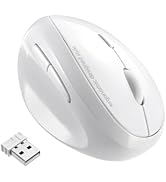
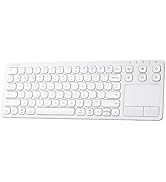
Ergonomic Mouse & Keyboard




Colorful Precision at Play.


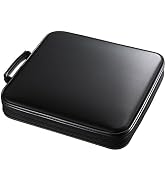
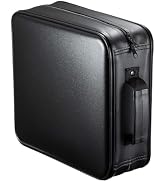
DVD / CD Case
What problem are we solving?
We make life more comfortable by addressing everyday needs and evolving with changing times.
What makes our products unique?
Our products are designed with empathy, focusing on functionality, quality, and creating a WOW experience. We make items that feel essential and delightful to use.
Why do we love what we do?
We’re passionate about improving lives through thoughtful design. Seeing our products bring comfort and happiness makes every effort worthwhile.
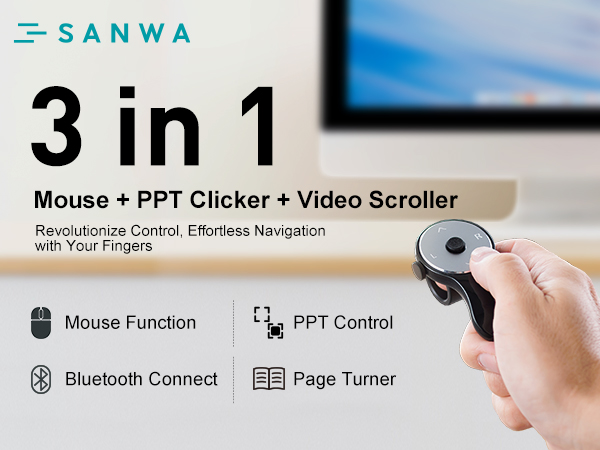

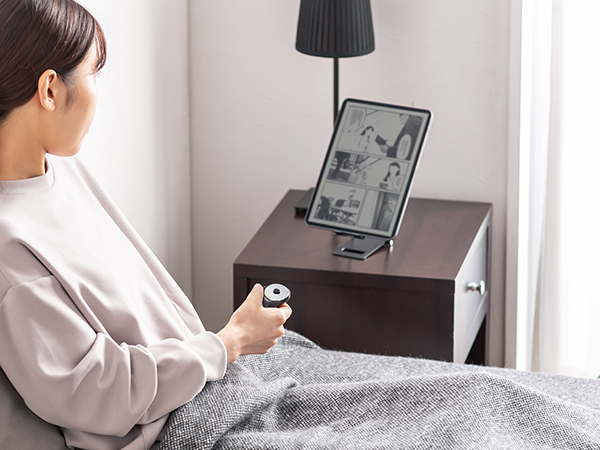


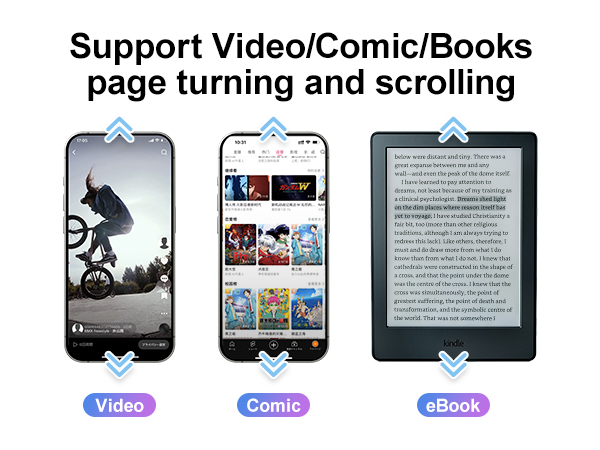
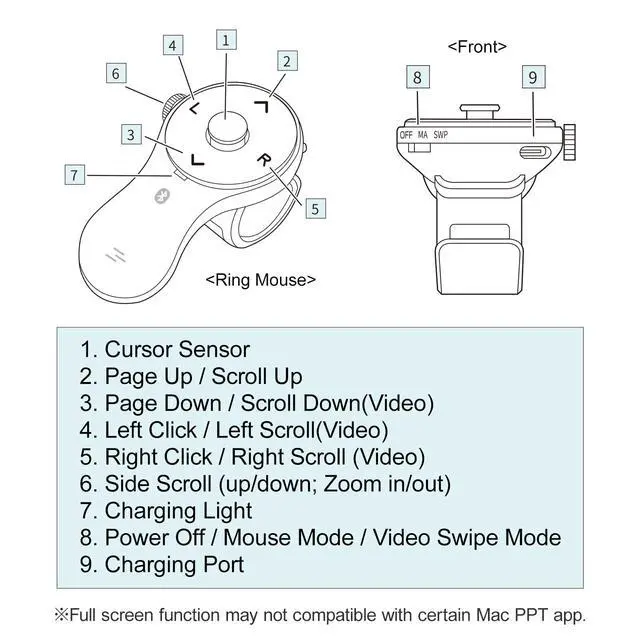
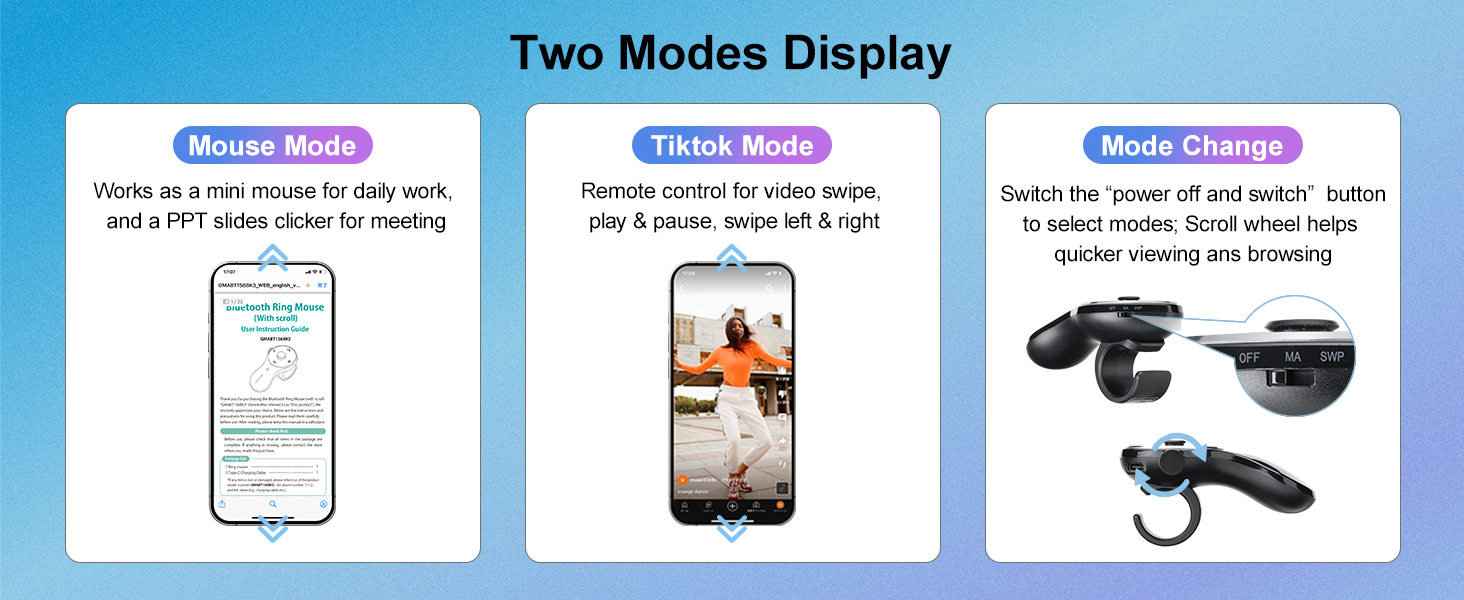
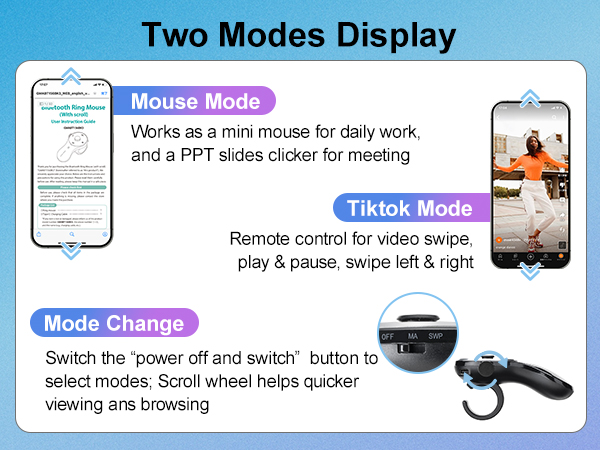
Two Modes Display
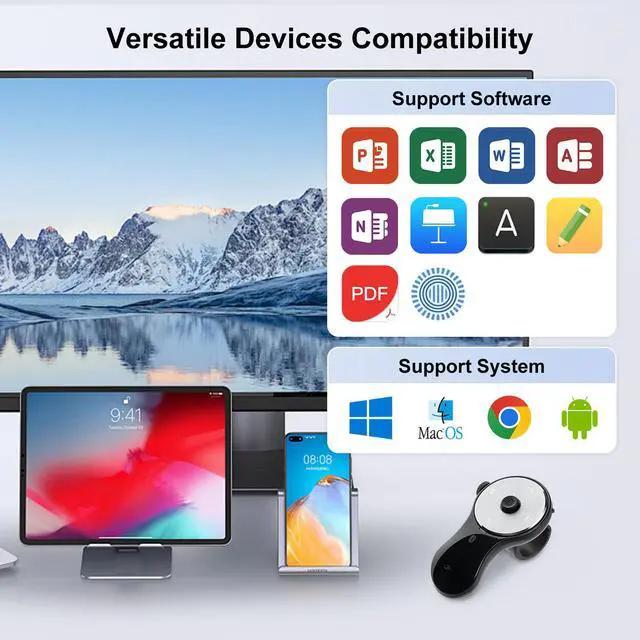
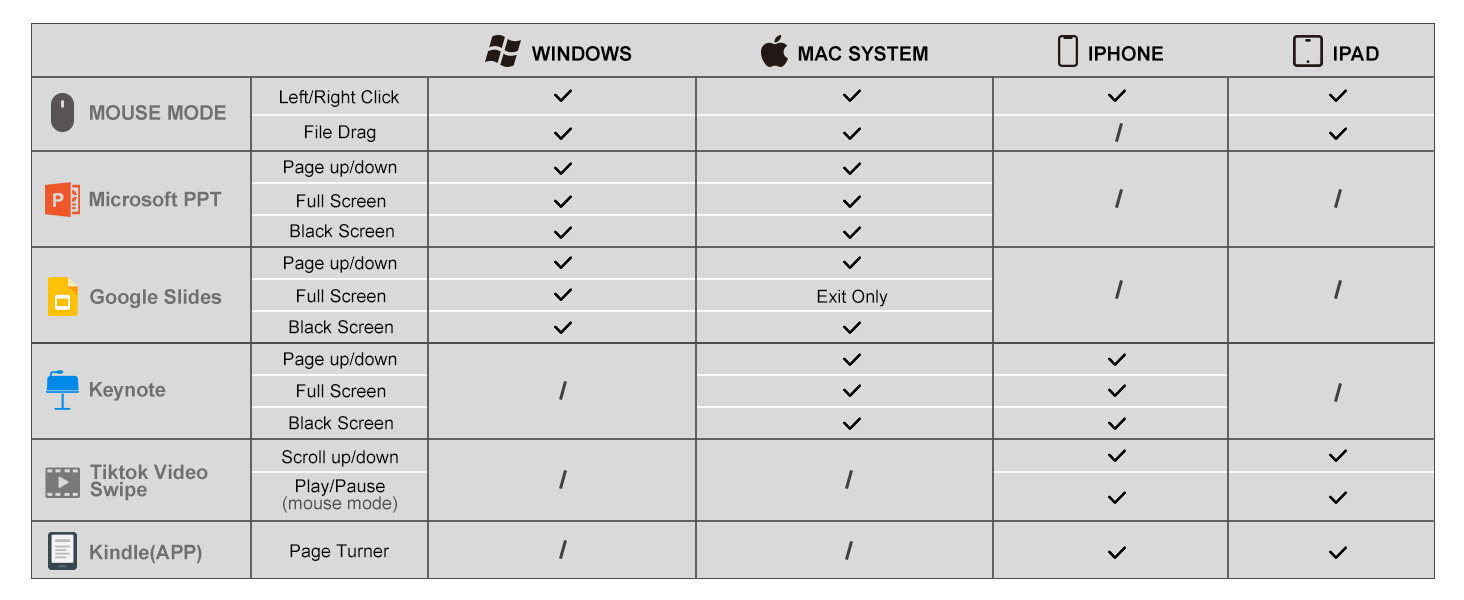
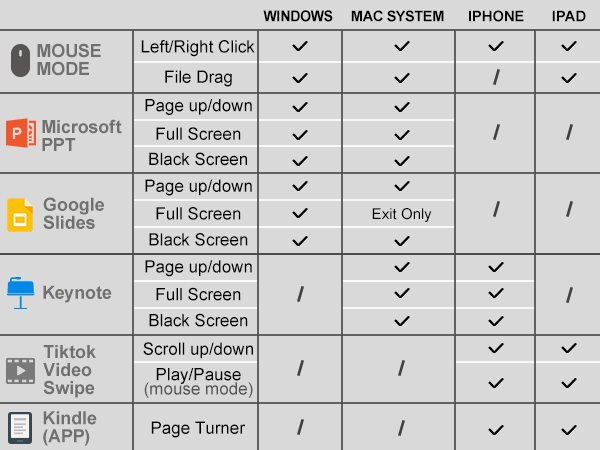
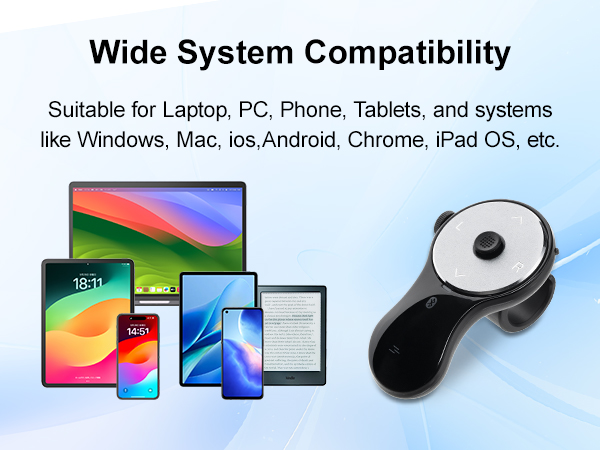
Compatible System & Device
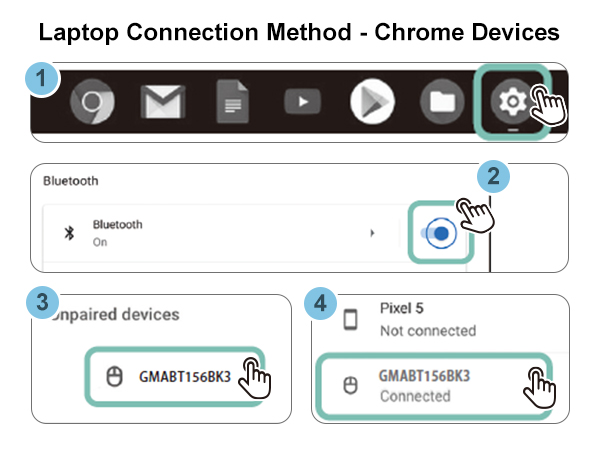
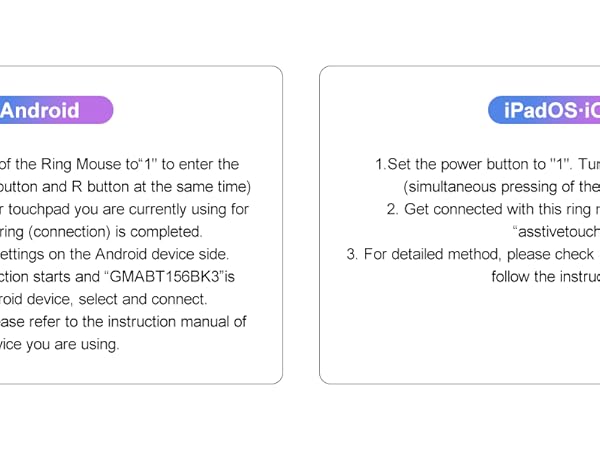
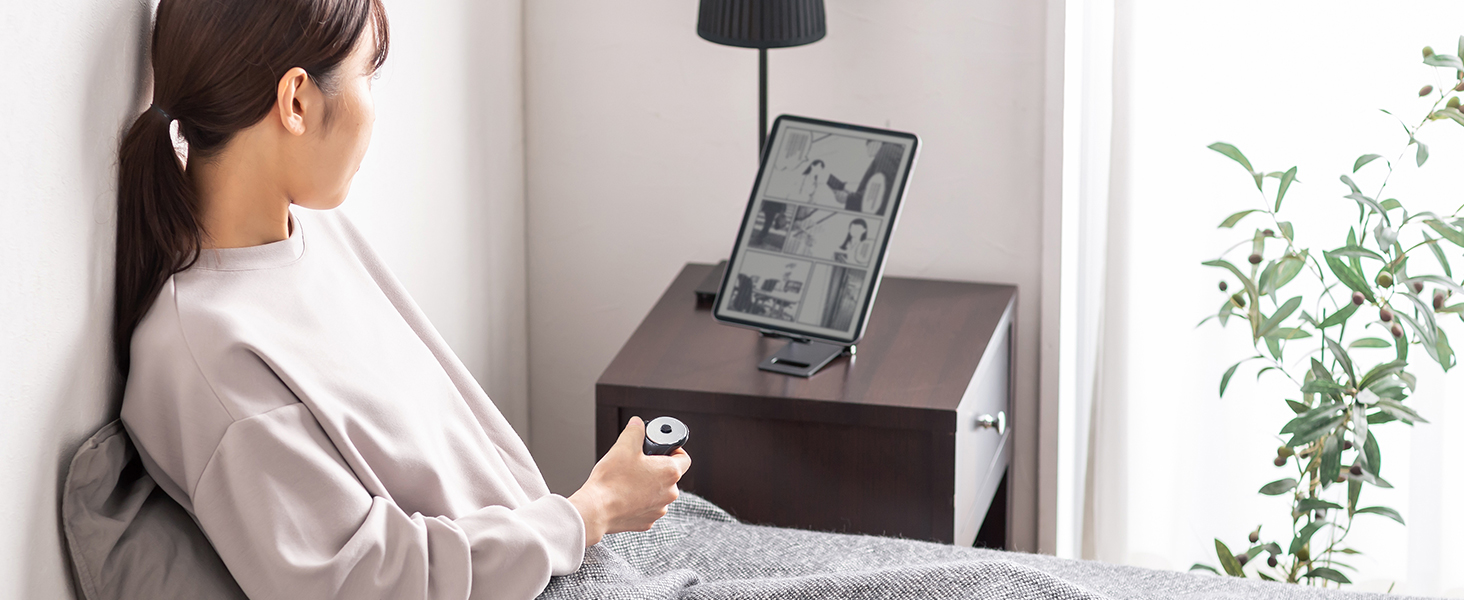
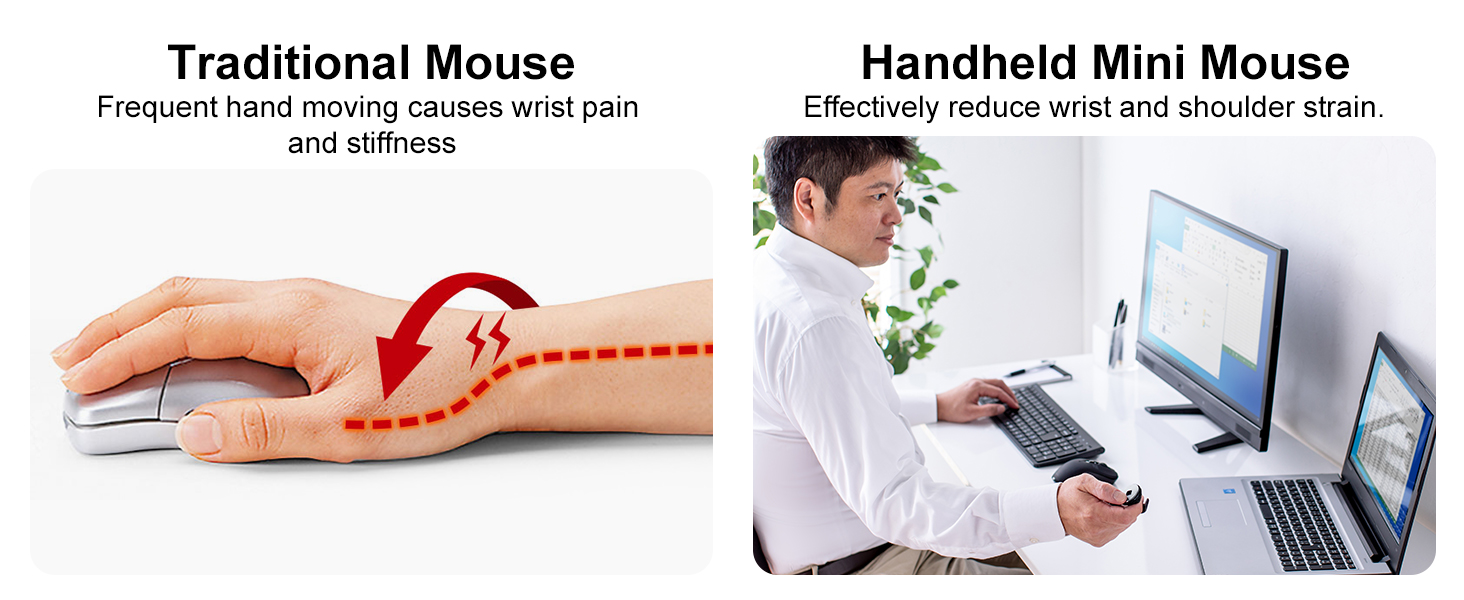
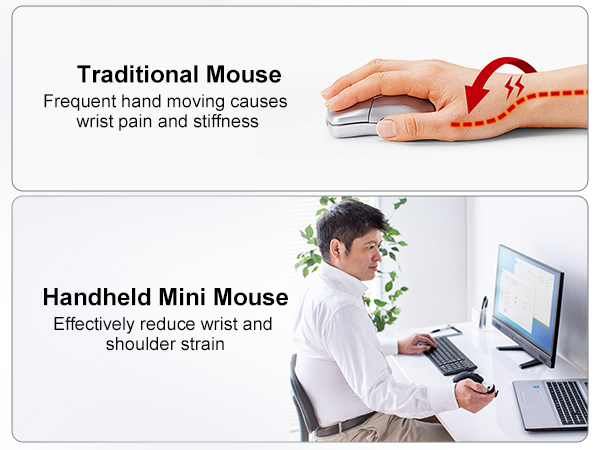
Ergonomic Design
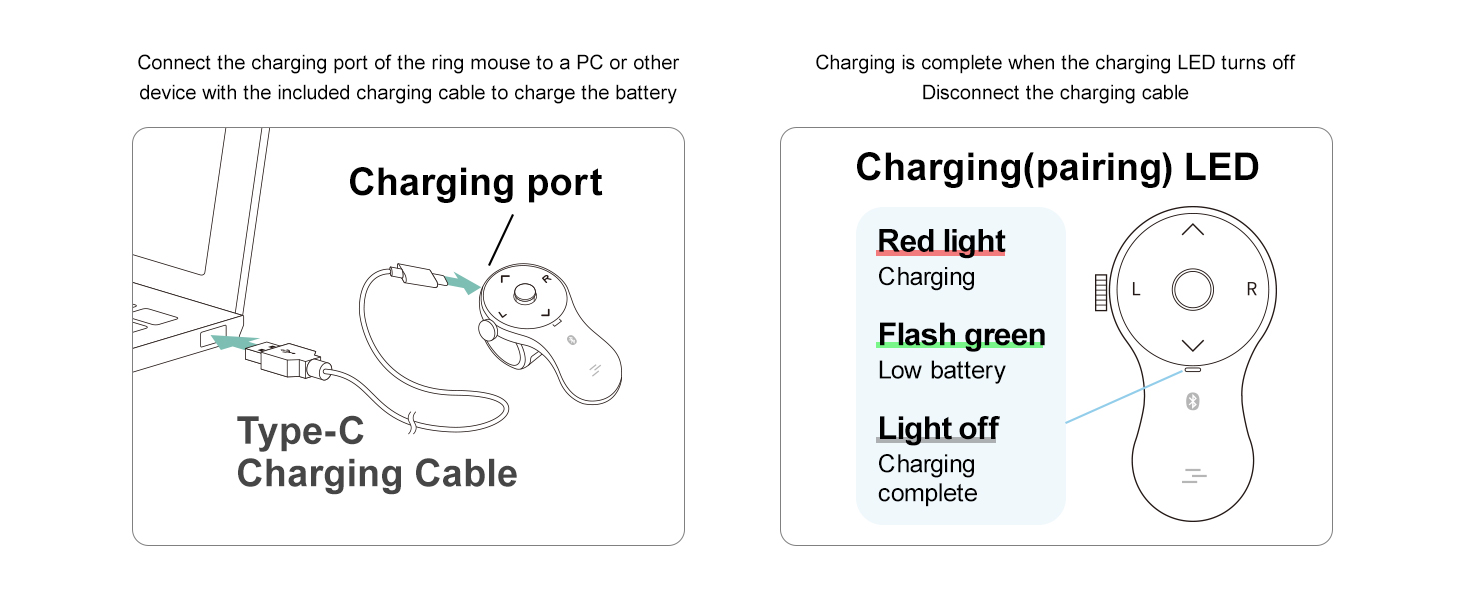
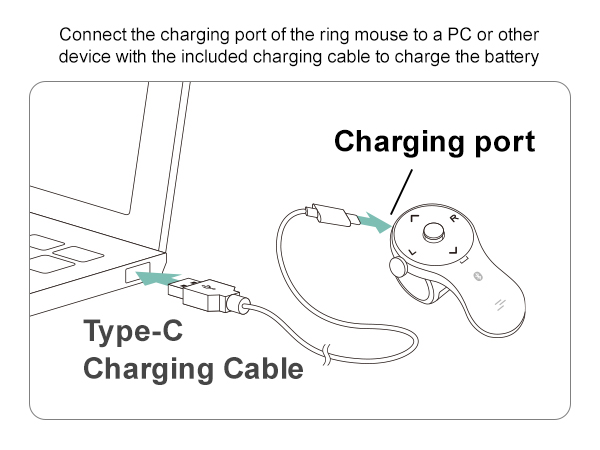
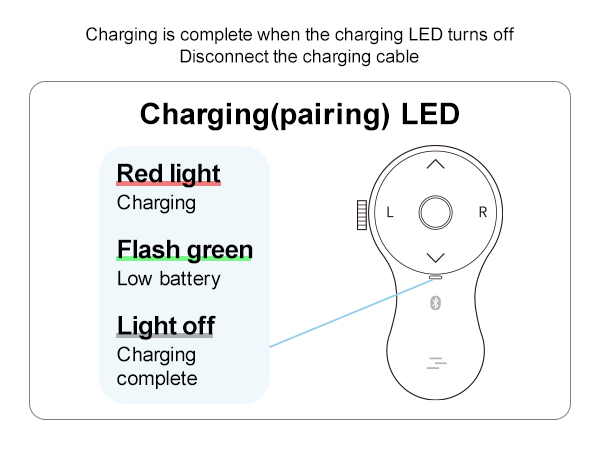
Charging LEDs
Charging Lights
What's the sleeping mode of this mouse? (At this time,cursor cannot move)
This product goes into sleep mode when the ring mouse is not operated for a while.It will take a few seconds to recover when the button is pressed.
The ring mouse is recognized and connected, but does not work.
Please check if the Bluetooth device driver of your PC is not updated and try again.
The ring mouse(mouse cursor)does not move.
1. Check if the pairing (connection)is disconnected; 2. Check if the ring mouse has power; 3. Check if the power switch is turned ON.
Did not receive a USB receiver.
This product is a Bluetooth ring mouse, which connects wirelessly through a Bluetooth channel, and therefore does not come with a USB receiver. Your device needs to support Bluetooth functionality.
Why i feel the cusor jumpy or hard to maneuver precisely?
The 156BK3's cursor speed is factory preset. Adjust your original mouse's DPI to change 156BK3's speed(auto-detects new DPI). If the preset speed isn’t suitable, you can manually adjust it in computer settings. See the A+ page for details.
At SANWA, we create solutions that make life more comfortable and satisfying, whether at work or at home. Our products are designed to be functional, high-quality, and stylish, making your spaces for family, friends, and colleagues more comfortable and enjoyable.
Our Philosophy
- Think People First
- Create with Empathy
- Growing together
Fingers Fly, Tasks Done.
Twist. Click. Command.
Hot Pick
Ergonomic Mouse & Keyboard
Colorful Precision at Play.


DVD / CD Case
What problem are we solving?
We make life more comfortable by addressing everyday needs and evolving with changing times.
What makes our products unique?
Our products are designed with empathy, focusing on functionality, quality, and creating a WOW experience. We make items that feel essential and delightful to use.
Why do we love what we do?
We’re passionate about improving lives through thoughtful design. Seeing our products bring comfort and happiness makes every effort worthwhile.
