





See Clearly. Record Reliably. Drive Confidently.

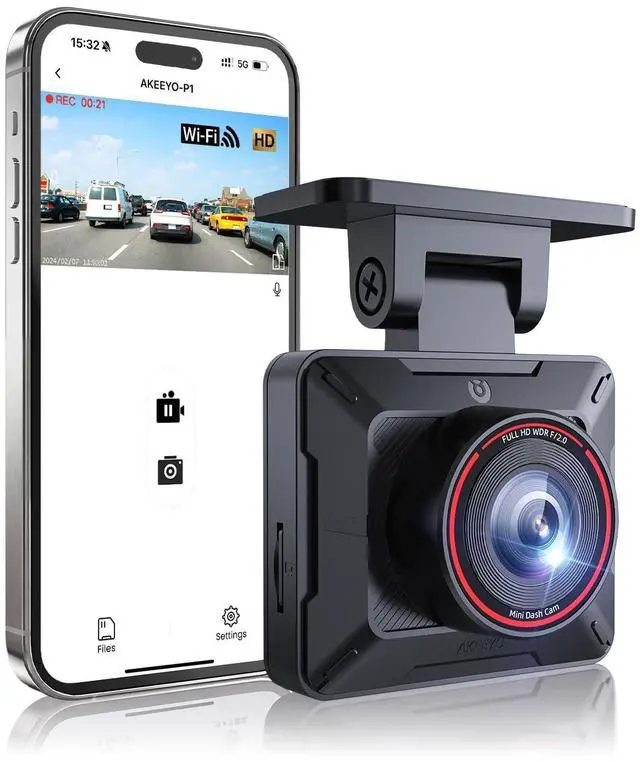
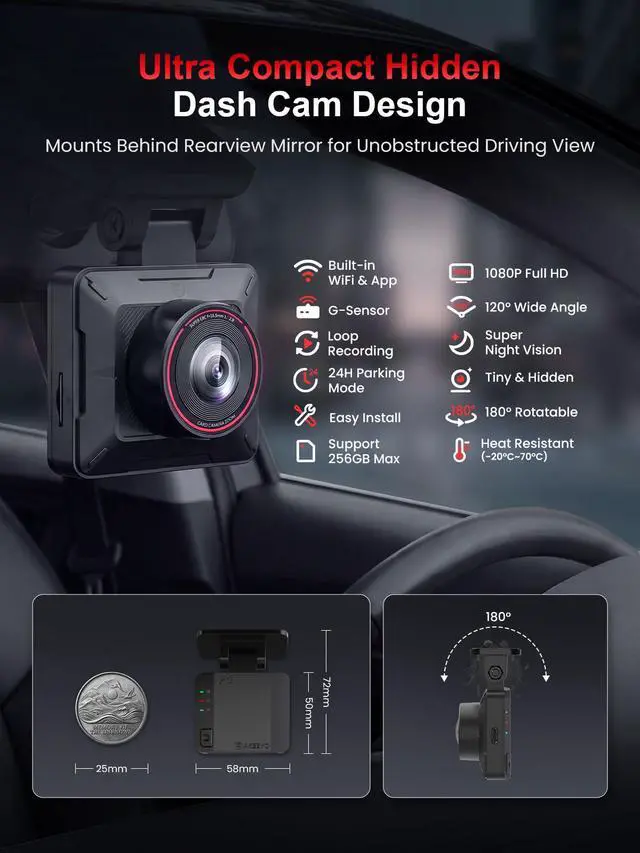
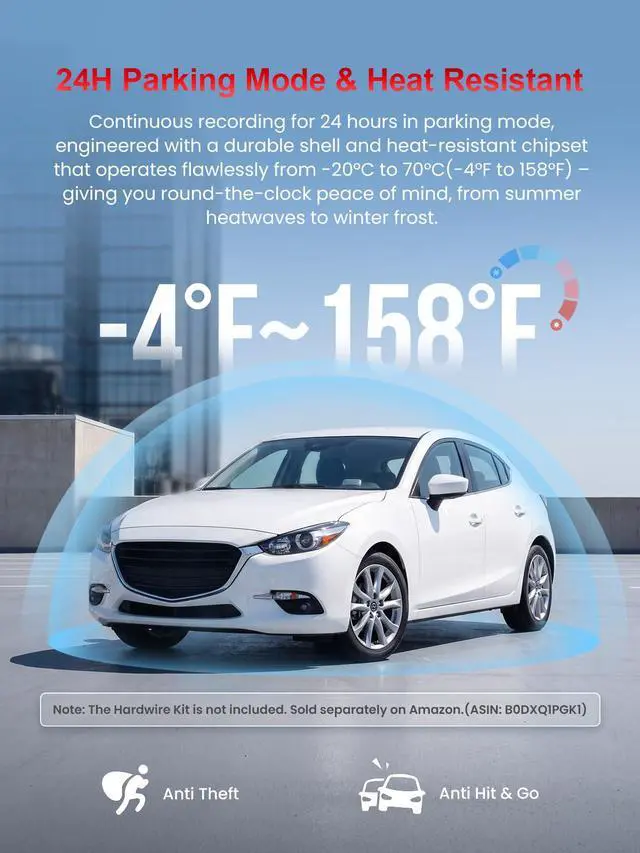
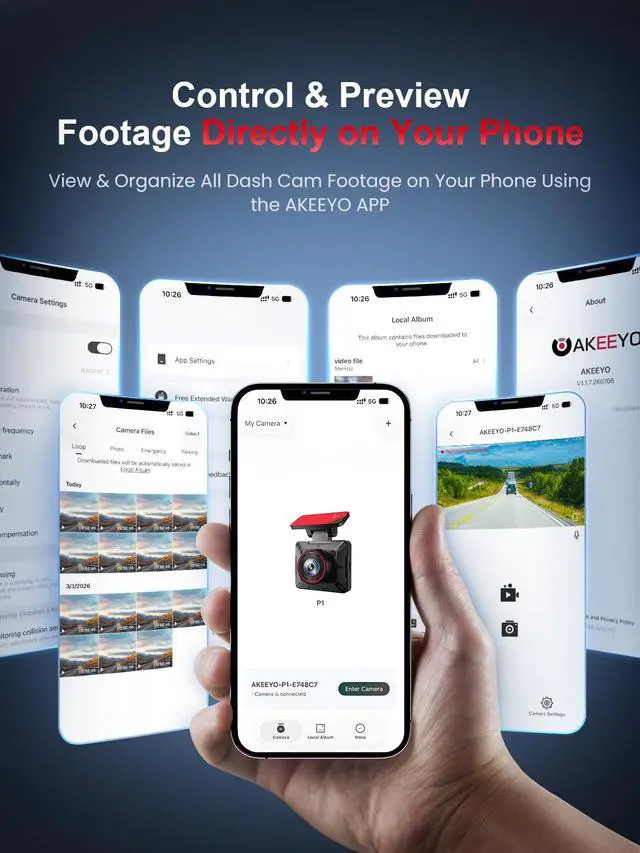
Ditch the blind spots, overheating, and guesswork. AKEEYO P1 delivers 1080P HD night vision, heat-resistant durability, and WiFi app control in a tiny hidden cam. Get clear proof in seconds—fender bender or parking ding. Drive covered 24/7.
Bright Sun. Dark Tunnel. Clear Footage.

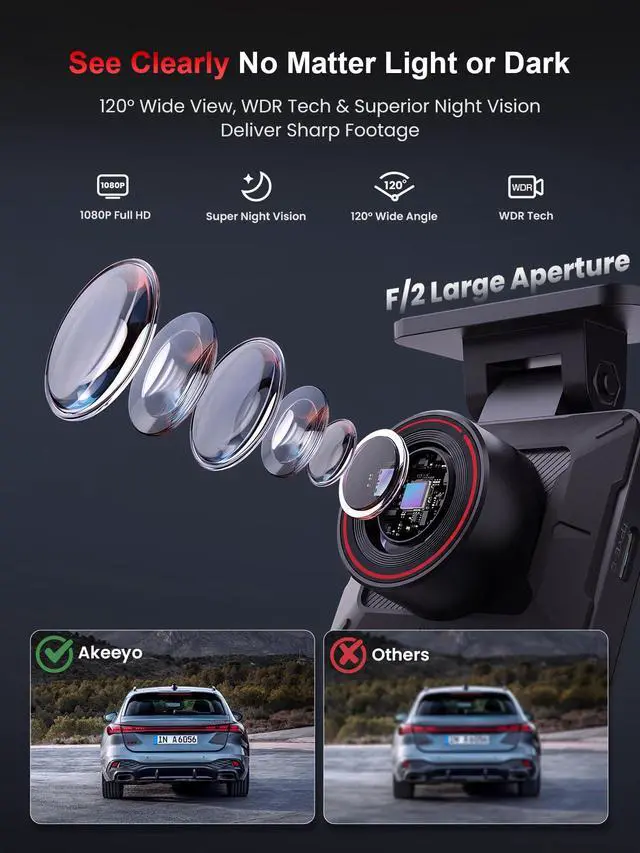
WDR technology balances extreme contrast frame by frame. License plates stay readable in blinding glare or pitch-black streets—no overexposure, no blackouts. Just clear, usable evidence in every lighting condition.


Crystal Clear. Every Detail. Every Moment.

Whether you're cruising on the highway or navigating city traffic, 1080P Full HD at 30fps delivers smooth, detailed footage that keeps up with your drive. Read signs, spot plates, and capture faces clearly—because when it matters, blurry footage isn't an option.


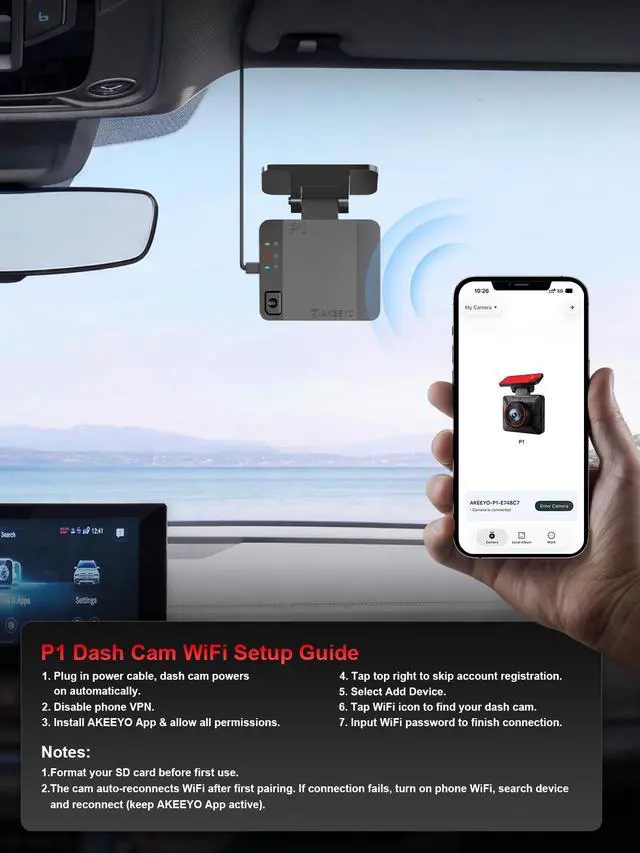
Smartphone WiFi Connection Steps
Smartphone WiFi Connection Steps
I can detect WiFi, but when I go to the app it says “Unable to connect”. /WiFi connection problem.
To ensure a successful connection , please make sure to check the "Privacy Consent" option during the setup process. Failure to select this option result in an inability to establish the connection.
Note that are not related to product quality.
The recording indicator light flashes red frequently and quickly.
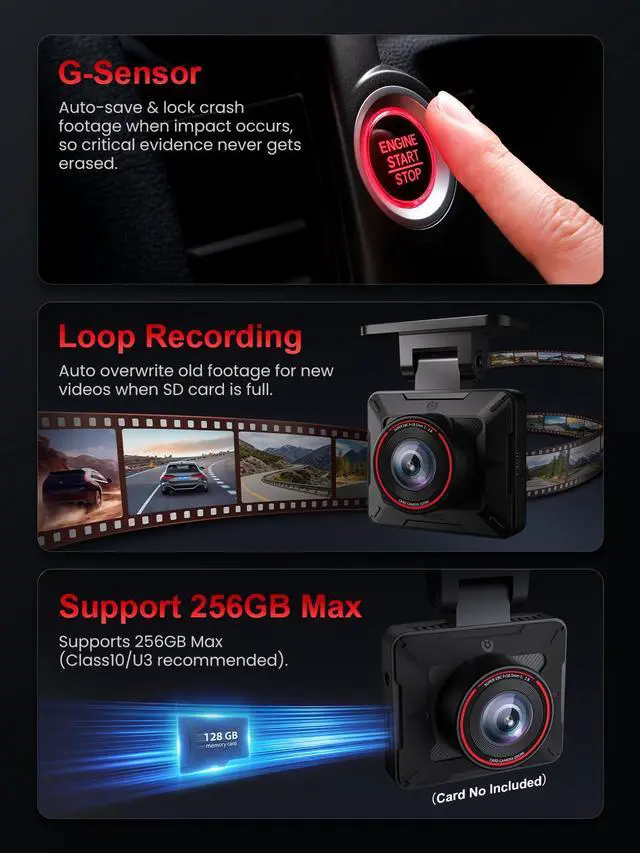
When the red indicator flashes quickly, it indicates that the G-sensor has been activated and emergency recording is in progress.
If this flashing occurs frequently, set the G-sensor sensitivity to "low sensitivity" or set it to "off."
The unit won't power on.
This product is not compatible with fast chargers or Type-C to Type-C cables.
Please be sure to use the included Type-A to Type-C cable.
Can't connect to wifi after changing wifi name?
Please try to press and hold the power button for five seconds to reset, or upgrade the firmware(via e m a i l).
When I play back the recorded file on my PC, green noise frequently appears throughout the file.
The issue occurs as emergency recording activates when the G-sensor detects an impact. Mode switching may briefly show green noise. If frequent, try disabling the G-sensor to reduce noise.


AKEEYO dash cams offer cut-ting-edge technologythat captureshigh-definition video footage oftheroad ahead, ensuring clear and de-tailed recordings of every journey.
With AKEEYO dash cam, every jour-ney becomes a safer and moresecure experience, allowing drivers toenjoythe road while knowing theyhave a trustworthyand reliable com-panion capturing every moment.

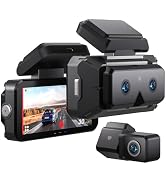
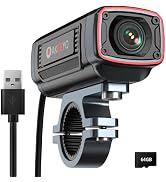
AKEEYO's PRODUCT
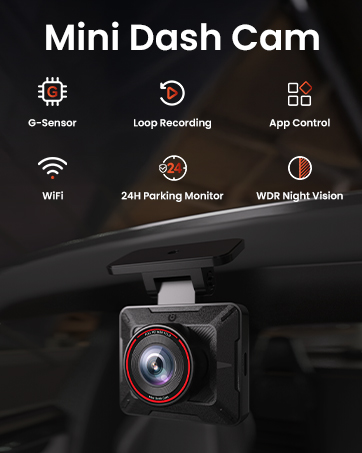

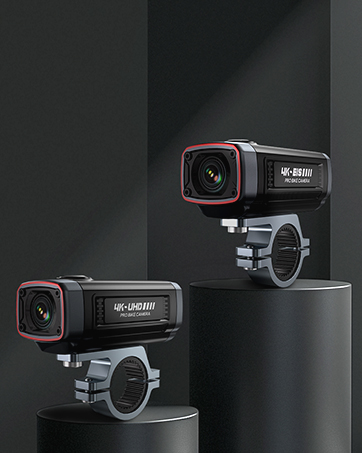
See Clearly. Record Reliably. Drive Confidently.

Ditch the blind spots, overheating, and guesswork. AKEEYO P1 delivers 1080P HD night vision, heat-resistant durability, and WiFi app control in a tiny hidden cam. Get clear proof in seconds—fender bender or parking ding. Drive covered 24/7.
Bright Sun. Dark Tunnel. Clear Footage.

WDR technology balances extreme contrast frame by frame. License plates stay readable in blinding glare or pitch-black streets—no overexposure, no blackouts. Just clear, usable evidence in every lighting condition.


Crystal Clear. Every Detail. Every Moment.
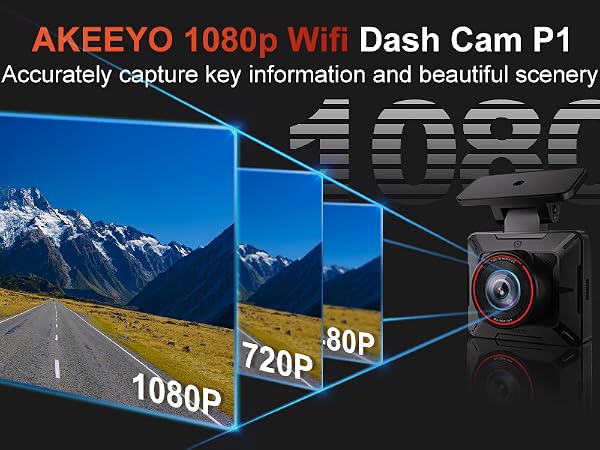
Whether you're cruising on the highway or navigating city traffic, 1080P Full HD at 30fps delivers smooth, detailed footage that keeps up with your drive. Read signs, spot plates, and capture faces clearly—because when it matters, blurry footage isn't an option.


Smartphone WiFi Connection Steps
Smartphone WiFi Connection Steps
I can detect WiFi, but when I go to the app it says “Unable to connect”. /WiFi connection problem.
To ensure a successful connection , please make sure to check the "Privacy Consent" option during the setup process. Failure to select this option result in an inability to establish the connection.
Note that are not related to product quality.
The recording indicator light flashes red frequently and quickly.
When the red indicator flashes quickly, it indicates that the G-sensor has been activated and emergency recording is in progress.
If this flashing occurs frequently, set the G-sensor sensitivity to "low sensitivity" or set it to "off."
The unit won't power on.
This product is not compatible with fast chargers or Type-C to Type-C cables.
Please be sure to use the included Type-A to Type-C cable.
Can't connect to wifi after changing wifi name?
Please try to press and hold the power button for five seconds to reset, or upgrade the firmware(via e m a i l).
When I play back the recorded file on my PC, green noise frequently appears throughout the file.
The issue occurs as emergency recording activates when the G-sensor detects an impact. Mode switching may briefly show green noise. If frequent, try disabling the G-sensor to reduce noise.
AKEEYO dash cams offer cut-ting-edge technologythat captureshigh-definition video footage oftheroad ahead, ensuring clear and de-tailed recordings of every journey.
With AKEEYO dash cam, every jour-ney becomes a safer and moresecure experience, allowing drivers toenjoythe road while knowing theyhave a trustworthyand reliable com-panion capturing every moment.
AKEEYO's PRODUCT