






Can I go out without an Ethernet cable and just bring this adapter?
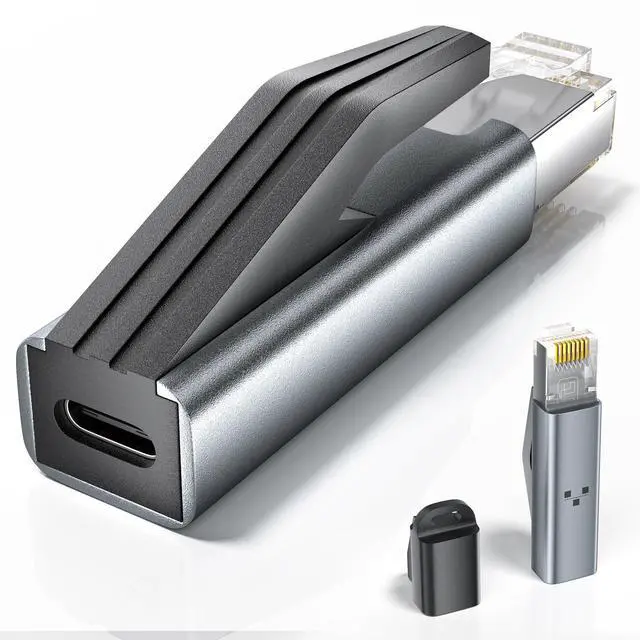
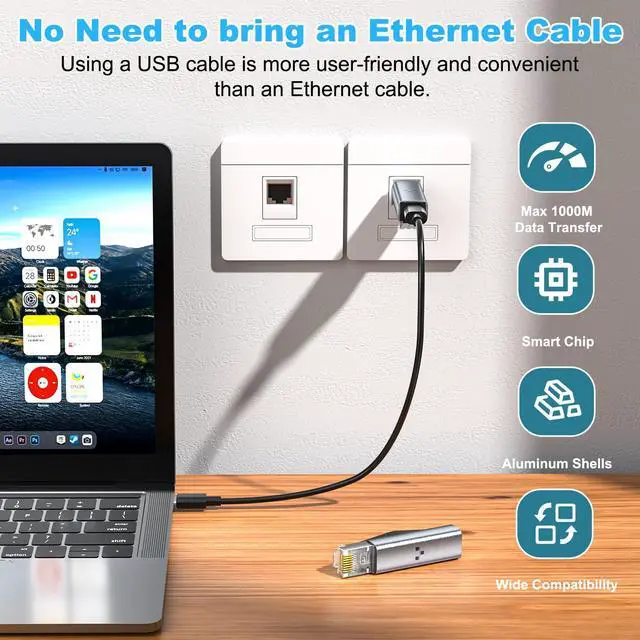
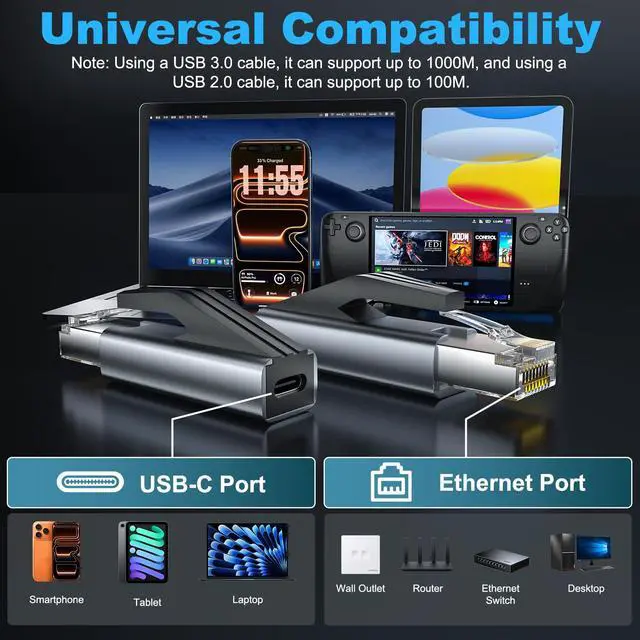
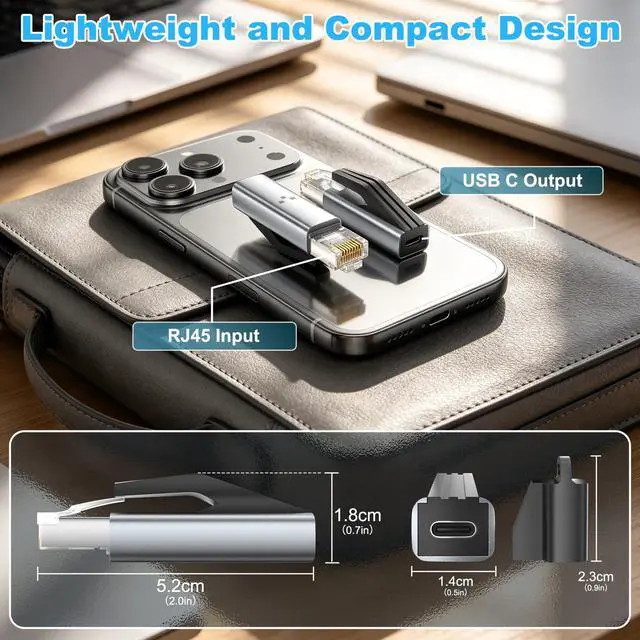
Yes, PonJel RJ45 Adapter breaking through the concept of traditional adapters, adopting RJ45 male USB-C female design, easily access the Internet through USBC to C or A to C cable. Note:Compatible with USB4.0/3.2/3.1/3.0 and Thunderbolt 3/4/5 cables.
I’m not getting the expected network speed with this RJ45 adapter. What should I do?
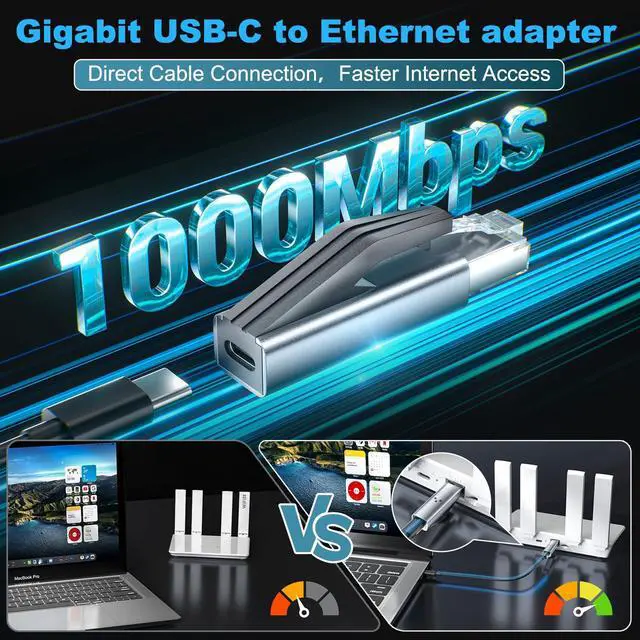
Please make sure your router, cables, and internet plan all support Gigabit speeds. Use a USB 3.0, USB 3.1, or higher-spec USBC cable to connect directly to the RJ45-to-USBC adapter. If necessary, try using a different Type-C/Ethernet port or device.
Where do I need to download and install the driver to use the Ethernet adapter?
Setup is quick and simple with plug-and-play functionality. Just connect the Ethernet to USB-C adapter (RJ45 to USB C Ethernet adapter) to your device, and you're good to go—no additional drivers or software required.
What devices can I use this Ethernet to USBC adapter with? Can I use it with a cell phone?
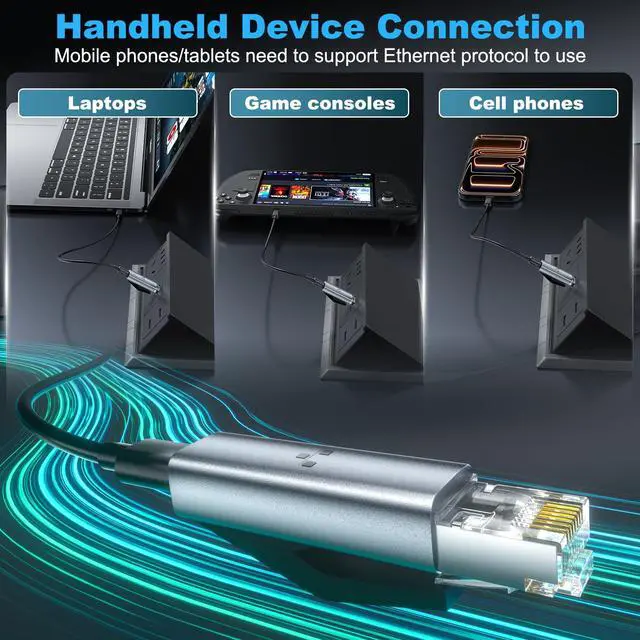
This 1Gbps Gigabit USB C Ethernet Hub is fully compatible with most laptops, tablets, smartphones, Switch, and Steam Deck with USB-C or thunderbolt 4/3 port, like MacBook Pro/Air, XPS, iPhone 16 Pro/Max, XPS, Mac Mini, Surface, Chromebook, iPad, etc.
If I have any other questions I'd like to know, could you answer them?
Sure, if you have any questions about our products, you can send a message at any time, and our Ponjel Team will reply within 24 hours.


Can I go out without an Ethernet cable and just bring this adapter?
Yes, PonJel RJ45 Adapter breaking through the concept of traditional adapters, adopting RJ45 male USB-C female design, easily access the Internet through USBC to C or A to C cable. Note:Compatible with USB4.0/3.2/3.1/3.0 and Thunderbolt 3/4/5 cables.
I’m not getting the expected network speed with this RJ45 adapter. What should I do?
Please make sure your router, cables, and internet plan all support Gigabit speeds. Use a USB 3.0, USB 3.1, or higher-spec USBC cable to connect directly to the RJ45-to-USBC adapter. If necessary, try using a different Type-C/Ethernet port or device.
Where do I need to download and install the driver to use the Ethernet adapter?
Setup is quick and simple with plug-and-play functionality. Just connect the Ethernet to USB-C adapter (RJ45 to USB C Ethernet adapter) to your device, and you're good to go—no additional drivers or software required.
What devices can I use this Ethernet to USBC adapter with? Can I use it with a cell phone?
This 1Gbps Gigabit USB C Ethernet Hub is fully compatible with most laptops, tablets, smartphones, Switch, and Steam Deck with USB-C or thunderbolt 4/3 port, like MacBook Pro/Air, XPS, iPhone 16 Pro/Max, XPS, Mac Mini, Surface, Chromebook, iPad, etc.
If I have any other questions I'd like to know, could you answer them?
Sure, if you have any questions about our products, you can send a message at any time, and our Ponjel Team will reply within 24 hours.


