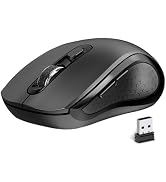
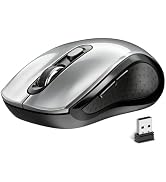
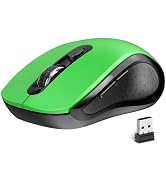
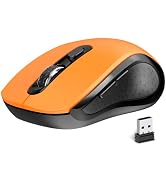
here!
here!
I’m your shopping assistant for PC builds, upgrades, and everything tech.
Got questions? Ask away!
Start a conversation
here!
I’m your shopping assistant for PC builds, upgrades, and everything tech.
Got questions? Ask away!
Start a conversation




Any questions? Ask CelesteSM will help you find out quickly.
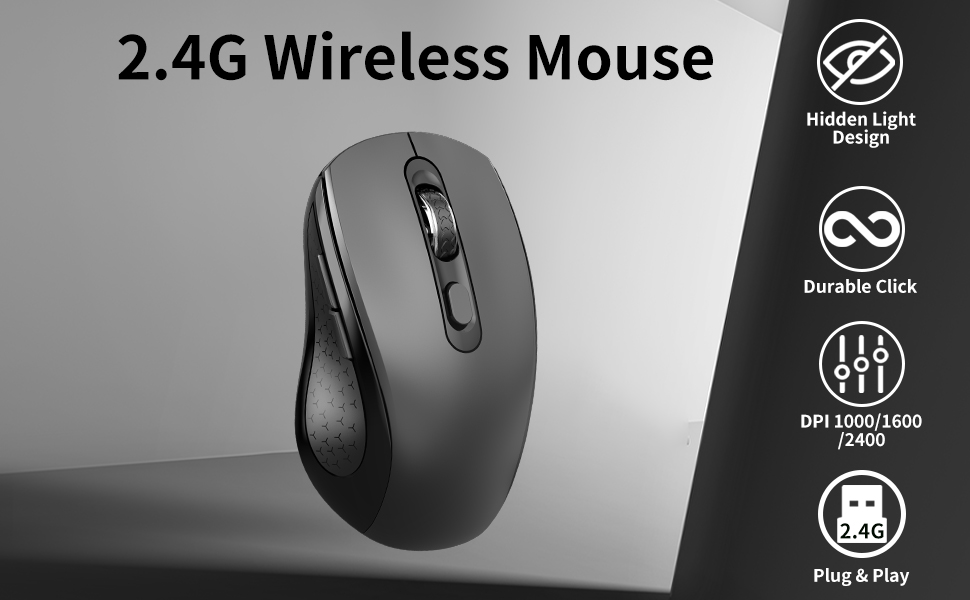
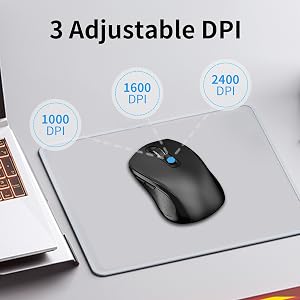
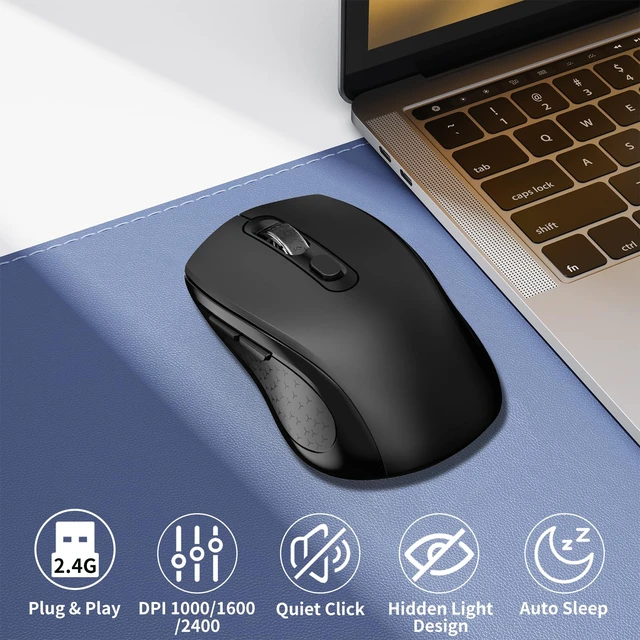
After clicking the DPI button, the middle mouse button flashes once to indicate 1000DPI, flashes twice to indicate 1600DPI, and flashes three times to indicate 2400DPI.
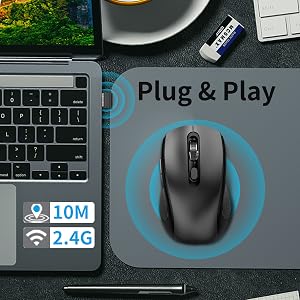
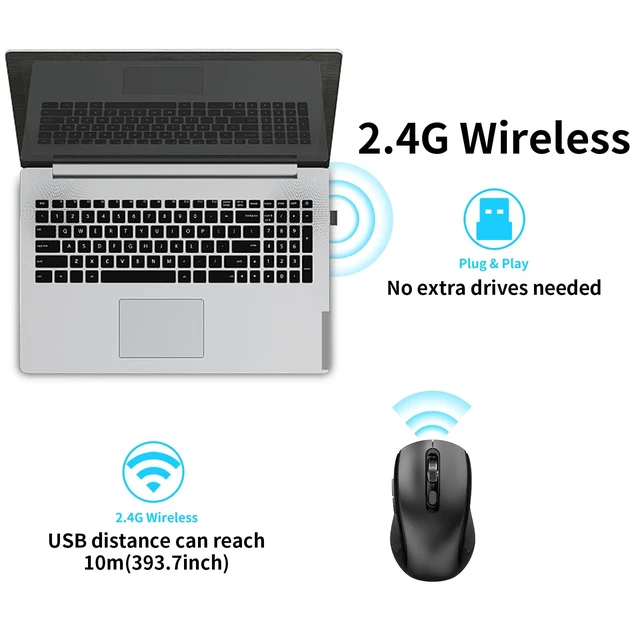
Easy to operate, no need to install any drivers, plug in USB, turn on the switch to complete the connection.
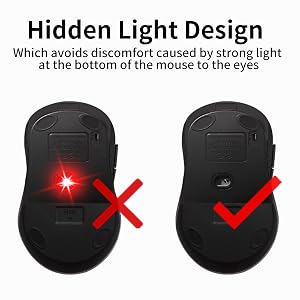
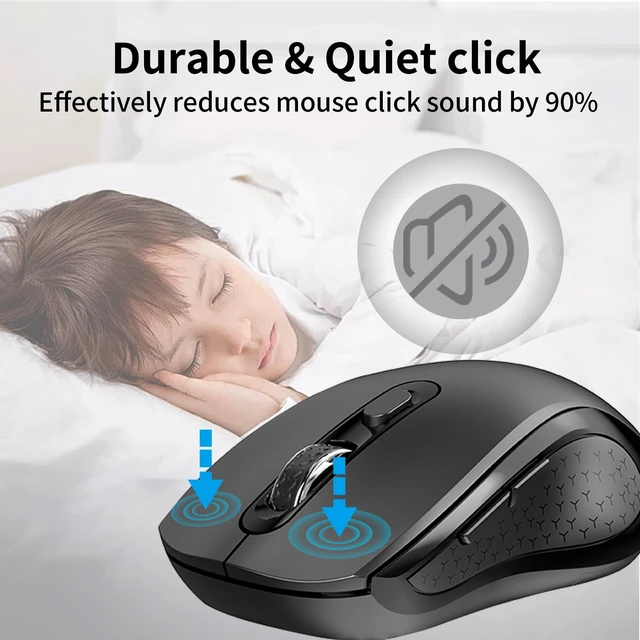
The noiseless mouse adopts a hidden light design, which avoids discomfort caused by strong light at the bottom of the mouse to the eyes.

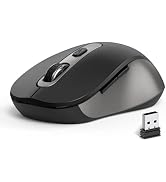
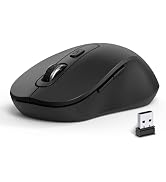
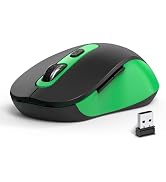
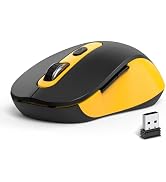
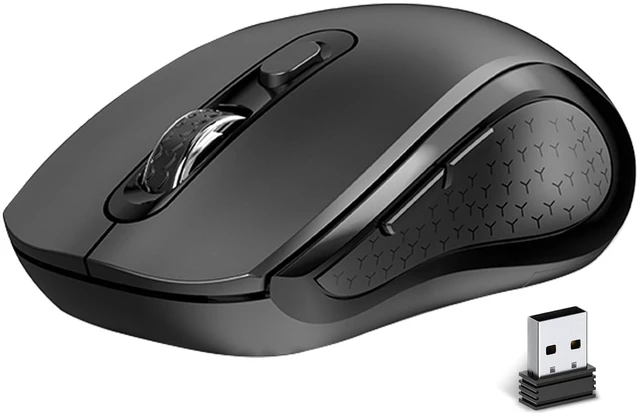
Package Include: 1 * Wireless Mouse ; 1 * USB Receiver ; 1 * User Manual
*Pls kindly note: No battery included in the package*
If wireless mouse not response, please try following tips:
Turn off all 2.4G devices in your room and make sure the product is as close as possible to the Nano receiver.
Repair the cordless mouse:
Q: Why is there no laser response at the bottom when turning on the mouse switch?
A: mouse adopts a hidden laser design, it avoids discomfort to the eyes caused by strong light at the bottom of the mouse.
Q: Is the mouse compatible with my device?
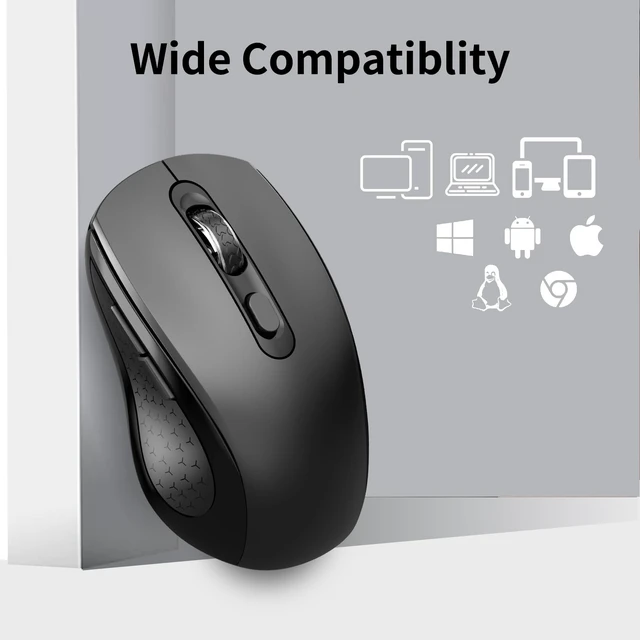
A: As long as the USB of the mouse can be inserted, it is compatible with this system.(The device needs to have a USB-A port)
Q: Does this wireless mouse for laptop have a sleep mode, and how do you wake the mouse from sleep?
A: Yes, the laptop's wireless mouse features an auto-sleep mode for power conservation (if idle for over 10 min). It wakes up instantly upon pressing any key.
After clicking the DPI button, the middle mouse button flashes once to indicate 1000DPI, flashes twice to indicate 1600DPI, and flashes three times to indicate 2400DPI.
Easy to operate, no need to install any drivers, plug in USB, turn on the switch to complete the connection.
The noiseless mouse adopts a hidden light design, which avoids discomfort caused by strong light at the bottom of the mouse to the eyes.
Package Include: 1 * Wireless Mouse ; 1 * USB Receiver ; 1 * User Manual
*Pls kindly note: No battery included in the package*
If wireless mouse not response, please try following tips:
Turn off all 2.4G devices in your room and make sure the product is as close as possible to the Nano receiver.
Repair the cordless mouse:
Q: Why is there no laser response at the bottom when turning on the mouse switch?
A: mouse adopts a hidden laser design, it avoids discomfort to the eyes caused by strong light at the bottom of the mouse.
Q: Is the mouse compatible with my device?
A: As long as the USB of the mouse can be inserted, it is compatible with this system.(The device needs to have a USB-A port)
Q: Does this wireless mouse for laptop have a sleep mode, and how do you wake the mouse from sleep?
A: Yes, the laptop's wireless mouse features an auto-sleep mode for power conservation (if idle for over 10 min). It wakes up instantly upon pressing any key.