here!
here!
I’m your shopping assistant for PC builds, upgrades, and everything tech.
Got questions? Ask away!
Start a conversation
here!
I’m your shopping assistant for PC builds, upgrades, and everything tech.
Got questions? Ask away!
Start a conversation




Any questions? Ask CelesteSM will help you find out quickly.
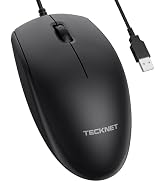
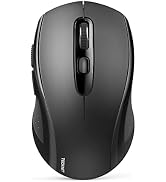
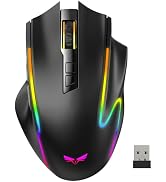
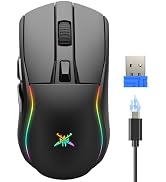
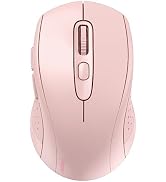
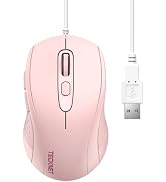
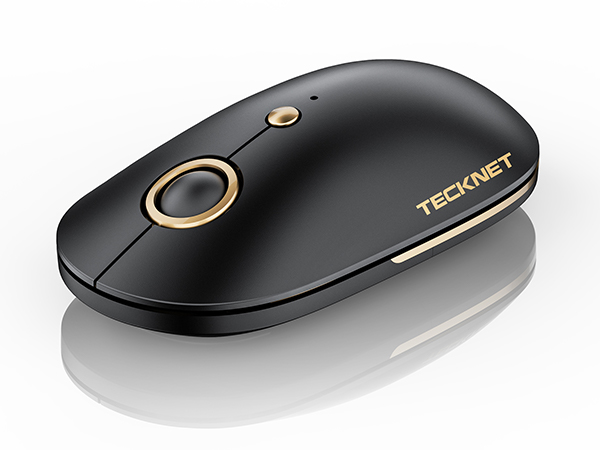
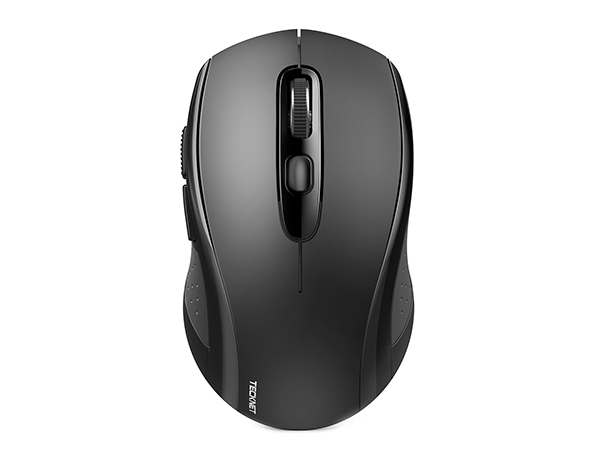
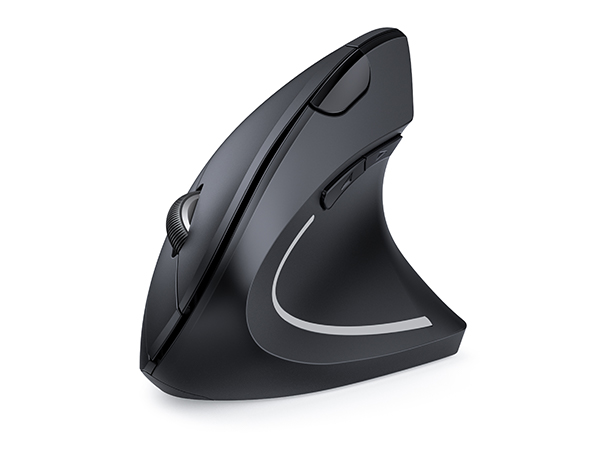
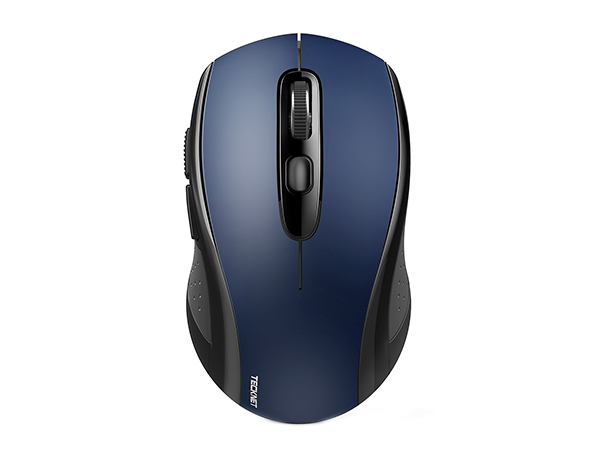
 Ambidextrous Silent Mouse |  USB Slient Wireless Mouse |  2.4G USB Wired Mouse |  Ergo Rechargeable Mouse | |
|---|---|---|---|---|
Customer Reviews | — | — | — | — |
Price | — | — | — | — |
Connectivity Technology | 2.4Ghz USB-A Wireless | 2.4Ghz USB-A Wireless | USB-A Wired | 2.4Ghz USB-A Wireless |
Silent Click | ? | ? | ? | ? |
Back/Forward Button | ? | ? | ? | ? |
Appearance Design | Slim & Ambidextrous | Comfortable | Comfortable | Ture Ergonomic |
Battery Type | 1 AA Battery(NOT included) | 1 AA Battery(NOT included) | No Battery Needed | Rechargeable,No Battery Needed |
Main Advantage | Slim, Economical | Basic Mouse, Economical | Stable Connection | Ergonomic & Rechargeable |
DPI Level | 4800/3200/2400/1600/1200 | 4800/2000/1600/1200/800 | 3600/2400/1800/1200, 4 Level | 4800/3200/2400/1600/800 |
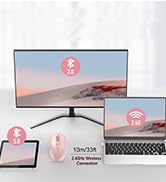
NOTE: If you have two devices with bluetooth function, one with Bluetooth 3.0 and the other with Bluetooth 5.0, the bluetooth wireless mouse only supports connecting to one device and CAN NOT connect to both 3.0 and 5.0 simultaneously

This wireless mouse support charging?
No. Wireless mouse needs 1 AA battery. It has auto shut off, battery last forever. (NOT INCLUDED BATTERY)
Why does the wireless mouse always disconnects from my computer in bluetooth mode ?
Please check whether the Bluetooth pairing of your computer has reached the upper limit. If it is still disconnected after cleaning, please contact our service department. We will give you satisfactory service.
Does this work on a m1 MacBook Pro 2020? What is the size of the item itself?
Yes, the bluetooth wireless mouse will work with your MacBook Pro and any device with Bluetooth or a USB port. It's 4.25" long and 2.5" wide at its widest point. Portable.
Is this a USB mouse or a Bluetooth mouse?
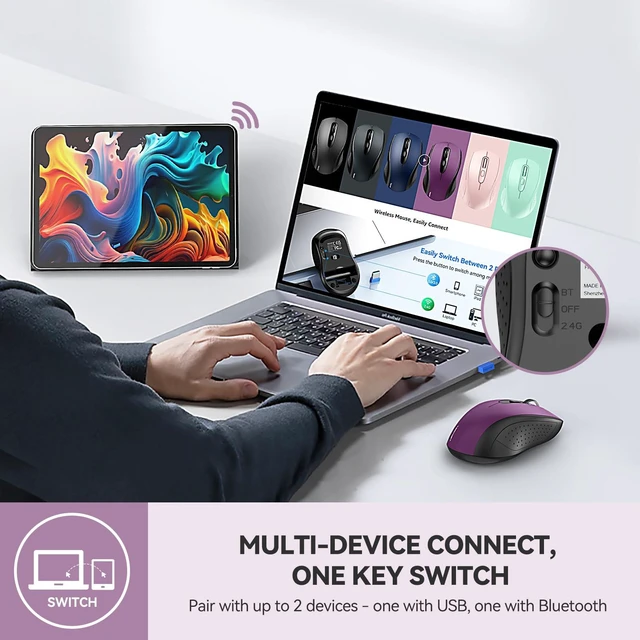
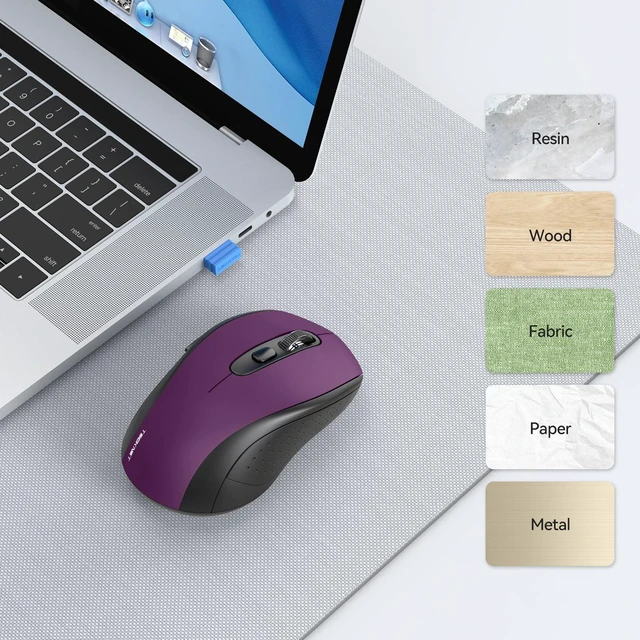
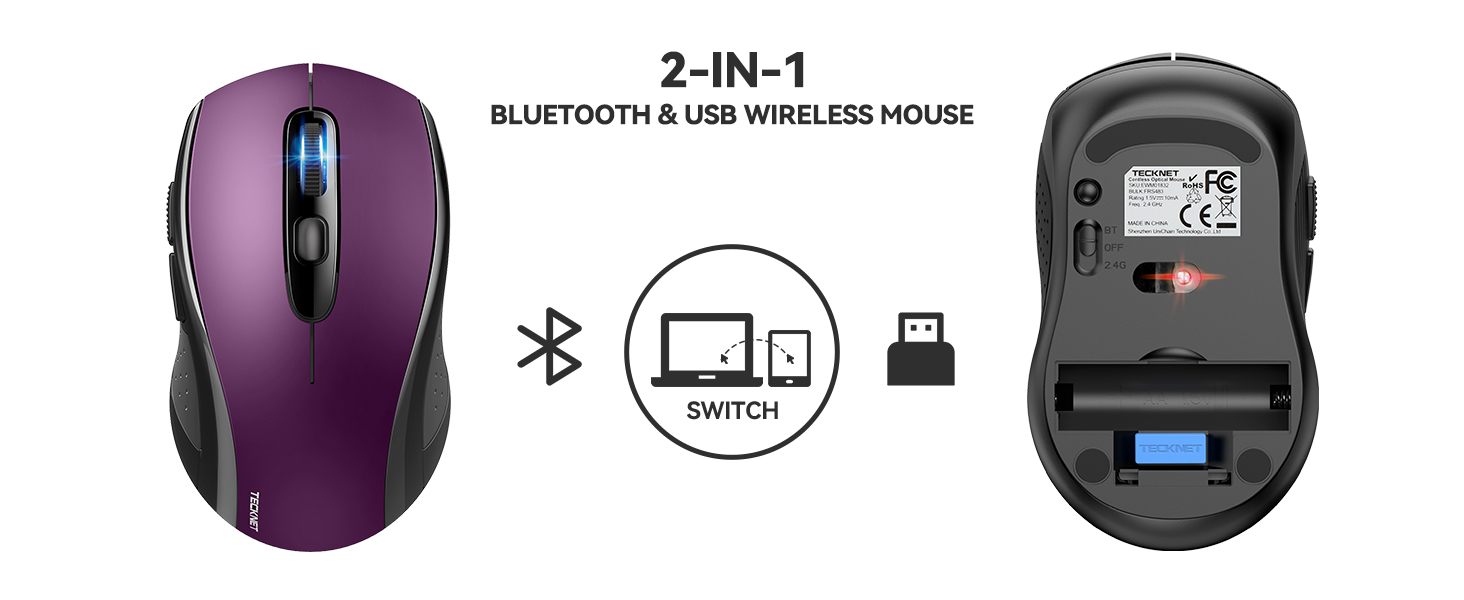
This 2-in-1 wireless mouse offers USB-A and Bluetooth connection with stability and wide compatibility. BT mode supports Mac Book/Chrome Book, USB-A mode supports desktops/laptops and devices with USB-A port, cannot connect though WiFi.
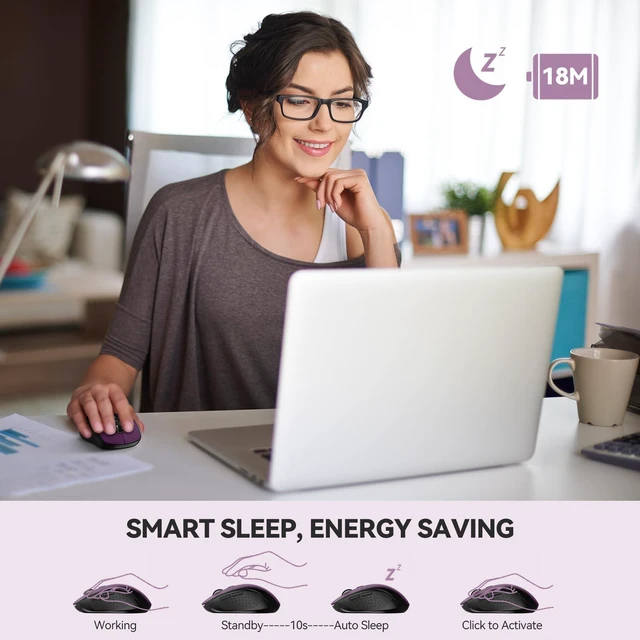
Does this wireless mouse have a sleep mode, and how do you wake the wireless mouse from sleep?
Yes, it has smart auto-sleep mode to save power. Wake up is instant as soon as you move it.
Ambidextrous Silent Mouse | USB Slient Wireless Mouse | 2.4G USB Wired Mouse | Ergo Rechargeable Mouse |
|---|---|---|---|
| Customer Reviews | |||
| — | — | — | — |
| Price | |||
| — | — | — | — |
| Connectivity Technology | |||
| 2.4Ghz USB-A Wireless | 2.4Ghz USB-A Wireless | USB-A Wired | 2.4Ghz USB-A Wireless |
| Silent Click | |||
| ? | ? | ? | ? |
| Back/Forward Button | |||
| ? | ? | ? | ? |
| Appearance Design | |||
| Slim & Ambidextrous | Comfortable | Comfortable | Ture Ergonomic |
| Battery Type | |||
| 1 AA Battery(NOT included) | 1 AA Battery(NOT included) | No Battery Needed | Rechargeable,No Battery Needed |
| Main Advantage | |||
| Slim, Economical | Basic Mouse, Economical | Stable Connection | Ergonomic & Rechargeable |
| DPI Level | |||
| 4800/3200/2400/1600/1200 | 4800/2000/1600/1200/800 | 3600/2400/1800/1200, 4 Level | 4800/3200/2400/1600/800 |
NOTE: If you have two devices with bluetooth function, one with Bluetooth 3.0 and the other with Bluetooth 5.0, the bluetooth wireless mouse only supports connecting to one device and CAN NOT connect to both 3.0 and 5.0 simultaneously


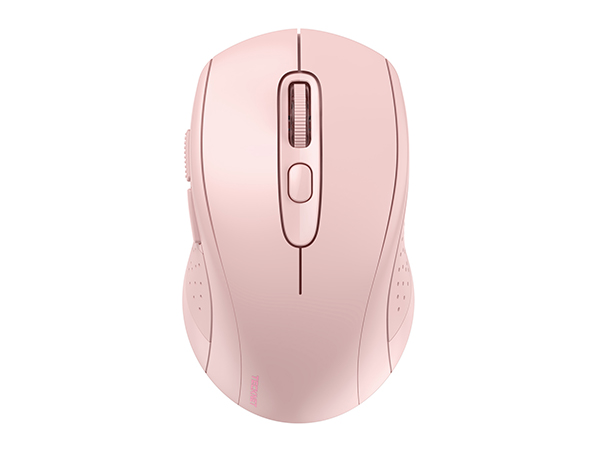
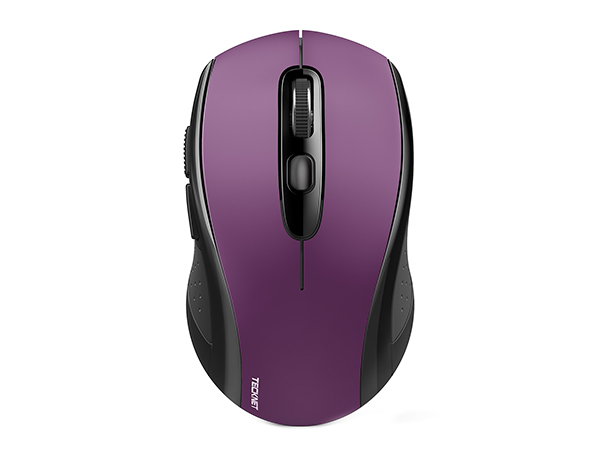
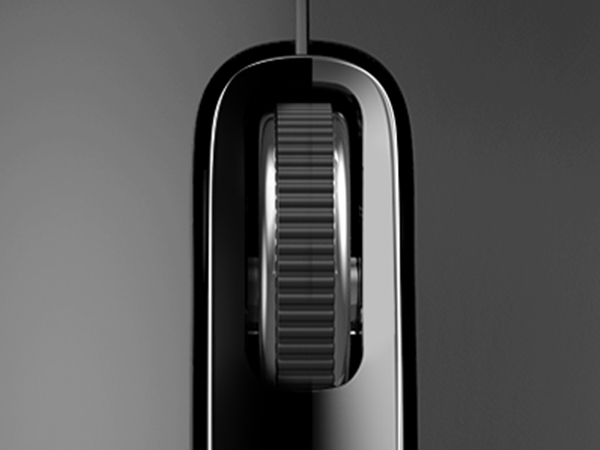
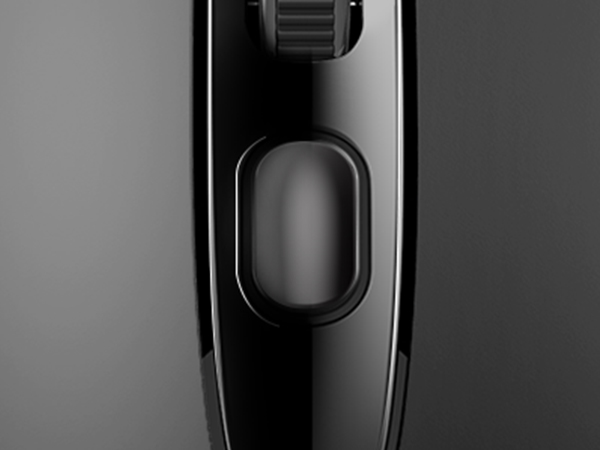
The slowest DPI, the LED light flashes once. As the DPI increases, the number of LED light flashes increases
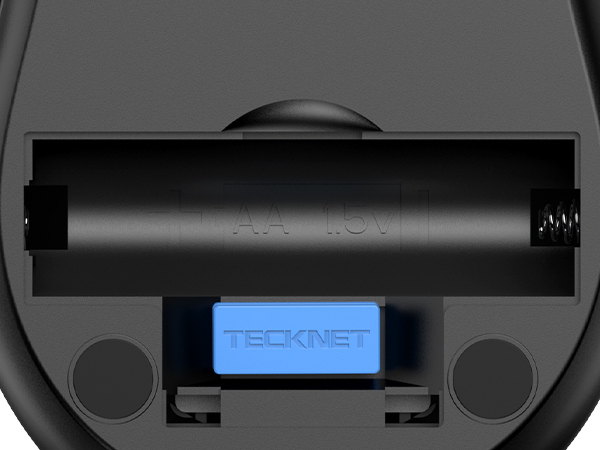
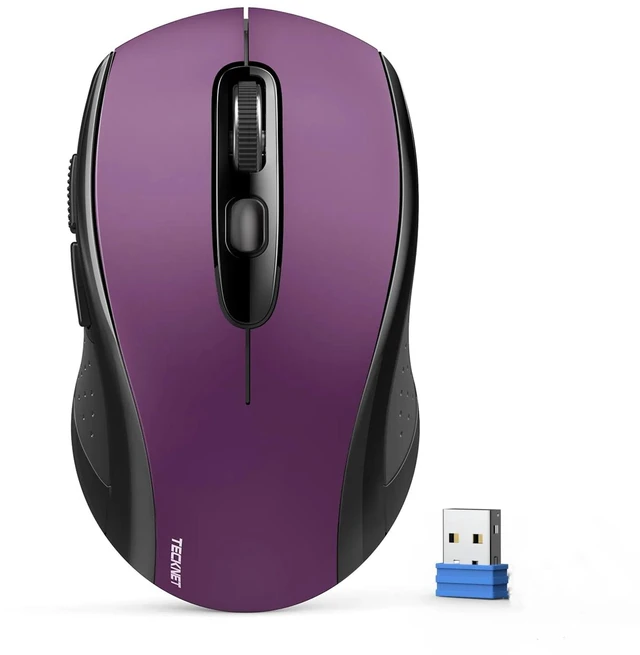
comes with a USB-A receiver, if you don’t want to use the USB connection method, you can store it here to avoid losing it
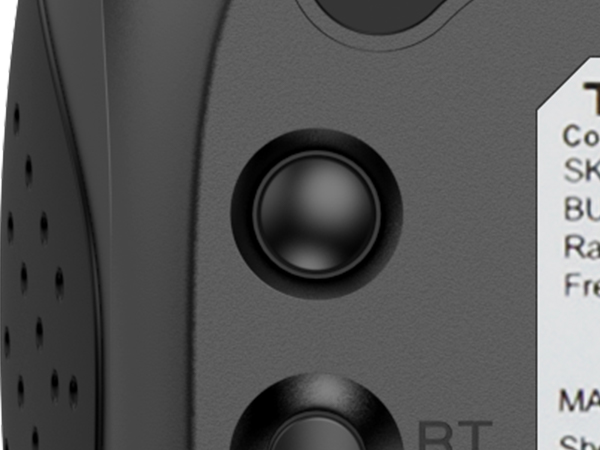
press and hold for 3 seconds to enter bluetooth pairing mode
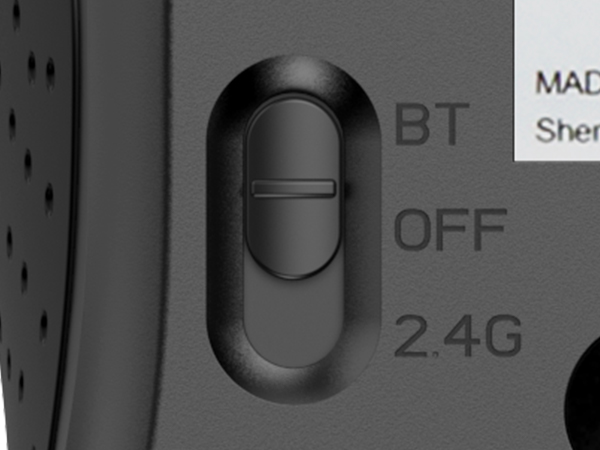
Slide the button to the corresponding icon to select the corresponding mode
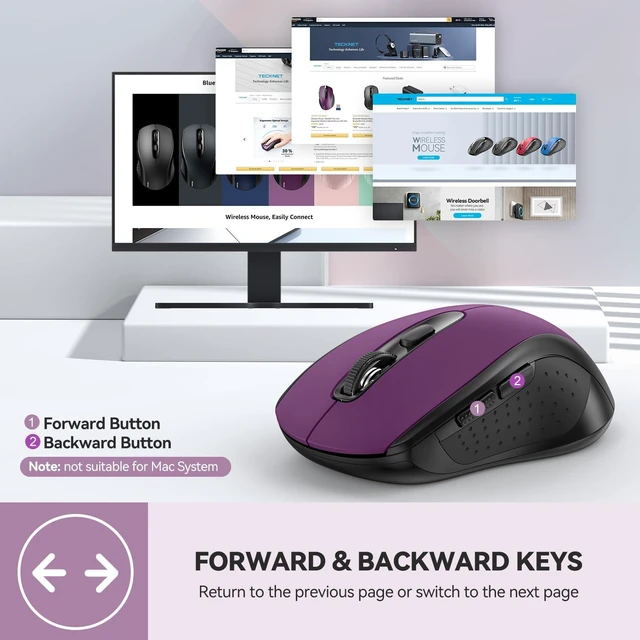
Return to the previous page or switch to the next page
This wireless mouse support charging?
No. Wireless mouse needs 1 AA battery. It has auto shut off, battery last forever. (NOT INCLUDED BATTERY)
Why does the wireless mouse always disconnects from my computer in bluetooth mode ?
Please check whether the Bluetooth pairing of your computer has reached the upper limit. If it is still disconnected after cleaning, please contact our service department. We will give you satisfactory service.
Does this work on a m1 MacBook Pro 2020? What is the size of the item itself?
Yes, the bluetooth wireless mouse will work with your MacBook Pro and any device with Bluetooth or a USB port. It's 4.25" long and 2.5" wide at its widest point. Portable.
Is this a USB mouse or a Bluetooth mouse?
This 2-in-1 wireless mouse offers USB-A and Bluetooth connection with stability and wide compatibility. BT mode supports Mac Book/Chrome Book, USB-A mode supports desktops/laptops and devices with USB-A port, cannot connect though WiFi.
Does this wireless mouse have a sleep mode, and how do you wake the wireless mouse from sleep?
Yes, it has smart auto-sleep mode to save power. Wake up is instant as soon as you move it.