here!
here!
I’m your shopping assistant for PC builds, upgrades, and everything tech.
Got questions? Ask away!
Start a conversation
here!
I’m your shopping assistant for PC builds, upgrades, and everything tech.
Got questions? Ask away!
Start a conversation



Any questions? Ask CelesteSM will help you find out quickly.
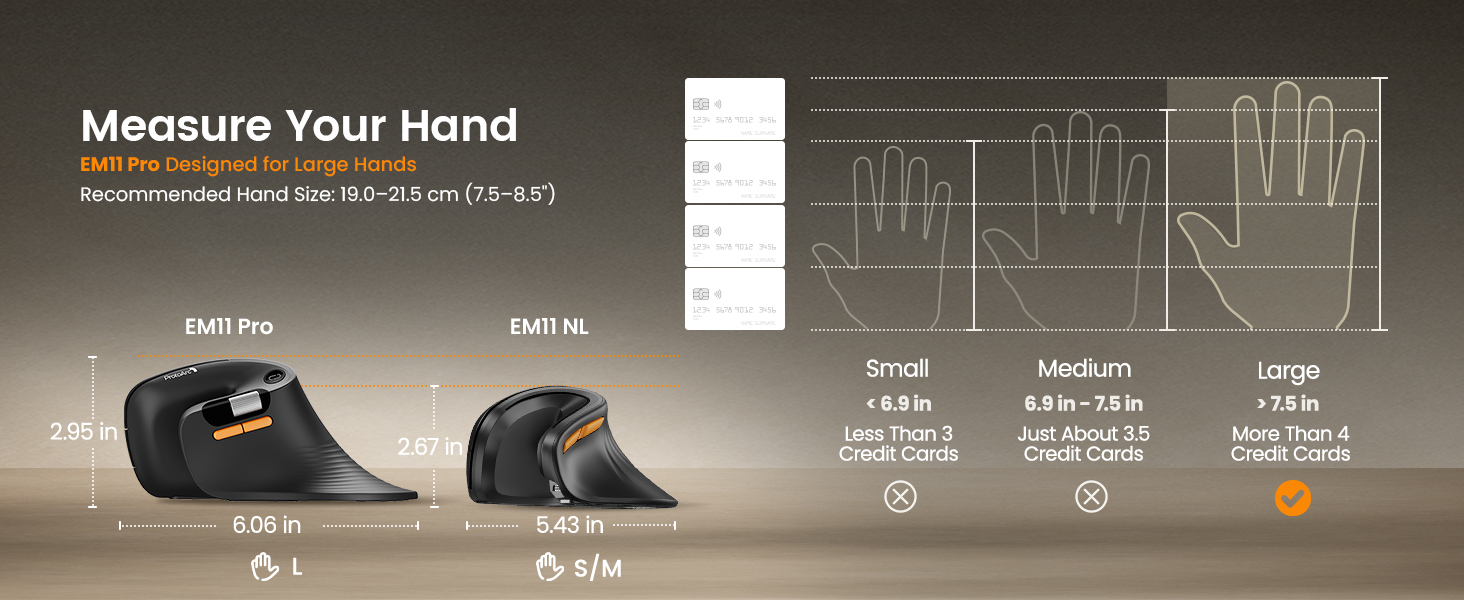
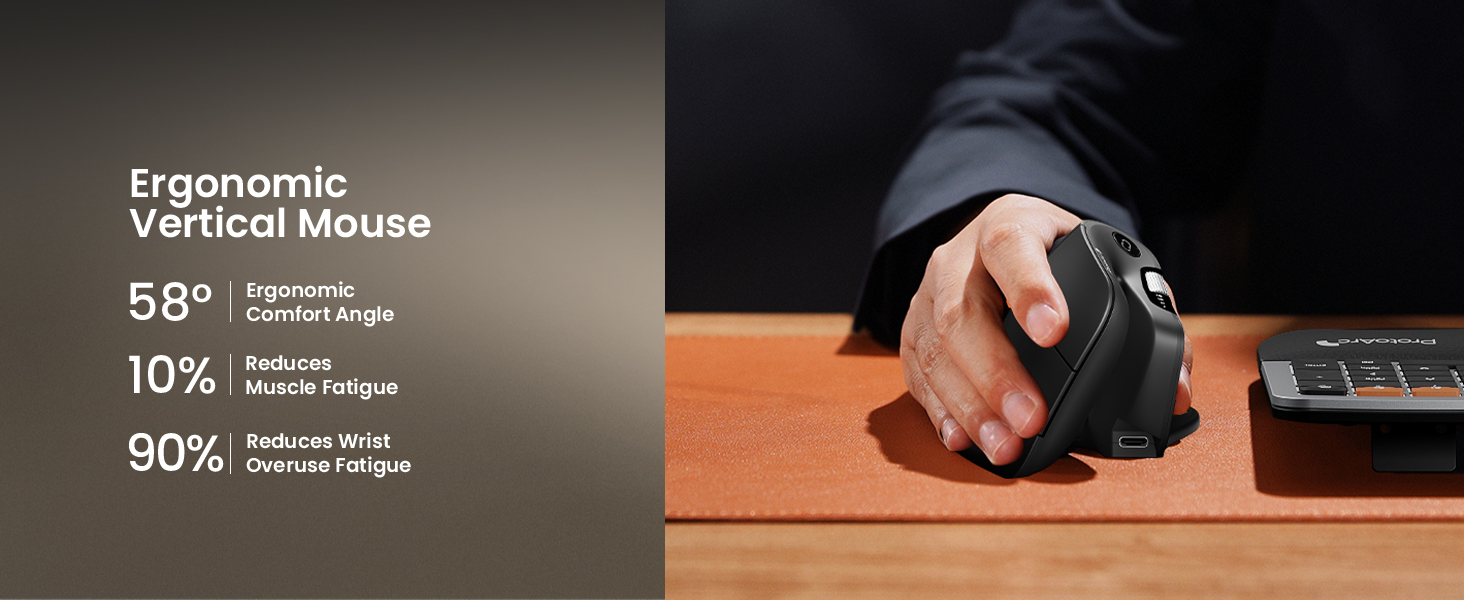
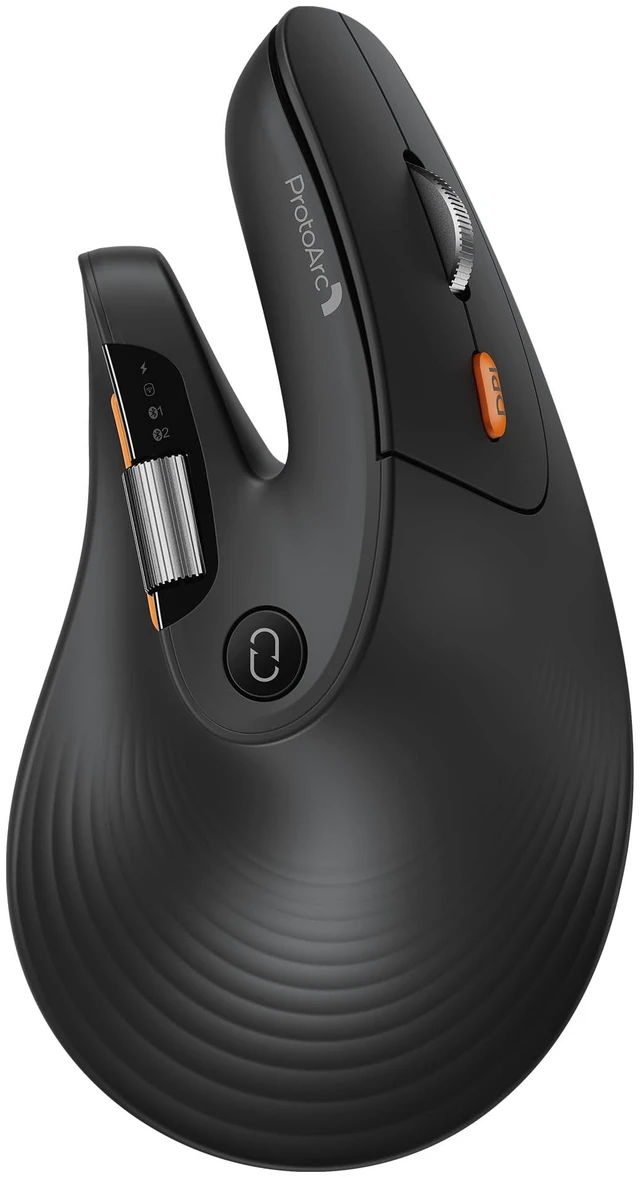
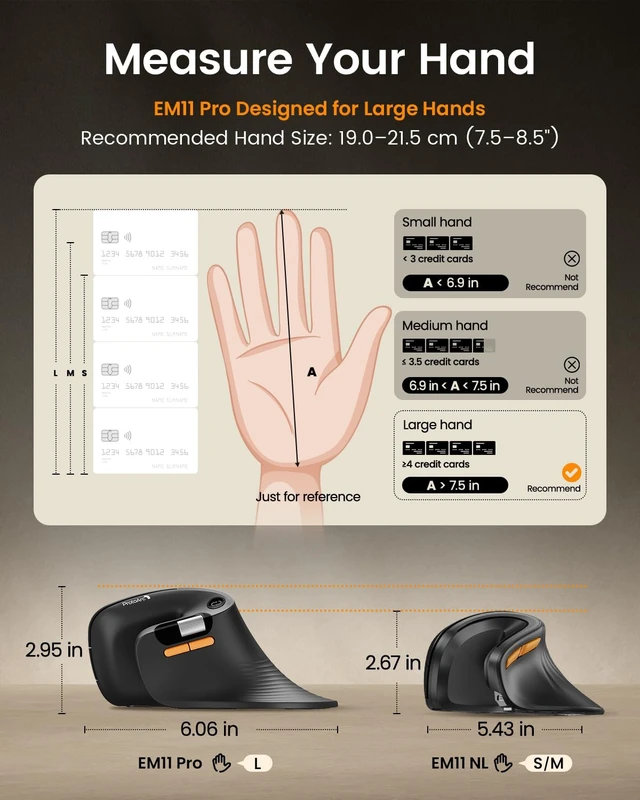
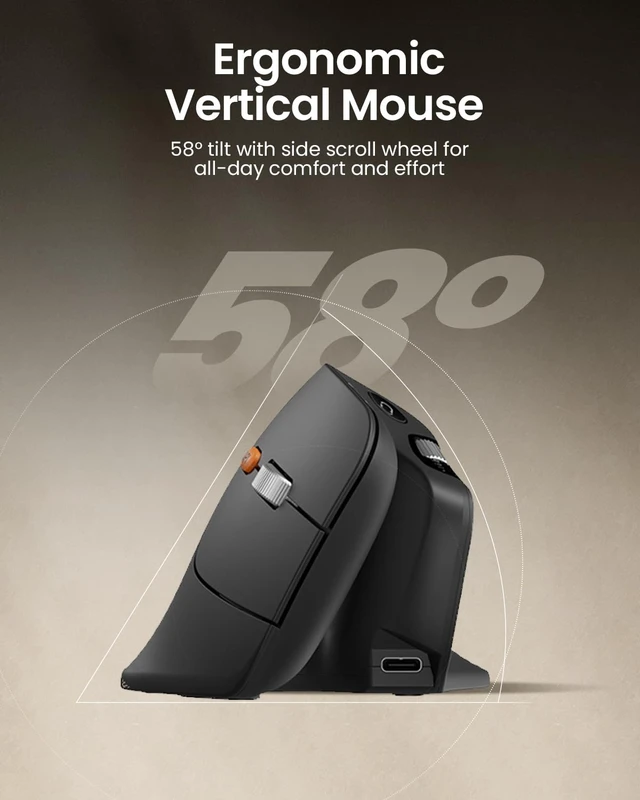
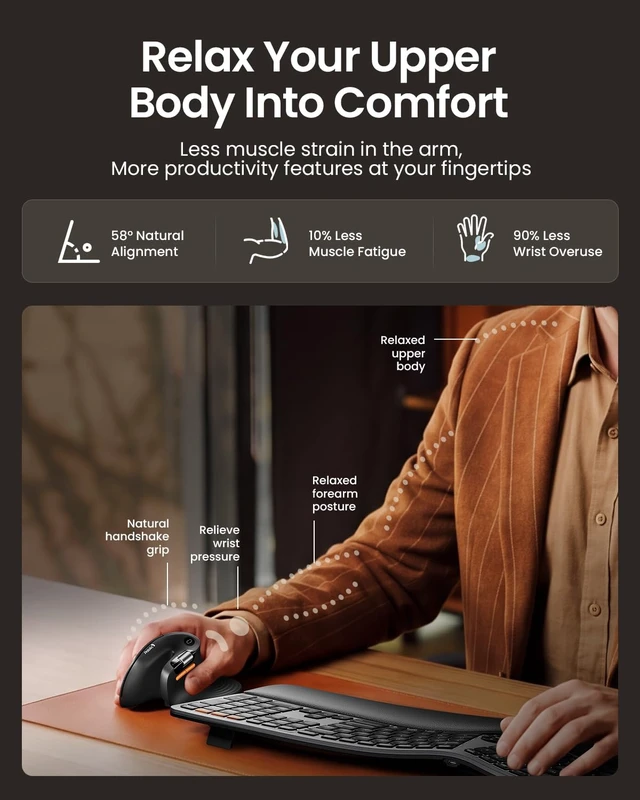
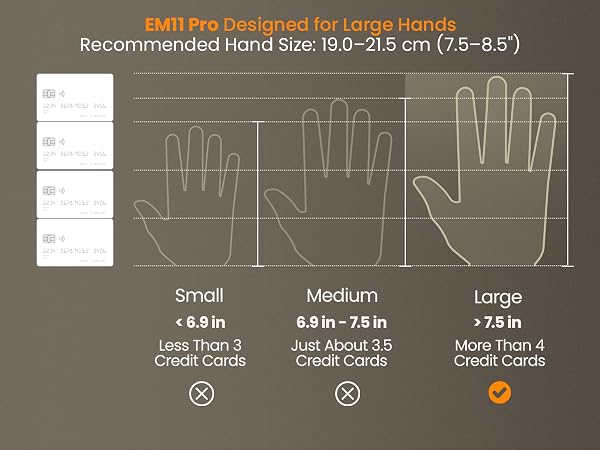
Choose the EM11 Pro for browser-based button customization, a time-saving side scroll wheel, a 58° ergonomic design that reduces wrist fatigue by 90%, and seamless switching between 3 devices—all in a vertical mouse built for large hands size:19.0–21.5 cm (7.5–8.5")
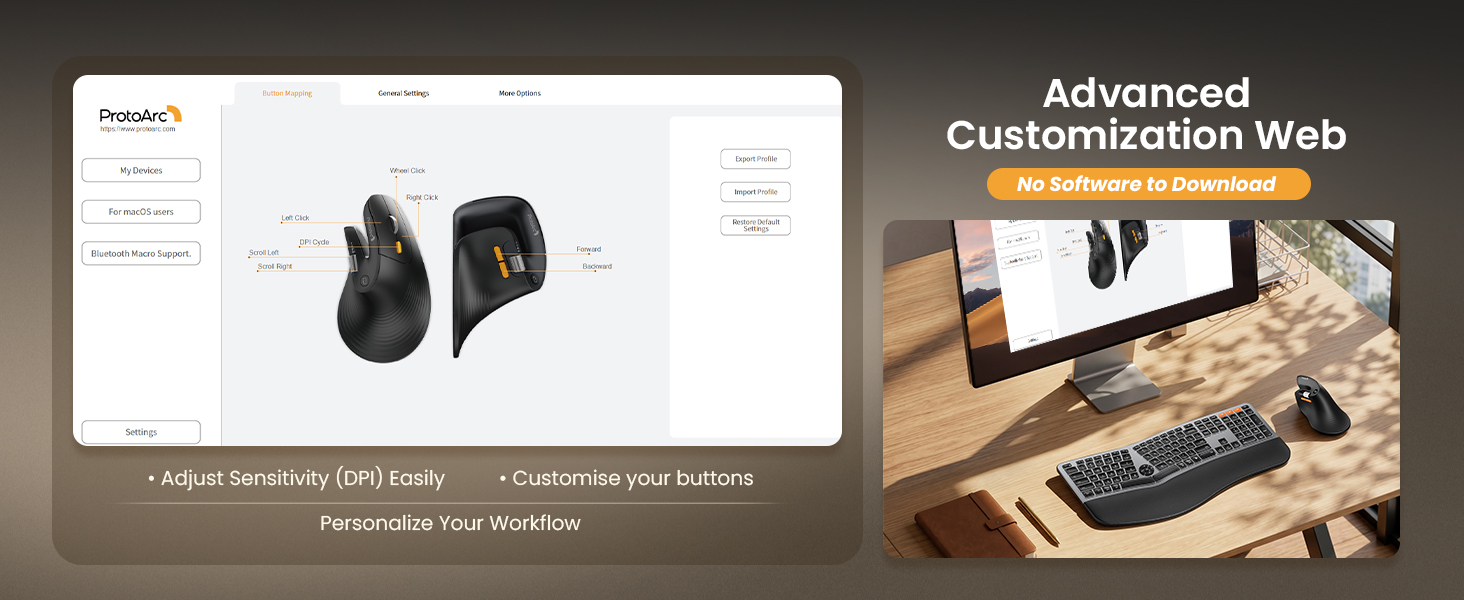
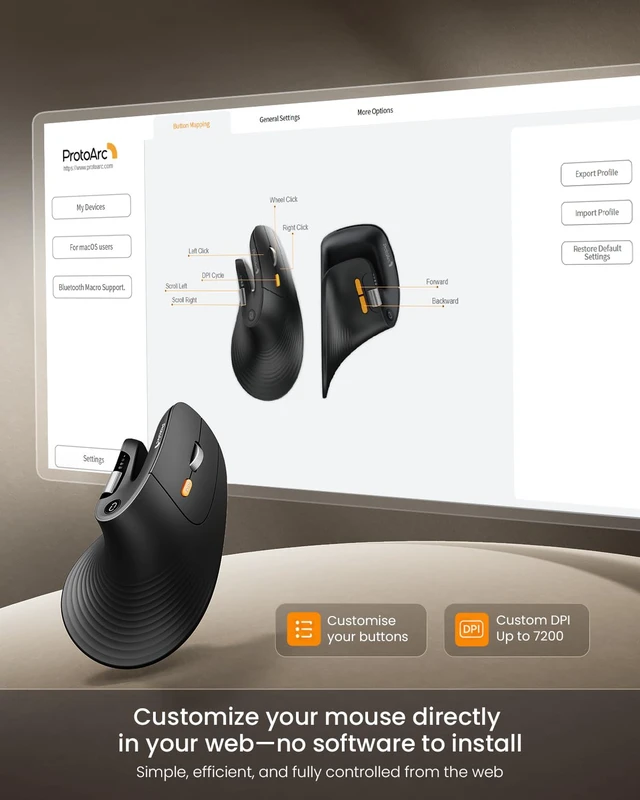
1. Visit our website and Select EM11 Pro.
2. Choose a button on the interactive interface and Assign a function (Copy, Paste etc.).
3. Save – syncs automatically to onboard memory.
For macOS users: Web HUB requires input permission to customize your device (100% Private - No logging). Permission is required for remapping and DPI adjustments.
Go to System Settings ? Privacy & Security ? Input Monitoring ? check your browser (Chrome/Edge).
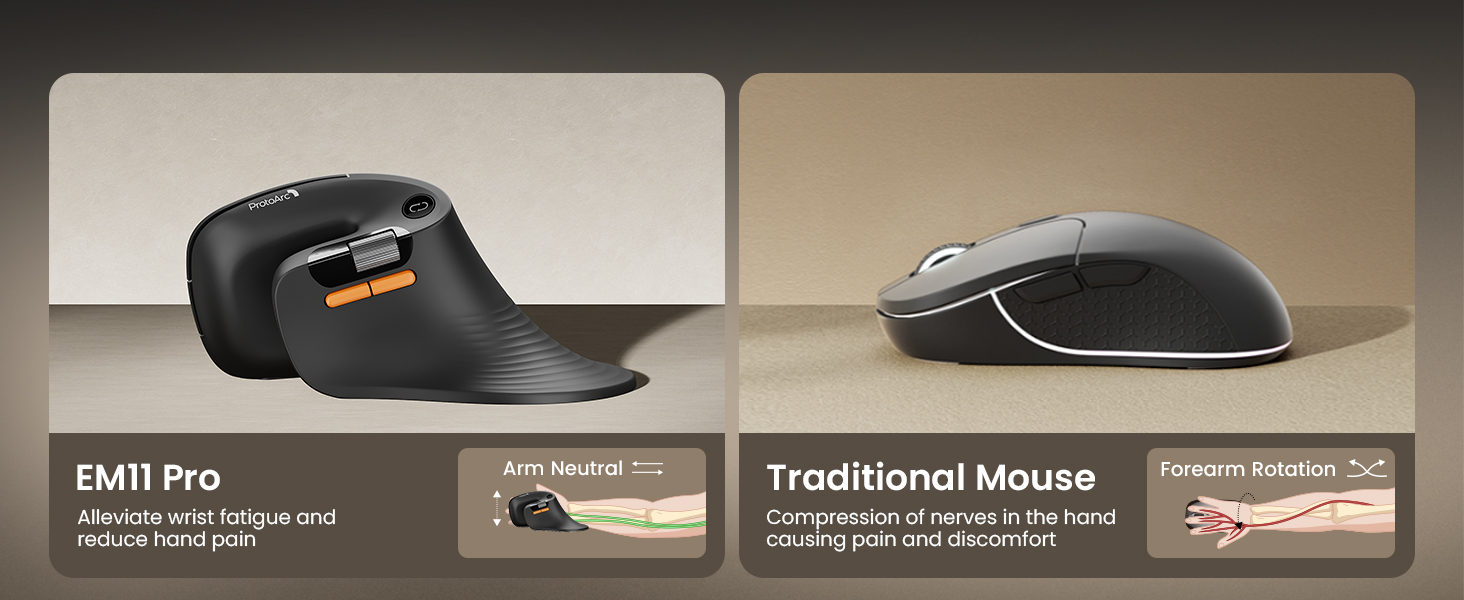
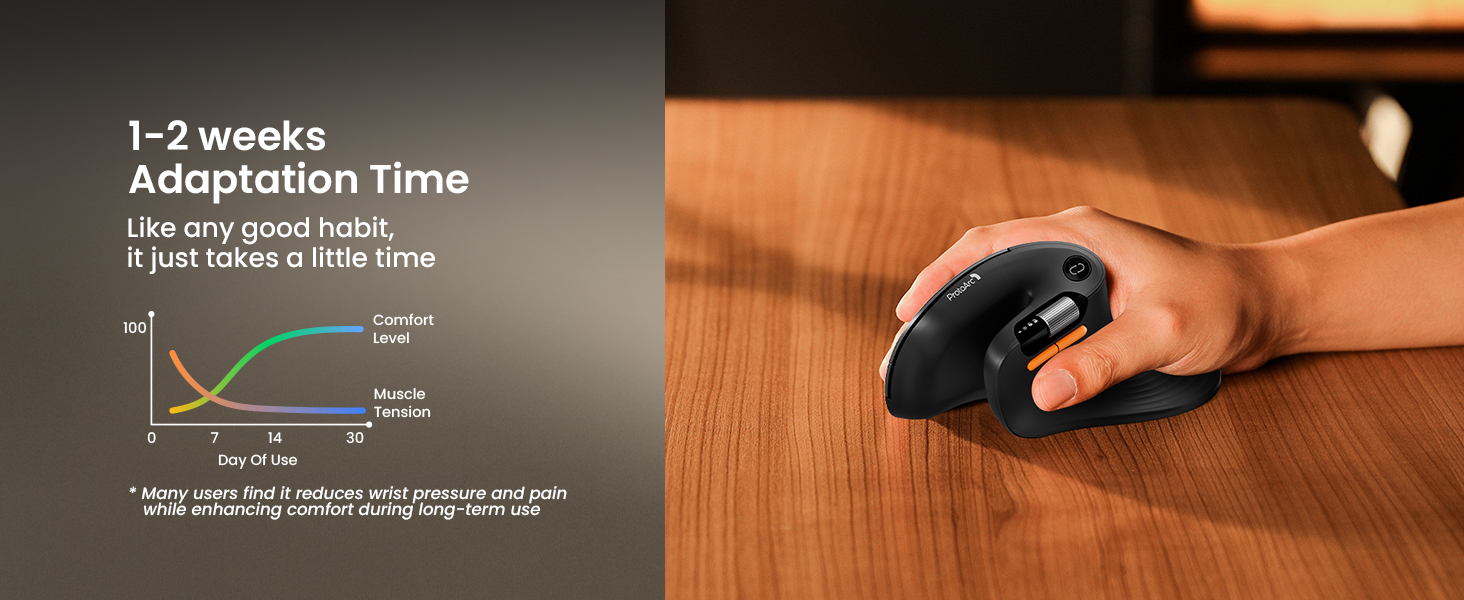
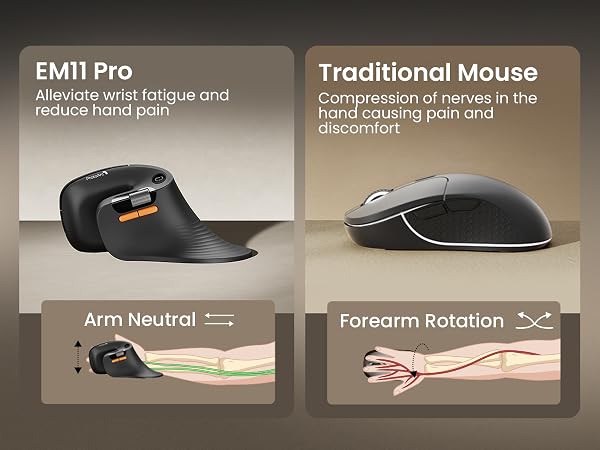
Warm tips: Since it takes a learning curve to get used to the shape when using our ergonomic mouse for the first time, it may cause inconvenience to your mouse grip, but our ergonomic design will help reduce the pressure and pain on your wrist caused by long-term use of the mouse
Can it connect to multiple devices?
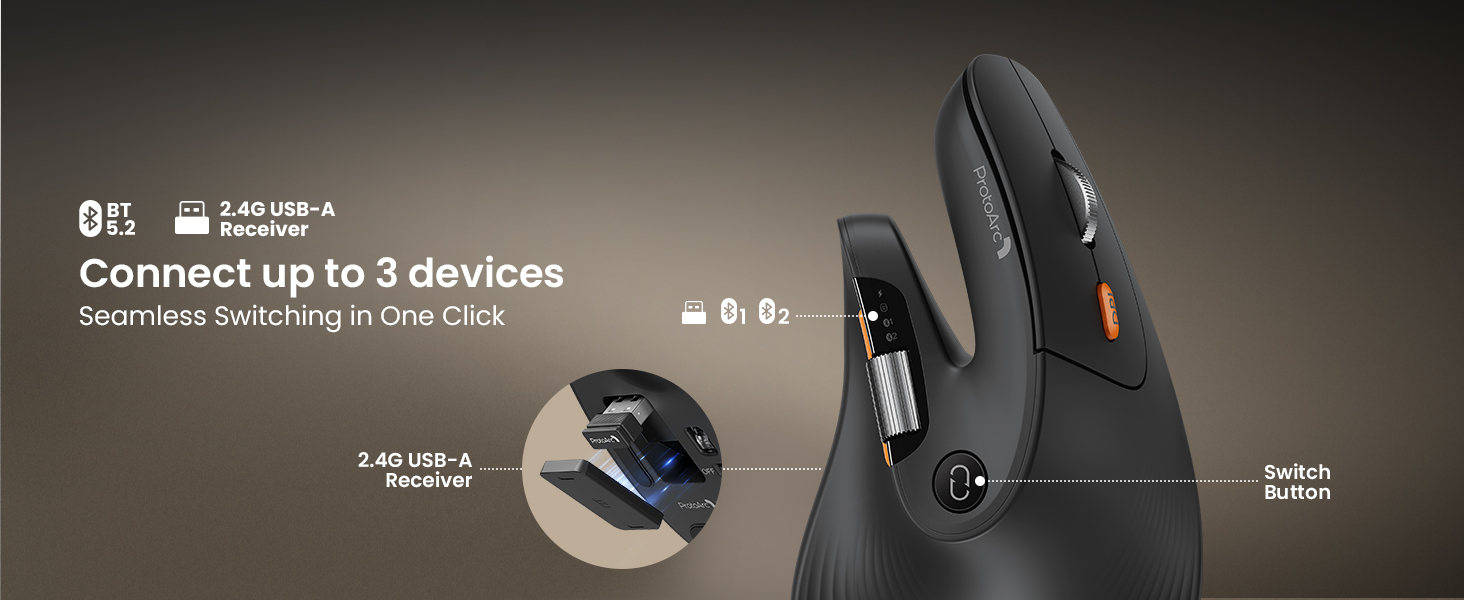
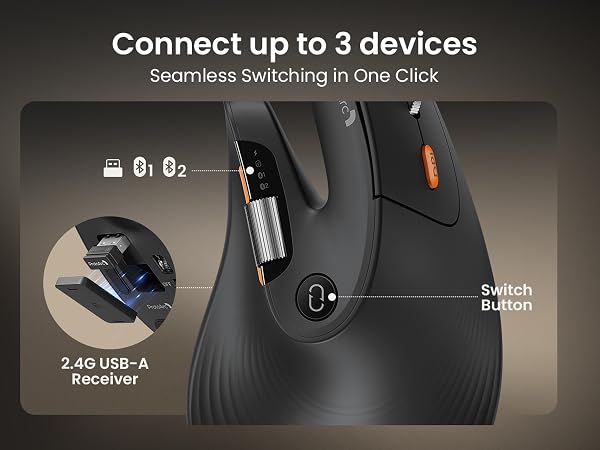
Yes, it connects to 3 devices via dual Bluetooth connectivity and 2.4G USB-A, so you can switch instantly without re-pairing— perfect for multi-tasking across your computer, tablet, and phone. Compatible with Windows, Mac, and Android.
What hand size is the EM11 Pro designed for?
Recommendations for Hand Size: We recommend that Large hands use our ergonomic vertical mouse. Please measure the size before ordering for a better fit and more comfort
Does the EM11 Pro support programming?
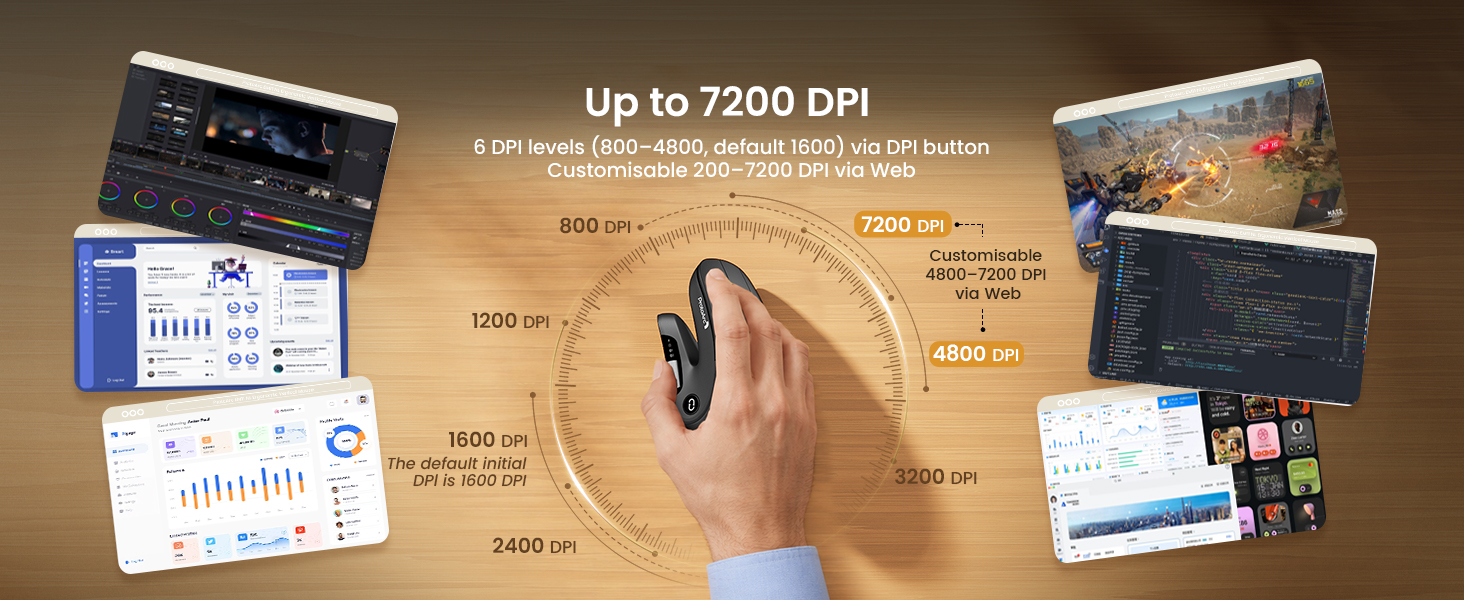
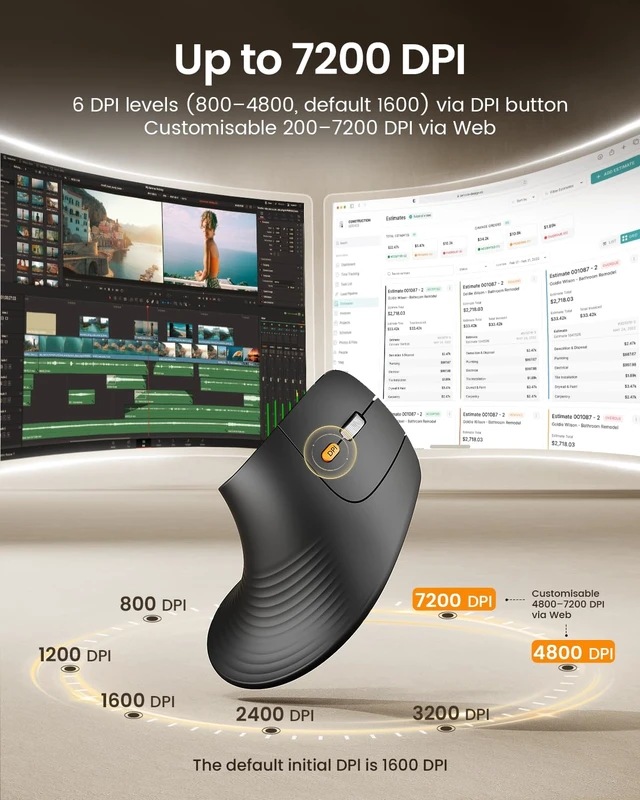
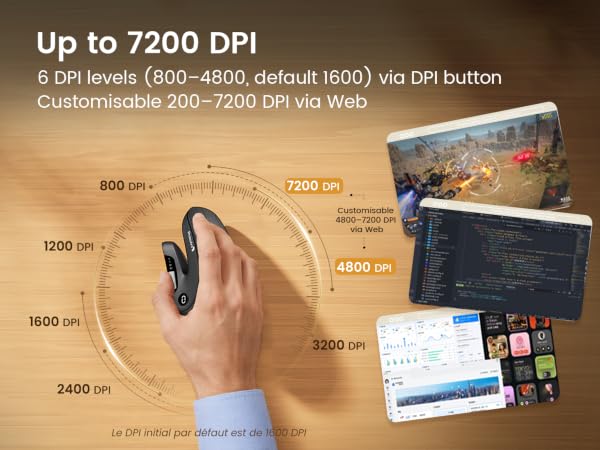
Yes, the EM11 Pro supports Advanced Customization via Web—no software to download—allowing you to easily adjust DPI sensitivity and Create custom buttons for your favorite shortcuts, like copy/paste
What does the side scroll wheel on the EM11 Pro do?
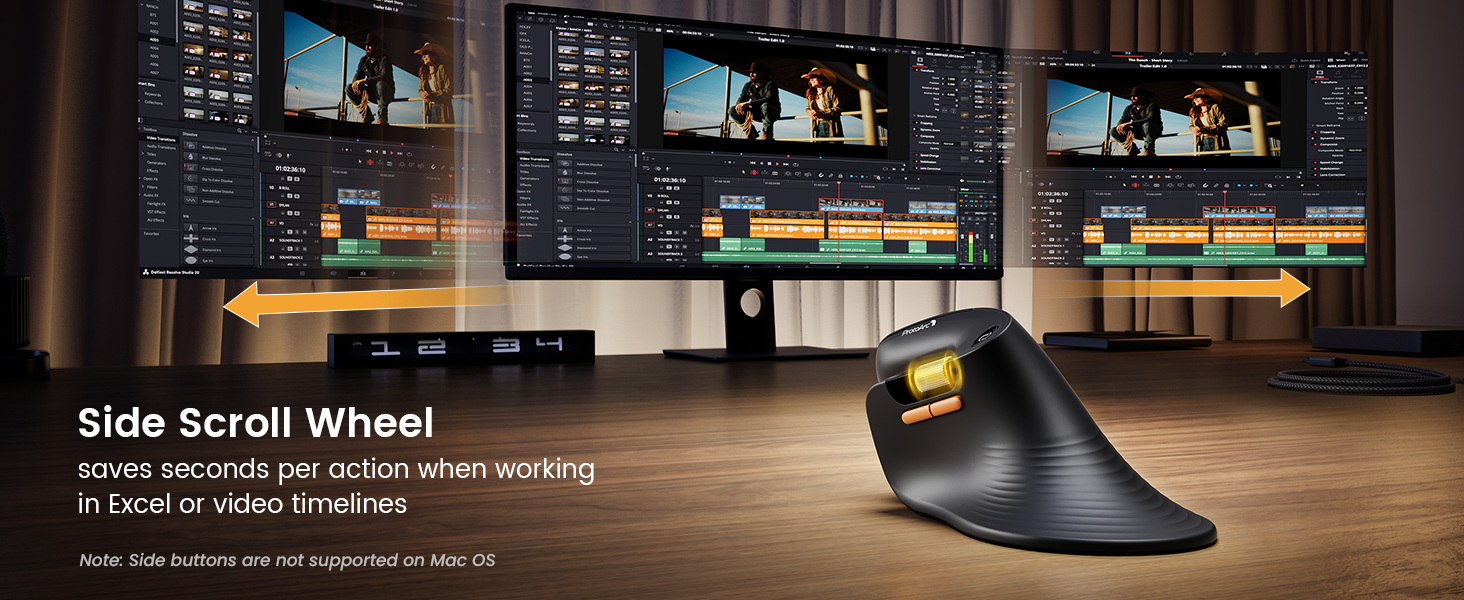
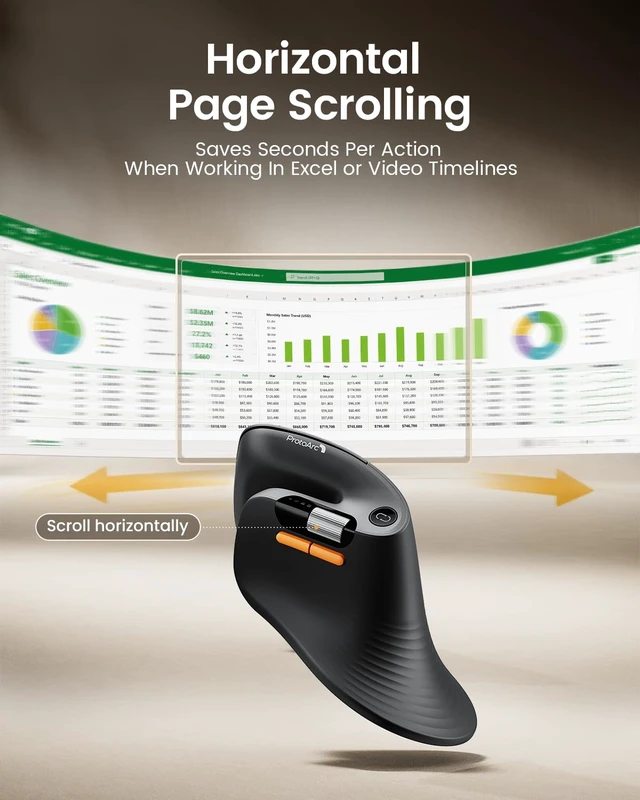
The side scroll wheel on the EM11 Pro is ideal for wide spreadsheets, long web pages, or expansive design canvases, helping you work faster and reduce hand fatigue. it saves seconds per action when working in Excel or video timelines
Why should I choose the EM11 Pro over other vertical mice?
Choose the EM11 Pro for browser-based button customization, a time-saving side scroll wheel, a 58° ergonomic design that reduces wrist fatigue by 90%, and seamless switching between 3 devices—all in a vertical mouse for large hands size
 EM11 Pro Ergo Mouse | 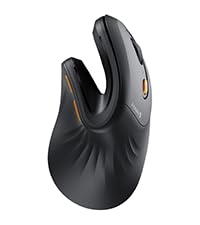 EM11 NL Ergonomic Mouse | 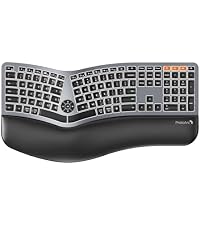 EK01 Plus Ergo Keyboard | 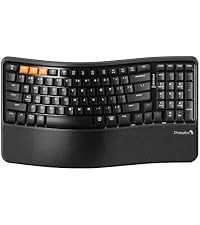 EK02 Wave Ergo Keyboard |  MP50 Ergonomic Mouse Pad | 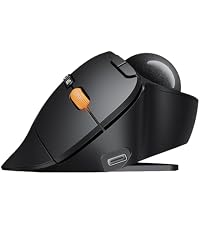 EM02 Trackball Mouse |  EM15 USB C Mouse | |
|---|---|---|---|---|---|---|---|
Customer Reviews | — | — | — | — | — | — | — |
Price | — | — | — | — | — | — | — |
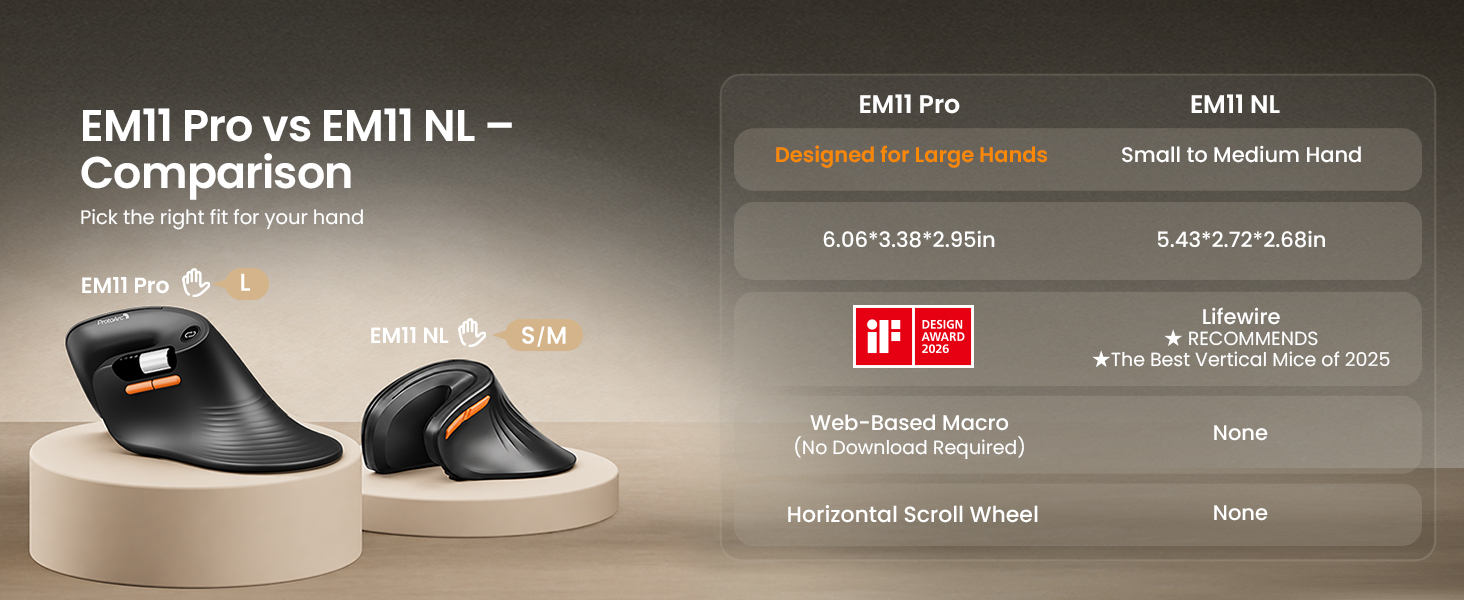
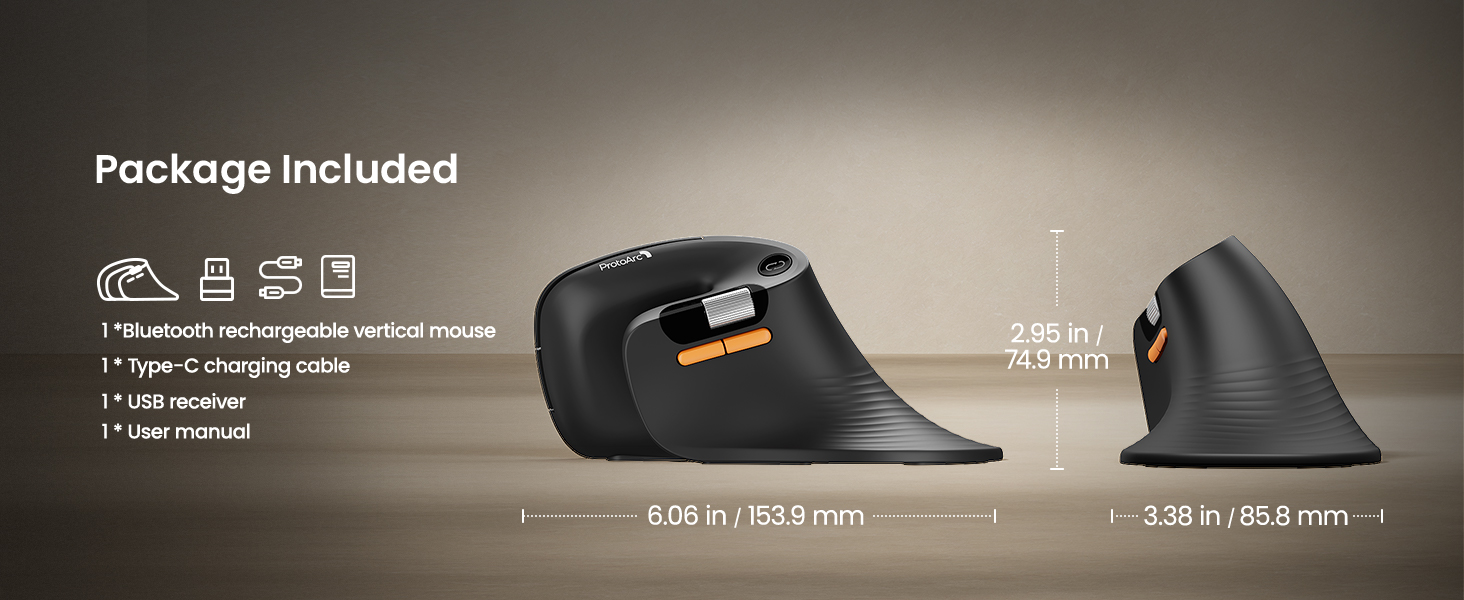
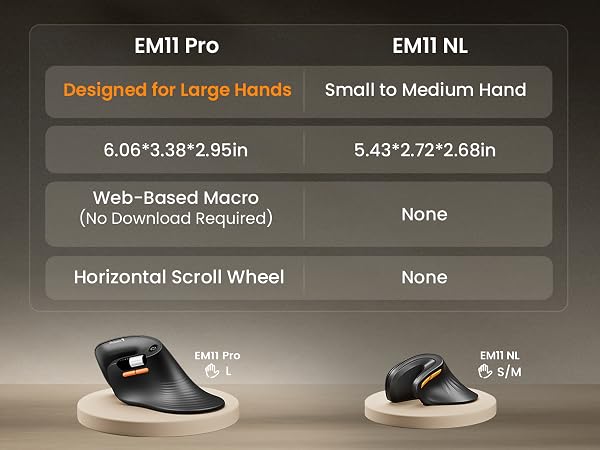
Size | 6.06*3.38*2.95 in | 5.43*2.72*2.68 in | 18.9 * 9.62 * 1.01 in | 15.6 * 8.96 * 1.3 in | 11.8 × 7.7 × 1.6 in | 5.3 * 4.0 * 2.3 in | 4.9*2.5*1.5 in |
Hand Size | Great for Large Hand | Great for Small to Medium Hand | Full-size (18.9"×9.62") | Compact (15.6"×8.9") | / | Great for Medium Hand | Great for Medium Hand |
Web-Based Customization | ? | ? | ? | ? | ? | ? | ? |
Horizontal Scroll Wheel | ? | ? | ? | ? | ? | ? | ? |
DPI Level | Up to 7200 | 1000/1600/2400 | / | / | / | 200/400/800/1200/1600 | 1000/1600/2400 |
Connection Type | 2.4G + Dual Bluetooth | 2.4G + Dual Bluetooth | 2.4G + Dual Bluetooth | 2.4G + Dual Bluetooth | / | 2.4G + Dual Bluetooth | 2.4G+USB C Wireless+ Bluetooth |
USB-C Charging | ? | ? | ? | ? | ? | ? | ? |
Color | Black | Black | Black Grey | Black | Black | Black | Black |


Mission
At ProtoArc, our mission is to deliver innovative workspace solutions that enhance comfort, boost productivity, and foster overall wellness.
Vision
We believe that everyone deserves a workspace that not only meets their functional needs but also empowers them to thrive. Our vision is a world where work environments promote health, happiness, and high performance.
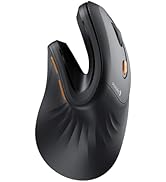
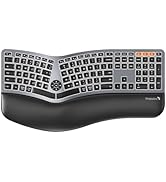
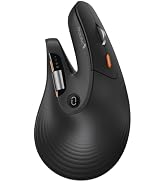
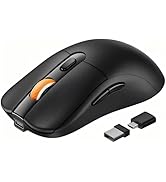
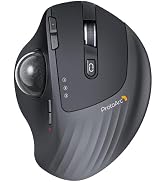
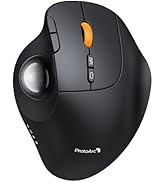
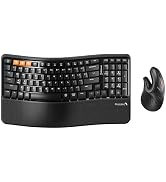
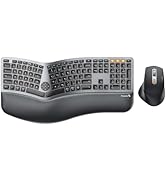
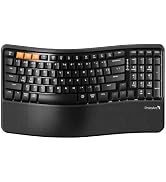


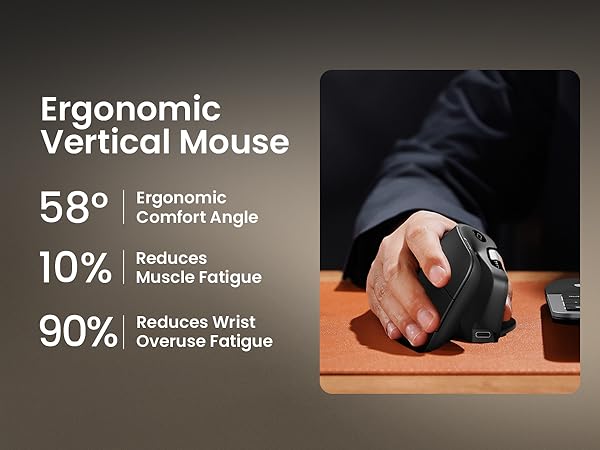
Choose the EM11 Pro for browser-based button customization, a time-saving side scroll wheel, a 58° ergonomic design that reduces wrist fatigue by 90%, and seamless switching between 3 devices—all in a vertical mouse built for large hands size:19.0–21.5 cm (7.5–8.5")
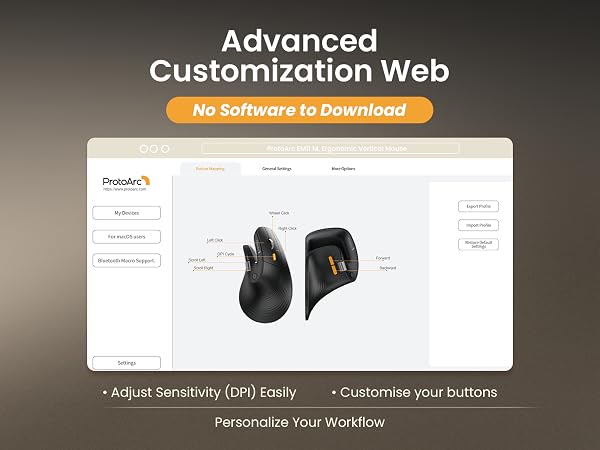
1. Visit our website and Select EM11 Pro.
2. Choose a button on the interactive interface and Assign a function (Copy, Paste etc.).
3. Save – syncs automatically to onboard memory.
For macOS users: Web HUB requires input permission to customize your device (100% Private - No logging). Permission is required for remapping and DPI adjustments.
Go to System Settings ? Privacy & Security ? Input Monitoring ? check your browser (Chrome/Edge).
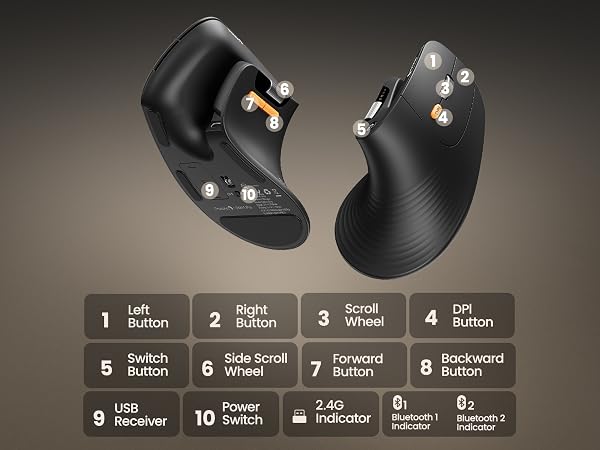
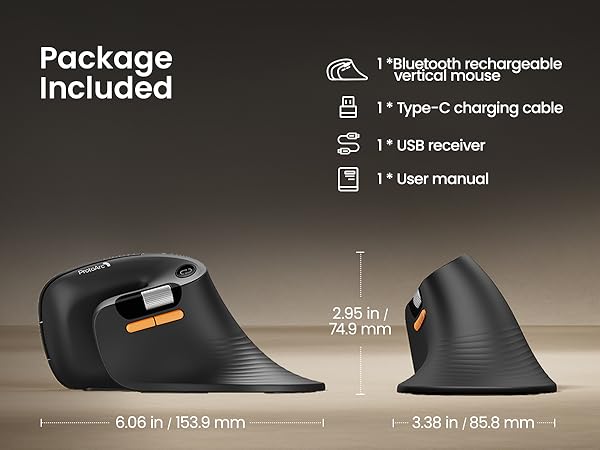
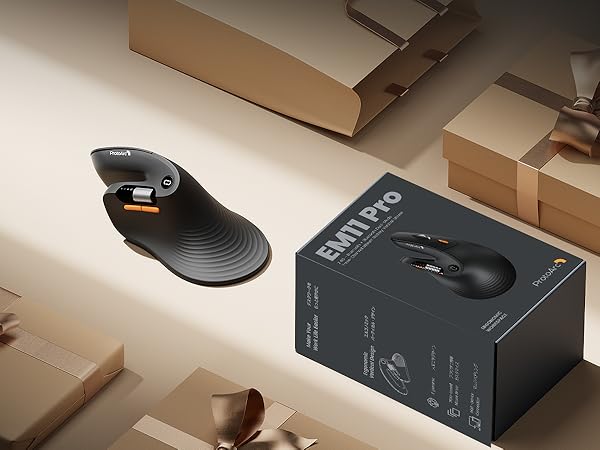
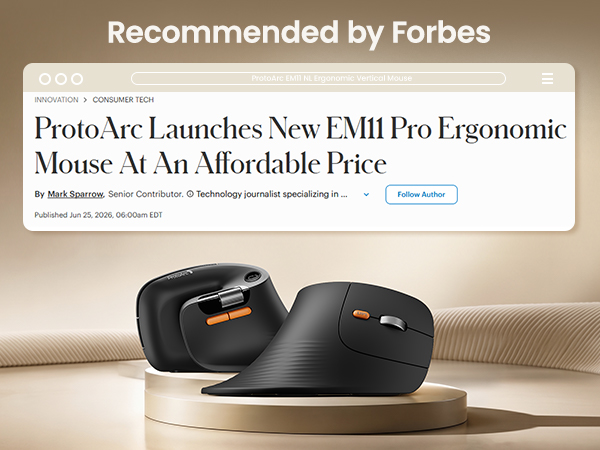
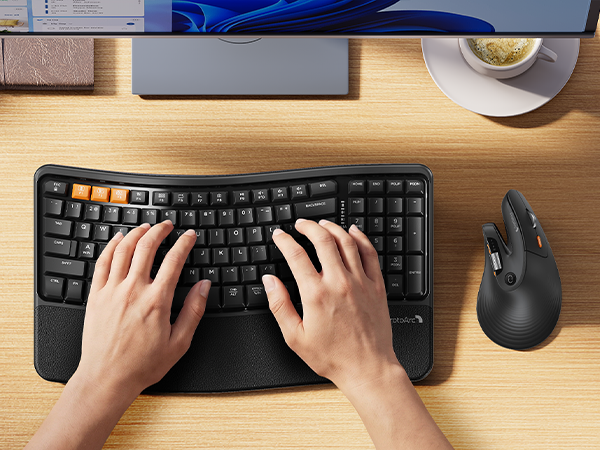
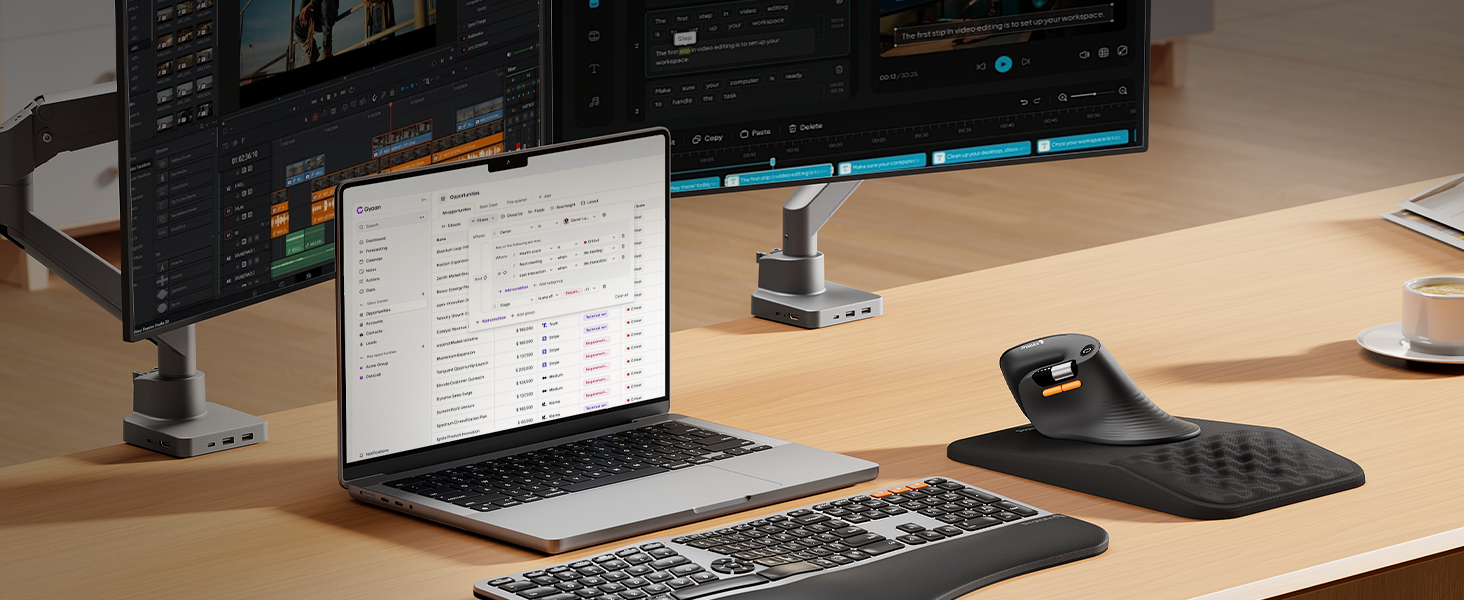
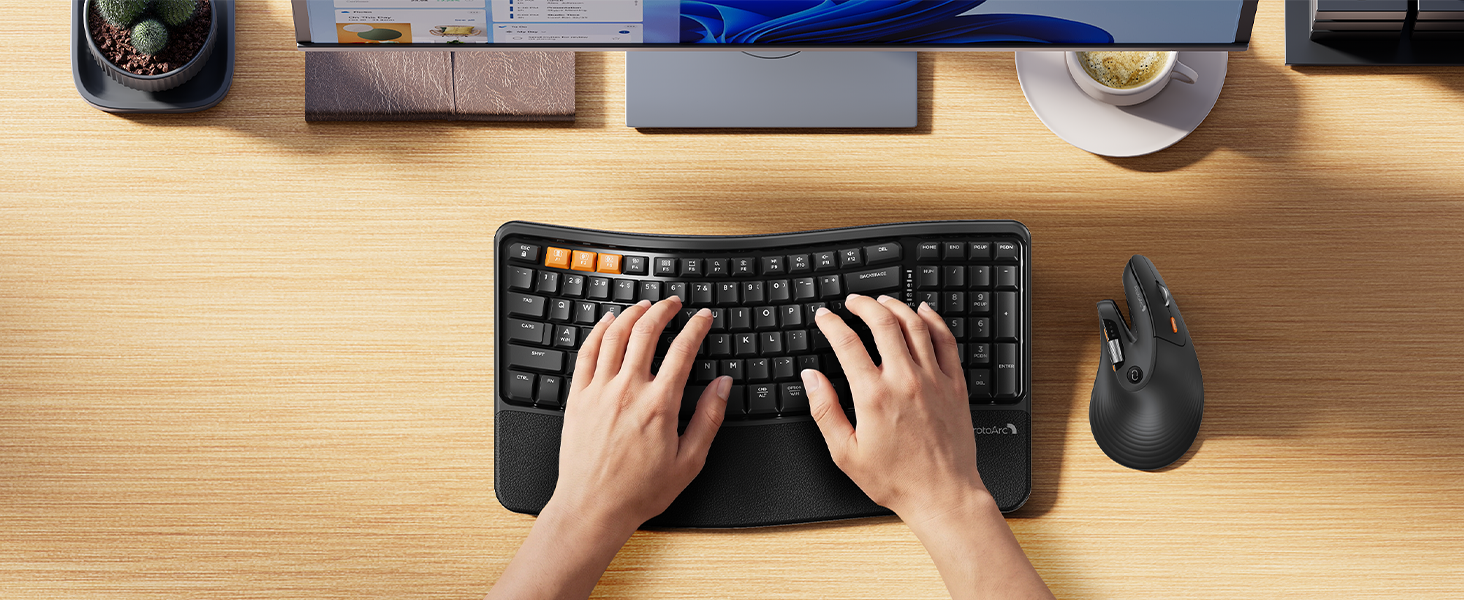
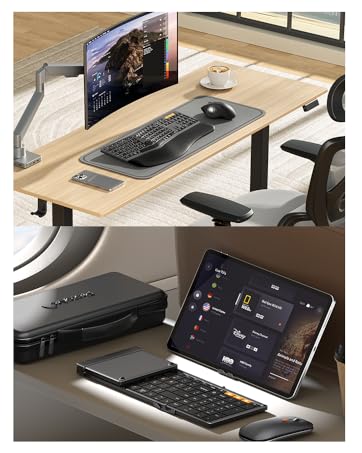
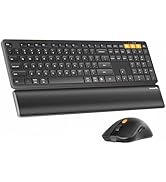
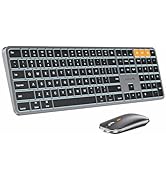
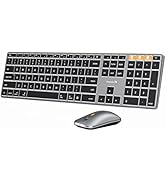
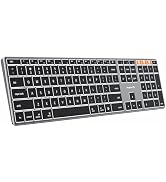
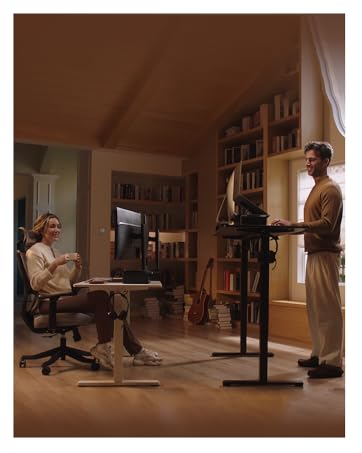
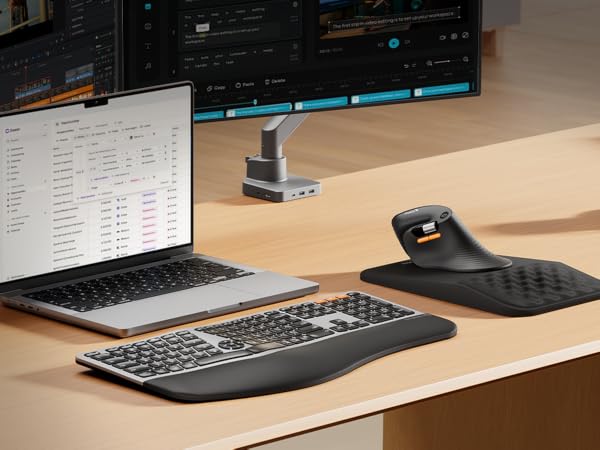
Complete your ergonomic workspace with the ProtoArc EK02 wave keys keyboard and the EM11 Pro wireless vertical mouse duo - comfort meets performance in one seamless pair
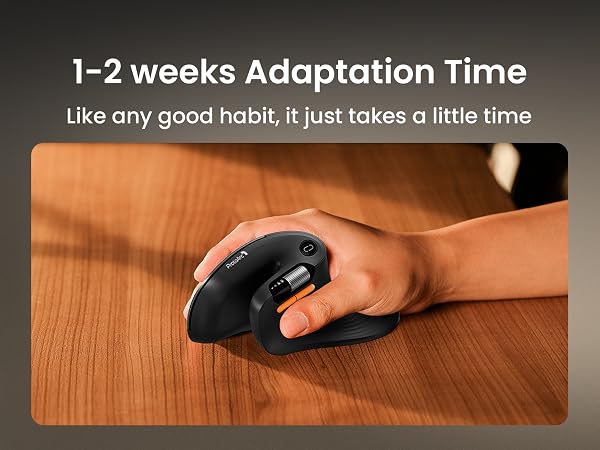
Warm tips: Since it takes a learning curve to get used to the shape when using our ergonomic mouse for the first time, it may cause inconvenience to your mouse grip, but our ergonomic design will help reduce the pressure and pain on your wrist caused by long-term use of the mouse
Can it connect to multiple devices?
Yes, it connects to 3 devices via dual Bluetooth connectivity and 2.4G USB-A, so you can switch instantly without re-pairing— perfect for multi-tasking across your computer, tablet, and phone. Compatible with Windows, Mac, and Android.
What hand size is the EM11 Pro designed for?
Recommendations for Hand Size: We recommend that Large hands use our ergonomic vertical mouse. Please measure the size before ordering for a better fit and more comfort
Does the EM11 Pro support programming?
Yes, the EM11 Pro supports Advanced Customization via Web—no software to download—allowing you to easily adjust DPI sensitivity and Create custom buttons for your favorite shortcuts, like copy/paste
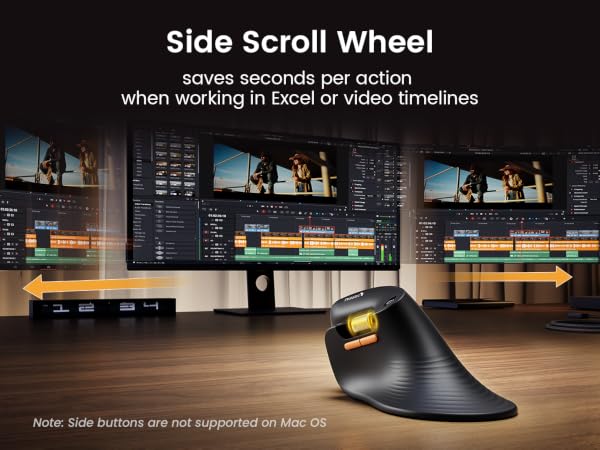
What does the side scroll wheel on the EM11 Pro do?
The side scroll wheel on the EM11 Pro is ideal for wide spreadsheets, long web pages, or expansive design canvases, helping you work faster and reduce hand fatigue. it saves seconds per action when working in Excel or video timelines
Why should I choose the EM11 Pro over other vertical mice?
Choose the EM11 Pro for browser-based button customization, a time-saving side scroll wheel, a 58° ergonomic design that reduces wrist fatigue by 90%, and seamless switching between 3 devices—all in a vertical mouse for large hands size
EM11 Pro Ergo Mouse | EM11 NL Ergonomic Mouse | EK01 Plus Ergo Keyboard | EK02 Wave Ergo Keyboard | MP50 Ergonomic Mouse Pad | EM02 Trackball Mouse | EM15 USB C Mouse |
|---|---|---|---|---|---|---|
| Customer Reviews | ||||||
| — | — | — | — | — | — | — |
| Price | ||||||
| — | — | — | — | — | — | — |
| Size | ||||||
| 6.06*3.38*2.95 in | 5.43*2.72*2.68 in | 18.9 * 9.62 * 1.01 in | 15.6 * 8.96 * 1.3 in | 11.8 × 7.7 × 1.6 in | 5.3 * 4.0 * 2.3 in | 4.9*2.5*1.5 in |
| Hand Size | ||||||
| Great for Large Hand | Great for Small to Medium Hand | Full-size (18.9"×9.62") | Compact (15.6"×8.9") | / | Great for Medium Hand | Great for Medium Hand |
| Web-Based Customization | ||||||
| ? | ? | ? | ? | ? | ? | ? |
| Horizontal Scroll Wheel | ||||||
| ? | ? | ? | ? | ? | ? | ? |
| DPI Level | ||||||
| Up to 7200 | 1000/1600/2400 | / | / | / | 200/400/800/1200/1600 | 1000/1600/2400 |
| Connection Type | ||||||
| 2.4G + Dual Bluetooth | 2.4G + Dual Bluetooth | 2.4G + Dual Bluetooth | 2.4G + Dual Bluetooth | / | 2.4G + Dual Bluetooth | 2.4G+USB C Wireless+ Bluetooth |
| USB-C Charging | ||||||
| ? | ? | ? | ? | ? | ? | ? |
| Color | ||||||
| Black | Black | Black Grey | Black | Black | Black | Black |
Mission
At ProtoArc, our mission is to deliver innovative workspace solutions that enhance comfort, boost productivity, and foster overall wellness.
Vision
We believe that everyone deserves a workspace that not only meets their functional needs but also empowers them to thrive. Our vision is a world where work environments promote health, happiness, and high performance.