




 here!
here!
I’m your shopping assistant for PC builds, upgrades, and everything tech.
Got questions? Ask away!
Start a conversation
here!
I’m your shopping assistant for PC builds, upgrades, and everything tech.
Got questions? Ask away!
Start a conversation



Any questions? Ask CelesteSM will help you find out quickly.
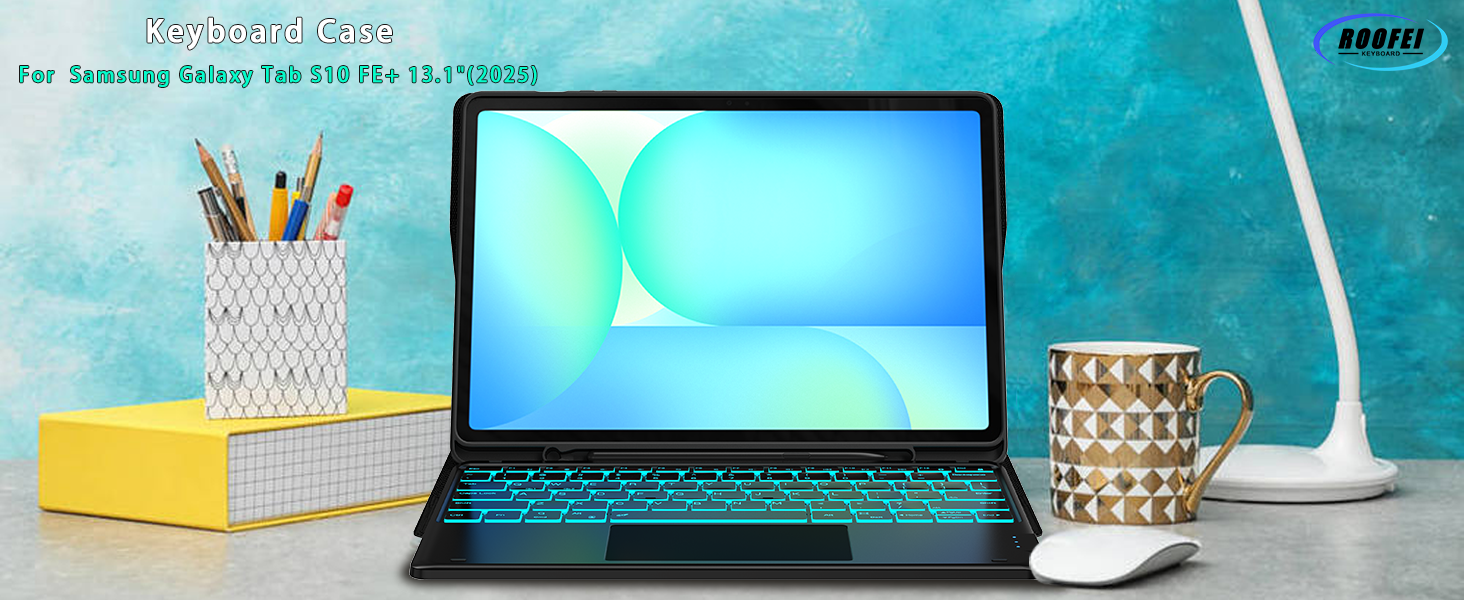
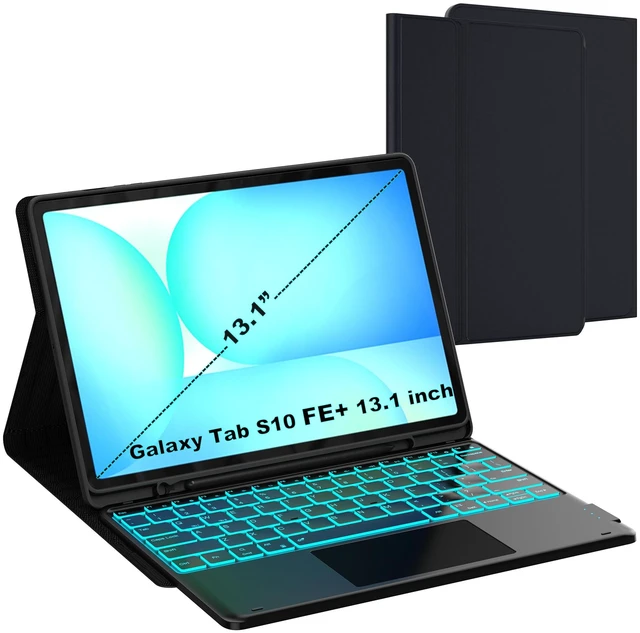
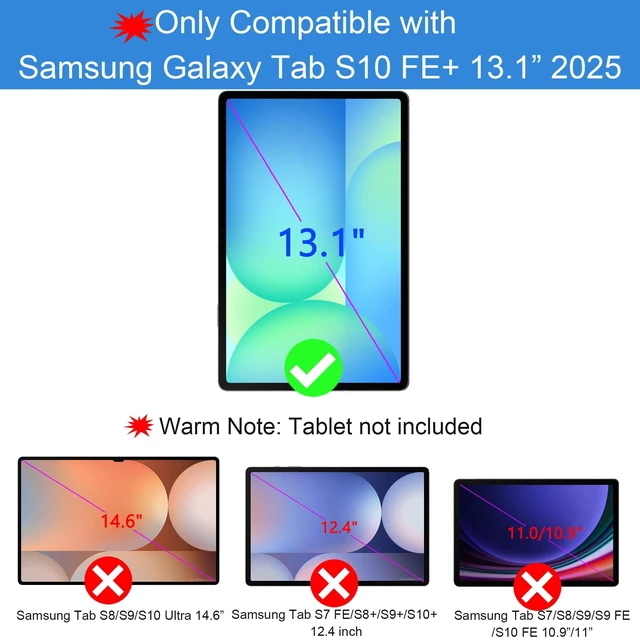
Galaxy S10 FE+ 13.1 inch 5G Tablet 2025 (SM-X620, SM-X626, SM-X626B)
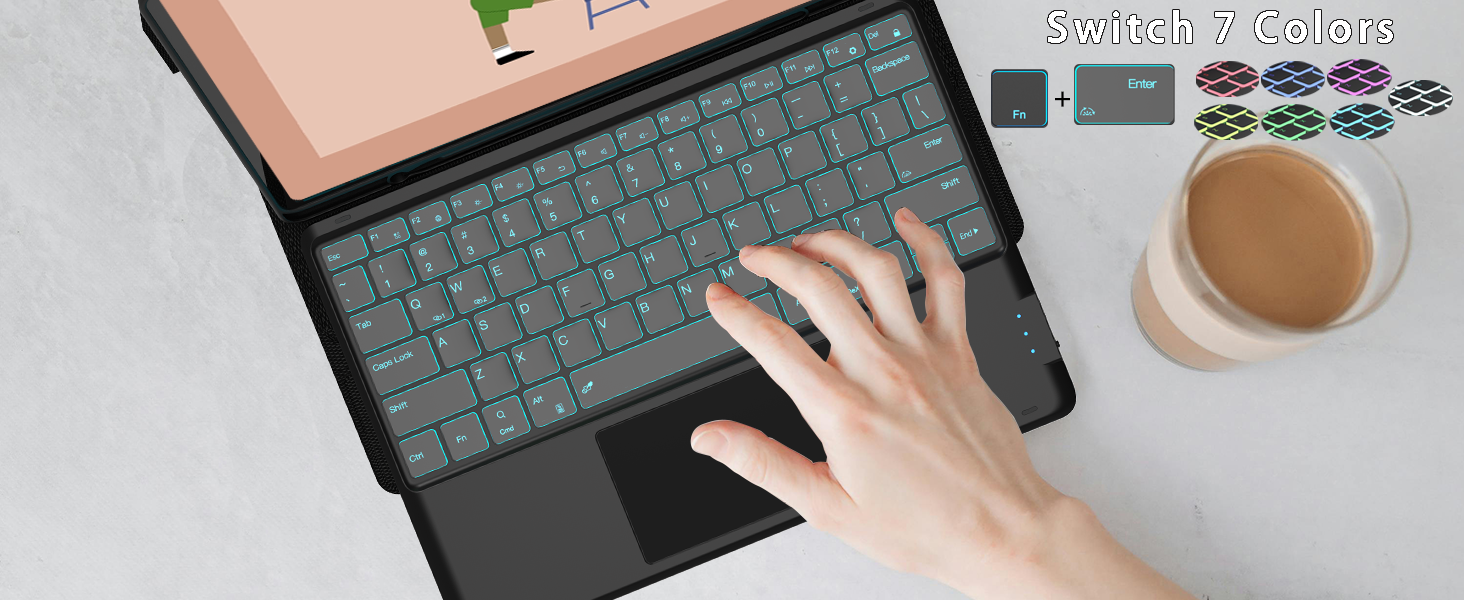
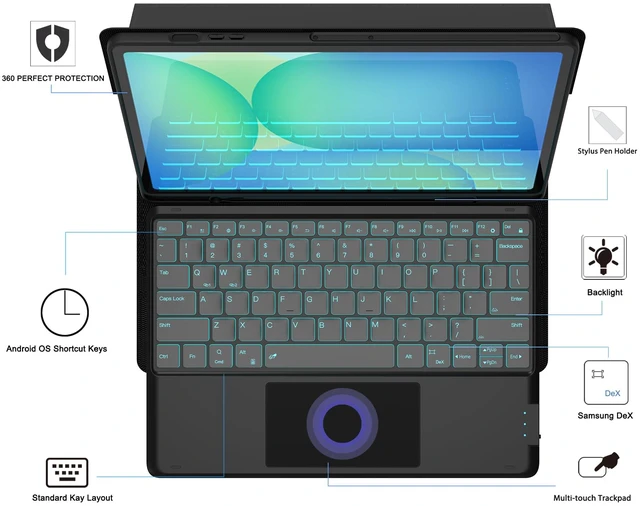
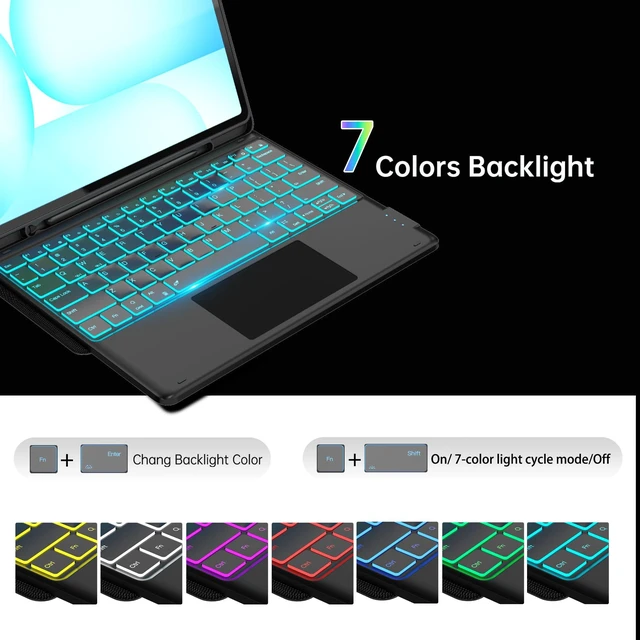
Press both the keys"Fn"+"Enter" to change the keyboard backlight colors, press the "Fn"+"shift(With light icon)" key to adjust the brightness of the Tab S10 FE+ keyboard(or turn into to breath lamp, press again to turn off/on the backlight)
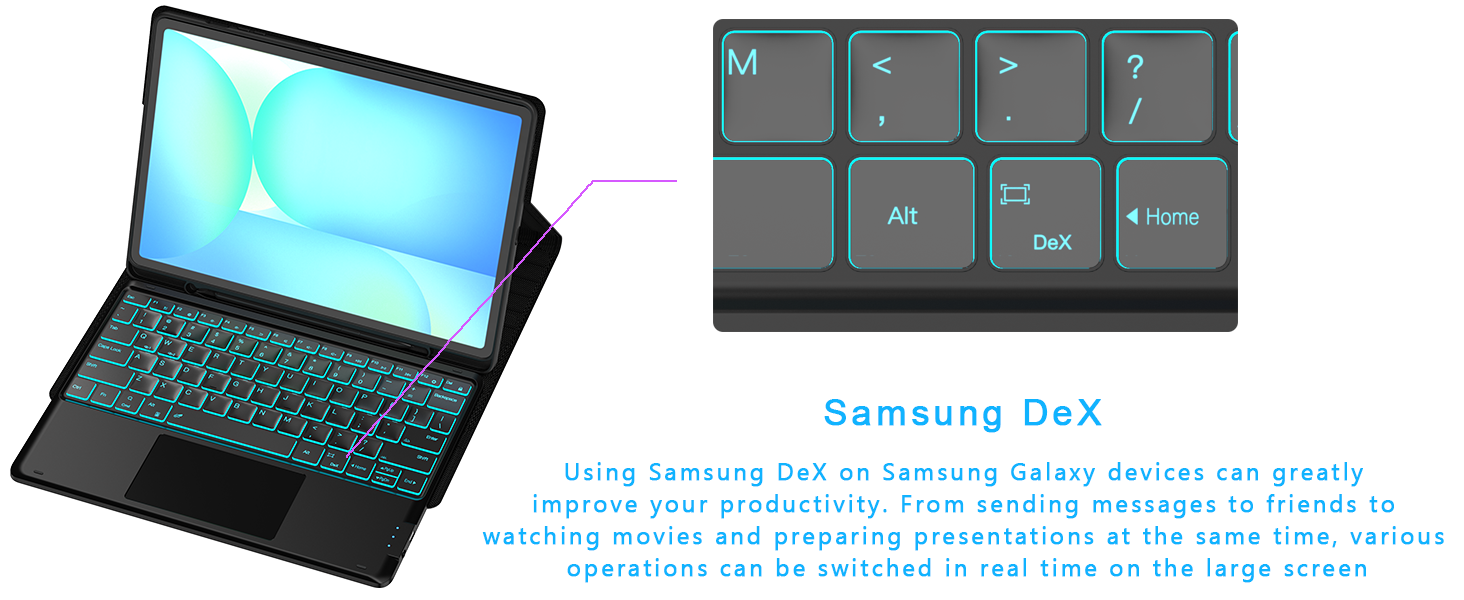
Make your tablet as a real Laptop! Just press "Fn" +"Dex" to switch shortcut mode, supports multi-window operation, file drag and drop, right-click function, etc. With one click, your tablet can be effortlessly transformed into a laptop.
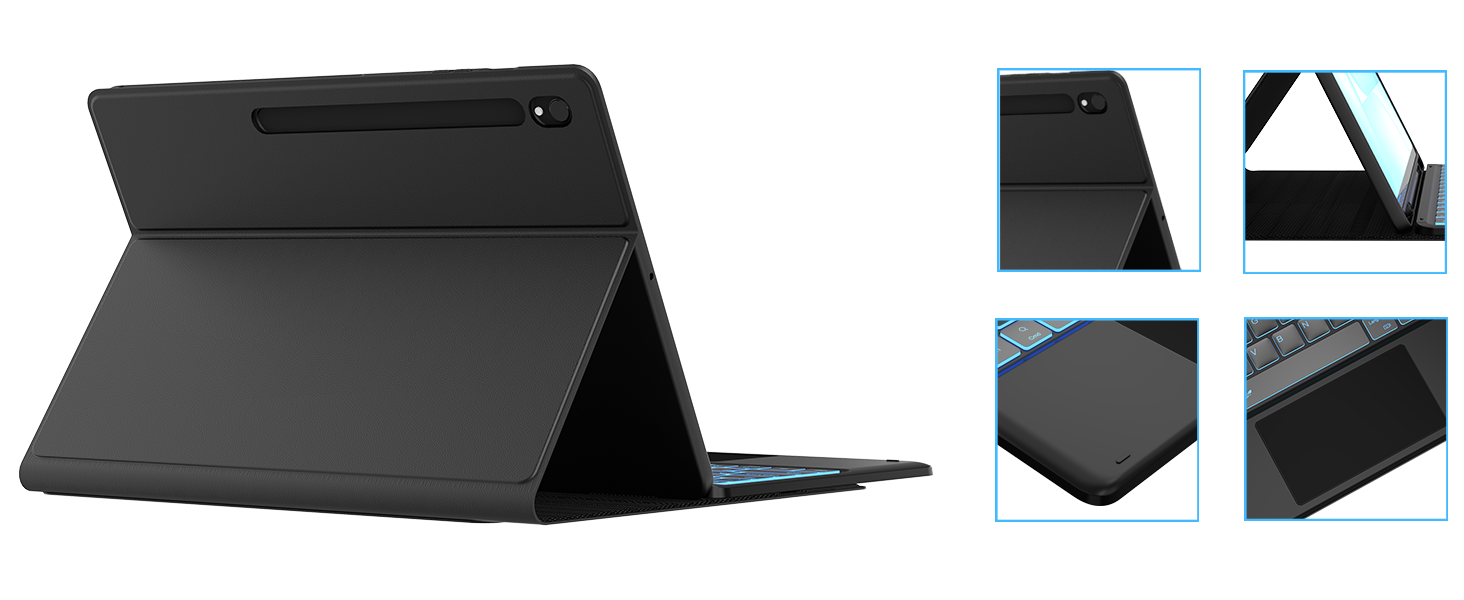
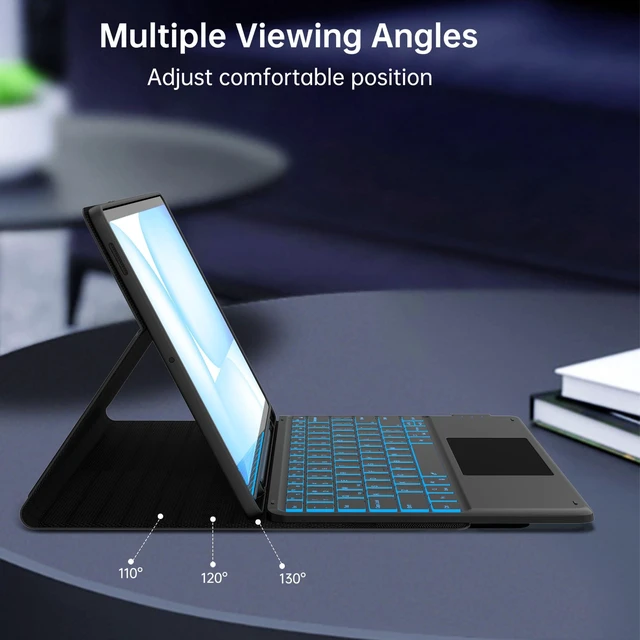
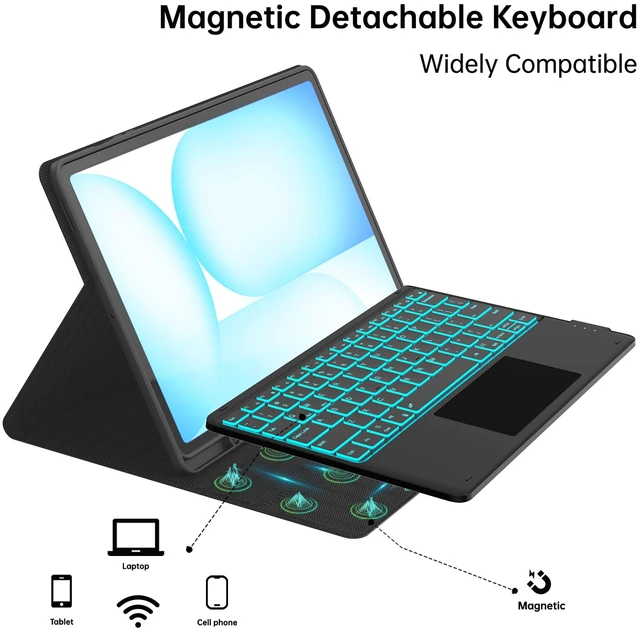
Easy to access all the holes, built in S-pen holder to store your s-pen (not included), support 3 level viewing stand, you can adjust to comfortable position, backlight designed support to work in the dark environment, mutil-touch trackpad support you to work outside without need an extra mouse!!!
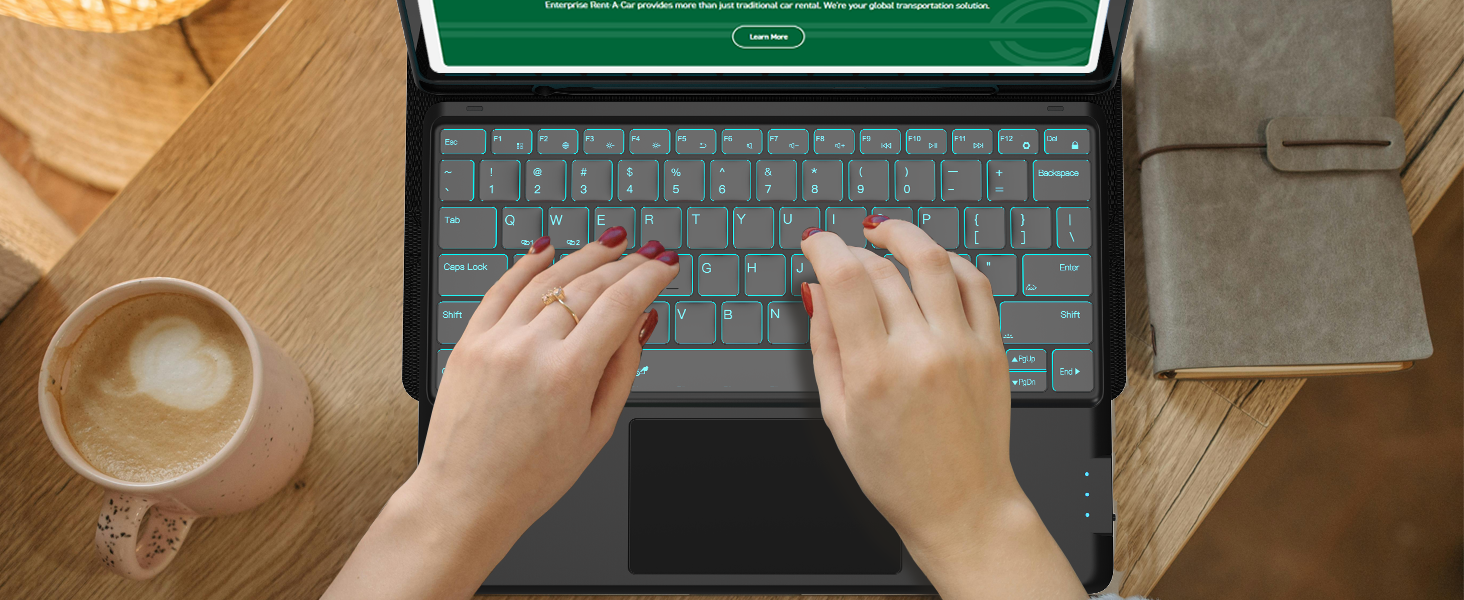
The Samsung Tab S10 FE+ Keyboard designed with US QWERTY Layout, Easy to use and control the tablet with shortcut key, If you don't need the touchpad, you can press both the keys "Fn" + "Spacebar" to turn off the touchpad to prevent accidental touches.
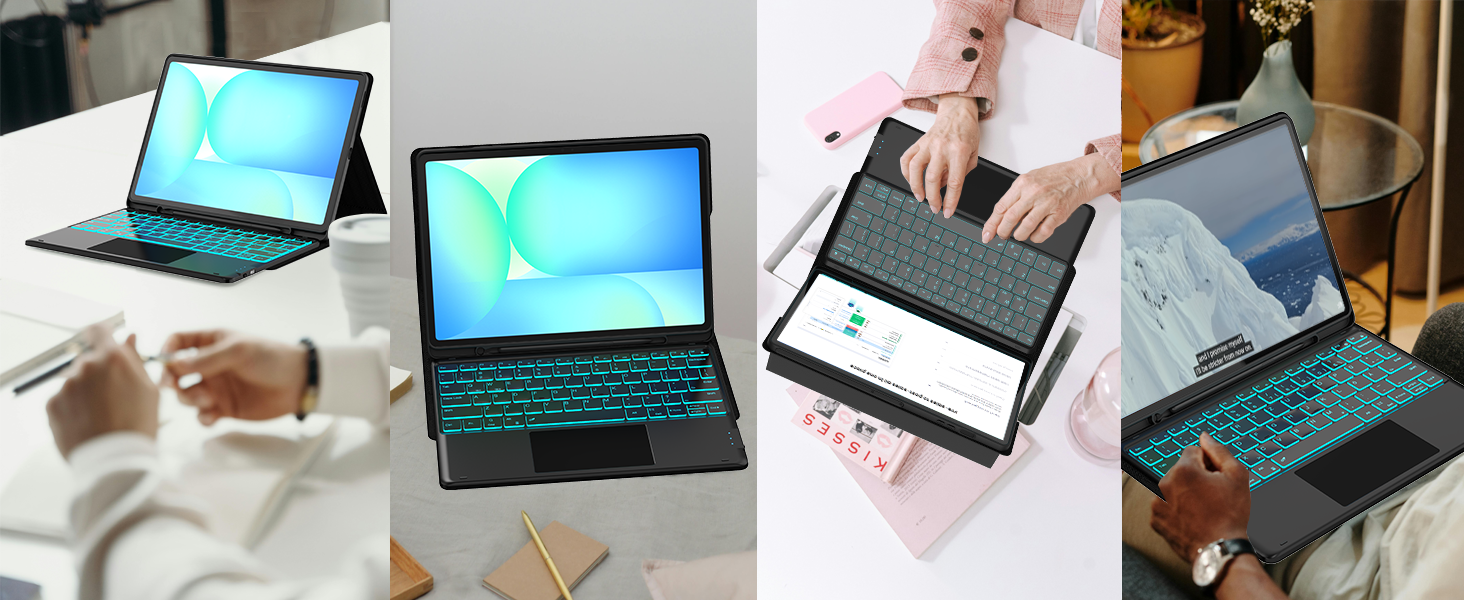
This keyboard case for Galaxy Tab S10 FE+ can be used in work, study, chat etc.
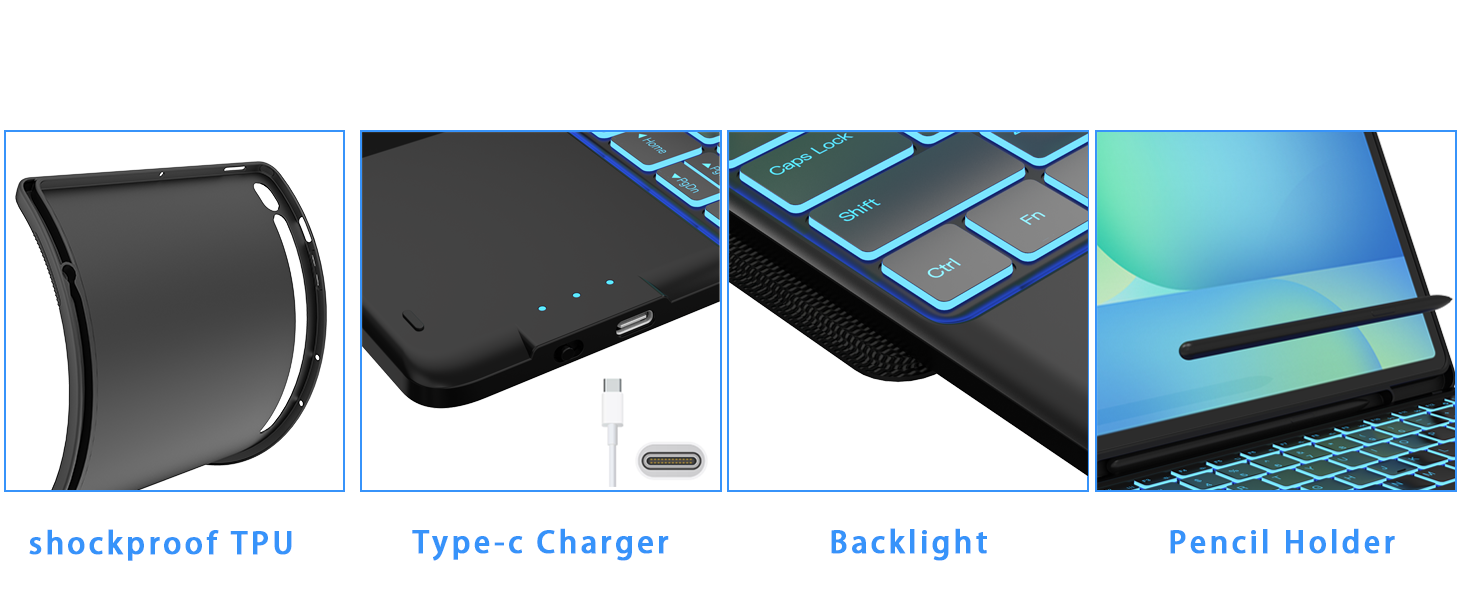
Easy access to all the port, built in s-pen holder to store your s-pen, soft TPU Bumper provide full protection to your tablet, backlight design allow you to type in the evening
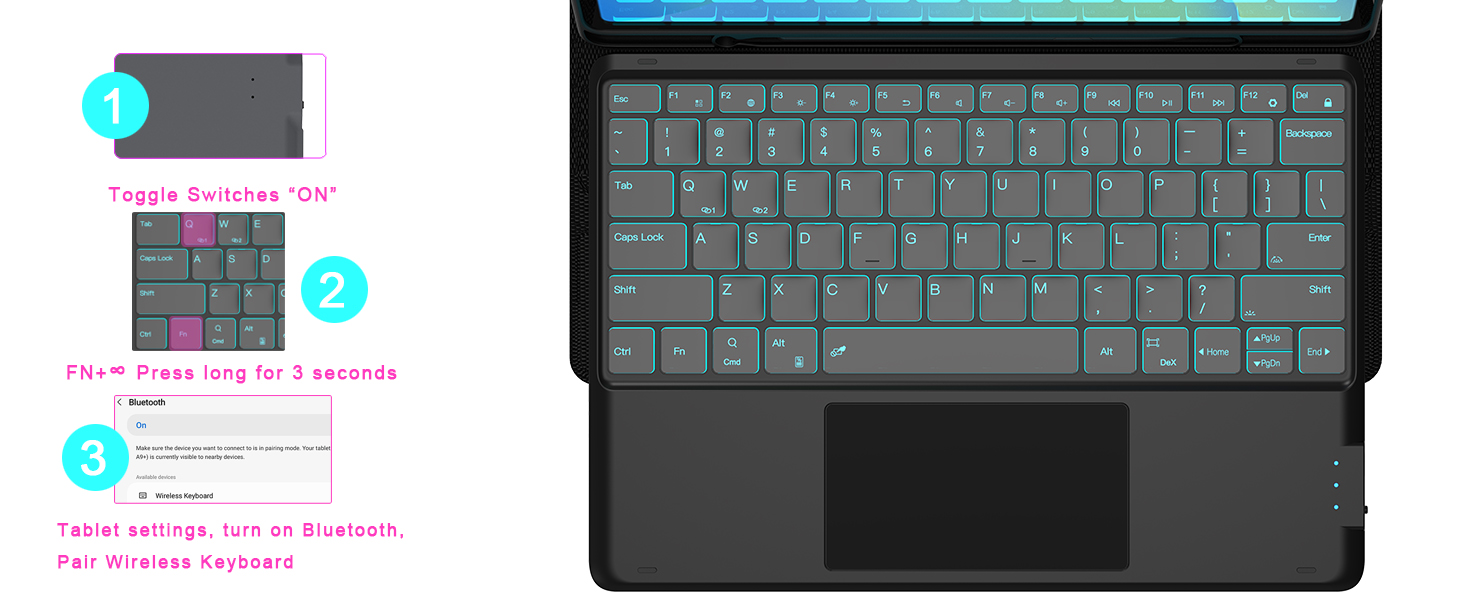
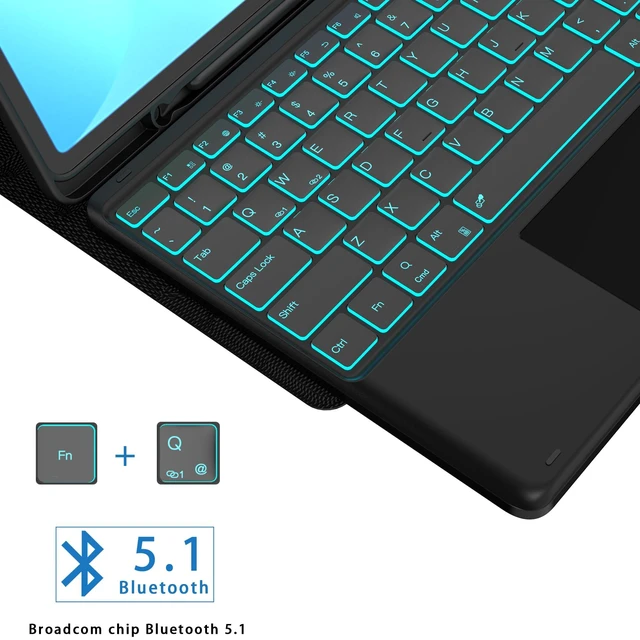
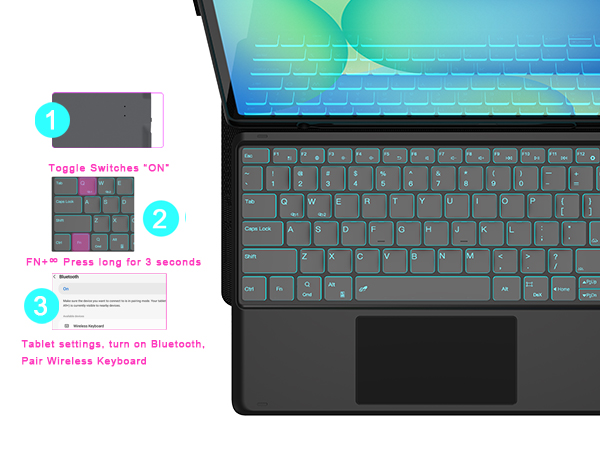
1, Turn on power button, long press for 3 seconds until the light flashes, Click"Fn"+"Q"; then open the Bluetooth setting of your tablet, Finally Find the "Wireless Keyboard" and select it, pair it
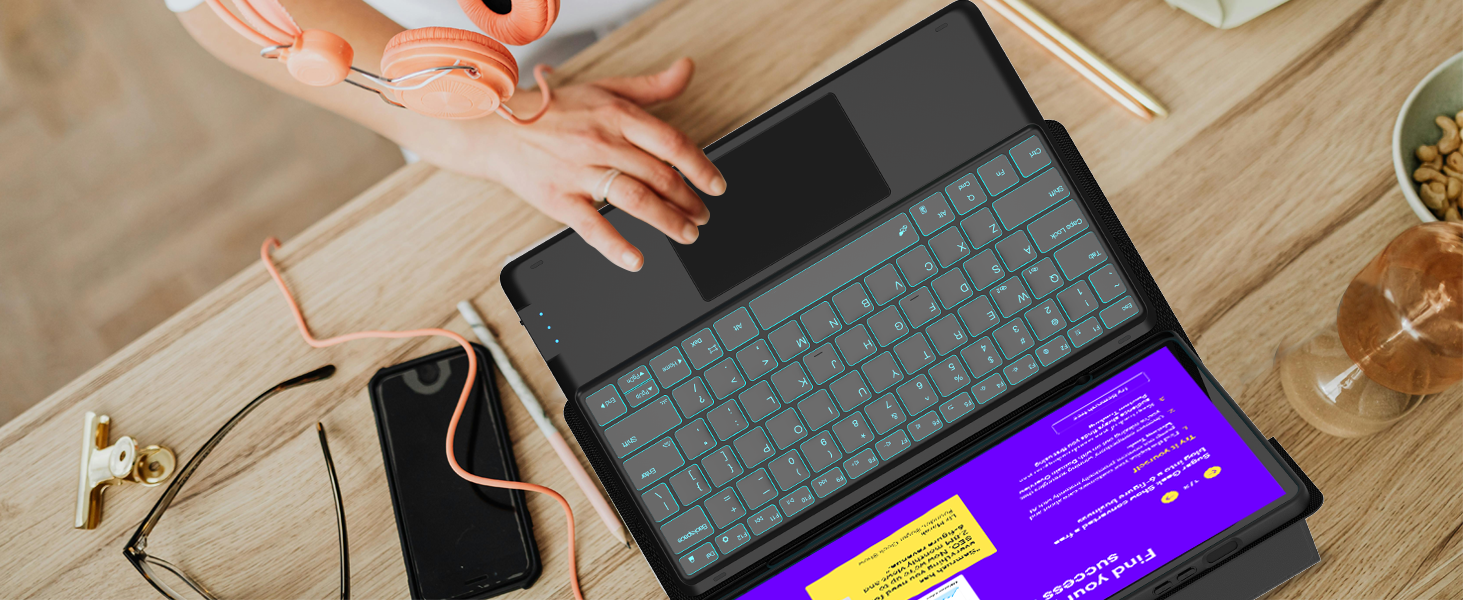
You just need to adjust the touchpad rolling speed settings:
Go to Tablet's Settings > General management > Mouse and trackpad > Adjust pointer speed/ Wheel scrolling speed
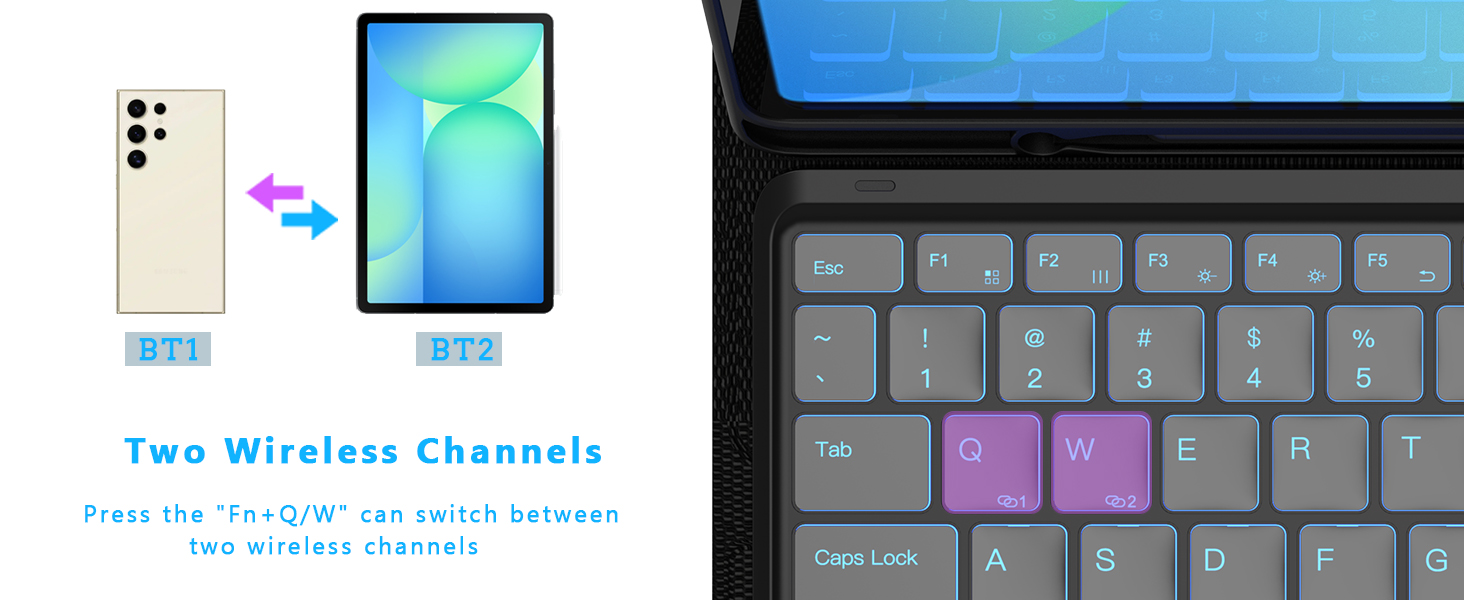
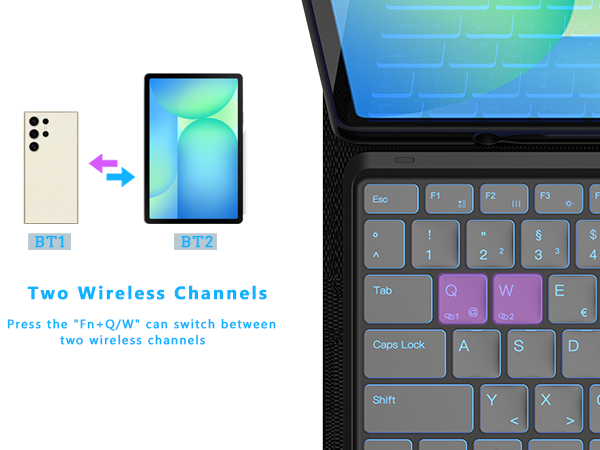
easily connect to Samsung mobile phones or tablets, just press both the keys "Fn"+"Q" / "Fn"+"w" to meet your need
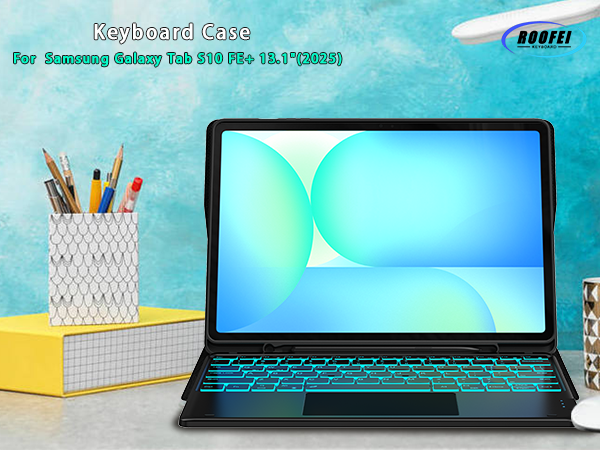
Galaxy S10 FE+ 13.1 inch 5G Tablet 2025 (SM-X620, SM-X626, SM-X626B)
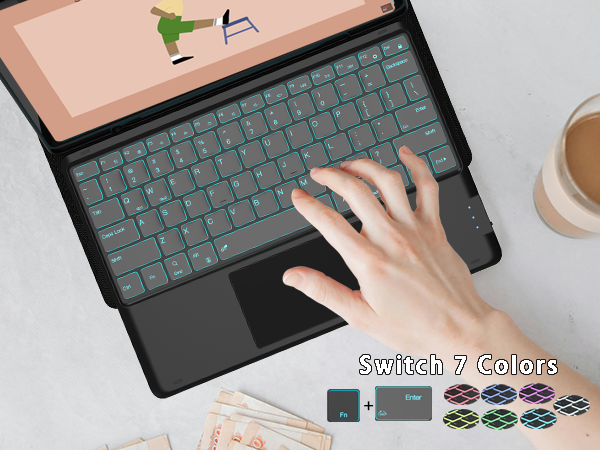
Press both the keys"Fn"+"Enter" to change the keyboard backlight colors, press the "Fn"+"shift(With light icon)" key to adjust the brightness of the Tab S10 FE+ keyboard(or turn into to breath lamp, press again to turn off/on the backlight)
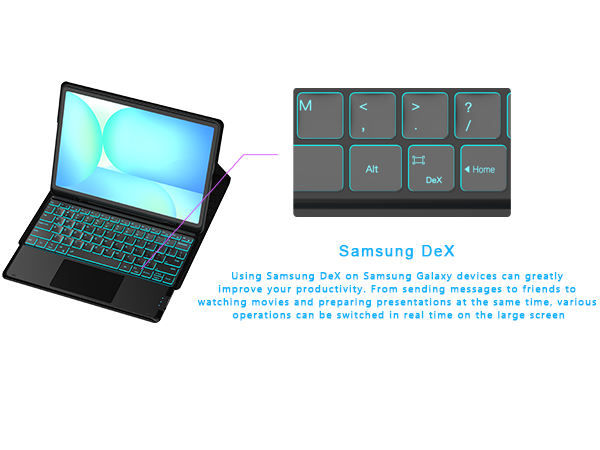
Make your tablet as a real Laptop! Just press "Fn" +"Dex" to switch shortcut mode, supports multi-window operation, file drag and drop, right-click function, etc. With one click, your tablet can be effortlessly transformed into a laptop.
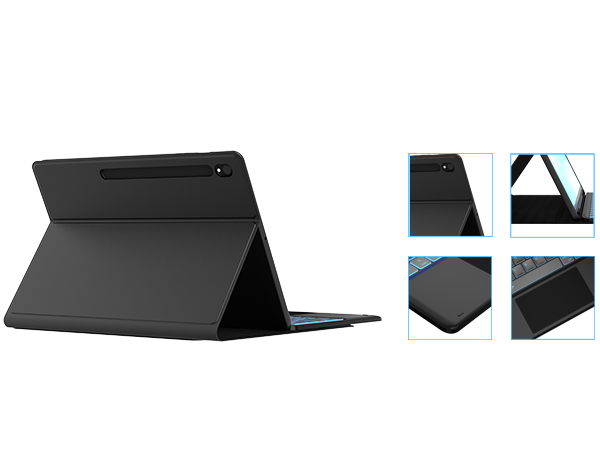
Easy to access all the holes, built in S-pen holder to store your s-pen (not included), support 3 level viewing stand, you can adjust to comfortable position, backlight designed support to work in the dark environment, mutil-touch trackpad support you to work outside without need an extra mouse!!!
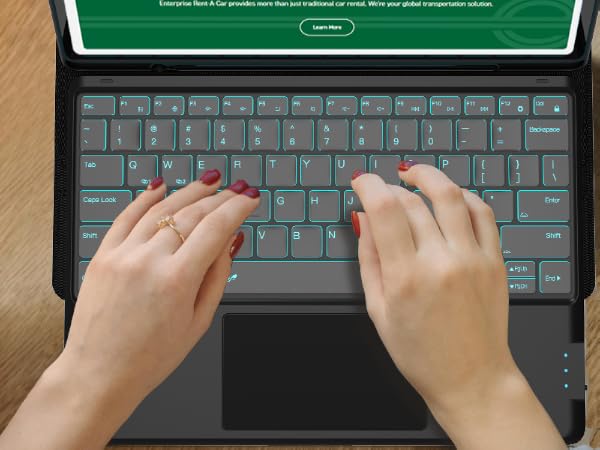
The Samsung Tab S10 FE+ Keyboard designed with US QWERTY Layout, Easy to use and control the tablet with shortcut key, If you don't need the touchpad, you can press both the keys "Fn" + "Spacebar" to turn off the touchpad to prevent accidental touches.
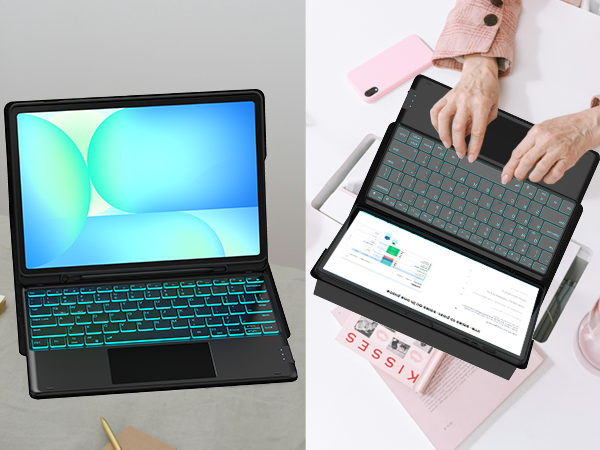
This keyboard case for Galaxy Tab S10 FE+ can be used in work, study, chat etc.
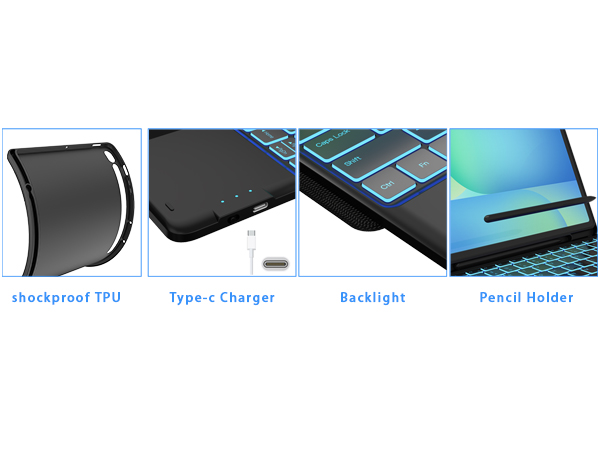
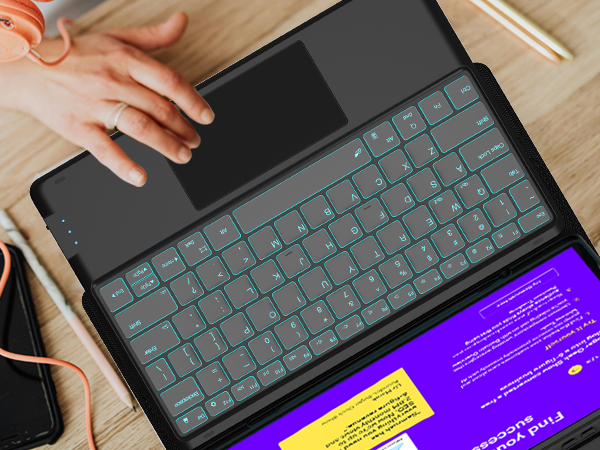
Easy access to all the port, built in s-pen holder to store your s-pen, soft TPU Bumper provide full protection to your tablet, backlight design allow you to type in the evening
1, Turn on power button, long press for 3 seconds until the light flashes, Click"Fn"+"Q"; then open the Bluetooth setting of your tablet, Finally Find the "Wireless Keyboard" and select it, pair it
You just need to adjust the touchpad rolling speed settings:
Go to Tablet's Settings > General management > Mouse and trackpad > Adjust pointer speed/ Wheel scrolling speed
easily connect to Samsung mobile phones or tablets, just press both the keys "Fn"+"Q" / "Fn"+"w" to meet your need


