




 here!
here!
I’m your shopping assistant for PC builds, upgrades, and everything tech.
Got questions? Ask away!
Start a conversation
here!
I’m your shopping assistant for PC builds, upgrades, and everything tech.
Got questions? Ask away!
Start a conversation



Any questions? Ask CelesteSM will help you find out quickly.
SNOODU Always Focus Create Better Keyboard Products and Electronic Accessories

During a travel, the company suddenly sent a file, and needed to change the data. But I only brought an ipad with me on the business travel, for the purpose of entertainment and drawing only, and not for the office capability.
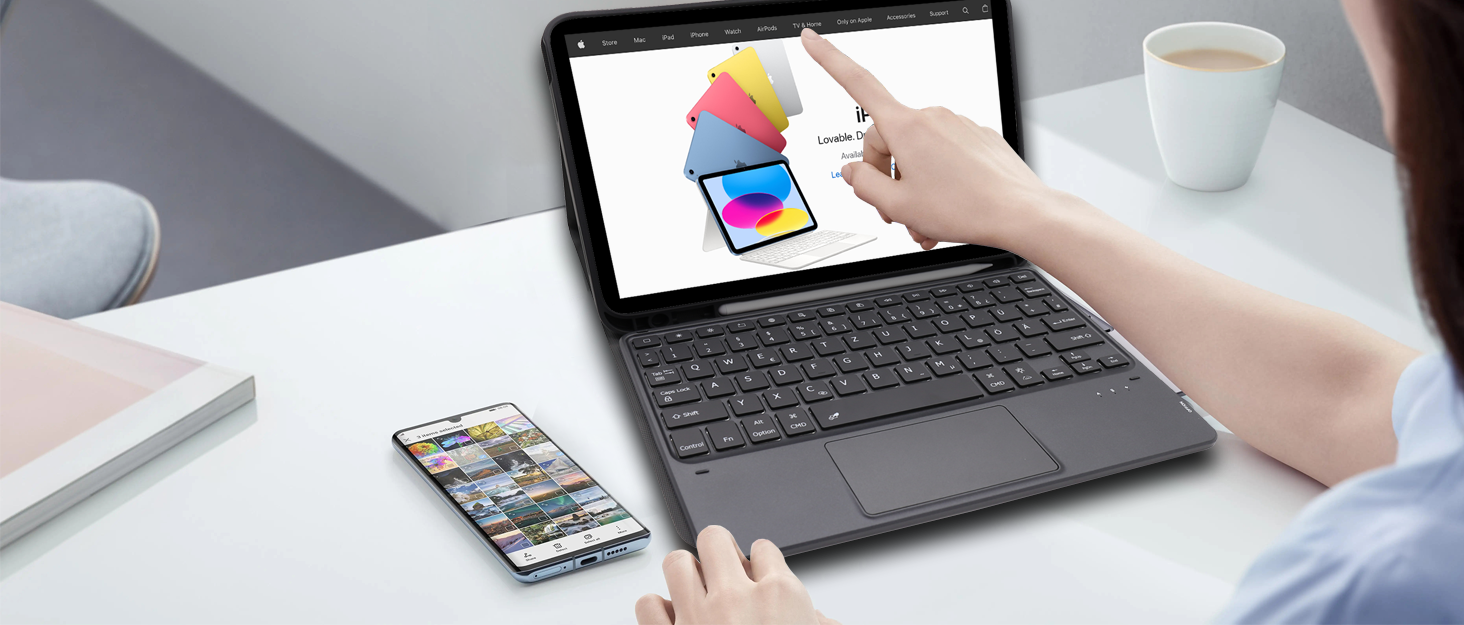
When I found that the ipad can not do anything, I had an idea, why the ipad can not be macbook, so according to the inspiration of the macbook to create a Bluetooth wireless keyboard specifically for ipad use.




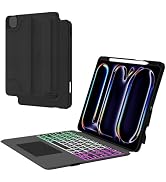

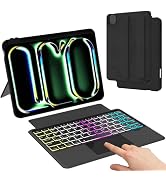


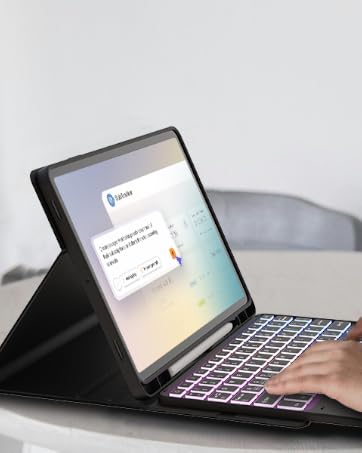


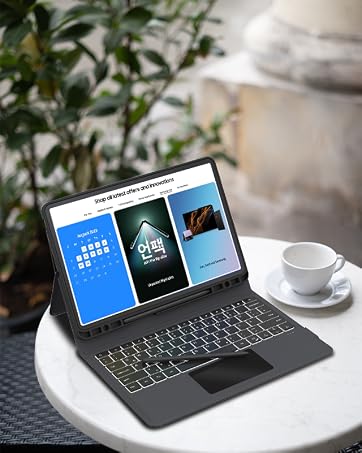

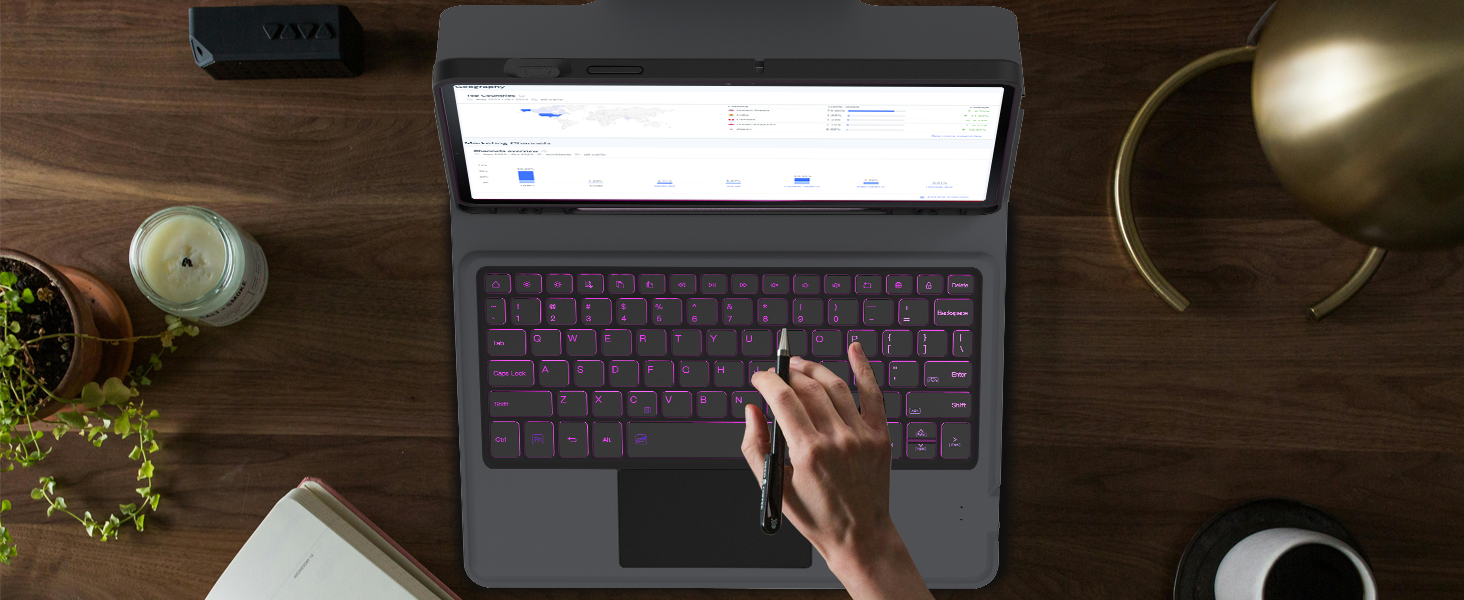
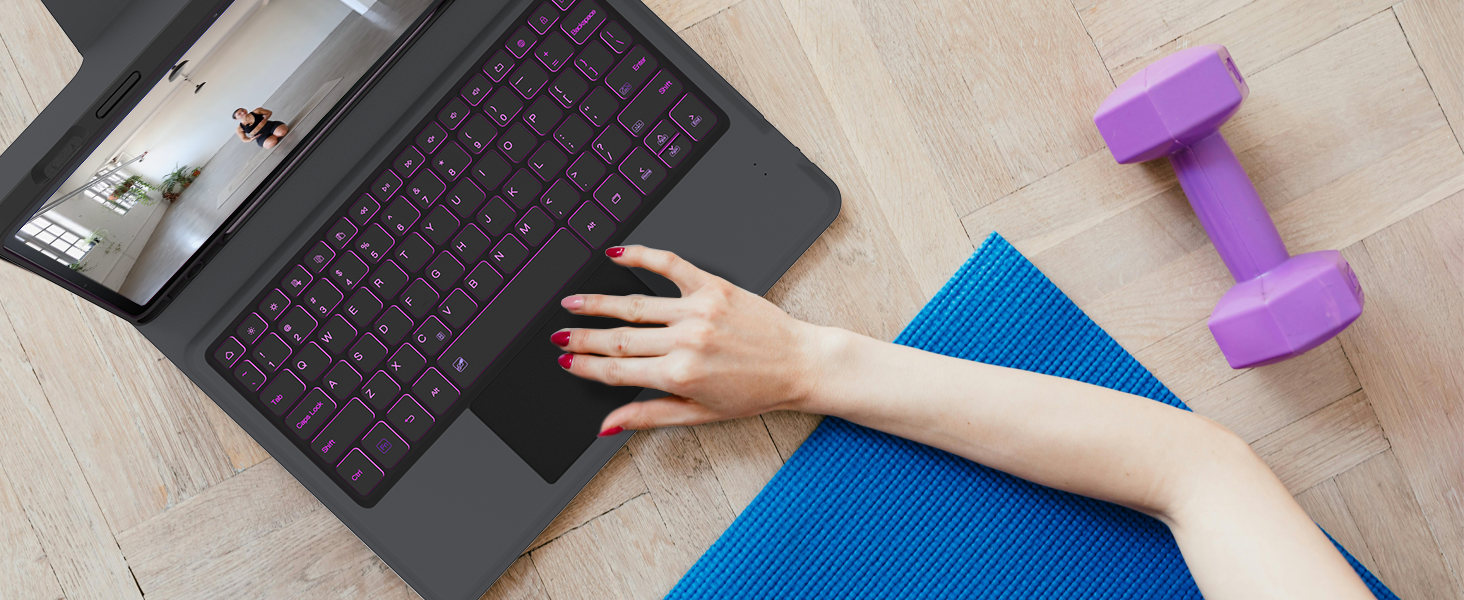
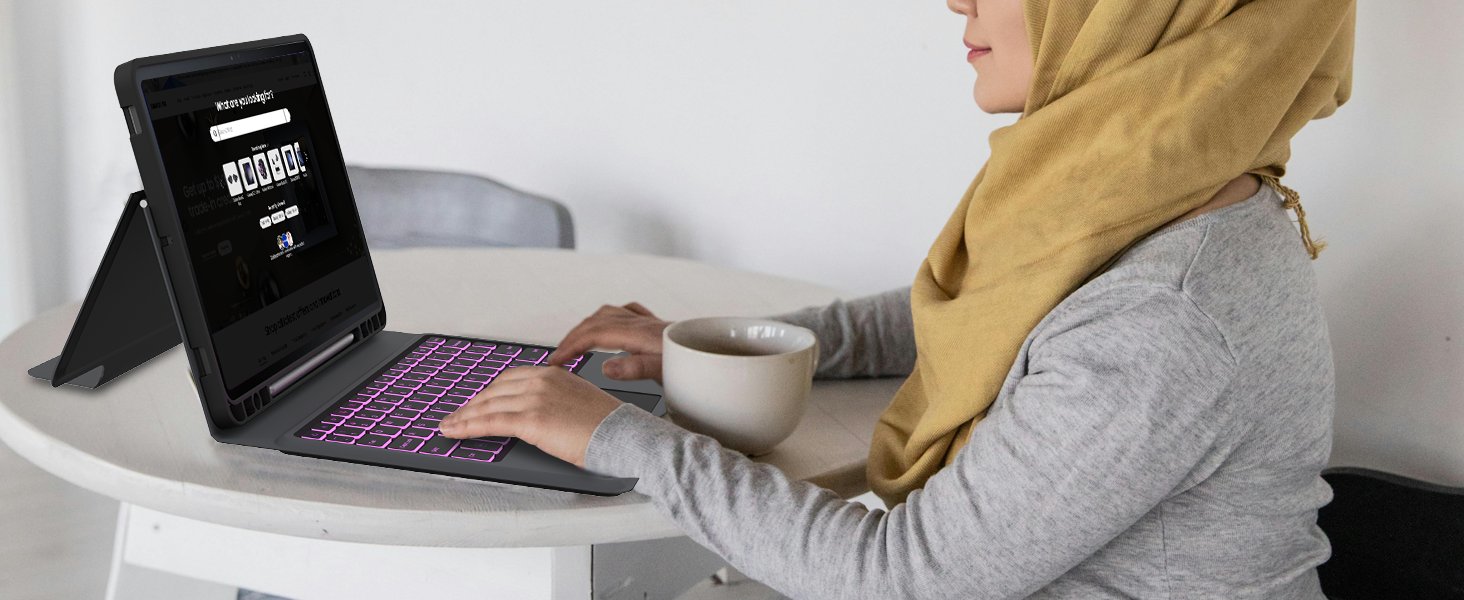
Provides you with smooth speed for editing documents, browsing the web and creating presentations, resulting in high productivity
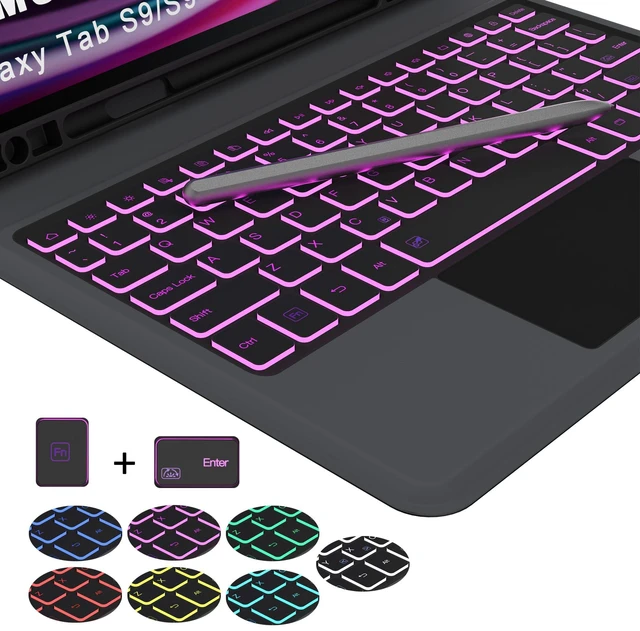
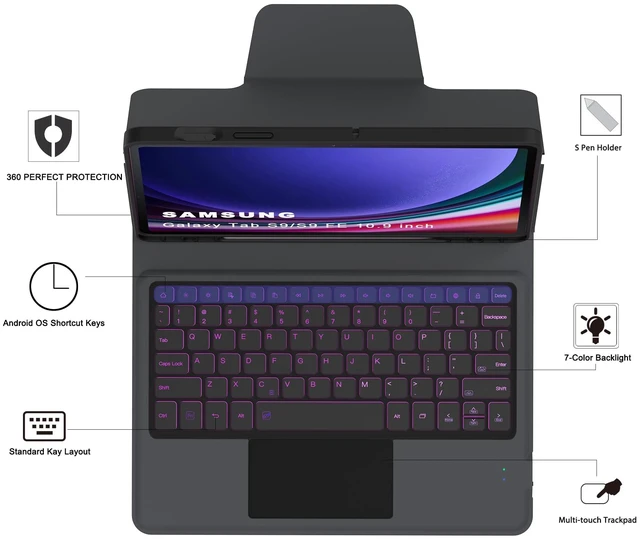
with built-in S Pen Holder, which makes it easy to carry your S Pen with your device to prevent loss, easy to store and use.(Note: pen not include!!!)
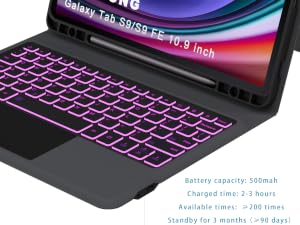
Keyboard uses the common Type-C charging port, after 2-3 hours of full charging, the wireless keyboard can standby for 90 days at a time.
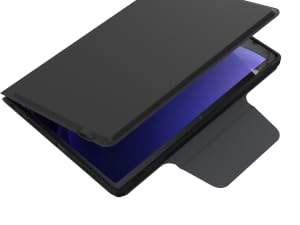
It automatically wakes or puts your tablet to sleep when it is opened or closed, save much power for your tablet
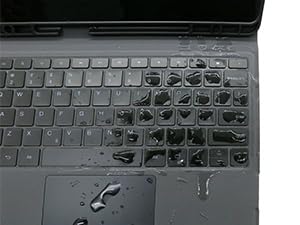
When you are working, accidentally spilled the cup containing water or coffee, wet your keyboard, our keyboard can effectively solve this problem
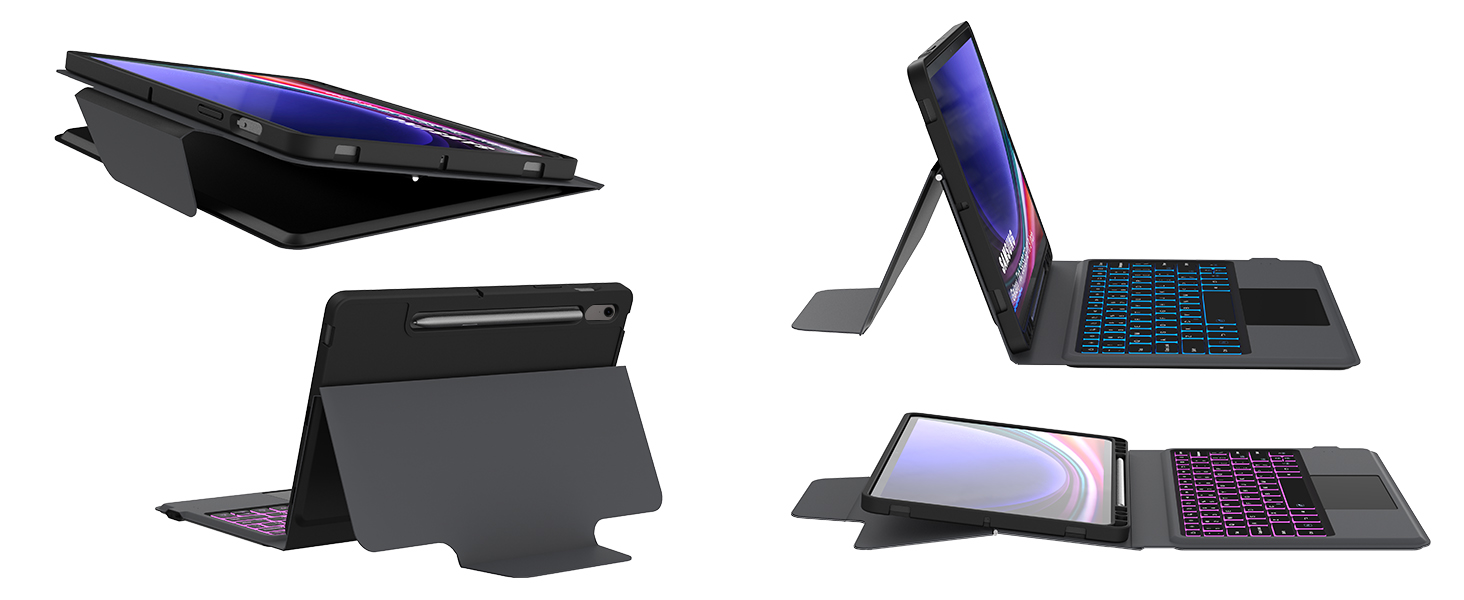
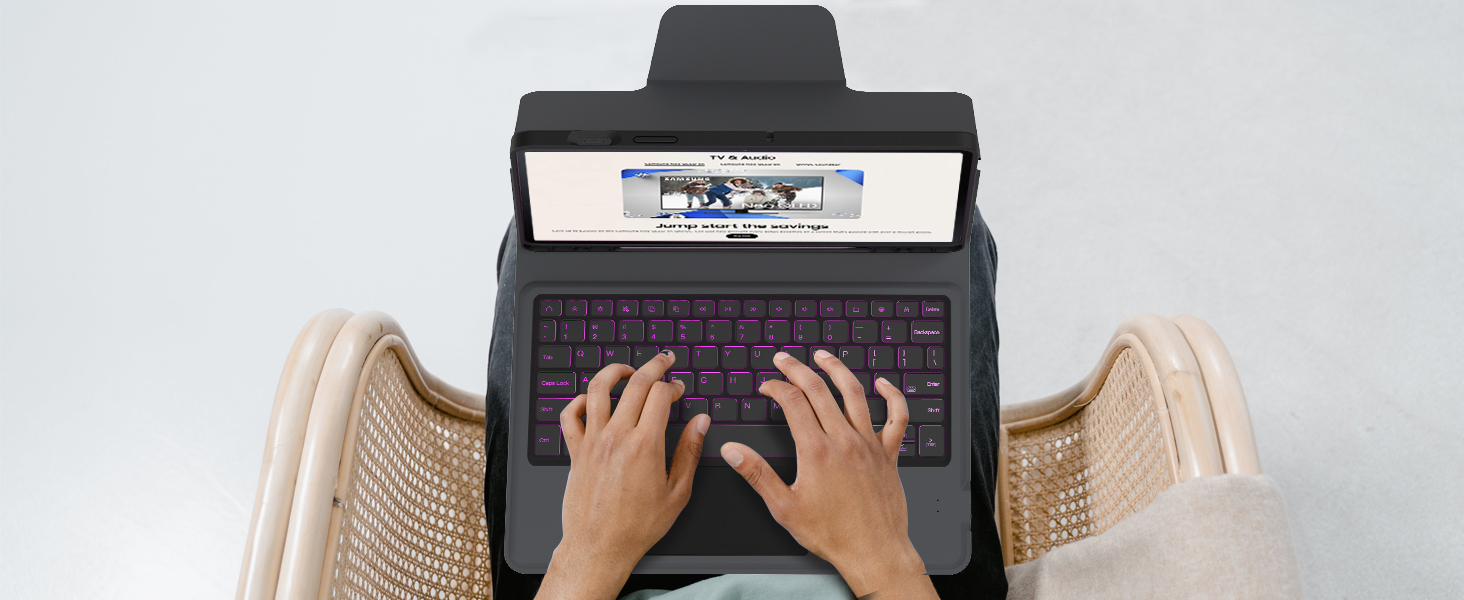
Type comfortably using familiar laptop-like keyboard, perfect for travel needs, business/school use
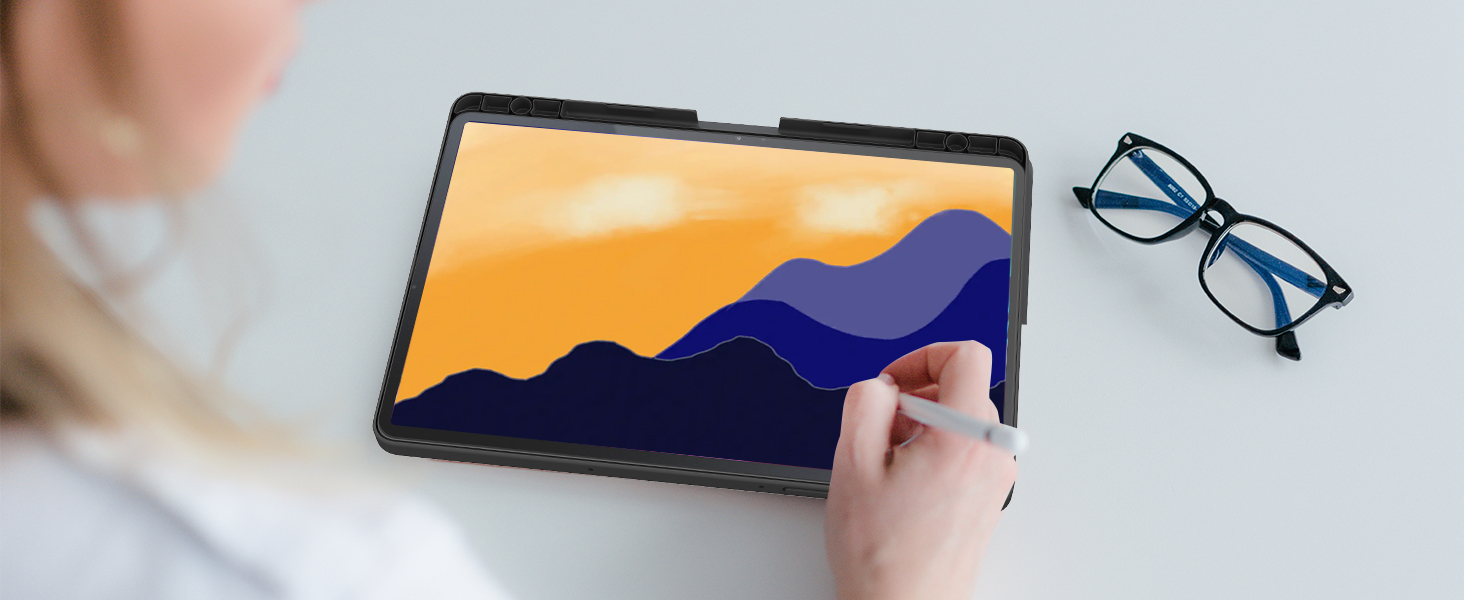
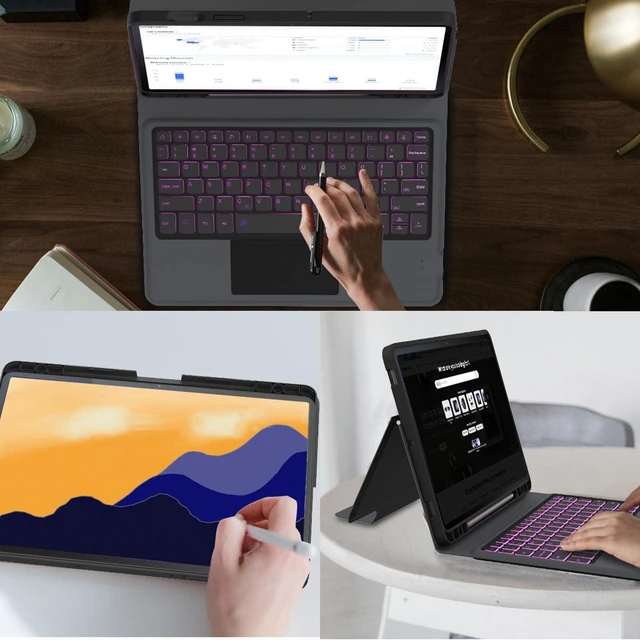
Easily use your Samsung S9 FE tablet for Sketch, typing, note, watching video

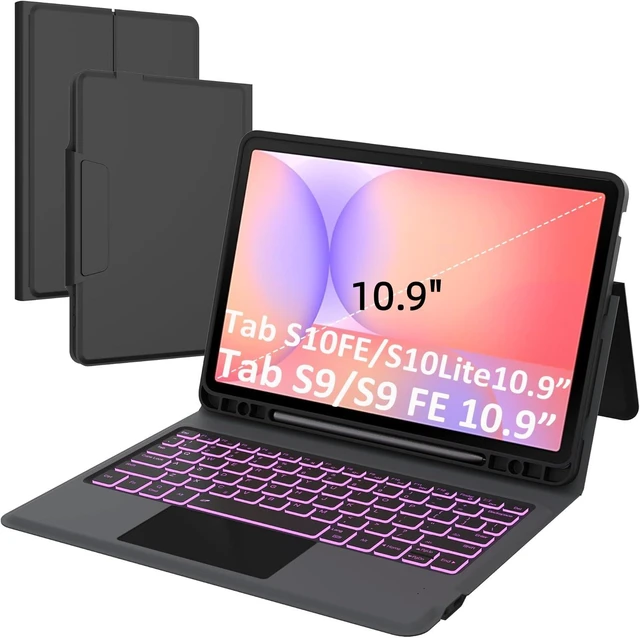
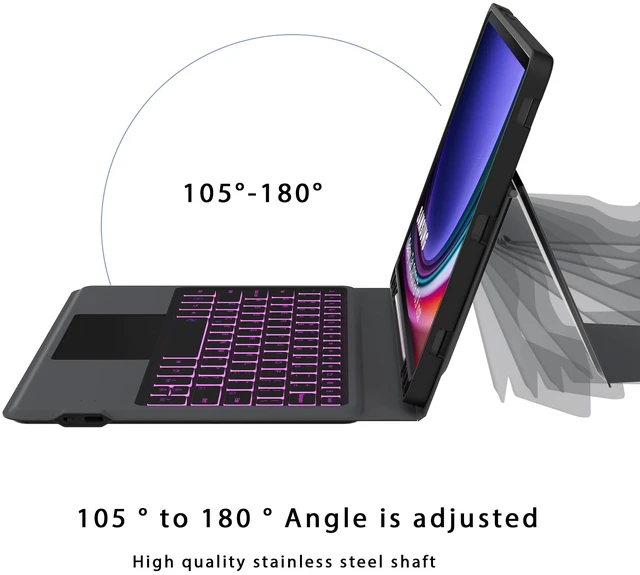
The one-piece design is easy to carry and gives your Galaxy Tab S9 FE 10.9"/S9 11" an all-around protection so you can take it out and use it at any time
How to achieve a better trackpad experience?
1. Go to Tablet's Settings > General management > Mouse and trackpad > Adjust pointer speed
2. Go to Tablet's Settings > General management > Mouse and trackpad > Wheel scrolling speed (Toggle it to “Slow” position)
Is this keyboard removable?
No, It is one picece , You CAN'T remove the keyboard from the cover
Is there any way to close the keyboard trackpad function?
If your dont need use trackpad,your can press "FN"+"Space" to lock trackpad.
The user manual have instruction that describe what each key does
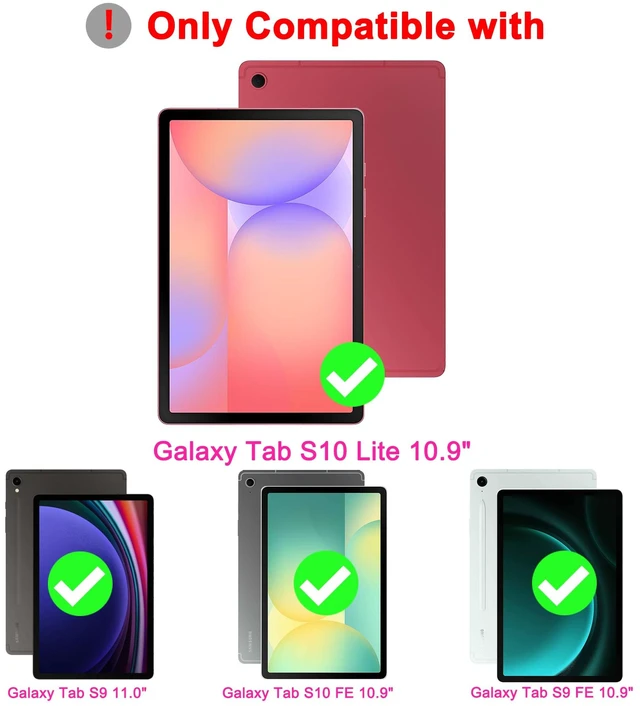
Will this fit Samsung Tab S8/S7?
No, this keyboard case ONLY fit for Samsung Galaxy Tab S9 FE 10.9"/S9 11" 2023, pls check your tablet model carefully
How to connect the keyboard?
1. Turn on the keyboard power switch on the right side
2. Press "FN+C" keys together on the keyboard into Bluetooth matching condition
3. Open your tablet Bluetooth , search for the keyboard.
4. Click "Wireless Keyboard", it will be connect
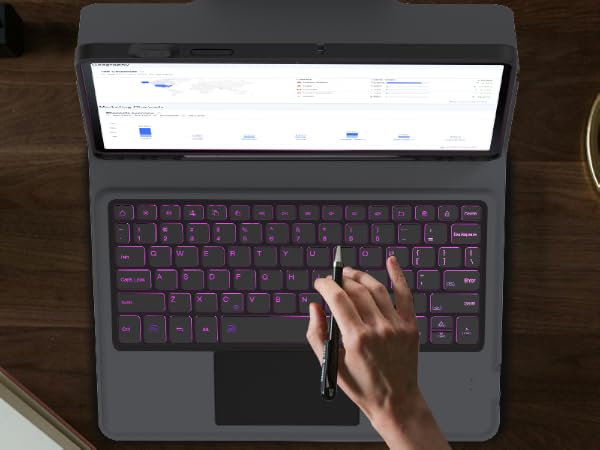
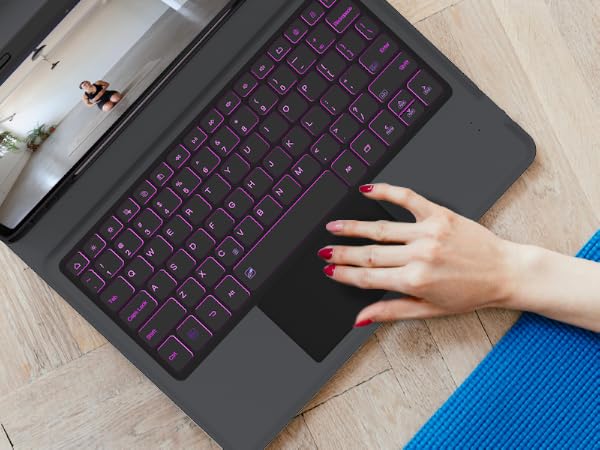
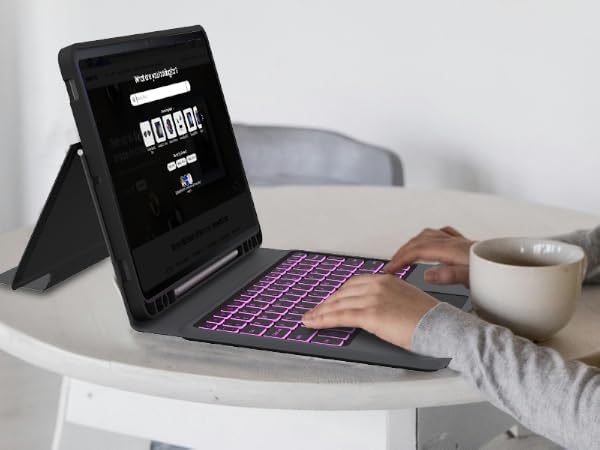
Provides you with smooth speed for editing documents, browsing the web and creating presentations, resulting in high productivity
with built-in S Pen Holder, which makes it easy to carry your S Pen with your device to prevent loss, easy to store and use.(Note: pen not include!!!)
Keyboard uses the common Type-C charging port, after 2-3 hours of full charging, the wireless keyboard can standby for 90 days at a time.
It automatically wakes or puts your tablet to sleep when it is opened or closed, save much power for your tablet
When you are working, accidentally spilled the cup containing water or coffee, wet your keyboard, our keyboard can effectively solve this problem
Type comfortably using familiar laptop-like keyboard, perfect for travel needs, business/school use
Easily use your Samsung S9 FE tablet for Sketch, typing, note, watching video
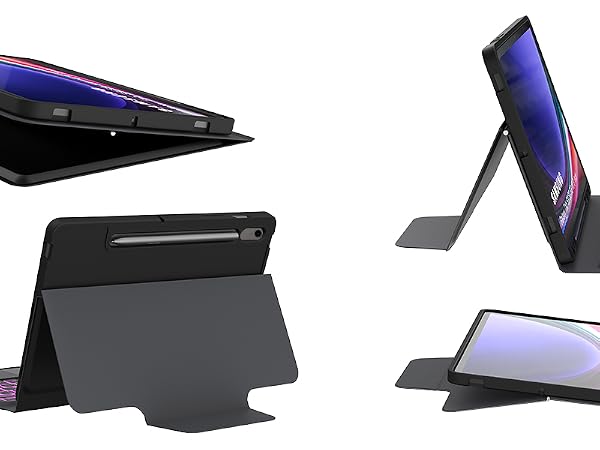
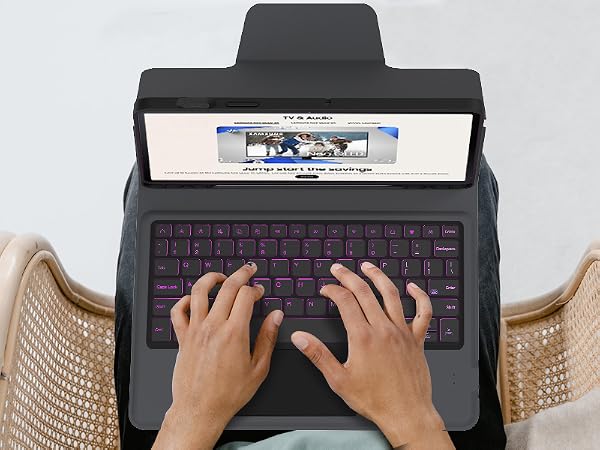
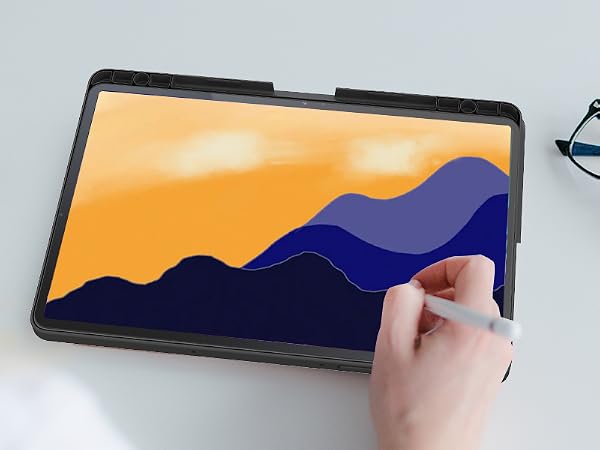

The one-piece design is easy to carry and gives your Galaxy Tab S9 FE 10.9"/S9 11" an all-around protection so you can take it out and use it at any time
How to achieve a better trackpad experience?
1. Go to Tablet's Settings > General management > Mouse and trackpad > Adjust pointer speed
2. Go to Tablet's Settings > General management > Mouse and trackpad > Wheel scrolling speed (Toggle it to “Slow” position)
Is this keyboard removable?
No, It is one picece , You CAN'T remove the keyboard from the cover
Is there any way to close the keyboard trackpad function?
If your dont need use trackpad,your can press "FN"+"Space" to lock trackpad.
The user manual have instruction that describe what each key does
Will this fit Samsung Tab S8/S7?
No, this keyboard case ONLY fit for Samsung Galaxy Tab S9 FE 10.9"/S9 11" 2023, pls check your tablet model carefully
How to connect the keyboard?
1. Turn on the keyboard power switch on the right side
2. Press "FN+C" keys together on the keyboard into Bluetooth matching condition
3. Open your tablet Bluetooth , search for the keyboard.
4. Click "Wireless Keyboard", it will be connect
SNOODU Always Focus Create Better Keyboard Products and Electronic Accessories
During a travel, the company suddenly sent a file, and needed to change the data. But I only brought an ipad with me on the business travel, for the purpose of entertainment and drawing only, and not for the office capability.
When I found that the ipad can not do anything, I had an idea, why the ipad can not be macbook, so according to the inspiration of the macbook to create a Bluetooth wireless keyboard specifically for ipad use.


