here!
here!
I’m your shopping assistant for PC builds, upgrades, and everything tech.
Got questions? Ask away!
Start a conversation
here!
I’m your shopping assistant for PC builds, upgrades, and everything tech.
Got questions? Ask away!
Start a conversation



Any questions? Ask CelesteSM will help you find out quickly.
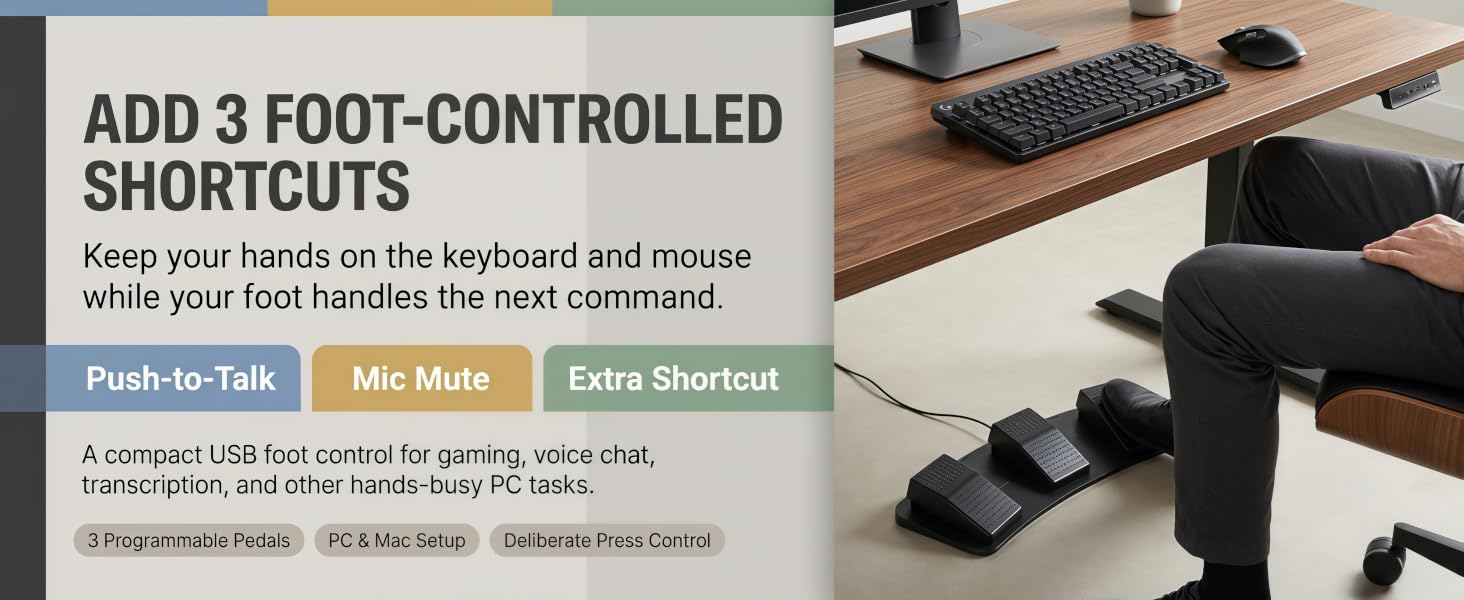
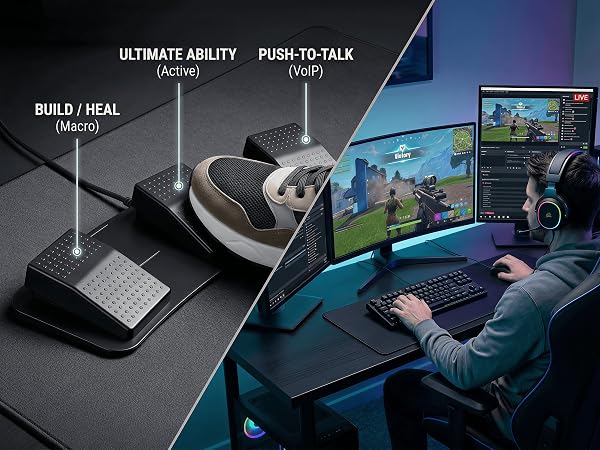
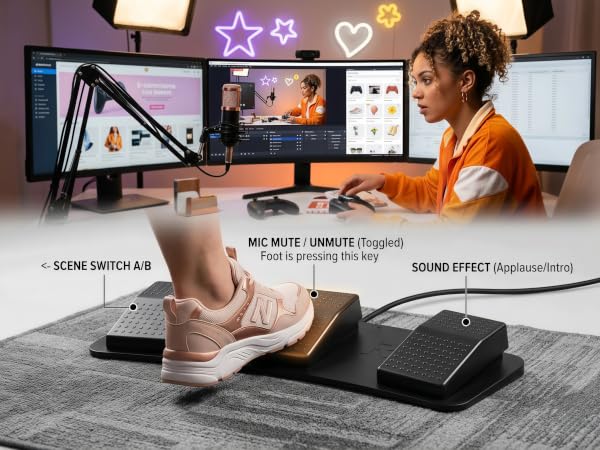
One pedal is handy. Three pedals mean your PTT, mic mute, and extra shortcut no longer have to fight for custody of the same button.
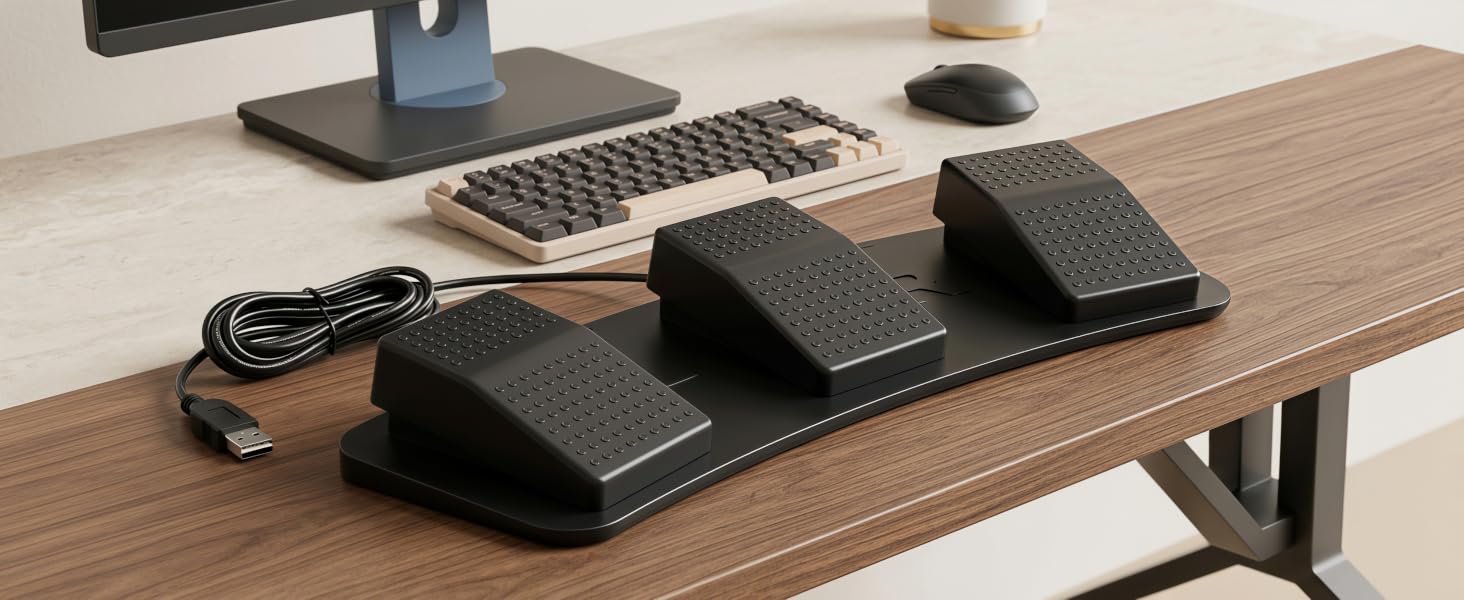
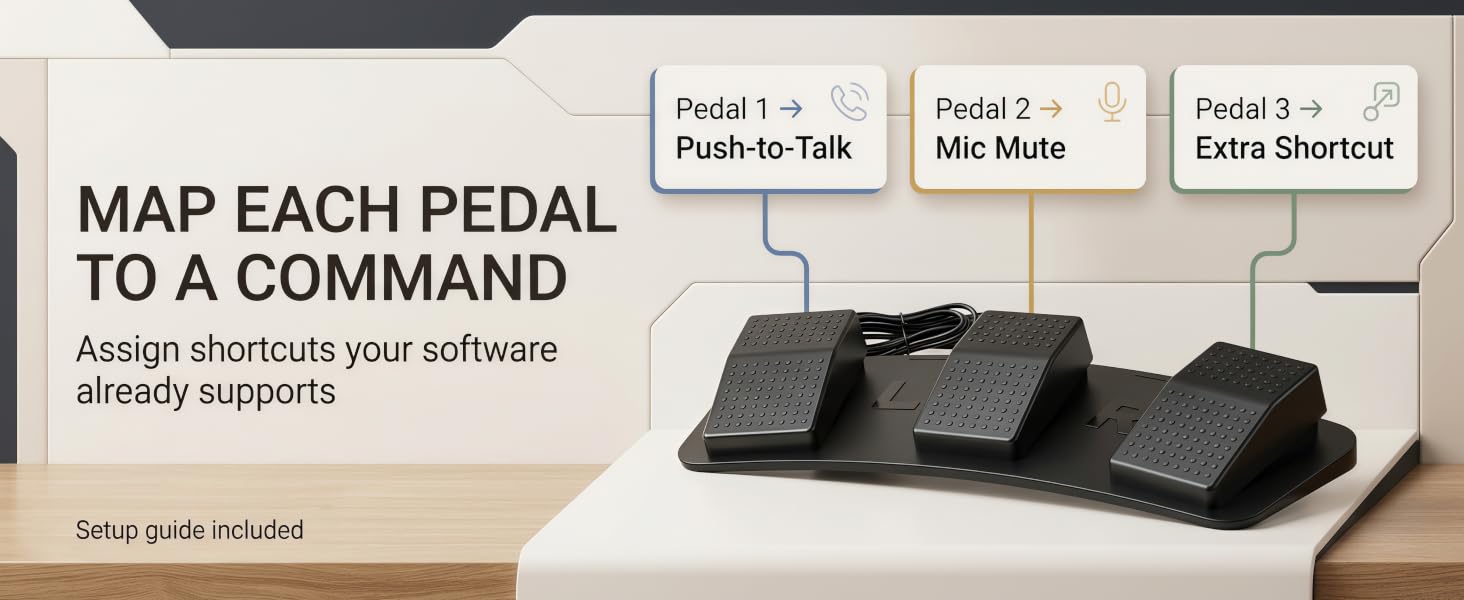
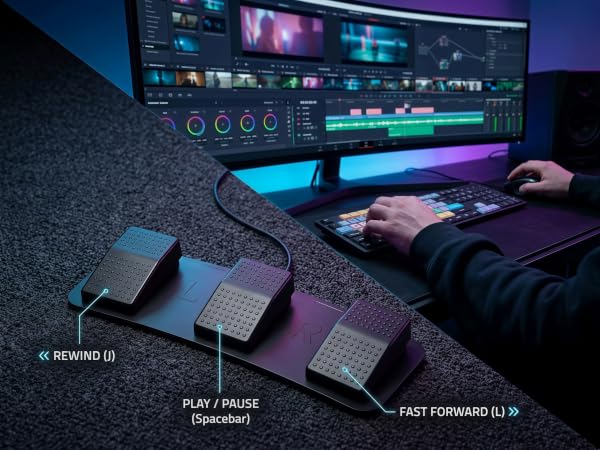
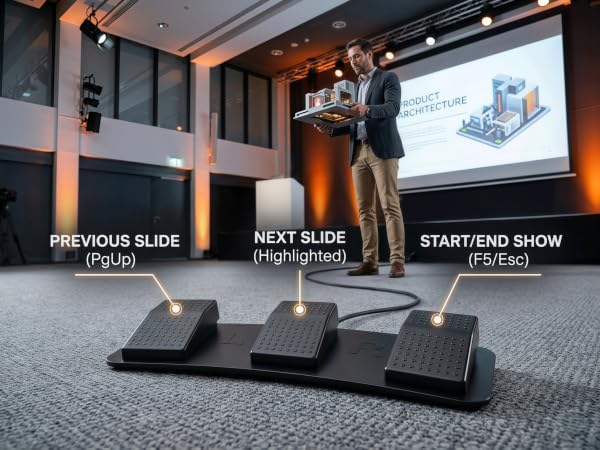
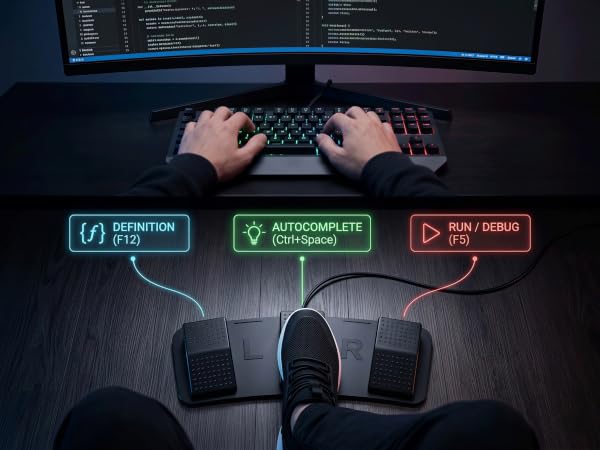
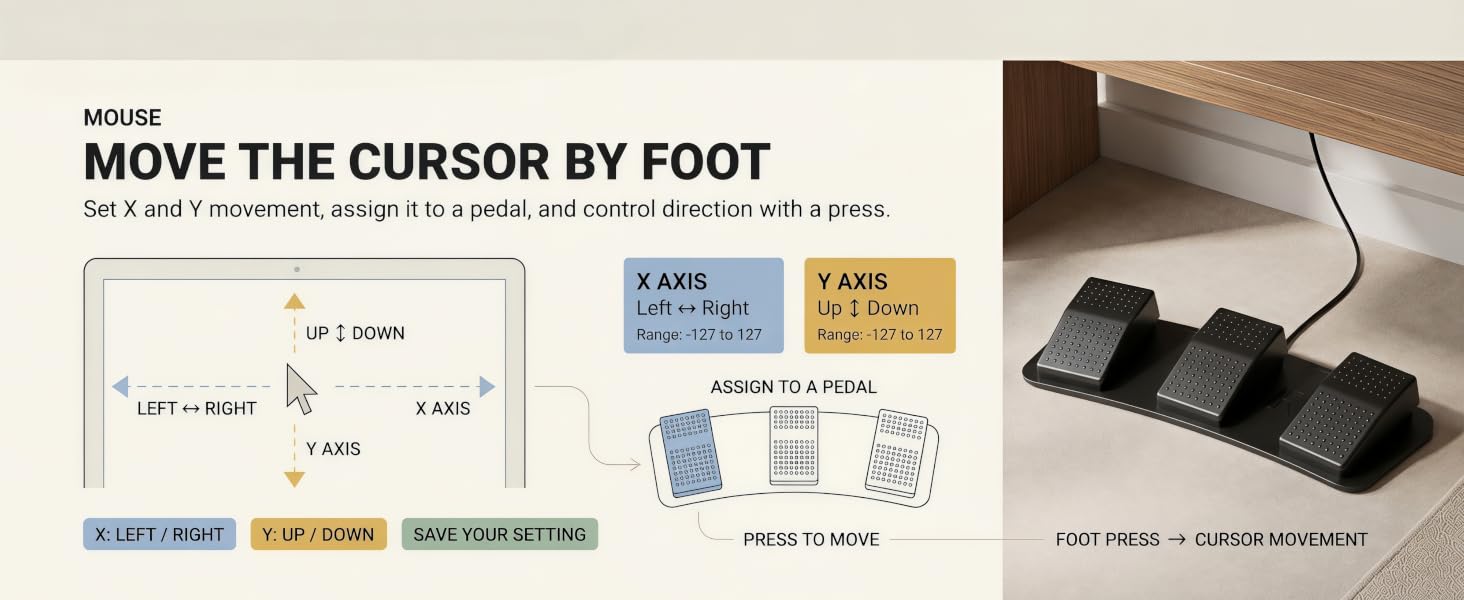
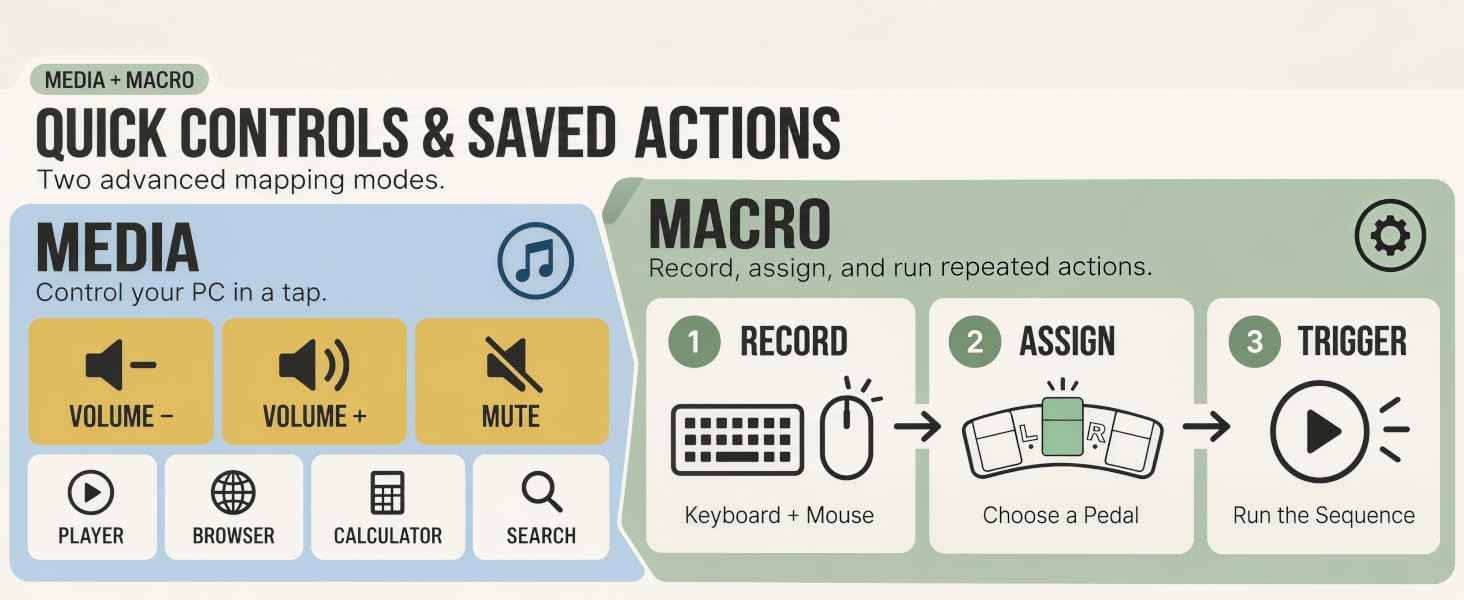
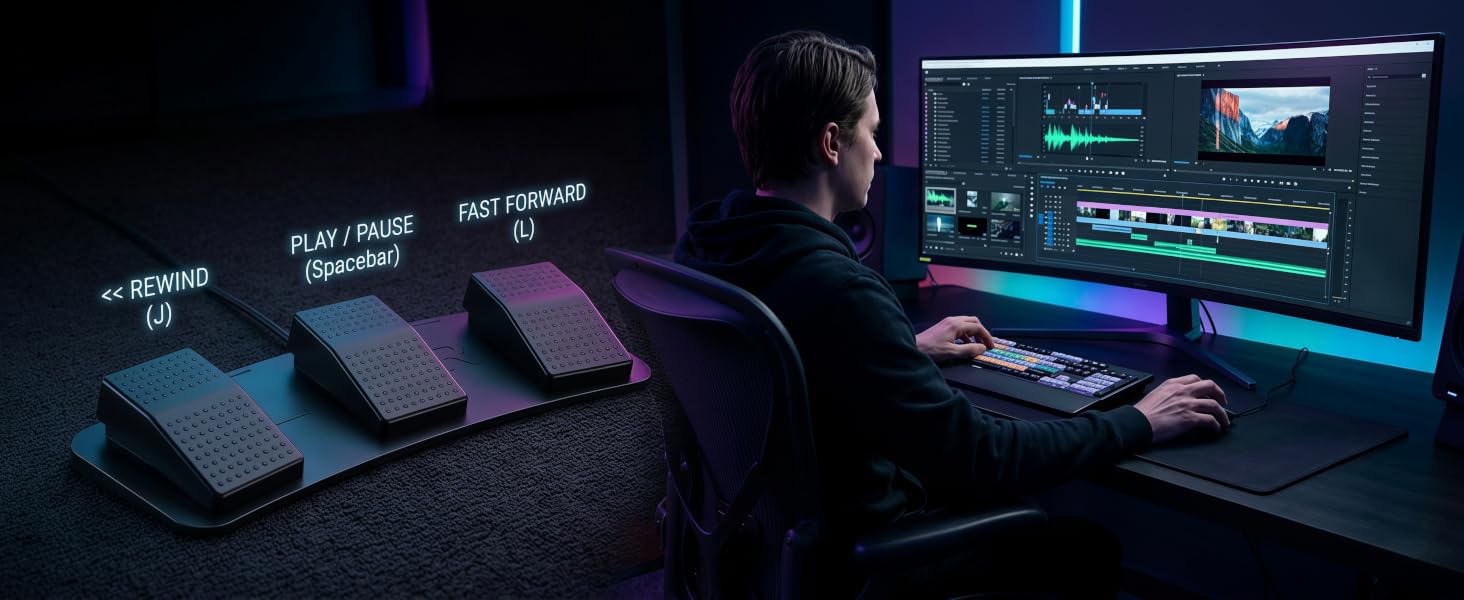
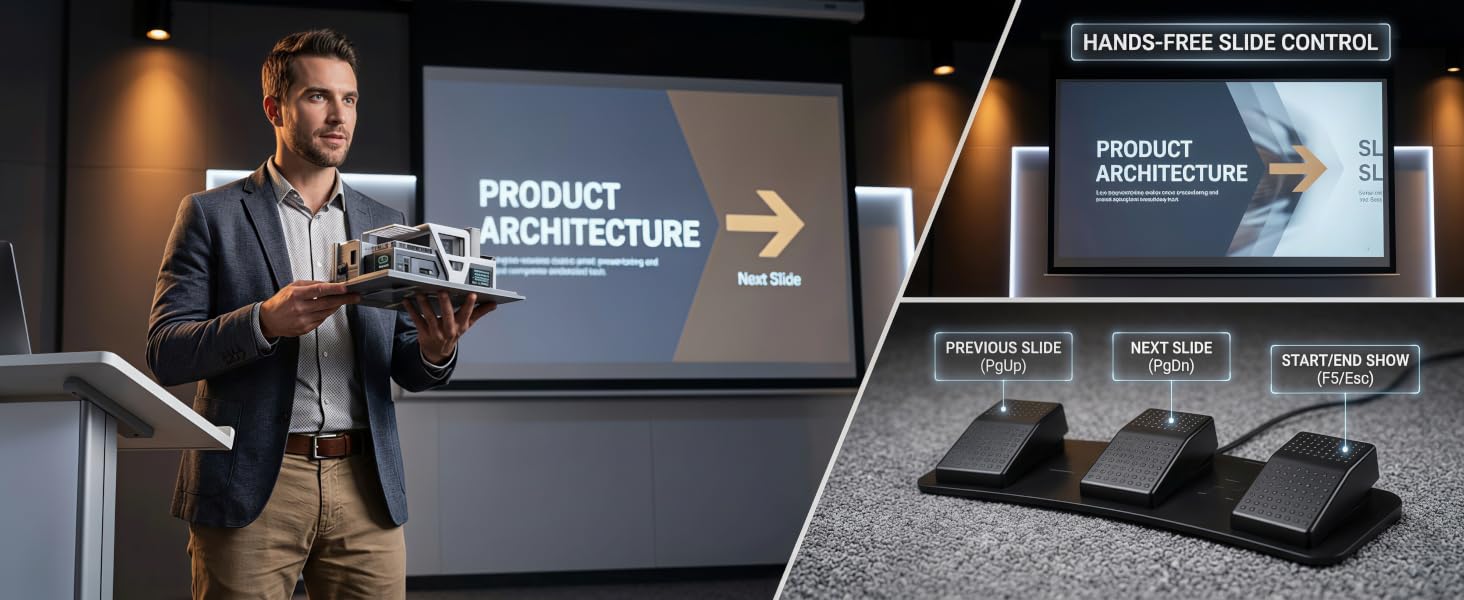
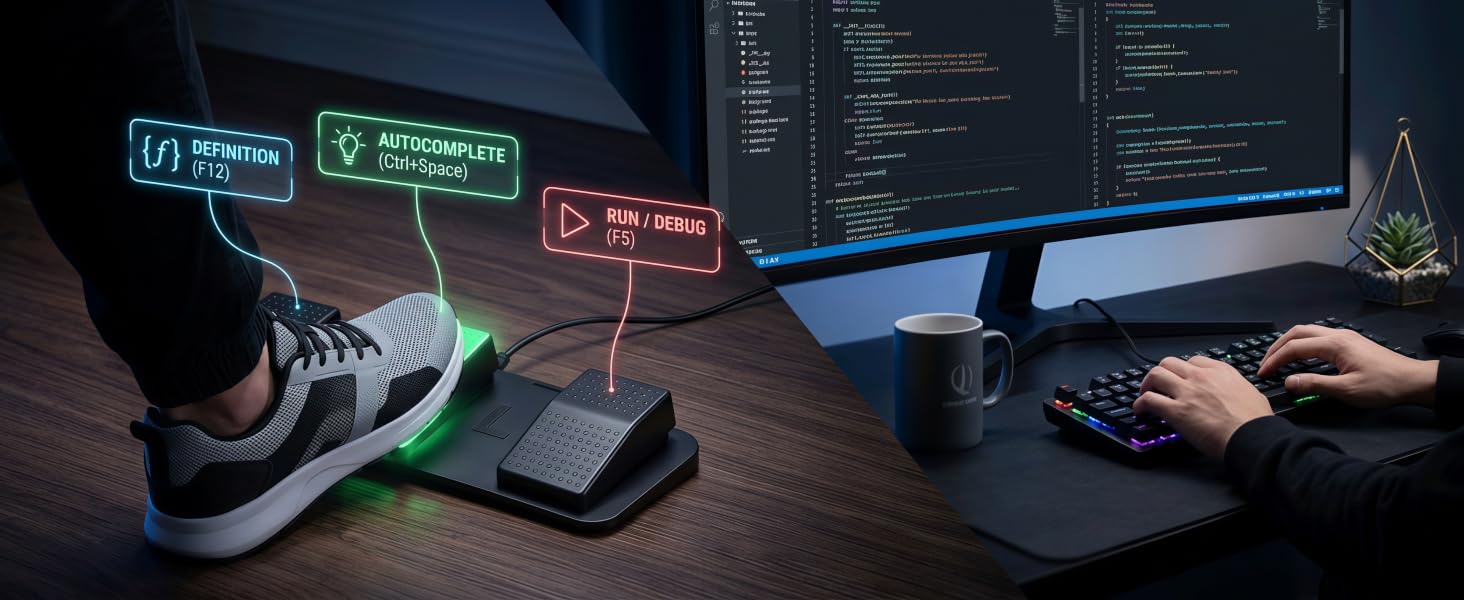
Move up to three repeated commands from your hands to your foot, so your keyboard and mouse can stay focused on the work that actually needs them.
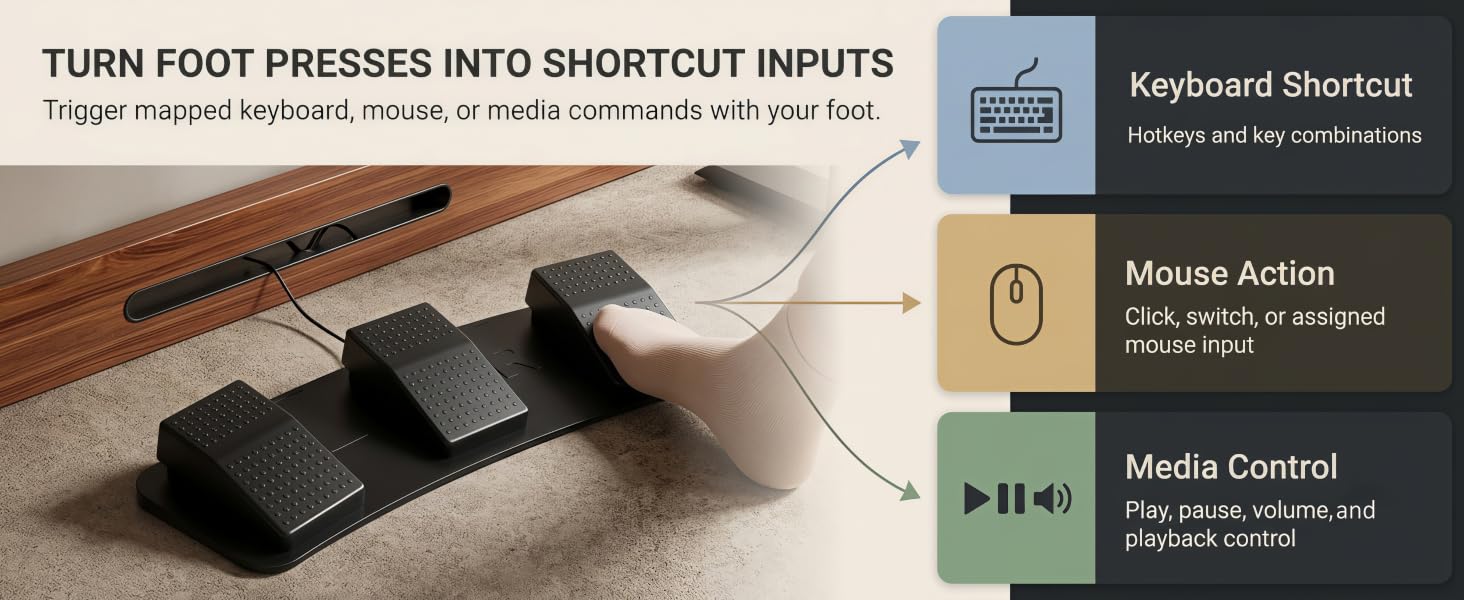
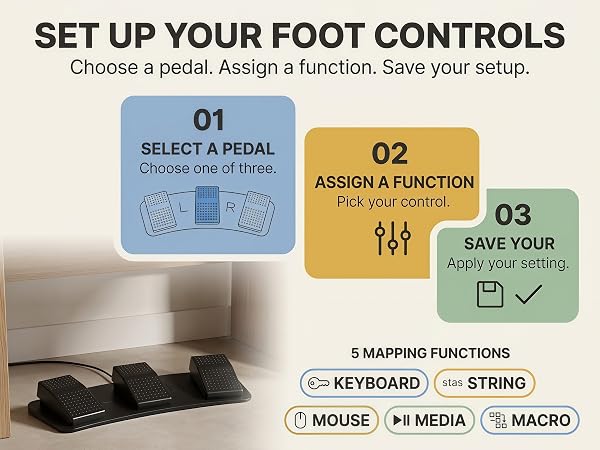
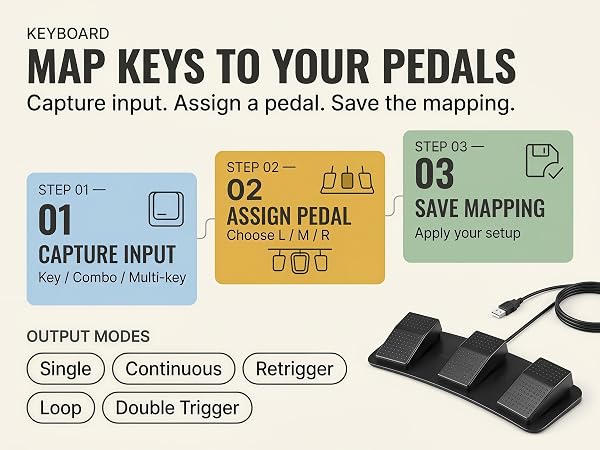
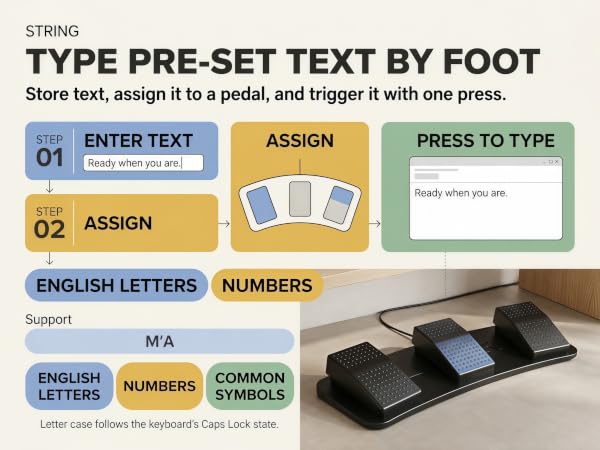
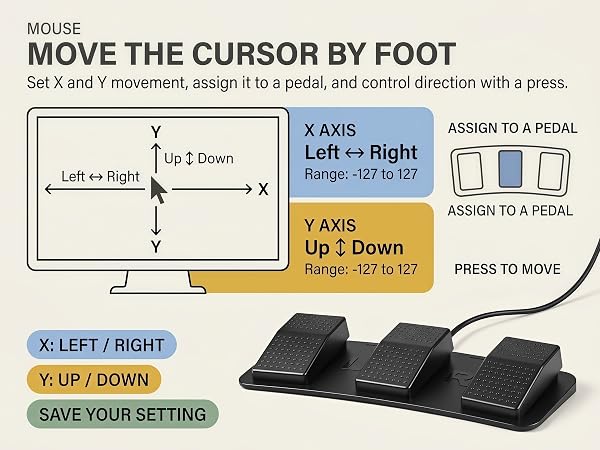
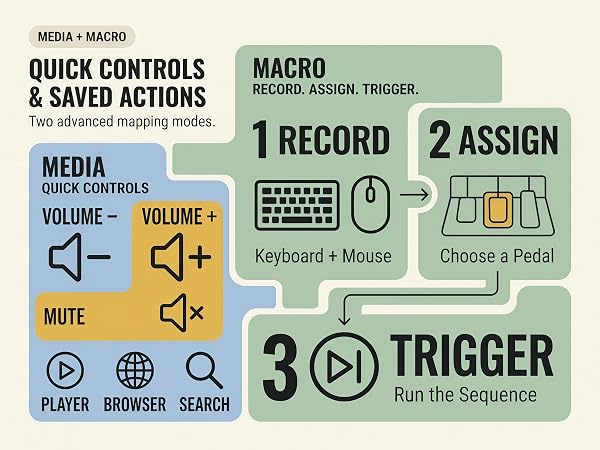
Once mapped, the pedal becomes an extra foot-controlled input for repeat commands, keeping your hands on the keyboard and mouse instead of chasing the same shortcut again and again.
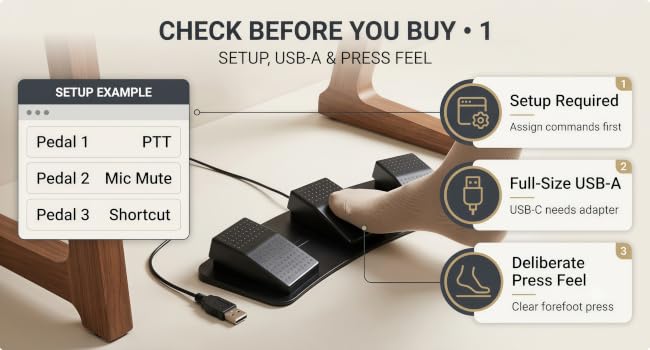
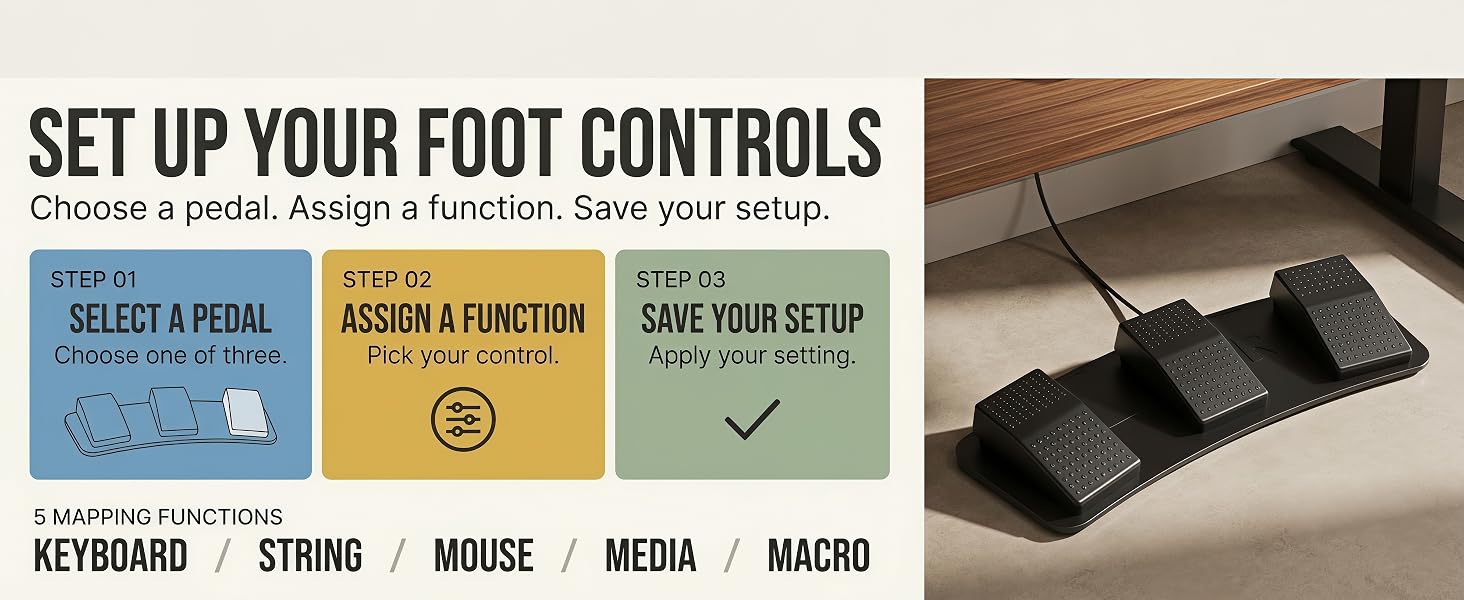
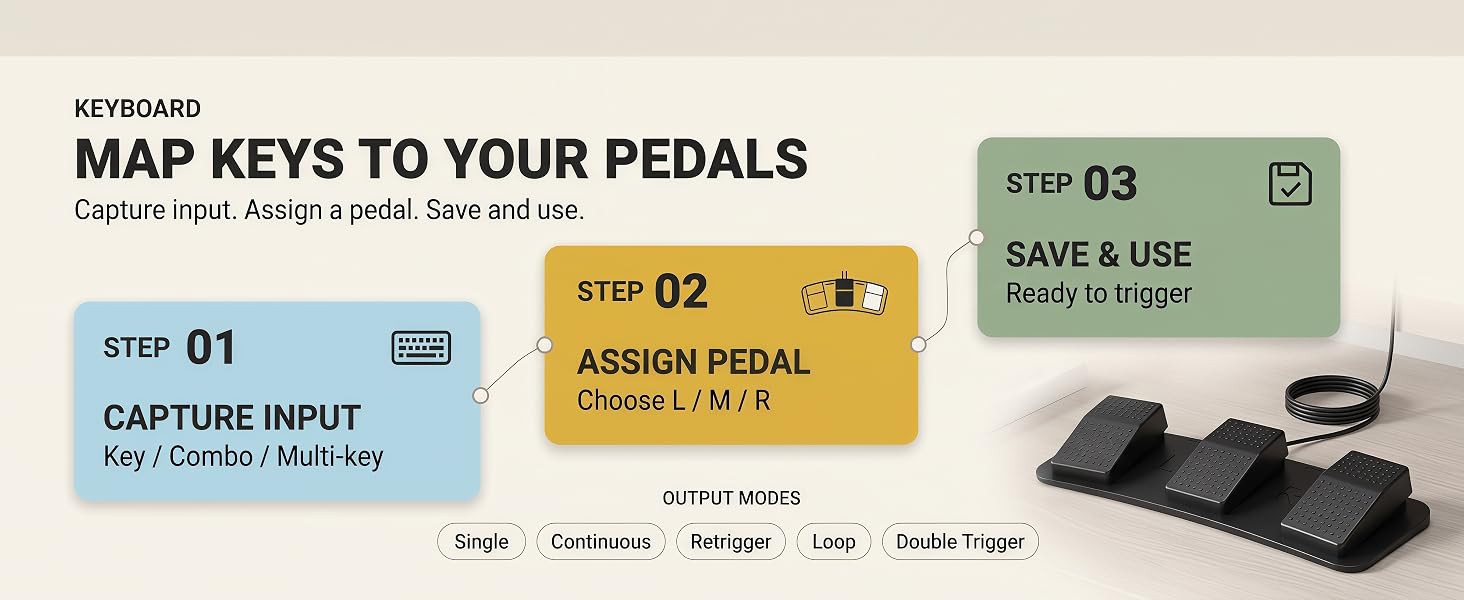
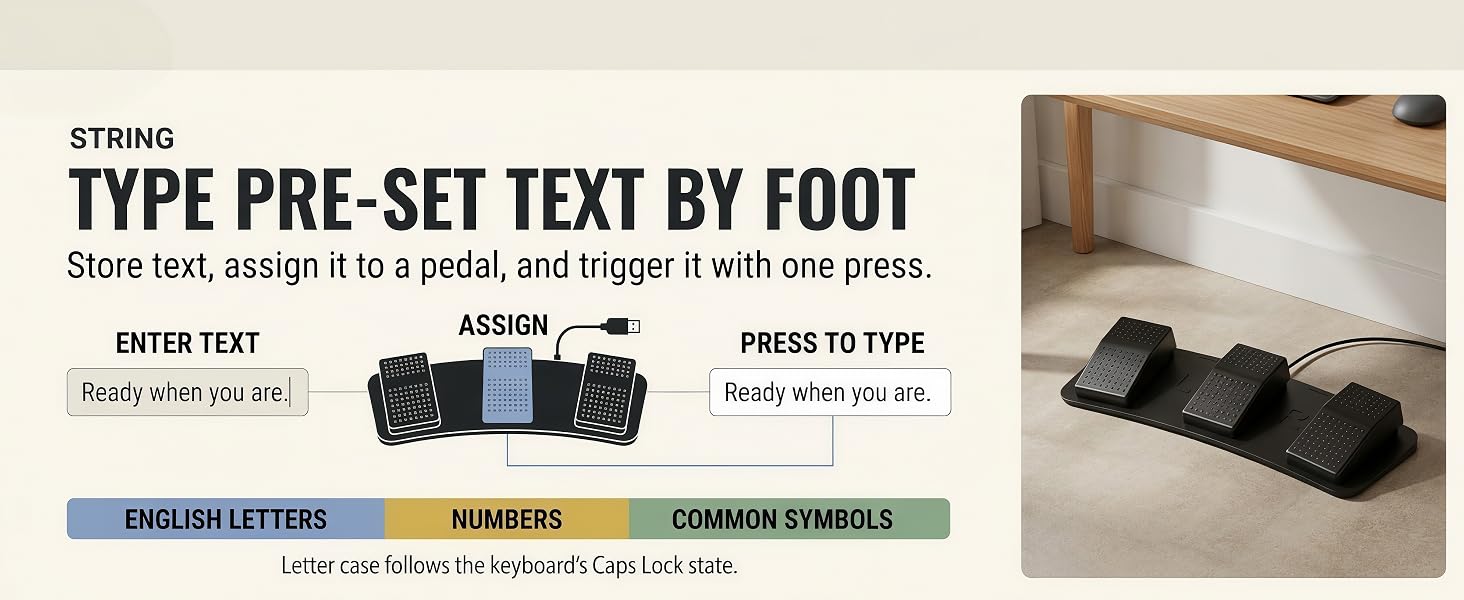
Map your commands first, connect through full-size USB-A, then use a clear forefoot press. Yes, this little floor gadget expects a tiny bit of planning.
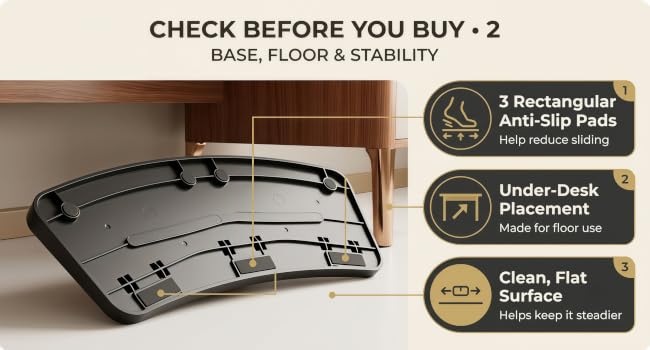
Set it under your desk on a clean, flat floor so the rectangular anti-slip pads have a fair chance to help. Even pedals have standards, apparently.
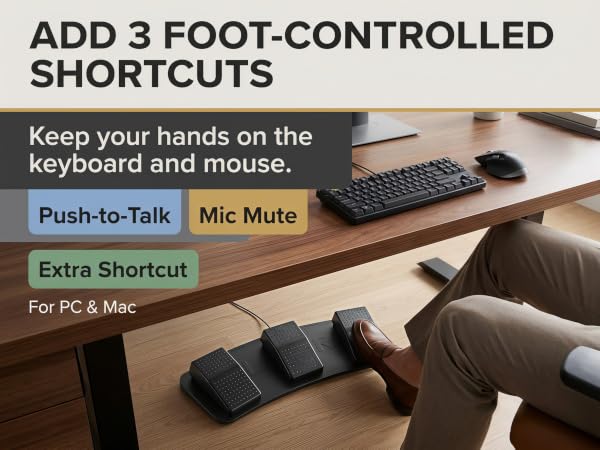
One pedal is handy. Three pedals mean your PTT, mic mute, and extra shortcut no longer have to fight for custody of the same button.
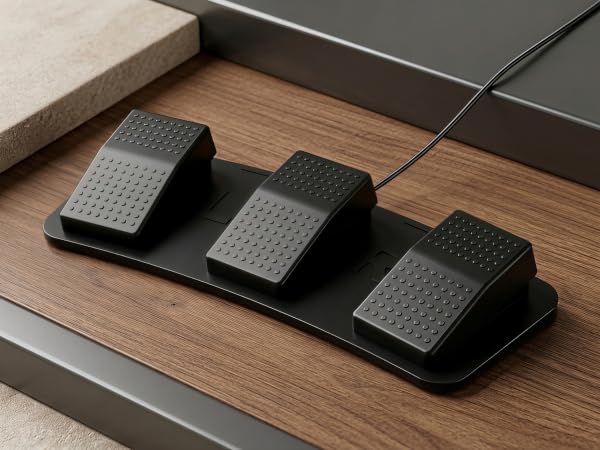
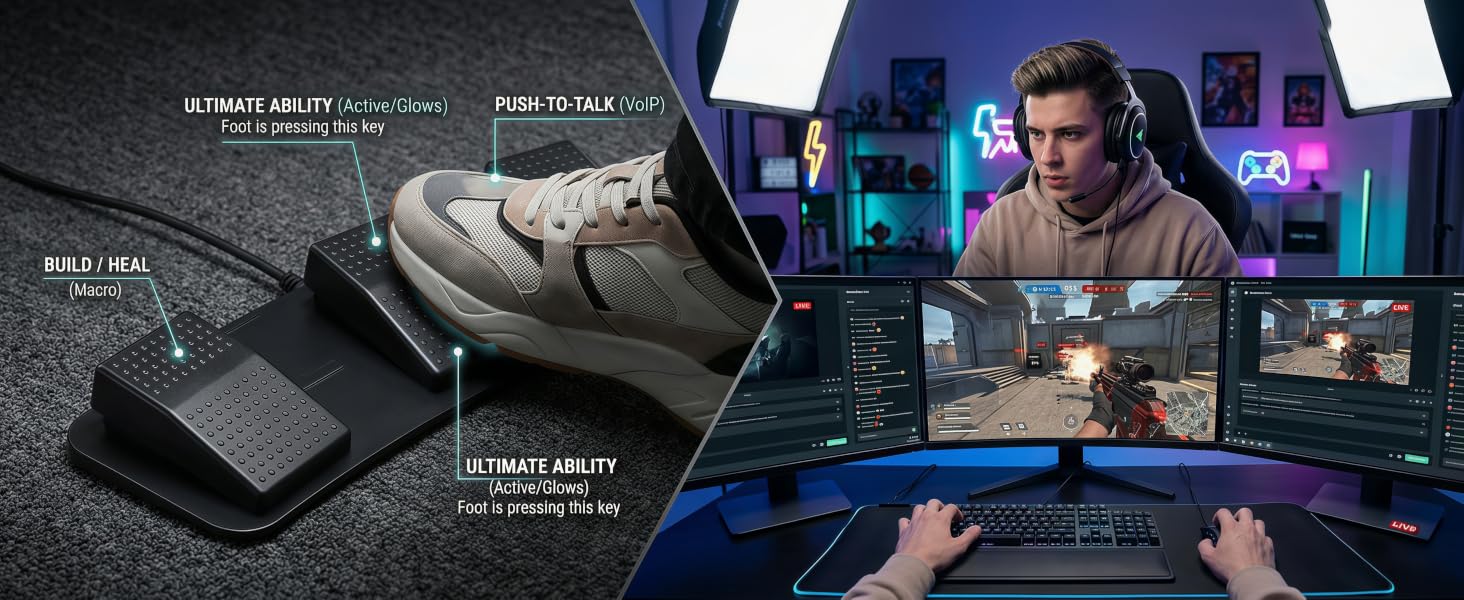
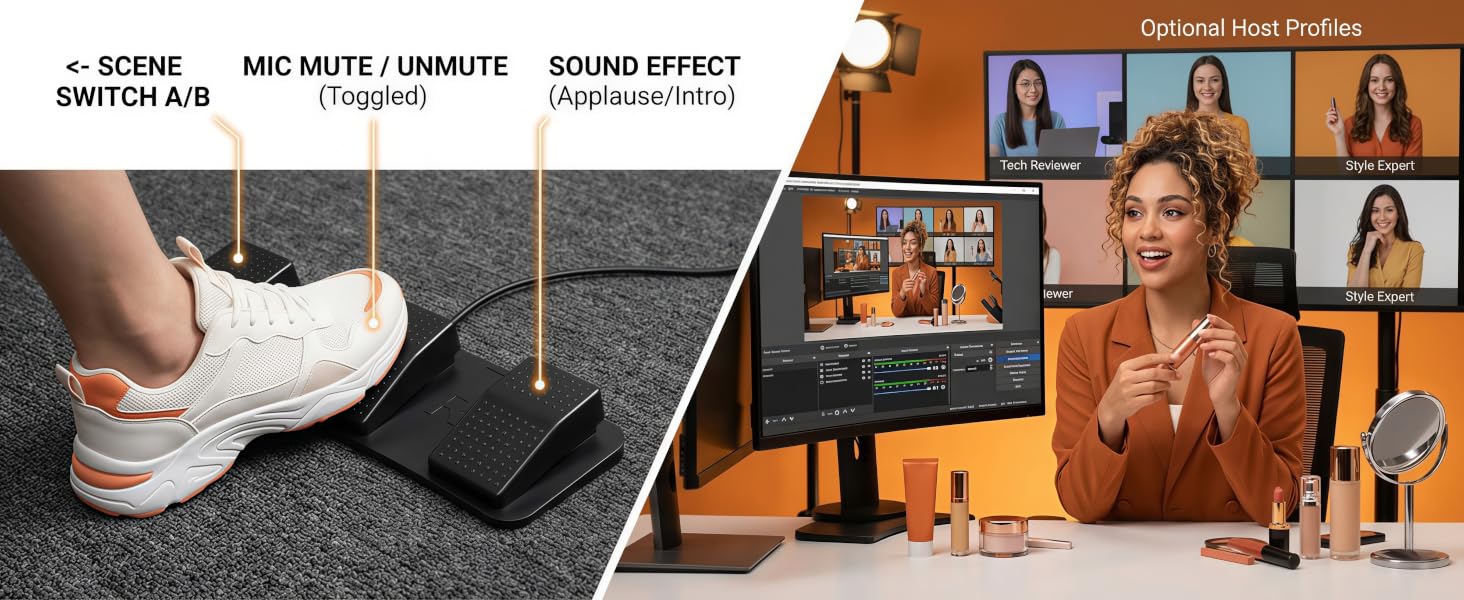
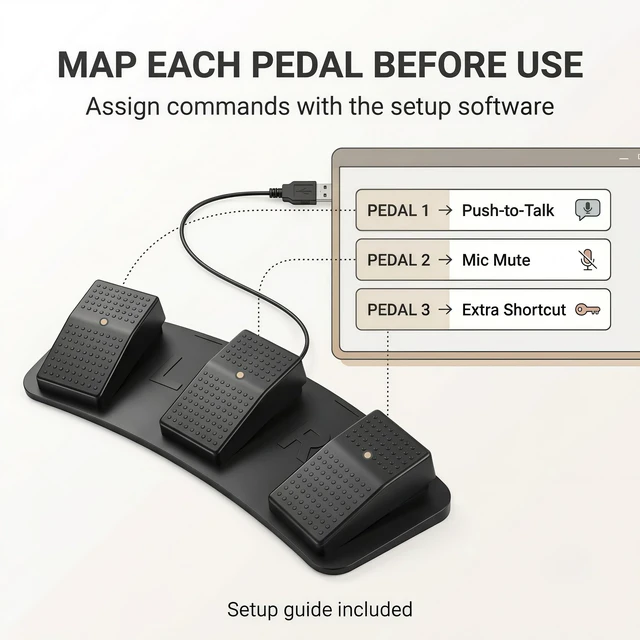
Assign three separate commands so Push-to-Talk, mic mute, and one extra shortcut do not have to share the same pedal.
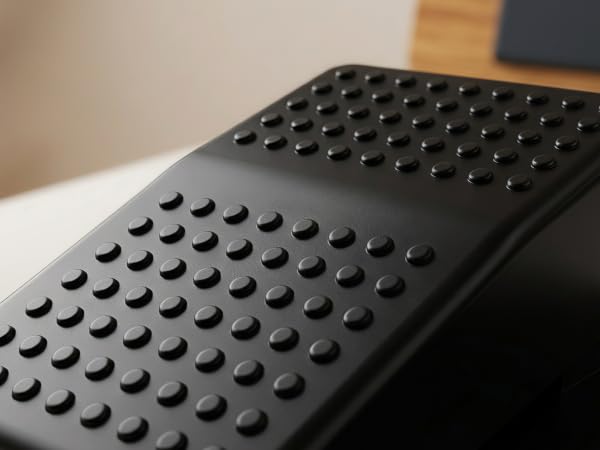
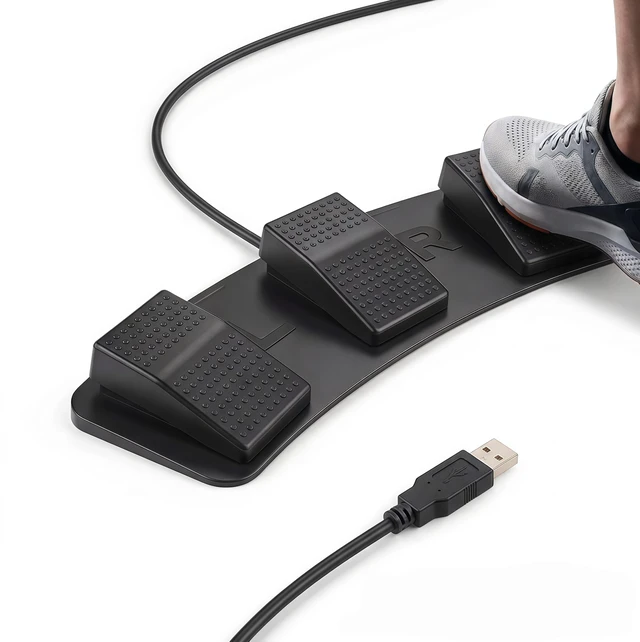
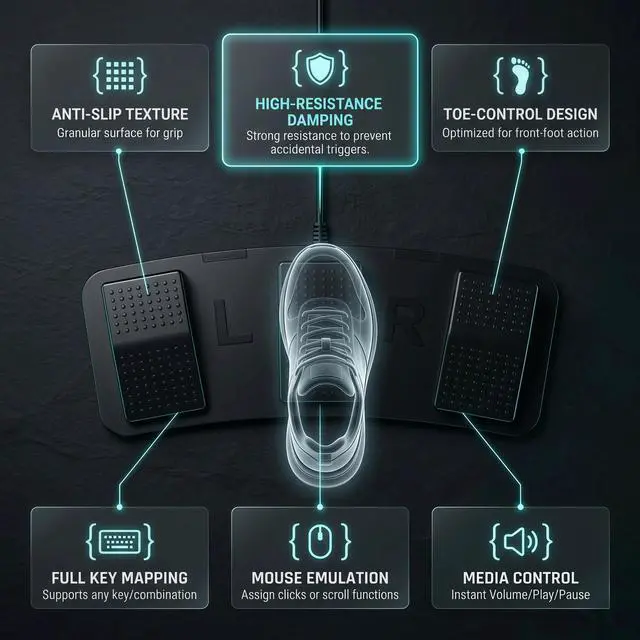
The raised dot texture gives your foot a more noticeable contact surface during repeated shortcut use.
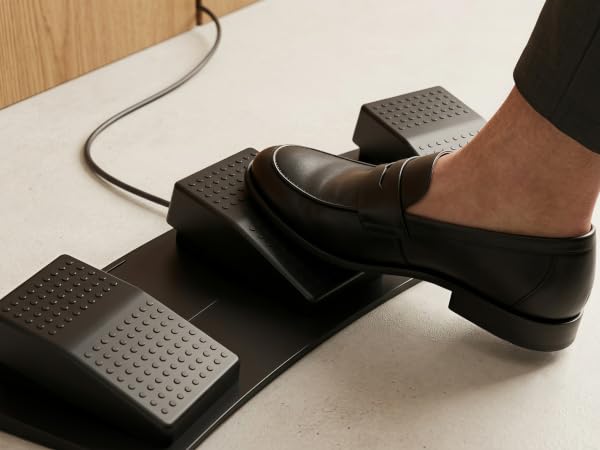
Firm spring resistance supports more deliberate forefoot presses and helps reduce accidental taps.
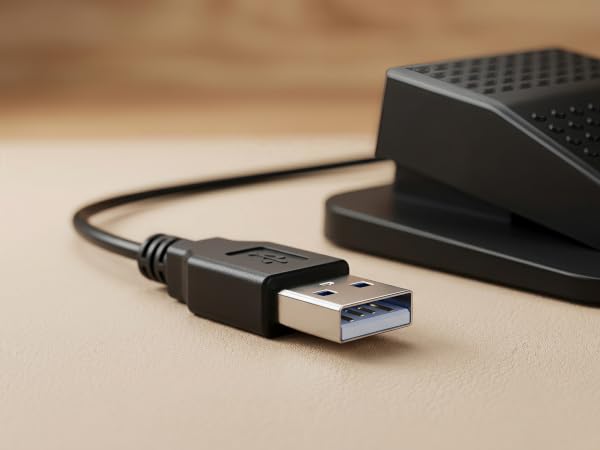
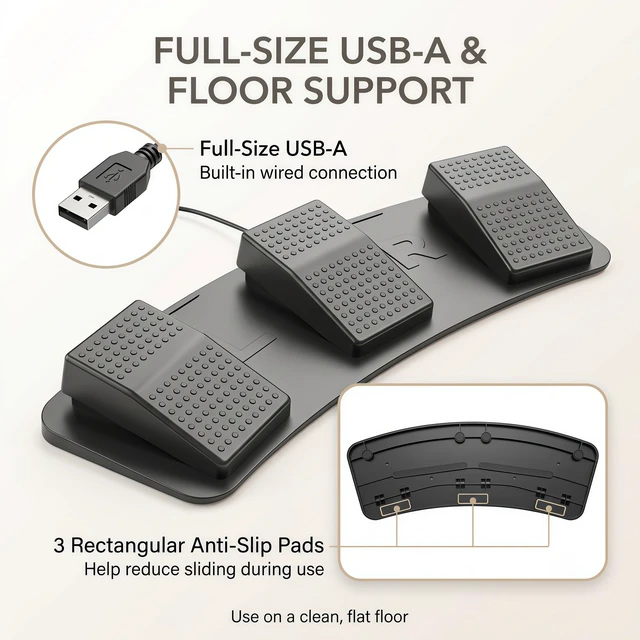
The built-in full-size USB-A cable fits standard PC and Mac setups.
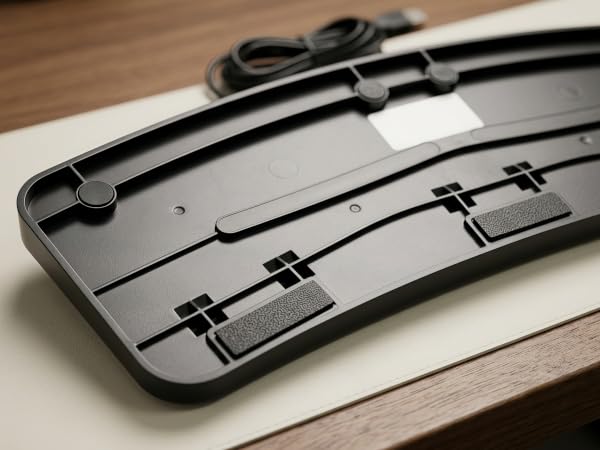
Three anti-slip bottom pads help reduce sliding on common floor surfaces during under-desk use.
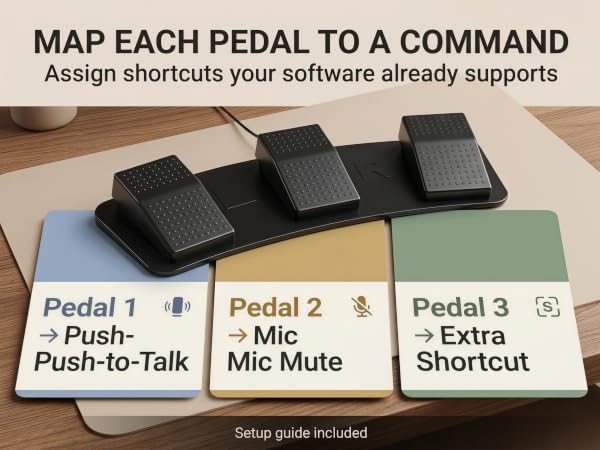
Move up to three repeated commands from your hands to your foot, so your keyboard and mouse can stay focused on the work that actually needs them.
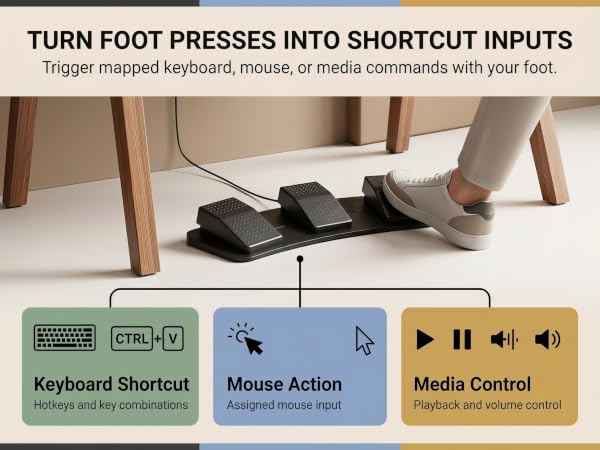
Once mapped, the pedal becomes an extra foot-controlled input for repeat commands, keeping your hands on the keyboard and mouse instead of chasing the same shortcut again and again.
Map your commands first, connect through full-size USB-A, then use a clear forefoot press. Yes, this little floor gadget expects a tiny bit of planning.
Set it under your desk on a clean, flat floor so the rectangular anti-slip pads have a fair chance to help. Even pedals have standards, apparently.