Meet Your Seller
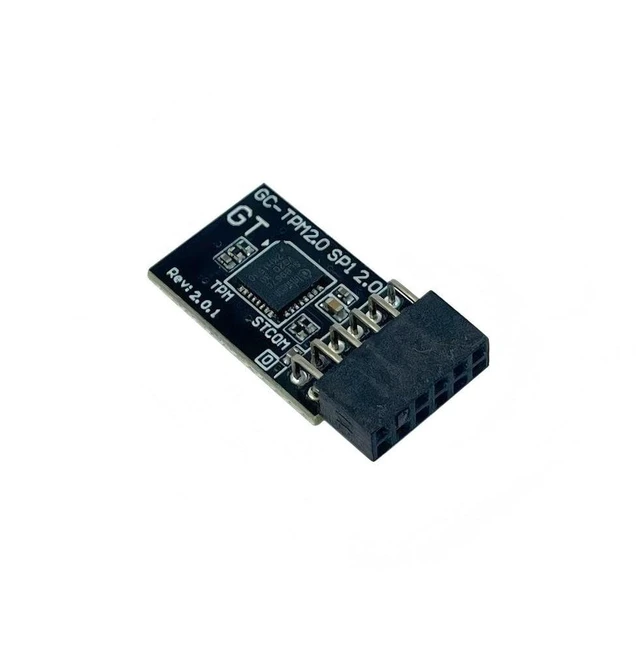
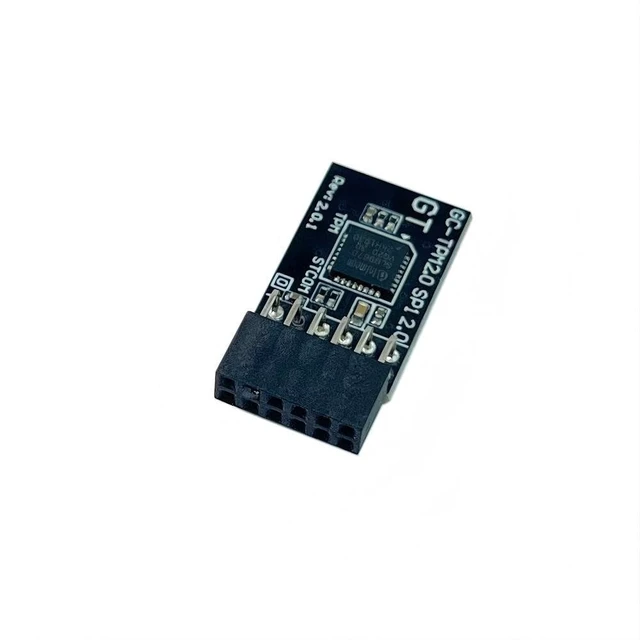
GinTai TPM 2.0 Module SPI 12Pin SLB9670 for Gigabyte B650 Gaming X AX/B650E | Stealth ICE/ B650E Elite X AX ICE/ B650M D3HX SI/ B650E Pro X USB4/ B650M Gaming WiFi, for Gigabyte Motherboard
- TPM 2.0(12pin-1)compatible with B650 Gaming X AXB650E AORUS STEALTH ICEB650E AORUS ELITE X AX ICEB650M D3HX SIB650M S2HB650M HB650E AORUS PRO X USB4B650M GAMING PLUS WIFIB650M GAMING WIFI
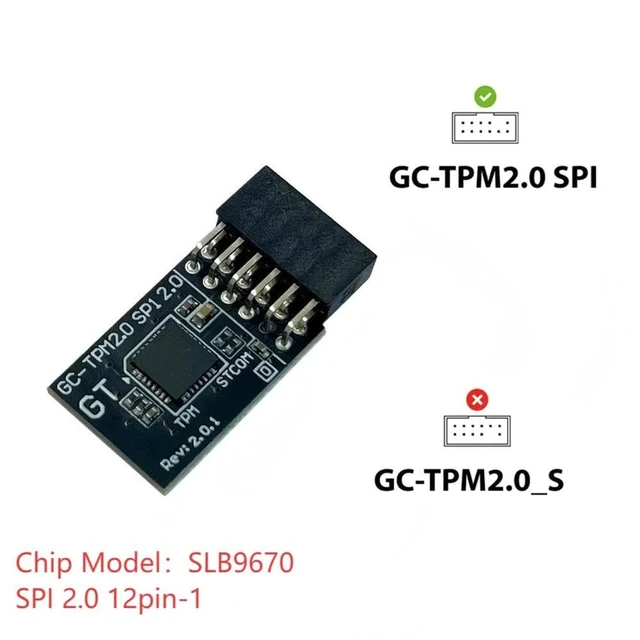
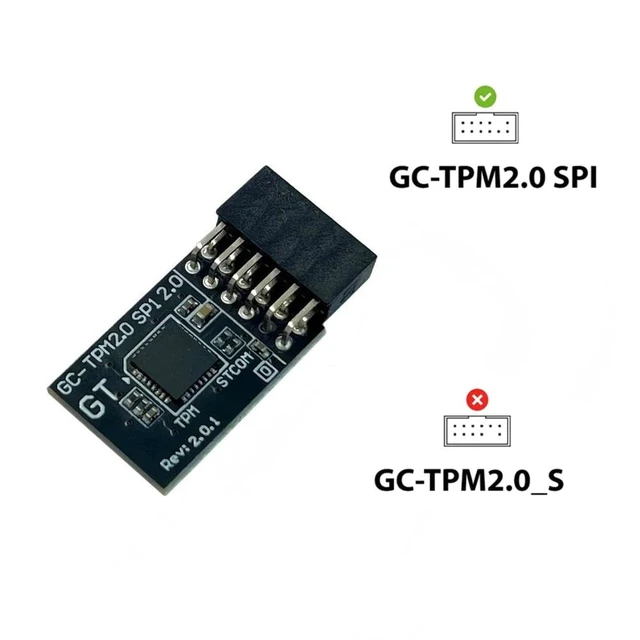
- Please note that the pin type for this product is "SPI". Kindly check the model number carefully before placing your order.
- Attention: This product is only suitable for older motherboards such as INTEL and AMD, and is not suitable for new motherboard models with firmware TPM, as well as all-in-one and laptop computers.
- Attention: The minimum hardware configuration for upgrading to Win11 through TPM 2.0 is as follows: a 64 bit processor (dual/multi-core) with 1 GHz or faster, 4 GB of memory, 64 GB of storage space, firmware that supports UEFI secure boot and TPM 2.0, a DirectX 12 compatible graphics card, and a 720p or higher display screen.
- Usage a: To solve the verification problem of TPM2.0 in upgrading Windows 11, enabling it to have an independent encryption chip, providing secure storage and other sensitive data, and improving security
- Usage b: Hardware encryption acceleration, such as improving game lag issues and other functions
- Usage c: Hardware Encryption Acceleration: Relieves CPU burden, accelerates encryption operations through dedicated hardware, indirectly improves system response speed, and enhances the smoothness of certain applications that rely on encryption, such as games and security software.
Any questions? Ask CelesteSM will help you find out quickly.
Notes:
1.This product only applies to motherboards that are a little bit older such as INTEL, AMD, etc. It does not apply to newer motherboard models with firmware TPM as well as All-in-One PCs and laptops.
2. The minimum hardware configuration for upgrading to Win11 via TPM 2.0 is as follows: 1 GHz or faster 64-bit processor (dual-core/multi-core) 4 GB of RAM, 64 GB of storage space, firmware that supports UEFI Secure Boot and TPM 2.0, DirectX 12-compatible graphics card, and a display of 720p or higher.
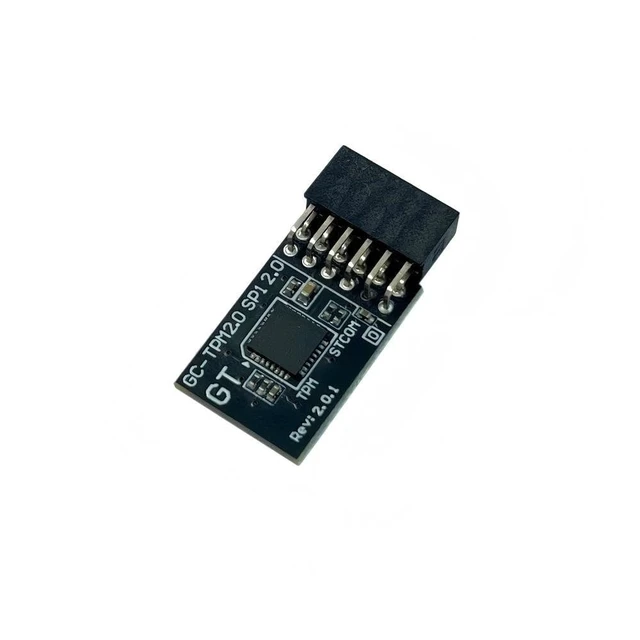
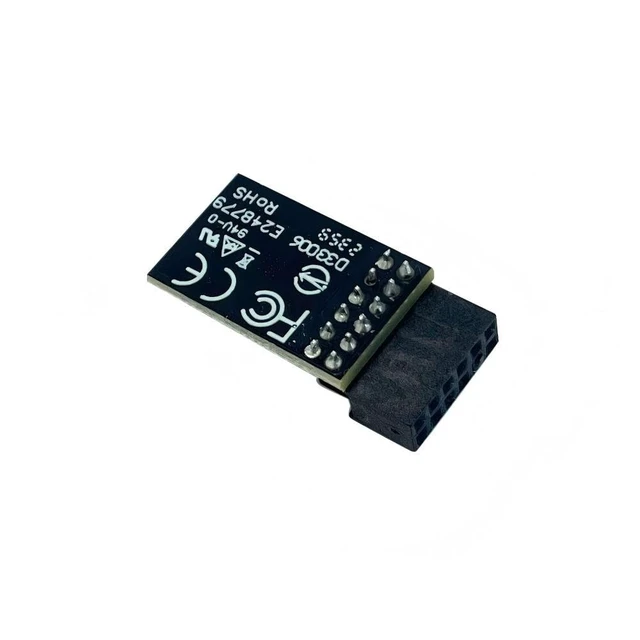
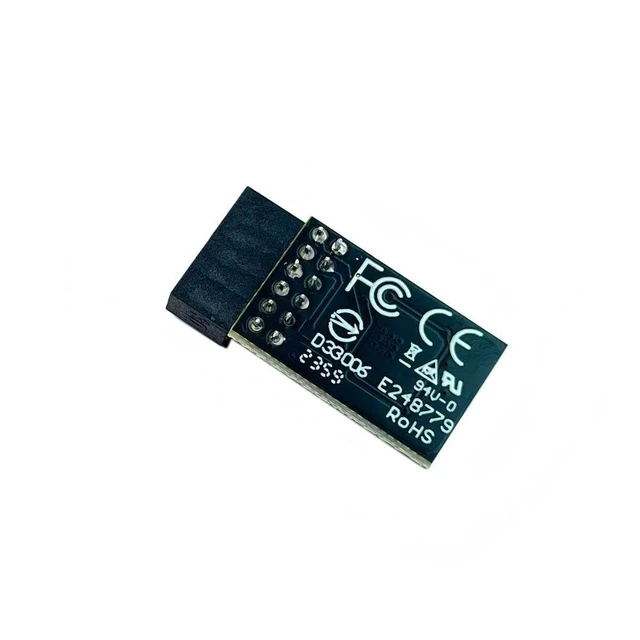
3.This product pin is 12pin-1.Before purchasing, please double check the pin position in the picture matches with your motherboard.
How to Buy and Install a Security Module:
1. Make sure the host has TPM 2.0 or that TPM 2.0 is enabled.
2. Press the Windows key + R, type tpm.msc, and check if the TPM version is ready.
3. If version 2.0 is displayed but not ready, you need to go to the BIOS settings. Consult the motherboard customer service for assistance.
4. Turn on the mainframe and check the TPM pins on the motherboard.
5. When installing the module with the chip facing inward, align the pins and insert them all the way to prevent loosening. (See the picture for directions.)
Product Performance:
Compatible withGC-TPM2.0 SPI 2.0
Chipset:SLB9670
Interface:SPI
PIN DEFINE:12Pin
Warranty & Returns
Warranty, Returns, And Additional Information
Warranty
- Please contact the Seller directly for warranty information. Warranty information may also be found on the Manufacturer's website.
- CONTACT
Return Policies
- Return for refund within: 30 days
- Return for replacement within: 30 days
- This item is covered by VFDGHTA Return Policy
Manufacturer Contact Info
- For a directory of all our manufacturers, please click below.
- Manufacturers Directory