




 here!
I’m your shopping assistant for PC builds, upgrades, and everything tech.
Got questions? Ask away!
Start a conversation
here!
I’m your shopping assistant for PC builds, upgrades, and everything tech.
Got questions? Ask away!
Start a conversation
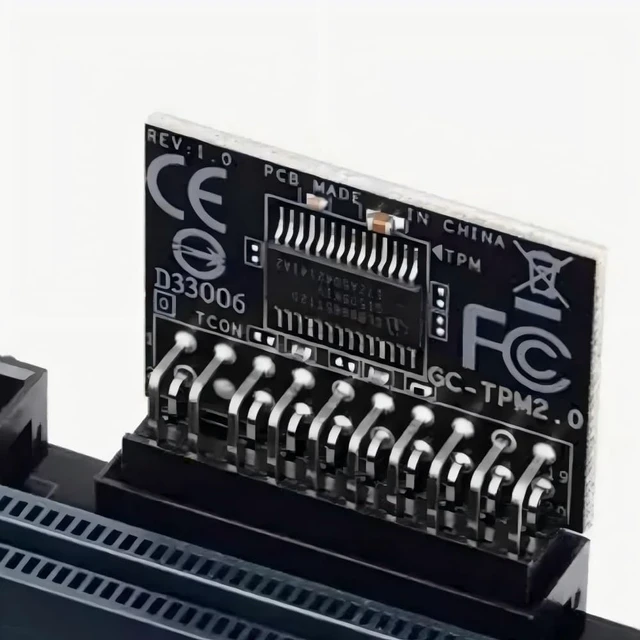
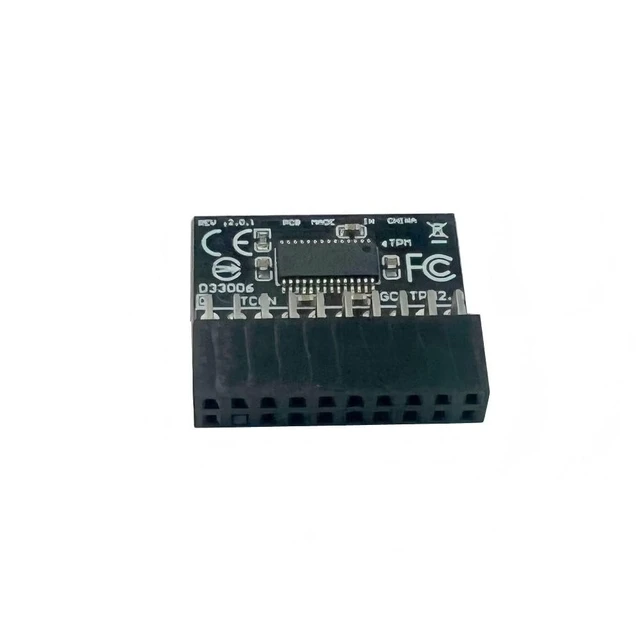
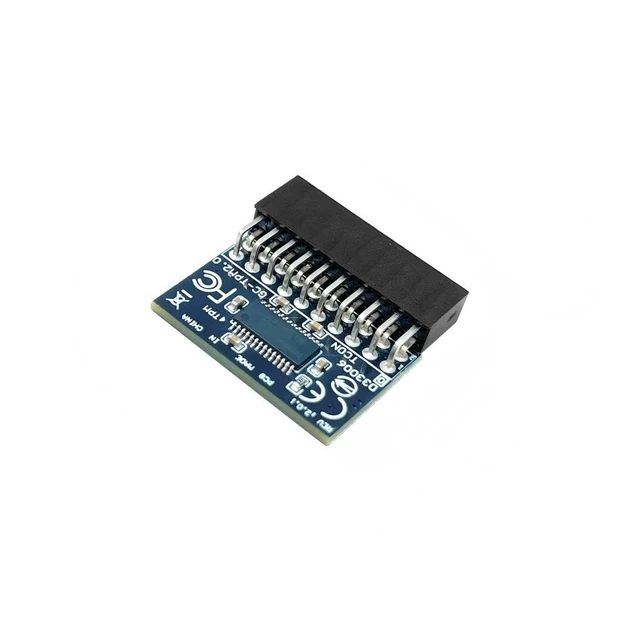



Any questions? Ask CelesteSM will help you find out quickly.
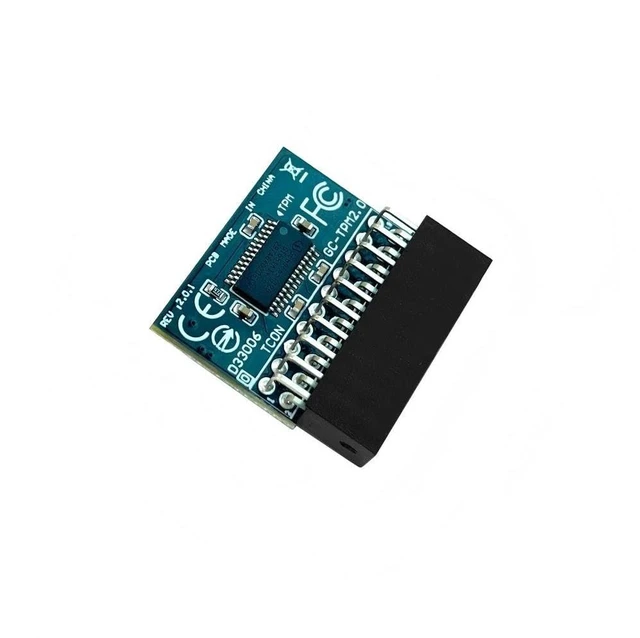
Package Includes1PCS TPM 2.0 Module 20 pin Security Module(As shown in the figure)
Important Notes:
1. This product is only compatible with older motherboards such as Intel and AMD. It is not compatible with newer motherboard models featuring firmware TPM, all-in-one PCs, or laptops.
2. The minimum hardware requirements for upgrading to Windows 11 via TPM 2.0 are as follows: a 1 GHz or faster 64-bit processor (dual-core/multi-core), 4 GB of memory, 64 GB of storage space, firmware supporting UEFI Secure Boot and TPM 2.0, a DirectX 12-compatible graphics card, and a display with a resolution of 720p or higher.
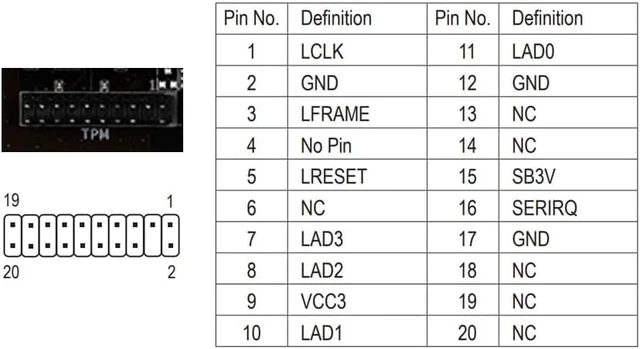
3. This product has a 20-pin-1 connector. Please carefully check the pin positions in the image to ensure compatibility with your motherboard before purchasing.
TPM Chip Compatible Models:
for ASUS X99-DELUXE
for ASUS X99-H/IPMI
for ASUS X99-E-10G WS
How to Select and Install a Security Module:
1. Confirm whether the host has TPM 2.0 or if TPM 2.0 is enabled.
2. Click Run, enter: tpm.msc (Win+R keys), and check if the TPM version is ready.
3. If version 2.0 is displayed but not ready, you need to configure settings in the BIOS; consult the motherboard manufacturer's customer service.
4. Open the host and inspect the TPM pins on the motherboard.
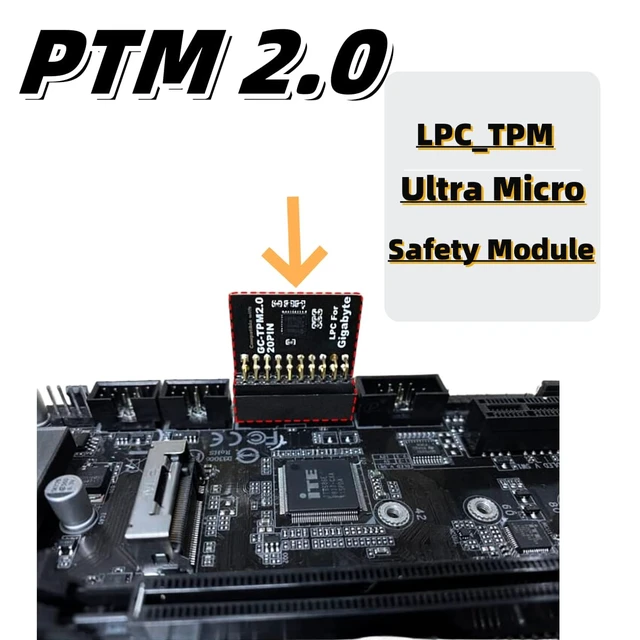
5. When installing the module, ensure the chip-side faces inward, align with the pins, and insert fully to prevent loosening. (See image for direction)
Product Performance
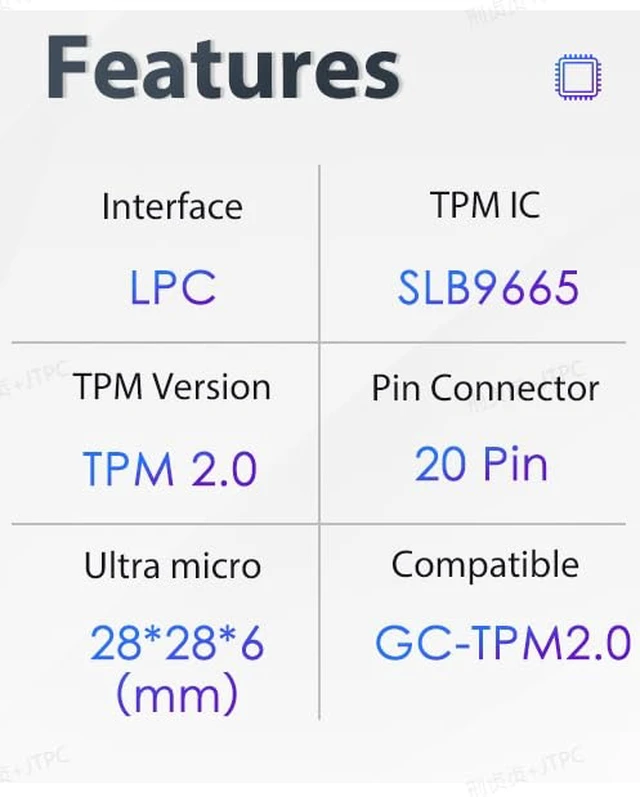
Compatible with: GC-TPM2.0
Chipset: SLB9665
Interface: LPC
PIN DEFINE: 20Pin
Core Applications:
1: Seamless upgrade to Windows 11: Resolve TPM 2.0 verification issues and easily upgrade to the latest operating system.
2: Enhanced hardware-level security: Provides an independent secure encryption chip specifically designed for securely storing sensitive data (such as encryption keys, digital certificates, and login credentials), thereby enhancing overall system security.
3: Hardware encryption acceleration: Reduces CPU load by accelerating encryption operations via dedicated hardware, indirectly improving system response speed and enhancing the smooth operation of certain encryption-dependent applications (such as games and security software).


