




 here!
I’m your shopping assistant for PC builds, upgrades, and everything tech.
Got questions? Ask away!
Start a conversation
here!
I’m your shopping assistant for PC builds, upgrades, and everything tech.
Got questions? Ask away!
Start a conversation
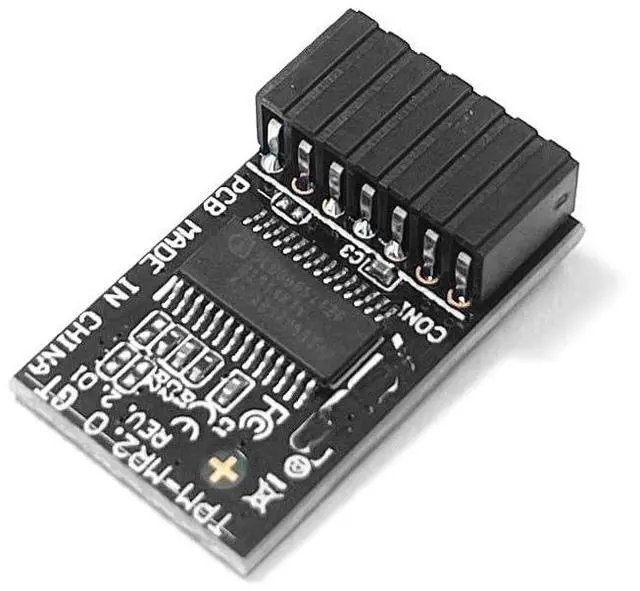
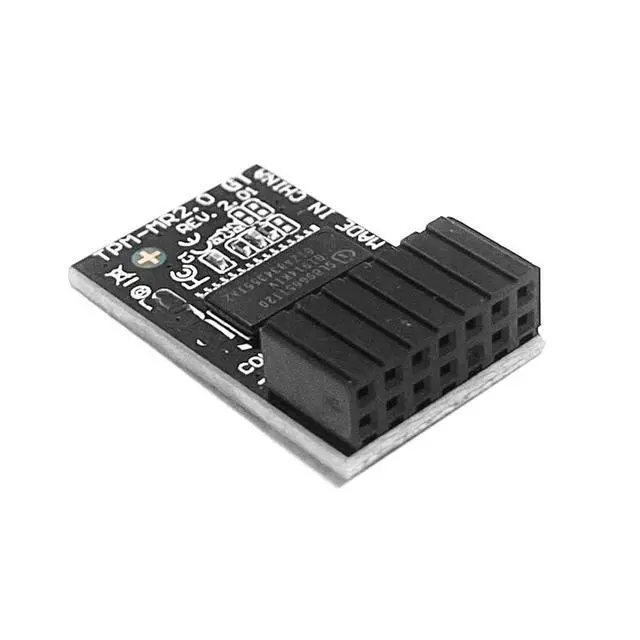
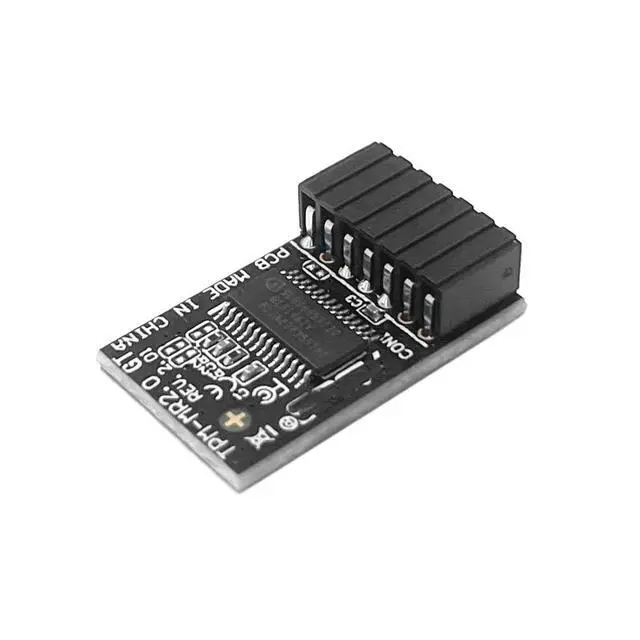
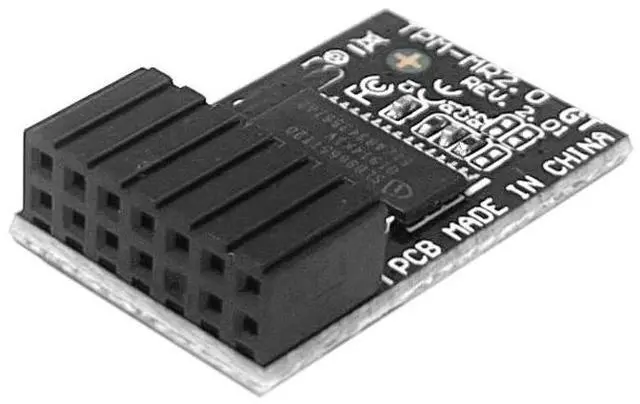



Any questions? Ask CelesteSM will help you find out quickly.
Before purchasing, please verify the listed information to avoid buying the wrong product and being unable to use it.
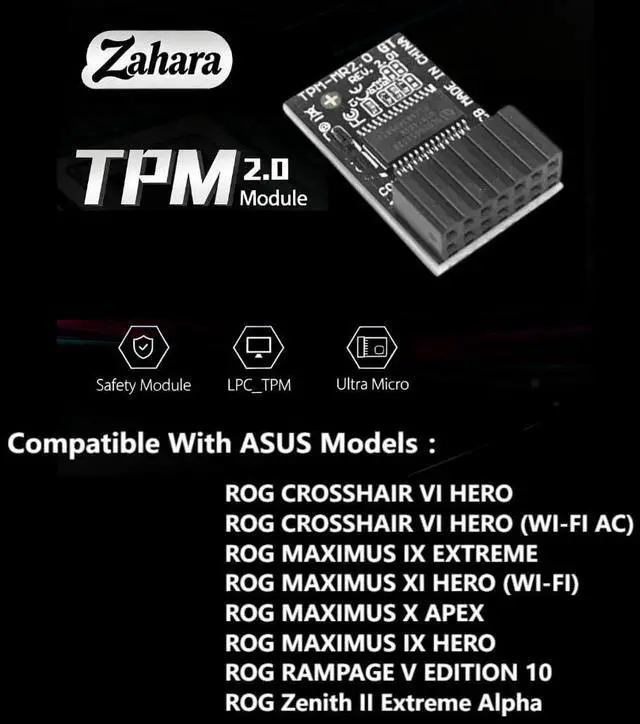
Compatible With ASUS Models
ROG CROSSHAIR VI HERO
ROG CROSSHAIR VI HERO (WI-FI AC)
ROG MAXIMUS IX EXTREME
ROG MAXIMUS XI HERO (WI-FI)
ROG MAXIMUS X APEX
ROG MAXIMUS IX HERO
ROG RAMPAGE V EDITION 10
ROG Zenith II Extreme Alpha
Important Notes:
1. This product is only compatible with older motherboards such as Intel and AMD. It is not compatible with newer motherboard models featuring firmware TPM, all-in-one PCs, or laptops.
2. The minimum hardware requirements for upgrading to Windows 11 via TPM 2.0 are as follows: a 1 GHz or faster 64-bit processor (dual-core/multi-core), 4 GB of memory, 64 GB of storage space, firmware supporting UEFI Secure Boot and TPM 2.0, a DirectX 12-compatible graphics card, and a display with a resolution of 720p or higher.
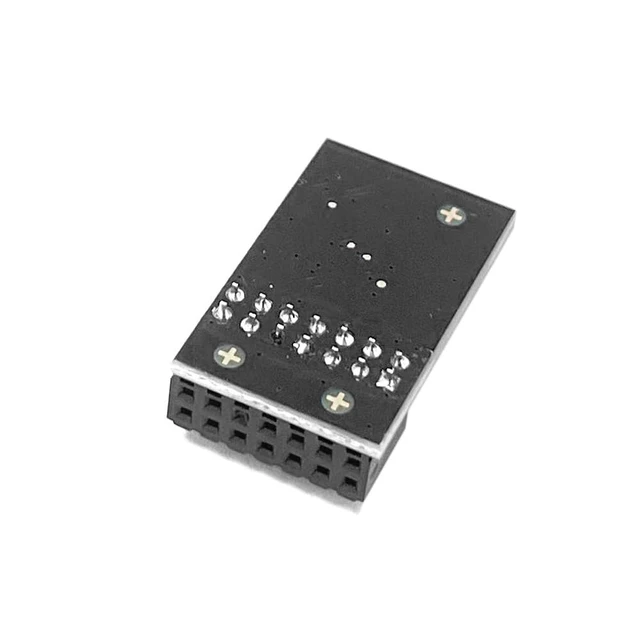
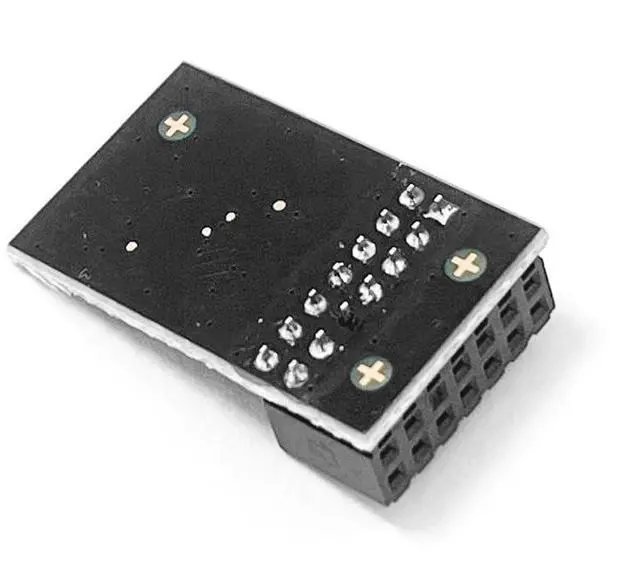
3. This product has a 14-pin-1 connector. Please carefully check the pin positions in the image to ensure compatibility with your motherboard before purchasing.
How to select and install a security module:
1. Confirm whether the host has TPM 2.0 or if TPM 2.0 is enabled.
2. Click Run, enter: tpm.msc (Win+R keys), and check if the TPM version is ready.
3. If version 2.0 is displayed but not ready, you need to configure settings in the BIOS; consult the motherboard manufacturer's custo mer ser vice.
4. Open the host and inspect the TPM pins on the motherboard. 5. When installing the module, ensure the chip-side faces inward, align with the pins, and insert fully to prevent loosening. (See image for direction)
Core Applications:
a: Seamless upgrade to Windows 11: Resolve TPM 2.0 verification issues and easily upgrade to the latest operating system.
b: Enhanced hardware-level security: Provides an independent secure encryption chip specifically designed for securely storing sensitive data (such as encryption keys, digital certificates, and login credentials), thereby enhancing overall system security.


