

Your Browsing History

Meet Your Seller

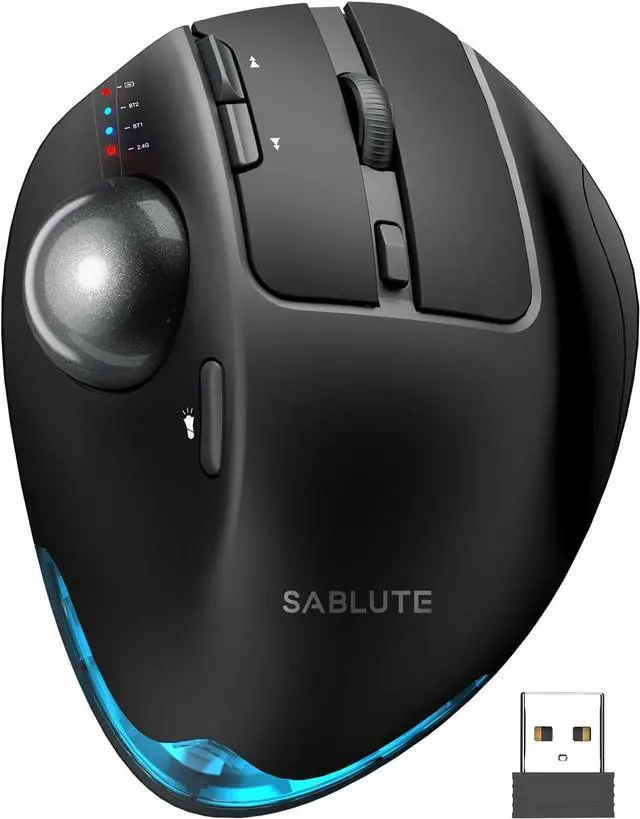


MAM1 Pro Ergonomic Wireless Trackball Mouse Adjustable 0°/18° Angle Thumb Control Quiet Clicks 3 Multi-Device Bluetooth & USB Receiver Rechargeable Mouse for Office Windows Mac
- SABLUTE MAM1 Pro Ergonomic Wireless Trackball Mouse Adjustable 0°/18° Angle Thumb Control Quiet Clicks 3 Multi-Device Bluetooth & USB Receiver Rechargeable Mouse for Office Windows Mac
+
+
Overview
Specs
Reviews

Any questions? Our AI beta will help you find out quickly.
Try me now
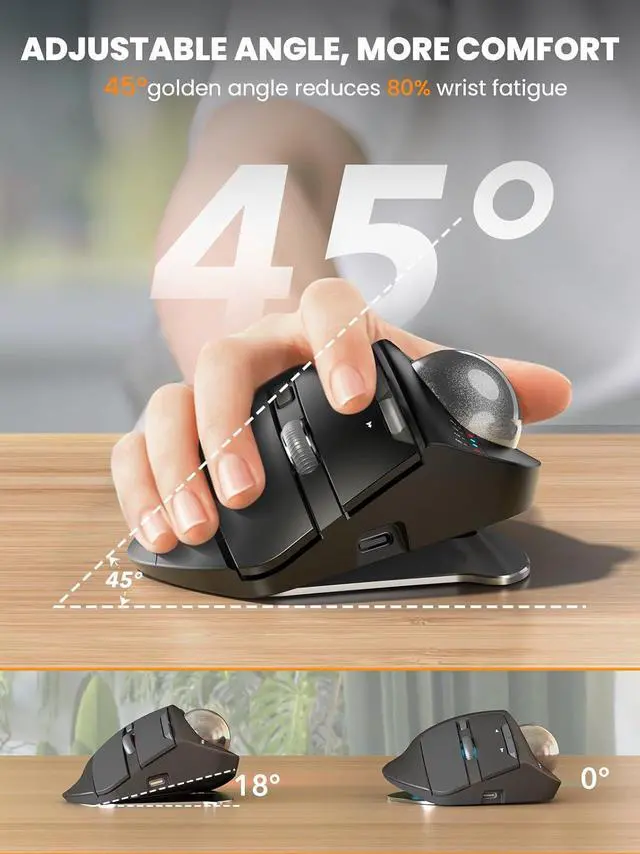
Ergonomic Adjustable Angle: 0° or 18° adjustable ergonomic tilt lets you choose a natural handshake position. The 18° angle follows the wrists natural resting posture helping reduce wrist and forearm strain during long hours of work study or computer useThumb
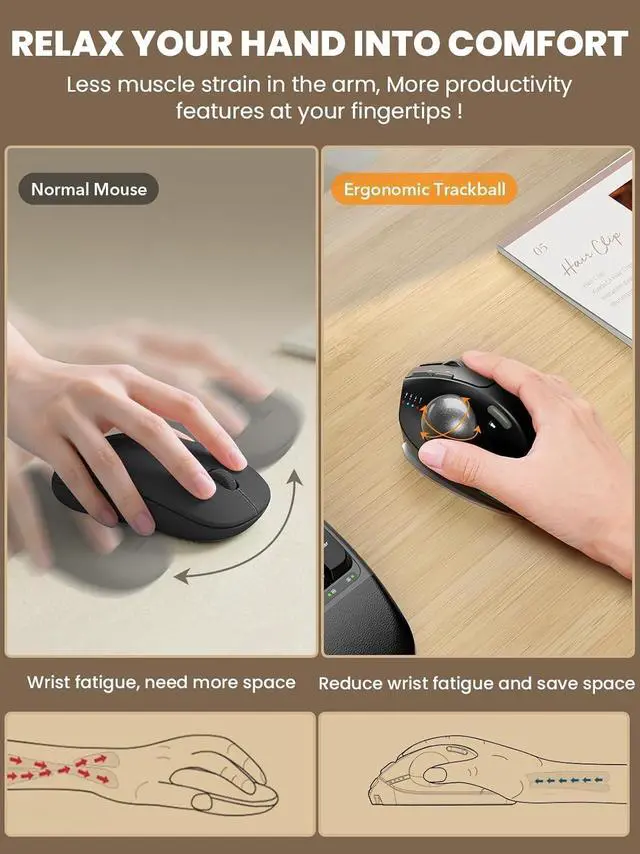
Trackball Control: Smooth thumb-operated trackball allows precise cursor control without moving your arm across the desk. Reduces repetitive wrist and shoulder movement making it ideal for small desks limited spaces and long daily use3-Device
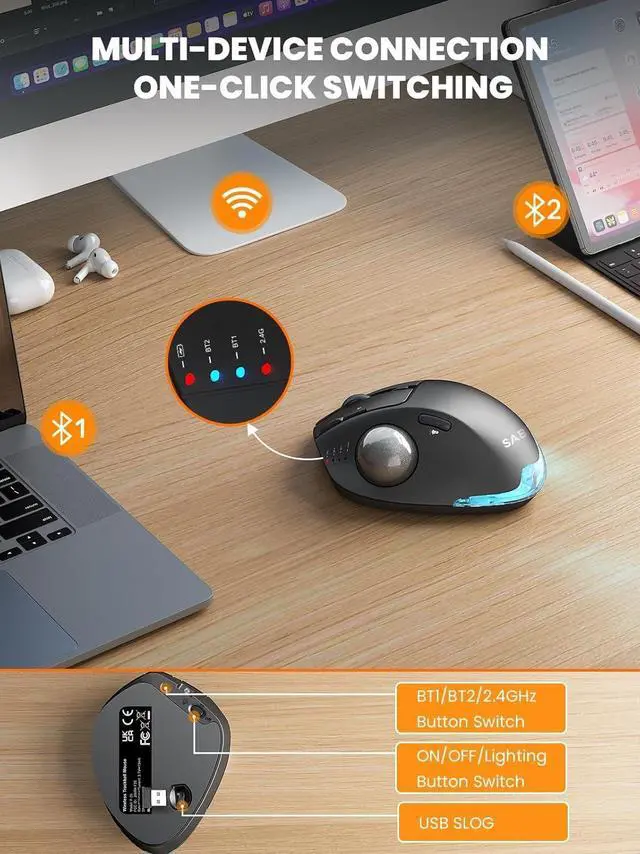
Wireless Switching: Connect up to three devices via dual Bluetooth modes and a 2.4G USB receiver. Switch instantly between your PC laptop or tablet with one button. Stable lag-free wireless connection up to 33 ft (10 m) Quiet Clicks &
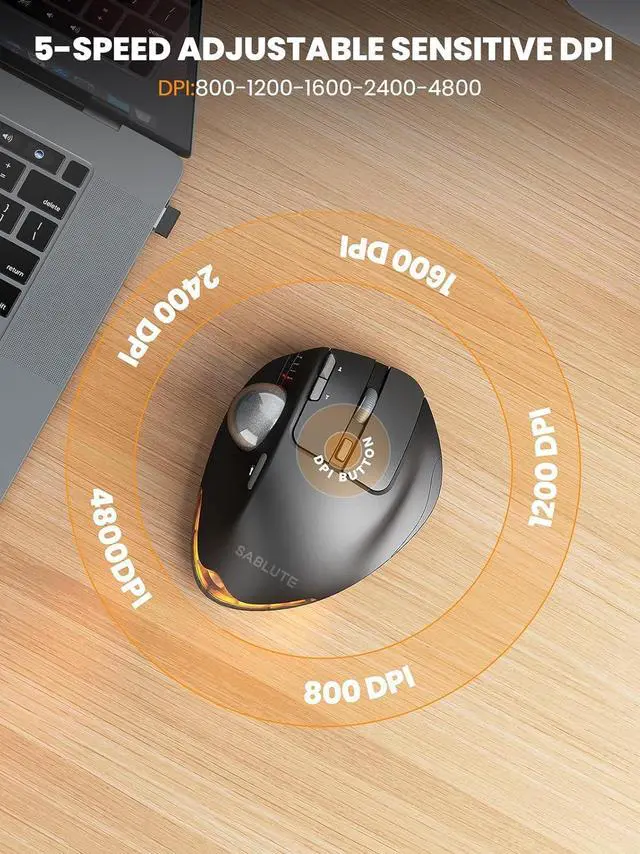
Adjustable DPI: Five adjustable DPI levels from 800 to 4800 let you match cursor speed to different tasks and screens. Ultra-quiet buttons with up to 95% reduced click noise keep you focused in offices or shared workspacesRechargeable with
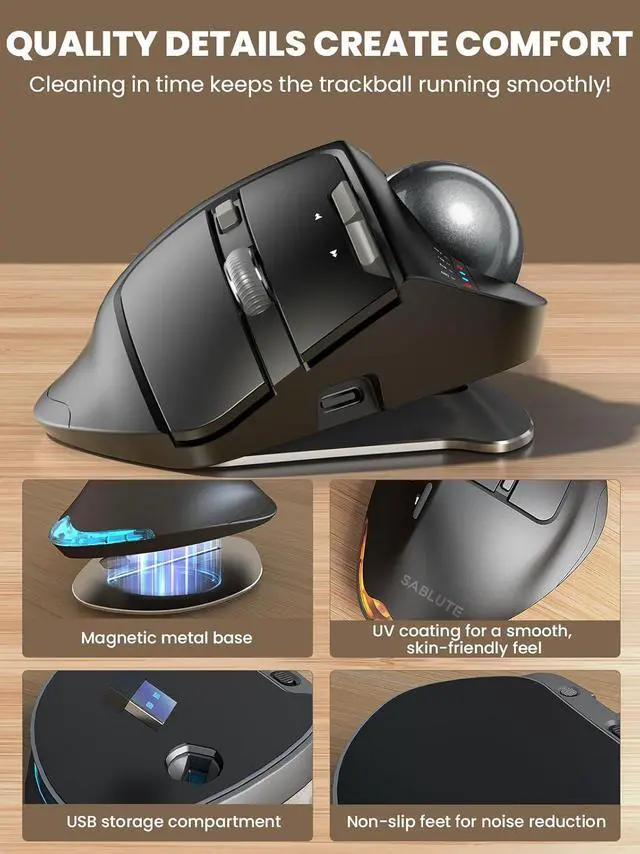
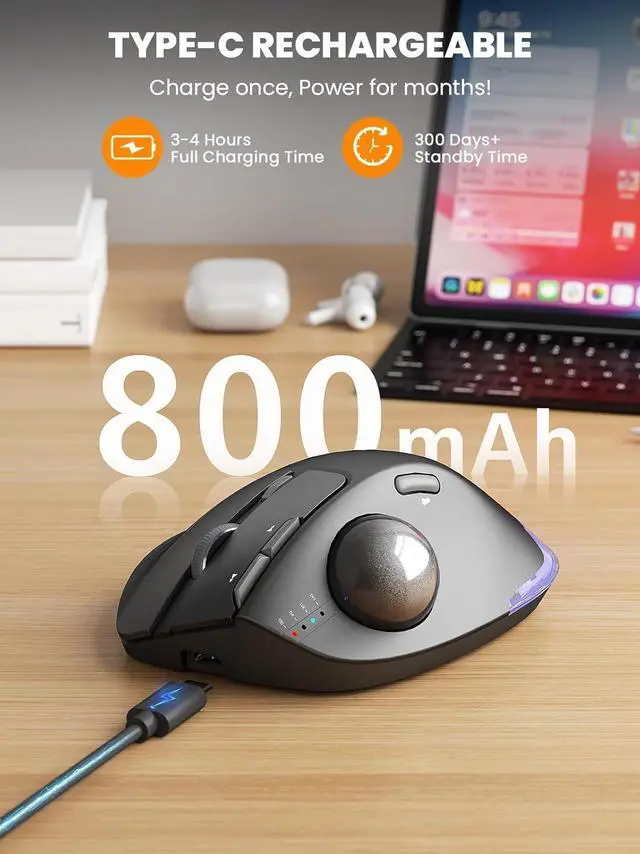
Backlight: Built-in rechargeable battery with USB-C charging eliminates disposable batteries. Soft ambient backlight can be turned on or off as needed. Compatible with Windows macOS Android and ChromeOS. USB receiver stores neatly in the baseWarm
Tips: If you are using a trackball mouse for the first time it may take some time to get used to its operation. We recommend that you spend 1-2 weeks to adapt as many users find that this helps reduce the pressure and pain on the wrist caused by long-term use of the mouse and improves comfortYou can download the driver by following the steps in the instruction manual to customize the mouse settings and fine-tune them to better suit your personal mouse preferences.
(Note: This driver is not compatible with Mac OS. )
Trackball Control: Smooth thumb-operated trackball allows precise cursor control without moving your arm across the desk. Reduces repetitive wrist and shoulder movement making it ideal for small desks limited spaces and long daily use3-Device
Wireless Switching: Connect up to three devices via dual Bluetooth modes and a 2.4G USB receiver. Switch instantly between your PC laptop or tablet with one button. Stable lag-free wireless connection up to 33 ft (10 m) Quiet Clicks &
Adjustable DPI: Five adjustable DPI levels from 800 to 4800 let you match cursor speed to different tasks and screens. Ultra-quiet buttons with up to 95% reduced click noise keep you focused in offices or shared workspacesRechargeable with
Backlight: Built-in rechargeable battery with USB-C charging eliminates disposable batteries. Soft ambient backlight can be turned on or off as needed. Compatible with Windows macOS Android and ChromeOS. USB receiver stores neatly in the baseWarm
Tips: If you are using a trackball mouse for the first time it may take some time to get used to its operation. We recommend that you spend 1-2 weeks to adapt as many users find that this helps reduce the pressure and pain on the wrist caused by long-term use of the mouse and improves comfortYou can download the driver by following the steps in the instruction manual to customize the mouse settings and fine-tune them to better suit your personal mouse preferences.
(Note: This driver is not compatible with Mac OS. )
Warranty & Returns
Warranty, Returns, And Additional Information
Warranty
- Please contact the Seller directly for warranty information. Warranty information may also be found on the Manufacturer's website.
- CONTACT
Return Policies
- Return for refund within: 30 days
- Return for replacement within: 30 days
- This item is covered by Circle Global Store Return Policy
Manufacturer Contact Info
- For a directory of all our manufacturers, please click below.
- Manufacturers Directory
LOADING...