

Your Browsing History
- Free 45-day Returns
$33.64
Ships from China.

Meet Your Seller

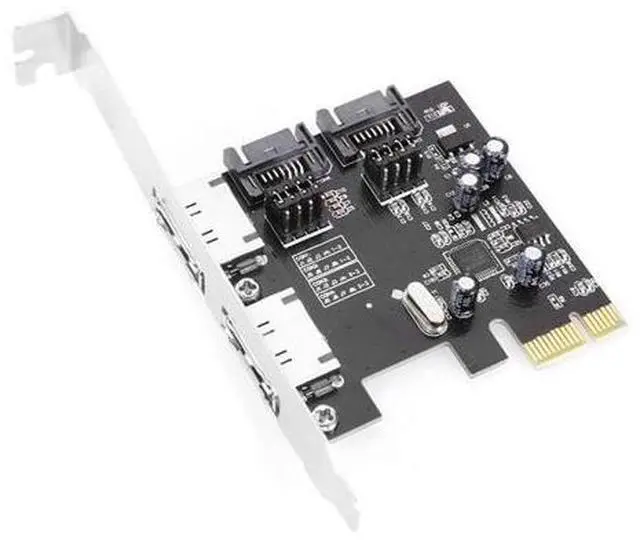
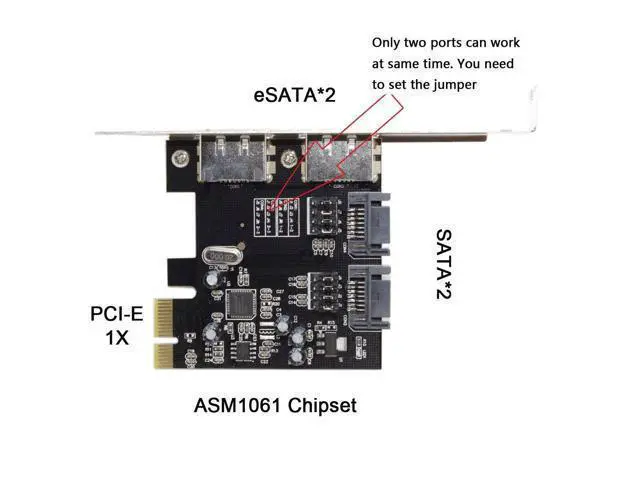
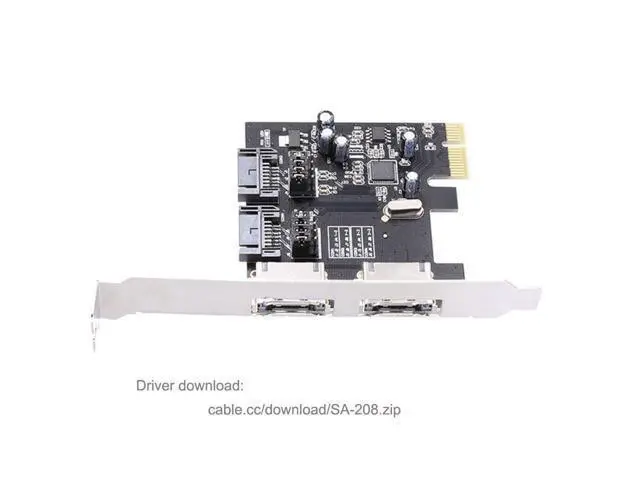
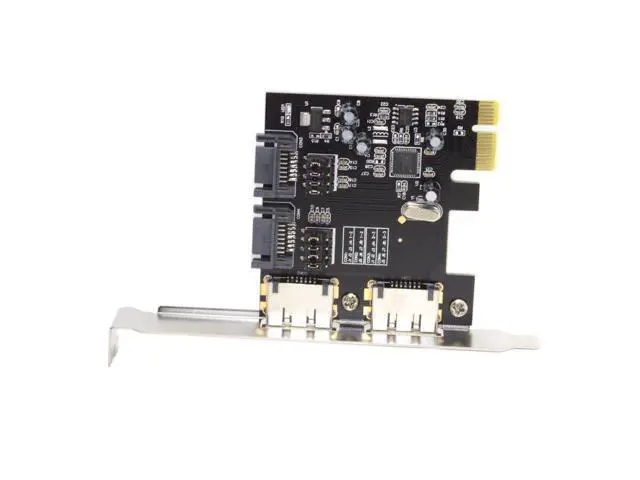
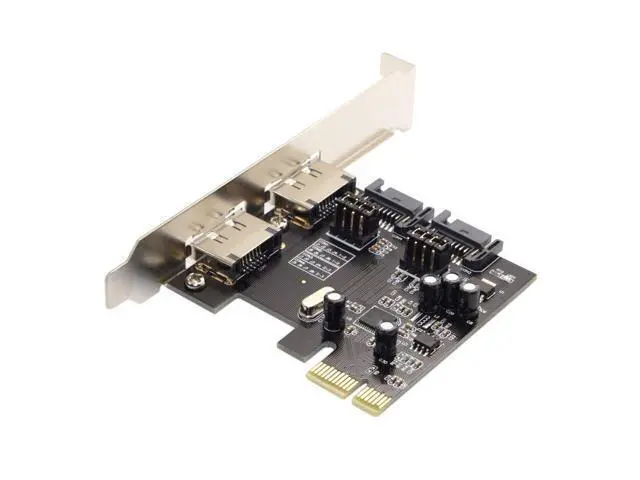
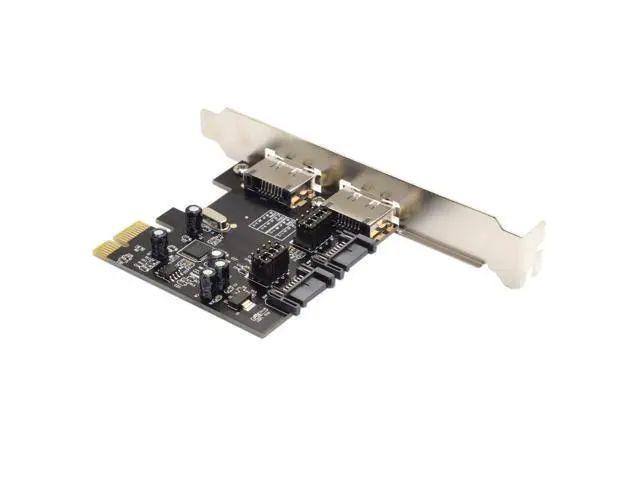
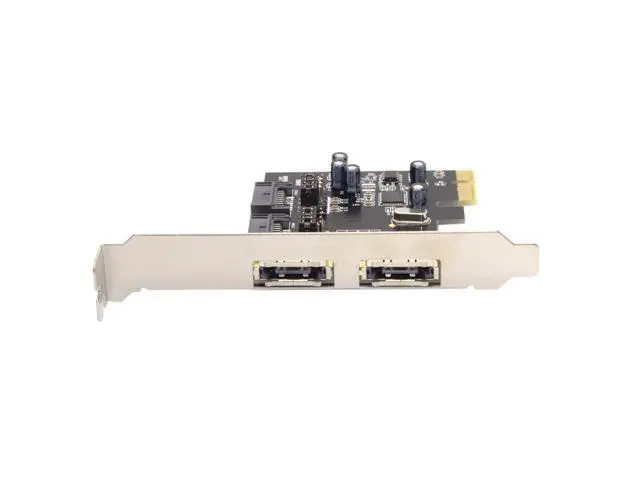


PCI-E X1 to 2 eSATA/2 SATA 3.0 Expansion Card with Jumper Switch eSATA/SATA Port(Only Two Ports can Work at a time)
Limited time offer, ends 09/27 By PeakCircuit Technology
- 1) Note: The eSATA and SATA 3.0 ports cannot be used simultaneously. You must switch between eSATA and SATA 3.0 ports using jumpers at a time. (Refer to the product details image for jumper settings.); 2) This card uses the SATA 3.0 function provided by the ASM1061 chip for SATA 3.0 interface expansion and cannot be used in a RAID array.; 3) Note: A PCI-E slot of V2.0 or higher is required. V1.0 will not exceed 250 Mbps. PCI-E, whether X1 or X16, only requires V2.0.; 4) Motherboard BIOS settings: SATA mode must be changed to AHCI. Some motherboards, even with PCIe version 2.0, do not have high-speed transfer mode (gen2 high speed mode) enabled by default in the BIOS; you need to manually enable it.; 5) Supported operating systems: Windows(R) XP/Server 2003/Vista/7/8 (32/64 bit)/MAC 10.8/10.9 (driver-free)
+
+
Overview
Specs
Reviews

Any questions? Our AI mode will help you find out quickly.
Try me now
1)
Note: The eSATA and SATA 3.0 ports cannot be used simultaneously. You must switch between eSATA and SATA 3.0 ports using jumpers at a time. (Refer to the product details image for jumper settings. ); 2) This card uses the SATA 3.0 function provided by the ASM1061 chip for SATA 3.0 interface expansion and cannot be used in a RAID array.;
3) Note: A PCI-E slot of V 2.0 or higher is required. V 1.0 will not exceed 250 Mbps. PCI-E, whether X1 or X16, only requires V 2.0.; 4)
Motherboard BIOS settings: SATA mode must be changed to AHCI. Some motherboards, even with PCIe version 2.0, do not have high-speed transfer mode (gen2 high speed mode) enabled by default in the BIOS; you need to manually enable it.; 5)
Supported operating systems: Windows (R) XP/Server 2003/Vista/7/8 (32/64 bit)/MAC 10.8 / 10.9 (driver-free)
Note: The eSATA and SATA 3.0 ports cannot be used simultaneously. You must switch between eSATA and SATA 3.0 ports using jumpers at a time. (Refer to the product details image for jumper settings. ); 2) This card uses the SATA 3.0 function provided by the ASM1061 chip for SATA 3.0 interface expansion and cannot be used in a RAID array.;
3) Note: A PCI-E slot of V 2.0 or higher is required. V 1.0 will not exceed 250 Mbps. PCI-E, whether X1 or X16, only requires V 2.0.; 4)
Motherboard BIOS settings: SATA mode must be changed to AHCI. Some motherboards, even with PCIe version 2.0, do not have high-speed transfer mode (gen2 high speed mode) enabled by default in the BIOS; you need to manually enable it.; 5)
Supported operating systems: Windows (R) XP/Server 2003/Vista/7/8 (32/64 bit)/MAC 10.8 / 10.9 (driver-free)
Warranty & Returns
Warranty, Returns, And Additional Information
Warranty
- Please contact the Seller directly for warranty information. Warranty information may also be found on the Manufacturer's website.
- CONTACT
Return Policies
- Return for refund within: 45 days
- Return for replacement within: 30 days
- This item is covered by PeakCircuit Technology Return Policy
Manufacturer Contact Info
- For a directory of all our manufacturers, please click below.
- Manufacturers Directory
LOADING...