here!
I’m your shopping assistant for PC builds, upgrades, and everything tech.
Got questions? Ask away!
Start a conversation
here!
I’m your shopping assistant for PC builds, upgrades, and everything tech.
Got questions? Ask away!
Start a conversation



Any questions? Ask CelesteSM will help you find out quickly.
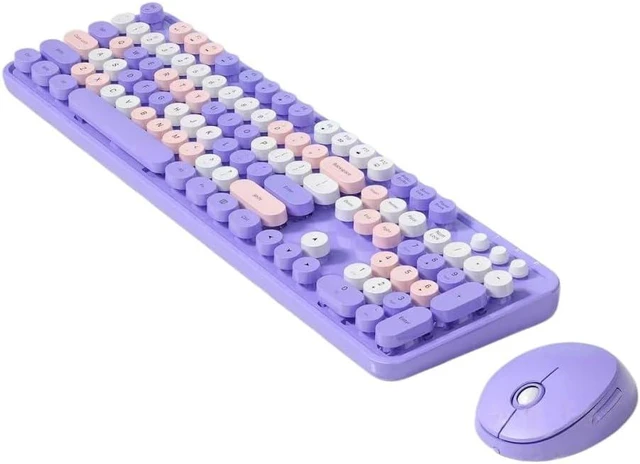
 Wireless keyboard and mouse combo
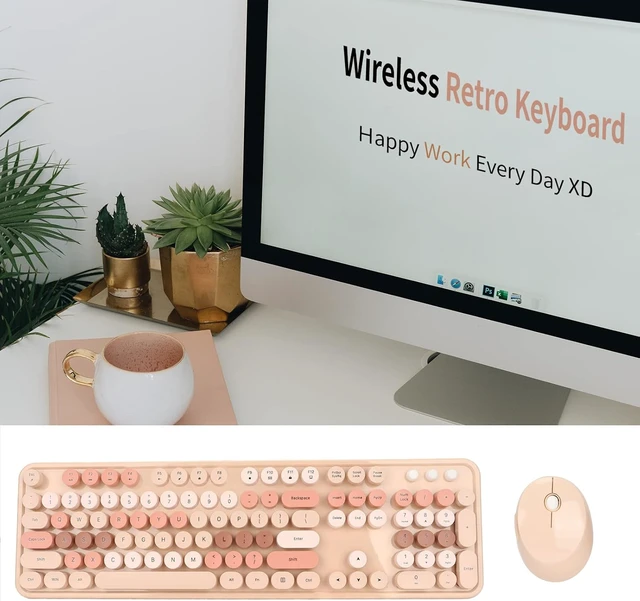
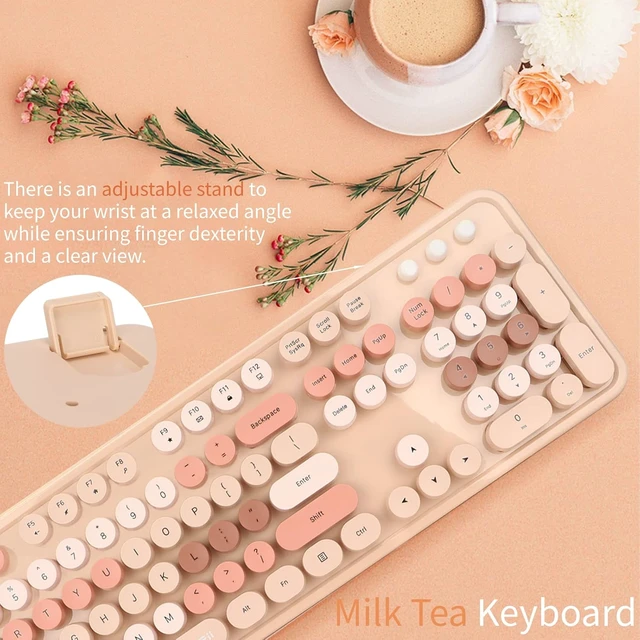
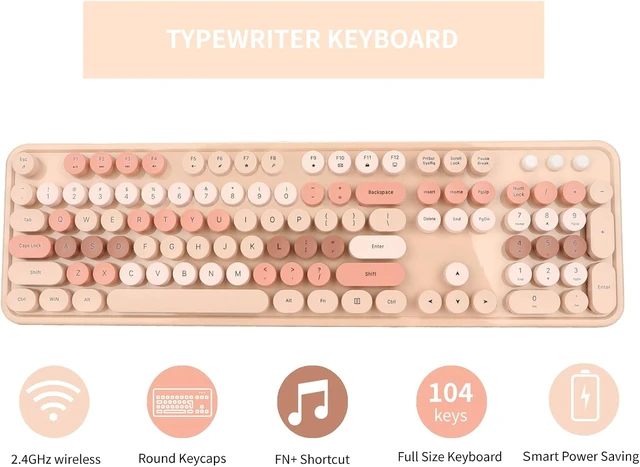
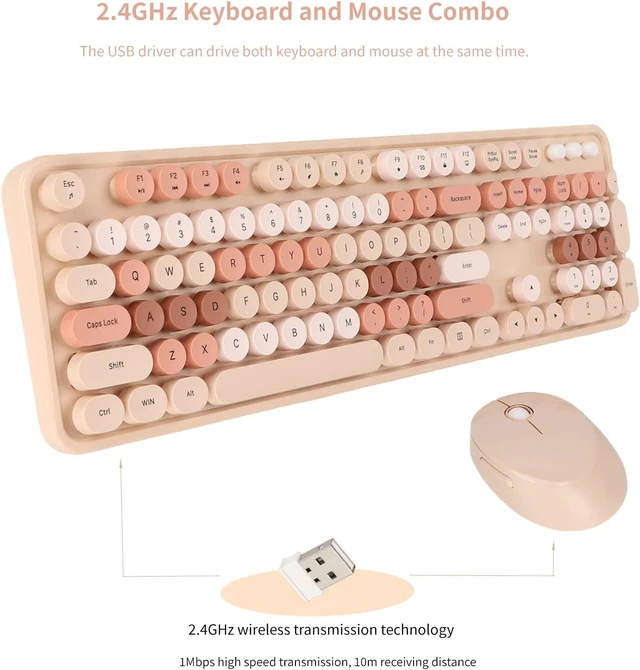
This keyboard and mouse combo uses 2.4GHz wireless technology, which can reach 1Mbps high speed transmission as well as 10m receiving distance.Our kawai keyboard with retro typewriter design and round keys can give you a different typing feel and using experience.This wireless keyboard and mouse set is available for Windows XP, Win7, Win8, Win10 systems, with a 2.0 systems. 4G receiver, working side to both laptops and desktops.Our keyboard and mouse are powered by AA batteries, different from the use of two or three years will spoil lithium batteries, the battery power is more stable and durable, enough to last you for a long time.This beautiful keyboard uses milk tea color scheme, the whole looks very comfortable, and the different color key caps are suitable for you to remember.
Wide Range Of Our Retro Keyboard And Mouse Our ergonomic wireless keyboard and mouse come with a 2.4G receiver to power both keyboard and mouse. This fashionable desk mechanical keyboard is one of the very nice desk accessories for women desk.This typewriter keyboard takes you back in time and is perfect for retro lovers, kids, Christmas gifts and more.


A 2.4GHz receiver can control our keyboard and mouse at the same time, plug and play, saving you the effort and maximizing efficiency in the office.

The high key position of the keyboard can bring you a realistic mechanical feeling, and the beautiful round key design also brings you a new typing experience.

The key caps of this fun keyboard are removable and washable, and the one-piece base is easy to clean, making it a good choice for your home or office.

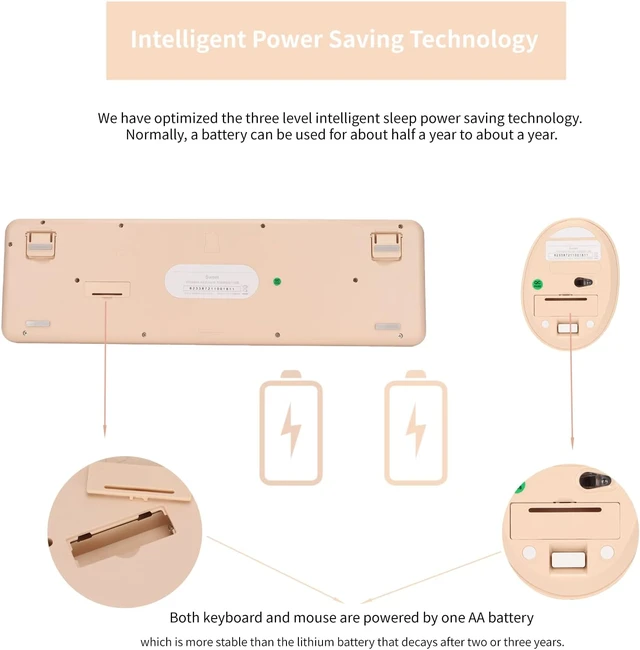
Powered by AA batteries, we also optimized the three-stage intelligent sleep energy-saving technology, in general, a battery can be used for about six months to a year.
 How to use our keyboard and mouse combo?
Take the USB receiver out of the bottom of the mouse and connect it to the USB port of the computer.Open the battery cover at the bottom of the mouse, and insert an AA battery (battery sold separately) into the battery compartment (note that the positive and negative polarity of the battery are correct) The LED light on the bottom of the mouse will light up once and then go out, close the battery cover.Open the battery cover at the bottom of the keyboard, place one AA battery (battery sold separately) in the battery compartment, pay attention to the positive and negative polarity of the battery must be correct), close the battery cover.You can also insert the USB receiver into the receiver slot at the bottom of the mouse when running and not in use.