







Tech Specs
Q: How long is the included transfer cable?
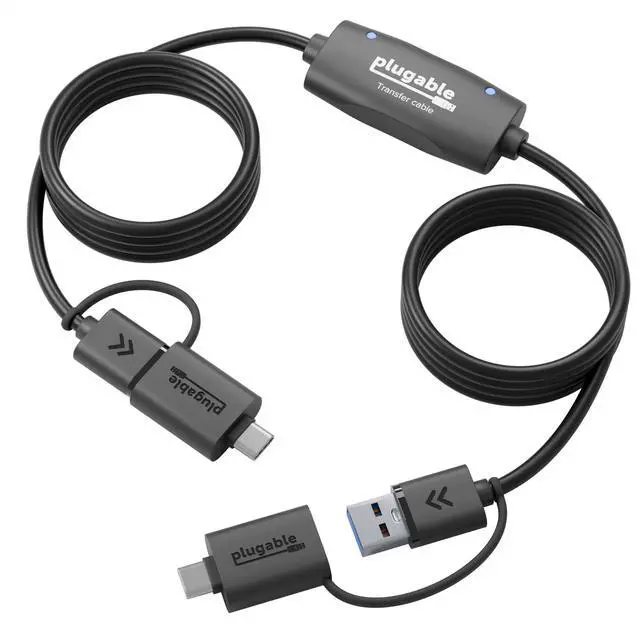
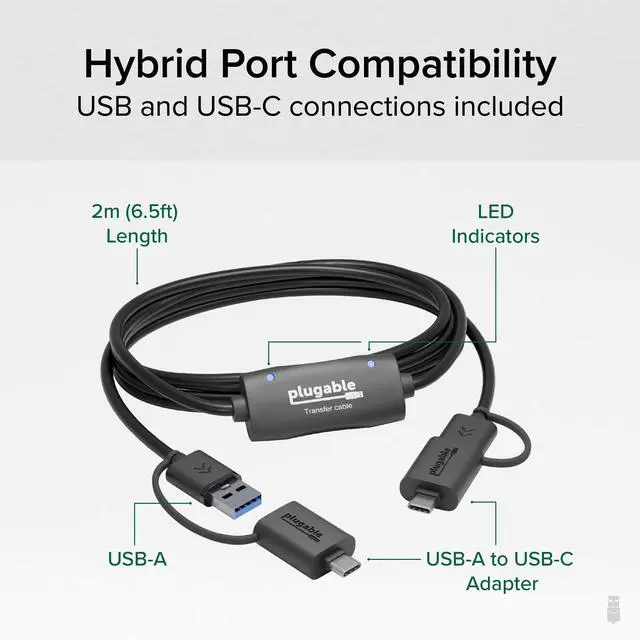
A: The included transfer cable is 2 meters (6.6 feet) long, providing ample length for convenient connections between computers.
Q: Does the USBC-TRAN support drag-and-drop file transfers?
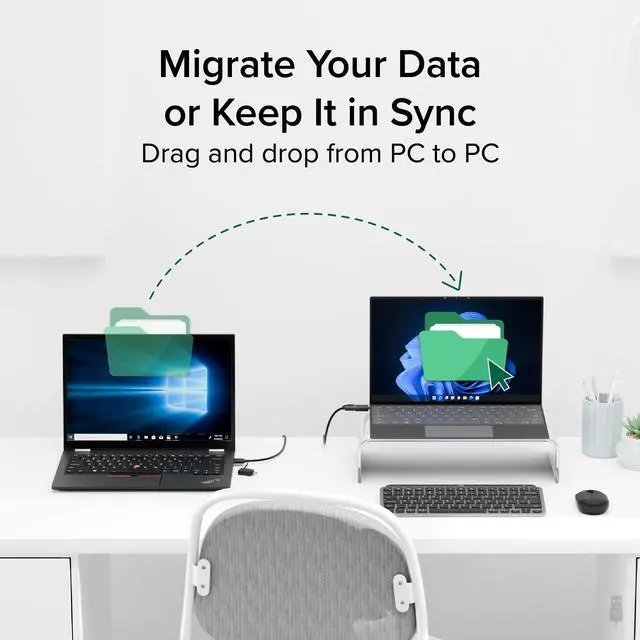
A: Yes, the USBC-TRAN supports drag-and-drop file transfers when paired with the included software, making it user-friendly and intuitive for transferring files between computers.
Q: How fast can the USBC-TRAN transfer data?
A: The USBC-TRAN can transfer data at speeds up to 5Gbps, allowing you to move 20GB of data between computers in minutes, much faster than traditional hard drives, flash drives, or cloud services.
Q: Can the USBC-TRAN be used offline with no network connection?
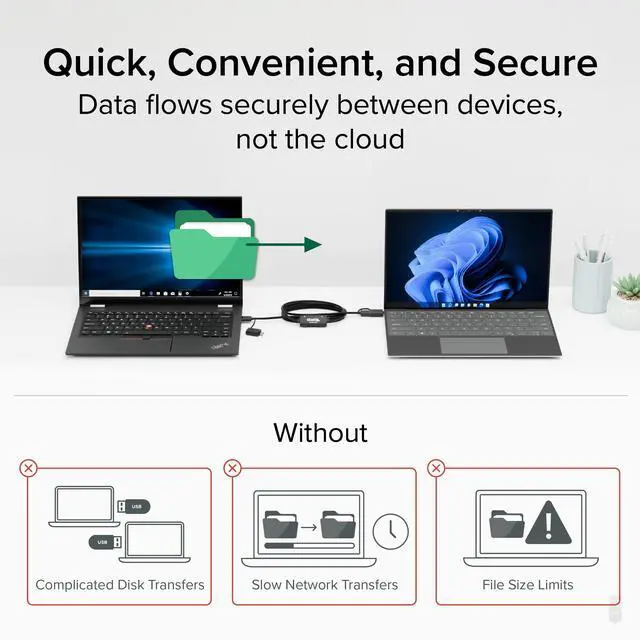
A: Yes, the USBC-TRAN can be used with no active network connection, ensuring secure file transfers.
Q: Can the USBC-TRAN be used to transfer data between different versions of Windows operating systems?
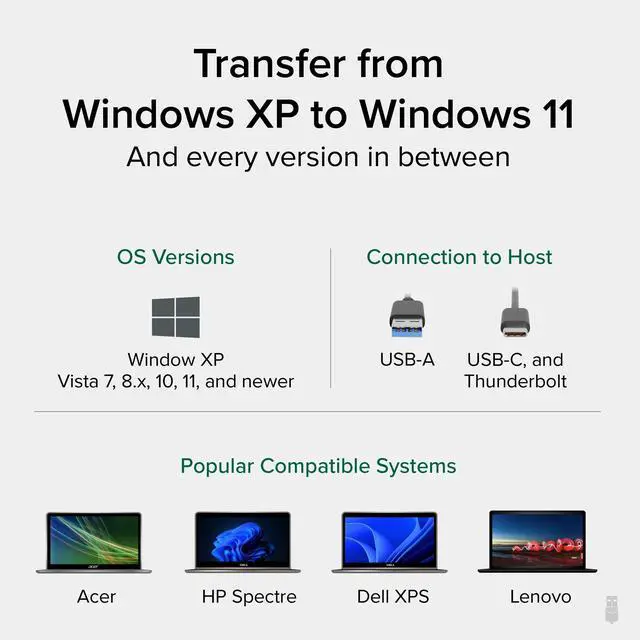
A: Yes, the USBC-TRAN can be used to transfer data between different versions of Windows operating systems, from Windows XP to the latest versions, supporting both 32-bit and 64-bit systems.
Compare Plugable Transfer Products
 USBC-TRAN |  TBT-TRAN |  USB3-TRAN |  USB-EASY-TRAN | |
|---|---|---|---|---|
Customer Reviews | — | — | — | — |
Price | — | — | — | — |
Link Speed | 5Gpbs | 10Gbps | 5Gbps | 480Mbps |
Approximate 20Gb Transfer Time | 4min 57sec | 42sec | 4min 57sec | 12min 54sec |
Software Included | ? | ? | ? | ? |
Cable Length | 6.6ft (2m) | 6.6ft (2m) | 6.6ft (2m) | 6.6ft (2m) |
Connection to Host | USB 3.0 and USB-C | Thunderbolt | USB 3.0 | USB 2.0 |
Compatibility | Windows XP to 11 and newer | Windows 10, 11, and newer | Windows XP to 11 and newer | Windows XP to 11 and newer |












Tech Specs
| File Transfer | Transfer files from one Windows PC to another at up to 5Gbps using the included 2m (6.6ft) hybrid USB-C and USB transfer cable. Easy Computer Sync software ensures a fast and seamless experience. |
|---|---|
| Broad Compatibility | The Plugable USBC-TRAN is compatible with and allows users to transfer data from PC to PC between any combination of USB, USB-C, Thunderbolt, and USB4 systems running Windows XP, Vista, 7, 8.x, 10, 11, and newer. |
| Easy-to-use | Supports drag-and-drop file transfers for an intuitive and user-friendly experience. |
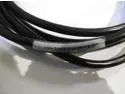
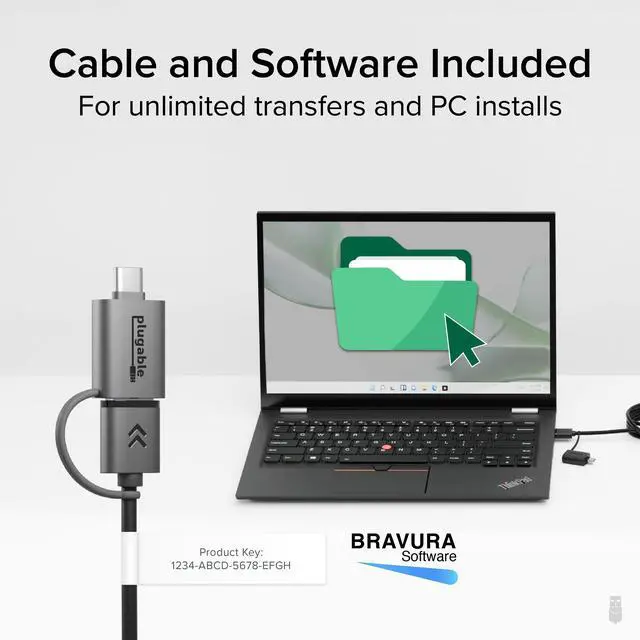
| Easy Sync Software | Includes Easy Computer Sync software from Bravura, for unlimited software activations. The activation key is conveniently located on a label on the cable. |
Q: How long is the included transfer cable?
A: The included transfer cable is 2 meters (6.6 feet) long, providing ample length for convenient connections between computers.
Q: Does the USBC-TRAN support drag-and-drop file transfers?
A: Yes, the USBC-TRAN supports drag-and-drop file transfers when paired with the included software, making it user-friendly and intuitive for transferring files between computers.
Q: How fast can the USBC-TRAN transfer data?
A: The USBC-TRAN can transfer data at speeds up to 5Gbps, allowing you to move 20GB of data between computers in minutes, much faster than traditional hard drives, flash drives, or cloud services.
Q: Can the USBC-TRAN be used offline with no network connection?
A: Yes, the USBC-TRAN can be used with no active network connection, ensuring secure file transfers.
Q: Can the USBC-TRAN be used to transfer data between different versions of Windows operating systems?
A: Yes, the USBC-TRAN can be used to transfer data between different versions of Windows operating systems, from Windows XP to the latest versions, supporting both 32-bit and 64-bit systems.
Compare Plugable Transfer Products
USBC-TRAN | TBT-TRAN | USB3-TRAN | USB-EASY-TRAN |
|---|---|---|---|
| Customer Reviews | |||
| — | — | — | — |
| Price | |||
| — | — | — | — |
| Link Speed | |||
| 5Gpbs | 10Gbps | 5Gbps | 480Mbps |
| Approximate 20Gb Transfer Time | |||
| 4min 57sec | 42sec | 4min 57sec | 12min 54sec |
| Software Included | |||
| ? | ? | ? | ? |
| Cable Length | |||
| 6.6ft (2m) | 6.6ft (2m) | 6.6ft (2m) | 6.6ft (2m) |
| Connection to Host | |||
| USB 3.0 and USB-C | Thunderbolt | USB 3.0 | USB 2.0 |
| Compatibility | |||
| Windows XP to 11 and newer | Windows 10, 11, and newer | Windows XP to 11 and newer | Windows XP to 11 and newer |


Find Your Docking Station

Shop for Mac

Shop for Windows


Shop Universal Compatability


Shop for Business