




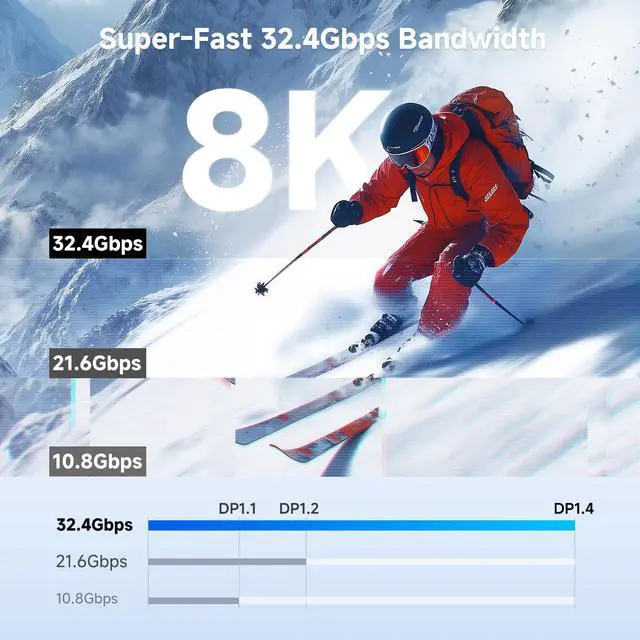



8K Video over USB-C or Thunderbolt 4/5
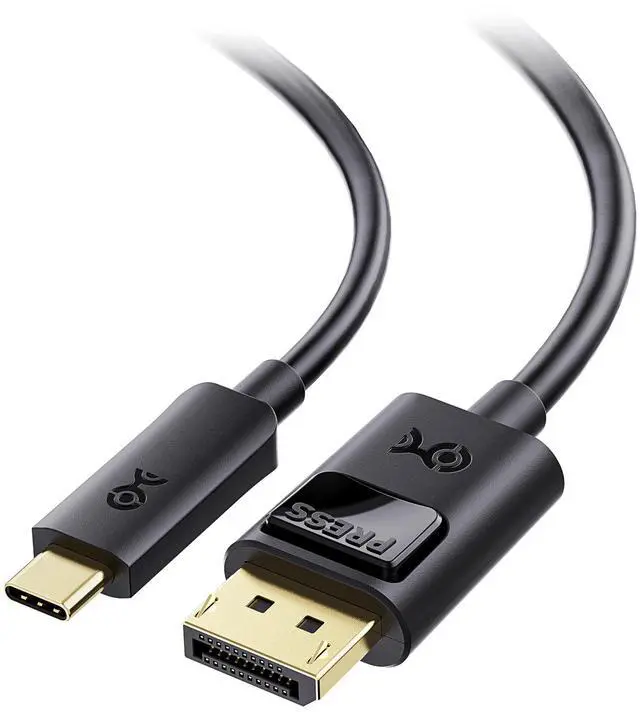
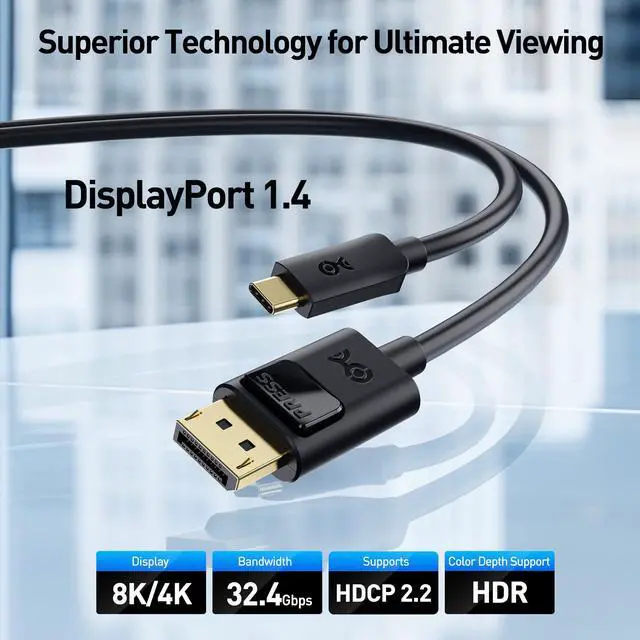
Cable Matters USB C to DisplayPort 1.4 Cable
Merchant Video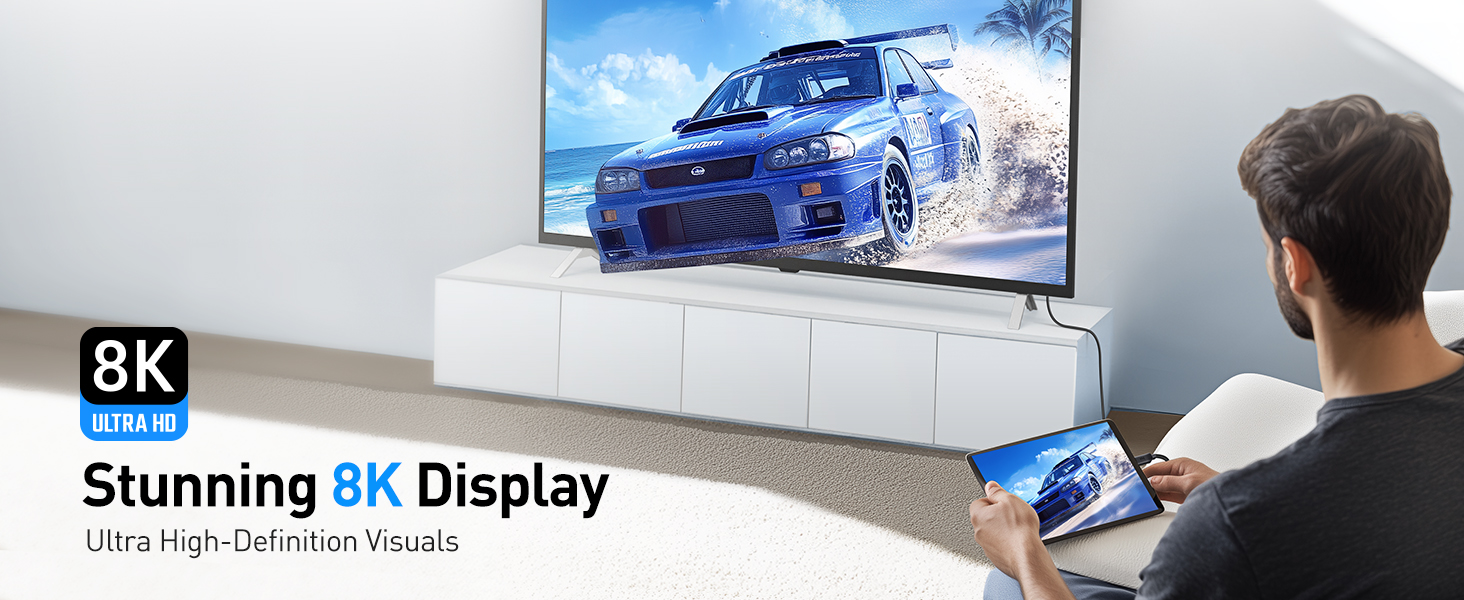

Is the cable bidirectional?
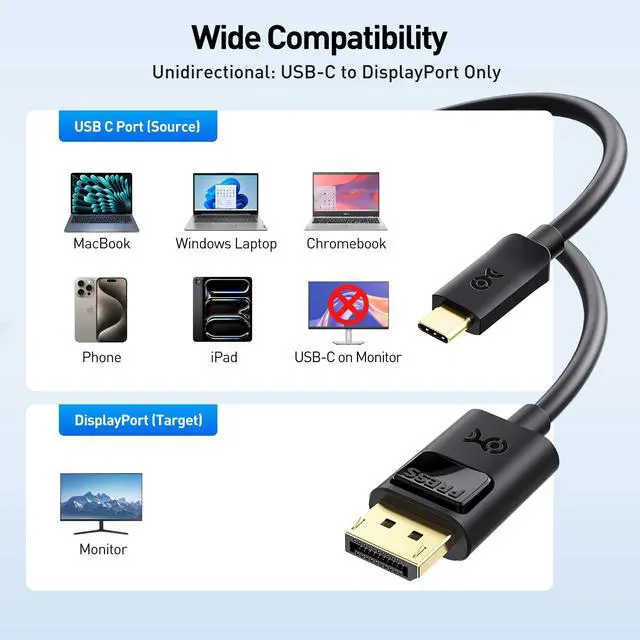
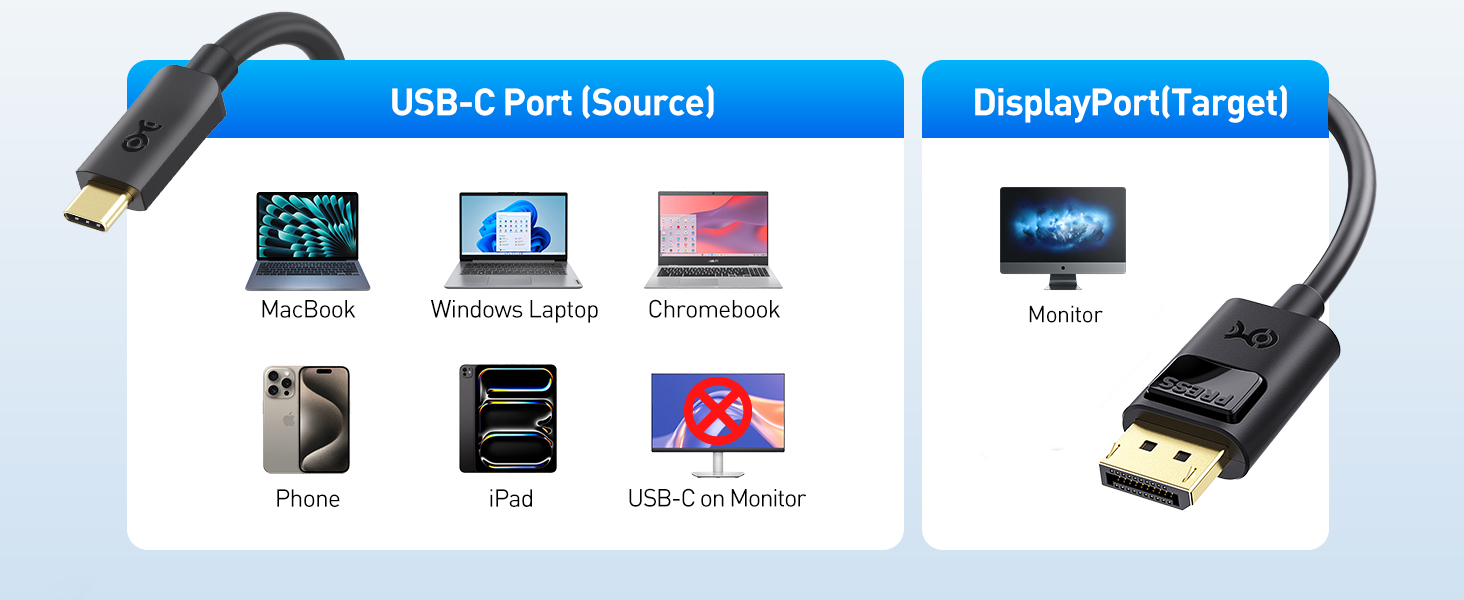
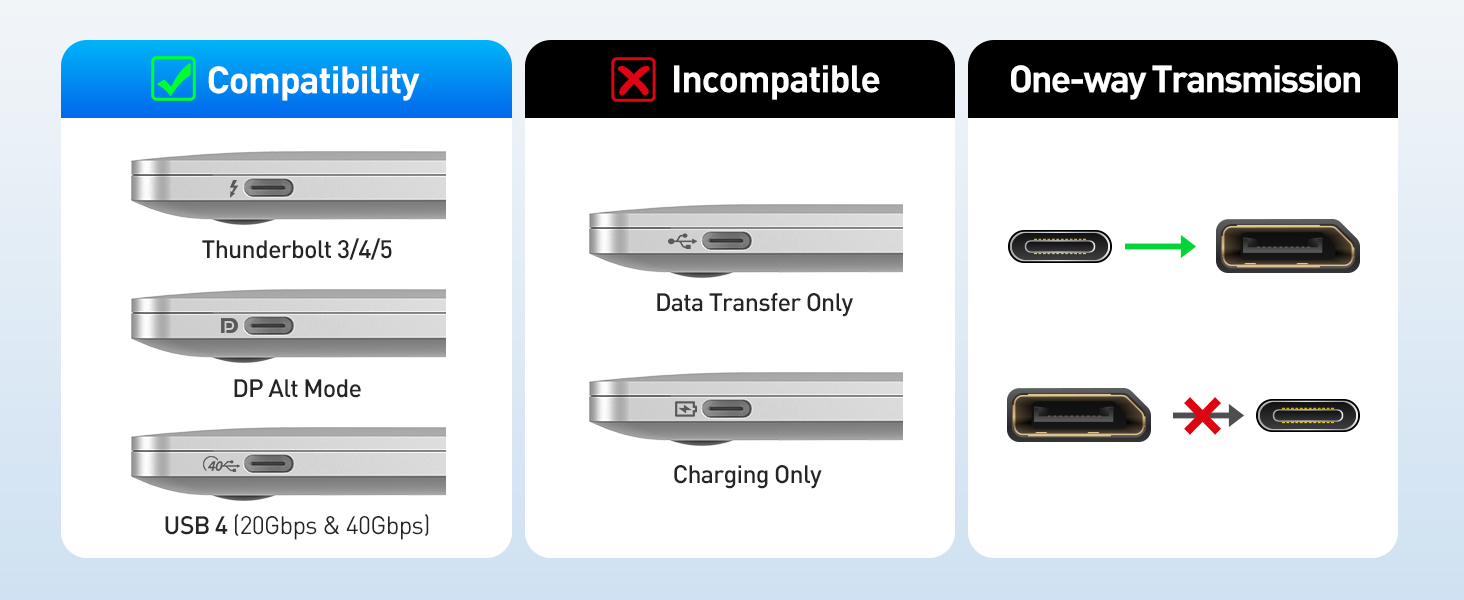
No. This cable is unidirectional. It only works from a USB-C or Thunderbolt 3/4/5 port (source) to a DisplayPort monitor (display). It does not work in reverse or with USB-C monitors.
Will this work with Apple Studio Display or a portable USB-C monitor?
No. These displays use USB-C/Thunderbolt input, not DisplayPort. This cable only works from a USB-C source to a DisplayPort monitor.
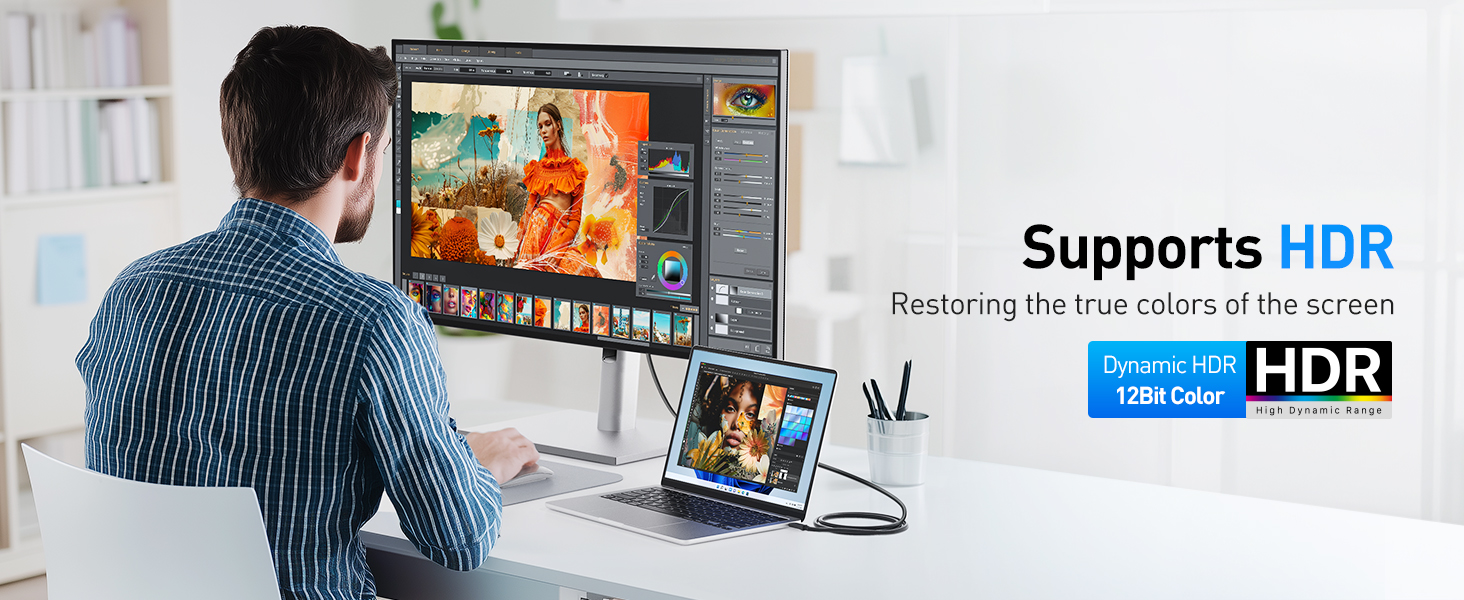
Why am I not getting 8K@60Hz, 4K@240Hz, or HDR?
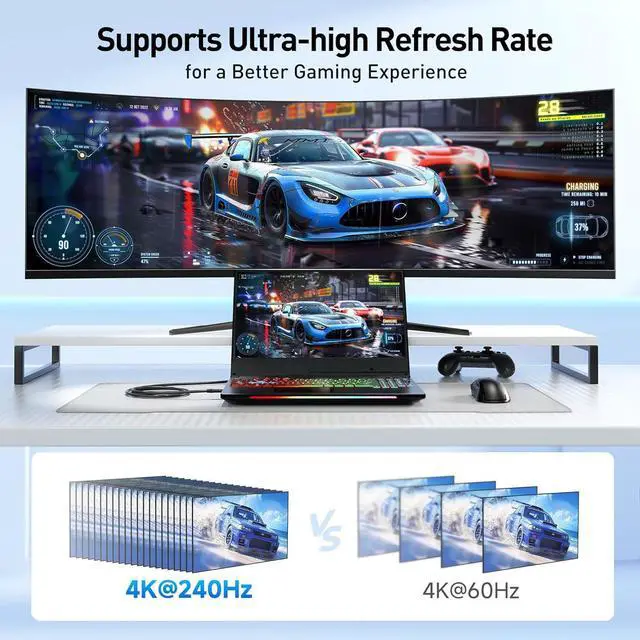
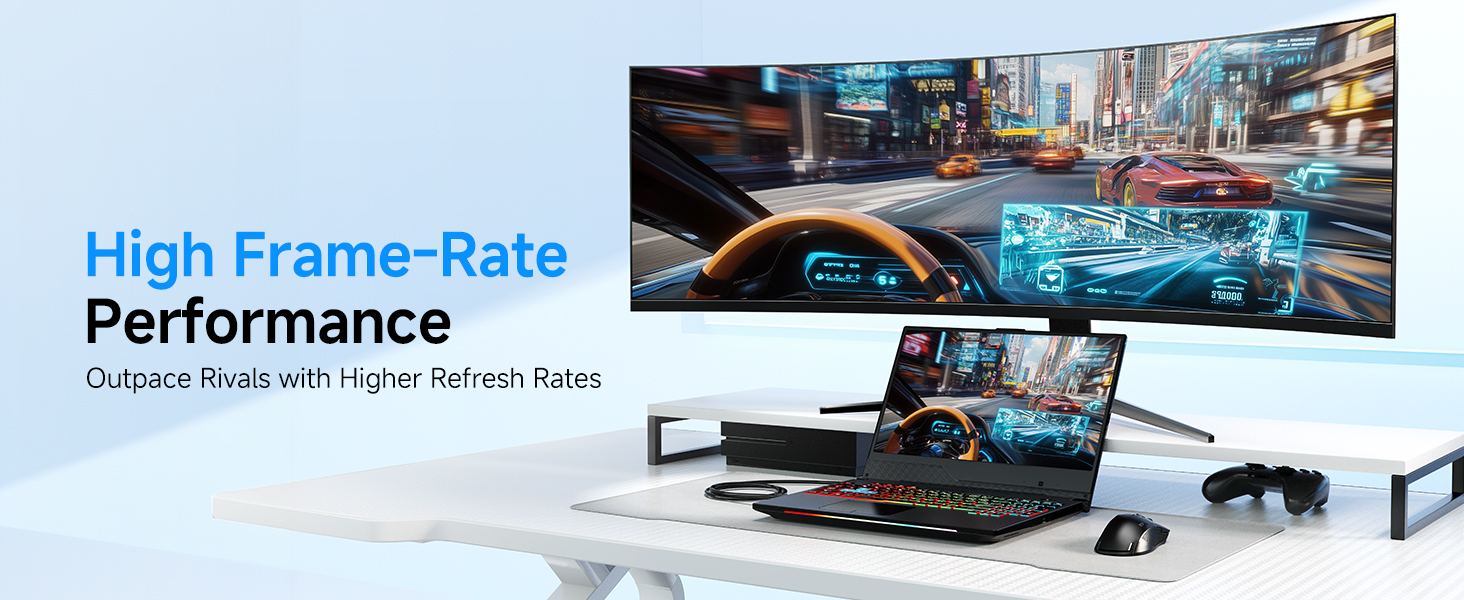
Ensure your device supports DP 1.4 HBR3 + DSC, your monitor supports the target mode, and you’re using a direct connection. Update drivers and firmware if needed.
The cable flickers or shows no video on Thunderbolt 3 laptops.
Update your BIOS, Thunderbolt firmware, Thunderbolt driver, and graphics driver from the laptop manufacturer’s support site to restore proper video output.
Can I use this cable with a USB-C hub or docking station?
Yes, if the hub or dock’s USB-C/Thunderbolt port supports video output (DP Alt Mode). Power-only or data-only ports do not support video.
Comparison Products
 USB-C to DP 1.4 Cable | 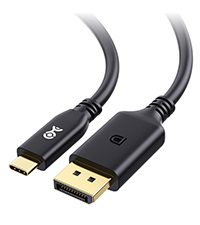 USB-C to DP 2.1 Cable |  USB-C to DP 2.1 Cable |  USB-C to DP 2.1 Cable |  USB C to DP 2.1 Adapter | 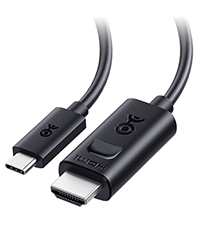 USB-C to HDMI 2.1 Cable | 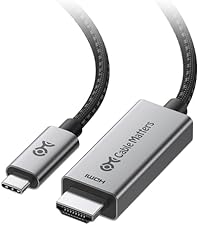 USB-C to HDMI 2.1 Cable | |
|---|---|---|---|---|---|---|---|
Customer Reviews | — | — | — | — | — | — | — |
Price | — | — | — | — | — | — | — |
TB5/TB4 Compatible | ? | ? | ? | ? | ? | ? | ? |
Max Video Resolution | 8K@60Hz / 4K@240Hz (32.4Gbps) | 8K@120Hz / 4K@480Hz (40Gbps) | 8K@165Hz / 4K@480Hz (54 Gbps) | 8K@120Hz / 4K@480Hz (40Gbps) | 16K@60Hz, 8K@240Hz (80Gbps) | 8K@60Hz / 4K@240Hz | 8K@60Hz / 4K@240Hz |
Video Ports | DisplayPort | DisplayPort | DisplayPort | DisplayPort | DisplayPort | HDMI | HDMI |
Computer Systems | All OS | All OS | All OS | All OS | All OS | All OS | Built-in Firmware for macOS |
Bidirectional Support | ? | ? | ? | ? | ? | ? | ? |
Model No | 201036 | 201436 | 201456 | 201346 | 201386 | 201392 | 201462 |


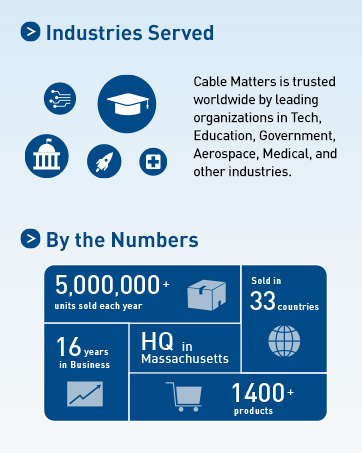
Cable Matters, with headquarters in Southborough, Massachusetts, offers a complete line of cables, adapters, docking stations, and networking products for the home, office, and data center. Cable Matters offers first-class, quality, and affordable products backed by an exceptional customer experience.
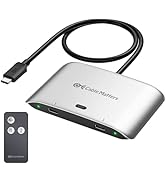
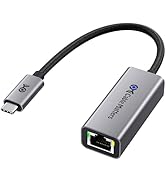
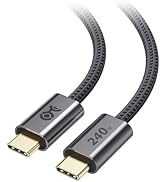
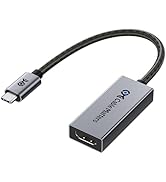
USB-C Cables & Hubs & Adapters
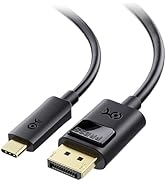
![Cable Matters Braided USB C to Micro USB Cable - 3.3ft, [3A/15W Charging, 480Mbps Data] MicroUSB ...](//c1.neweggimages.com/sellingpilot/modules/product/a-plus/5c7d39516f75c8fb4e9a6d3b07bc6c64b8998e2247630b6cee6e0c8da4baf719.jpg)
USB-C Cables & Hubs & Adapters
![Cable Matters Braided USB C to Micro USB Cable - 3.3ft, [3A/15W Charging, 480Mbps Data] MicroUSB ...](http://c1.neweggimages.com/sellingpilot/modules/product/a-plus/5c7d39516f75c8fb4e9a6d3b07bc6c64b8998e2247630b6cee6e0c8da4baf719.jpg)
8K Video over USB-C or Thunderbolt 4/5
Cable Matters USB C to DisplayPort 1.4 Cable
Merchant Video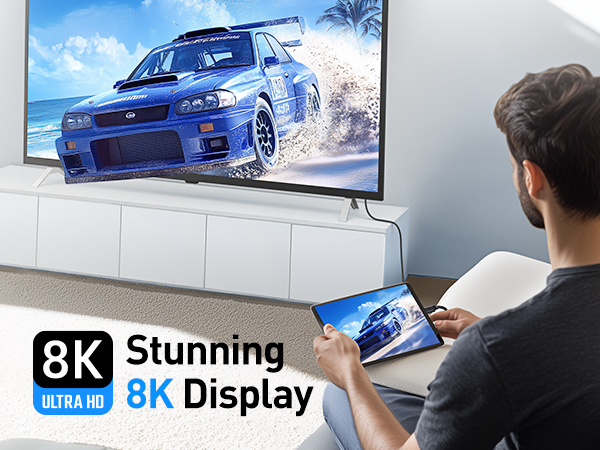

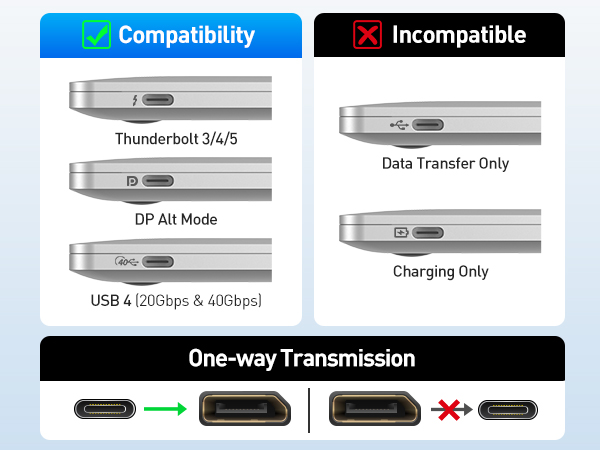

Is the cable bidirectional?
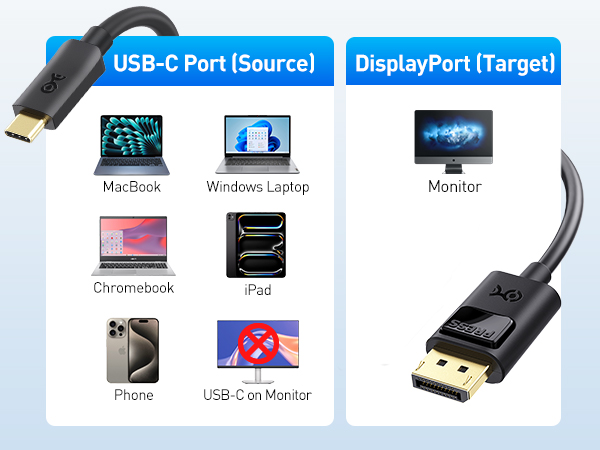
No. This cable is unidirectional. It only works from a USB-C or Thunderbolt 3/4/5 port (source) to a DisplayPort monitor (display). It does not work in reverse or with USB-C monitors.
Will this work with Apple Studio Display or a portable USB-C monitor?
No. These displays use USB-C/Thunderbolt input, not DisplayPort. This cable only works from a USB-C source to a DisplayPort monitor.
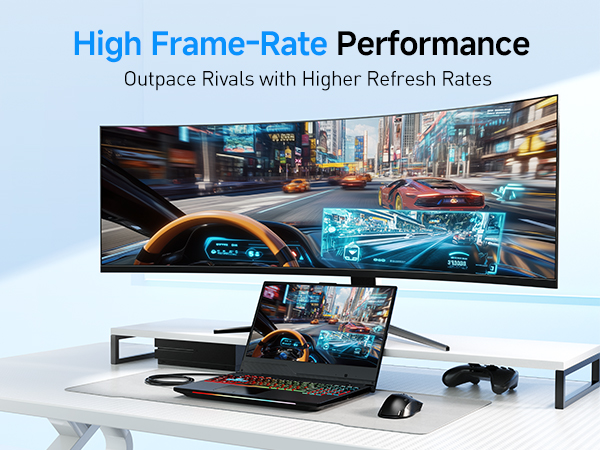
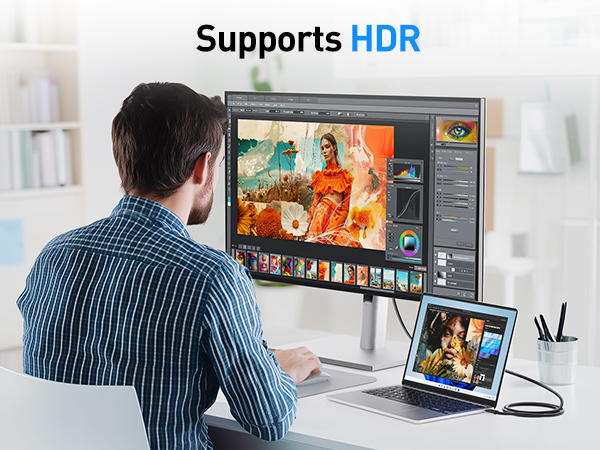
Why am I not getting 8K@60Hz, 4K@240Hz, or HDR?
Ensure your device supports DP 1.4 HBR3 + DSC, your monitor supports the target mode, and you’re using a direct connection. Update drivers and firmware if needed.
The cable flickers or shows no video on Thunderbolt 3 laptops.
Update your BIOS, Thunderbolt firmware, Thunderbolt driver, and graphics driver from the laptop manufacturer’s support site to restore proper video output.
Can I use this cable with a USB-C hub or docking station?
Yes, if the hub or dock’s USB-C/Thunderbolt port supports video output (DP Alt Mode). Power-only or data-only ports do not support video.
Comparison Products
USB-C to DP 1.4 Cable | USB-C to DP 2.1 Cable | USB-C to DP 2.1 Cable | USB-C to DP 2.1 Cable | USB C to DP 2.1 Adapter | USB-C to HDMI 2.1 Cable | USB-C to HDMI 2.1 Cable |
|---|---|---|---|---|---|---|
| Customer Reviews | ||||||
| — | — | — | — | — | — | — |
| Price | ||||||
| — | — | — | — | — | — | — |
| TB5/TB4 Compatible | ||||||
| ? | ? | ? | ? | ? | ? | ? |
| Max Video Resolution | ||||||
| 8K@60Hz / 4K@240Hz (32.4Gbps) | 8K@120Hz / 4K@480Hz (40Gbps) | 8K@165Hz / 4K@480Hz (54 Gbps) | 8K@120Hz / 4K@480Hz (40Gbps) | 16K@60Hz, 8K@240Hz (80Gbps) | 8K@60Hz / 4K@240Hz | 8K@60Hz / 4K@240Hz |
| Video Ports | ||||||
| DisplayPort | DisplayPort | DisplayPort | DisplayPort | DisplayPort | HDMI | HDMI |
| Computer Systems | ||||||
| All OS | All OS | All OS | All OS | All OS | All OS | Built-in Firmware for macOS |
| Bidirectional Support | ||||||
| ? | ? | ? | ? | ? | ? | ? |
| Model No | ||||||
| 201036 | 201436 | 201456 | 201346 | 201386 | 201392 | 201462 |
Cable Matters, with headquarters in Southborough, Massachusetts, offers a complete line of cables, adapters, docking stations, and networking products for the home, office, and data center. Cable Matters offers first-class, quality, and affordable products backed by an exceptional customer experience.
USB-C Cables & Hubs & Adapters
USB-C Cables & Hubs & Adapters