

Your Browsing History
- Free 30-day Returns
$11.99

Meet Your Seller


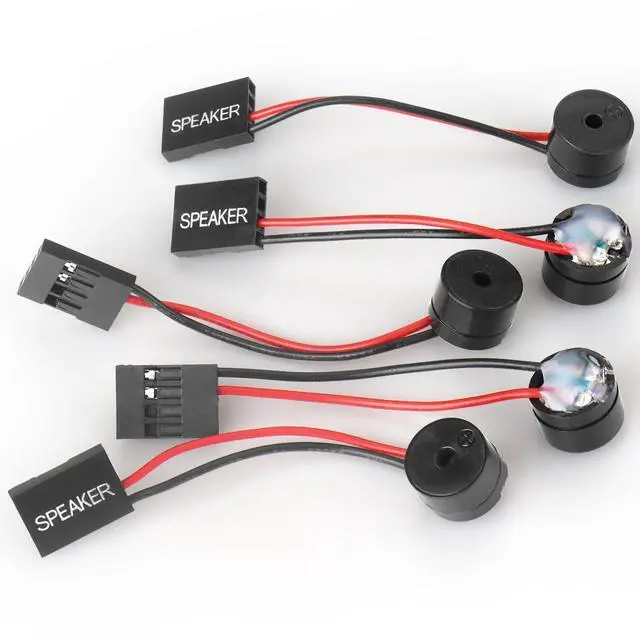
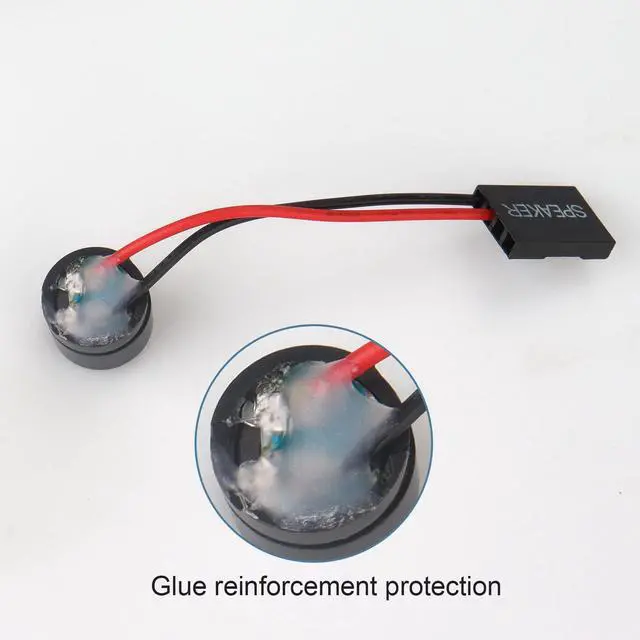
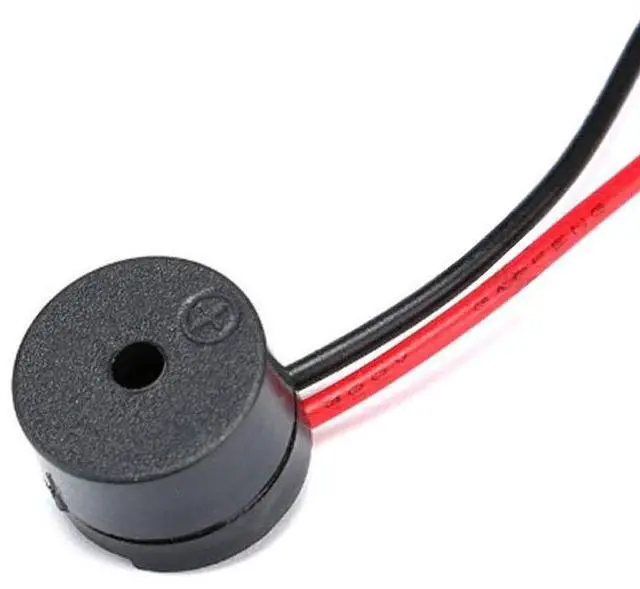
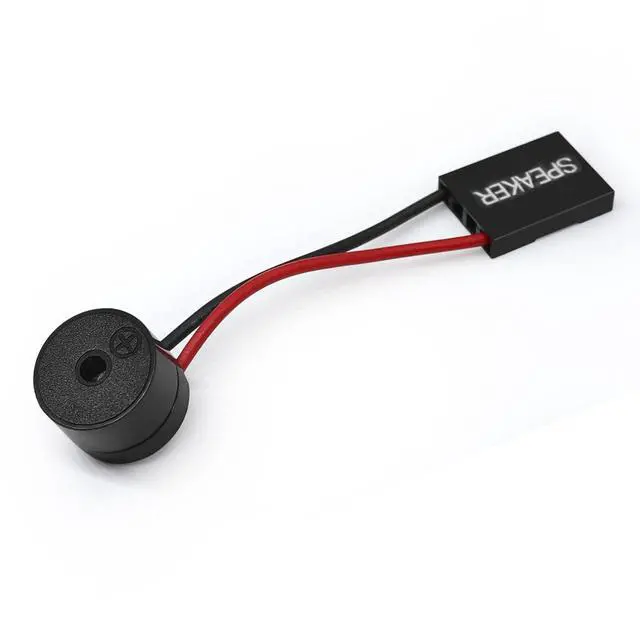


5 PCS Motherboard Speaker, Computer Casemini Speakers, PC Internal Bios Mini Plug Buzzer Computer Motherboard Buzzer Alarm
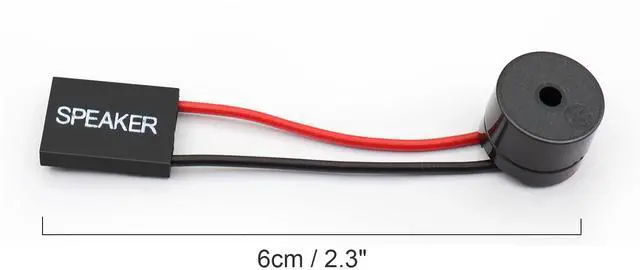
- Type: 5PCS PC computer motherboard alarm buzzer, length 2.3 inches
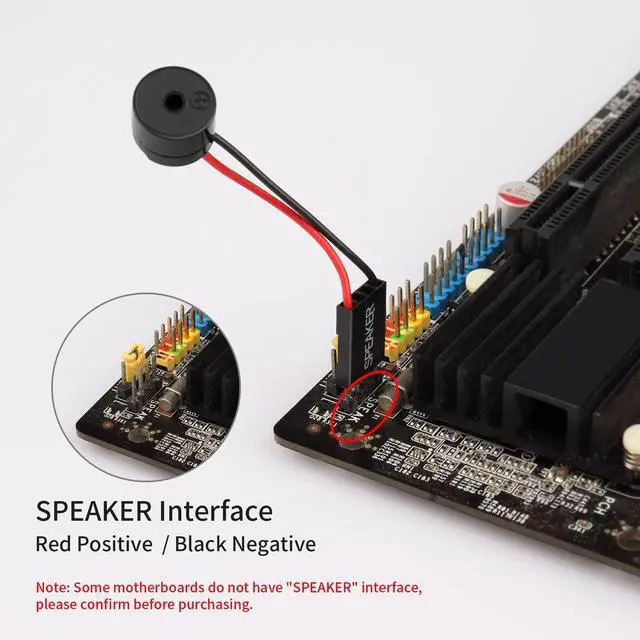
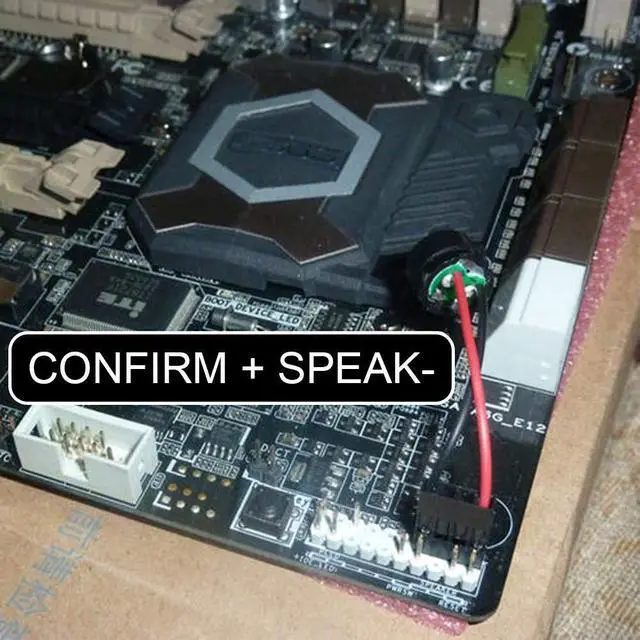
- Uses: The sound made by the buzzer is used to determine the working status of the motherboard.Easy to install, 4-pin female connector, plug and play, easy to plug into the speaker connector on the front panel of the motherboard
- Wiring: red positive pole, black negative pole (in fact, as long as the interface is connected to the speaker, both positive and negative poles can be used)
- How To Use: After turning on the computer, we will hear the familiar "beep" sound, usually indicating that the computer is working properly, the sound comes from this buzzer. If it is not normal, you can judge the fault by its sound
- 100% brand new and high quality
+
+
Overview
Specs
Reviews

Any questions? Our AI mode will help you find out quickly.
Try me now
Package Included:
5 X Motherboard Alarm Buzzer
AWARD BIOS ringing of the general meaning is:
1 short: the system starts properly, which we hear every day, but also that machines without any
problems.
2 short: General error, please enter the CMOS Setup, reset the incorrect options.
1 long 1 short: RAM or motherboard error, try for a memory, if that does not work, had to replace
the motherboard.
1 long 2 short: Monitor or display card error.
1 long 3 short: Keyboard controller error, check the motherboard.
1 long 9 short: board Flash RAM or EPROM error, BIOS damage. For the block Flash RAM try.
Continuous sound (long beeps): memory is not seated or damaged. Re-insert the memory, if that
does not work, replace only a memory.
It kept ringing: power supply, display and graphics card connected.
Check all plugs.
Repeat short ring: Power problems.
No sound No display: power problems.
Warranty & Returns
Warranty, Returns, And Additional Information
Warranty
- Please contact the Seller directly for warranty information. Warranty information may also be found on the Manufacturer's website.
- CONTACT
Return Policies
- Return for refund within: 30 days
- Return for replacement within: 30 days
- This item is covered by Average-price store Return Policy
Manufacturer Contact Info
- For a directory of all our manufacturers, please click below.
- Manufacturers Directory
LOADING...