




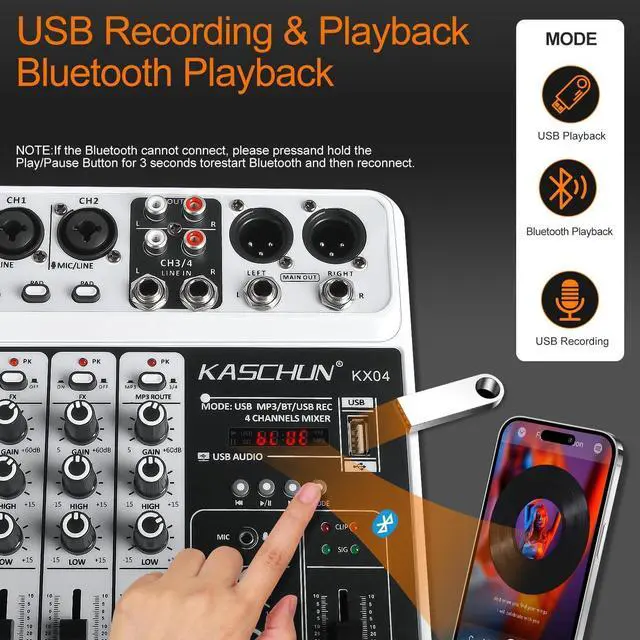
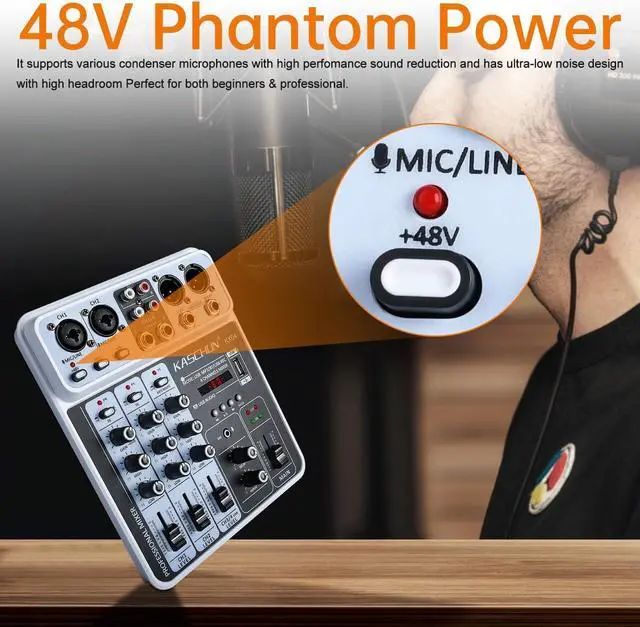
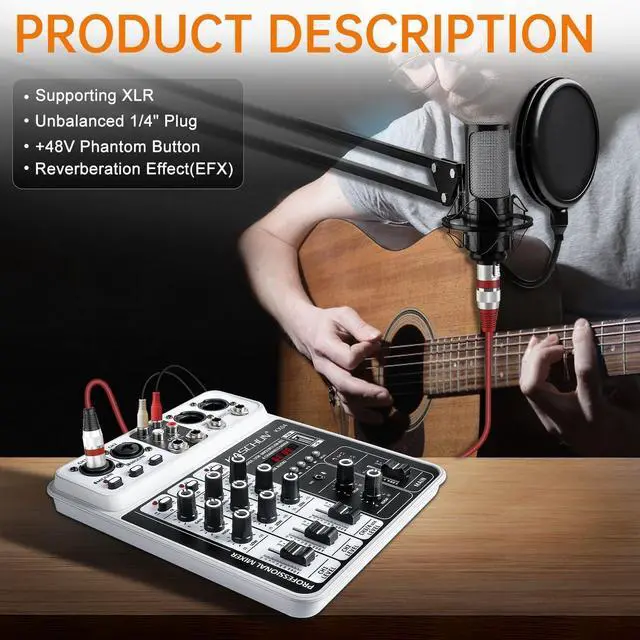
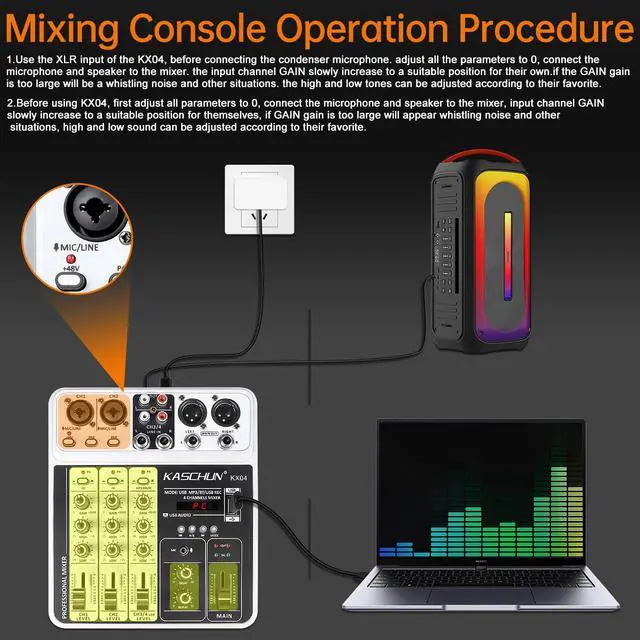





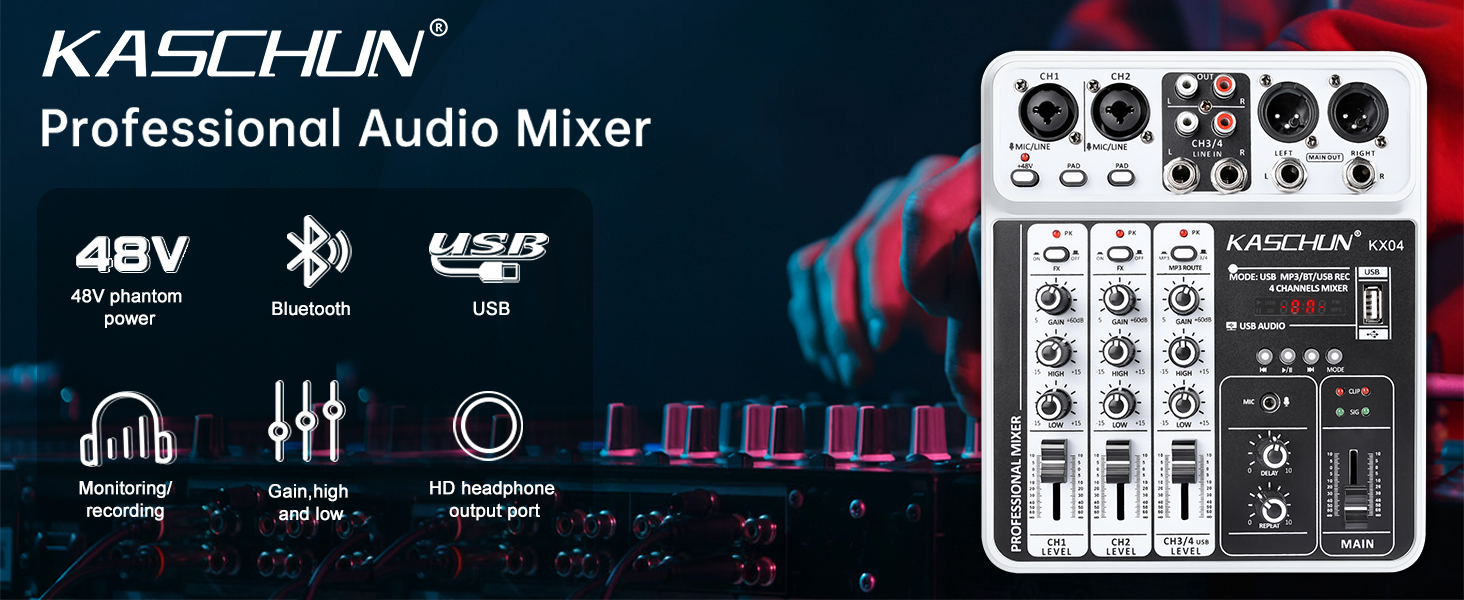


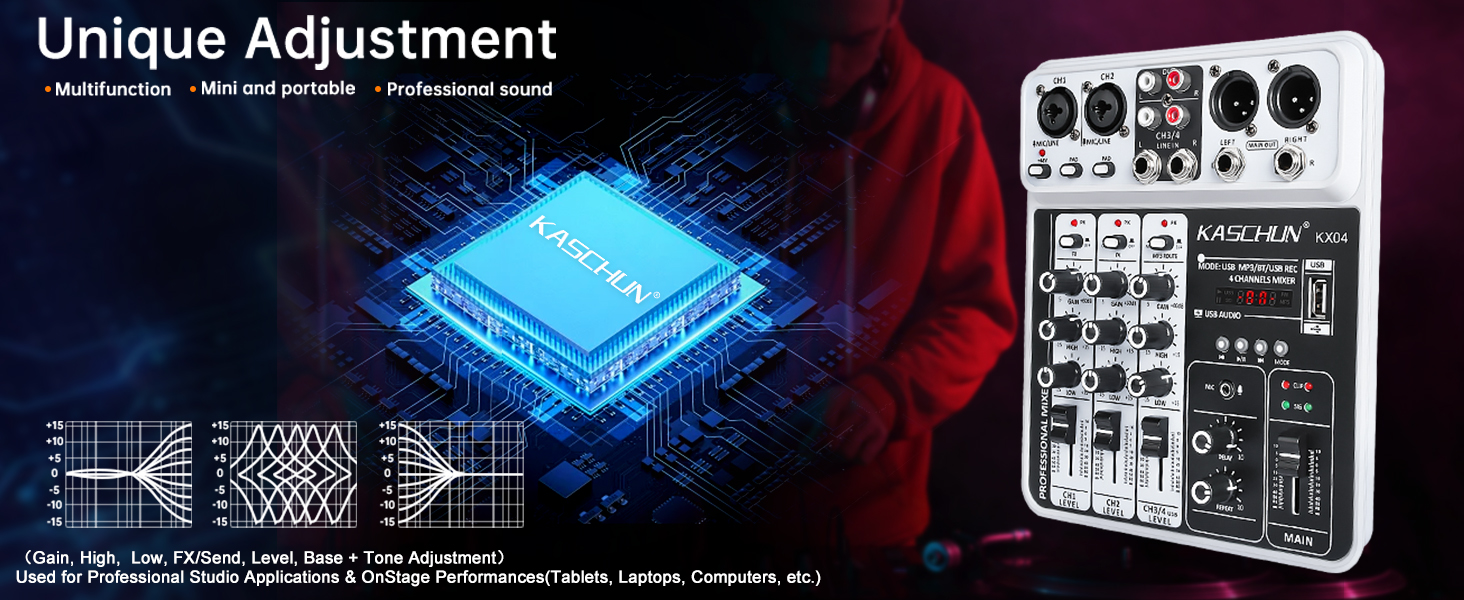

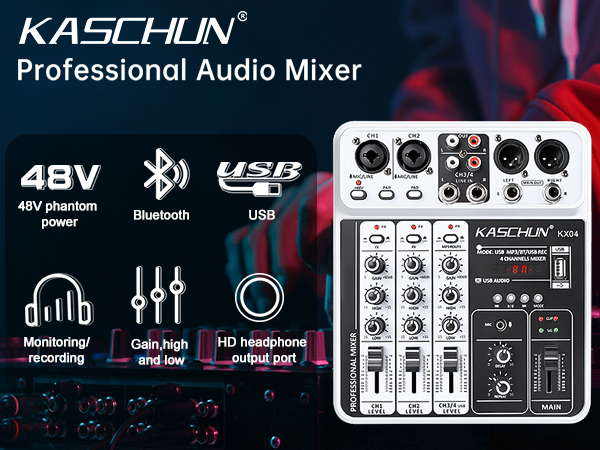
Bluetooth Wireless Streaming
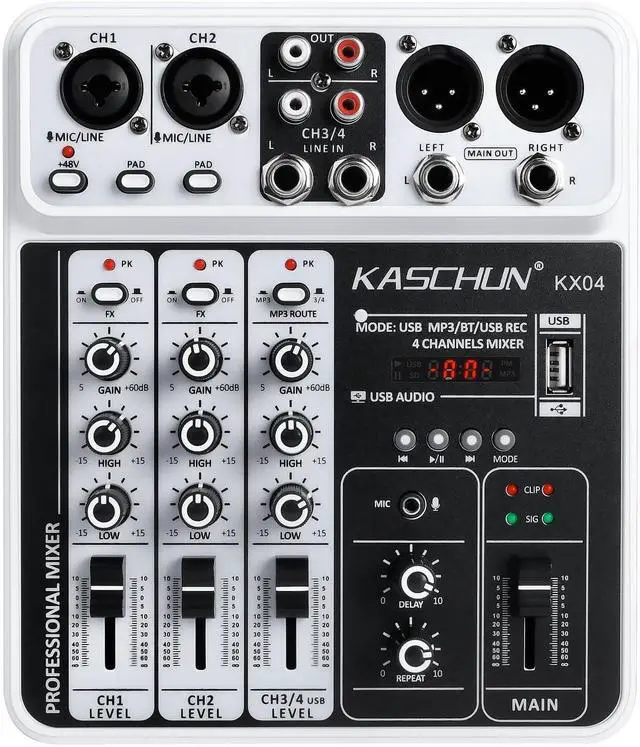
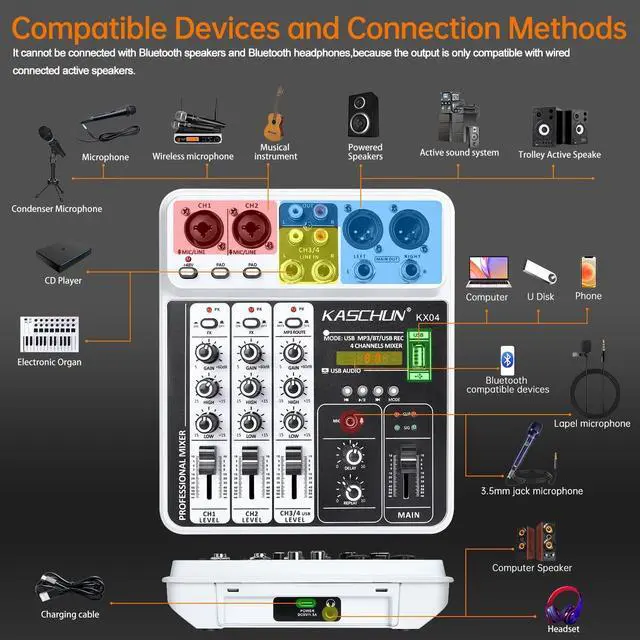
Easily pairs with Bluetooth-enabled devices such as smartphones, tablets, and iPads. Stream music wirelessly from your Bluetooth device to the mixer.(Note: Bluetooth speakers are not supported)
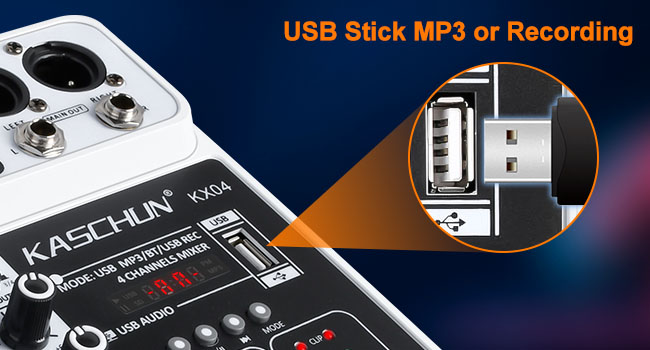
USB Drive MP3 Input & Recording Output
Simply plug in a USB flash drive to play MP3 files or record audio output. This mixer audio features built-in controls for play/pause, track switching, and mode selection for easy operation.

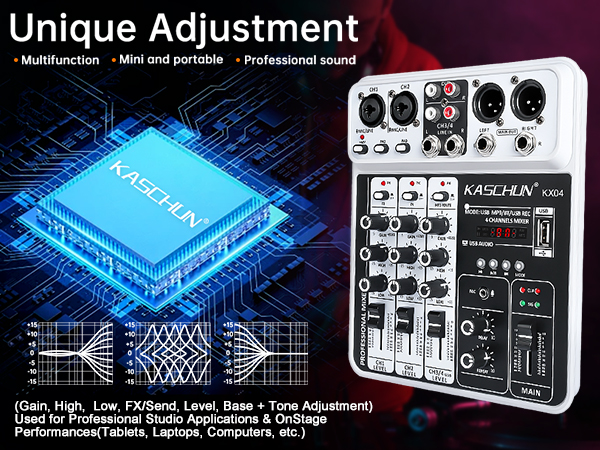
2-Band EQ, Delay & Echo Effects
Add delay or echo effects to your mix and easily adjust the high and low frequencies on each channel. Ideal for computer music recording, live streaming, podcasts, weddings, Karaoke, Home Recording and more.
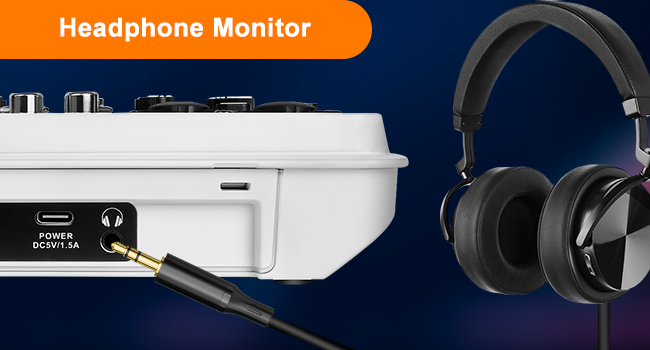
Real-Time Monitoring
Plug in monitoring headphones via the 3.5 mm jack to adjust your sound in real time. Enjoy a clear, lossless, low-latency monitoring experience.


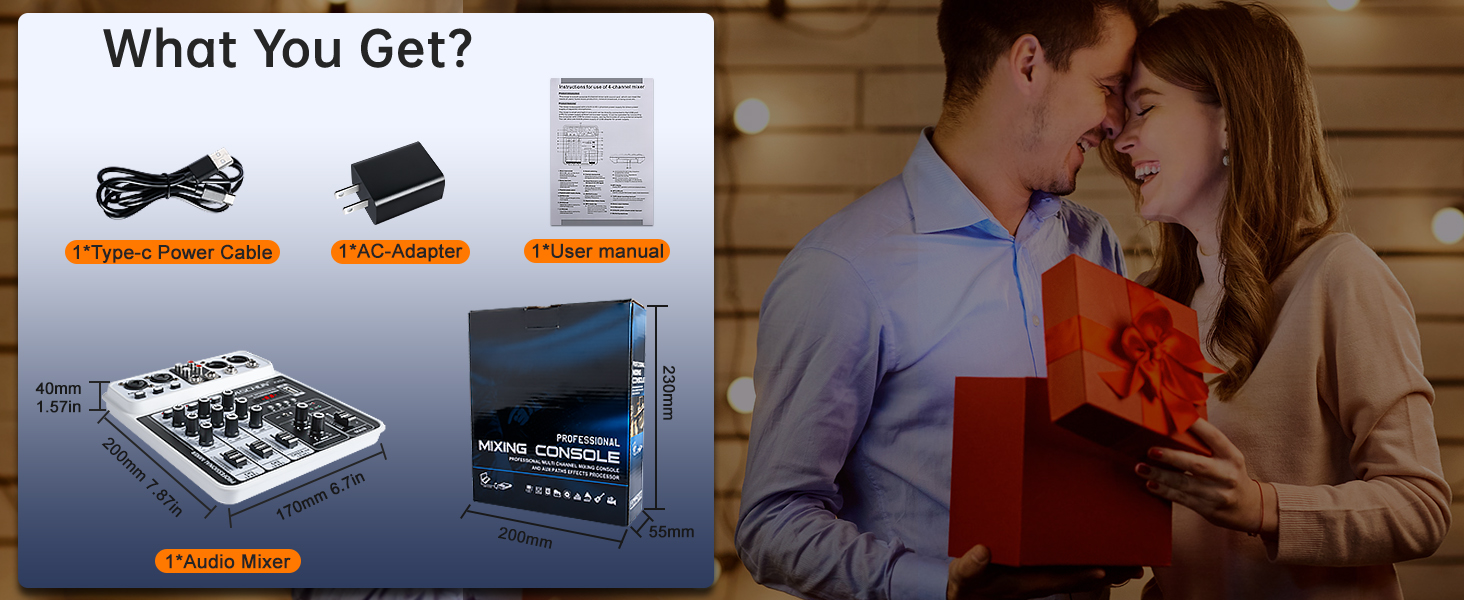
Is the KX04 a powered mixer? Can it connect directly to passive speakers?
KX04 is an unpowered mixer, no built-in amp. Passive speakers need an external amp; active speakers connect directly.
Why does the output sound level feel low?
Output low? Set GAIN 12-5 o'clock (more for dynamic mic). Channel fader to 0 (scale: +10 top, 0 unity, -60 bottom). Main fader also to 0. Turn up speakers. Mistake: GAIN only — channel & main must be up.
What should I do if the sound is distorted?
Distorted? Turn on the PAD switch (it lowers the input by 20dB). Turn the GAIN knob down to around 9 o'clock. Also turn down the volume on the device you're connecting (phone, computer, DJ controller). Distortion = signal is too strong, not too weak.
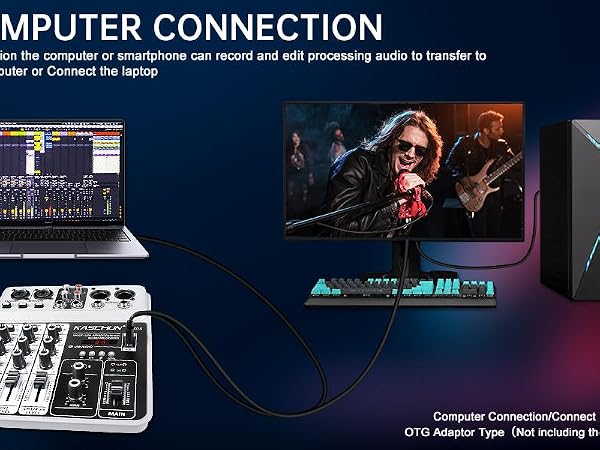
Why is there no sound output when the mixing console is connected to the computer?
Mixers use multi-stage level control. Adjust the channel GAIN, channel fader, main output fader, and the volume on the external amplifier or powered speaker for proper output. Finally, check whether the MP3 ROUTE button on Channel 3 is pressed.
Why can't the mixer read the USB stick / USB stick not working?
Please check if the music files are in MP3 format, and if the USB stick contains too many software programs or folders.
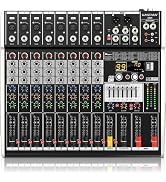
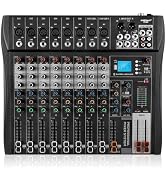
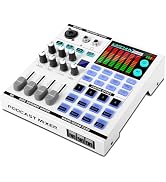
Professional mixing console
 4 Channel Audio Mixer | 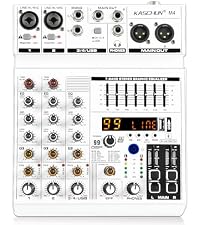 4 Channel Audio Mixer |  8 Channel Audio Mixer |  8 Channel Audio Mixer |  12 Channel Audio Mixer |  Gaming Audio Mixe | |
|---|---|---|---|---|---|---|
Customer Reviews | — | — | — | — | — | — |
Price | — | — | — | — | — | — |
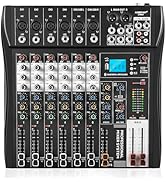
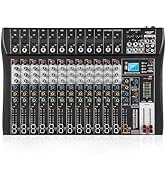
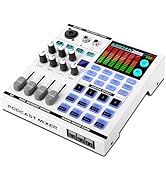
Input Mixer Channels | 4 channel | 4 channel | 8 channel | 8 channel | 12 channel | NO |
Input Connector | 1/4-inch, XLR, RCA | 1/4-inch, XLR | 1/4-inch, XLR, RCA | 1/4-inch, XLR, RCA | 1/4-inch, XLR, RCA | 1/4-inch, XLR, RCA |
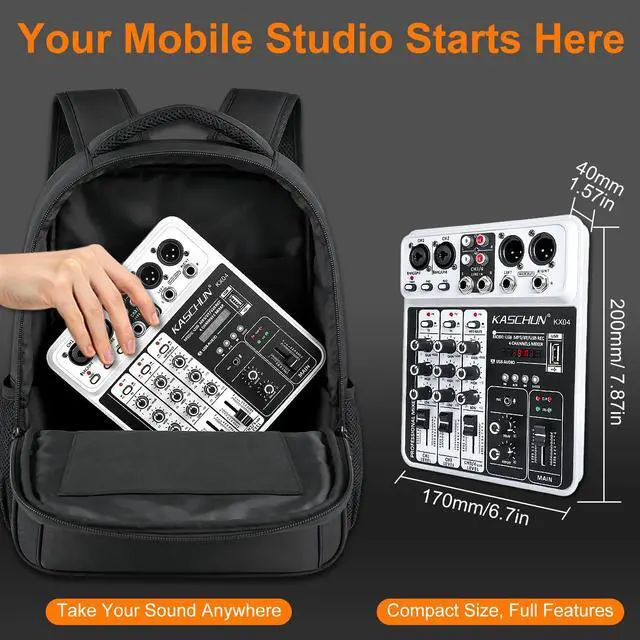
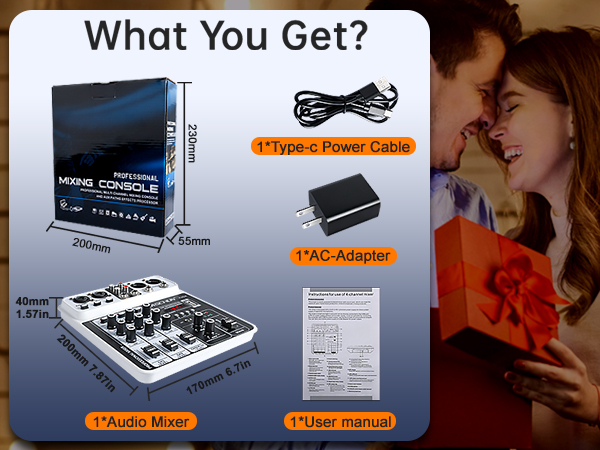
Mixer Size | 7.87"D x 6.7"W x 1.57"H | 7.87"D x 9.65"W x 1.58"H | 13.4"D x 15.8"W x 1.4"H | 17"D x 18"W x 1.57"H | 19.7"D x 13.4"W x 1.4"H | 6.7"D x 6.9"W x 1.7"H |
EQ System | 3-Band | 7-Band Graphic EQ+99DSP | 3-Band | 7-Band Graphic EQ+99DSP | 3-Band | NO |
Bluetooth functionality | ? | ? | ? | ? | ? | ? |
USB Stick to MP3 Play & Record | ? | ? | ? | ? | ? | ? |
Connection PC to Record&Play | ? | ? | ? | ? | ? | ? |
Controllable panel | ? | ? | ? | ? | ? | ? |
Built-in batteryer bank | ? | ? | ? | ? | ? | ? |
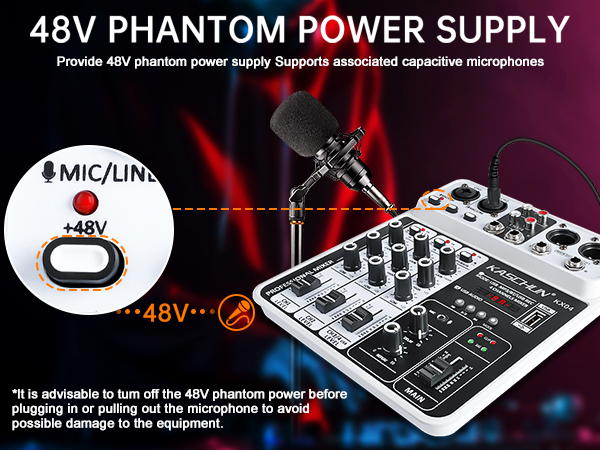
48V phantom power | ? | ? | ? | ? | ? | ? |
Echo and Delay Effect | ? | ? | ? | ? | ? | ? |

Bluetooth Wireless Streaming
Easily pairs with Bluetooth-enabled devices such as smartphones, tablets, and iPads. Stream music wirelessly from your Bluetooth device to the mixer.(Note: Bluetooth speakers are not supported)

USB Drive MP3 Input & Recording Output
Simply plug in a USB flash drive to play MP3 files or record audio output. This mixer audio features built-in controls for play/pause, track switching, and mode selection for easy operation.
2-Band EQ, Delay & Echo Effects
Add delay or echo effects to your mix and easily adjust the high and low frequencies on each channel. Ideal for computer music recording, live streaming, podcasts, weddings, Karaoke, Home Recording and more.
Real-Time Monitoring
Plug in monitoring headphones via the 3.5 mm jack to adjust your sound in real time. Enjoy a clear, lossless, low-latency monitoring experience.


Is the KX04 a powered mixer? Can it connect directly to passive speakers?
KX04 is an unpowered mixer, no built-in amp. Passive speakers need an external amp; active speakers connect directly.
Why does the output sound level feel low?
Output low? Set GAIN 12-5 o'clock (more for dynamic mic). Channel fader to 0 (scale: +10 top, 0 unity, -60 bottom). Main fader also to 0. Turn up speakers. Mistake: GAIN only — channel & main must be up.
What should I do if the sound is distorted?
Distorted? Turn on the PAD switch (it lowers the input by 20dB). Turn the GAIN knob down to around 9 o'clock. Also turn down the volume on the device you're connecting (phone, computer, DJ controller). Distortion = signal is too strong, not too weak.
Why is there no sound output when the mixing console is connected to the computer?
Mixers use multi-stage level control. Adjust the channel GAIN, channel fader, main output fader, and the volume on the external amplifier or powered speaker for proper output. Finally, check whether the MP3 ROUTE button on Channel 3 is pressed.
Why can't the mixer read the USB stick / USB stick not working?
Please check if the music files are in MP3 format, and if the USB stick contains too many software programs or folders.
Professional mixing console
 4 Channel Audio Mixer |  4 Channel Audio Mixer | 8 Channel Audio Mixer | 8 Channel Audio Mixer | 12 Channel Audio Mixer | Gaming Audio Mixe |
|---|---|---|---|---|---|
| Customer Reviews | |||||
| — | — | — | — | — | — |
| Price | |||||
| — | — | — | — | — | — |
| Input Mixer Channels | |||||
| 4 channel | 4 channel | 8 channel | 8 channel | 12 channel | NO |
| Input Connector | |||||
| 1/4-inch, XLR, RCA | 1/4-inch, XLR | 1/4-inch, XLR, RCA | 1/4-inch, XLR, RCA | 1/4-inch, XLR, RCA | 1/4-inch, XLR, RCA |
| Mixer Size | |||||
| 7.87"D x 6.7"W x 1.57"H | 7.87"D x 9.65"W x 1.58"H | 13.4"D x 15.8"W x 1.4"H | 17"D x 18"W x 1.57"H | 19.7"D x 13.4"W x 1.4"H | 6.7"D x 6.9"W x 1.7"H |
| EQ System | |||||
| 3-Band | 7-Band Graphic EQ+99DSP | 3-Band | 7-Band Graphic EQ+99DSP | 3-Band | NO |
| Bluetooth functionality | |||||
| ? | ? | ? | ? | ? | ? |
| USB Stick to MP3 Play & Record | |||||
| ? | ? | ? | ? | ? | ? |
| Connection PC to Record&Play | |||||
| ? | ? | ? | ? | ? | ? |
| Controllable panel | |||||
| ? | ? | ? | ? | ? | ? |
| Built-in batteryer bank | |||||
| ? | ? | ? | ? | ? | ? |
| 48V phantom power | |||||
| ? | ? | ? | ? | ? | ? |
| Echo and Delay Effect | |||||
| ? | ? | ? | ? | ? | ? |

Kaschun is an innovative company,established in 2001, integrating R&D, design, sales and service.
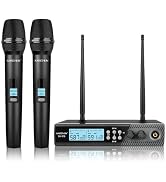
Committed to the research and development of electro-acoustic system:Wireless Microphone System,Professional Audio Mixer, home karaoke equipment, recording equipment, etc.
Mixer Series
Mixer Series
