here!
here!
I’m your shopping assistant for PC builds, upgrades, and everything tech.
Got questions? Ask away!
Start a conversation
here!
I’m your shopping assistant for PC builds, upgrades, and everything tech.
Got questions? Ask away!
Start a conversation



Any questions? Ask CelesteSM will help you find out quickly.
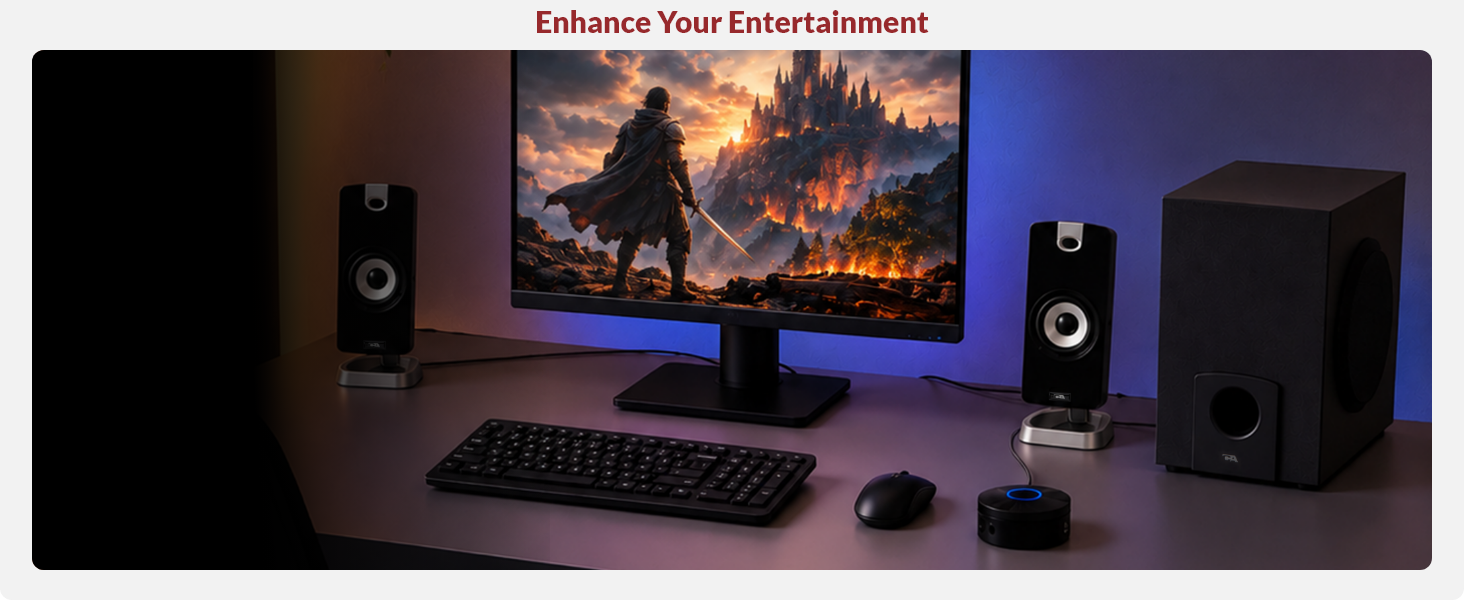
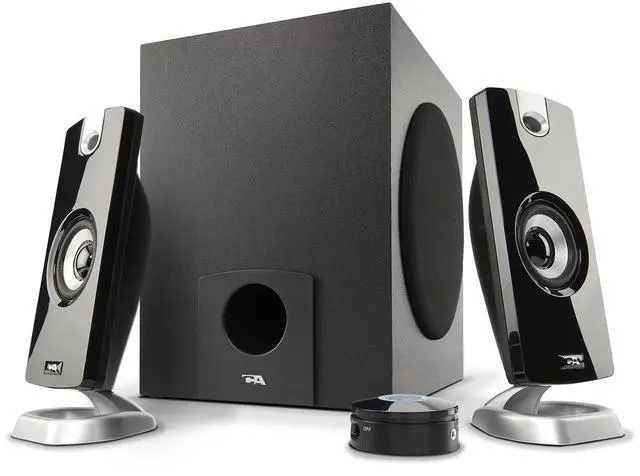
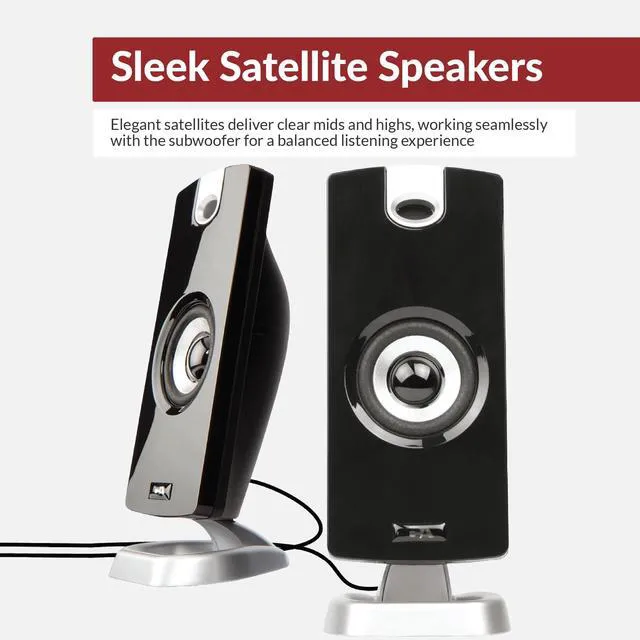
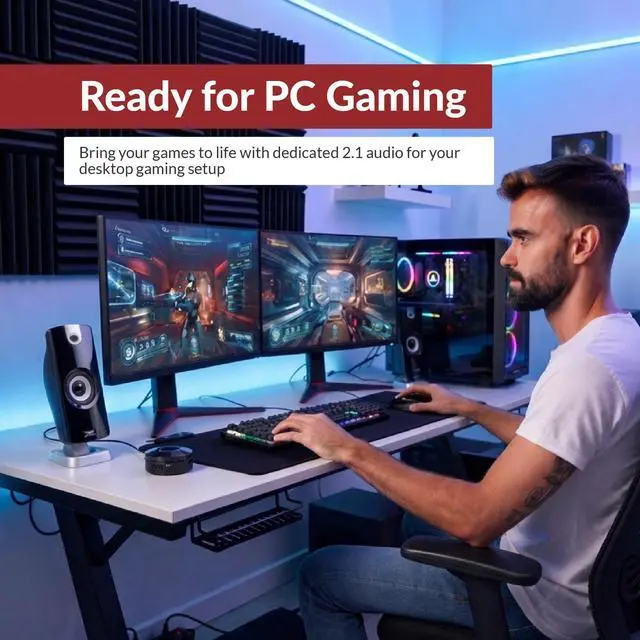
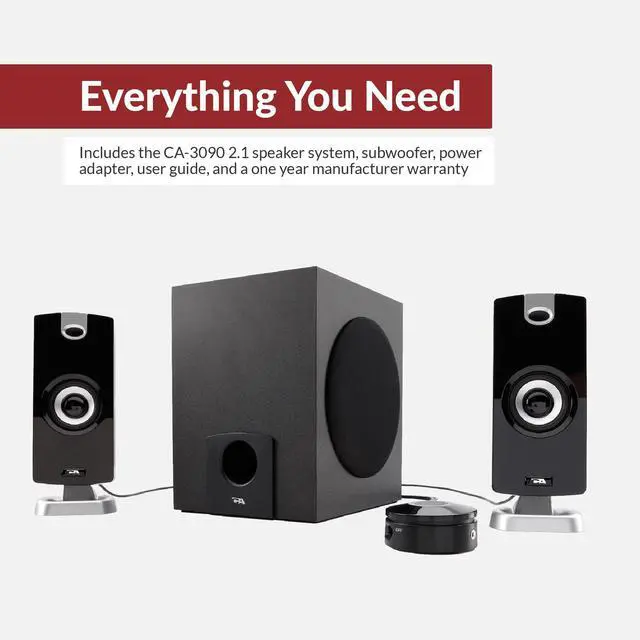
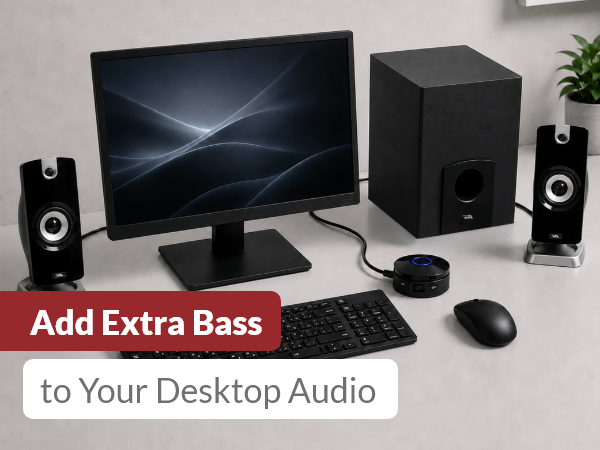
Enjoy clear stereo sound for music, movies, videos, and PC games. The satellite speakers deliver clear mids and highs, while the subwoofer adds bass for a more balanced listening experience.
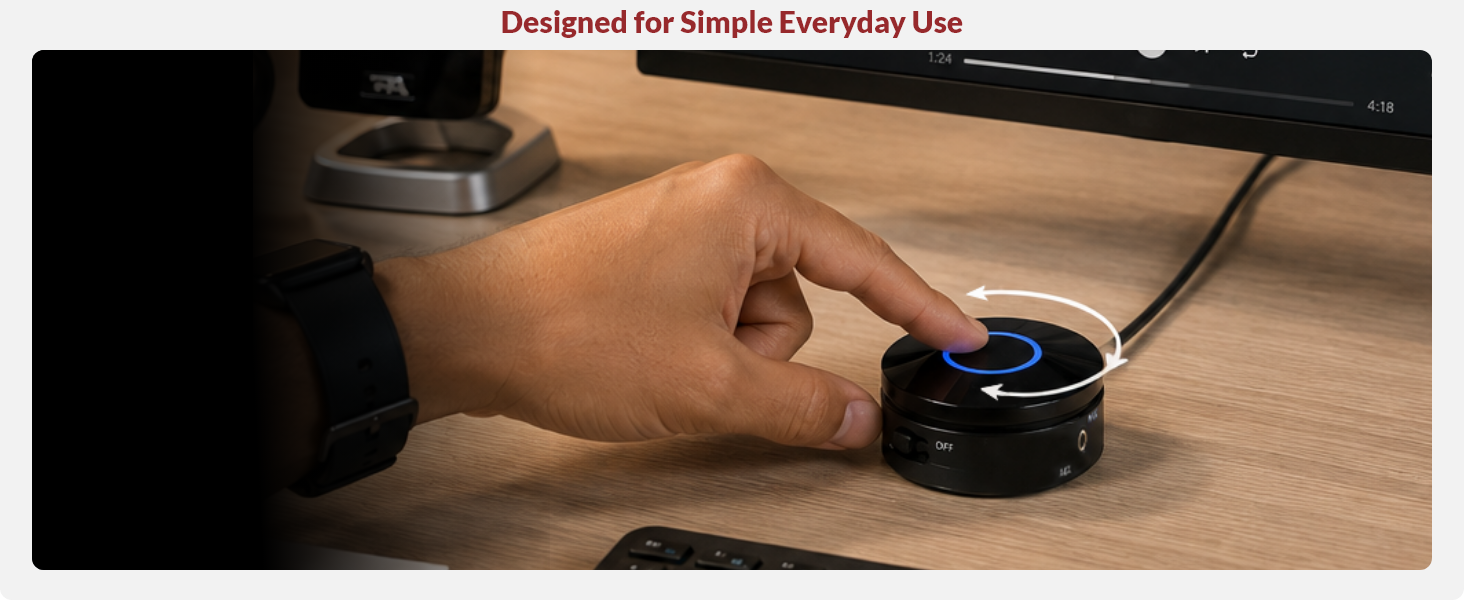
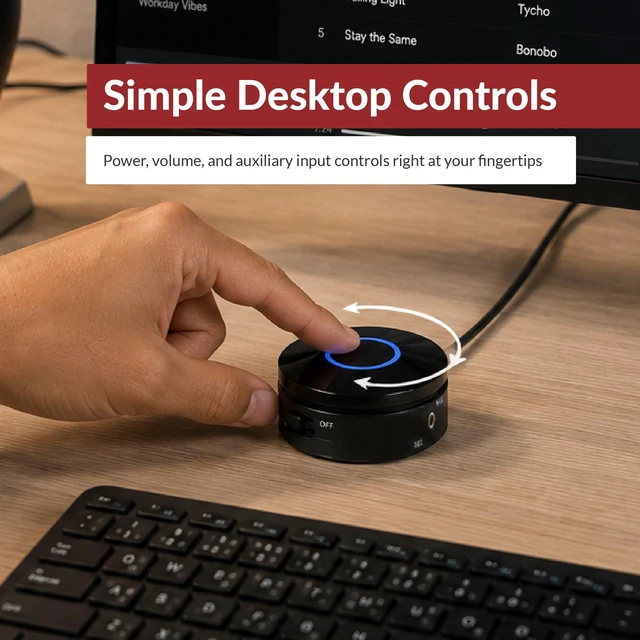
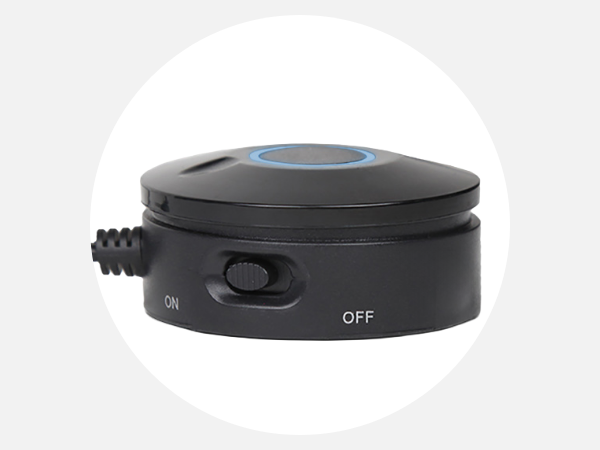
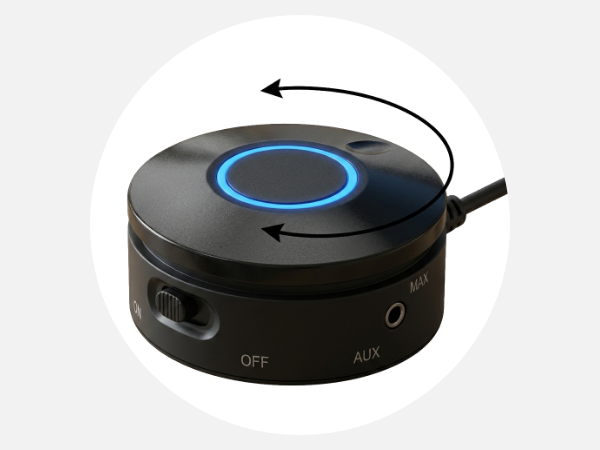
The desktop control pod puts power, volume adjustment, LED power indicator, and AUX input within easy reach for simple everyday control.
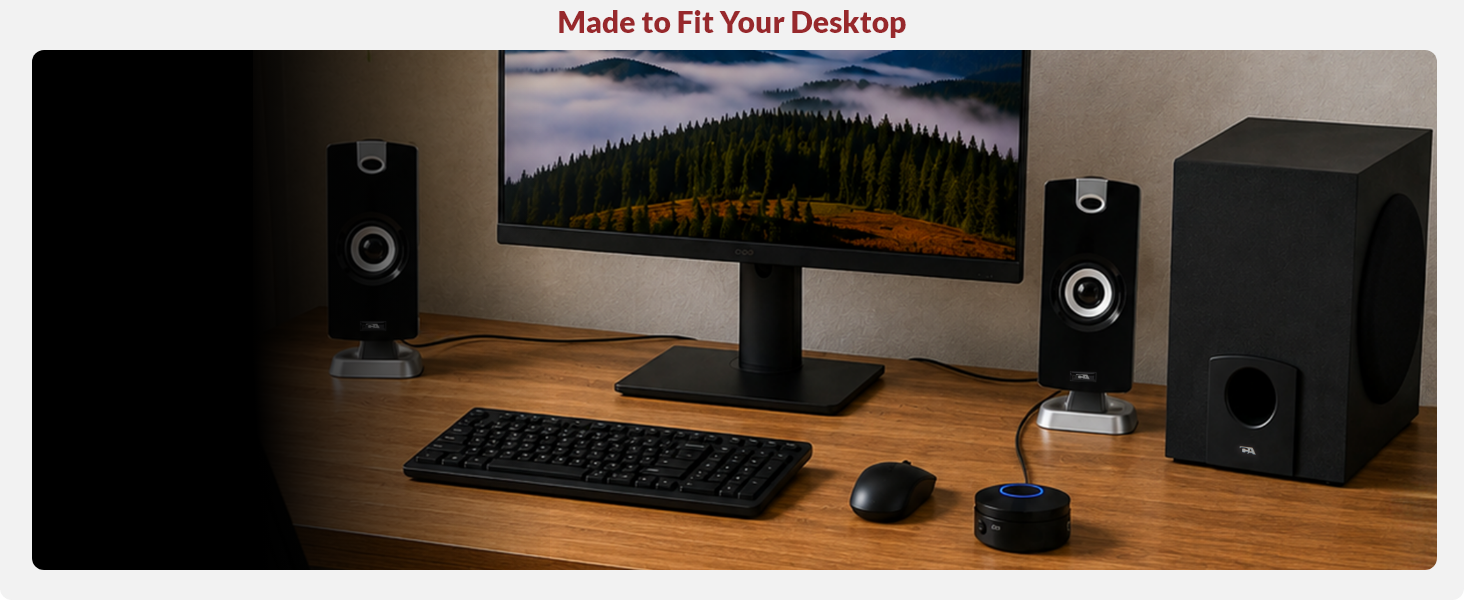
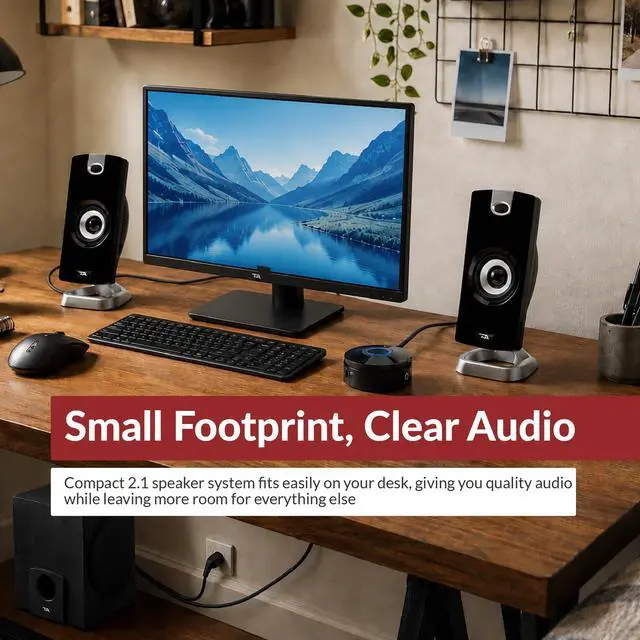
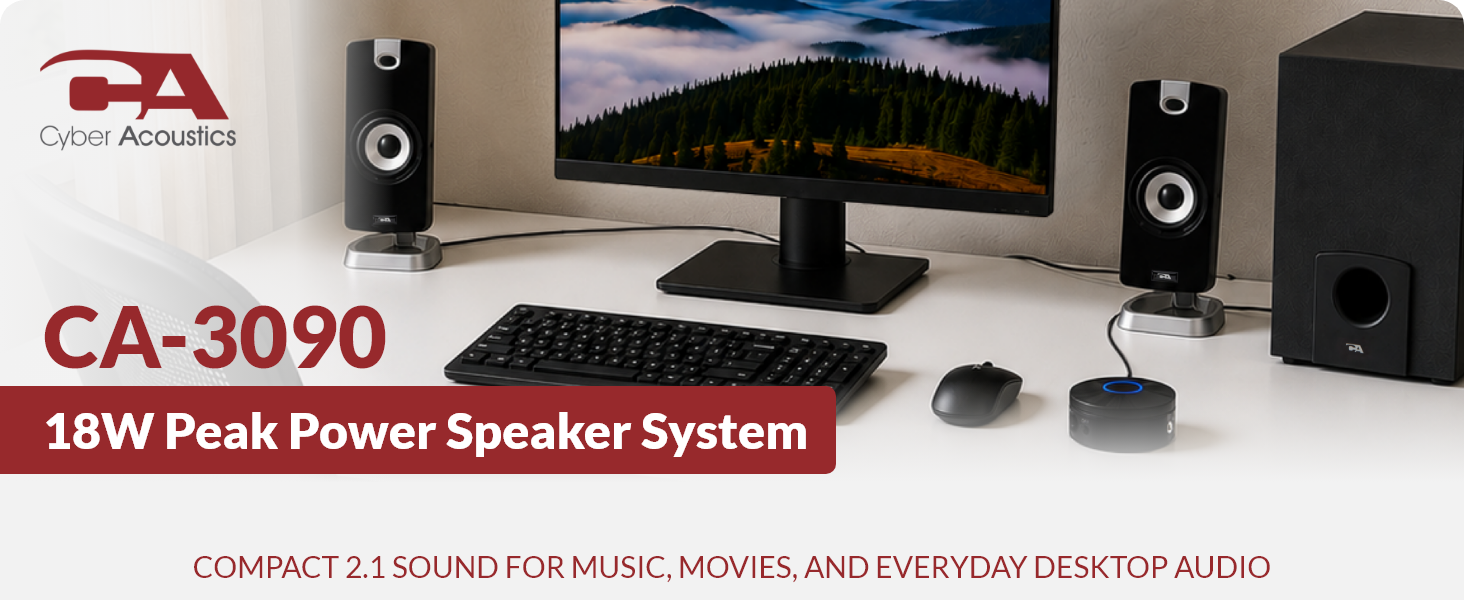
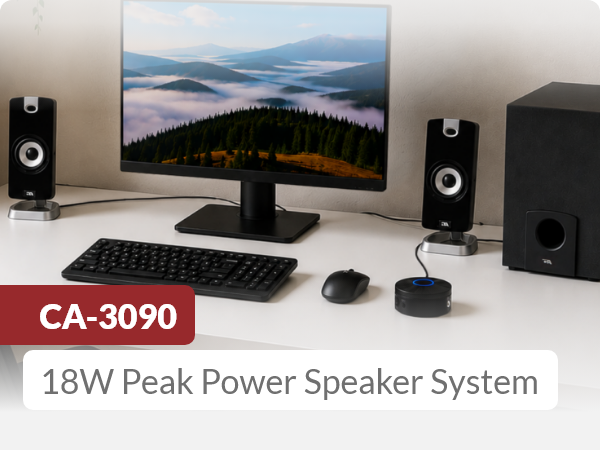
The CA-3090 gives you a compact 2.1 speaker system without taking over your workspace. Compact satellites and a dedicated subwoofer fit naturally into smaller desktop setups.
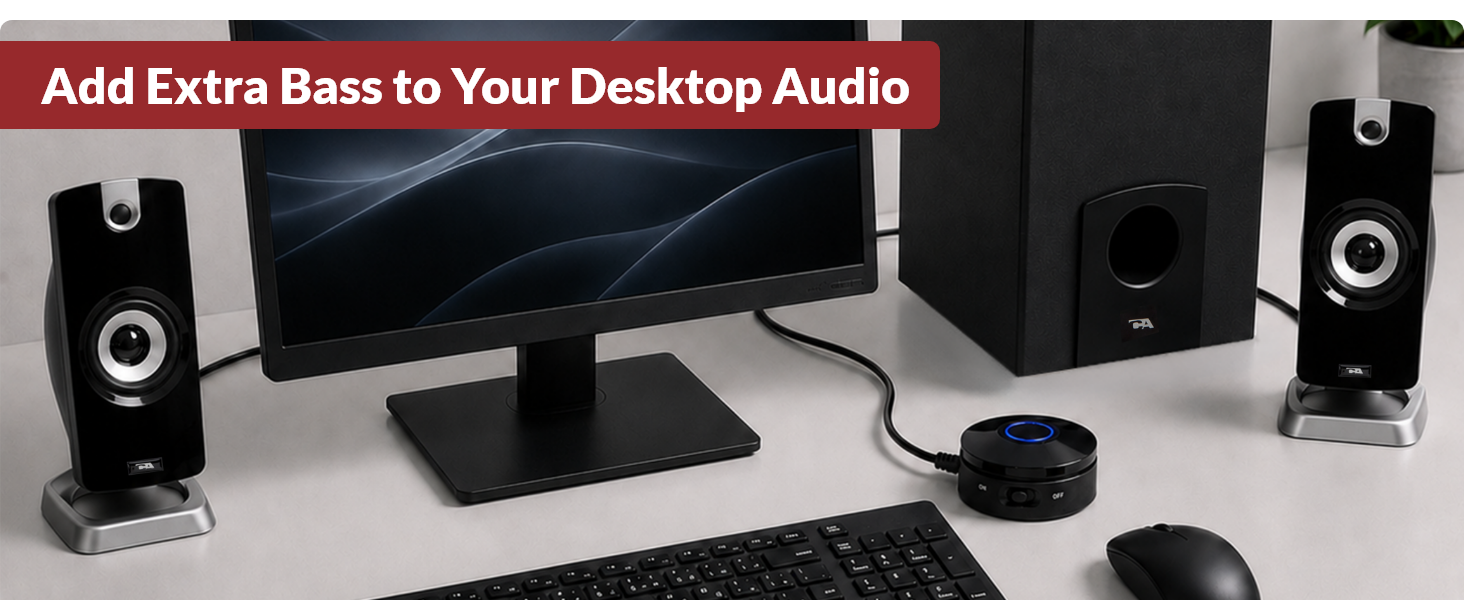

Position the satellites on each side of your computer.

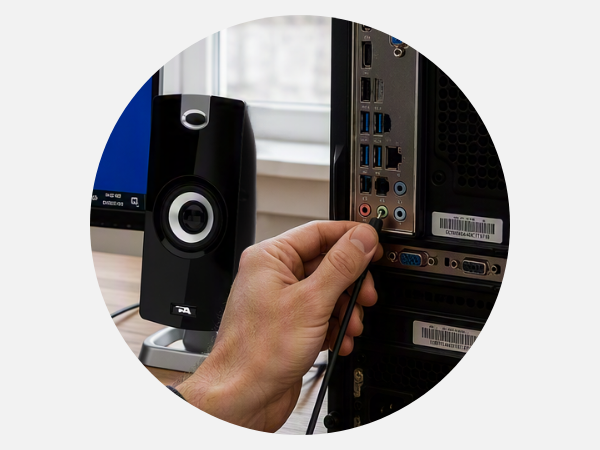
Connect the speaker system to your computer.
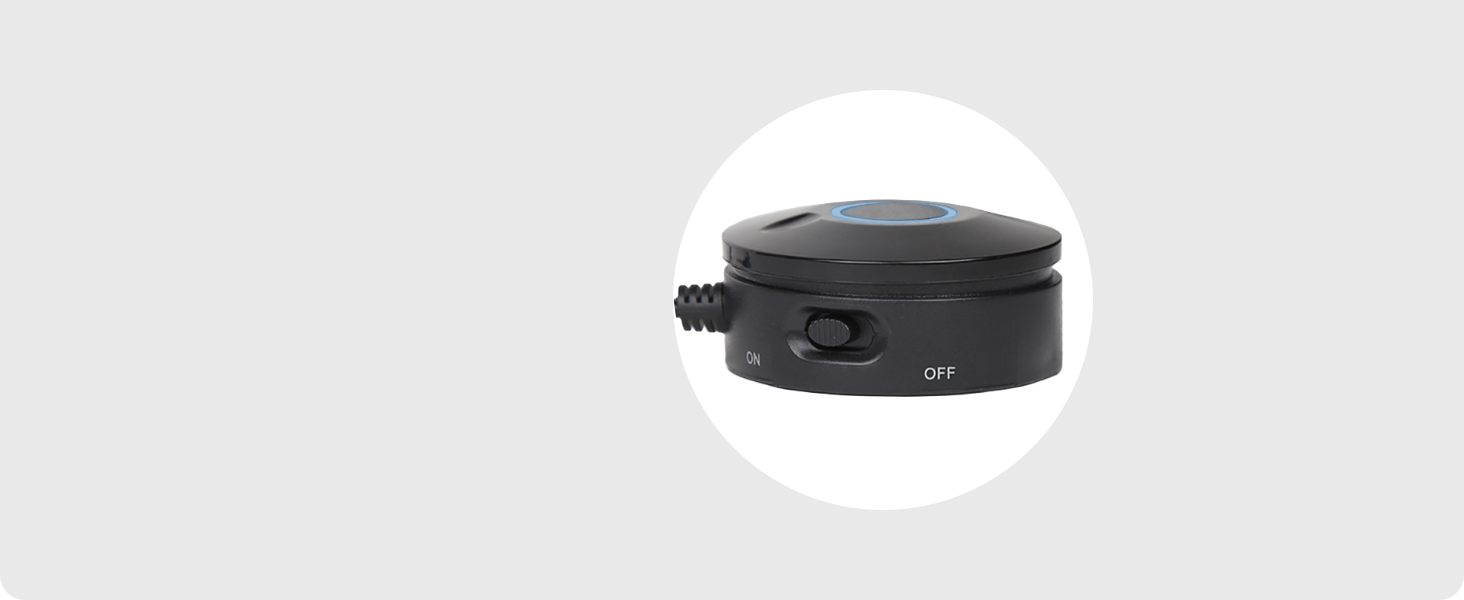
Turn on the system using the control pod.
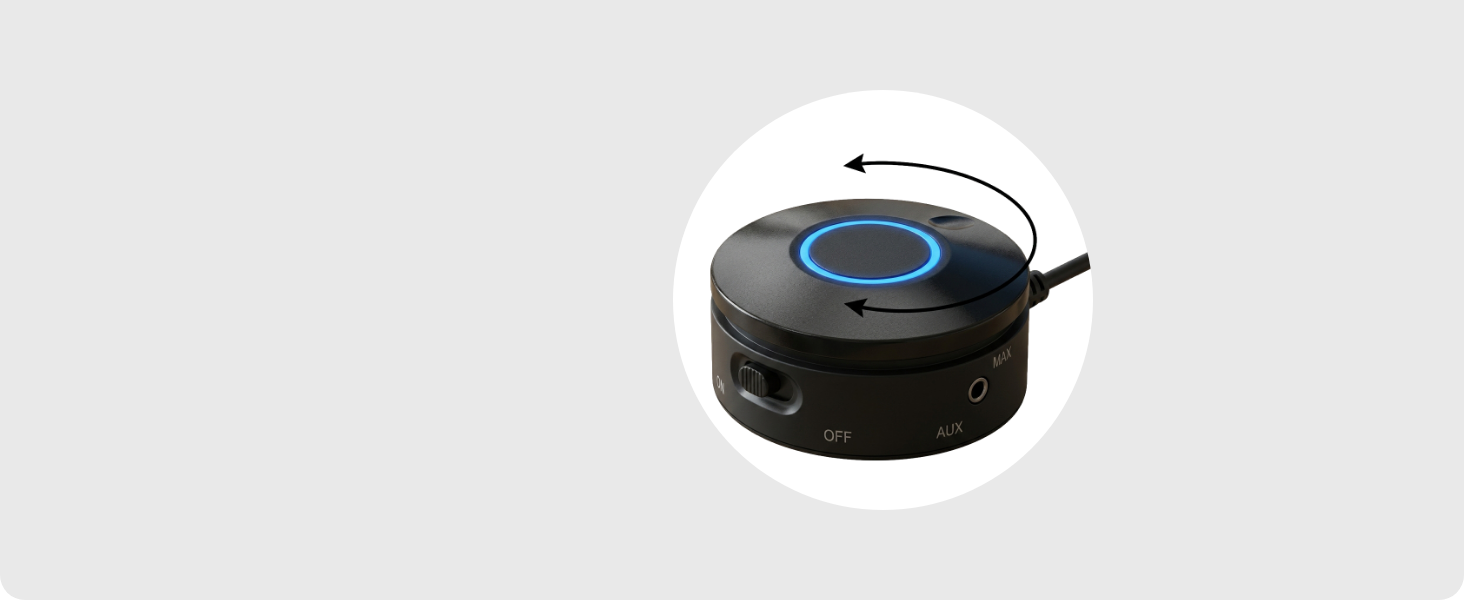
Adjust volume to your preferred level.
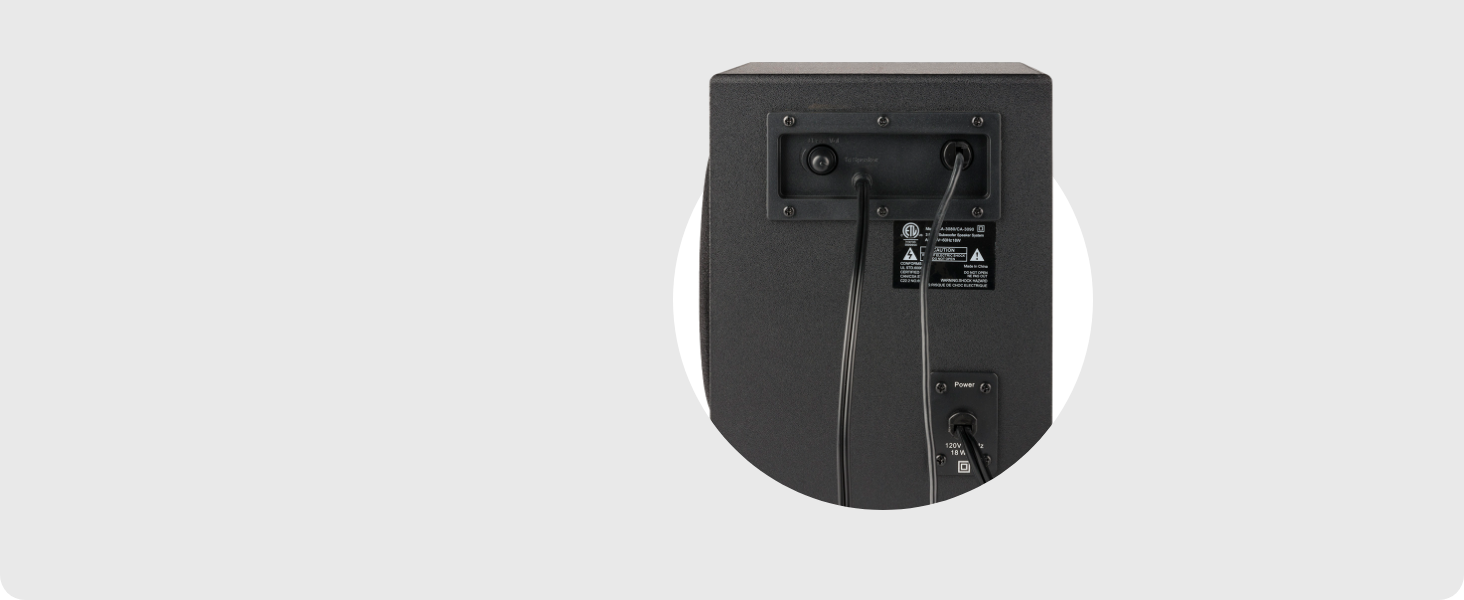
Use the subwoofer control to adjust the bass.
 CA-3090 Speaker System | 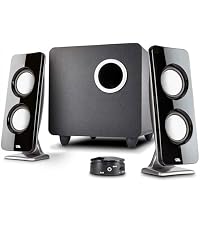 CA-3610 Speaker System | 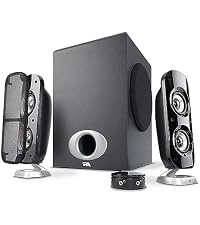 CA-3810 Speaker System | 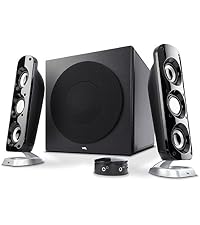 CA-3908 Speaker System | |
|---|---|---|---|---|
Customer Reviews | — | — | — | — |
Price | — | — | — | — |
Peak Power | 18W | 62W | 80W | 92W |
Watts RMS | 9W | 30W | 40W | 46W |
Satellite Speakers | 2" Dynamic Drivers | 2" Dynamic Drivers | 2" Dynamic Drivers | 2" Dynamic Drivers |
Subwoofer | 4" | 5.25" | 5.25" | 6.5" |
Input | 3.5mm Stereo | 3.5mm Stereo | 3.5mm Stereo | 3.5mm Stereo |
Deskstop Control Pod | ? | ? | ? | ? |
Bluetooth | ? | ? | ? | ? |
Can I connect this to my TV?
Yes, if your TV has a 3.5mm audio output. Connect the speaker system using the the 3.5mm audio cable.
Can I plug this directly into my game controller?
Although some game controllers have a 3.5mm audio output, plugging the green source plug into the controller can damage the plug. If using the speakers this way, use an AUX cable and connect it to the AUX port on the speakers.
Does it work with laptops?
Yes, as long as the laptop has a 3.5mm audio output.
Can I connect it to multiple devices?
Yes, but not simultaneously. Connect one device to the 3.5mm AUX input, then switch the cable when using a different source.
Where do I plug in the small speakers?
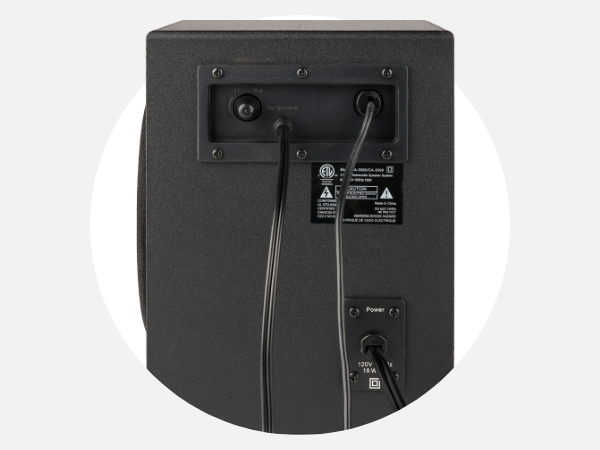
The satellite speakers plug into the back of the subwoofer.
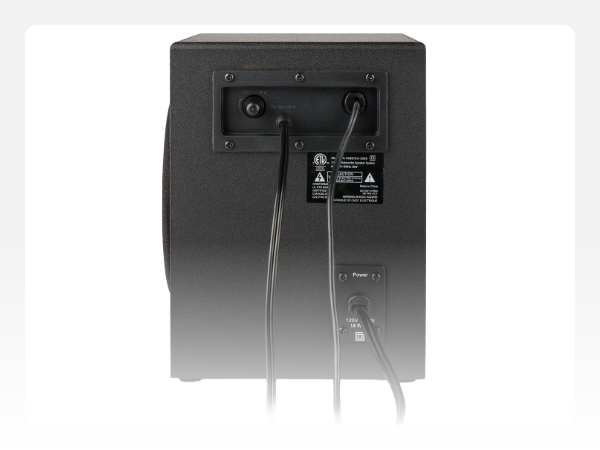
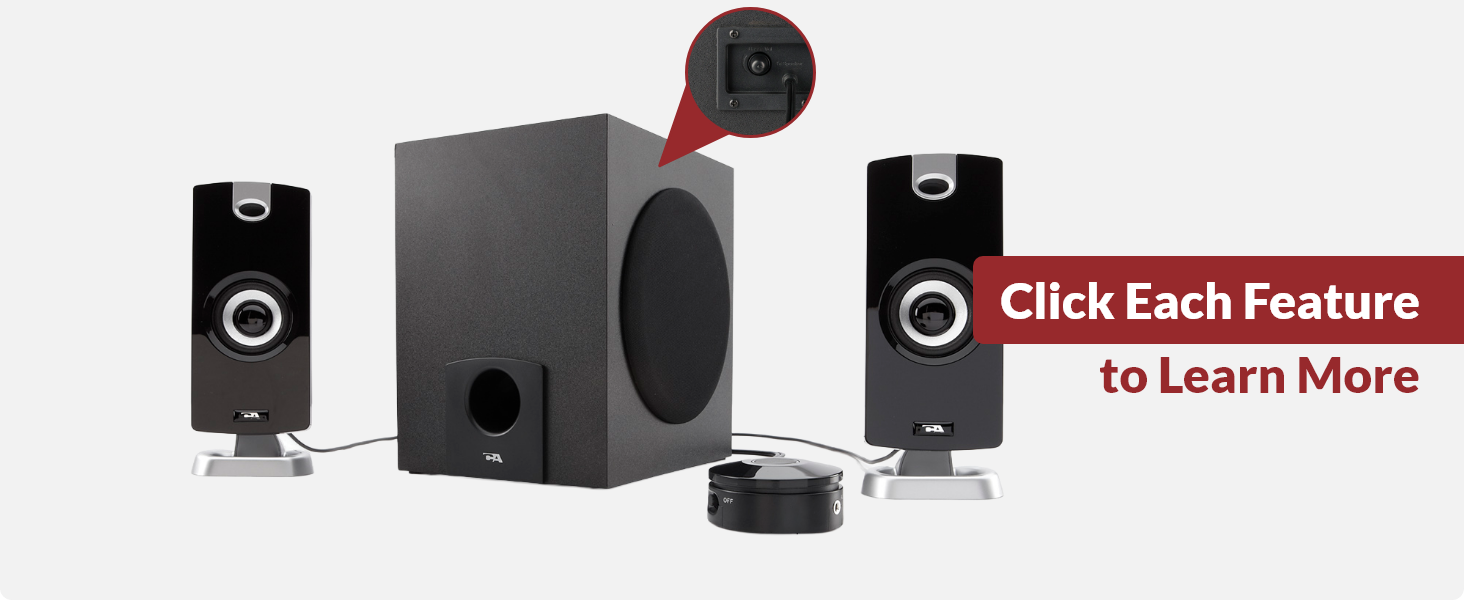
Adjust the bass level directly from the subwoofer
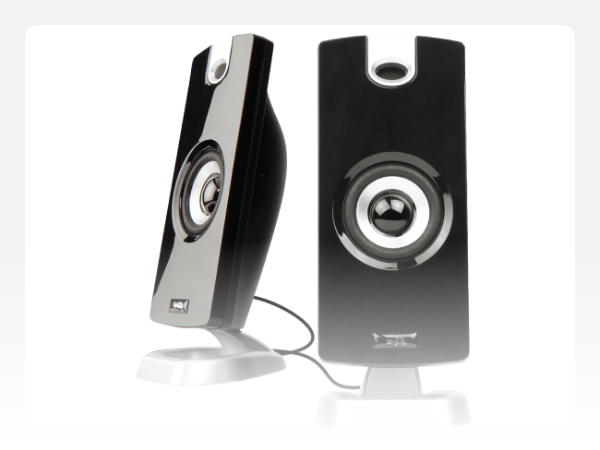
Clear mids and highs in a compact design
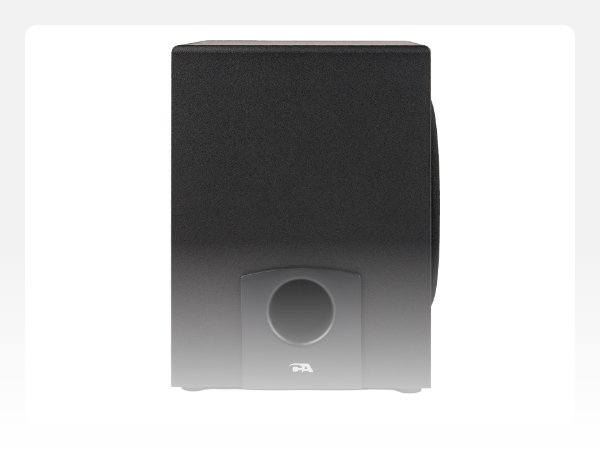
Adds satisfying bass to music, movies, and everyday listening
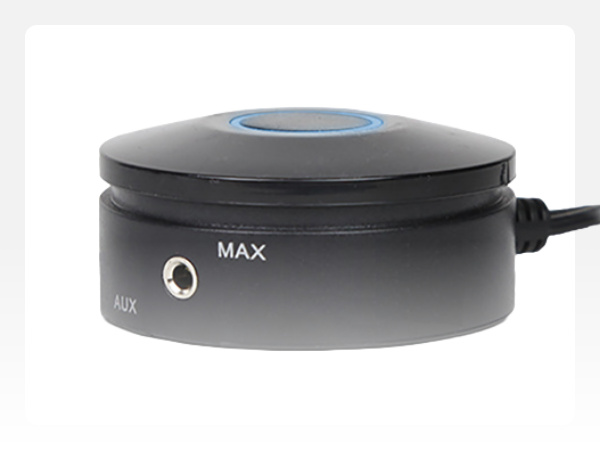
Connect a compatible audio device directly to the control pod
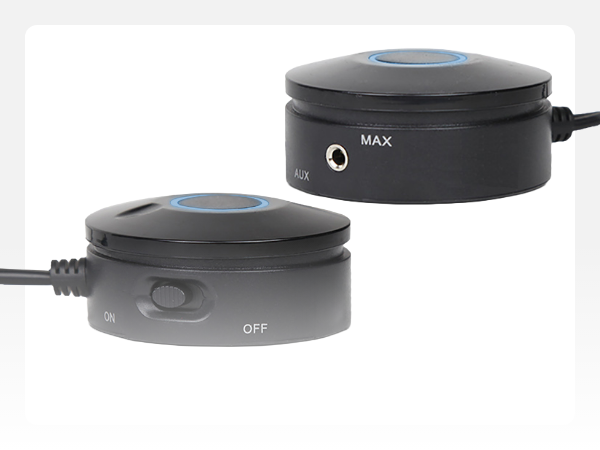
Power and master volume controls within easy reach
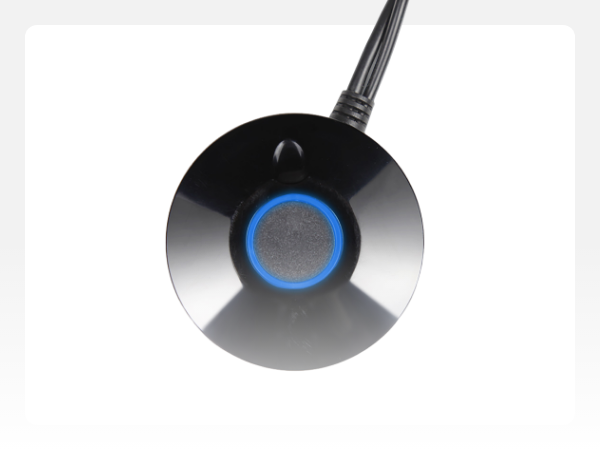
Quickly see when the speaker system is powered on

Enjoy clear stereo sound for music, movies, videos, and PC games. The satellite speakers deliver clear mids and highs, while the subwoofer adds bass for a more balanced listening experience.
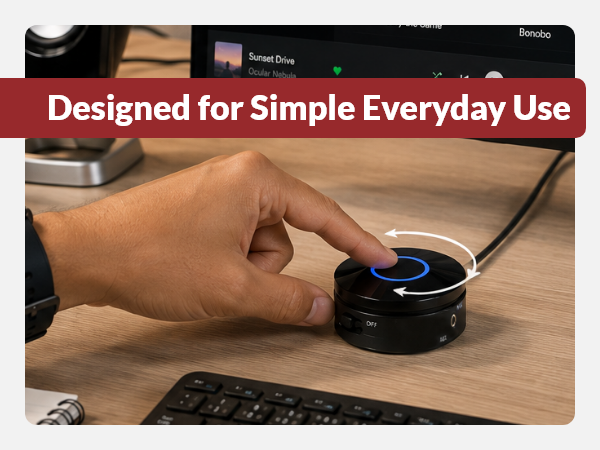
The desktop control pod puts power, volume adjustment, LED power indicator, and AUX input within easy reach for simple everyday control.
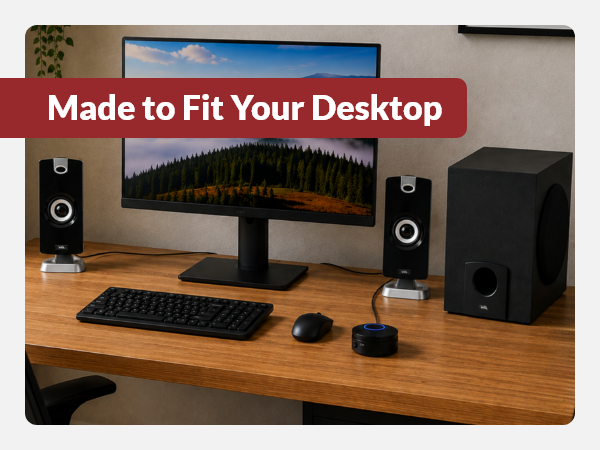
The CA-3090 gives you a compact 2.1 speaker system without taking over your workspace. Compact satellites and a dedicated subwoofer fit naturally into smaller desktop setups.
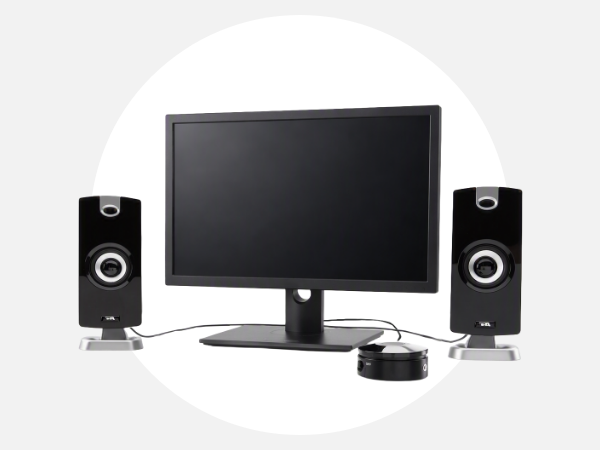
Position the satellites on each side of your computer.
Connect the speaker system to your computer.
Turn on the system using the control pod.
Adjust volume to your preferred level.
Use the subwoofer control to adjust the bass.
CA-3090 Speaker System | CA-3610 Speaker System | CA-3810 Speaker System | CA-3908 Speaker System |
|---|---|---|---|
| Customer Reviews | |||
| — | — | — | — |
| Price | |||
| — | — | — | — |
| Peak Power | |||
| 18W | 62W | 80W | 92W |
| Watts RMS | |||
| 9W | 30W | 40W | 46W |
| Satellite Speakers | |||
| 2" Dynamic Drivers | 2" Dynamic Drivers | 2" Dynamic Drivers | 2" Dynamic Drivers |
| Subwoofer | |||
| 4" | 5.25" | 5.25" | 6.5" |
| Input | |||
| 3.5mm Stereo | 3.5mm Stereo | 3.5mm Stereo | 3.5mm Stereo |
| Deskstop Control Pod | |||
| ? | ? | ? | ? |
| Bluetooth | |||
| ? | ? | ? | ? |
Can I connect this to my TV?
Yes, if your TV has a 3.5mm audio output. Connect the speaker system using the the 3.5mm audio cable.
Can I plug this directly into my game controller?
Although some game controllers have a 3.5mm audio output, plugging the green source plug into the controller can damage the plug. If using the speakers this way, use an AUX cable and connect it to the AUX port on the speakers.
Does it work with laptops?
Yes, as long as the laptop has a 3.5mm audio output.
Can I connect it to multiple devices?
Yes, but not simultaneously. Connect one device to the 3.5mm AUX input, then switch the cable when using a different source.
Where do I plug in the small speakers?
The satellite speakers plug into the back of the subwoofer.













| Brand | Cyber Acoustics |
| Speaker Maximum Output Power | 90 watts |
| Connectivity Technology | wired |
| Audio Output Mode | Stereo |
| Input Voltage | 110 volts |
| Mounting Type | Freestanding,Plug Mount |
| Enclosure Material | Polycarbon and Plastic |
| Speaker Type | Multimedia |
| Additional Features | Control Pod |
| Antenna Location | Volume |
| Subwoofer Diameter | 4 inches |
| Color | Black |
| Is Waterproof | FALSE |
| Warranty Type | Limited |
| Control Method | Touch |
| Speaker Size | 2 inches |
| Woofer Diameter | 4 inches |
| Tweeter Diameter | 2 inches |
| Water Resistance Level | Not Water Resistant |
| Specific Uses For Product | personal |
| Battery Average Life | 10 hours |
| Number of Audio Channels | 2.1 |
| Unit Count | 1 Count |
| Item Dimensions D x W x H | 3.94"D x 4.72"W x 3.54"H |
| Item Weight | 5 pounds |
| Compatible Devices | Laptop, MP3 Player, Personal Computer, Phones, Smartphone, Tablet |
| Audio Driver Type | Dynamic Driver |
| Number Of Circuits | 3 |
| Model Number | CA-3090 |
| Model Name | CA-3090 |
| Built-In Media | Remote |
| Warranty Description | 1 year limited |
| Number of Items | 1 |
| Customer Package Type | Standard Packaging |
| UPC | 809185810479 081927246955 809186267081 851975727306 601000747553 807030491521 088022125987 898029641935 021112253542 100000004586 168141627248 132018339497 803982764119 031112539935 763615820059 646422000428 102930999048 809386468721 163120596072 |
| Global Trade Identification Number | 00646422000428 |
| Manufacturer | Cyber Acoustics |
| Age Range Description | Adult |
| Number of Power Levels | 1 |
| Wireless Technology | Auxiliary |
| Subwoofer Connectivity Technology | Wired |
| Connectivity Protocol | Auxiliary |
| Power Source | Corded Electric |
| Number of Batteries | 1 Nonstandard Battery batteries required. |