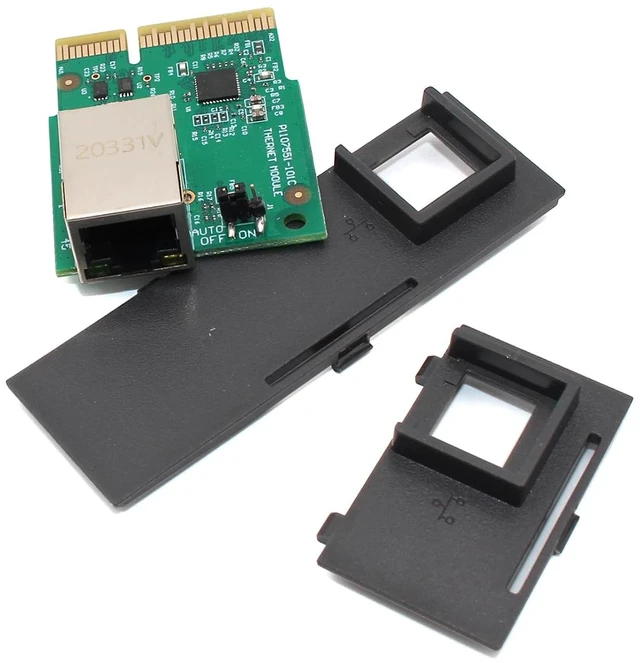
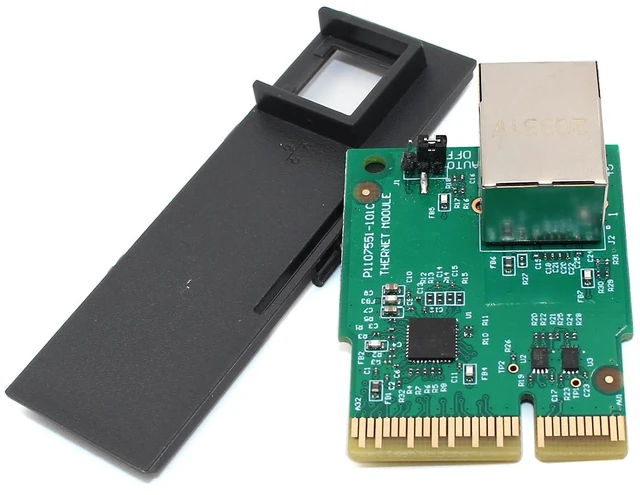
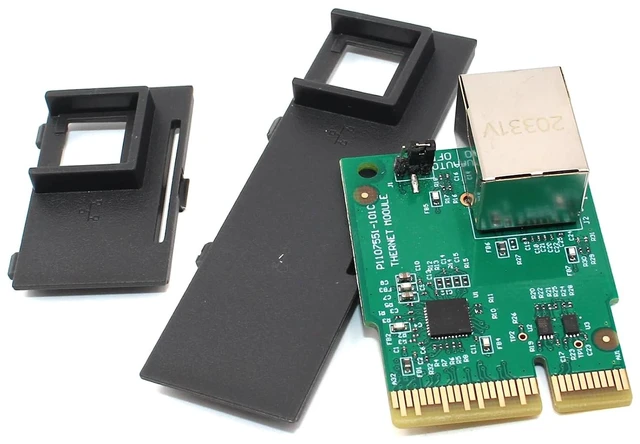
Product description First -After plugging in the network card, you need to set a static IP address for your printer on this Zebra settings software. 1. Download and open the Zebra Settings software 1. Download and open the Zebra Settings software. 2. Click - Configure Printer Connectivity 2. Choose wired 1. Choose wired 2. and Next 3. Choose Internal Print Server 1. Choose Internal Print Server (print server is inside the printer) 2. and Next 4. Set static IP 1. Firstly, you need to connect the printer to the computer using a USB cable, and the printer will automatically install drivers.
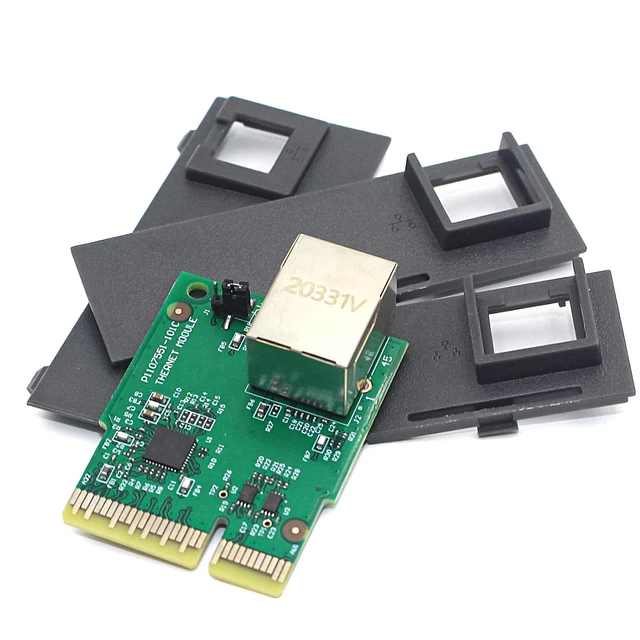
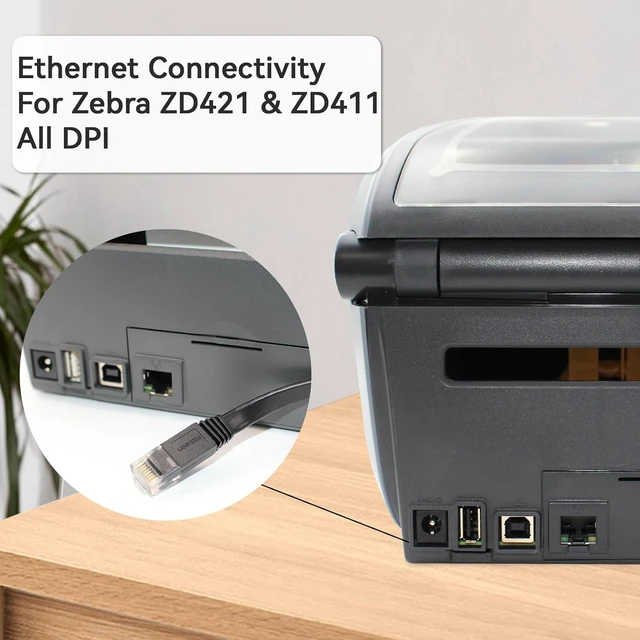
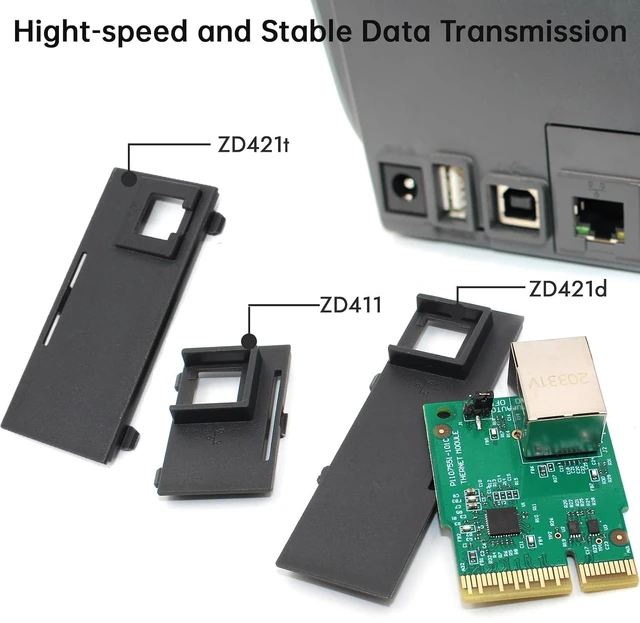
2. When setting a static IP, it needs to be in the same network segment as your network Applicable Models Work for Zebra ZD421 Desktop Printer. Work for Zebra ZD411 Desktop Printer. Fit for All DPI Direct Thermal or Thermal Transfer Printer.
Work for Such as: ZD4A042-D01E00EZ ZD4A043-D01E00EZ ZD4A042-301E00EZ ZD4A043-301E00EZ ZD4A022-D01M00EZ ZD4A023-D01M00EZ *Pay attention Item does not work for Zebra ZD420/ZD620 printer. Please make sure that it's fit for your printer before order. Second- Configure a static IP address port for your printer on Computer 1. Add port 1. Find the printer on your computer, right-click and choose "Printer properties" 2. Add Port 3. Printer Port 4. Choose "Standard TCP/IP Port" 2. Configure printer port 1. Configure the IP address, which needs to be consistent with the IP address set on the previous Zebra software. 2. After setting the Static IP, choose "Configure Port... "or Choos




 here!