






Biaze is a digital brand with more than ten years of experience.Its product lines cover charging accessories, audio products, engineering cables, auto accessories, computer accessories, home appliances, and so on. With both online and offline marketing channels, it is committed to improving users' diverse life experiences, whether they are working, driving, traveling or staying at home.



USB Sound Card

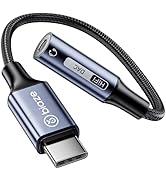
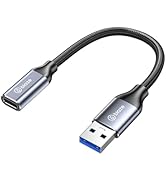
Audio Cable Adapter
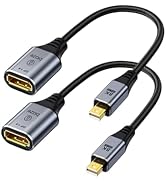
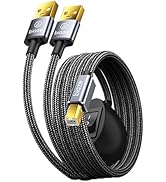


HDMI AV DP Adapter


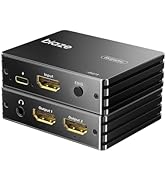
Audio Video Conventer
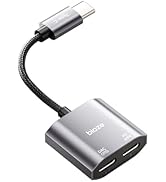

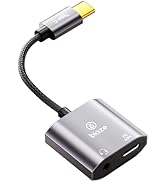

USB Splitter
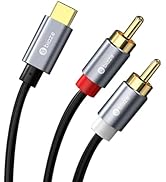
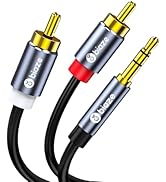
RCA Cables
How did we get started?
The meaning of our existence is to create an exclusive private warehouse for you and your family.
What is the purpose of our service?
We are committed to providing innovatively designed and fully functional products, you create a better and more convenient life.
What makes us different?
You can enjoy high-quality products at the most affordable prices. We have a stylish design and a diverse product chain, providing consumers with a variety of handy tools, rather than just selling a single type of product, which is also the highlight of our ability to stand out in the market.


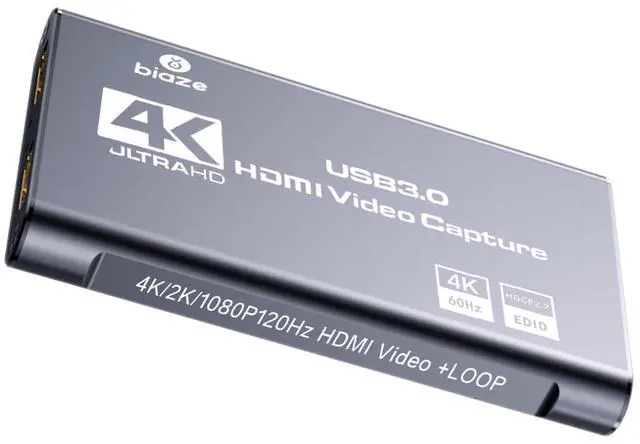
4K HDMI Audio Video Capture Card


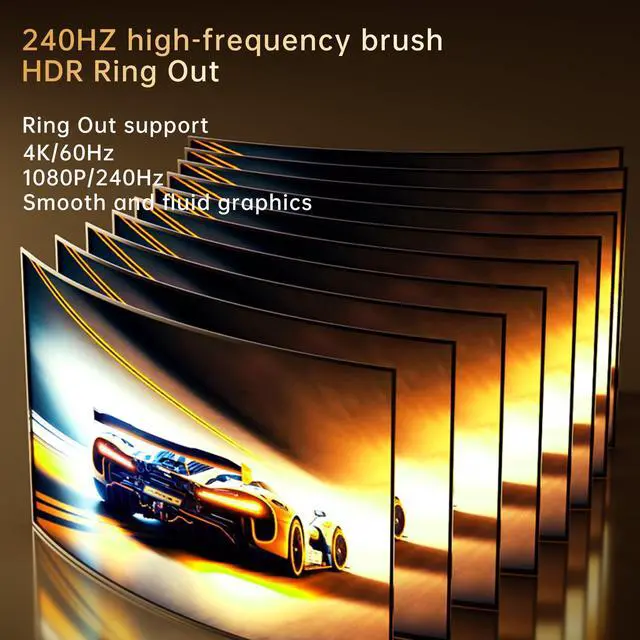
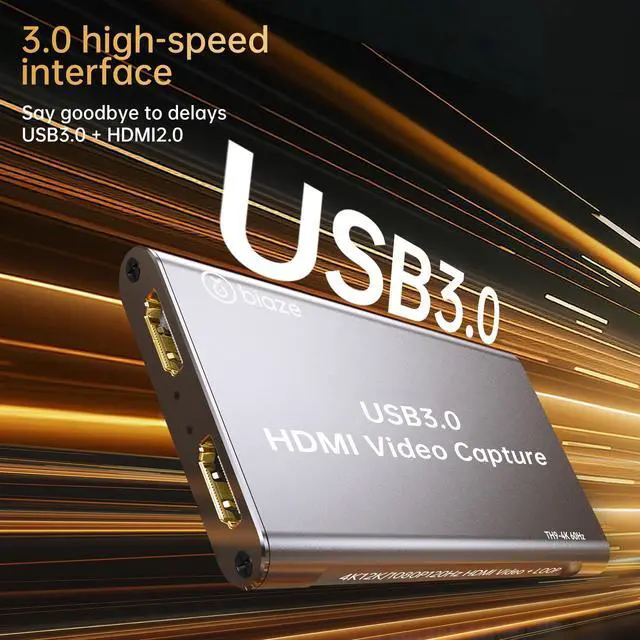
This USB3.0 capture card can capture HDMI video as well as HDMI audio at the same time, you can external audio input and microphone input, while the headset can monitor the HDMI sound and external input sound, you can transfer the audio and video signals to a computer, smartphone preview and store them. At the same time HDMI video loop out. Suitable for high definition capture, teaching recording, medical imaging and so on.


Connection Operation:
- Connect the HDMI output port of the monitor and the USB capture card together through 1 HDMI cable
- Connect the HDMI input port of the UHD source and the USB capture card together through 1 HDMI cable
- Connect the USB port of the capture card to the USB port of the computer through 1 USB cable
- Connect the LineIN port and the audio source port of the capture card together through 1 3.5 headphone cable (mobile phone, computer, sound card, etc.)
- Through a 3.5 headset with microphone cable connected to the capture card's headset port
- Capture the operating steps (OBS): Open the software a add a new source of a selection of video capture device 'a set the screen size ¡ú select the studio mode '(Double Window) ? click to start recording', see the following figure for example
- Add a new source and select the video capture device
- Set the screen size
- Select ‘Studio Mode’ (dual window)
- Click 'Start Recording'
FAQ
1. Q: How to get 1080P 60FPS video recording?
-- A: It need to confirm your PC support 1080P@60FPS, and set OBS to 1080P@60FPS correctly. (The product page above has a flowchart.)
2. Q: What should I do when there is flickering green screen?
-- A: Re-plug the USB and HDMI cables properly, issue is caused by bad connecting. (The product page above has a manual to read.)
3. Q: What to do "there was no sound coming through"?
-- A: Add Sources "Audio Input Capture" to get property "Microphone/Aux", unless your PC has "Desktop Audio".
4. Q: How to deal with buzzing sound?
-- A: Some low voltage USB panels would cause static buzzing sound, change a proper USB panel or rise enough voltage.
5. Q: Can I use a headphone/microphone combo in one cord instead of two separate things?
-- A: It won't transmit your voice unless you add a splitter.
6. Q: When problems happen?
-- A: Please contact our rep for further assistance. We are always ready to help you address issues.
Product Specification
4K HDMI Audio Video Capture Card
This USB3.0 capture card can capture HDMI video as well as HDMI audio at the same time, you can external audio input and microphone input, while the headset can monitor the HDMI sound and external input sound, you can transfer the audio and video signals to a computer, smartphone preview and store them. At the same time HDMI video loop out. Suitable for high definition capture, teaching recording, medical imaging and so on.
Connection Operation:
- Connect the HDMI output port of the monitor and the USB capture card together through 1 HDMI cable
- Connect the HDMI input port of the UHD source and the USB capture card together through 1 HDMI cable
- Connect the USB port of the capture card to the USB port of the computer through 1 USB cable
- Connect the LineIN port and the audio source port of the capture card together through 1 3.5 headphone cable (mobile phone, computer, sound card, etc.)
- Through a 3.5 headset with microphone cable connected to the capture card's headset port
- Capture the operating steps (OBS): Open the software a add a new source of a selection of video capture device 'a set the screen size ¡ú select the studio mode '(Double Window) ? click to start recording', see the following figure for example
- Add a new source and select the video capture device
- Set the screen size
- Select ‘Studio Mode’ (dual window)
- Click 'Start Recording'
FAQ
1. Q: How to get 1080P 60FPS video recording?
-- A: It need to confirm your PC support 1080P@60FPS, and set OBS to 1080P@60FPS correctly. (The product page above has a flowchart.)
2. Q: What should I do when there is flickering green screen?
-- A: Re-plug the USB and HDMI cables properly, issue is caused by bad connecting. (The product page above has a manual to read.)
3. Q: What to do "there was no sound coming through"?
-- A: Add Sources "Audio Input Capture" to get property "Microphone/Aux", unless your PC has "Desktop Audio".
4. Q: How to deal with buzzing sound?
-- A: Some low voltage USB panels would cause static buzzing sound, change a proper USB panel or rise enough voltage.
5. Q: Can I use a headphone/microphone combo in one cord instead of two separate things?
-- A: It won't transmit your voice unless you add a splitter.
6. Q: When problems happen?
-- A: Please contact our rep for further assistance. We are always ready to help you address issues.
Product Specification
| HDMI Resolution | Maximum input supports 3840×2160@60Hz |
| HDMI Resolution | Maximum loop out supports 3840×2160@60Hz |
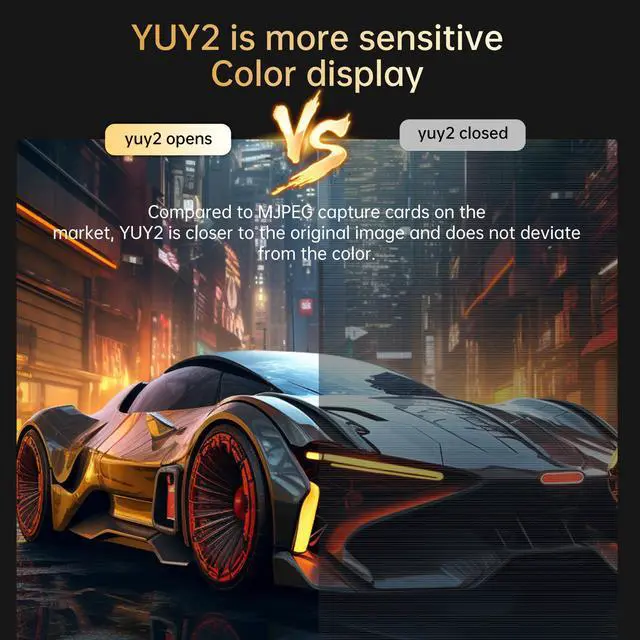
| Video Capture Mode | YUY2, MJPEG |
| Video Capture Resolution | Maximum resolution 1920×1080@120Hz |
| Supported Audio Formats | L-PCM |
| Input Cable Length | =15m, AWG26 HDMI standard cable |
| Maximum Operating Current | 0.4A/DC5V |
| Operating Temperature Range | (-10 to +55°C°C) |
| Dimensions | 4*2.4*0.5 in |
| Weight | 0.15 lb |
Biaze is a digital brand with more than ten years of experience.Its product lines cover charging accessories, audio products, engineering cables, auto accessories, computer accessories, home appliances, and so on. With both online and offline marketing channels, it is committed to improving users' diverse life experiences, whether they are working, driving, traveling or staying at home.
USB Sound Card
Audio Cable Adapter
HDMI AV DP Adapter
Audio Video Conventer
USB Splitter
RCA Cables
How did we get started?
The meaning of our existence is to create an exclusive private warehouse for you and your family.
What is the purpose of our service?
We are committed to providing innovatively designed and fully functional products, you create a better and more convenient life.
What makes us different?
You can enjoy high-quality products at the most affordable prices. We have a stylish design and a diverse product chain, providing consumers with a variety of handy tools, rather than just selling a single type of product, which is also the highlight of our ability to stand out in the market.