

Your Browsing History

Meet Your Seller



Wireless Screen Mirroring Adapter HDTV WiFi Display 4K HD Video Streaming Dongle for TV/Projector/Monitor, AirPlay & Miracast Receiver for iPhone/iPad/Android/Laptop, Home and Business
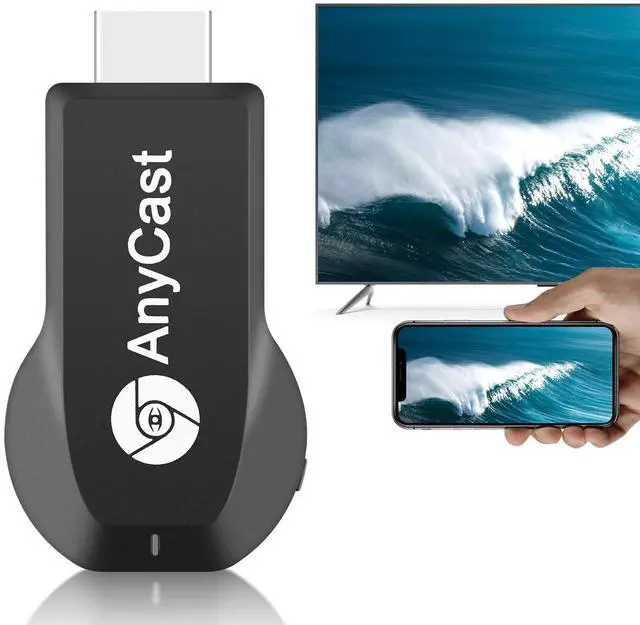
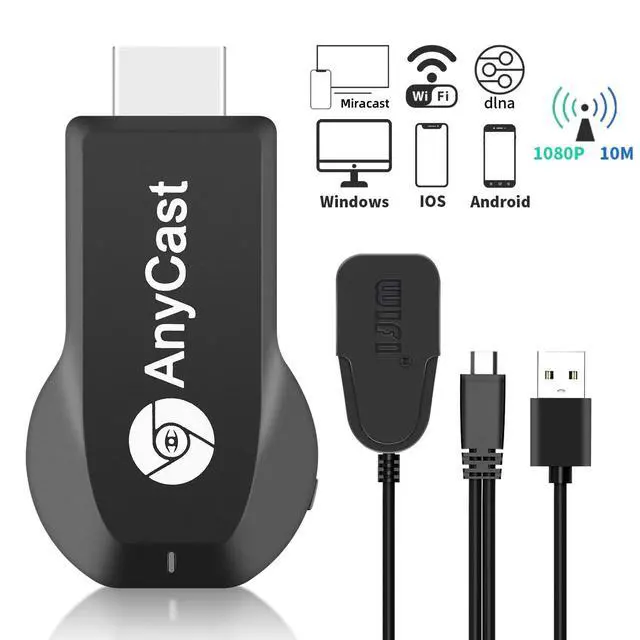
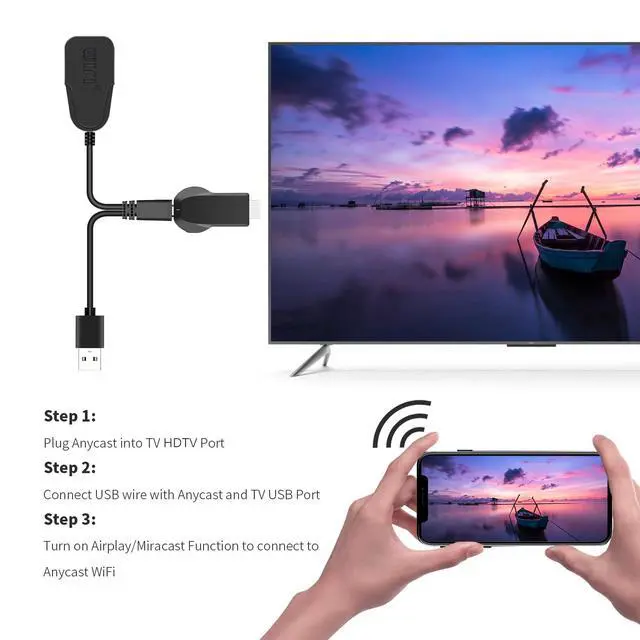
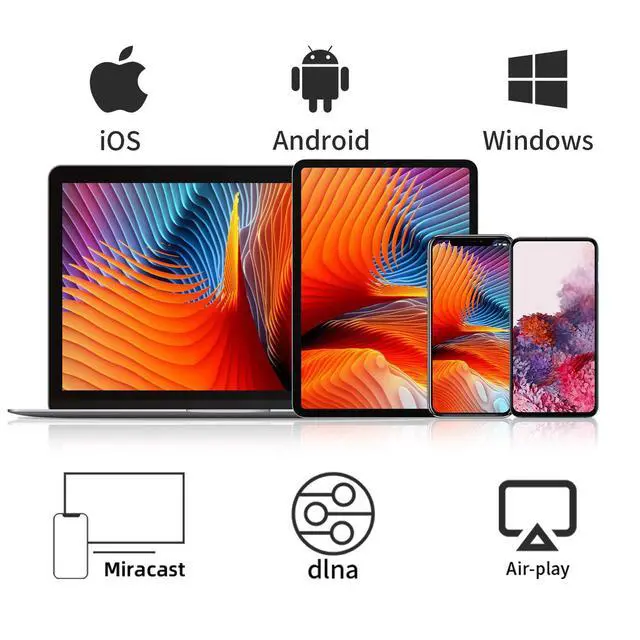
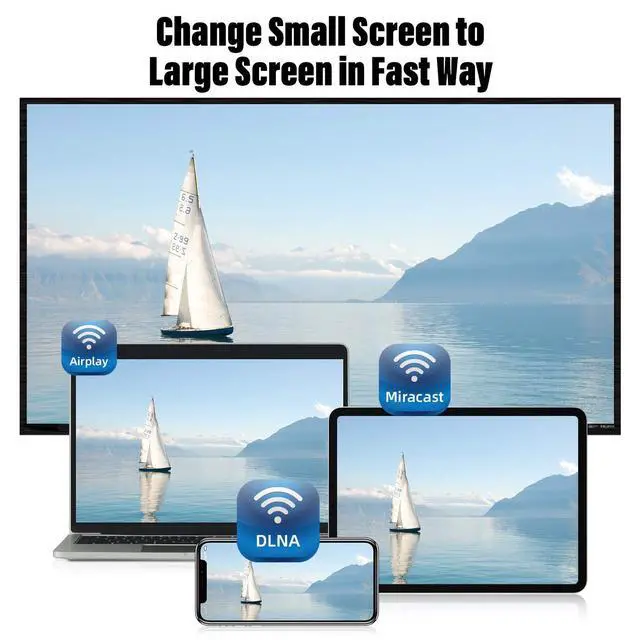
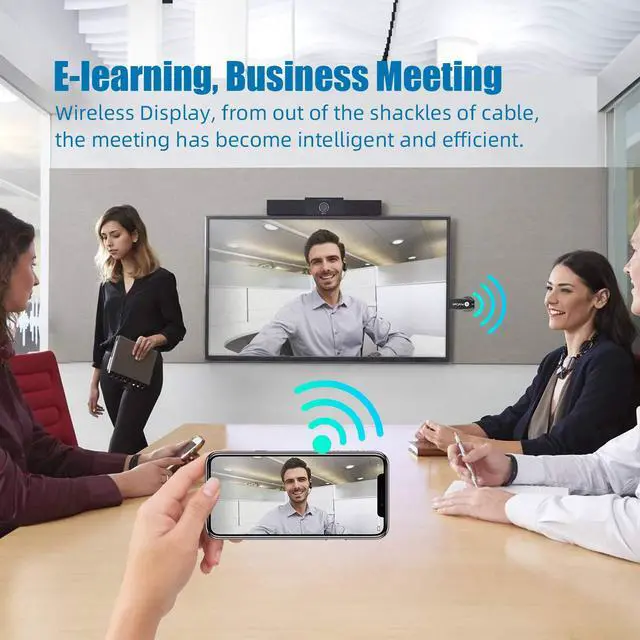
- INSTANTLY WIRELESS DITCH THE CORDS Stop dealing with adapters and untidy HDMI cables. With this dongle, you can wirelessly cast your smartphone, tablet, or laptop screen directly to your TV or monitor in seconds. Whether you're sharing vacation photos with family or presenting quarterly reports in the boardroom, enjoy smooth screen mirroring without the mess. EASY TO USE: No app or driver downloads required. Get your content on the big screen in 3 simple steps: PlugConnectMirror. Plug the dongle into your TV's HDMI port, power it with the included USB cable featuring a built-in WiFi antenna, then switch to the correct HDMI input. The Anycast interface shows up instantlyit automatically identifies your IP address and switches to your local language. Connection steps differ by device; just follow the user manual based on your system. CRYSTAL CLEAR 4K VIDEO & SYNCED AUDIO Enjoy stunning visual clarity. Advanced audio-video synchronization technology means you won't have to deal with annoying lip-sync delays during your favorite shows. COMPATIBILITY & LIMITATIONS: Compatible with MacBook series, iOS 9.0+, Android 5.0+, and Windows 10+ devices via AirPlay, Miracast, and DLNA protocols. Please be aware: Not compatible with Google Pixel or Motorola phones. Android and Windows devices must support Miracast for screen mirroring to function. Additionally, this dongle is not compatible with DRM-protected apps such as Netflix, HBO Go, Hulu Plus, Sky Go, DIRECTV, and similar streamin
+
+
Overview
Specs
Reviews

Any questions? Our AI mode will help you find out quickly.
Try me now
INSTANTLY WIRELESS DITCH THE CORDS Stop dealing with adapters and untidy HDMI cables. With this dongle, you can wirelessly cast your smartphone, tablet, or laptop screen directly to your TV or monitor in seconds. Whether you're sharing vacation photos with family or presenting quarterly reports in the boardroom, enjoy smooth screen mirroring without the mess. EASY TO USE: No app or driver downloads required. Get your content on the big screen in 3 simple steps: PlugConnectMirror. Plug the dongle into your TV's HDMI port, power it with the included USB cable featuring a built-in WiFi antenna, then switch to the correct HDMI input. The Anycast interface shows up instantlyit automatically identifies your IP address and switches to your local language. Connection steps differ by device; just follow the user manual based on your system. CRYSTAL CLEAR 4K VIDEO & SYNCED AUDIO Enjoy stunning visual clarity. Advanced audio-video synchronization technology means you won't have to deal with annoying lip-sync delays during your favorite shows. COMPATIBILITY & LIMITATIONS: Compatible with MacBook series, iOS 9.0+, Android 5.0+, and Windows 10+ devices via AirPlay, Miracast, and DLNA protocols. Please be aware: Not compatible with Google Pixel or Motorola phones. Android and Windows devices must support Miracast for screen mirroring to function. Additionally, this dongle is not compatible with DRM-protected apps such as Netflix, HBO Go, Hulu Plus, Sky Go, DIRECTV, and similar streaming services. USAGE TIPS: The Anycast dongle includes two built-in modesAirPlay Mode for all iOS devices and Miracast Mode for Android and Windows. A dedicated mode switch button allows you to switch between them to match your device. Having connection issues? Press and hold the button for 3-5 seconds to restart the dongle; this fixes most common issues. Always make sure your display is set to the correct HDMI input. For detailed setup steps, check the user manual specific to your device
Warranty & Returns
Warranty, Returns, And Additional Information
Warranty
- Please contact the Seller directly for warranty information. Warranty information may also be found on the Manufacturer's website.
- CONTACT
Return Policies
- Return for refund within: 30 days
- Return for replacement within: 30 days
- This item is covered by FiveMacro Store Return Policy
Manufacturer Contact Info
- For a directory of all our manufacturers, please click below.
- Manufacturers Directory
LOADING...