




 here!
here!
I’m your shopping assistant for PC builds, upgrades, and everything tech.
Got questions? Ask away!
Start a conversation
here!
I’m your shopping assistant for PC builds, upgrades, and everything tech.
Got questions? Ask away!
Start a conversation



Any questions? Ask CelesteSM will help you find out quickly.
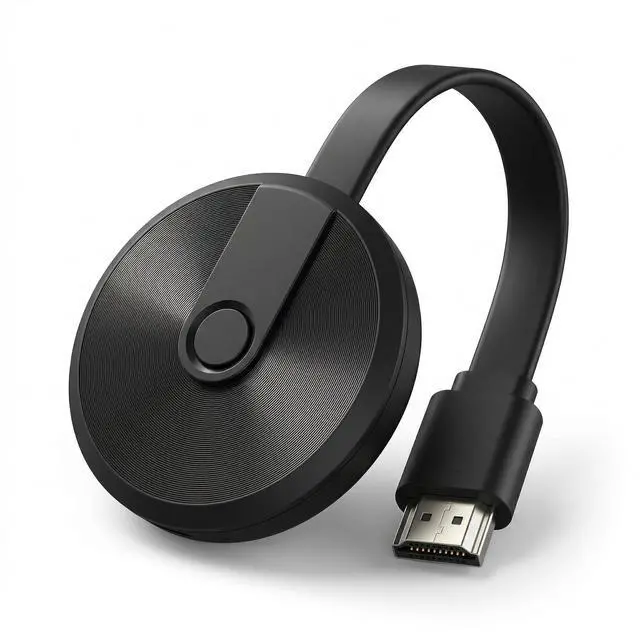
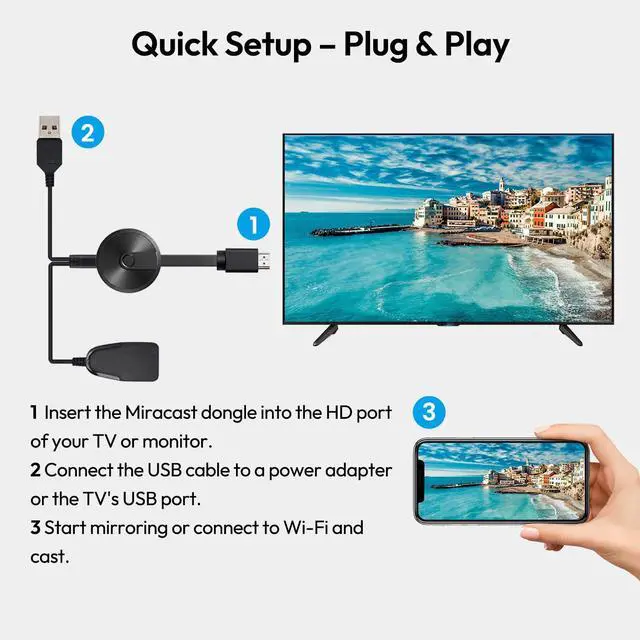
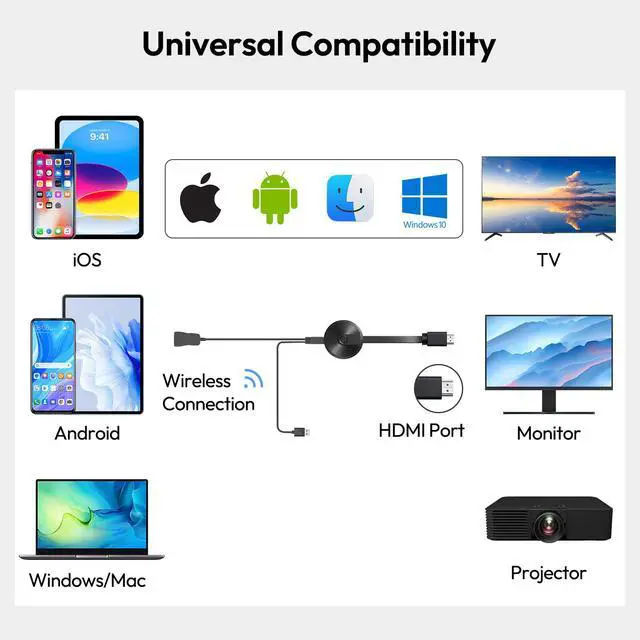
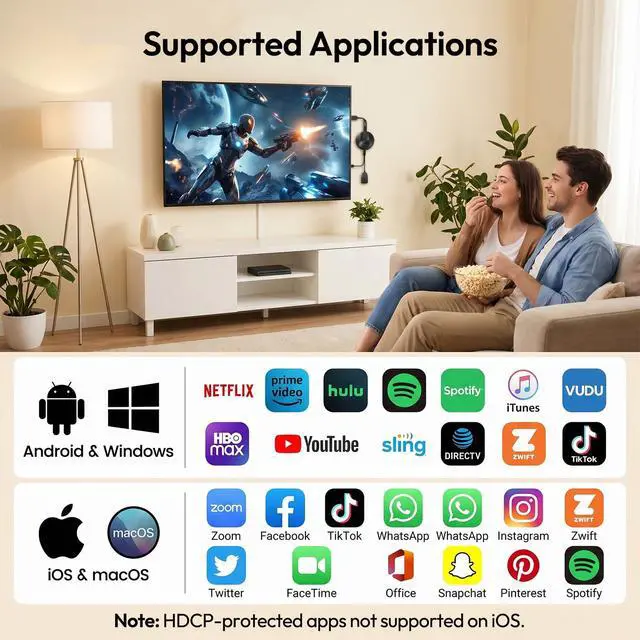
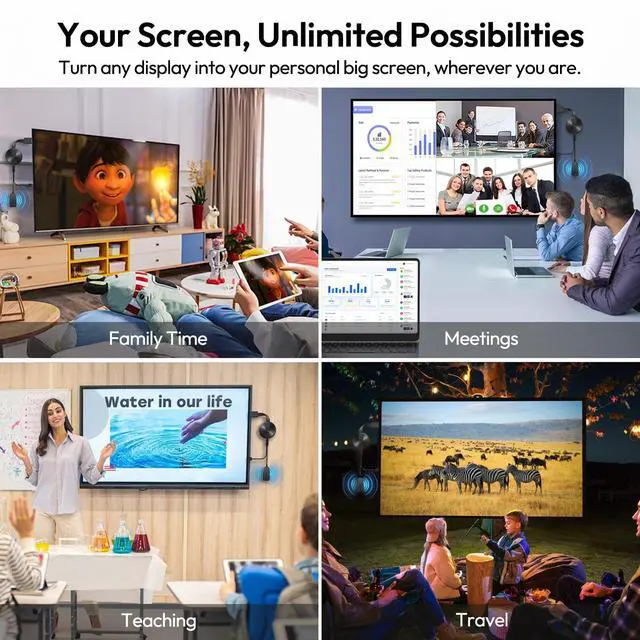
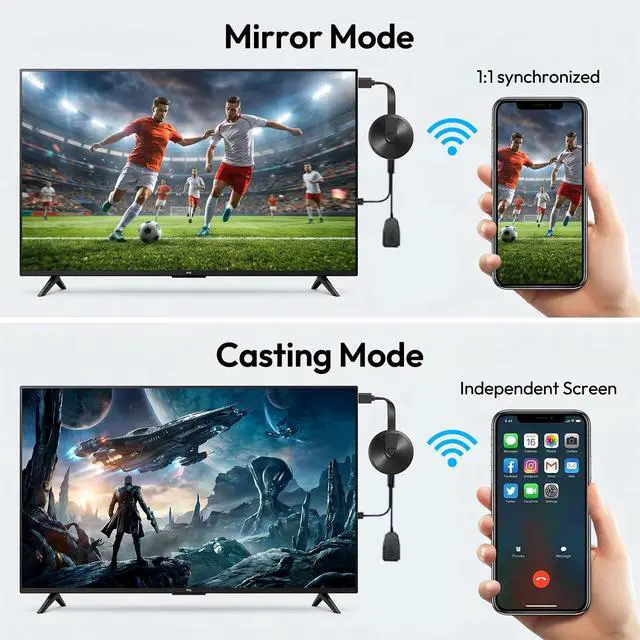
Wireless Display Small to Big ScreenWireless HDMI display adapter supports casting or mirroring from smartphones, tablets and laptops to a large TV, monitor or projector. You can freely switch between landscape and portrait modes for different viewing occasions. Quick Setup Plug & PlayWireless HDMI display adapter features true plug-and-play functionality with no apps or Bluetooth required. 3 easy steps: 1) Insert the Miracast dongle into the HD port of your TV or monitor. 2) Connect the USB cable to a power adapter or the TV's USB port. 3) Start mirroring or connect to Wi-Fi and cast. The built-in stable 2.4G WiFi ensures smooth casting. Universal CompatibilityWireless display dongle adapter works seamlessly with iOS 7.0+, macOS, Android 4.2+, and Windows 7+ devices. Easily mirror your screen, photos, and videos to any TV, monitor, or projector. Note: Some HDCP-protected apps (e.g., Netflix, Prime Video, Hulu) may not be supported on iOS due to copyright restrictions. Perfect for Every ScenarioMirror photos, videos, and movies to your TV for family entertainment. Use the wireless HDMI display adapter in business meetings or offices to share presentations, documents, and emails via a projector. Display lessons and live demonstrations on a large screen in the classroom. Take it with you while traveling or working on the go, and cast content from your phone to any TV anytime. Mirror Mode & Casting Mode Flexible UsageMirror mode syncs your entire screen in real time, working well for presentations, gaming, and daily sharing. Casting mode lets you cast videos, playlists, or movies to the big screen while using your phone freely to reply to messages, check emails, and more. 4K Clear VisualsWireless HDMI adapter supports 4K, 1080P and 720P output. Delivers immersive viewing on large screens for entertainment or office use. Note: 4K output requires both your display and signal source to support 4K. Regular Online UpdatesThe screen mirroring adapter for TV supports auto-updates over WiFi to optimize performance and improve compatibility, ensuring stable, smooth mirroring for long-term use



