


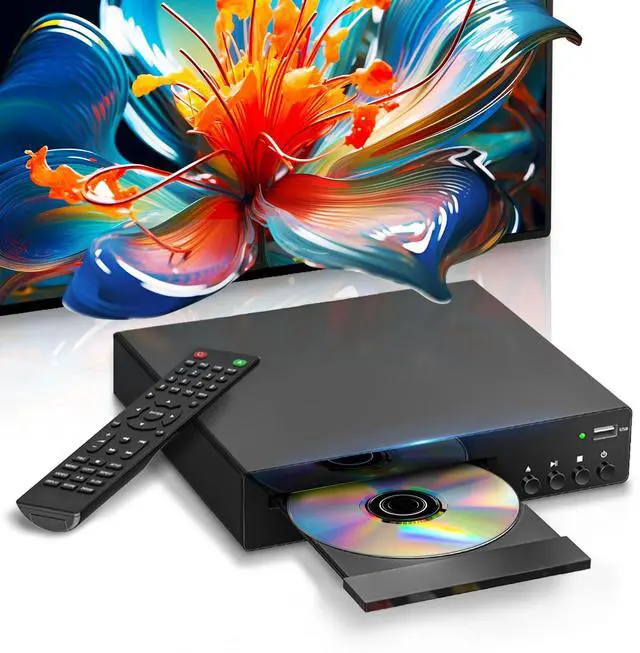


1080P HD DVD Player – Ultra Clear Playback
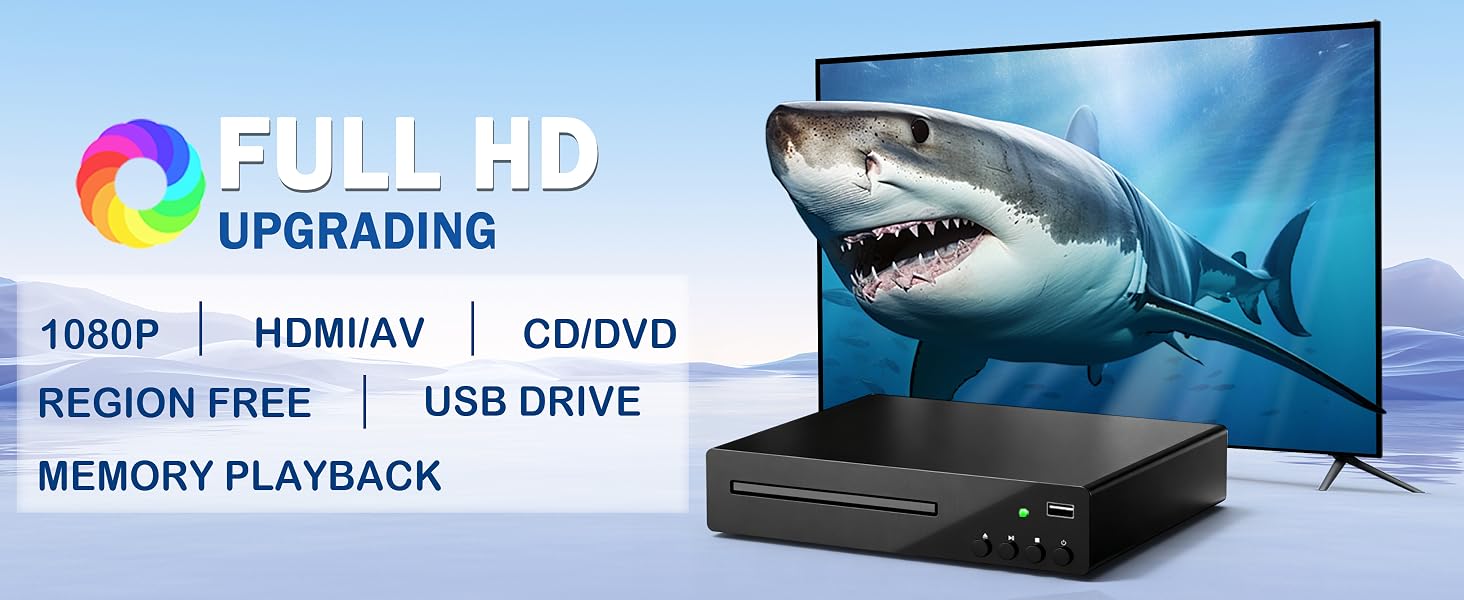
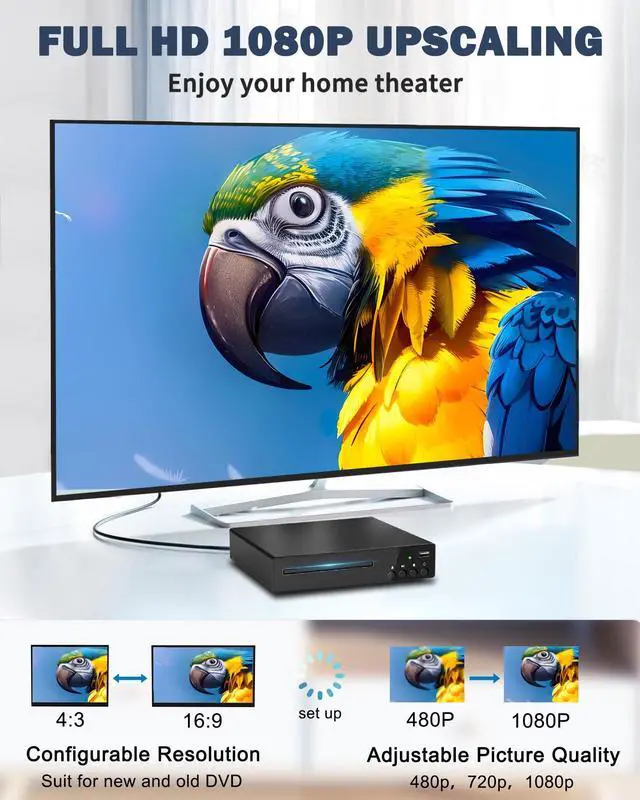
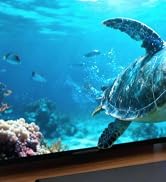
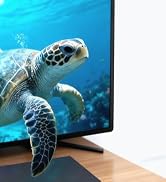
Watch movies in stunning 1080P Full HD with advanced upscaling for sharper details This DVD player enhances standard DVDs to near HD quality for a cinematic experience Perfect for films TV shows and home videos. HDMI DVD player features a dual-system design, supporting both NTSC and PAL format discs
2026 New Generation DVD Player

Newly upgraded chip for smooth playback
The 2026 model 1080P HD DVD player is equipped with a newly upgraded chip, which improves disc loading speed for smooth playback
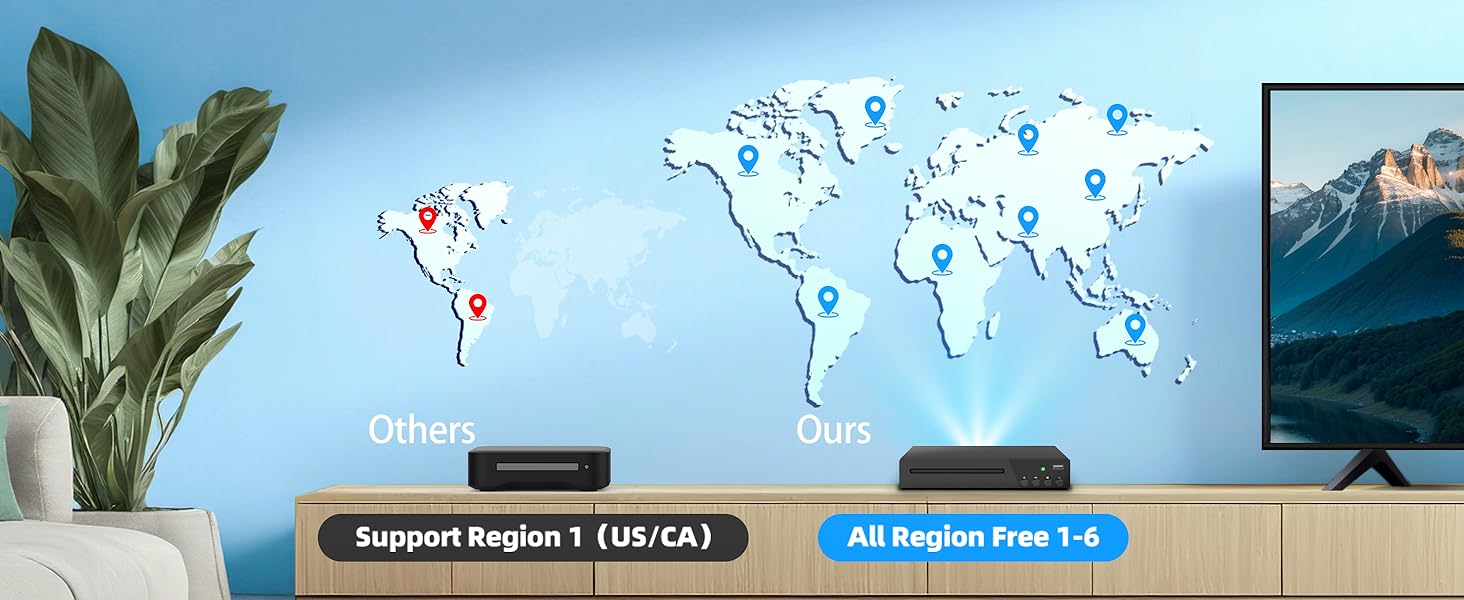
Multi region DVD Player
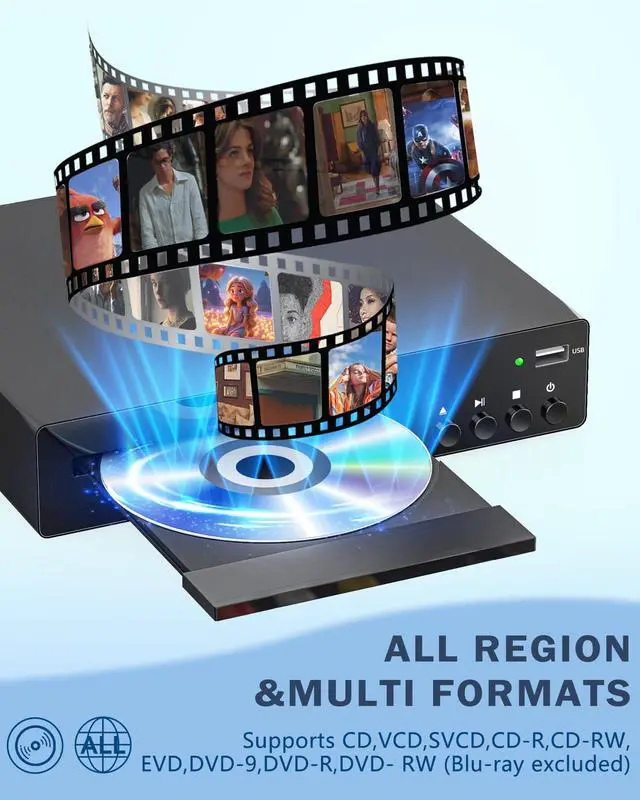
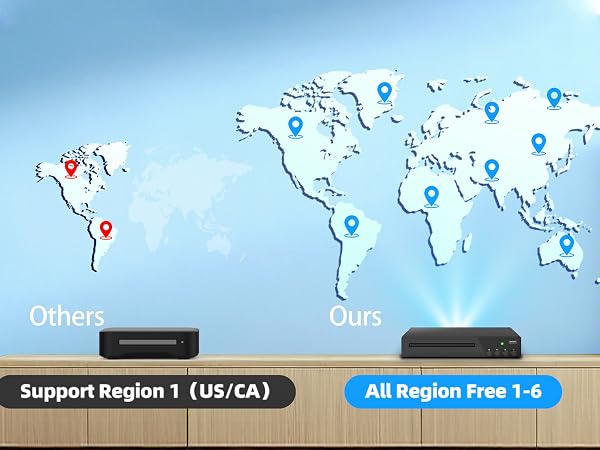
Region-free DVD player compatible with discs from all regions, allowing you to enjoy a vast selection of movies without worrying about compatibility issues.
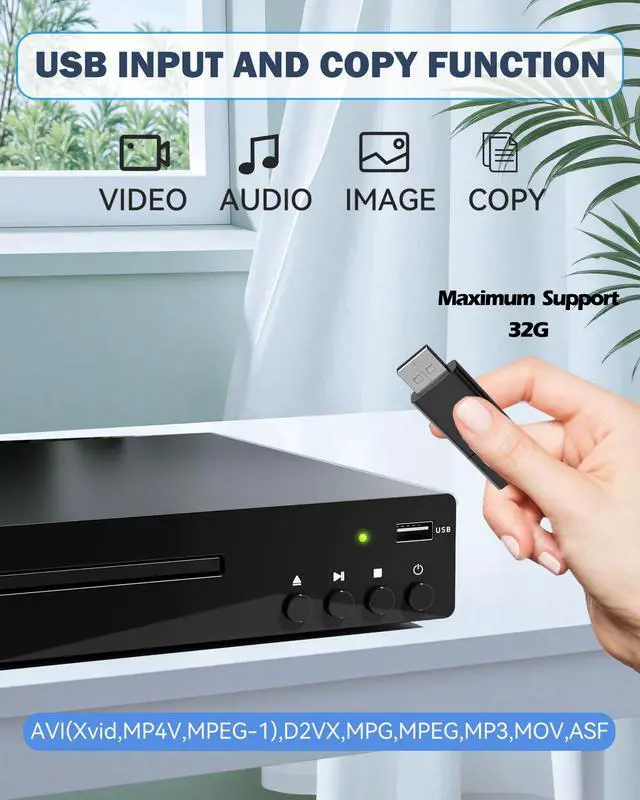
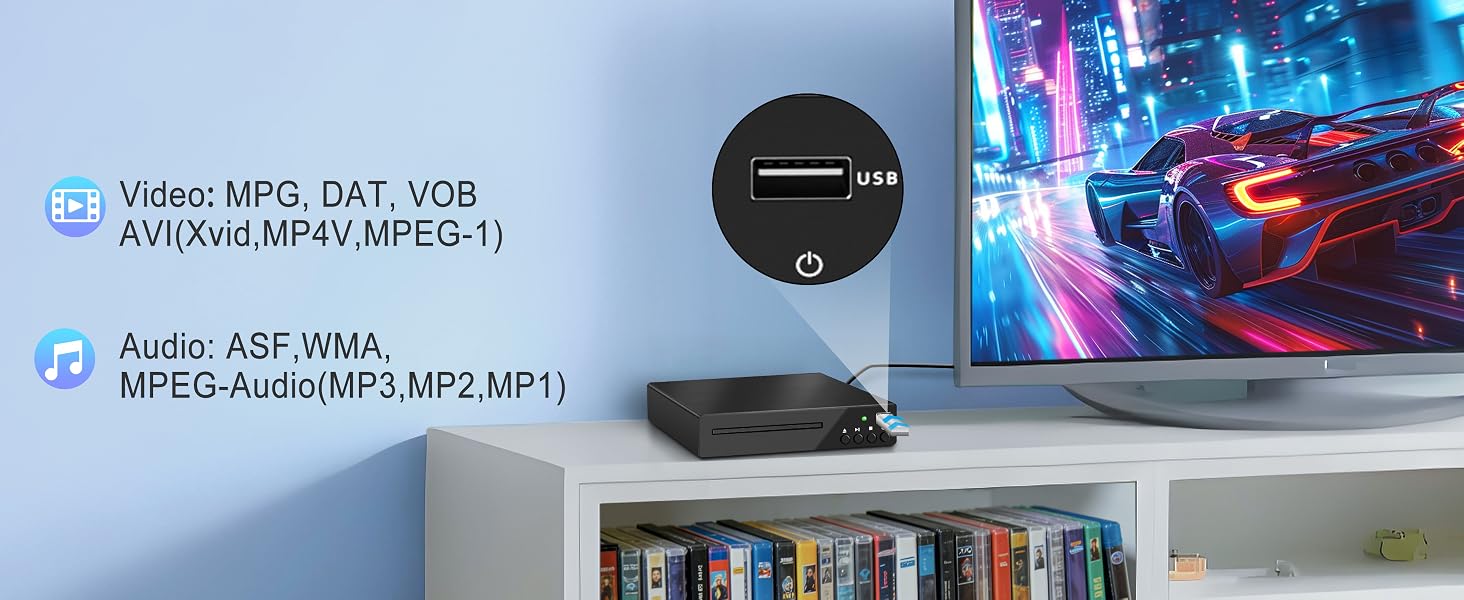
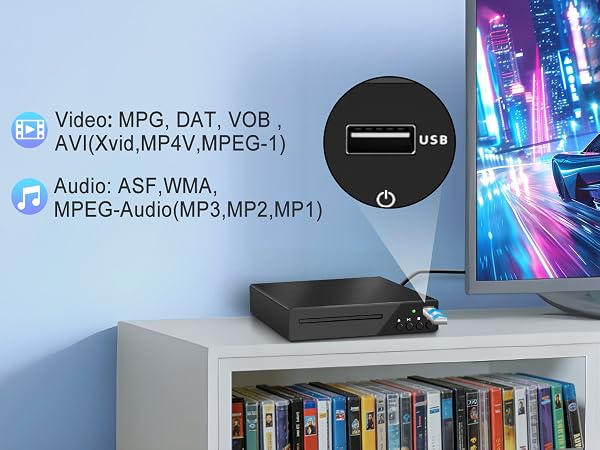
- USB Function: The DVD player with a USB port supports MKV, AVI, MP3, and other formats (MP4 format not supported), allowing you to play videos and music directly from a USB flash drive without the need for a disc. USB file formats are limited to FAT or FAT32; only USB input is supported.
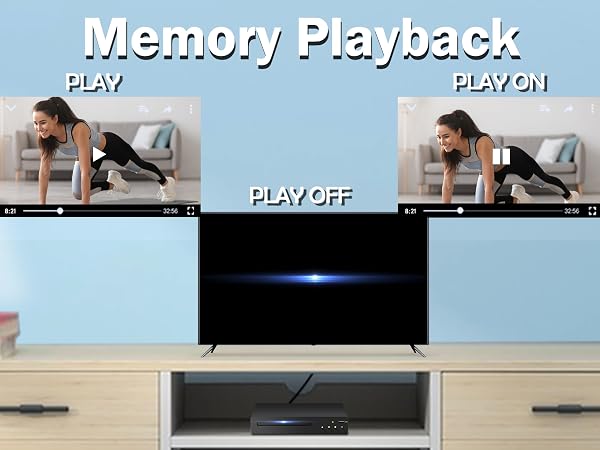
- Memory Playback Function: This all region free DVD player allows you to resume playback precisely from where you left off, without having to fast forward or worry about unexpected power outages, making it perfect for watching TV series and feature-length movies
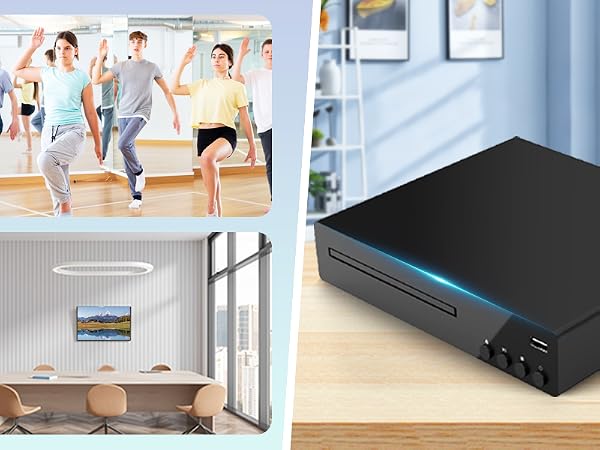
- Multiple Usage Scenarios: The multi-functional DVD player can be used in a variety of settings, such as living rooms, bedrooms, offices, and RVs, to meet your entertainment, learning, and office needs
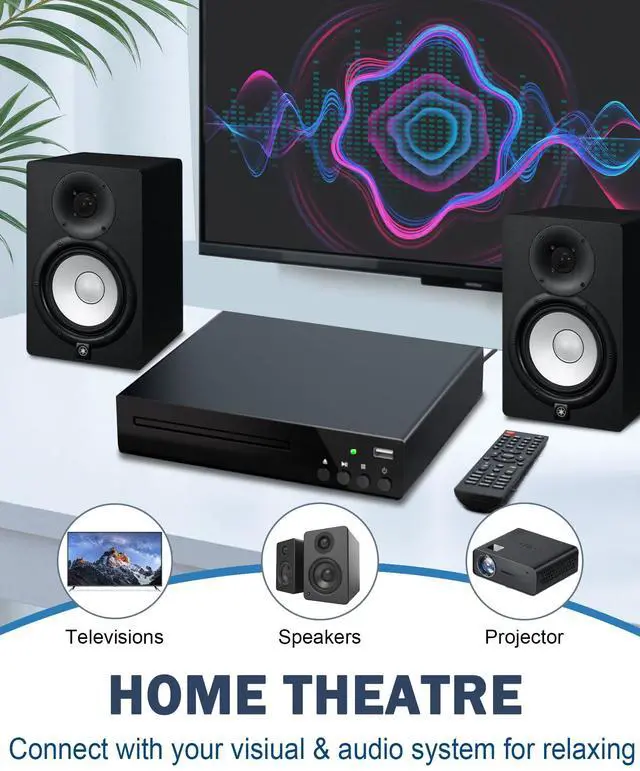
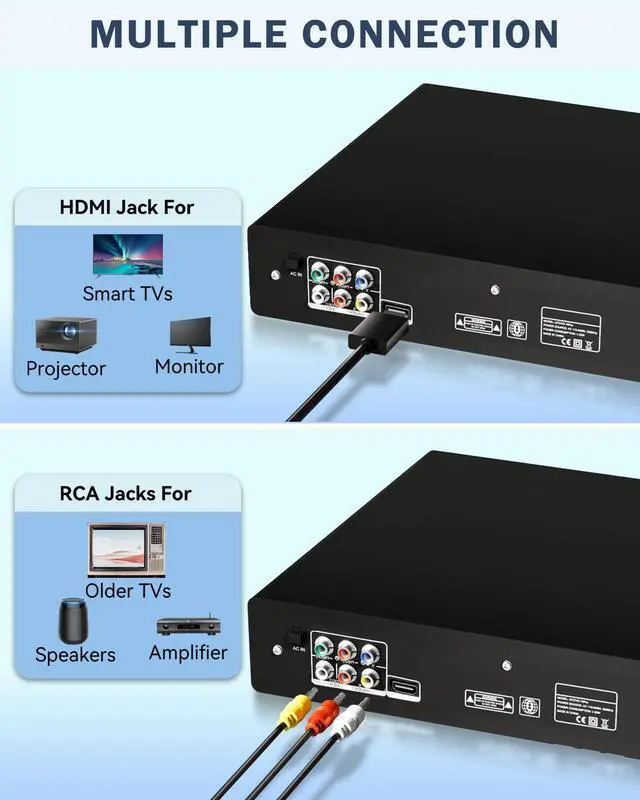
- HDMI Output and RCA Output: Upgrade to 1080p HD quality using an HDMI cable for a smooth audio-visual experience. It also supports connecting to older TVs and other devices via RCA cables, allowing you to enjoy your favorite movies or shows
Note:
- To enhance your viewing experience, please ensure the disc is properly seated before use, check the tray for any foreign objects that may interfere with reading, and avoid repeatedly pressing the eject button.
- If the TV does not automatically switch to the correct input source after connecting, you will need to use the TV remote control to switch the input source or replace the HDMI/RCA cable.


The ideal choice for family entertainment
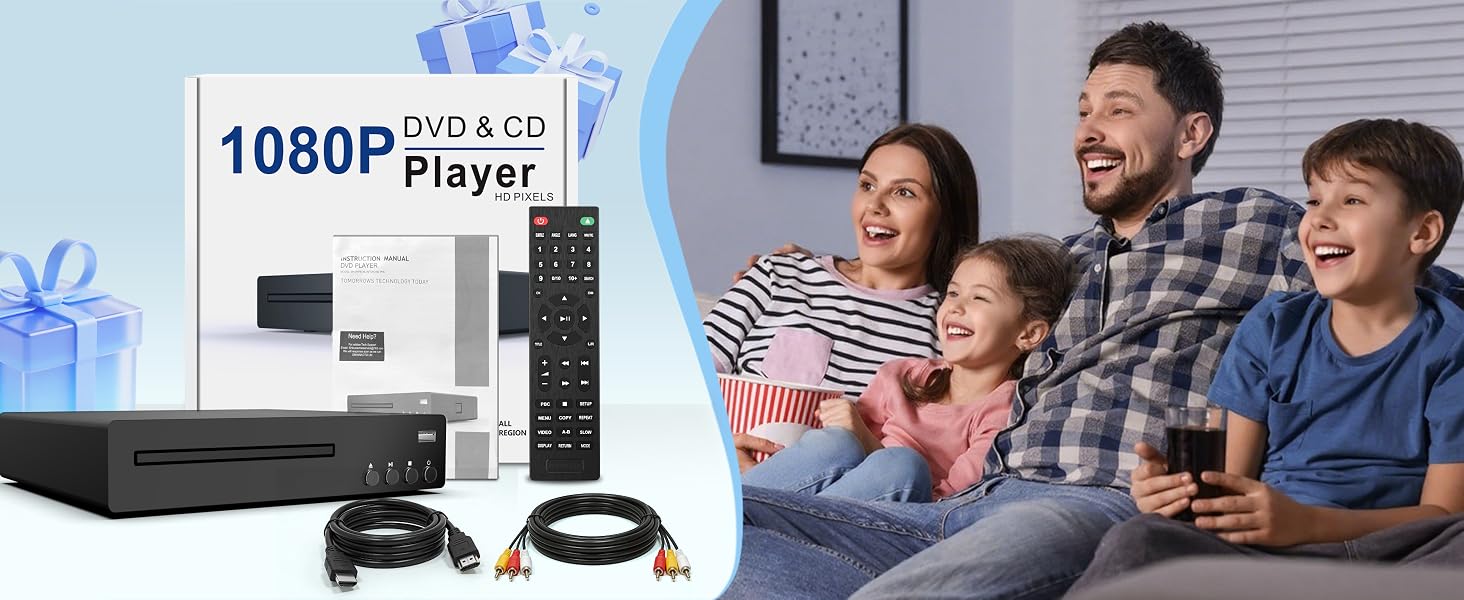
This home DVD player is ready to use right out of the box and easy to operate, making it a practical and thoughtful choice for family and friends, suitable for birthdays, holidays, and special occasions. You can enjoy a cinema-quality experience at home with your family and friends!
What formats does this DVD Player support?
This home DVD player supports DVD, DVD±R/RW, CD, CD-R/RW, VCD, and SVCD discs, as well as MP3 audio and JPEG images. It does not support Blu-ray, MP4, MKV, or CPRM.
How do I use the USB feature on the DVD player?
This DVD player supports FAT/FAT32 system USB in 32GB capacity, reads audio and image files in formats: MP3, WMA, and JPEG.
How to read a Disc Correctly?
Insert a disc in the correct format, clean the disc, and check its surface for scratches or damage. Make sure the tray is level and check for any foreign objects inside that might interfere with reading. Avoid repeatedly pressing the eject button.
How to use the remote control feature?
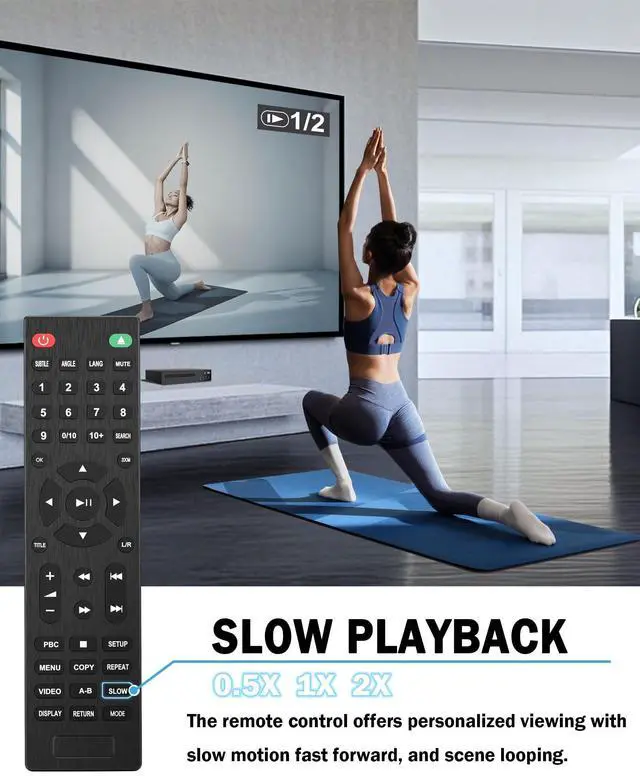
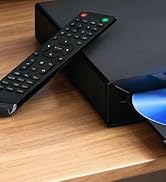
First, insert batteries into the remote control (batteries are not included). When using the remote control, make sure to point it directly at the DVD player's receiver (without any objects blocking the signal).
How to set the screen to full screen
Press the “ZOOM” button (the image will be scaled up or down proportionally) ) or press SET UP > TV TYPE, select the appropriate aspect ratio, and then press OK, but this requires the disc itself to support aspect ratio adjustment.
Product Description
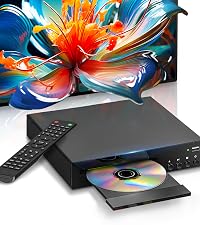 HDMI DVD Players for TV | 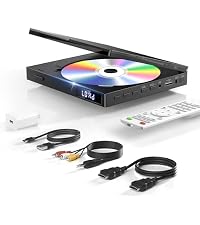 Mini DVD Players for TV | 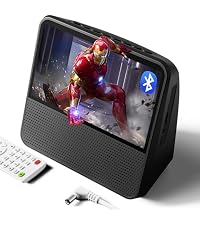 DVD Player for Kids |  Portable DVD Player | 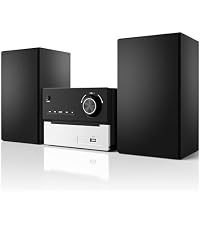 Bluetooth Stereo System | |
|---|---|---|---|---|---|
Customer Reviews | — | — | — | — | — |
Price | — | — | — | — | — |
Newly upgraded chip | ? | ? | ? | ? | ? |
Durable Iron Metal Case | Durable iron | Plastic | Plastic | Plastic | Durable iron |
Support HDMI & RCA | HDMI & RCA | HDMI & RCA | RCA Only | RCA Only | Not supported |
Palm sized Mini Design | ? | ? | ? | ? | ? |
Video Output Resolution | 1080P | 1080P | 1024 x 600 | 1024 x 600 | Not supported |
Low Noise | ? | ? | ? | ? | ? |
Portable Feature BatteryWithin | ? | ? | ? | ? | ? |

SHIWAKOTO is a company that continuously challenges for innovation and pursues for elegant design with every product we make.
Vision for the next decade: SHIWAKOTO’ S vision is to increase people’s home belongingness and comfort through the combined craftmanship oftechnology and art.
Mission of our era: To deliverpremium products that shapes your home into a place you enjoy and immediately missed when you leave.
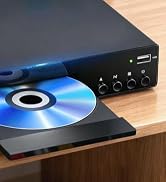
1080P HD DVD Player

DVD Player with Screen


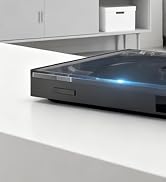
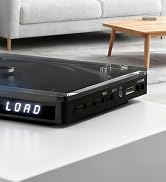
Ultra-light & Ultra-thin

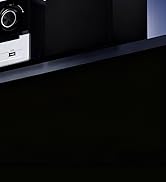
Stereo System for Home



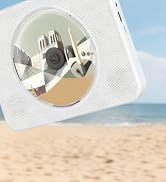
CD Payer with Carrying Handle
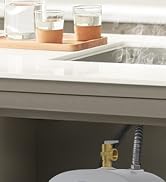
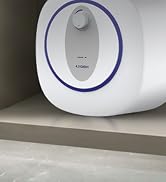
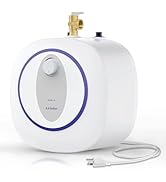
4 Gallon Tank Water Heater
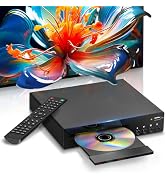
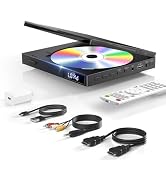
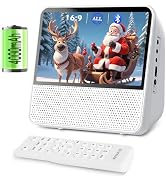
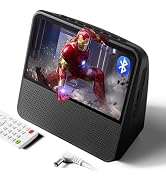
SHIWAKOTO DVD Player
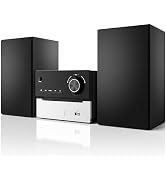
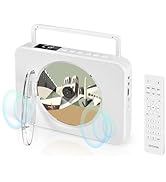
Other Popular Products

1080P HD DVD Player – Ultra Clear Playback
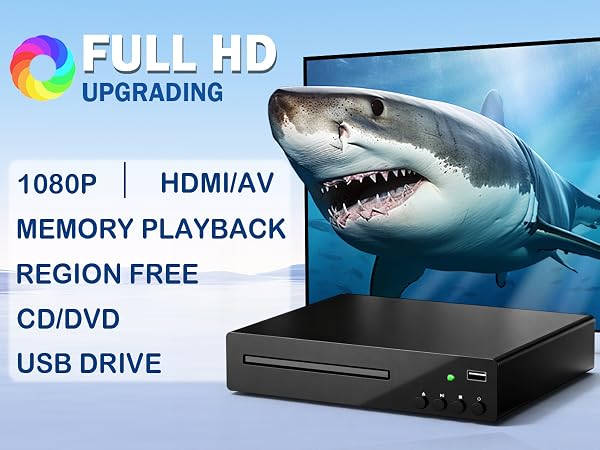
Watch movies in stunning 1080P Full HD with advanced upscaling for sharper details This DVD player enhances standard DVDs to near HD quality for a cinematic experience Perfect for films TV shows and home videos. HDMI DVD player features a dual-system design, supporting both NTSC and PAL format discs
2026 New Generation DVD Player
Newly upgraded chip for smooth playback
Multi region DVD Player
The 2026 model 1080P HD DVD player is equipped with a newly upgraded chip, which improves disc loading speed for smooth playback
Region-free DVD player compatible with discs from all regions, allowing you to enjoy a vast selection of movies without worrying about compatibility issues.
- USB Function: The DVD player with a USB port supports MKV, AVI, MP3, and other formats (MP4 format not supported), allowing you to play videos and music directly from a USB flash drive without the need for a disc. USB file formats are limited to FAT or FAT32; only USB input is supported.
- Memory Playback Function: This all region free DVD player allows you to resume playback precisely from where you left off, without having to fast forward or worry about unexpected power outages, making it perfect for watching TV series and feature-length movies
- Multiple Usage Scenarios: The multi-functional DVD player can be used in a variety of settings, such as living rooms, bedrooms, offices, and RVs, to meet your entertainment, learning, and office needs
- HDMI Output and RCA Output: Upgrade to 1080p HD quality using an HDMI cable for a smooth audio-visual experience. It also supports connecting to older TVs and other devices via RCA cables, allowing you to enjoy your favorite movies or shows
Note:
- To enhance your viewing experience, please ensure the disc is properly seated before use, check the tray for any foreign objects that may interfere with reading, and avoid repeatedly pressing the eject button.
- If the TV does not automatically switch to the correct input source after connecting, you will need to use the TV remote control to switch the input source or replace the HDMI/RCA cable.
The ideal choice for family entertainment
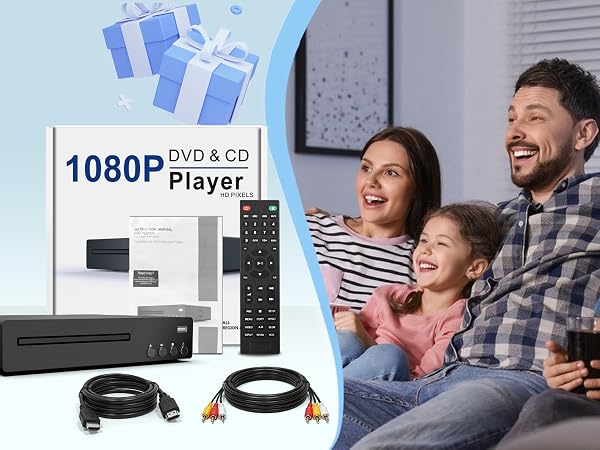
This home DVD player is ready to use right out of the box and easy to operate, making it a practical and thoughtful choice for family and friends, suitable for birthdays, holidays, and special occasions. You can enjoy a cinema-quality experience at home with your family and friends!
What formats does this DVD Player support?
This home DVD player supports DVD, DVD±R/RW, CD, CD-R/RW, VCD, and SVCD discs, as well as MP3 audio and JPEG images. It does not support Blu-ray, MP4, MKV, or CPRM.
How do I use the USB feature on the DVD player?
This DVD player supports FAT/FAT32 system USB in 32GB capacity, reads audio and image files in formats: MP3, WMA, and JPEG.
How to read a Disc Correctly?
Insert a disc in the correct format, clean the disc, and check its surface for scratches or damage. Make sure the tray is level and check for any foreign objects inside that might interfere with reading. Avoid repeatedly pressing the eject button.
How to use the remote control feature?
First, insert batteries into the remote control (batteries are not included). When using the remote control, make sure to point it directly at the DVD player's receiver (without any objects blocking the signal).
How to set the screen to full screen
Press the “ZOOM” button (the image will be scaled up or down proportionally) ) or press SET UP > TV TYPE, select the appropriate aspect ratio, and then press OK, but this requires the disc itself to support aspect ratio adjustment.
Product Description
HDMI DVD Players for TV | Mini DVD Players for TV | DVD Player for Kids | Portable DVD Player |  Bluetooth Stereo System |
|---|---|---|---|---|
| Customer Reviews | ||||
| — | — | — | — | — |
| Price | ||||
| — | — | — | — | — |
| Newly upgraded chip | ||||
| ? | ? | ? | ? | ? |
| Durable Iron Metal Case | ||||
| Durable iron | Plastic | Plastic | Plastic | Durable iron |
| Support HDMI & RCA | ||||
| HDMI & RCA | HDMI & RCA | RCA Only | RCA Only | Not supported |
| Palm sized Mini Design | ||||
| ? | ? | ? | ? | ? |
| Video Output Resolution | ||||
| 1080P | 1080P | 1024 x 600 | 1024 x 600 | Not supported |
| Low Noise | ||||
| ? | ? | ? | ? | ? |
| Portable Feature BatteryWithin | ||||
| ? | ? | ? | ? | ? |

SHIWAKOTO is a company that continuously challenges for innovation and pursues for elegant design with every product we make.
Vision for the next decade: SHIWAKOTO’ S vision is to increase people’s home belongingness and comfort through the combined craftmanship oftechnology and art.
Mission of our era: To deliverpremium products that shapes your home into a place you enjoy and immediately missed when you leave.
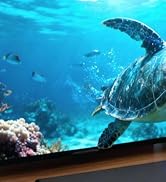
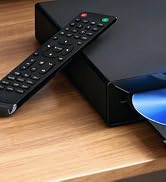
1080P HD DVD Player
DVD Player with Screen
Ultra-light & Ultra-thin
Stereo System for Home
CD Payer with Carrying Handle
4 Gallon Tank Water Heater
SHIWAKOTO DVD Player
Other Popular Products
