
Your Browsing History






Any questions? Our AI beta will help you find out quickly.
Bluetooth Receive Mode Instructions
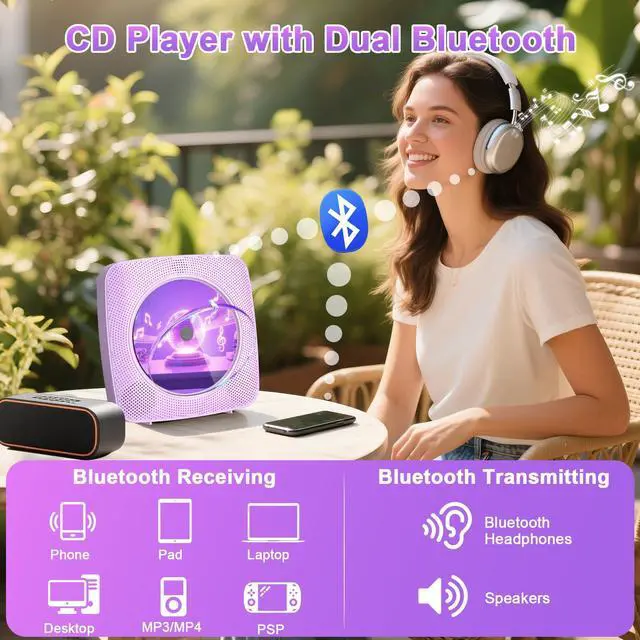
1. Press Bluetooth button on the remote to switch to Bluetooth mode or switch the "mode" key (on the device) to the Bluetooth mode, then the CD Player will be ready to pair other Bluetooth devices such as mobile phones, pads etc., and its indicator light color will change to dark blue.
2. Long press 3s play pause button to activate Bluetooth Receive Mode.
3. Activate the Bluetooth in your mobile phone and choose the named Y-01" device in your mobile phone Bluetooth device list to pair.
4. Your mobile phone will be paired / connected to the CD Player in a few seconds.
5. Playing music on your mobile phone and the audio will be transmitted to the CD Player speaker through Bluetooth. Bluetooth Transmit Mode Instructions
1. Press the CD/USB button on the remote to switch to CD/USB mode or switch the "Mode" key (on the device) to CDUSB mode, then the CD Player will be ready to pair other Bluetooth devices such as earphones.
2. Long press 3s play/pause button to activate Bluetooth Transmit Mode, Or short-press the Bluetooth transmission button on the remote control.
3. Activate the Bluetooth device and the player will automatically be paired with it.
NOTE:
1. lt is better not to tum on other Bluetooth devices within ten meters around the pairing.
2. lf the pairing is not successful, please check whether there are other Bluetooth devices open within ten meters.
lf the Bluetooth headset can not be paired with this machine, please reset the Bluetooth headset and then connect again.
| Brand | Gueray |
| Color | Purple |
| Connectivity Technology | Bluetooth |
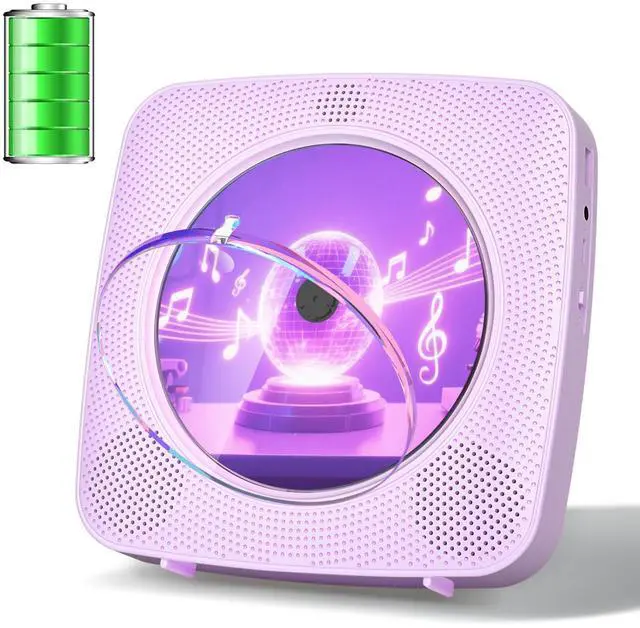
| Included Components | CD Player, Remote control, Type-C Charging cable, User manual, Wall plate & Four screws |
| Number Of Discs | 1 |
| Package Dimensions | 9.33 x 7.8 x 2.32 inches |
| Item Weight | 1.76 pounds |
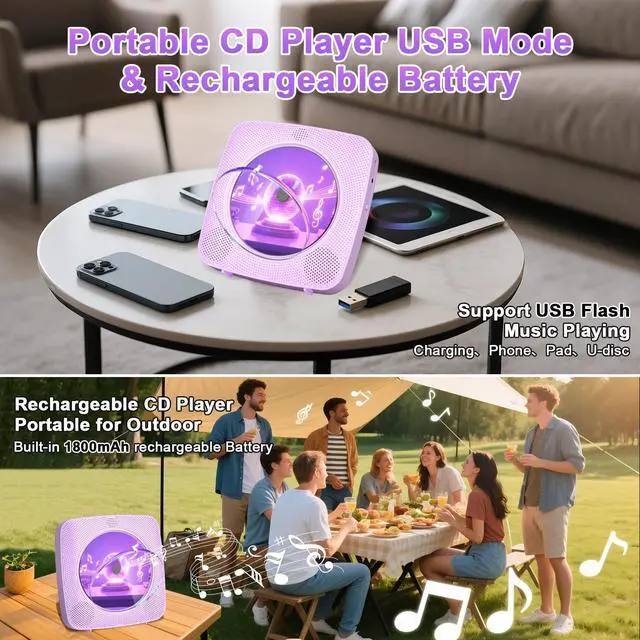
| Batteries | 1 Nonstandard Battery batteries required. (included) |
| Date First Available | July 26, 2025 |
| Manufacturer | Gueray |