





How to connect your mobile phones, pads etc
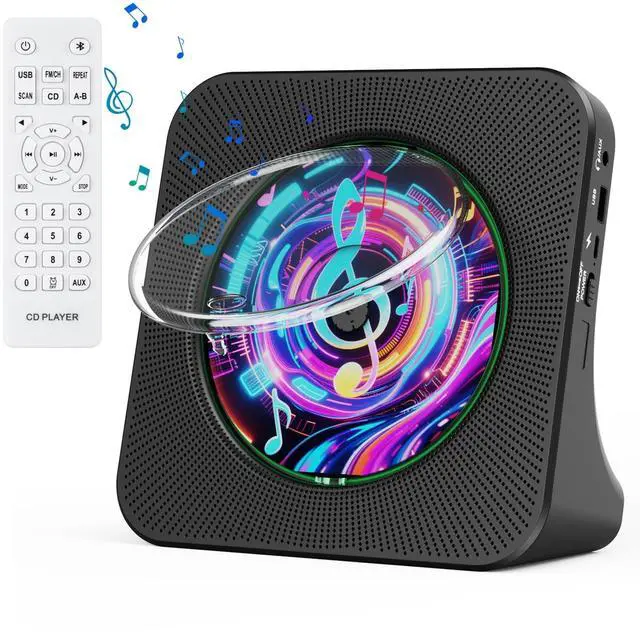
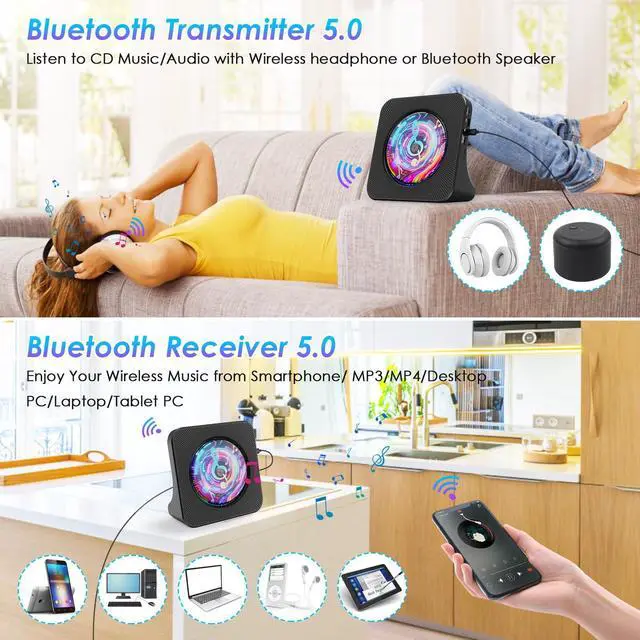
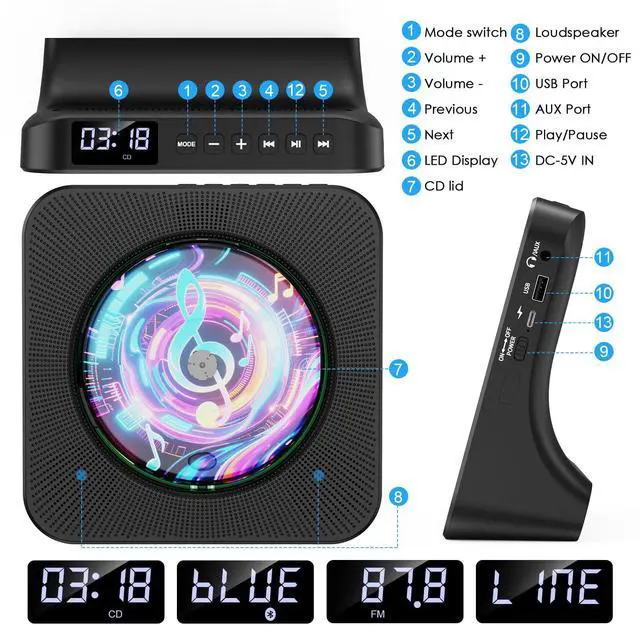
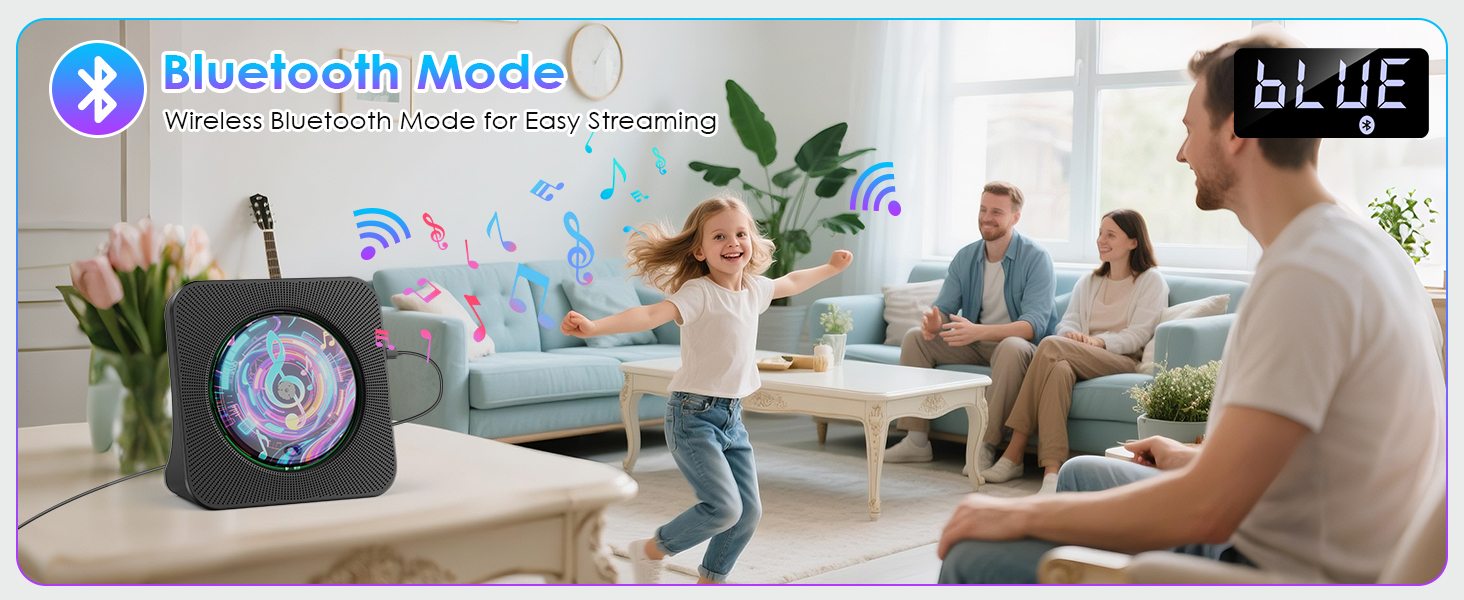
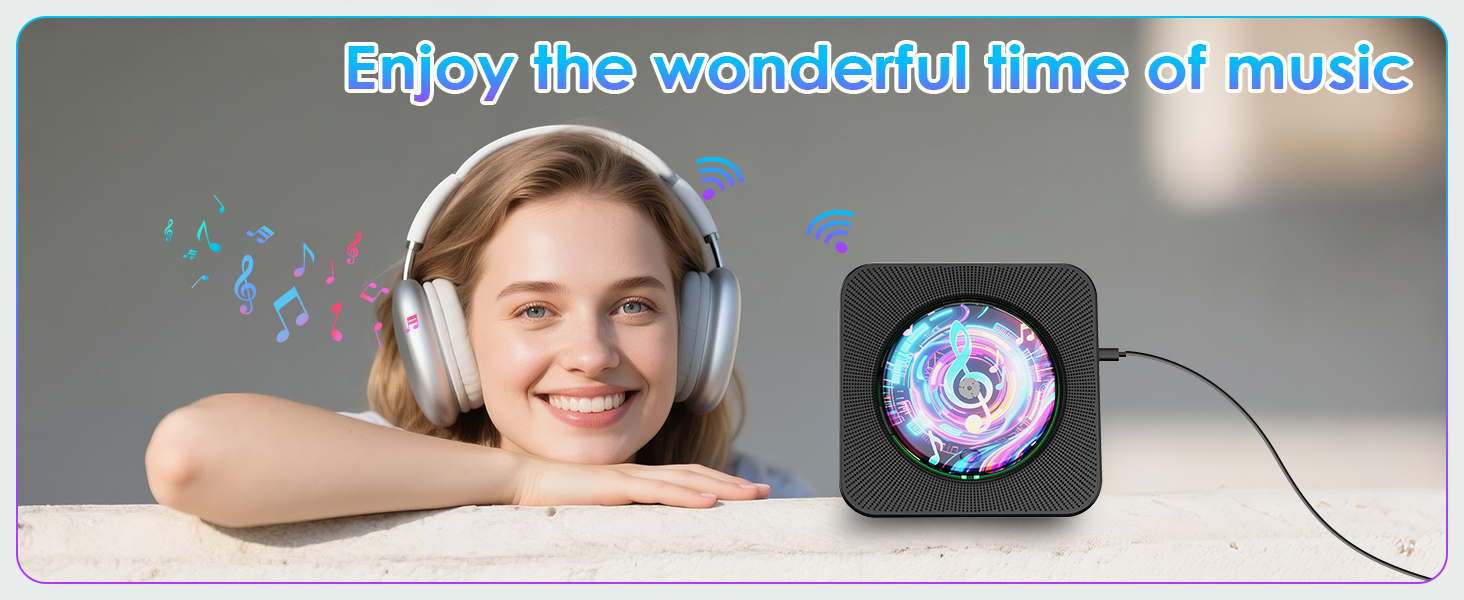
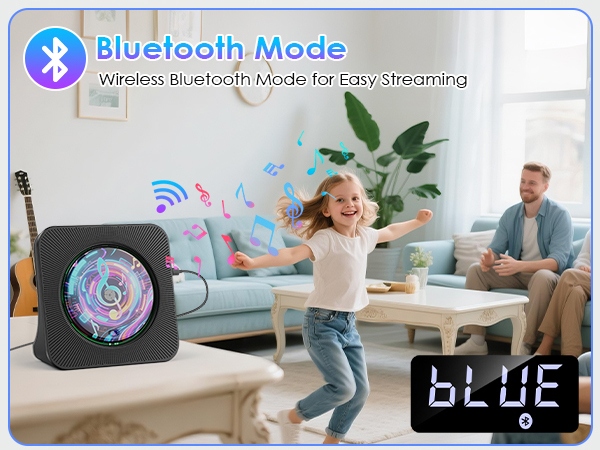
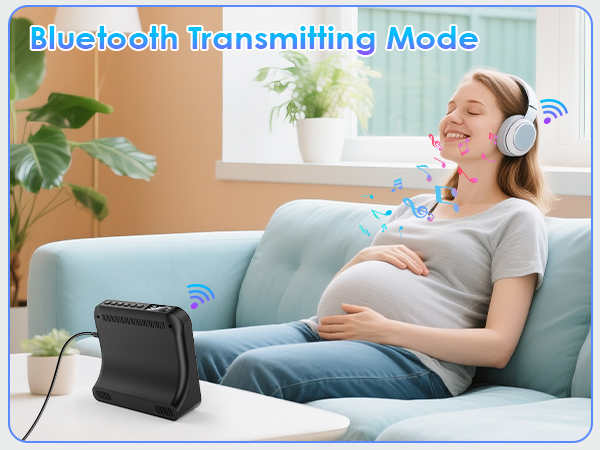
1. Press Bluetooth button on the remote to switch to Bluetooth mode or switch the "Mode" key (on the device) to the Bluetooth mode
2. Activate the Bluetooth in your mobile phone
3. Choose “CD PLAYER"
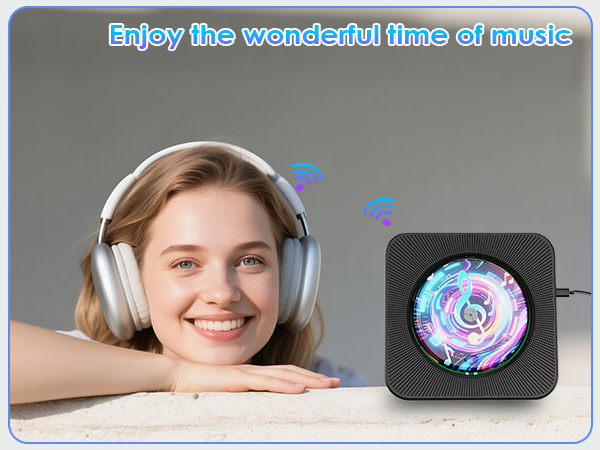
How to connect your Bluetooth headsets or Bluetooth Speaker
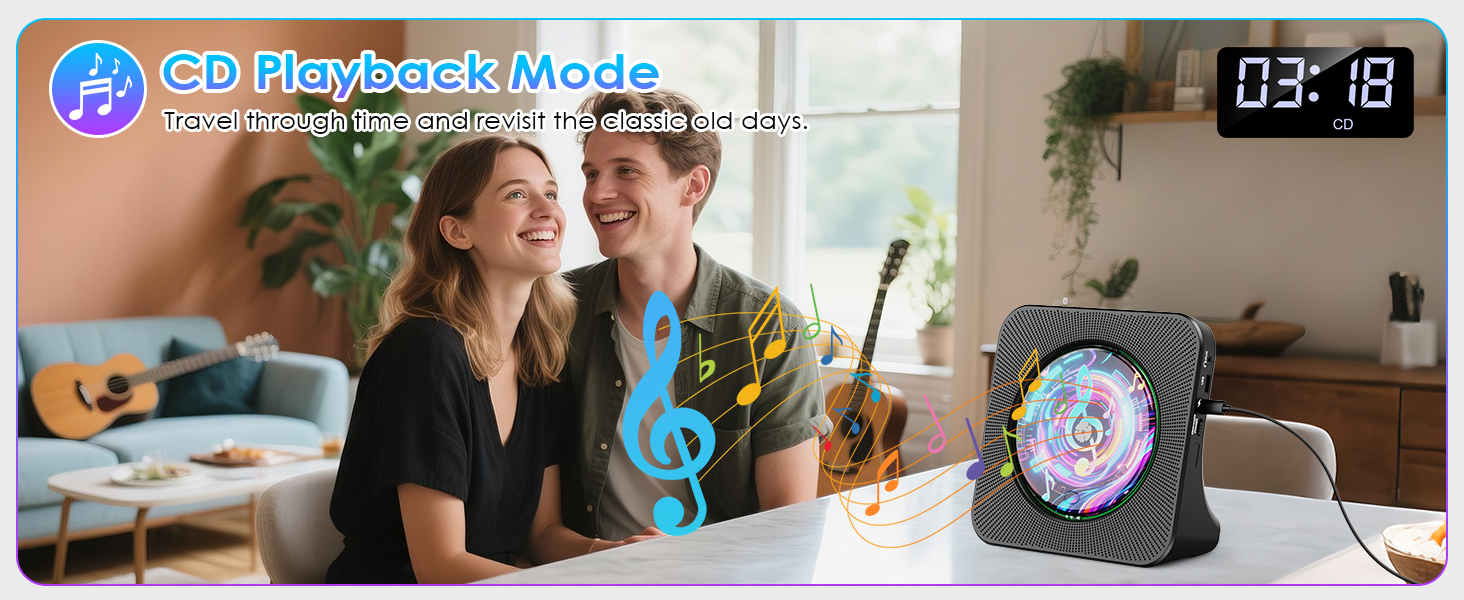
1. Insert disc, short-press mode switch to CD mode (default) to play.
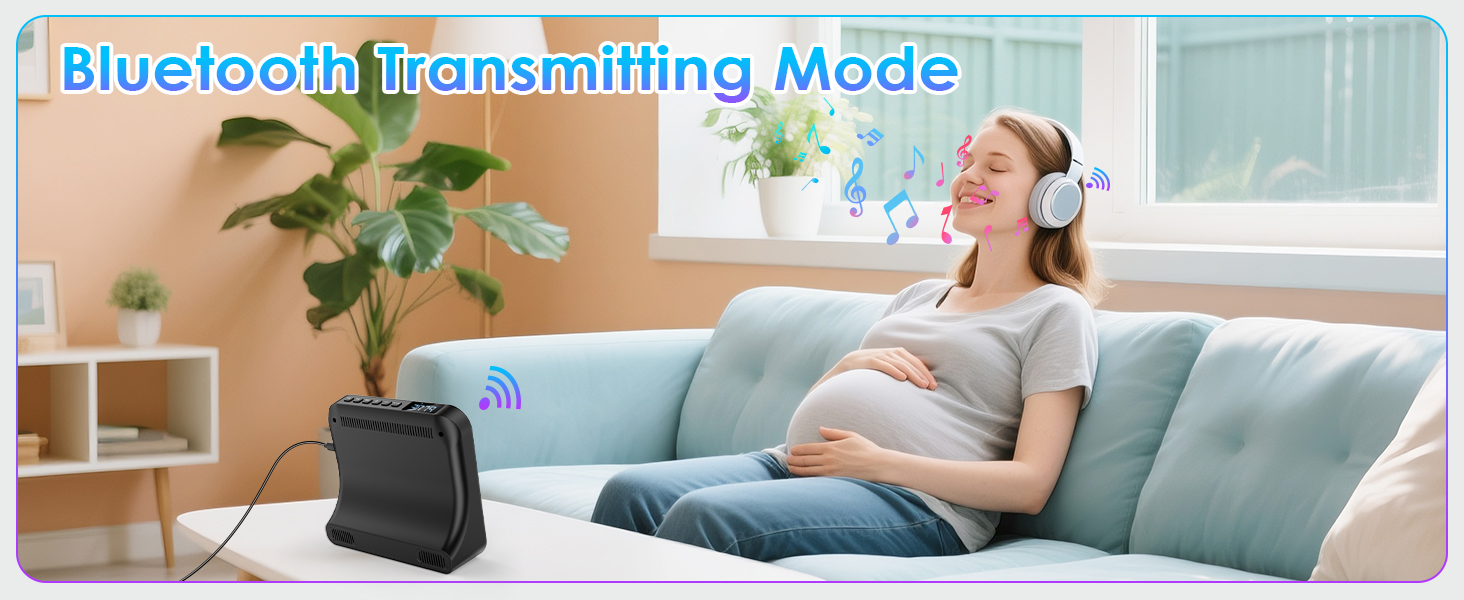
2.Turn on Bluetooth device, long-press remote's Bluetooth button for 3s till CD player's LED Bluetooth icon flashes.
3.When icon stays on, pairing is successful.
How to use FM Radio
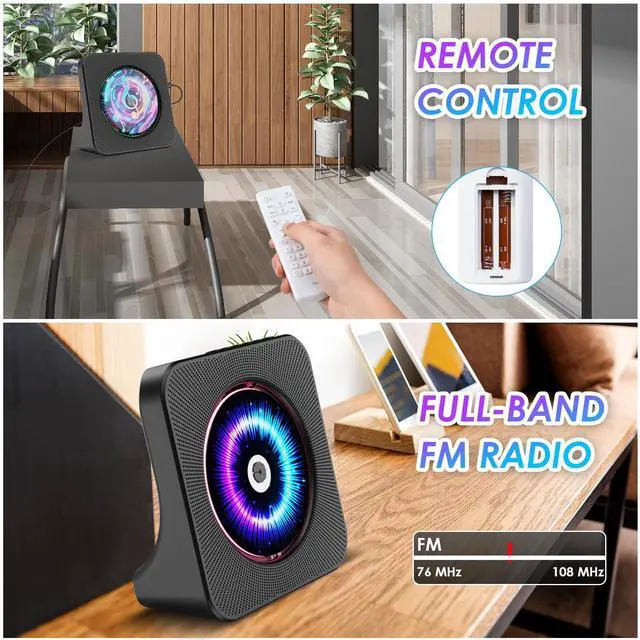
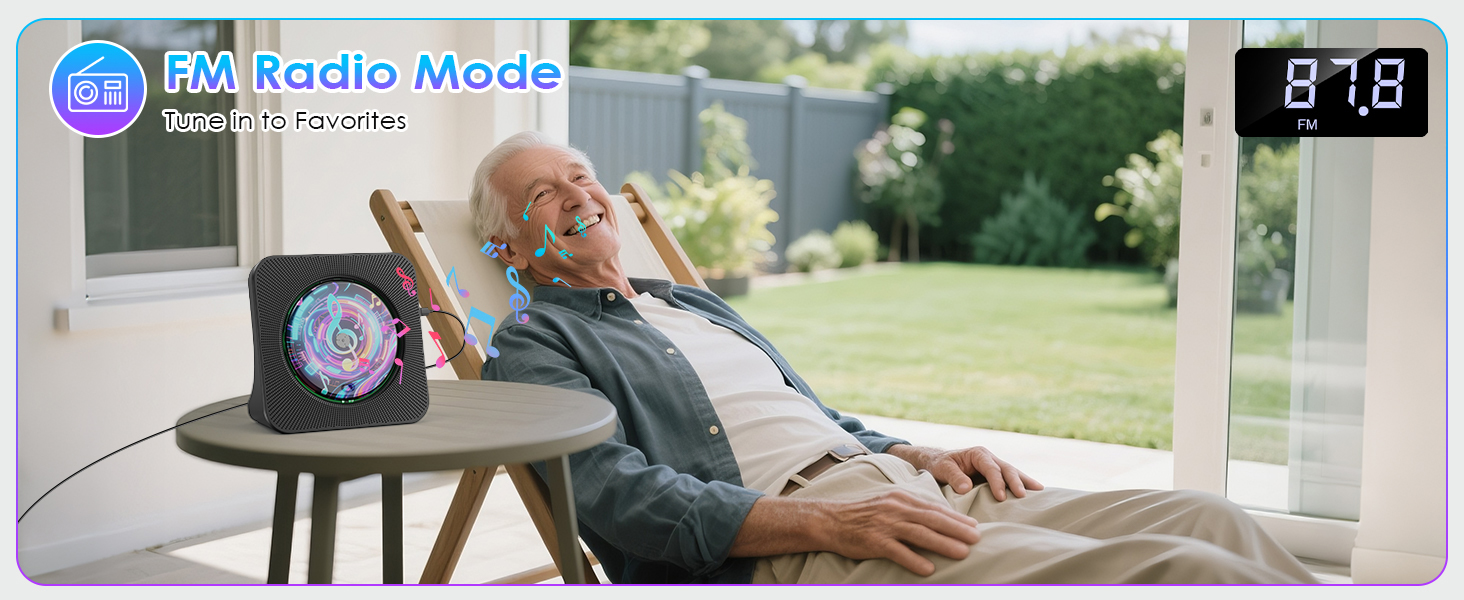
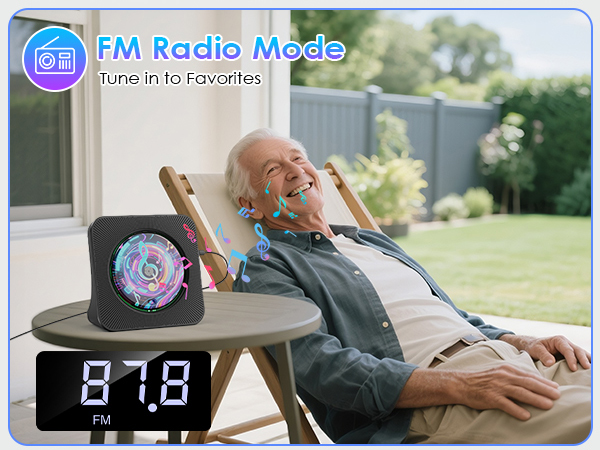
Press remote's FM/SH button or device's Mode button to switch to FM mode. The CD player will play the preset radio station, with the display turning pink and "FM" symbol shown.
CD Player with Dual Speakers
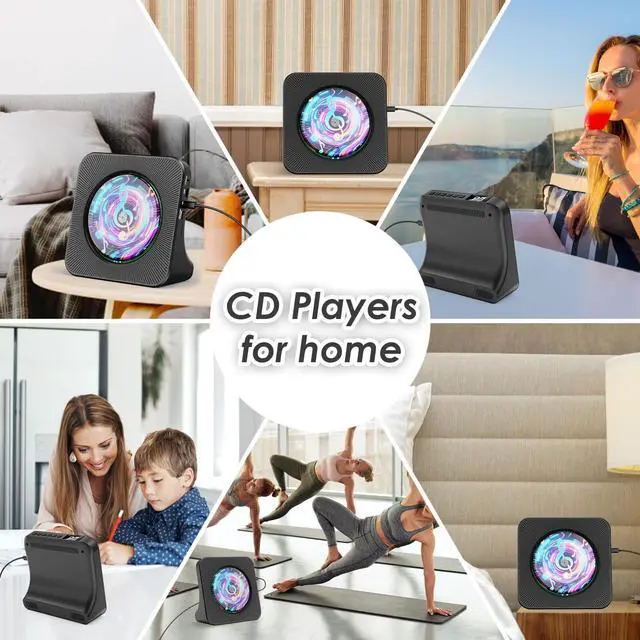
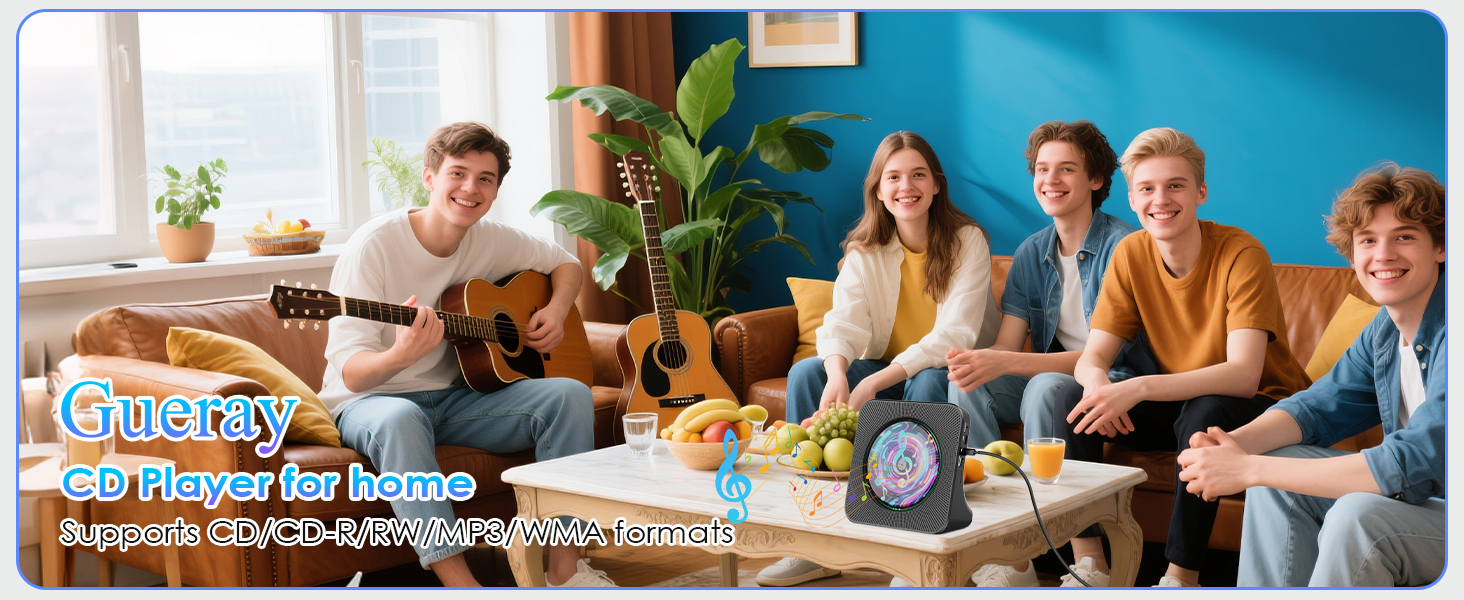
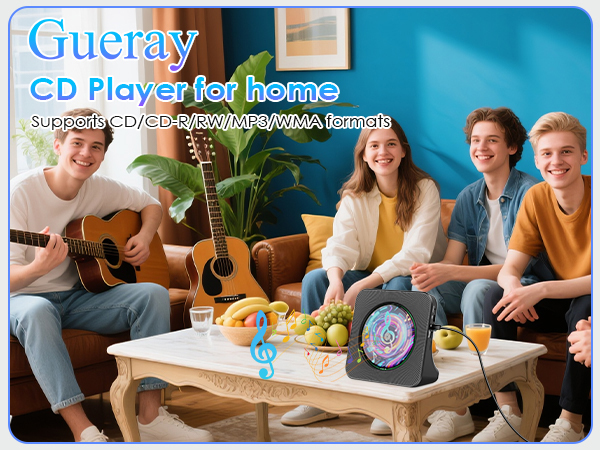
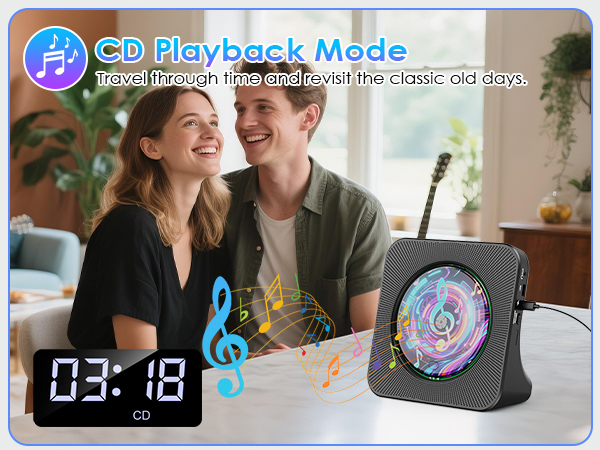
CD Players for home
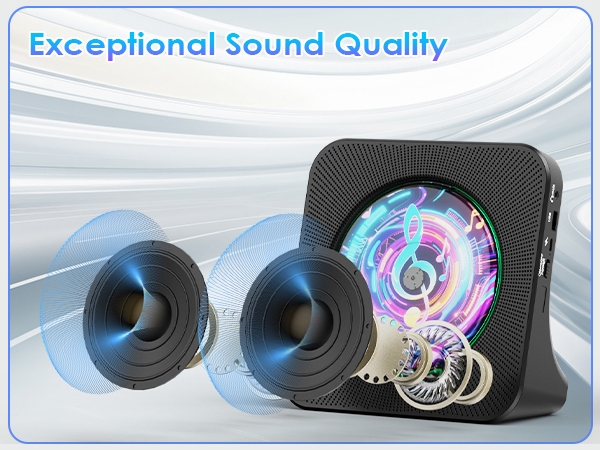
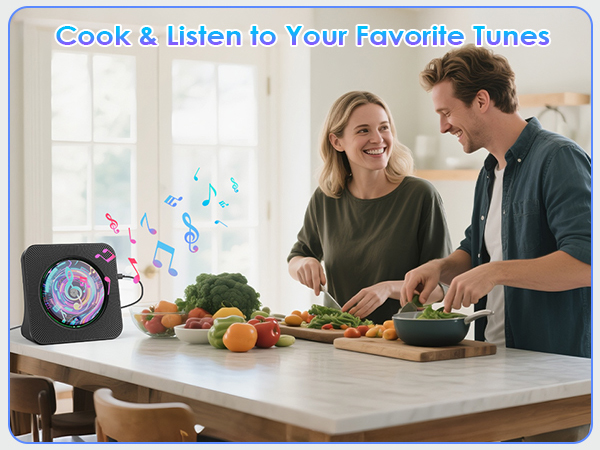
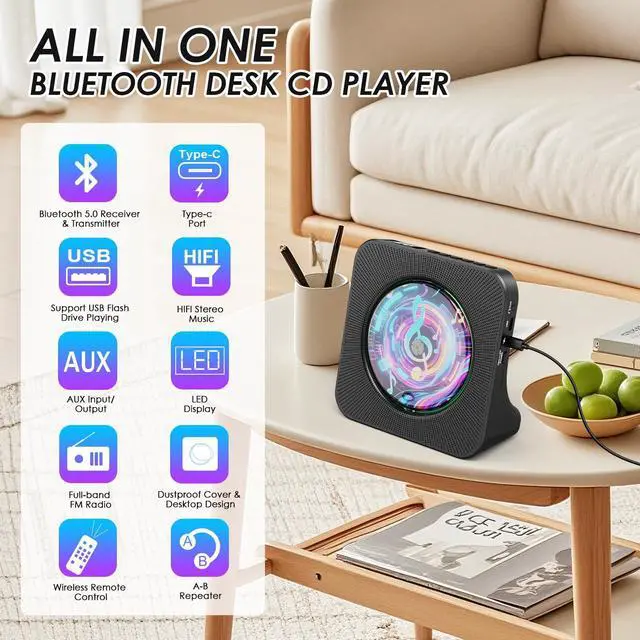
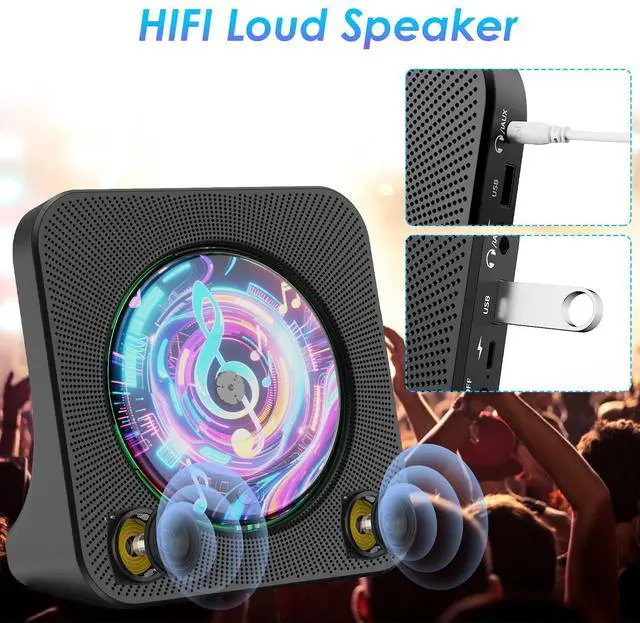
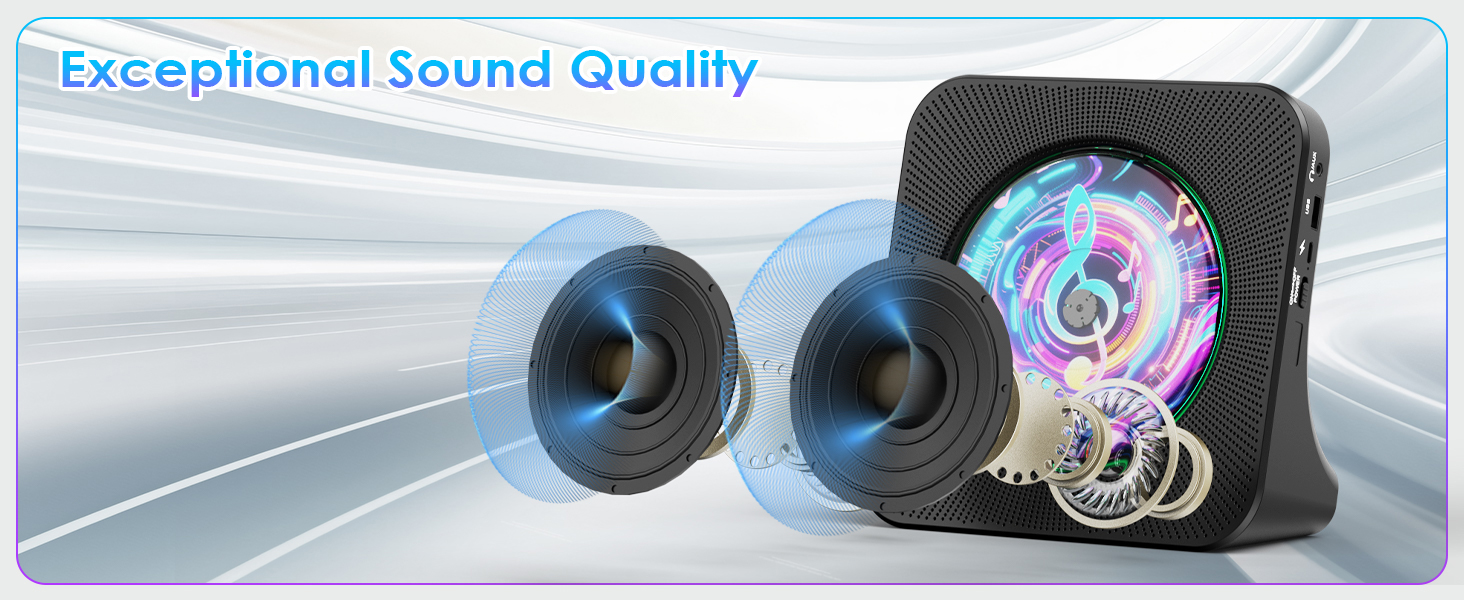
- Equipped with a dual sound chamber design, this CD player portable delivers clear and stable audio with sound quality.
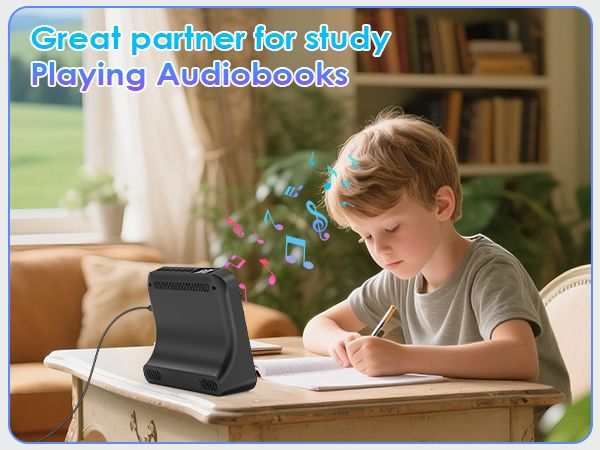
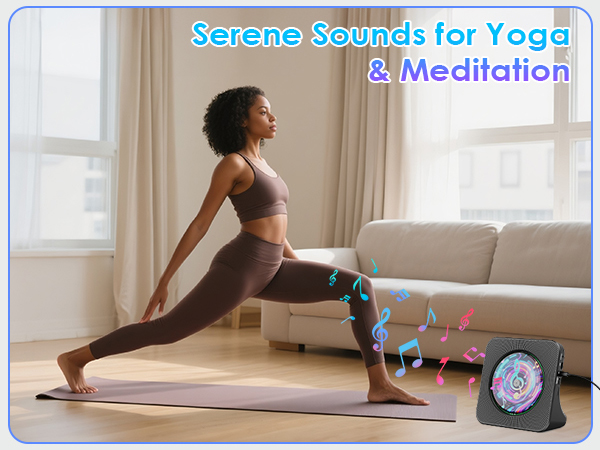
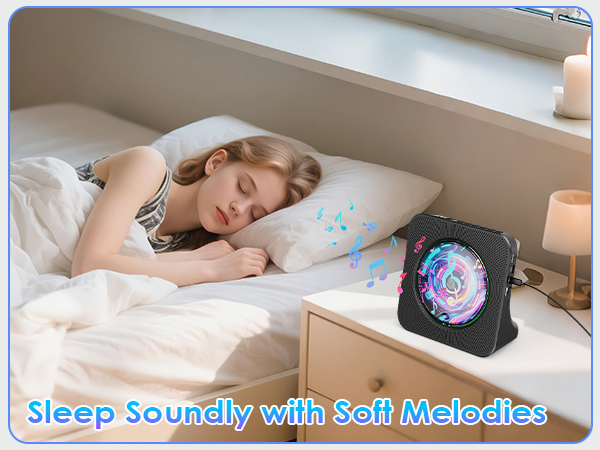

- CD Player for Home with Timer

How to connect your mobile phones, pads etc
1. Press Bluetooth button on the remote to switch to Bluetooth mode or switch the "Mode" key (on the device) to the Bluetooth mode
2. Activate the Bluetooth in your mobile phone
3. Choose “CD PLAYER"
How to connect your Bluetooth headsets or Bluetooth Speaker
1. Insert disc, short-press mode switch to CD mode (default) to play.
2.Turn on Bluetooth device, long-press remote's Bluetooth button for 3s till CD player's LED Bluetooth icon flashes.
3.When icon stays on, pairing is successful.
How to use FM Radio
Press remote's FM/SH button or device's Mode button to switch to FM mode. The CD player will play the preset radio station, with the display turning pink and "FM" symbol shown.