Your Browsing History
- Free 30-day Returns
$30.11
Ships from China.
Meet Your Seller
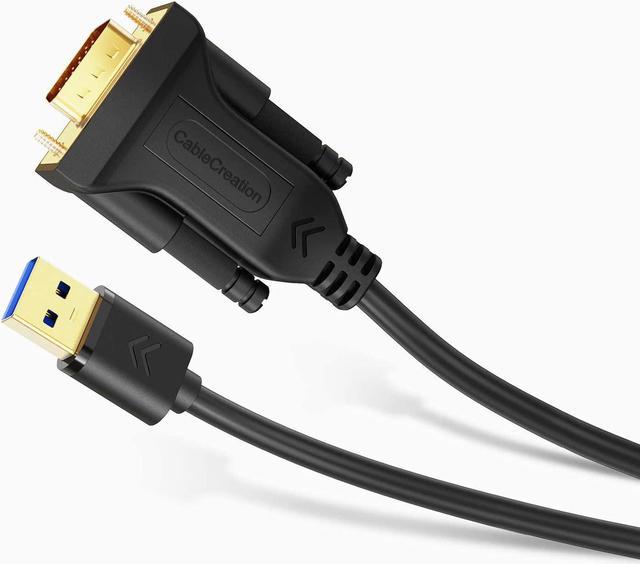
CableCreation USB 3.0 to VGA Cable 6 Feet, USB to VGA 15 Pin Adapter Cord 1080 P @ 60Hz, Monitor Display Video Converter ONLY Supports Windows 10/8.1/8/7, Black
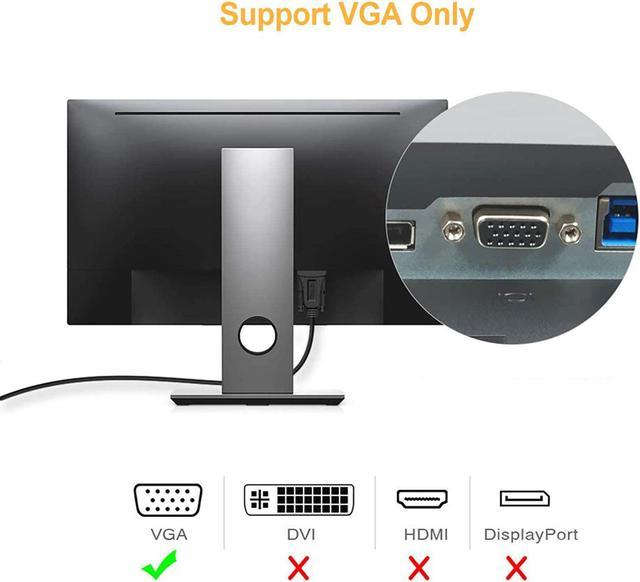
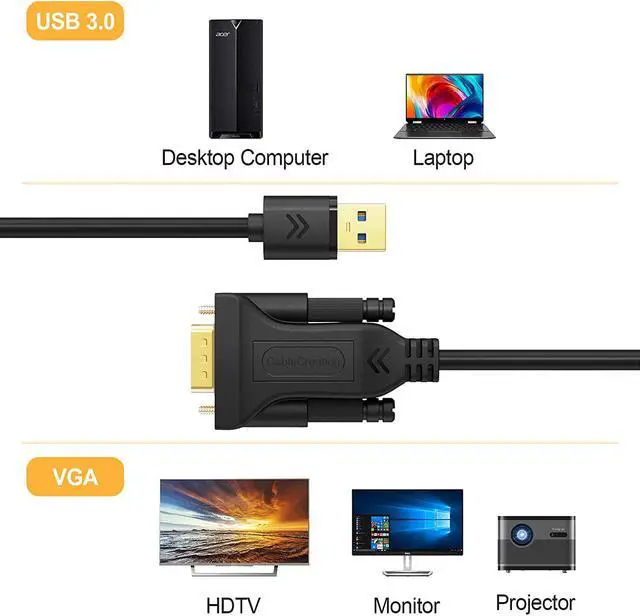
- ??WHAT IT IS: CableCreation USB 3.0 to VGA cord connects a desktop/laptop to an additional VGA monitor/projector/TV through USB 3.0 port using a single cable, a solution for cost-saving double-monitor or dual-display.
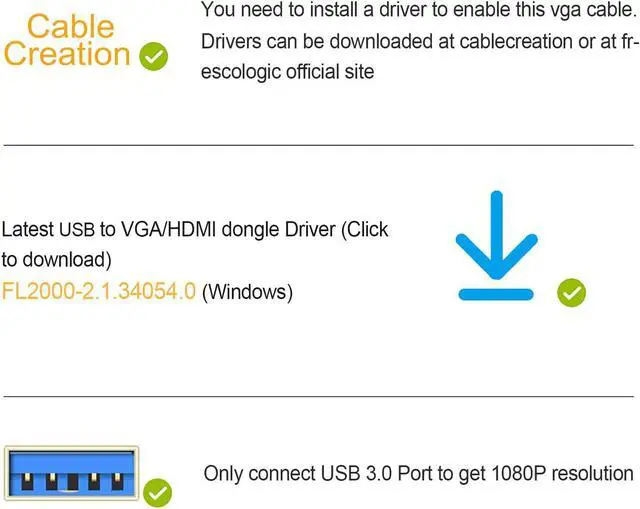
- ??Drivers Installation: 1. before getting the adapter to work, please download the User\u2019s Guide on this page; 2. You need to install a driver to enable this adapter, drivers can be installed at CableCreation or email us at any time.
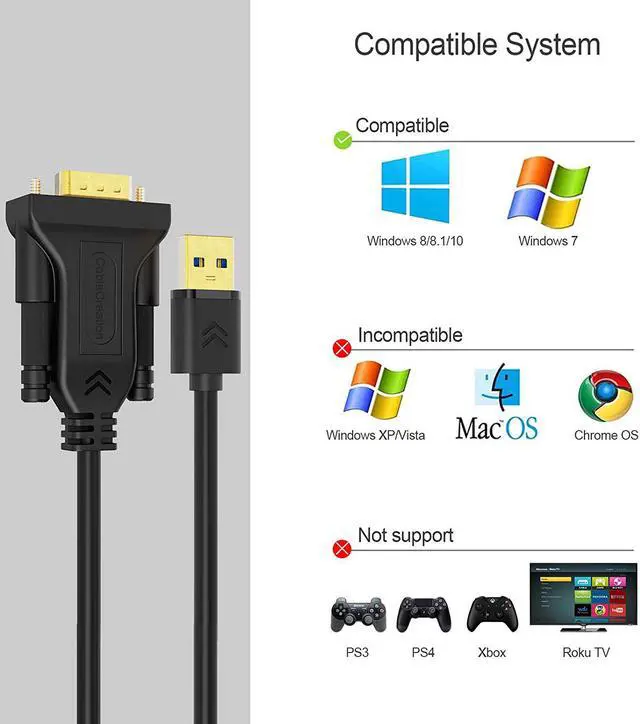
- ??COMPATIBILITY: supports Windows 10 (32bit & 64bit), Windows 8 / 8.1 (32bit & 64bit), Windows 7; ★ NOT support macOS / Mac OS X, Linux, Windows Vista /XP, Android, PS3, PS4, Xbox, Chromebook, Roku TV etc.
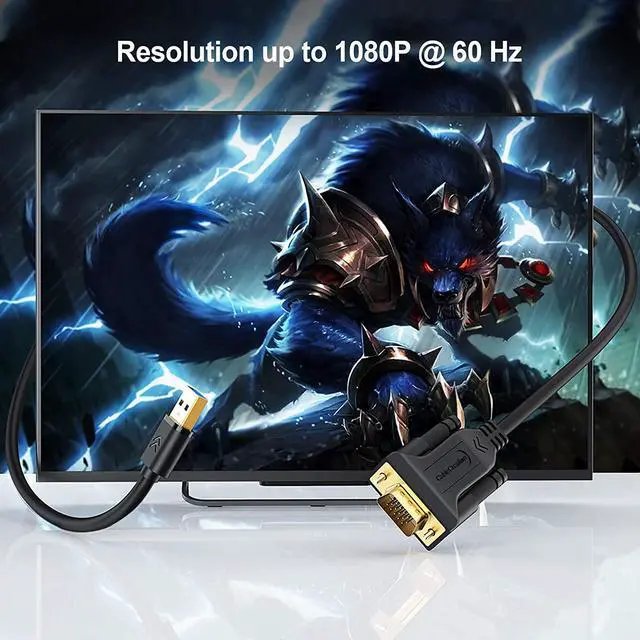
- ??HIGH RESOLUTION: supports up to 1920x1080@60Hz for compatibility with most displays, monitors and projectors with VGA over USB 3.0 (NOT recommend for USB 2.0).
- ??WARRANTY: We provide this USB 3.0 to VGA cable with 24-month product replacement warranty and lifetime friendly technical support. If you have any question, plea
+
+
Overview
Reviews
Any questions? Ask CelesteSM will help you find out quickly.
Try me now
5. USB 3.0 Controller not working or disappears when devices are connected?
This is usually caused by a lack of power to the card.
Many of the cards using our USB 3.0 host controllers have a power connector that needs to be connected to the system power supply. If a power cable is not connected then the controller may show up in the Windows Device manager but disappear when any USB devices are connected to the controller.
Besides, for PCs, remember to connect the back USB 3.0 port not the front USB 3.0 port, because the front one will not provide power for the cable.
6. How to Mirror or Extend the screen on the Windows system?
“Windows key+P” to mirror or extend the desktop.
If you want to mirror your desktop, make sure the VGA monitor’s resolution fits for the laptop’s resolution. For example, if your laptop’s resolution is 1920*1080 P, however, your VGA monitor’s best resolution is 1440*900, you have to make your laptop’s resolution down. You should find the same resolution both your laptop and VGA monitor can accept.
Warranty & Returns
Warranty, Returns, And Additional Information
Warranty
- Please contact the Seller directly for warranty information. Warranty information may also be found on the Manufacturer's website.
- CONTACT
Return Policies
- Return for refund within: 30 days
- Return for replacement within: 30 days
- This item is covered by EnYZME Return Policy
Manufacturer Contact Info
- For a directory of all our manufacturers, please click below.
- Manufacturers Directory
LOADING...