



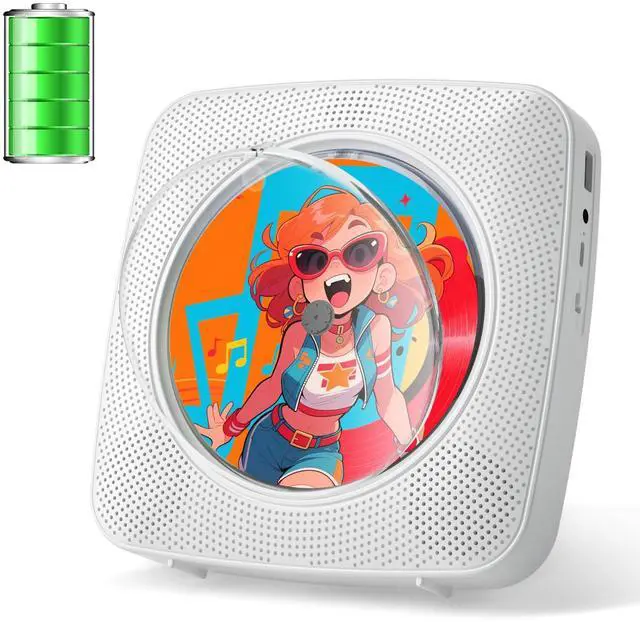
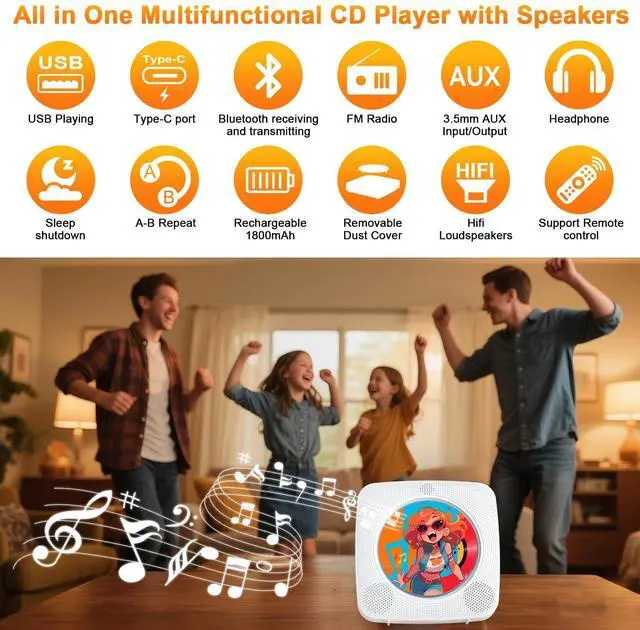





Bluetooth CD Player
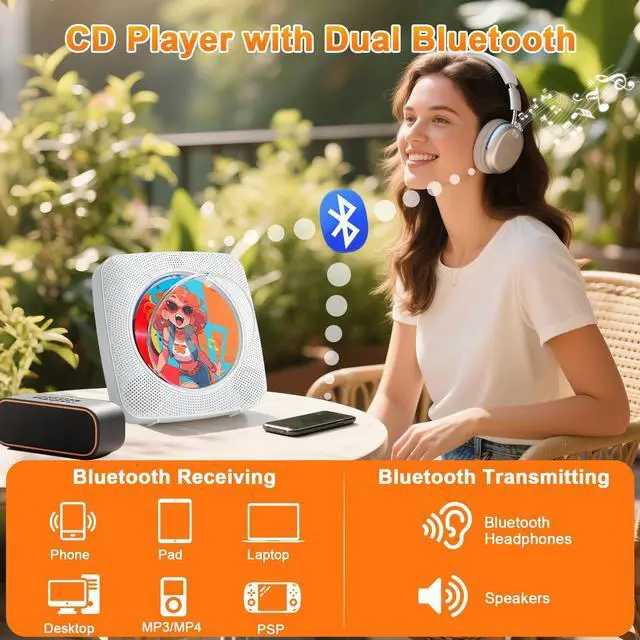
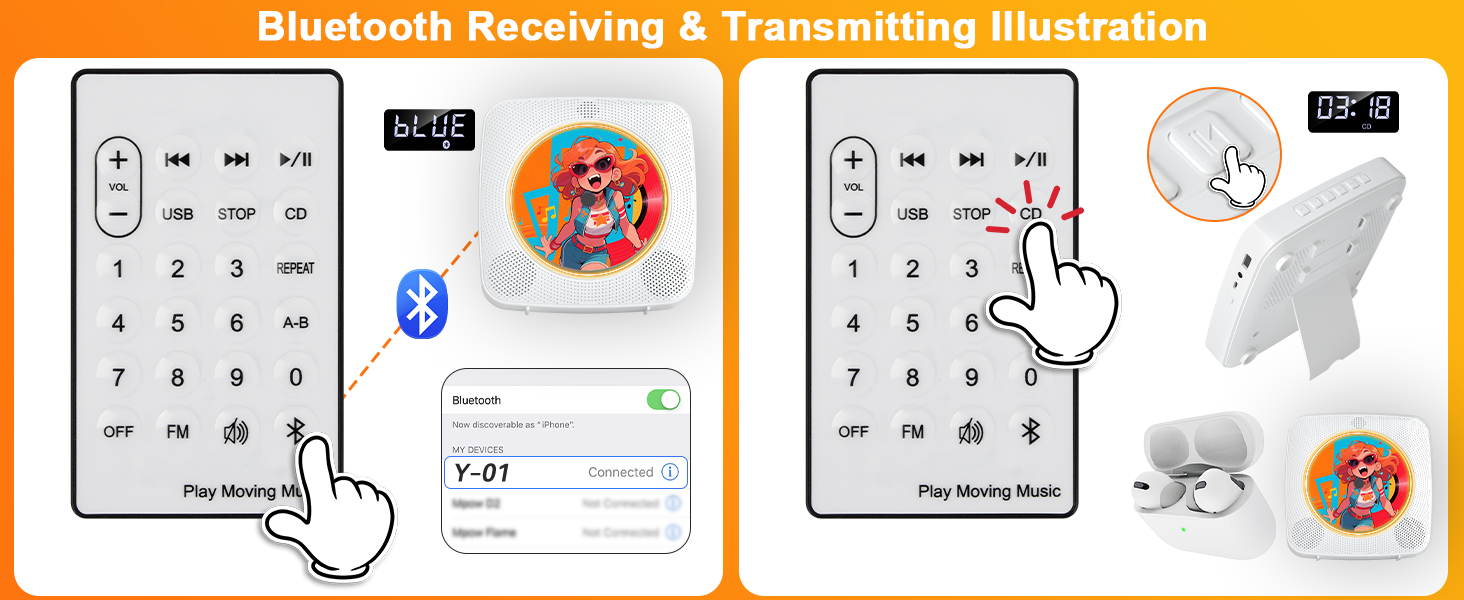
- Bulit-in Dual Bluetooth

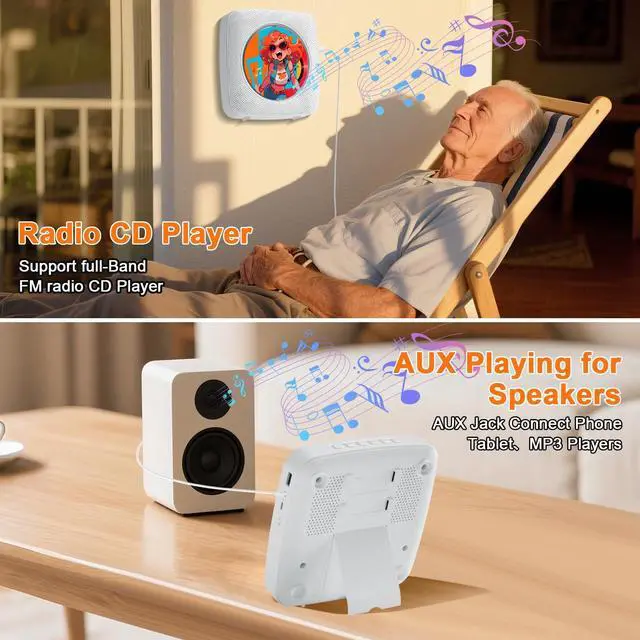
At home
- CD Players for home
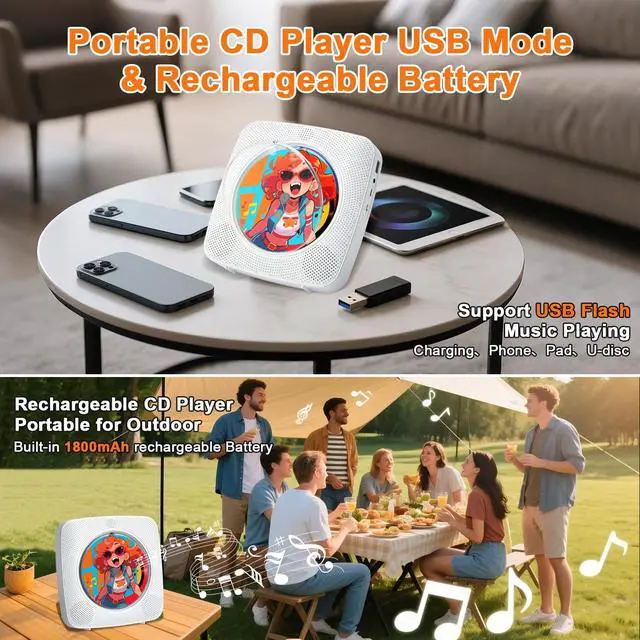
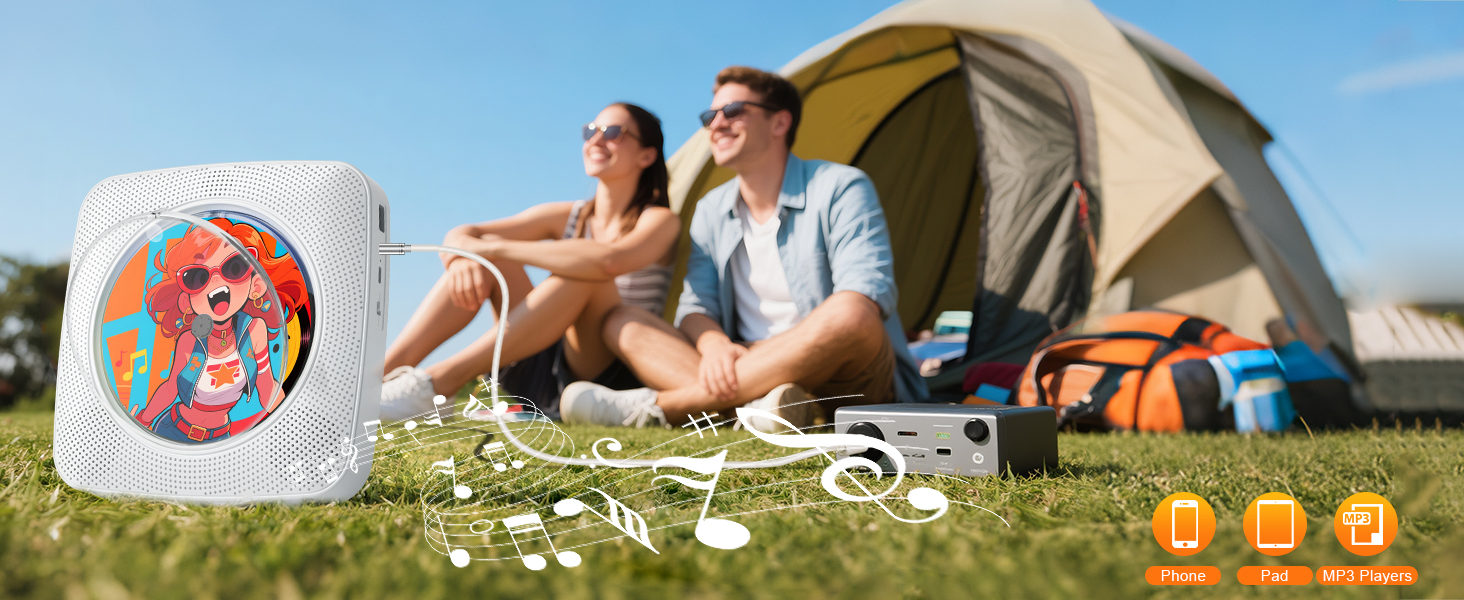
For Outdoor
- CD Player Portable
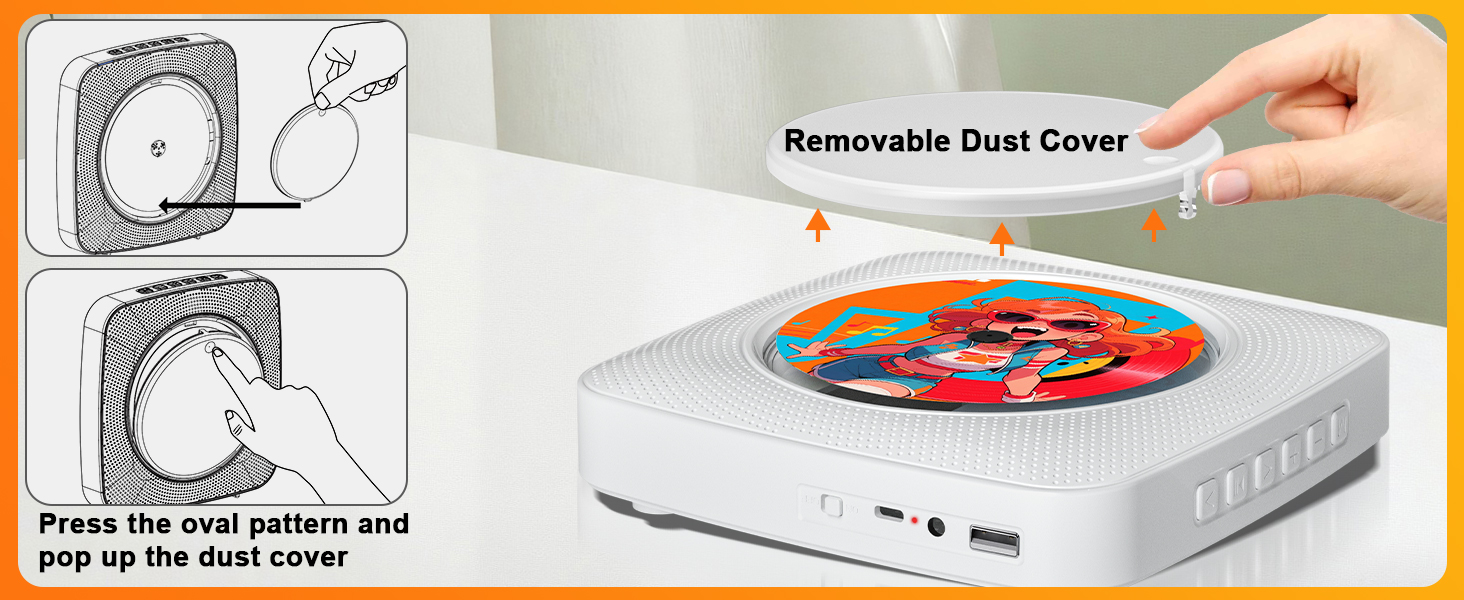
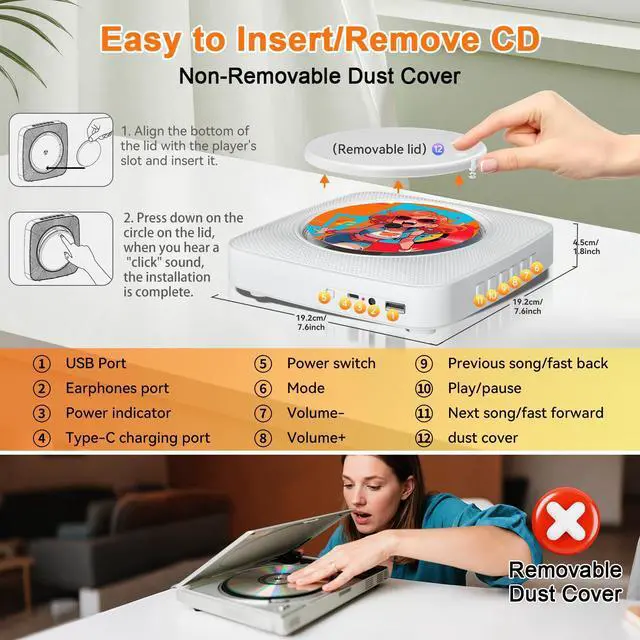
Removable Dust Cover
- Press down on the circle on the lid
- Remove the cover and put a disc on
- Align the bottom of the lid with the slot and insert the cover
- Press down on the circle on the lid again
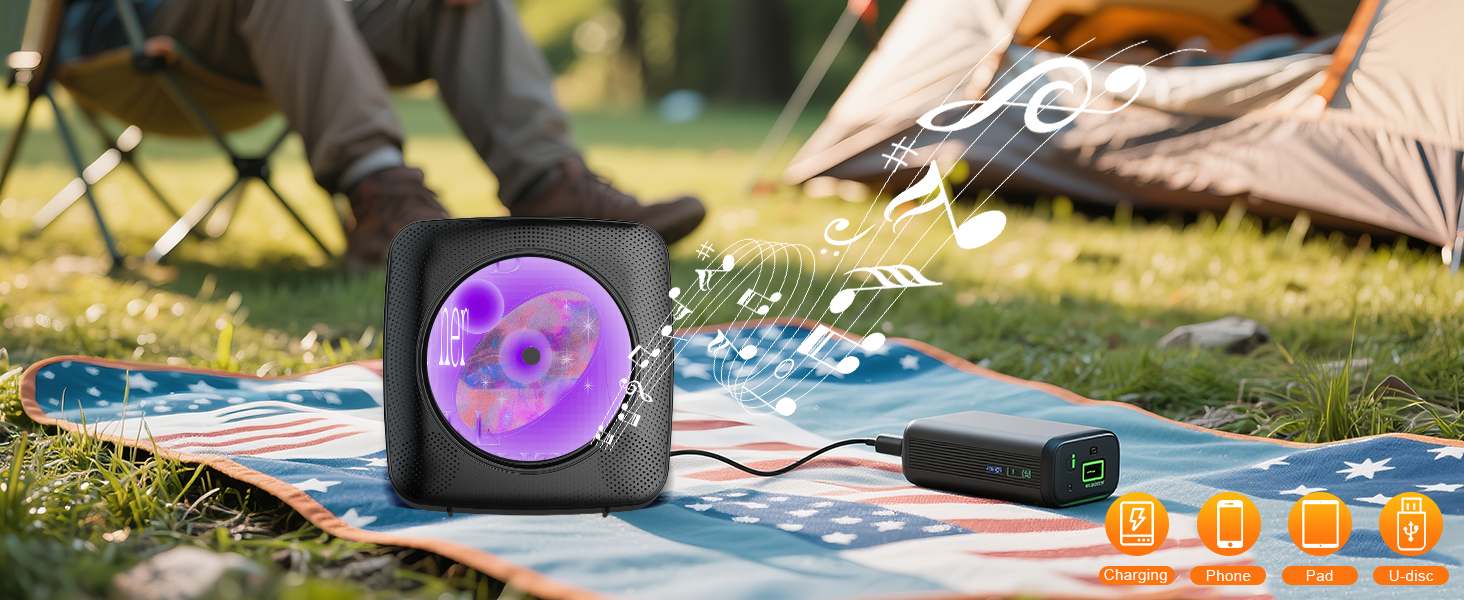
How to use Bluetooth mode
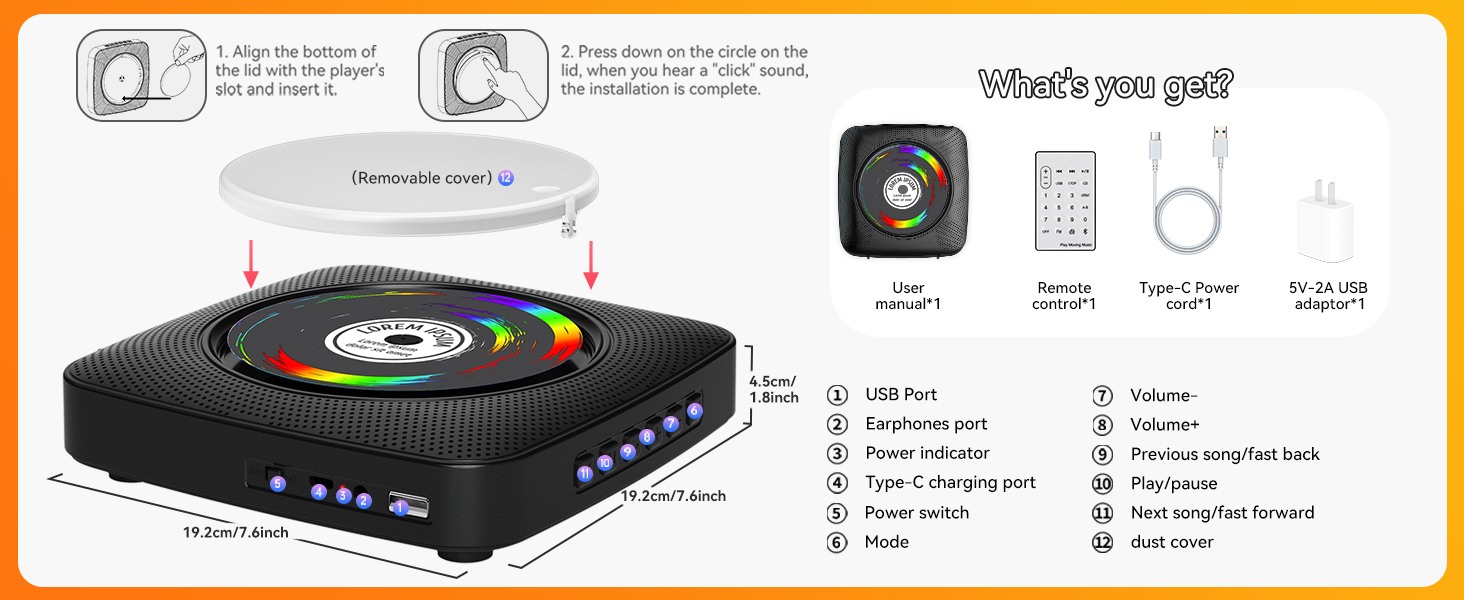
What‘s you get in package
- Wall plate & Four screws
- Remote control
- Charging cable & User manual
- CD Player

Remote does not work
Reason 1: The insulation sheet is not removed.
Solution 1: Check if the insulation sheet is removed from the battery slot.
Reason 2: The remote is out of power.
Solution 2: Check if the remote battery is running out.
Reason3: The remote is too far from the CD player.
Solution3: When operating the remote control, the remote control should be facing the front of the player. Make sure the remote is in the range of a reasonable distance.
NOTE: The remote control cannot start/shut down the player and it requires sliding the power switch on the player.


Bluetooth CD Player
At home
For Outdoor
Removable Dust Cover
How to use Bluetooth mode
What‘s you get in package


- Bulit-in Dual Bluetooth
- CD Players for home
- CD Player Portable
- Press down on the circle on the lid
- Remove the cover and put a disc on
- Align the bottom of the lid with the slot and insert the cover
- Press down on the circle on the lid again
- Wall plate & Four screws
- Remote control
- Charging cable & User manual
- CD Player

Remote does not work
Reason 1: The insulation sheet is not removed.
Solution 1: Check if the insulation sheet is removed from the battery slot.
Reason 2: The remote is out of power.
Solution 2: Check if the remote battery is running out.
Reason3: The remote is too far from the CD player.
Solution3: When operating the remote control, the remote control should be facing the front of the player. Make sure the remote is in the range of a reasonable distance.
NOTE: The remote control cannot start/shut down the player and it requires sliding the power switch on the player.