



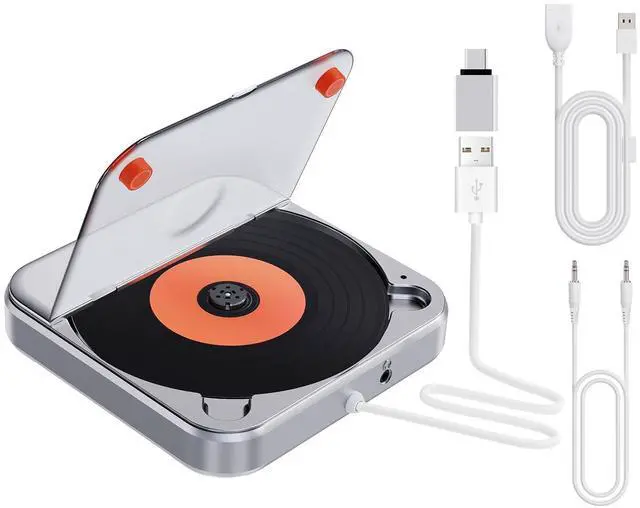

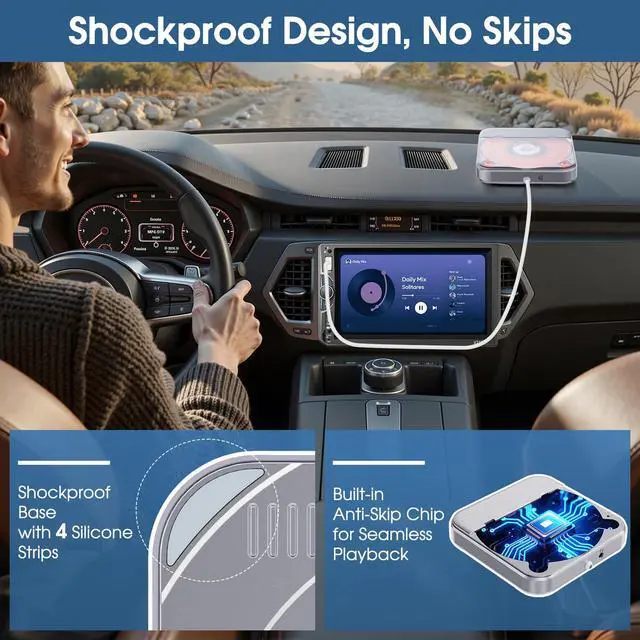
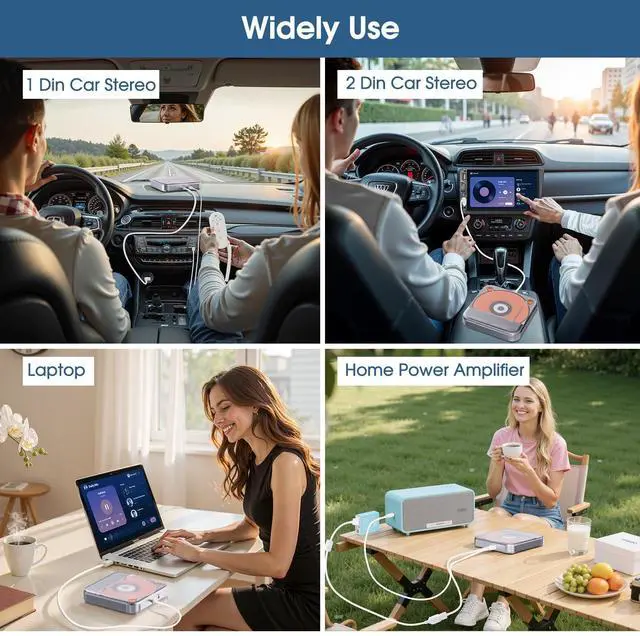


CD Player for Cars supports Multiple CD Formats : CD,CD-R,CD-RW,MP3,WAV.
Please pay attention to take out the paper disc from the CD player when using it for the first time, witch is used to protect the main unit druing shippment.


Easy to Use-Plug & Play
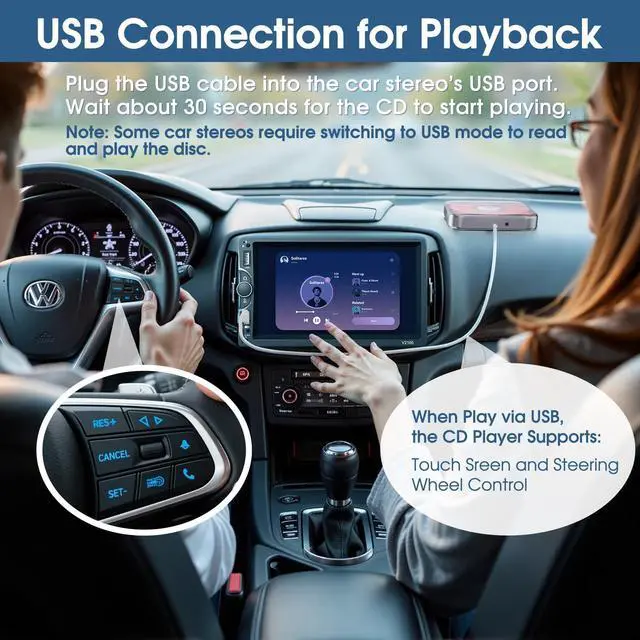
Car CD Player with USB Operation Steps:
Step 1.Plug the USB cable into the car stereo’s USB port.
Step 2. Wait about 30 seconds for the CD to start playing.
Note: Some car stereos require switching to USB mode to read and play the disc.
For cars which don't support playing WAV audio files, audio from the CD player can be transferred to the car radio via AUX input. Compatible with most cars that have AUX port.
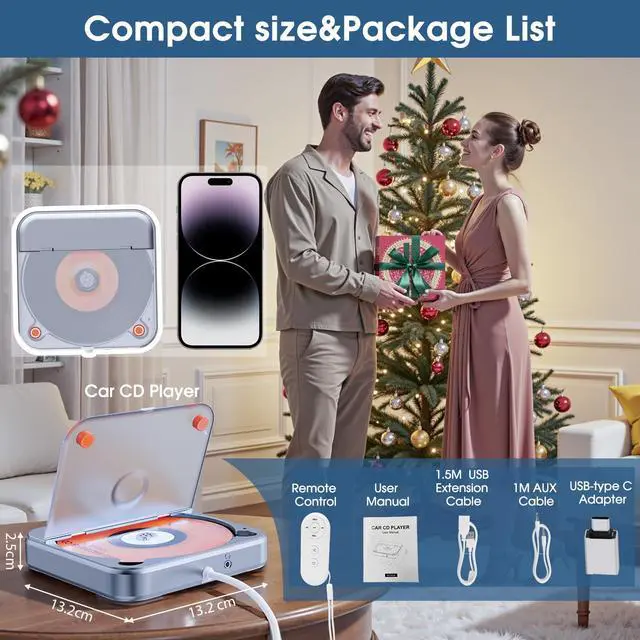
Besides, CD Player with USB-Type-C adapter for protable use.

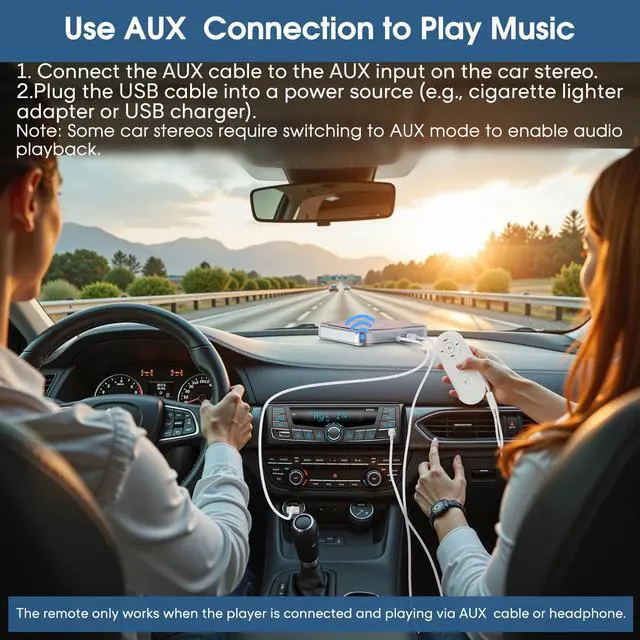
Car CD Player Supports AUX Connection to Play Music
For cars which don't support playing WAV audio files, audio from the CD player can be transferred to the car radio via AUX input. Compatible with most cars that have AUX port.
Operation Steps:
1. Connect the AUX cable to the AUX input on the car stereo.
2.Plug the USB cable into a power source (e.g., cigarette lighter adapter or USB charger) and wait the disc to read and play.
Note: Some car stereos require switching to AUX mode to enable audio playback.
Portable Remote Control Available
The remote control only works when the headphone or AlUX audio cable is plugged in.
Use Tips:
1.Take out the small tab from the remote before first use.
2 Point remote at left side of the car cd player during use.

Car CD Player USB Connection – Supports 3 Control Modes:
Touch Sreen, OEM Knob Control, Steering Wheel Control
Note: The remote control is not available when using a USB connection.

CD Player for Cars supports Multiple CD Formats : CD,CD-R,CD-RW,MP3,WAV.
Please pay attention to take out the paper disc from the CD player when using it for the first time, witch is used to protect the main unit druing shippment.
Easy to Use-Plug & Play
Car CD Player with USB Operation Steps:
Step 1.Plug the USB cable into the car stereo’s USB port.
Step 2. Wait about 30 seconds for the CD to start playing.
Note: Some car stereos require switching to USB mode to read and play the disc.
For cars which don't support playing WAV audio files, audio from the CD player can be transferred to the car radio via AUX input. Compatible with most cars that have AUX port.
Besides, CD Player with USB-Type-C adapter for protable use.
Car CD Player Supports AUX Connection to Play Music
For cars which don't support playing WAV audio files, audio from the CD player can be transferred to the car radio via AUX input. Compatible with most cars that have AUX port.
Operation Steps:
1. Connect the AUX cable to the AUX input on the car stereo.
2.Plug the USB cable into a power source (e.g., cigarette lighter adapter or USB charger) and wait the disc to read and play.
Note: Some car stereos require switching to AUX mode to enable audio playback.
Portable Remote Control Available
The remote control only works when the headphone or AlUX audio cable is plugged in.
Use Tips:
1.Take out the small tab from the remote before first use.
2 Point remote at left side of the car cd player during use.
Car CD Player USB Connection – Supports 3 Control Modes:
Touch Sreen, OEM Knob Control, Steering Wheel Control
Note: The remote control is not available when using a USB connection.