





Guamar External CD/DVD Drive for Laptop Apple MacBook Air/Pro iMac


Perfect gift for friends and family.
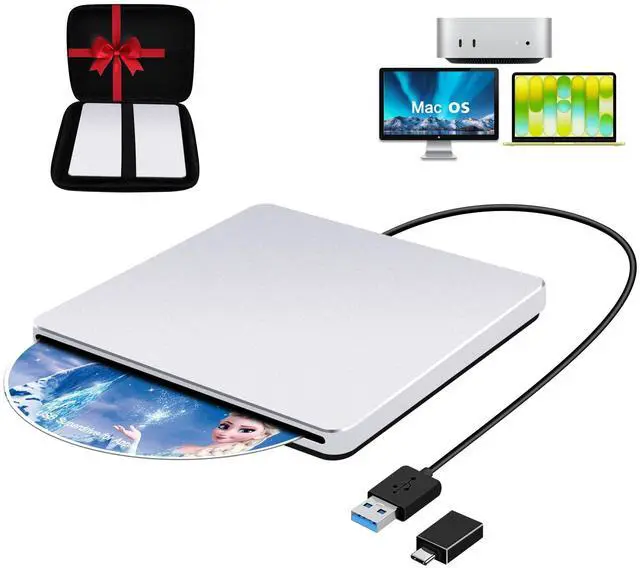
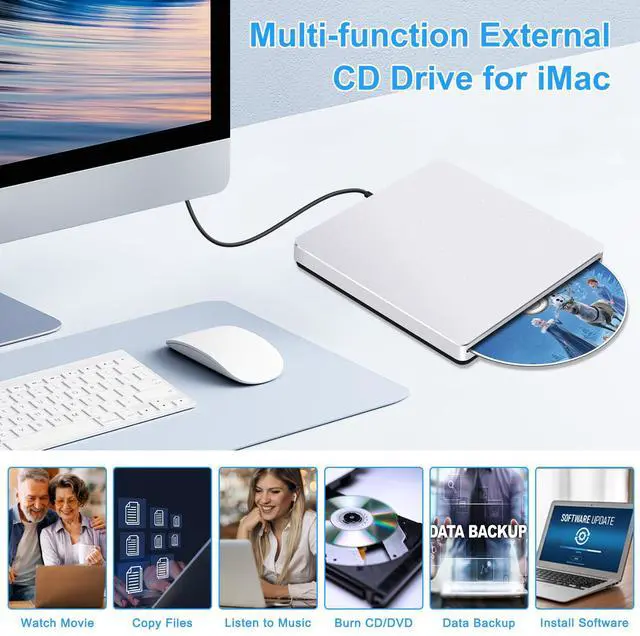
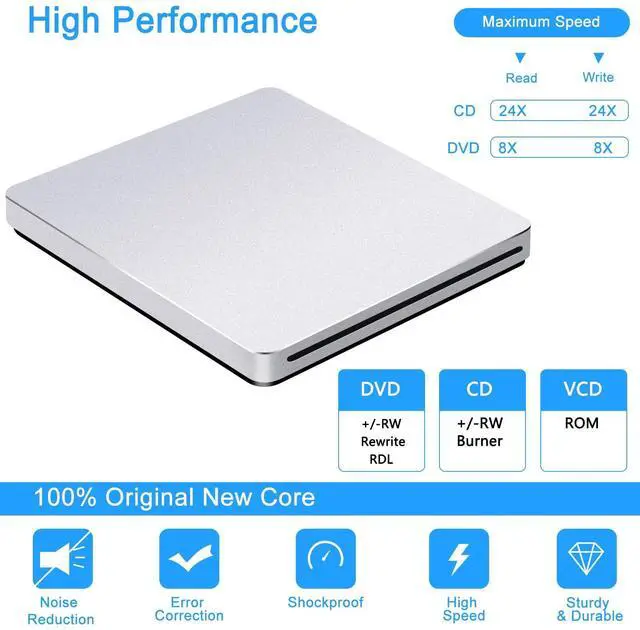
Guamar CD rom external drive for laptop can read and write movie DVDs, burn files, videos, photos, rip music CDs, install software/games and create data backup. It is also a good idea to give it as a gift to hobbyists who collect CDs and DVDs.
Is it compatible with Mac computers?
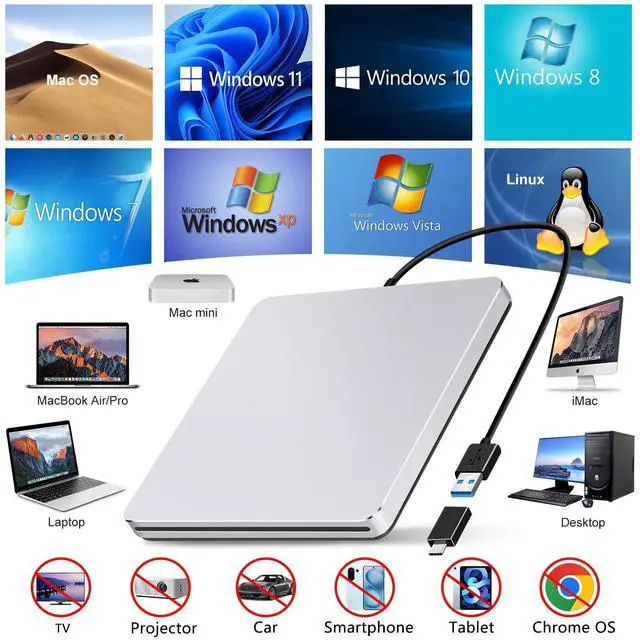
Yes, Guamar external CD drive is compatible with Mac. It works with all versions of macOS and is specifically designed for MacBook Air, MacBook Pro, MacBook Neo, iMac, Mac mini, and Mac Studio, including M1/M2/M3/M4 models.
Does it work with Windows 10?
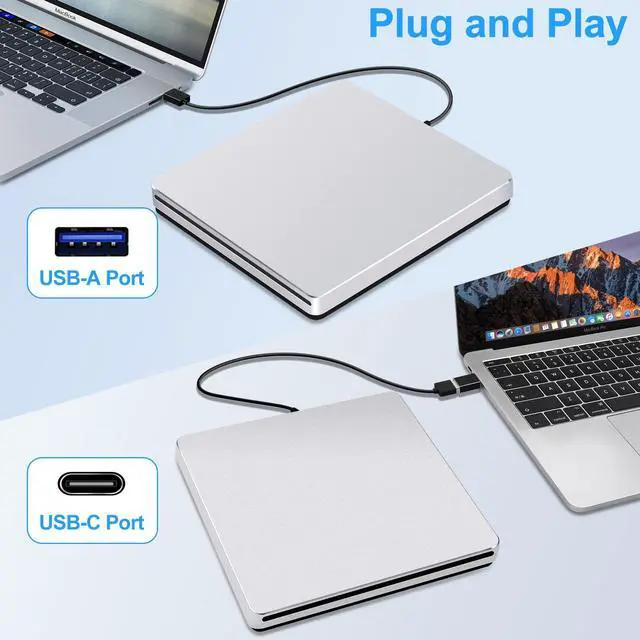
Yes, Guamar external CD drive for laptop is compatible with both Windows and Mac computers. It's a plug and play device on various operating systems, including Windows 11, Windows 10, Windows 8, Windows 7, Windows Vista, Windows XP, Linux and Mac OS.
Does it come with a carrying case?
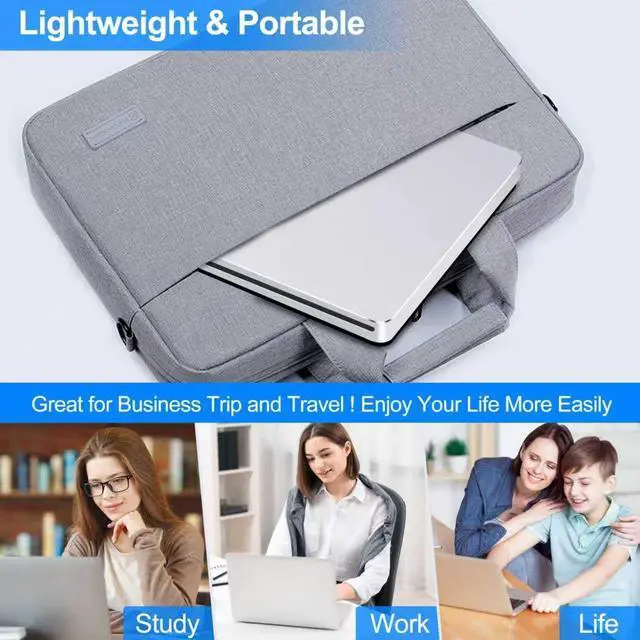
Yes, Guamar DVD drive USB external comes with a protective carrying case for travel.
How to play DVDs on Mac using Guamar USB 3.0 Superdrive?
1.Click "Finder"?"Preferences"?make sure "CDs, DVDs, and iPods" is checked.2.Connect the drive directly to your Mac's USB port (never via a hub).3.Insert your DVD.4.The DVD icon will appear on the desktop. 5.Use media players (DVD Player) to play.
How to Eject a Disc on Mac?
You can try these steps:1.Right-click the disc icon on your desktop and select Eject,or choose File > Eject from the menu. 2.Keyboard Shortcut: Press Command + E at the same time to eject the disc.(works when the disc is selected in Finder).
Guamar External CD/DVD Drive for Laptop Apple MacBook Air/Pro iMac


No Driver Needed
Plug and Play
No External Power Needed
Easy to Use
Seamless Compatibility
Universal Compatibility for Your Digital Life.


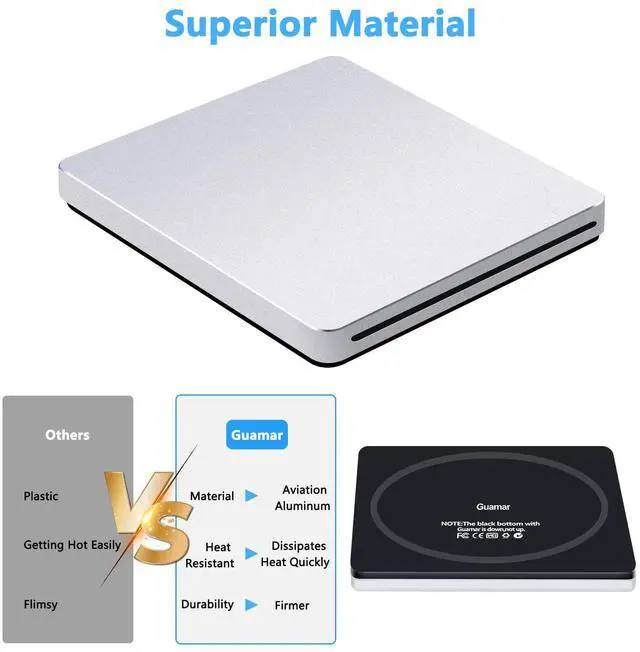
Aluminum Housing
Protective Carrying Case
INCLUDED Protective Carrying Case for Ultimate Portability.
Ultra-slim CD Drive


Perfect gift for friends and family.
Guamar CD rom external drive for laptop can read and write movie DVDs, burn files, videos, photos, rip music CDs, install software/games and create data backup. It is also a good idea to give it as a gift to hobbyists who collect CDs and DVDs.
Is it compatible with Mac computers?
Yes, Guamar external CD drive is compatible with Mac. It works with all versions of macOS and is specifically designed for MacBook Air, MacBook Pro, MacBook Neo, iMac, Mac mini, and Mac Studio, including M1/M2/M3/M4 models.
Does it work with Windows 10?
Yes, Guamar external CD drive for laptop is compatible with both Windows and Mac computers. It's a plug and play device on various operating systems, including Windows 11, Windows 10, Windows 8, Windows 7, Windows Vista, Windows XP, Linux and Mac OS.
Does it come with a carrying case?
Yes, Guamar DVD drive USB external comes with a protective carrying case for travel.
How to play DVDs on Mac using Guamar USB 3.0 Superdrive?
1.Click "Finder"?"Preferences"?make sure "CDs, DVDs, and iPods" is checked.2.Connect the drive directly to your Mac's USB port (never via a hub).3.Insert your DVD.4.The DVD icon will appear on the desktop. 5.Use media players (DVD Player) to play.
How to Eject a Disc on Mac?
You can try these steps:1.Right-click the disc icon on your desktop and select Eject,or choose File > Eject from the menu. 2.Keyboard Shortcut: Press Command + E at the same time to eject the disc.(works when the disc is selected in Finder).