

Your Browsing History




Any questions? Our AI beta will help you find out quickly.
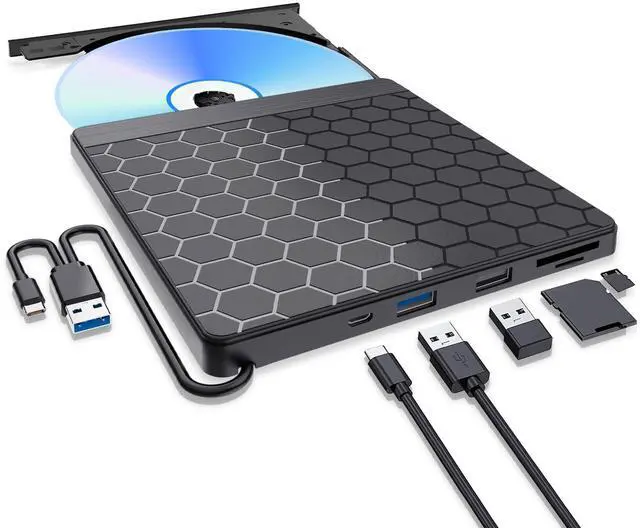
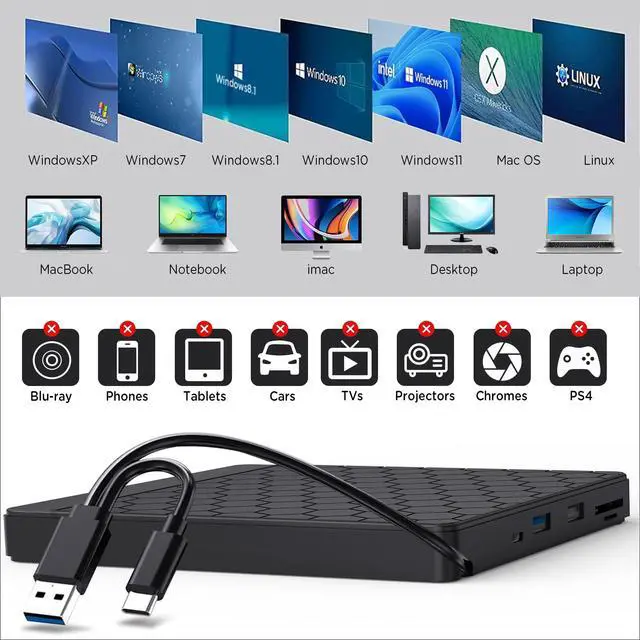
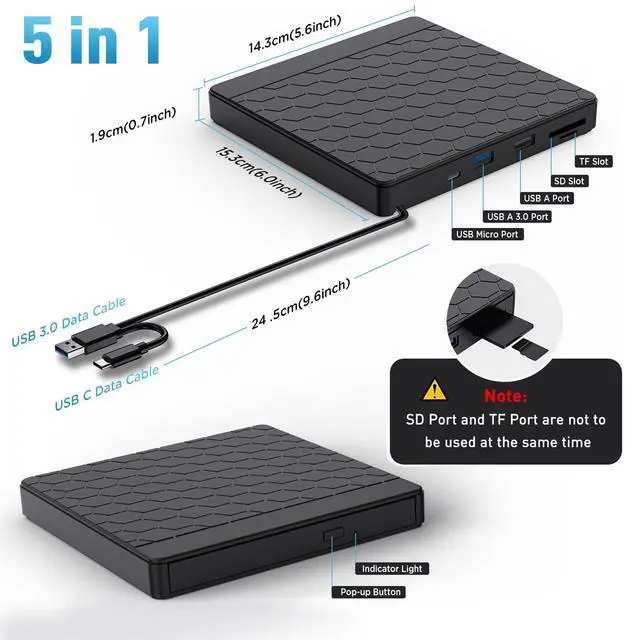
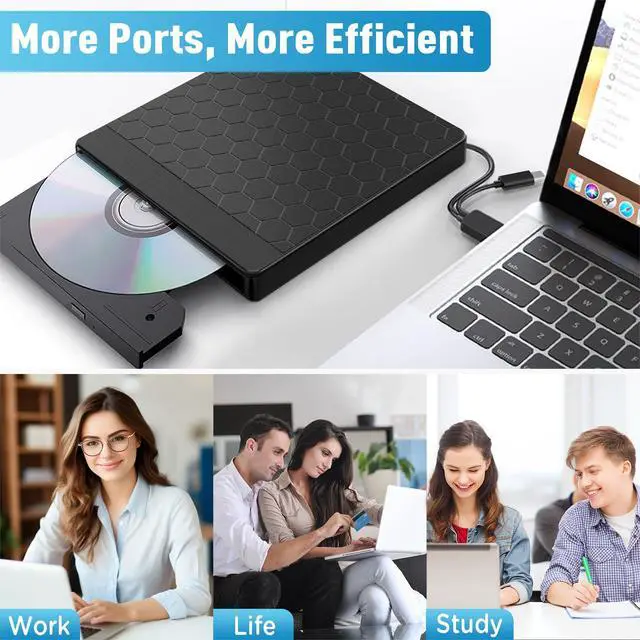
Aumdie External CD/DVD Drive for Laptop, USB 3.0 CD Burner External DVD Drive with 2 USB Ports and 2 TF/SD Card Slots, DVD Player for Laptop, External CD Drive for Laptop Mac,PC,Windows 11/10/8.1/7
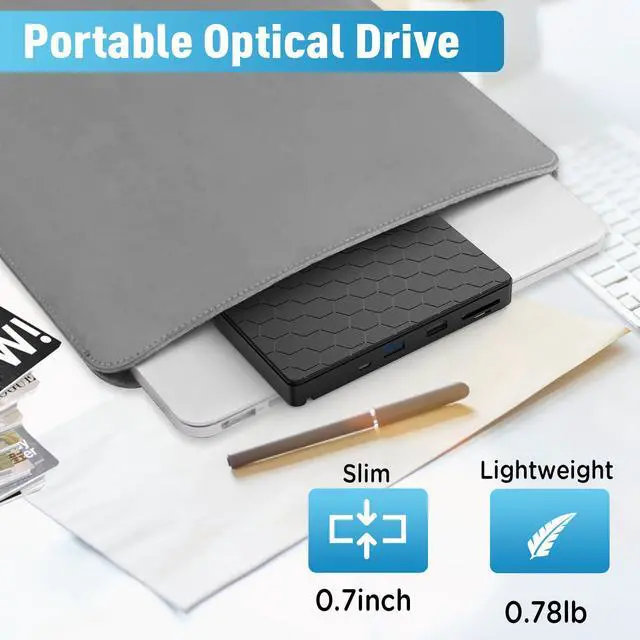
1: Ultra-thin, ultra-light, classic design, easy to carry and can be used on many laptop / desktop
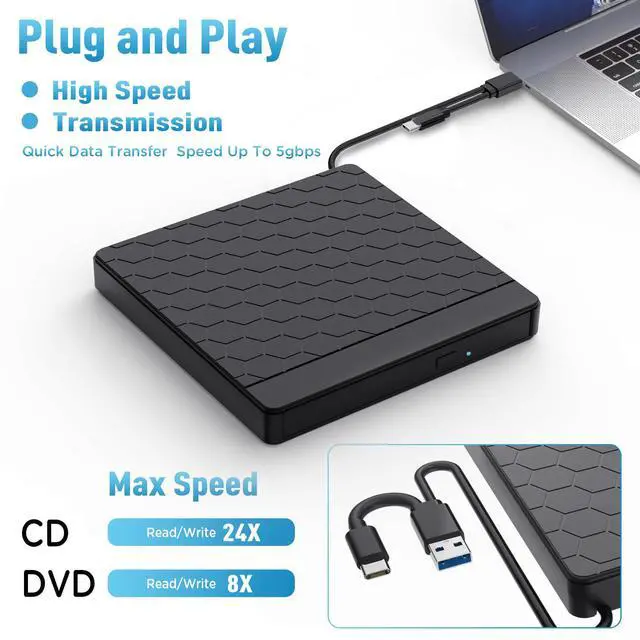
2: Plug and play, external cd drive is powered by USB port. No extra driver and power needed. Just hook up the external dvd drive to the direct USB port on your computer and the DVD drive will be detected.
3: The dvd player for laptop has strong error correction, anti-skid and quiet capabilities.
4: USB 3.0 HIGH-SPEED DATA TRANSFER,External CD/DVD Drive for Laptop with USB 3.0 and Type-C dual interface. Backwards compatible with USB2.0 USB1.0, bringing you faster data transmission speed (up to a maximum of 5Gbps)
Specifications:
Interface: USB 3.0, Type-C (compatible with USB 2.0 and USB 1.0)
Support CD specifications: 8cm, 12cm
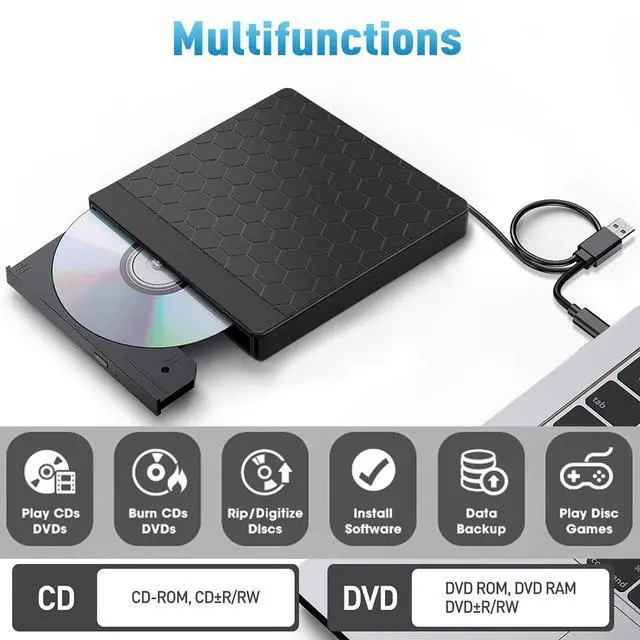
Supported CD/DVD formats: DVD-ROM, DVD-R, DVD + R, DVD-RW, DVD-R DL, CDA, CD-ROM, CD-R, VCD, SVCD, CD-RW
Reading speed: DVD-R, DVD + R 8X; DVD-RW 4X; CD-R 24x
Write speed: DVD-ROM 8x; CD-ROM 24x
Product dimensions: 14 x 14.2 x 1.8 cm
Weight: 350g
Package includes: 1x USB 3.0 and Type-C external DVD drive 1x user manual
Some things to note about this USB 3.0 dvd drive external
1.The dvd drive should be connected with USB port on laptop rather than connect with USB HUB. In addition, please connect the item with USB port behind of computer host if you use a desktop.
2.Ensure CDs is placed well and not scratched. The raised fixing post in the middle of the CD drive tray has three spring buckles. You need to gently press the CD disc into the spring buckles to secure the disc.
3.Make sure your computer's CD/DVD driver is intact before using an external optical drive. The computer operating system comes with a CD/DVD driver. If the program is damaged or removed, the CD/DVD driver needs to be updated or reinstalled.
4.Once you plug this external dvd player for laptop into your computer, it will bring up your downloaded Media Player, select it, and from that point forward whatever disc you put in will automatically open through it. You download a Media Player program onto your computer if don't already have one before you hook it up.
5.Remember to set the DVD Region to United States on the player Windows :This PC dvd drive- Properties Hardware Tab Properties button Choose Region (US is 1) -Apply. MacMenu-System Preference-Language & Region - Region - Select Country - Apply Remember you can only reset the country 5 times.
6.Mac OS computers do not display the device icon before placing a disc into disc tray & drive reads successfully the disc. For Mac OS, use the mac command to eject disc. If eject button/computer command not working, stick emergency hole to force eject a disc.
7.Computers often do not natively support DVD movie playing, so a third-party media player (such as VLC) must be downloaded and installed to watch DVDs using this CD/DVD player. You can download and install a playing/burning software you like. You can also refer to the following software:
No fee playing software: Any Media Player, Any DVD
No fee burning software for Windows OS: InfraRecorder, Ones, Express Disc Burner
No fee burning sof