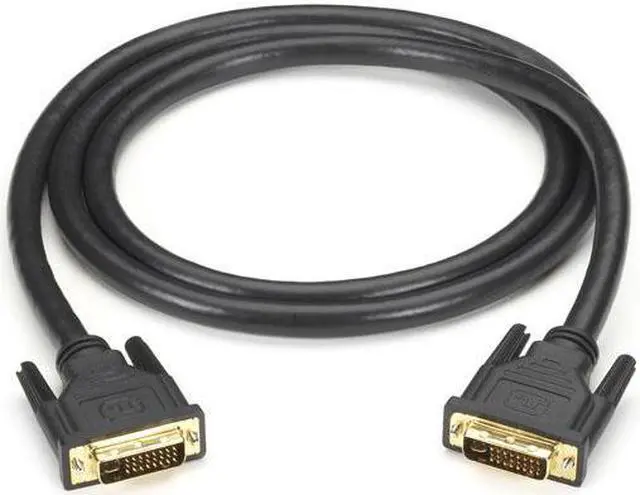
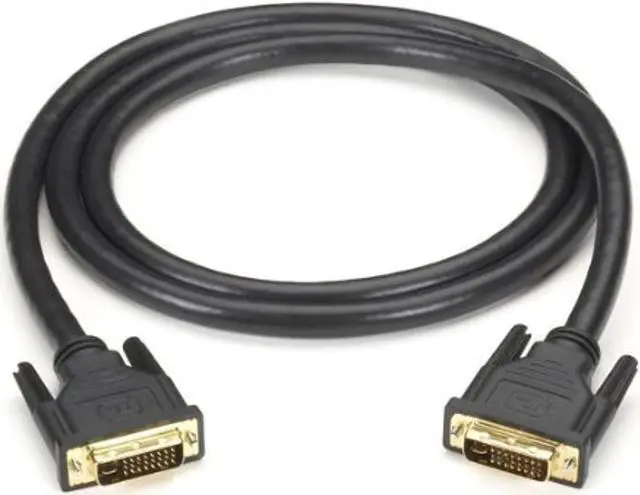
The Black Box DVI-I Dual-Link Cable is a 2 m (6.5 ft.) male-to-male video cable for connecting compatible devices with DVI-I ports, making it suitable for users who need a direct DVI-I connection.
Recommended For
- PC users with a DVI-I output and a DVI monitor input who need a direct 2 m connection, without adding an adapter.
- Users of compatible DVI-equipped systems and monitors who need a dual-link connection for supported resolutions above single-link DVI’s typical limits; check that both devices support the intended resolution and refresh rate.
- People maintaining a legacy desktop-and-monitor setup with matching DVI-I ports who want to replace a cable or keep the existing display connection in service.
Real-World Use Scenarios
- Connecting a compatible older 30-inch monitor to a desktop PC for detailed work: when both the graphics output and monitor support dual-link DVI, the cable can carry the monitor’s native high resolution, such as 2560 × 1600. The actual resolution depends on both devices.
- Using a legacy gaming monitor with a DVI input: a dual-link connection may let a compatible PC and monitor use higher refresh-rate modes than a basic single-link connection. The supported refresh rate still depends on the graphics card and monitor, not the cable alone.
- Keeping an older DVI monitor as a second screen for email, documents, or chat: connect it directly to a computer with a compatible DVI output and use it as an extra desktop display, provided the computer supports multiple displays.
- Replacing a missing or failed cable between a DVI-equipped PC and monitor: the 2-m male-to-male cable provides a direct connection for a nearby desktop setup. Both devices must have compatible DVI ports; it does not convert DVI to HDMI or DisplayPort.
Spec Summary
| Attribute | Value |
|---|
| Best For | Connecting a DVI video source to a compatible monitor |
|---|
| Cable Type And Connectors | DVI cable with male-to-male connectors |
|---|
| Cable Length | 6.5 ft (6.56 ft) |
|---|
| Cable Design And Color | Round cable; multicolor |
|---|
| Brand And Model | Black Box DVI-I-DL-002M (6533020) |
|---|





 here!
here!