





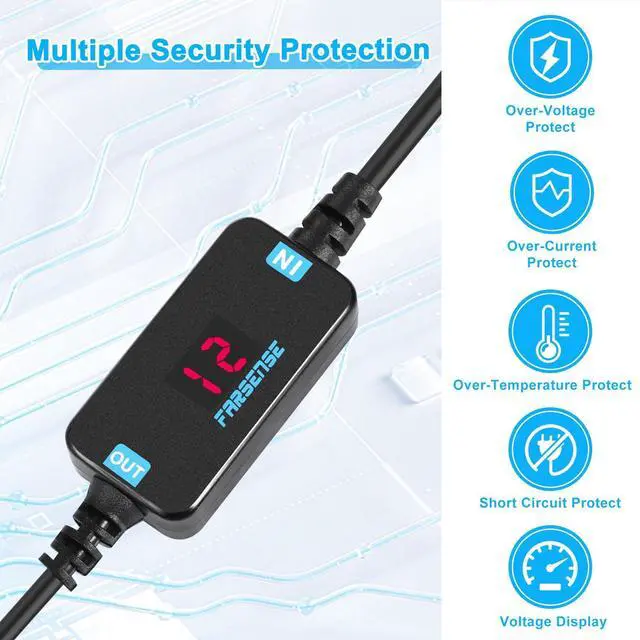



FARSENSE has always focused on innovative development and design of power modules,committed to creating more suitable power products for users
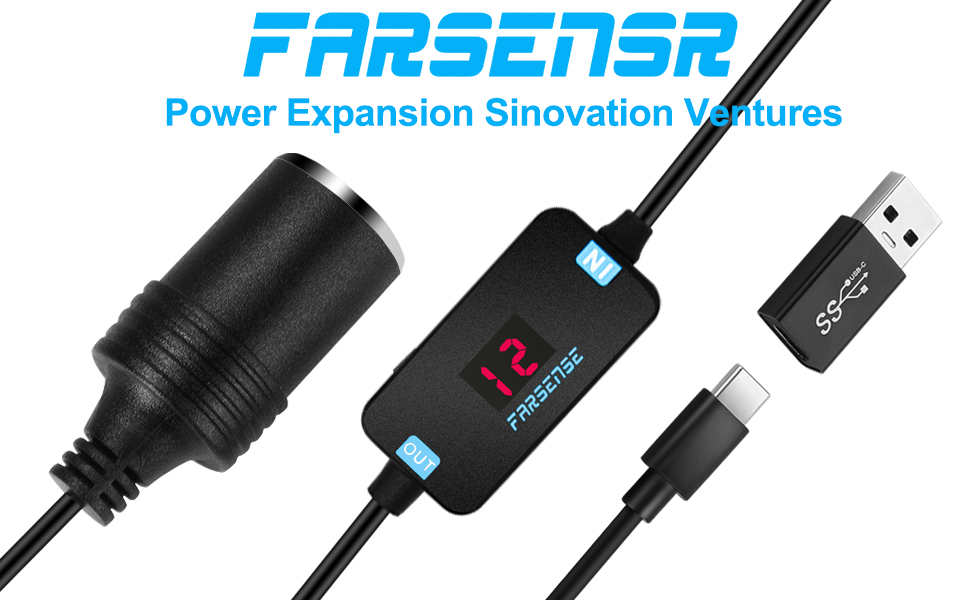
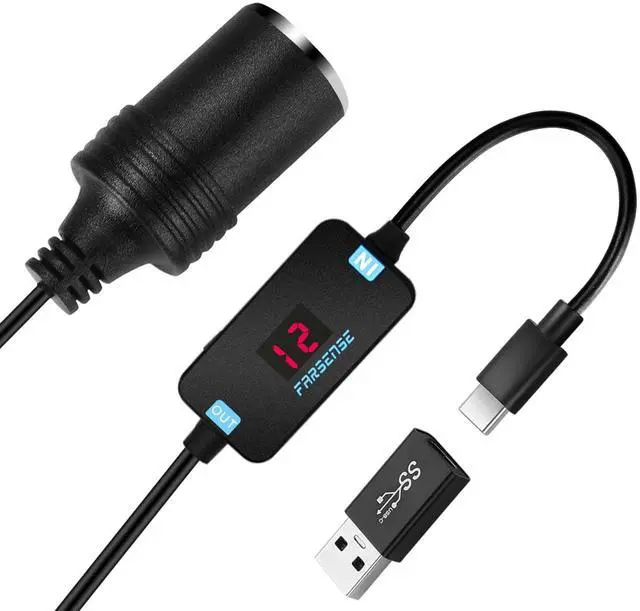
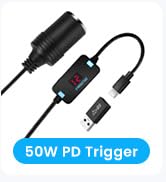
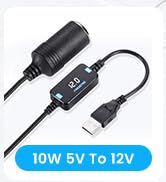
FARSENSE USB to cigarette lighter adapter
• Display: LED display voltage;
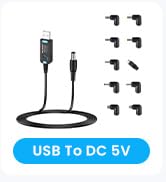
• Input interface: USB A conversion interface + USB C interface,easy to match different interface adapters;
• USB3.0 to type-c converter: It can transfer data at a speed of up to 5Gbps between the type c port and the USB A port,such as copying mobile phone data to PC;
• Output interface: Car female cigarette lighter socket;
• Output interface polarity: Positive inside and negative outside.
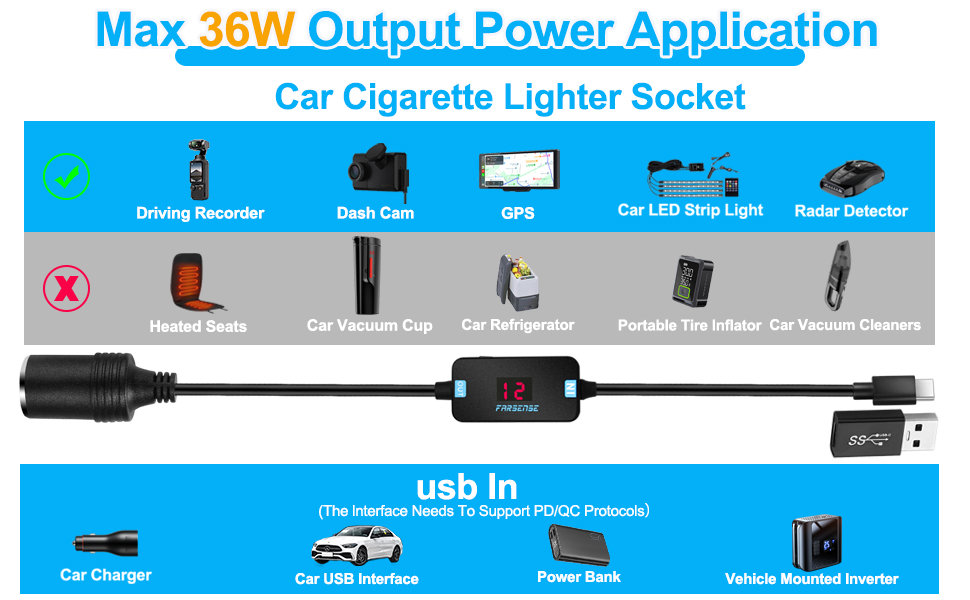
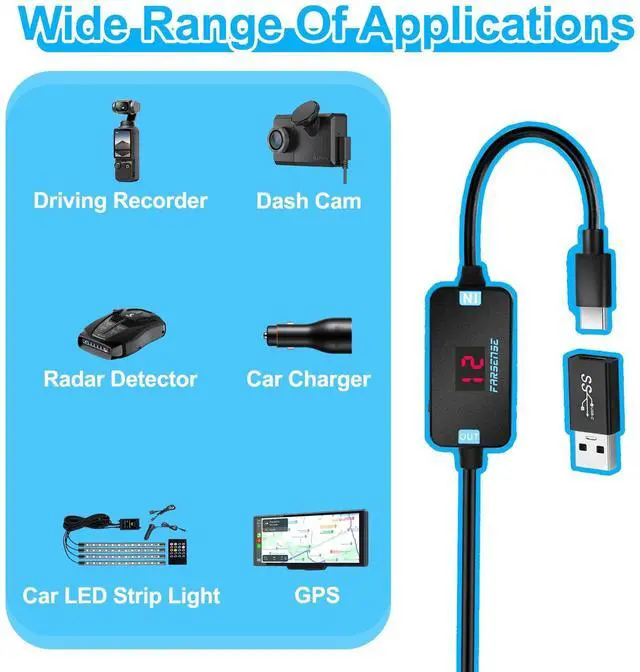
• Wide range of applications: driving recorder/dash cam/electronic dog/radar detector/GPS/solar panel/car charger/LED strip light/car fan/FM radio/car safety warning device,etc;
• Does not support bi-directional charging,USB input,cigarette lighter socket output.
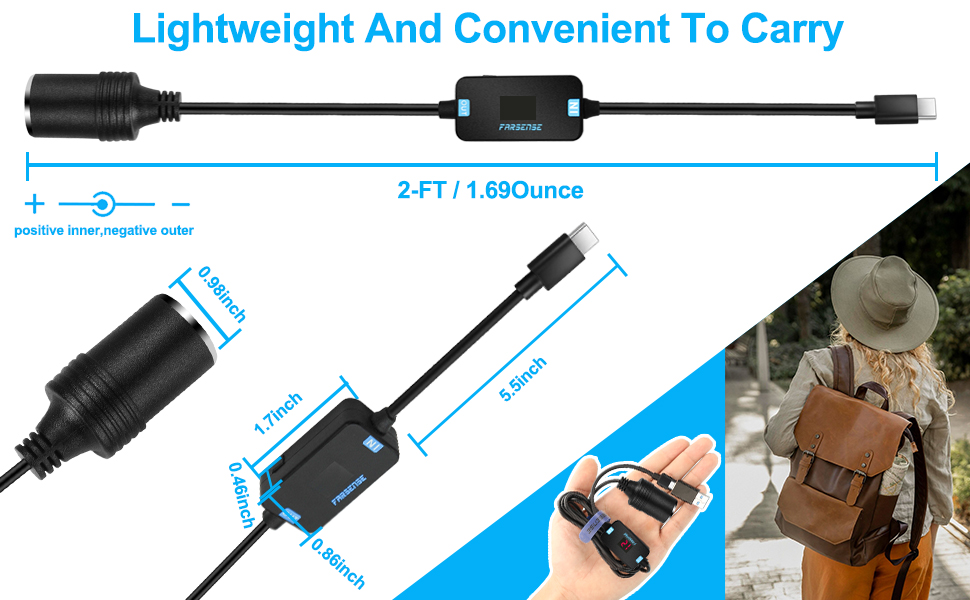
• Weight: 0.1Pound;
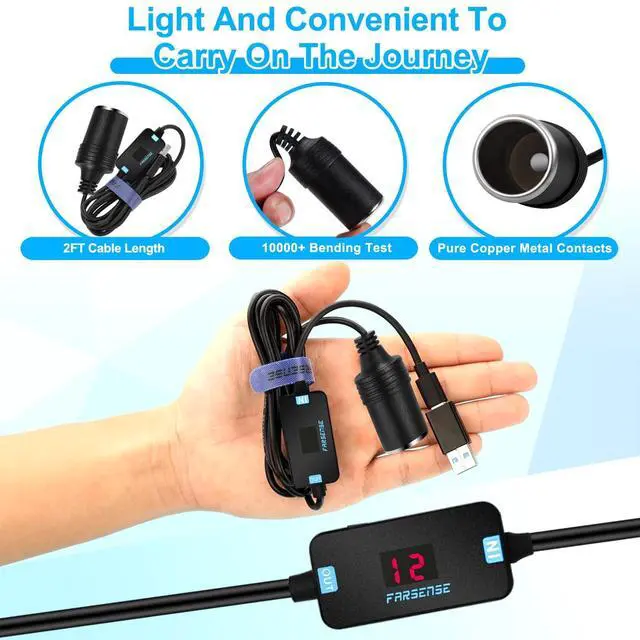
• Cable length: 2FT
• Adapter size: 1.7inch x 0.86inch x 0.43inch.
Before purchasing,check if your adapter supports the required voltage output to avoid wasting your time and money
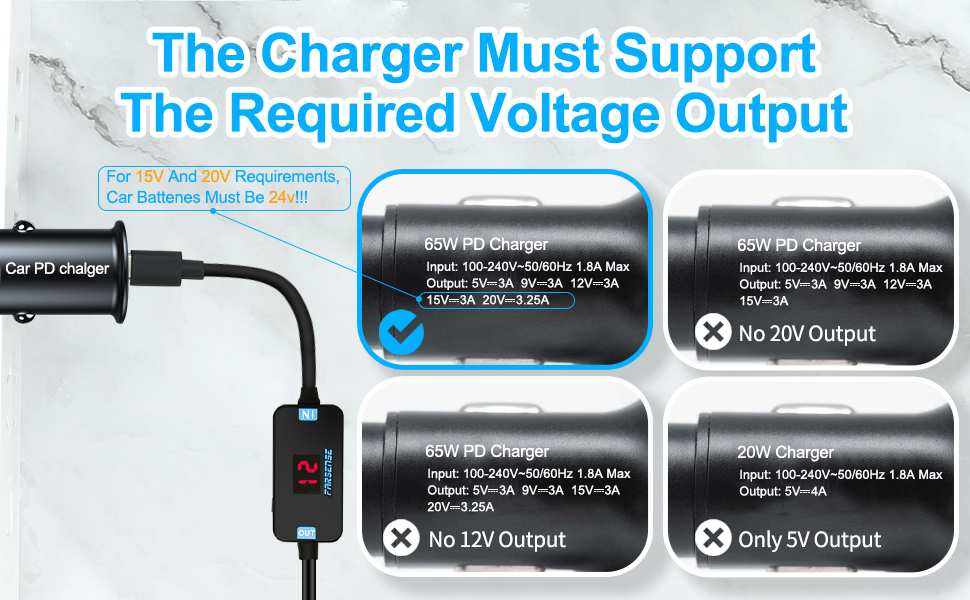
Used together with PD/QC chargers
1. Most car chargers do not support 15V or 20V output;
2. Most old chargers do not support fast charging and can only output 5V;
3. Some chargers support 5V/9V/15V/20V, but do not support 12V;
4. Some chargers support 5V/9V/12V/20V, but do not support 15V;
5. Some chargers USB C support 5V/9V/12V/15V/20V, but the USB A interface supports 5V/9V/12V/20V,but does not have a 15V output.
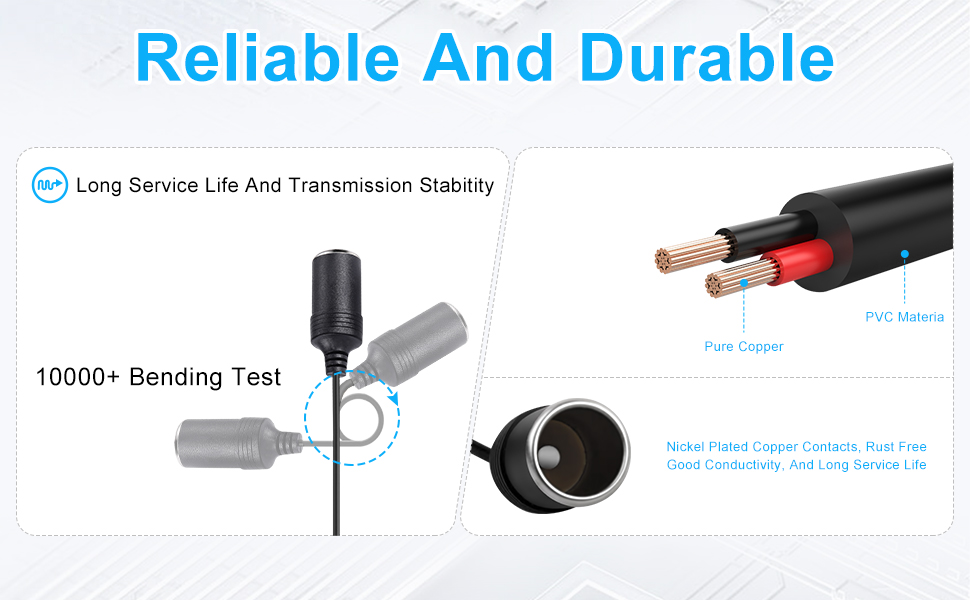
• Using pure copper core, fast conduction, stable transmission performance;
• The sheath is made of PVC material, which is flexible and can withstand high-strength bending.The bending life is as high as 10,000+,reliable and durable.
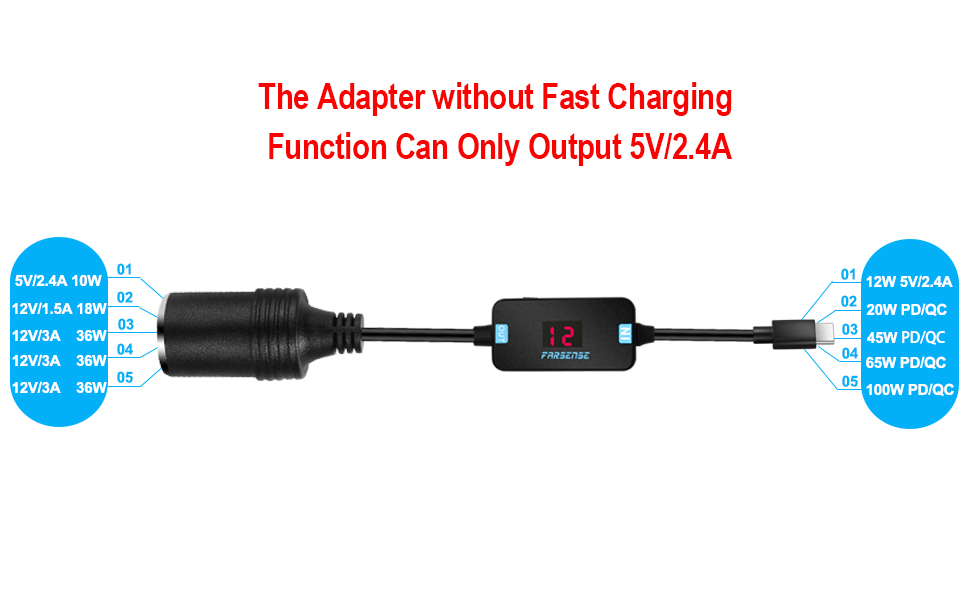
Trigger 5 kinds of voltage output,which is convenient for multiplexing of multiple devices
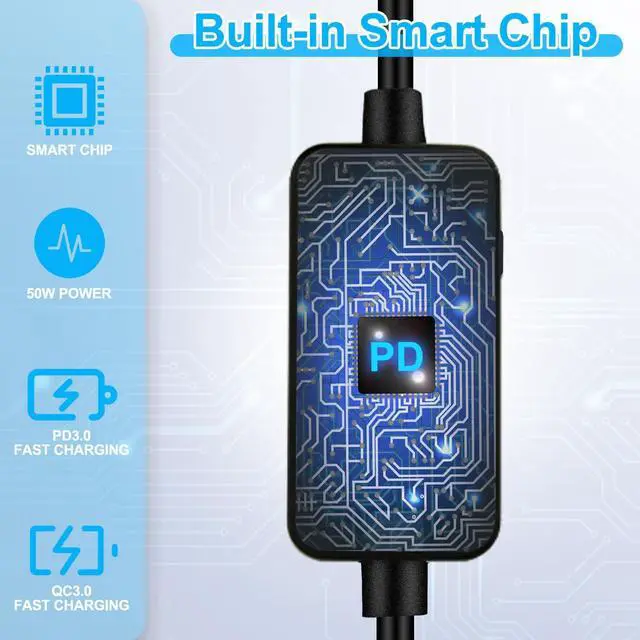
• Support protocols: PD/QC/AFC;
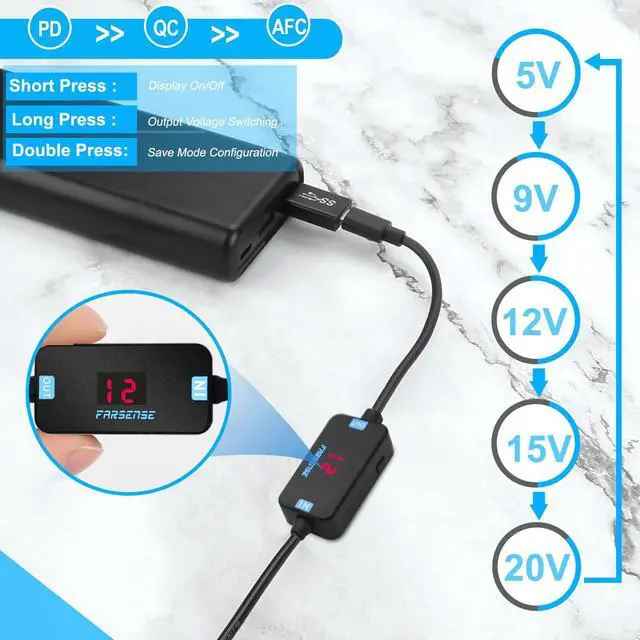
• Support output voltage: 5V/9V/12V/15V/20V,note:In general,car charging can only output 5V/9V/12V,and Hotel charging/desk charging/wall charging that support fast charging protocols such as PD/QC/AFC can output voltages above 15V;
• Power: Maximum 36W(12V/3A) output,compatible with 36W/30W/18W and other power output (the output power of the charger or power bank needs to be greater than the load device);
• Long press the button: Press and hold for more than 3 seconds each time,the voltage will cycle between 5V/9V/12V/15V/20V.When negotiation with the PD adapter fails,an error code will be displayed: 5V corresponds to AF,9V corresponds to BF,12V corresponds to CF,15V corresponds to DF,and 20V corresponds to EF,cycle the display between the current voltage and error code to facilitate viewing of the current output status;
• Short press the button: Short press the button to switch the voltage display (on or off), turn off the voltage display,which can reduce light pollution or reduce eye damage;
• Double press button: Quick double press button can switch between memory mode and non memory mode. When displayed as OP symbol,it indicates that memory mode is open.When displayed as CL symbol,it indicates that memory mode is close. In memory mode, each voltage switching will be saved. In non memory mode, voltage switching will not be saved. When powered on again, it defaults to 5V,suggest using non memory mode, do not save the last set voltage output to avoid high-voltage damage to low-voltage load equipment;
• Operating instructions:There are operating instructions on the back of the product, and no paper instructions are provided to reduce resource waste and protect the environment.
Attention!!!
1.It must be used with a charger or power bank that supports one of the PD/QC/AFC protocols, Otherwise,only 5V can be output;
2. Before buying, check whether your charger or power bank supports the required load power supply gear to avoid wasting your time;
3. Short press the button only to turn on or off the display function,the output power supply is not turned off;
4. Long press to switch the voltage gear or short press to switch the display function, please disconnect the power supply to the device to avoid damage to your device by misoperation of the voltage switch;
5. To supply power to high-power equipment,check that the power of your charger or power bank is greater than the required power supply equipment;
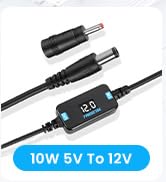
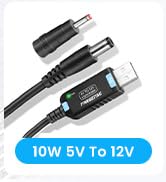
6. When replacing different connector tips,please cut off the power.
Enjoy your happiness every day!
 USB C to Cigarette Lighter(36W) |  USB A to Cigarette Lighter(10W) |  USB C to Cigarette Lighter(10W)1Pack | 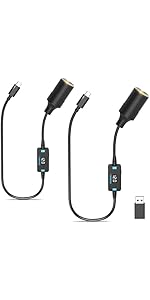 USB C to Cigarette Lighter(10W)2Pack | |
|---|---|---|---|---|
| Customer Reviews | — | — | — | — |
| Price | — | — | — | — |
| Working Mode | PD Trigger | Boost | Boost | Boost |
| Input Voltage | 5-20V | 5V | 5V | 5V |
| Output Voltage | 5V/9V/12V/15V/20V | 12V | 12V | 12V |
| Max Output Current | 3A | 1A | 1A | 1A |
| Indication State | Display Voltage | Display Voltage | Display Voltage | Display Voltage |
| Switching Voltage | ? | no data | no data | no data |
| Connector Tips | USB A male to Type-c female | USB A female to Type C male | USB A male to Type-c female | USB A male to Type-c female |
| Input Interface | Type C | USB A | Type C | Type C |
| Input Requirements | Used in Conjunction with PD Charging Port | Universal USB Port | Universal USB Port | Universal USB Port |
| On/Off Switch | no data | ? | ? | ? |

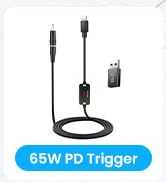
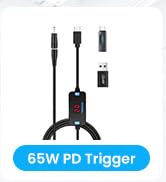
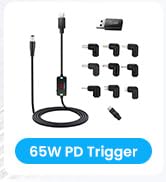
FARSENSE has always focused on innovative development and design of power modules,committed to creating more suitable power products for users
FARSENSE USB to cigarette lighter adapter
• Display: LED display voltage;
• Input interface: USB A conversion interface + USB C interface,easy to match different interface adapters;
• USB3.0 to type-c converter: It can transfer data at a speed of up to 5Gbps between the type c port and the USB A port,such as copying mobile phone data to PC;
• Output interface: Car female cigarette lighter socket;
• Output interface polarity: Positive inside and negative outside.
• Wide range of applications: driving recorder/dash cam/electronic dog/radar detector/GPS/solar panel/car charger/LED strip light/car fan/FM radio/car safety warning device,etc;
• Does not support bi-directional charging,USB input,cigarette lighter socket output.
• Weight: 0.1Pound;
• Cable length: 2FT
• Adapter size: 1.7inch x 0.86inch x 0.43inch.
Before purchasing,check if your adapter supports the required voltage output to avoid wasting your time and money
Used together with PD/QC chargers
1. Most car chargers do not support 15V or 20V output;
2. Most old chargers do not support fast charging and can only output 5V;
3. Some chargers support 5V/9V/15V/20V, but do not support 12V;
4. Some chargers support 5V/9V/12V/20V, but do not support 15V;
5. Some chargers USB C support 5V/9V/12V/15V/20V, but the USB A interface supports 5V/9V/12V/20V,but does not have a 15V output.
• Using pure copper core, fast conduction, stable transmission performance;
• The sheath is made of PVC material, which is flexible and can withstand high-strength bending.The bending life is as high as 10,000+,reliable and durable.
Trigger 5 kinds of voltage output,which is convenient for multiplexing of multiple devices
• Support protocols: PD/QC/AFC;
• Support output voltage: 5V/9V/12V/15V/20V,note:In general,car charging can only output 5V/9V/12V,and Hotel charging/desk charging/wall charging that support fast charging protocols such as PD/QC/AFC can output voltages above 15V;
• Power: Maximum 36W(12V/3A) output,compatible with 36W/30W/18W and other power output (the output power of the charger or power bank needs to be greater than the load device);
• Long press the button: Press and hold for more than 3 seconds each time,the voltage will cycle between 5V/9V/12V/15V/20V.When negotiation with the PD adapter fails,an error code will be displayed: 5V corresponds to AF,9V corresponds to BF,12V corresponds to CF,15V corresponds to DF,and 20V corresponds to EF,cycle the display between the current voltage and error code to facilitate viewing of the current output status;
• Short press the button: Short press the button to switch the voltage display (on or off), turn off the voltage display,which can reduce light pollution or reduce eye damage;
• Double press button: Quick double press button can switch between memory mode and non memory mode. When displayed as OP symbol,it indicates that memory mode is open.When displayed as CL symbol,it indicates that memory mode is close. In memory mode, each voltage switching will be saved. In non memory mode, voltage switching will not be saved. When powered on again, it defaults to 5V,suggest using non memory mode, do not save the last set voltage output to avoid high-voltage damage to low-voltage load equipment;
• Operating instructions:There are operating instructions on the back of the product, and no paper instructions are provided to reduce resource waste and protect the environment.
Attention!!!
1.It must be used with a charger or power bank that supports one of the PD/QC/AFC protocols, Otherwise,only 5V can be output;
2. Before buying, check whether your charger or power bank supports the required load power supply gear to avoid wasting your time;
3. Short press the button only to turn on or off the display function,the output power supply is not turned off;
4. Long press to switch the voltage gear or short press to switch the display function, please disconnect the power supply to the device to avoid damage to your device by misoperation of the voltage switch;
5. To supply power to high-power equipment,check that the power of your charger or power bank is greater than the required power supply equipment;
6. When replacing different connector tips,please cut off the power.
Enjoy your happiness every day!
USB C to Cigarette Lighter(36W) | USB A to Cigarette Lighter(10W) | USB C to Cigarette Lighter(10W)1Pack | USB C to Cigarette Lighter(10W)2Pack | |
|---|---|---|---|---|
| Customer Reviews | — | — | — | — |
| Price | — | — | — | — |
| Working Mode | PD Trigger | Boost | Boost | Boost |
| Input Voltage | 5-20V | 5V | 5V | 5V |
| Output Voltage | 5V/9V/12V/15V/20V | 12V | 12V | 12V |
| Max Output Current | 3A | 1A | 1A | 1A |
| Indication State | Display Voltage | Display Voltage | Display Voltage | Display Voltage |
| Switching Voltage | ? | no data | no data | no data |
| Connector Tips | USB A male to Type-c female | USB A female to Type C male | USB A male to Type-c female | USB A male to Type-c female |
| Input Interface | Type C | USB A | Type C | Type C |
| Input Requirements | Used in Conjunction with PD Charging Port | Universal USB Port | Universal USB Port | Universal USB Port |
| On/Off Switch | no data | ? | ? | ? |
PD Trigger Series
USB Power Converter Series