





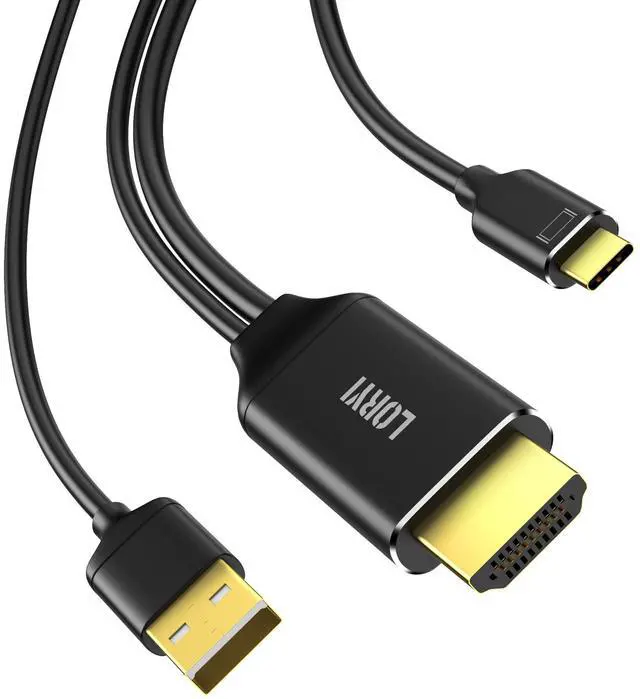
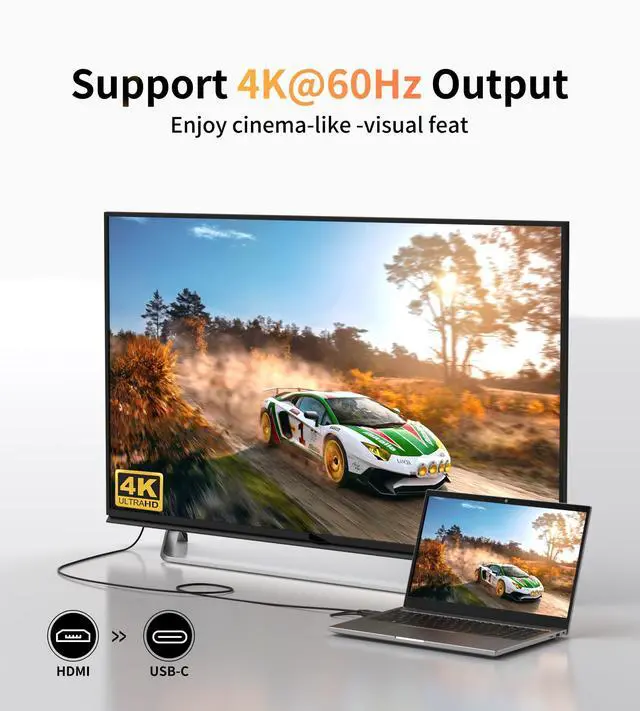
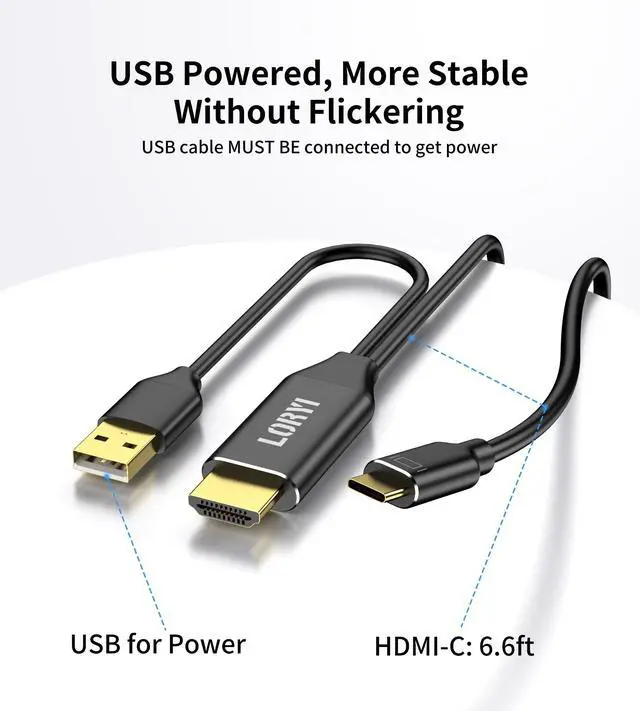



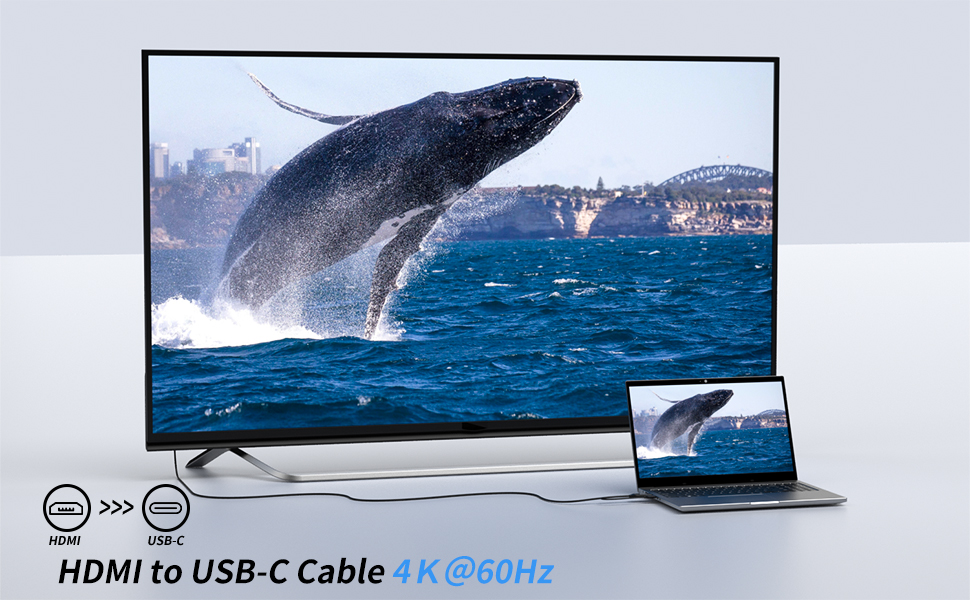
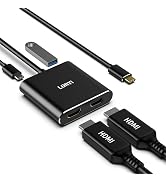
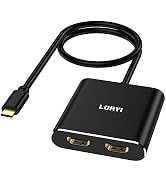
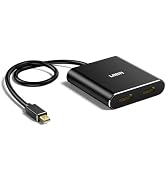
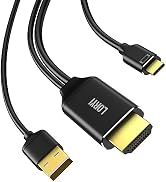
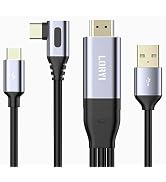
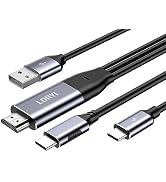
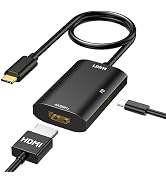
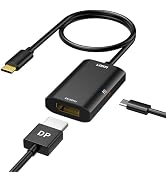
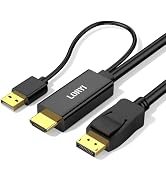
Loryi 4K@60Hz HDMI to USB C Cable with USB Power
Important
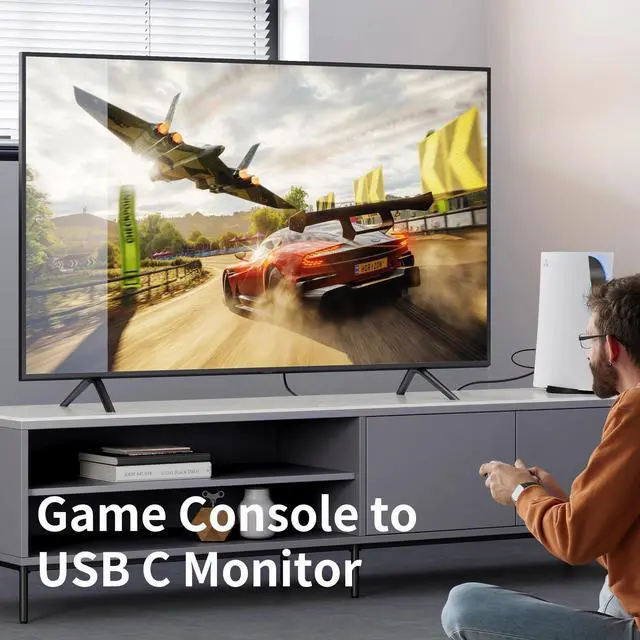
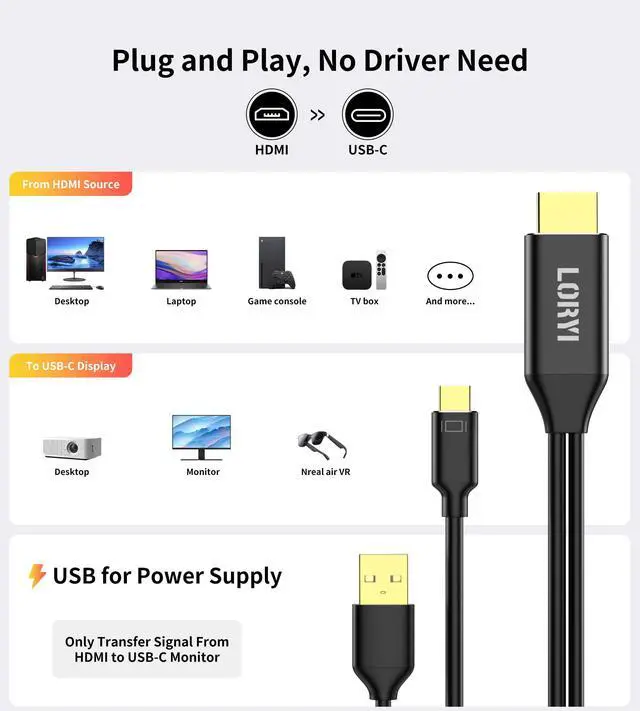
- It's not a bi-directional adapter, only support signal transfer from HDMI to USB-C input monitor, not for USB-C to HDMI input monitor.
- Please kindly check the USB-C port on your device whether it supports video out functions(the USB Type-C DP Alt Mode).
- Not work with hub, docking station, USB-C phone, USB-C laptop.
One-piece Aluminum Shell Body, More Texture
Different Modes Meet Different Needs
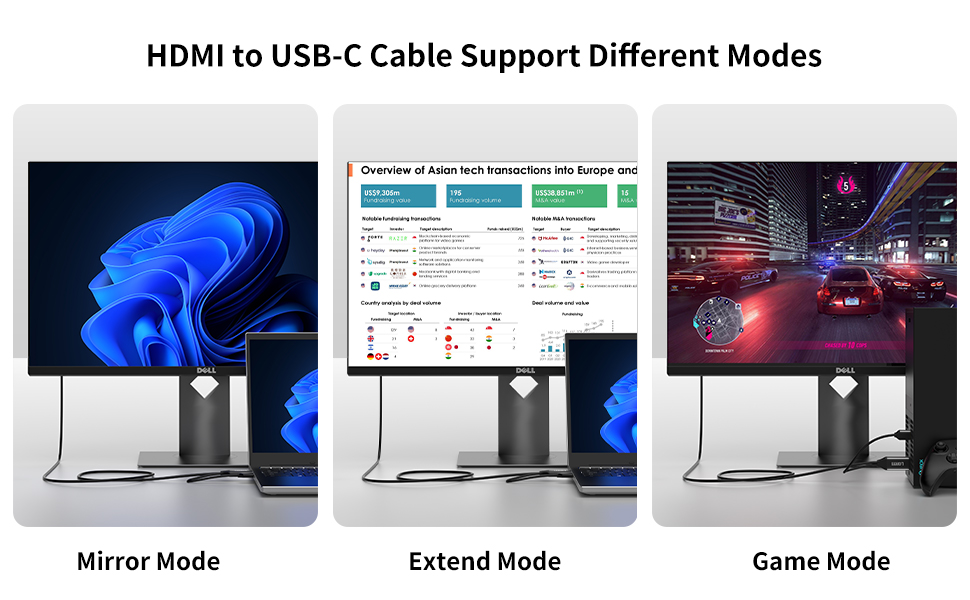
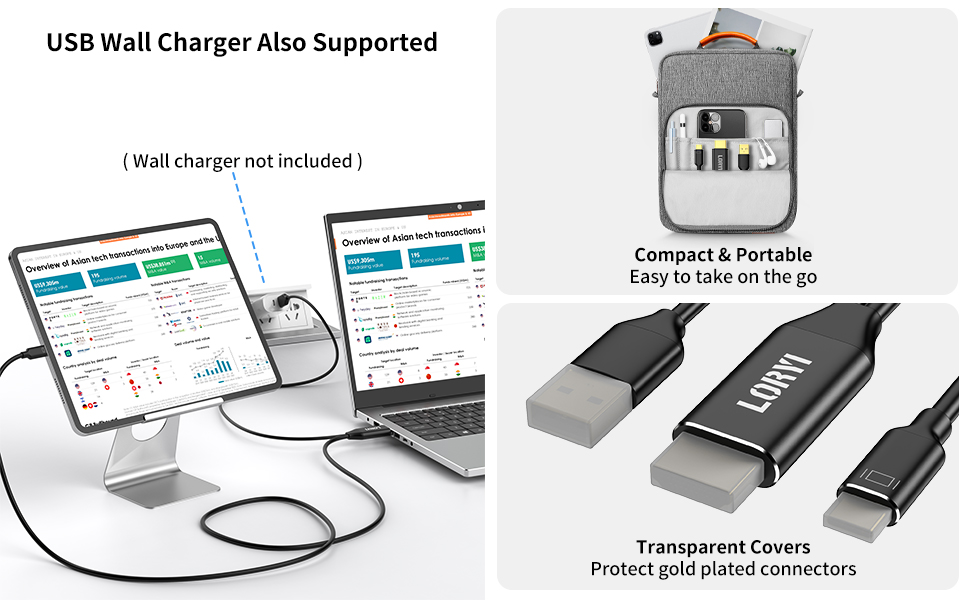
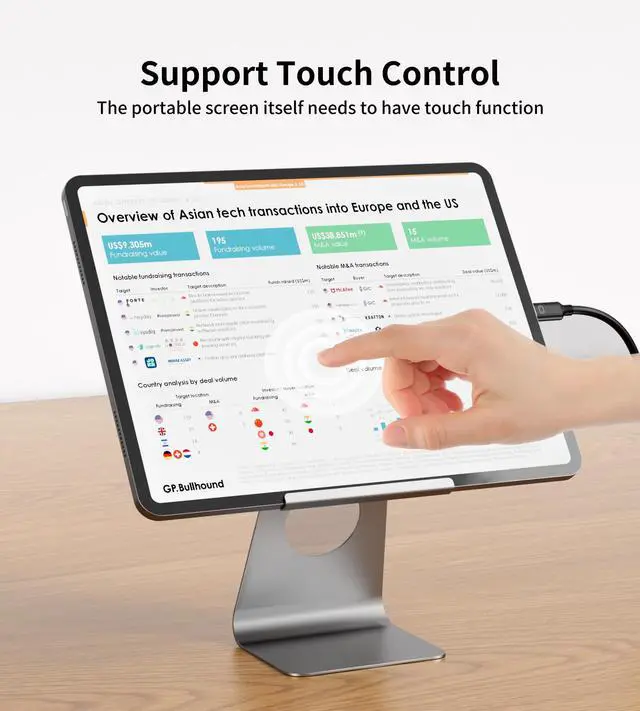
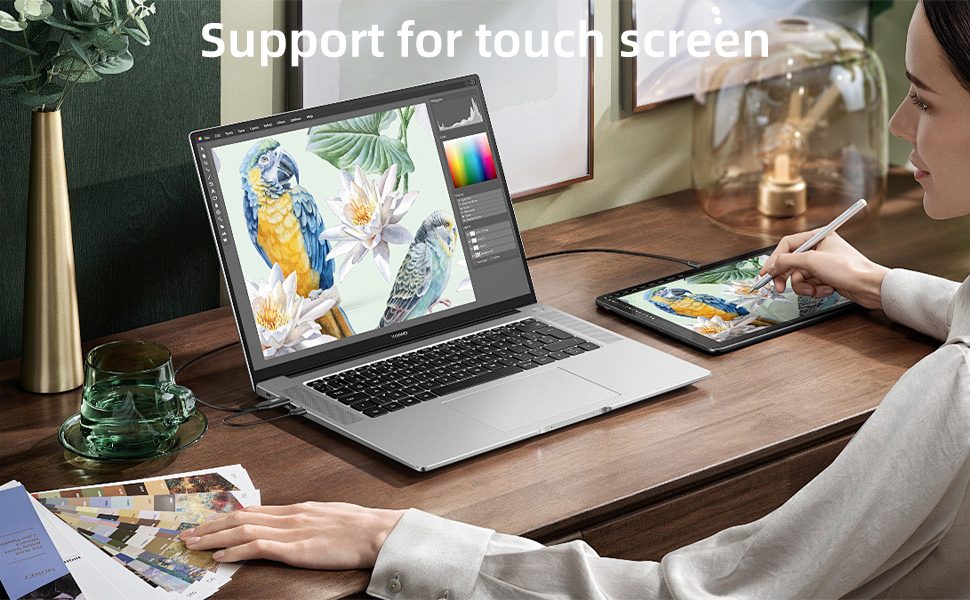
If you want to use the touch function of a mobile monitor:
The mobile monitor connected via the USB-C port must have touch functionality. Additionally, the USB-A port must be connected to the HDMI device.
In some cases, this product may not be usable if only partial power supply is available, and if there is only one USB-C port on the display. We also offer other products that can be used with this type of display.(B0D53F98T8)
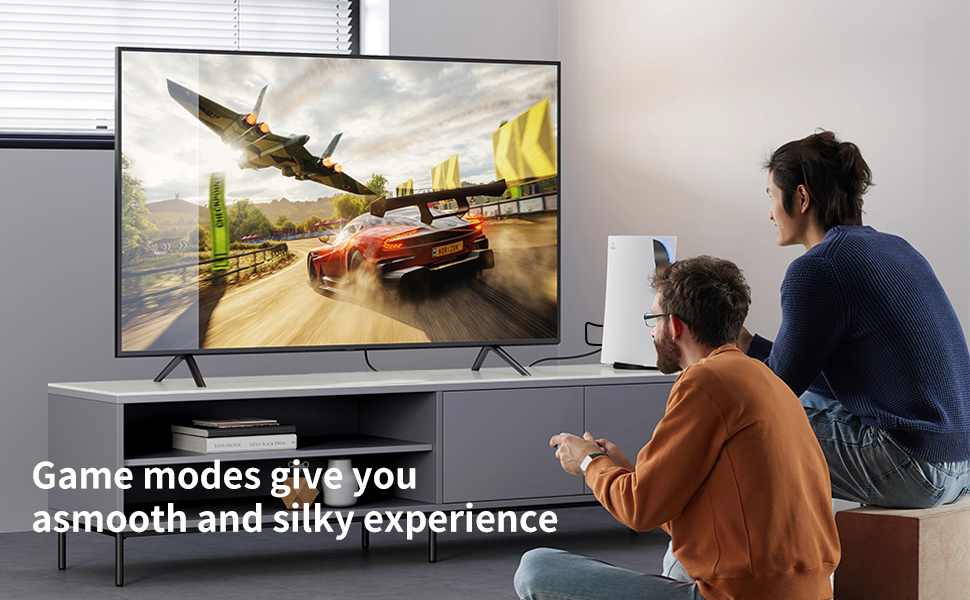
Stable Performance, Smooth Experience
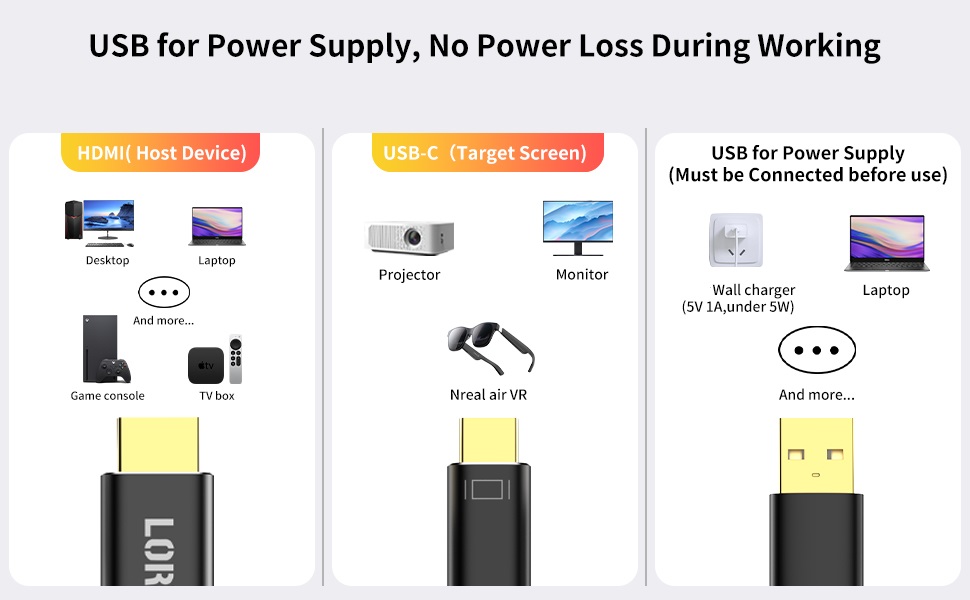
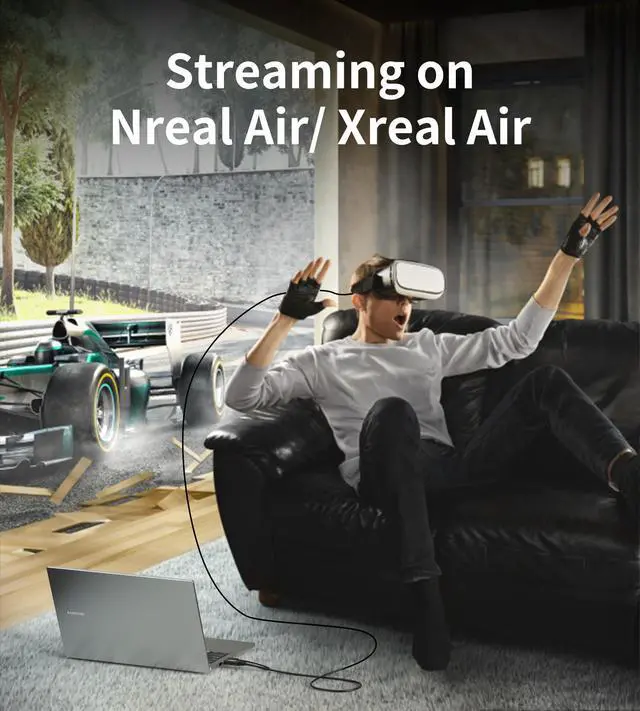
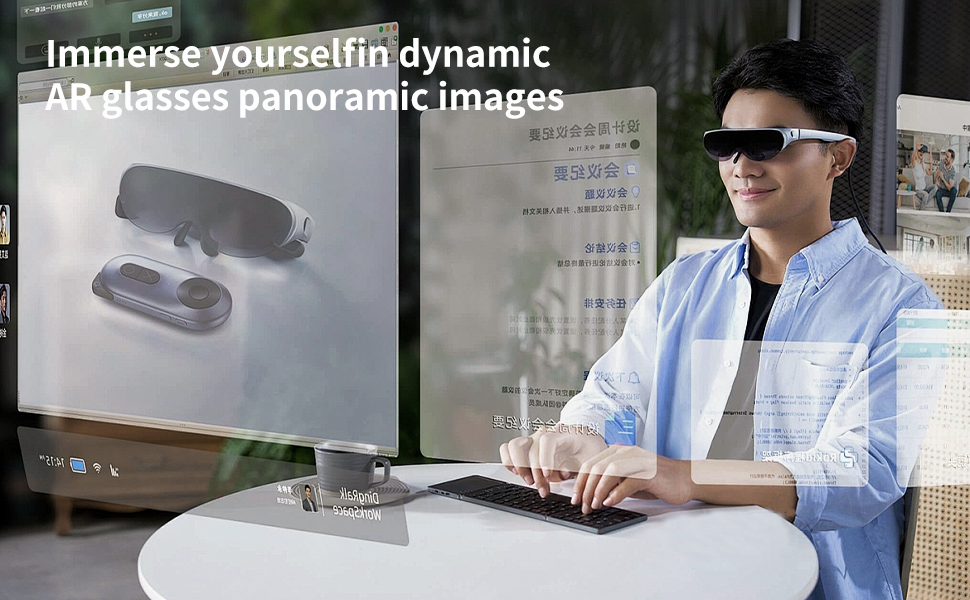
Troubleshooting: If you are using Nreal Air with this cable and the top of the screen is displayed at the bottom, please access the Nreal Air website to update to the latest firmware. !!! It will not work with USB-C phones or USB-C laptops.
No Sound:
Upgrade Xreal Air Firmware:
First, upgrade the firmware version of Xreal Air to the latest version. Follow the instructions in the Xreal Air community for the upgrade process.
After that, you need to upgrade Xreal Air to the latest version. Method to switch the sound channel after upgrading Xreal Air: Long press the volume button to + (double beep) and switch. After switching the sound channel, you need to unplug and replug the USB-A port.


Loryi 4K@60Hz HDMI to USB C Cable with USB Power
Important
- It's not a bi-directional adapter, only support signal transfer from HDMI to USB-C input monitor, not for USB-C to HDMI input monitor.
- Please kindly check the USB-C port on your device whether it supports video out functions(the USB Type-C DP Alt Mode).
- Not work with hub, docking station, USB-C phone, USB-C laptop.
One-piece Aluminum Shell Body, More Texture
Different Modes Meet Different Needs
If you want to use the touch function of a mobile monitor:
The mobile monitor connected via the USB-C port must have touch functionality. Additionally, the USB-A port must be connected to the HDMI device.
In some cases, this product may not be usable if only partial power supply is available, and if there is only one USB-C port on the display. We also offer other products that can be used with this type of display.(B0D53F98T8)
Stable Performance, Smooth Experience
Troubleshooting: If you are using Nreal Air with this cable and the top of the screen is displayed at the bottom, please access the Nreal Air website to update to the latest firmware. !!! It will not work with USB-C phones or USB-C laptops.
No Sound:
Upgrade Xreal Air Firmware:
First, upgrade the firmware version of Xreal Air to the latest version. Follow the instructions in the Xreal Air community for the upgrade process.
After that, you need to upgrade Xreal Air to the latest version. Method to switch the sound channel after upgrading Xreal Air: Long press the volume button to + (double beep) and switch. After switching the sound channel, you need to unplug and replug the USB-A port.
Splitter
USB C Monitor
Adapter