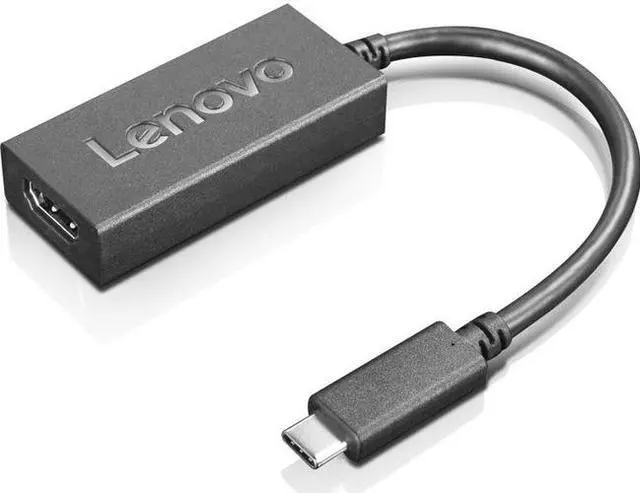
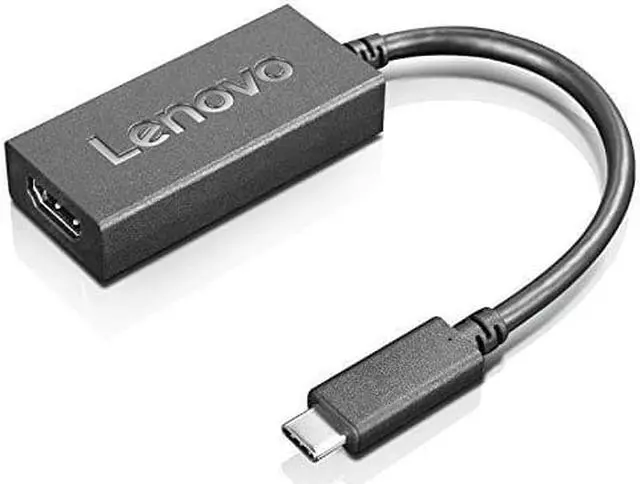
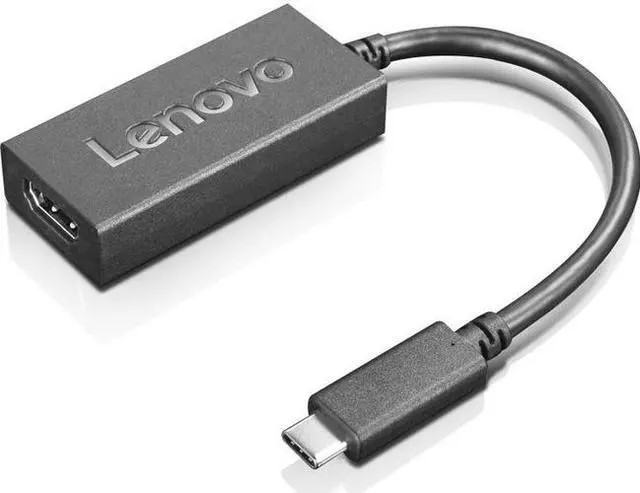
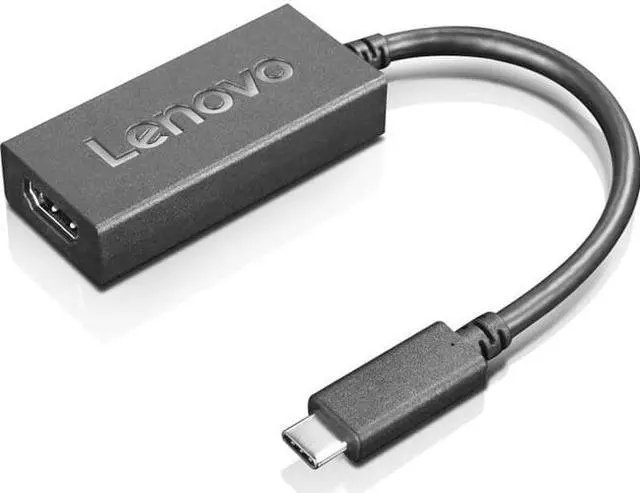
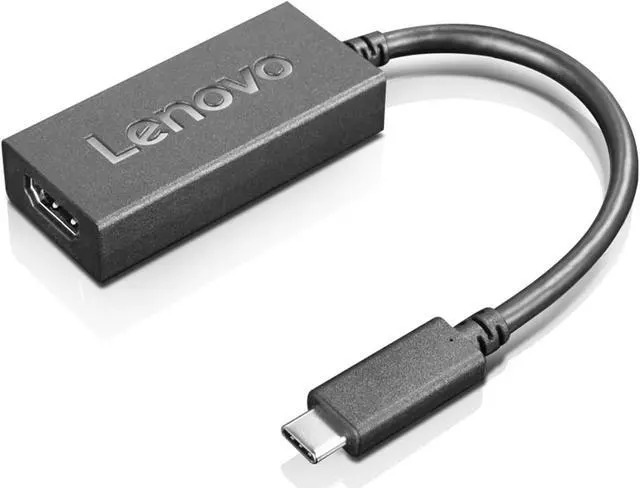
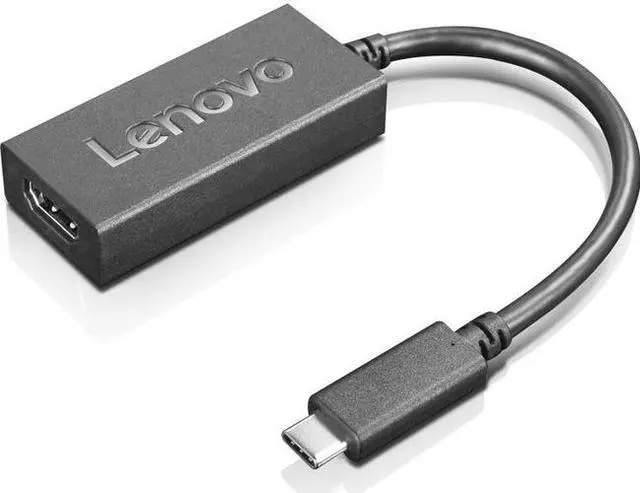
The Lenovo USB-C to HDMI 2.0b Adapter connects a compatible USB-C device to an HDMI display, making it suitable for users who need to send video to a monitor or screen.
Recommended For
- Laptop users who need to connect a USB-C video-capable computer to an HDMI monitor or projector for presentations, meetings, or a larger workspace.
- Mobile workers who want a lightweight, 9.4-inch adapter to carry between a laptop and HDMI displays at home, the office, or a presentation space.
- People connecting a compatible USB-C laptop to a 4K HDMI display for work or media viewing, with support up to 3840 × 2160 at 60Hz.
- Users whose compatible display setup calls for HDMI 2.0b features such as HDR, HDCP 2.2, WCG, or HLG support.
Real-World Use Scenarios
- At a desk, connect a compatible USB-C laptop to an HDMI monitor to use a larger screen for documents, browser tabs, or video calls; the display can mirror or extend the laptop screen using the computer’s display settings.
- For a meeting or class, connect a compatible laptop to an HDMI projector or room display to show slides and other on-screen material without bringing a separate dock.
- When traveling or moving between workspaces, keep the lightweight adapter with an HDMI cable to connect a compatible laptop to available meeting-room or hotel displays; it provides video output but not extra USB ports or laptop charging.
- For watching supported video on a 4K TV or monitor, connect the laptop’s USB-C port to the display’s HDMI input; up to 4K at 60 Hz is possible when the laptop, display, HDMI cable, and content support it.
- For a compatible HDR setup, use the adapter to connect a USB-C laptop to an HDR-capable HDMI display; HDR playback depends on the laptop, display, settings, and video content supporting HDR.




 here!

 Hot Seller