
Your Browsing History





Any questions? Our AI beta will help you find out quickly.
Please note:
1) If the HDMI source is input from HDMI IN A, it needs to be output from the OUT A. If the HDMI source is input from HDMI IN B, then it needs to be output from the OUT B.
2) If you want to output 2 monitors simultaneously, 2 HDMI ports of one HDMI source computer must be connected. Specifically, HDMI A and HDMI B of PC1 IN should be connected at the same time, and OUT A and OUT B of the output ends should also be connected simultaneously. OUT A display the video from HDMI A, and OUT B will display the video from HDMI B.
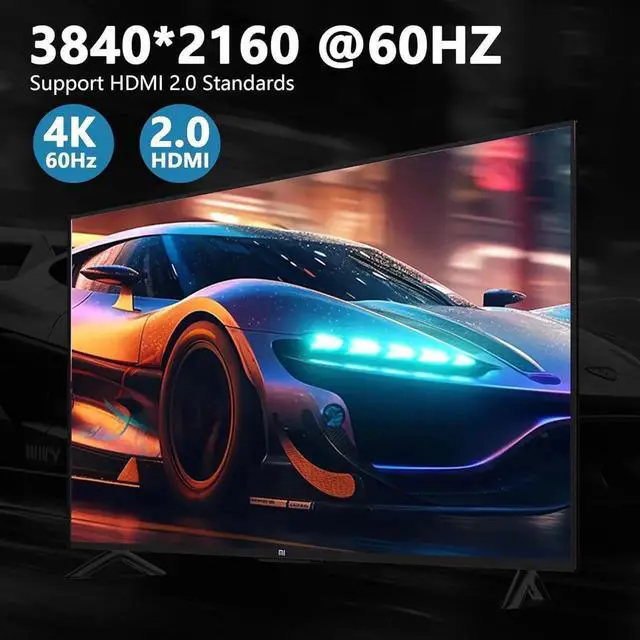
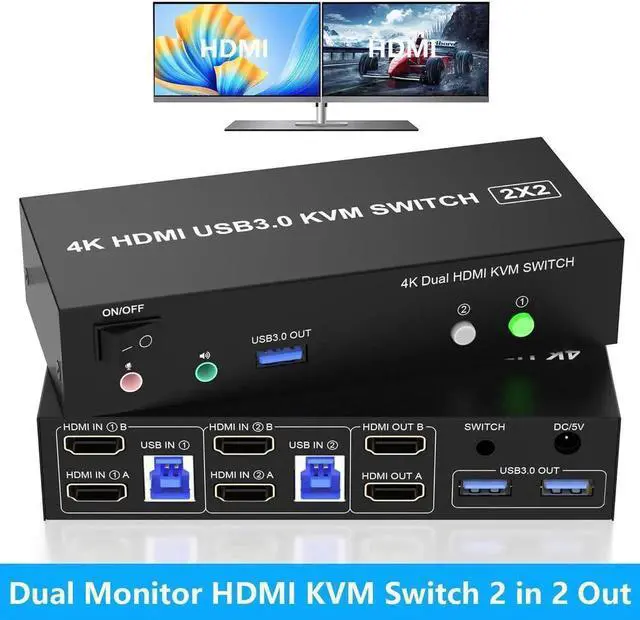
Dual Monitor KVM Switch Support Ultra HD 4K Visuals
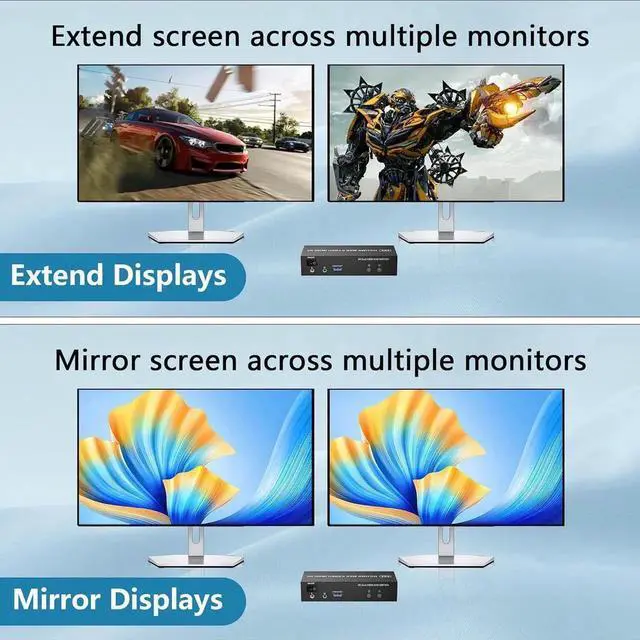
Extend Displays and Mirror Displays
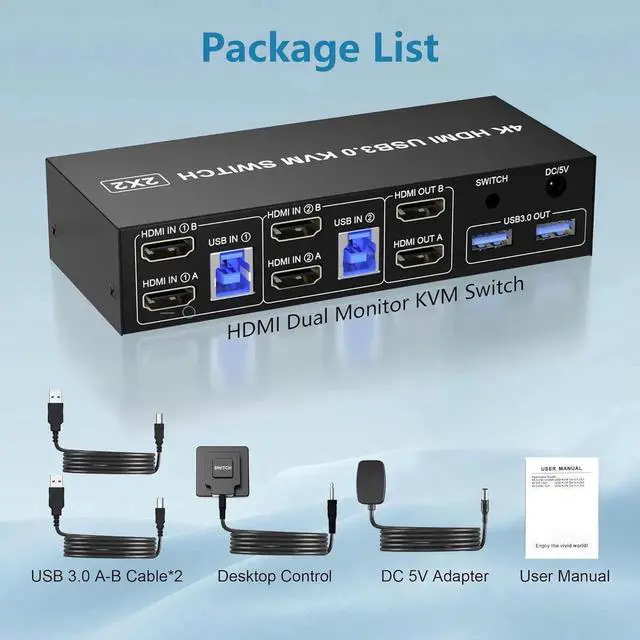
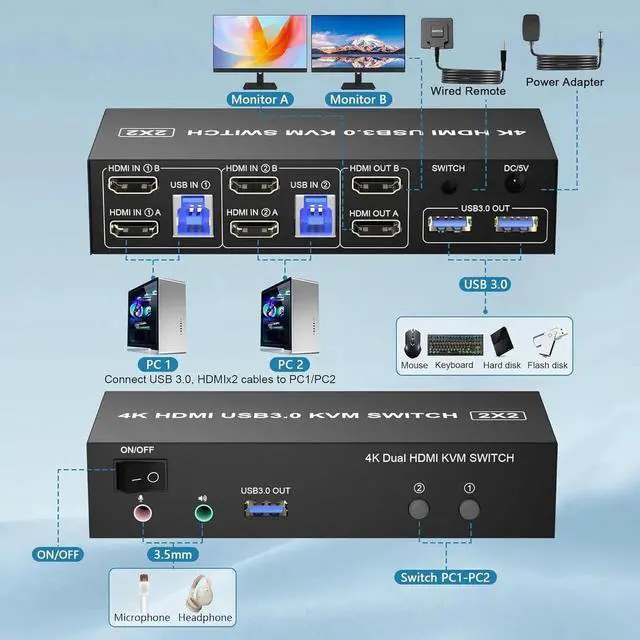
CONNECTION
PC1 IN: USB IN 1 and HDMI IN1 A/HDMI IN1 B cables, device connected to computer 1.
PC2 IN: USB IN 2 and HDMI IN2 A/HDMI IN2 B cables, device connected to computer 2.
HDMI OUT: HDMI OUT A and HDMI OUT B, connected to 2 HDMl display devices.
Note:
1. Requires 2 HDMI ports for each connected computer and make sure your PC or laptop supports multiple monitors
2. After connecting the computers and the monitors through KVM, Please set the screen output mode on the computer (press Windows+P) and select the output mode in the pop-up window on the screen. Otherwise, only one of the two connected monitors has an image.
3. Before purchasing this product, please make sure that connecting your computer directly to the monitor can produce images normally, Otherwise, the KVM will not be available.
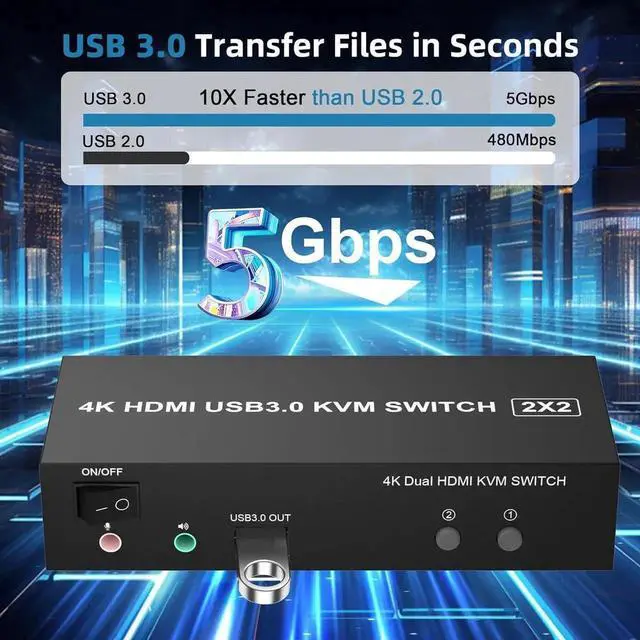
KVM Switches with 3 USB 3.0 Ports
Dual monitor HDMI USB switch with 3 USB 3.0 ports for sharing keyboard,mouse,printer,scaner and other USB devices.
Supports ultra-fast USB 3.0 data transfer up to 5Gbps,backward compatible with USB 2.0/1.1 devices.
The upgraded design hides the messy cables at the back, leaving a USB 3.0 port on the front for inserting a USB flash drive.Unique design makes the desktop more tidy, Say goodbye to cluttered cables
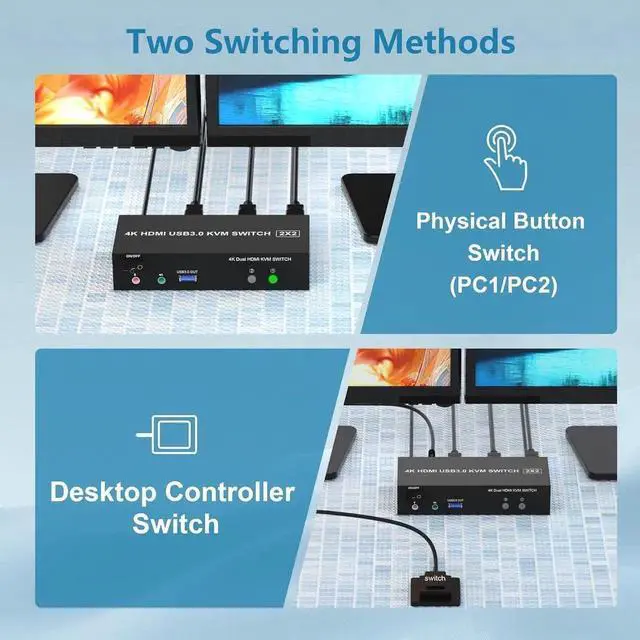
Switch by Panel button
Desktop Control Enhanced Convenience
LED Indicator
Audio and microphone output
What You Get:
[KVM Switch 2 Monitors 2 Computers] The KVM Switch allows 2 computers share 2 monitor and 3 USB devices like mouse keyboard Printer.
[With Simulation EDID] This KVM switch can simulate the EDID of the display, store the setting rate of the display, it comes with EDID emulators in each input port, keep per PCs always having correct display information.
[Support 4K Resolution] Supports up to 4K@60Hz and is backward compatible, which can make the image display more exquisite and realistic.
[Support Extended and Copy Mode] Extended Mode: windows on the main screen can be dragged to the second output screen and display 2 different screens.
Copy Mode: Computer host outputs 2 identical images on 2 monitors.
[2 Switching Modes] Supports front panel buttons and external controller for easy input switching.
[USB 3.0 & Audio Microphone Output] Has 3 USB 3.0 ports with a data transfer rate up to 5Gbp/s, which is 10xfaster than USB 2.0 ports. Also supports separate audio and microphone output.