
Your Browsing History





Any questions? Our AI beta will help you find out quickly.
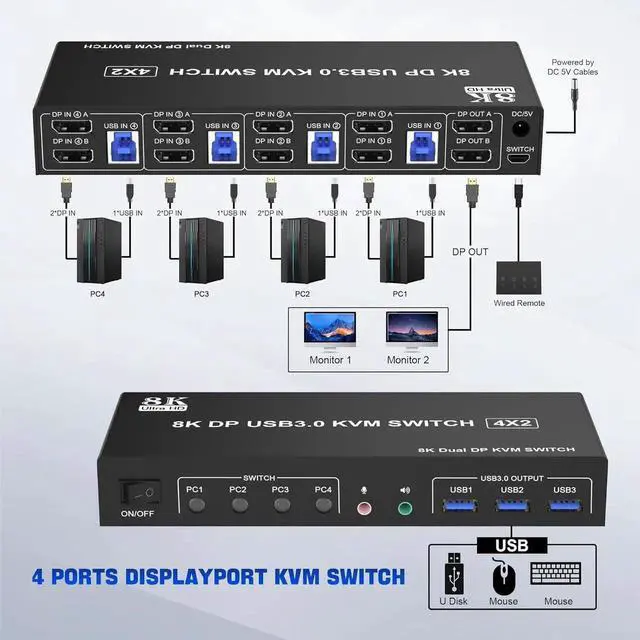
1. Most of the reasons why only one video output works is because of incorrect connection. Please make sure each PC has(2 DP cables+1 USB cable) connect to the KVM.
2. If the KVM switch does not work, you can turn off the switch on the panel and turn it on again after 2-3 seconds, and it will return to normal.
3.Before purchasing this DP dual monitor KVM switch, please make sure that connecting your computer directly to the monitor can work normally,Otherwise, the KVM will not be available.
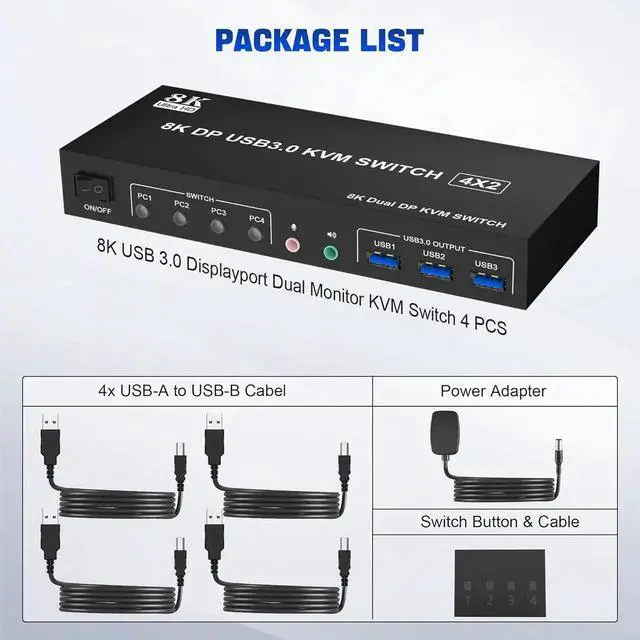
4. Note: DP cables are not included
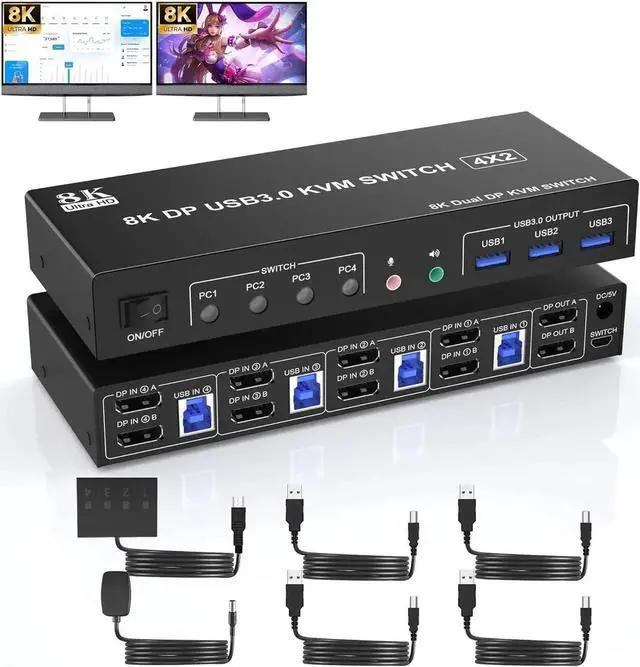
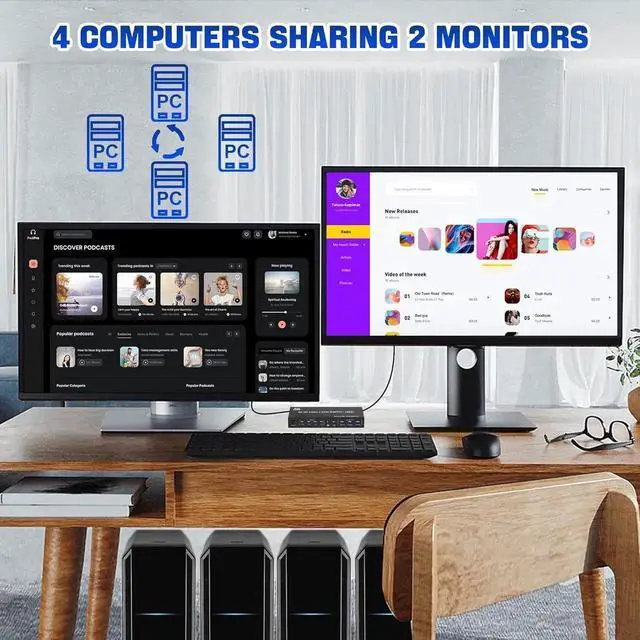
8K@60Hz DP KVM Switch (DP + DP + DP + DP) 4 Computers share 2 Mnitors and 3 USB 3.0
Advantages:
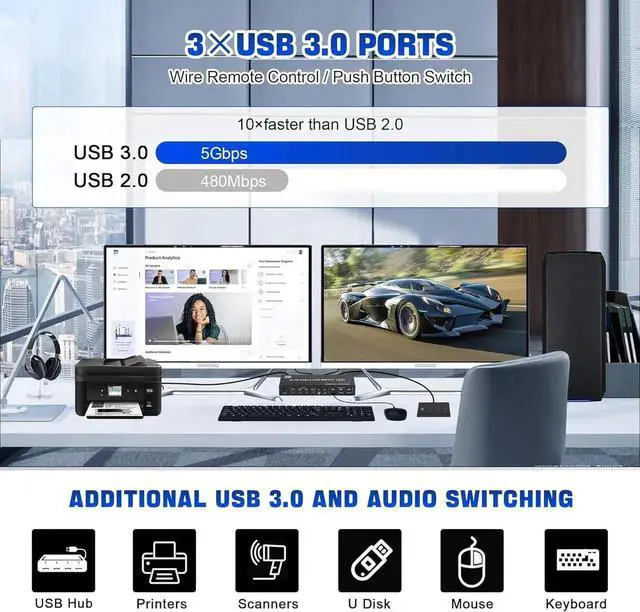
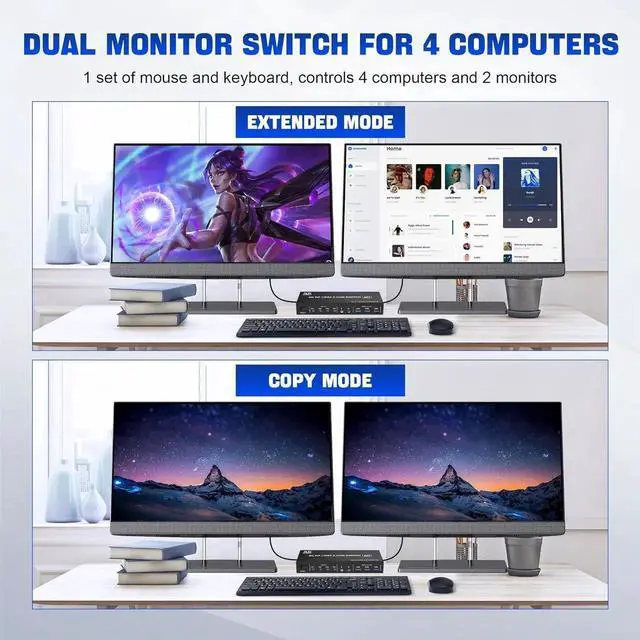
4 computers/laptops share one set of keyboard, mouse and dual monitors, and more USB 3.0 peripherals;
4 Ports Dual displayport KVM switch with 3 USB 3.0 ports for USB devices, and with extra Audio Microphone output;
Dual monitors output support up to 8K@60Hz for extended, mirrored or spliced display(Depends on your computer's graphics card. );
Compatible with Windows 11/10/7/2000/XP/Vista, Linux, UNIX, Ubuntu, Fedora, and other systems;
Compatibility with all computers and other devices with DP ports.
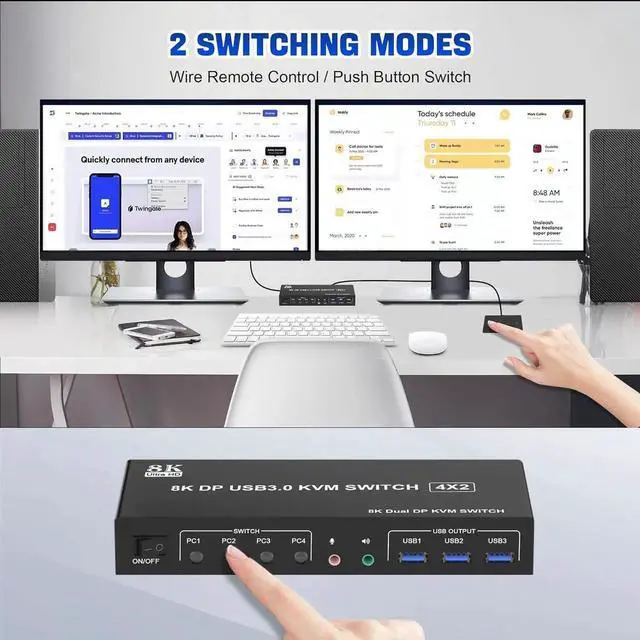
Advanced switching modes: push button and wired remote;
The ports that need to plug in HD-MI/USB cables are all hidden behind the KVM, so the desktop doesn't get cluttered;
No complicated installation is required, and non-professionals can easily operate it.