here!
I’m your shopping assistant for PC builds, upgrades, and everything tech.
Got questions? Ask away!
Start a conversation
here!
I’m your shopping assistant for PC builds, upgrades, and everything tech.
Got questions? Ask away!
Start a conversation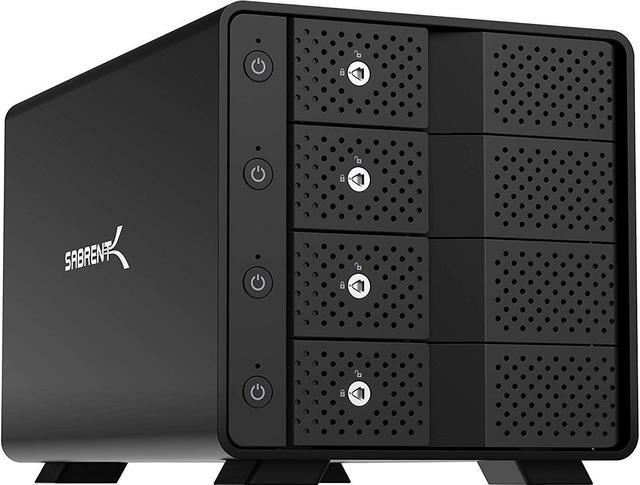
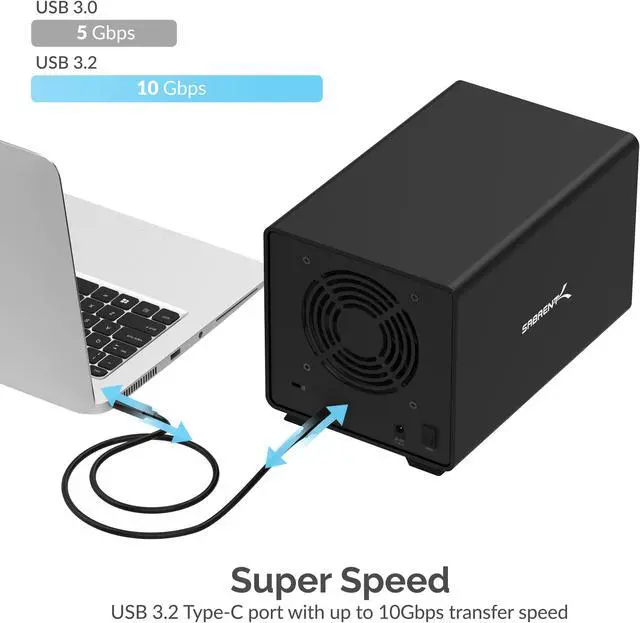
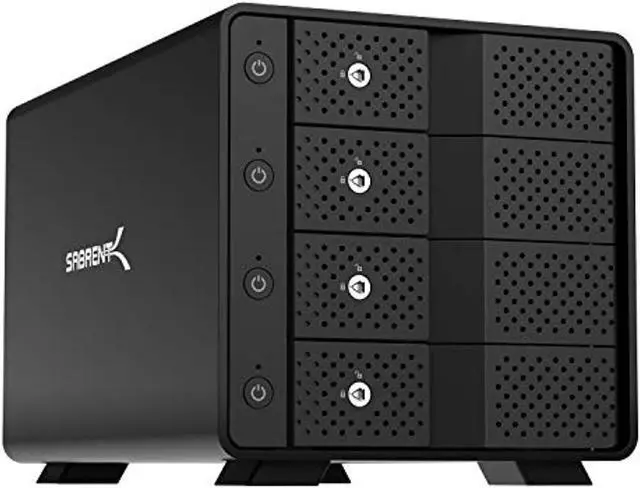
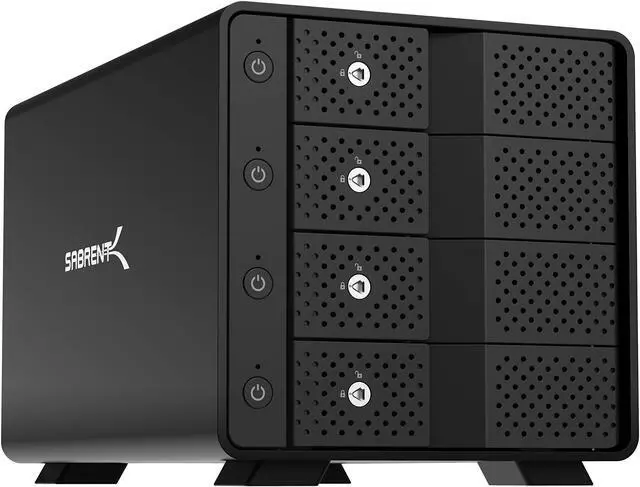



Any questions? Ask CelesteSM will help you find out quickly.
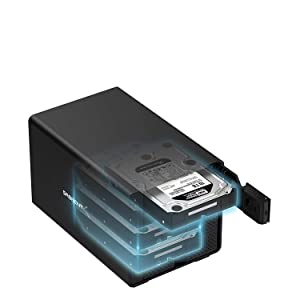
Note: This multi-bay station does NOT do RAID arrays on its own.
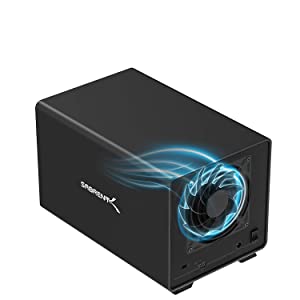
System Requirements: Windows / Mac OS / Linux.

The Sabrent USB 3.2 4-Bay 3.5" SATA Hard Drive Tray-less Docking Station (DS-SC4B) is the PERFECT solution for all you docking needs!
FEATURES:
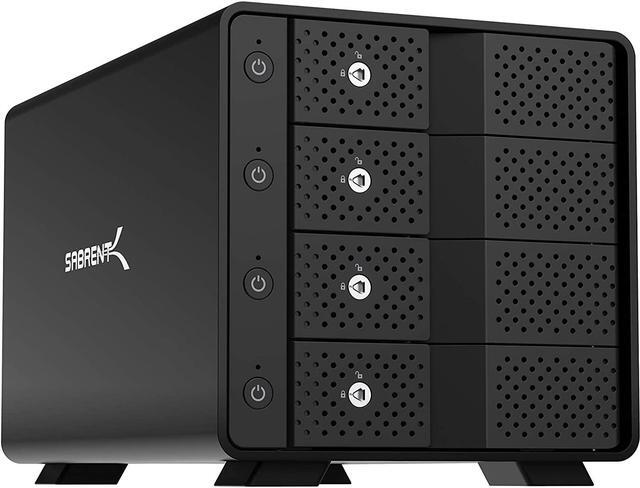
The SABRENT DS-SC4B is a four-bay, tray-less docking station for 3.5-inch SATA hard drives, suited to users who need to access or swap multiple drives over a USB-C connection rated up to 10Gbps.
| Attribute | Value |
|---|---|
| Best For | Connecting up to four 3.5-inch SATA drives to Mac, Windows, or Linux systems over USB |
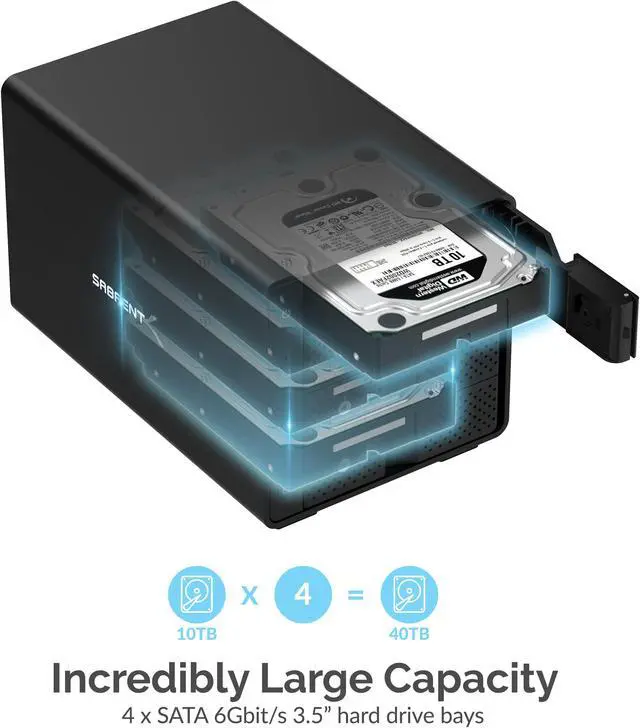
| Drive Bays And Compatibility | Four bays for 3.5-inch SATA III drives |
| Host Connection And Transfer | USB 3.2 Gen 2 with USB-C connectivity and data transfer rates up to 10 Gbps |
| Storage Capacity | Listed capacity: 100 TB |
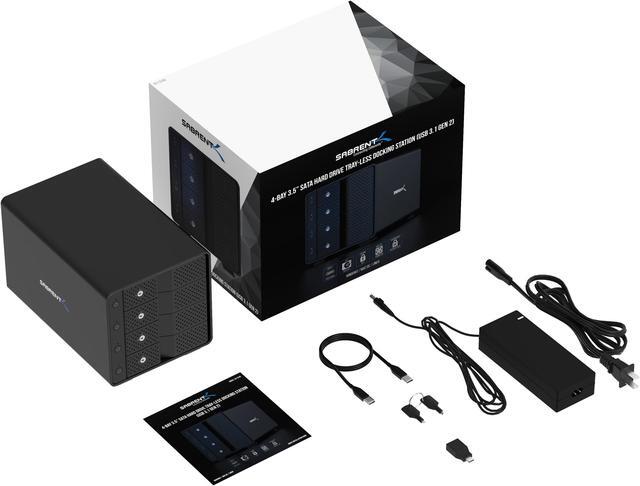
| Power And Included Accessories | Includes an auto-switching 100–240 V AC power adapter, power cable, USB Type-C-to-Type-A cable, Type-A-to-Type-C adapter, and locking key |
| Physical Design | Black plastic construction; weighs 9 pounds and measures 9.1 × 5.8 × 5.9 inches |
| Model Identifiers | SABRENT DS-SC4B; model name DS-SC4B-UK |
Q: Should I get the Sabrent DS-SC4B or the five-bay DS-SC5B?
A: Choose the DS-SC4B for four 3.5-inch SATA drives; choose the DS-SC5B when you want a fifth 3.5-inch bay. Both offer USB 3.2 Type-C up to 10Gbps, tray-less hot-swapping, and independent bay power switches.
Q: How does the DS-SC4B compare with Sabrent’s DS-U3B4 four-bay dock?
A: Both docks accommodate four 3.5-inch drives. The DS-SC4B is the higher-bandwidth choice, with USB 3.2 Type-C up to 10Gbps and SATA 6Gbps bays; the DS-U3B4 supports USB speeds up to 5Gbps and SATA 3Gbps, and also accepts 2.5-inch drives. Choose based on whether 10Gbps connectivity or support for both drive sizes matters more to your setup.
Q: For four drives, should I choose the DS-SC4B or Sabrent’s DS-4SSD?
A: Choose the DS-SC4B for a four-bay setup built around 3.5-inch SATA drives and USB 3.2 Type-C up to 10Gbps. The DS-4SSD is a four-bay USB 3.0 dock with transfer speeds up to 5Gbps, suited to a 2.5-inch HDD or SSD collection. Both support simultaneous access to multiple drives.
Q: Can I use this dock to set up a RAID array?
A: No. The DS-SC4B does not provide built-in RAID. Its drives appear as separate volumes; any RAID setup would need to be handled separately by your computer or software.
Q: Can I access all four drives at the same time?
A: Yes. The dock presents connected drives as separate volumes that can be accessed independently and concurrently. It has four 3.5-inch SATA bays and a USB-C connection rated for up to 10Gbps; actual transfer speeds depend on the drives and host connection.
Q: Can I swap a drive without turning off the whole dock?
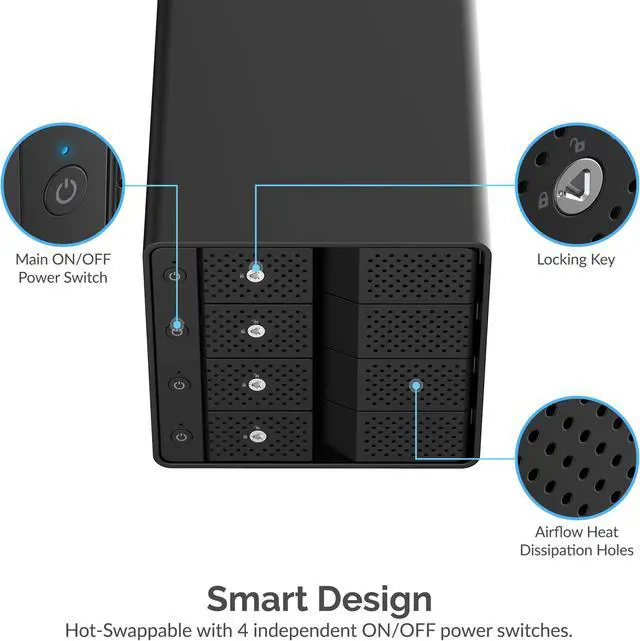
A: The DS-SC4B is specified as hot-swappable and has independent power switches for its four bays. Use the computer’s safe-eject procedure before switching off or removing a drive to reduce the risk of data loss.
Q: Does it work with Mac and Windows computers?
A: The DS-SC4B lists Windows, macOS, and Linux as supported operating systems. Connect it to the computer over USB-C; the host’s USB port and drive format may affect compatibility or performance.
Q: Can I use the four drives as separate disks without combining them into RAID?
A: Yes. Reddit users describe the DS-SC4B as a JBOD enclosure for accessing drives individually. It is a fit for keeping existing drives separate; the discussion does not describe it as a hardware RAID device.
Q: Will the drives turn back on automatically after a power outage?
A: Plan to check and switch the drives back on after power is restored. Reddit users report that the drives may remain off after an interruption, so the individual power switches can require manual attention.
Q: Is the DS-SC4B quiet enough to keep in a quiet room?
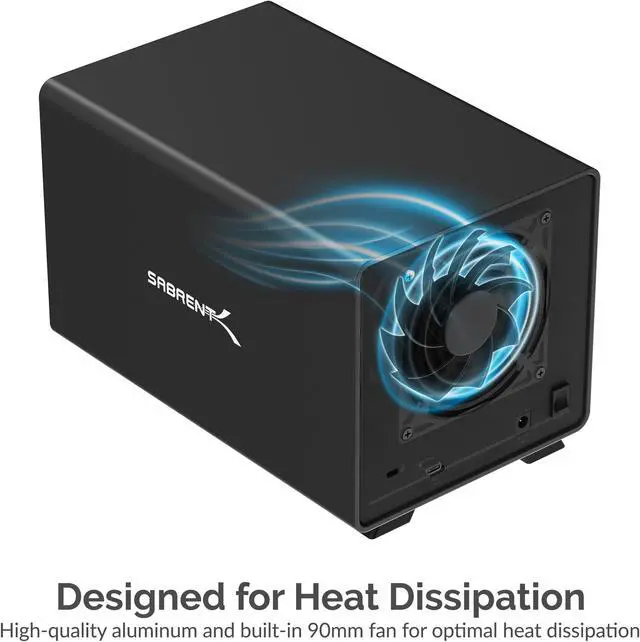
A: Not necessarily. Reddit users report that its fan can be loud in a quiet area. If low noise is important, consider placing it somewhere less noise-sensitive; community reports about fan swaps are individual experiences, not a guarantee of quieter operation.
Q: Can it run all four drives at once?
A: A YouTube review describes running all four drives simultaneously. However, one Reddit user reported that their unit crashed when four drives spun up together, and they started the drives one at a time. For a setup with several high-capacity drives, simultaneous spin-up behavior may depend on the drives and unit.