




 here!
here!
I’m your shopping assistant for PC builds, upgrades, and everything tech.
Got questions? Ask away!
Start a conversation
here!
I’m your shopping assistant for PC builds, upgrades, and everything tech.
Got questions? Ask away!
Start a conversation



Any questions? Ask CelesteSM will help you find out quickly.

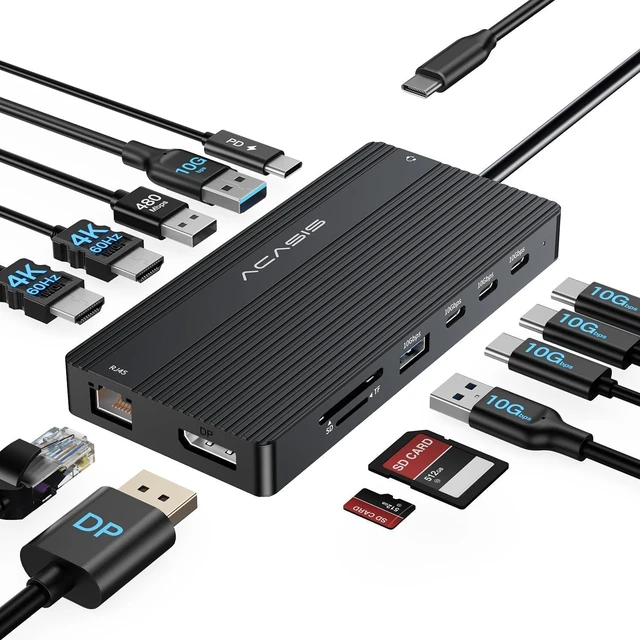
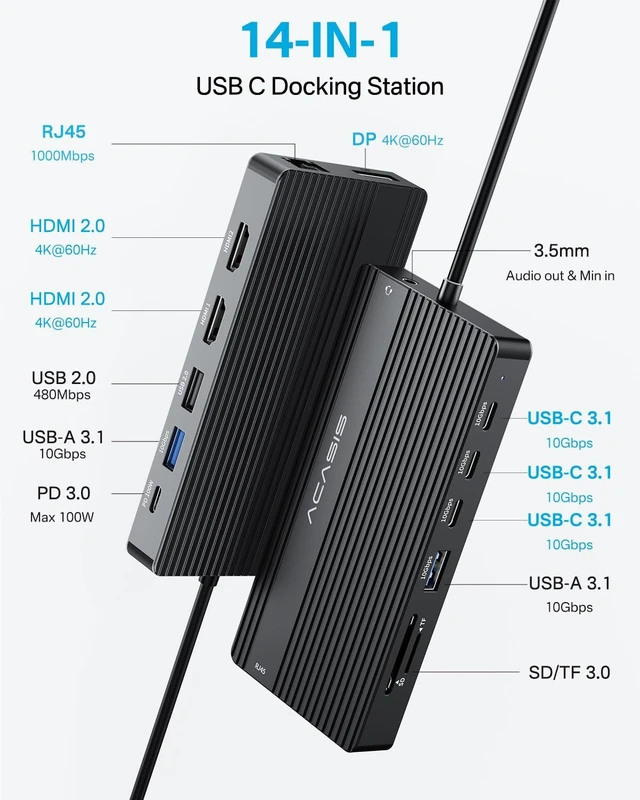
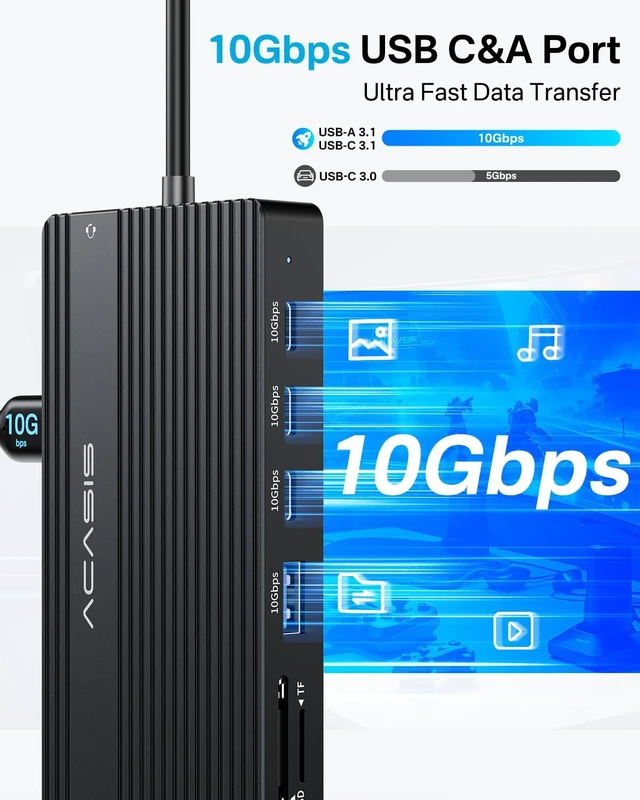
You could usb this 14 Ports USB C Laptop Docking Station to connect more devices, perfectly solving the needs of multiple port of laptop in daily life office.

There are two versions for you to choose from. You can choose different Docks according to your needs.

Things to know before buying: Please make sure your laptop with a fully function(support DisplayPort+PD charging+data transfer) USB-C port or Thunderbolt 3/Thunderbolt 4 or USB4.0 port. If not sure please check with us.


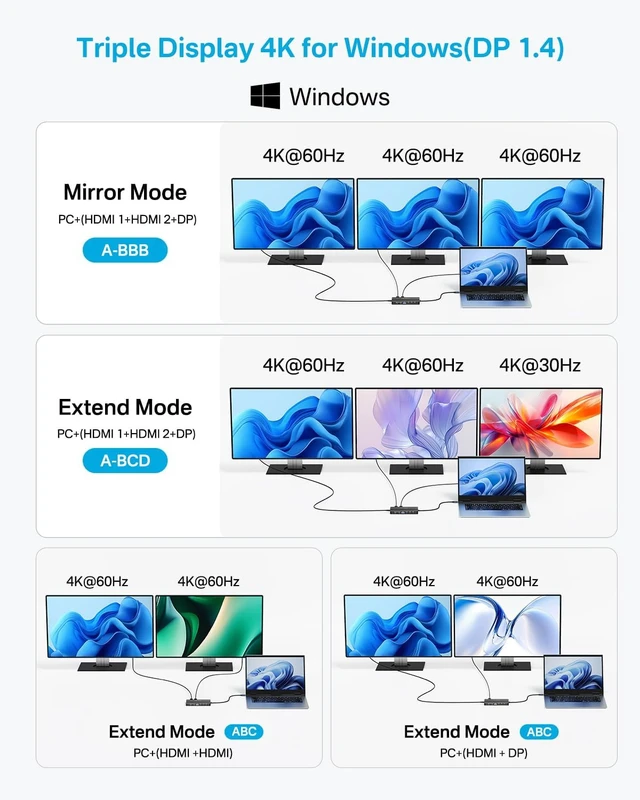
On Windows, you can connect up to 3 external displays simultaneously using the Dock's 2 HDMI ports and 1 USB-C port in various connection modes, all supporting 4K@60Hz. Only in extended mode (A-BCD), the dock outputs 4K@60Hz, 4K@60Hz, and 4K@30Hz.
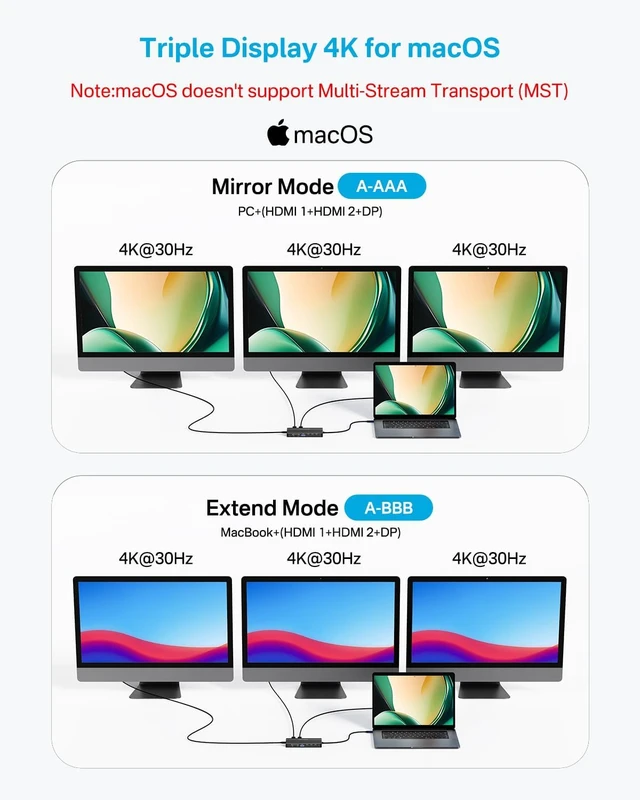
Due to macOS system limitations allowing only single video signal output, screen extension modes A-BC and A-BCD are not supported.

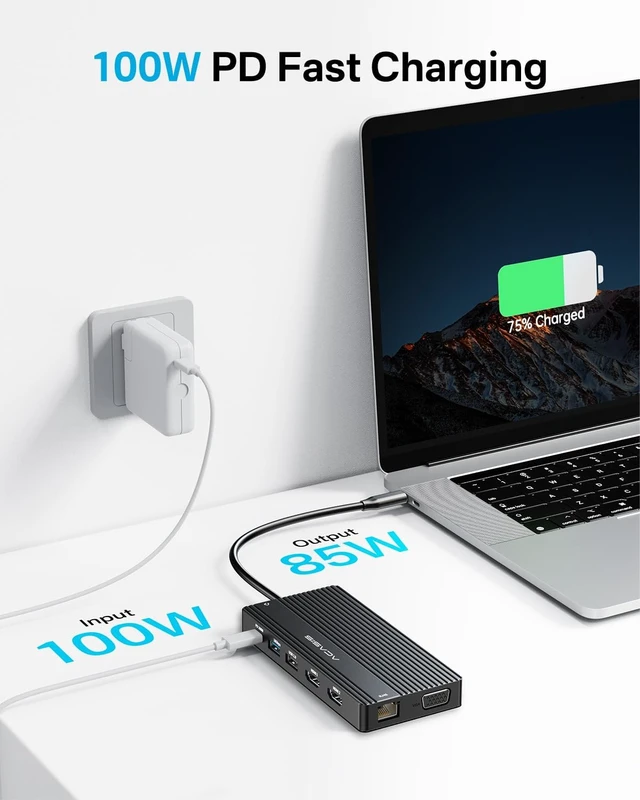
The 14-Port USB-C Laptop Docking Station features a 100W PD charging port, supporting up to 85W pass-through charging. This allows you to power your laptop while using the docking station, significantly enhancing data transfer stability. When purchasing, you can choose the option that includes a 100W power supply.

Expand your view with this dock, and extending up to 3 additional displays, with each display capable of outputting up to 4K@60Hz, allowing you to enjoy high-definition, smooth visuals.

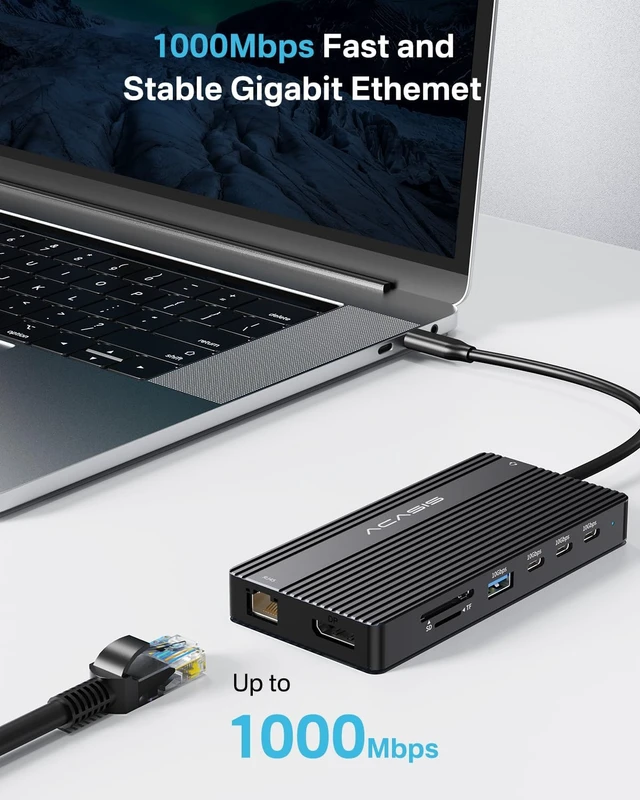
Unlock ultra-fast internet with our Gigabit Ethernet, offering speeds up to 1000Mbps. Experience smoother browsing, streaming, and downloads.


Why can't the screen be displayed on the external monitor?
1. Please check if the USB-C port on your computer supports video output, or try other functional USB-C ports, Thunderbolt 3, Thunderbolt 4, or USB4 ports.
2. Please ensure the selected input setting on the display device matches the corresponding output port of the source device.
3. If display fails, please restart the computer and unplug the interface.
Note: If the screen still doesn't display after self-checking, please contact [email protected].
Does macOS notebook support multiple external displays? What about Windows?
1. macOS support for multiple external displays varies by specific model.
2. Windows systems generally support up to A-BCD external displays.
Note: Win systems can achieve multi-display mode through Win+P shortcut key expansion.
Why does the screen flicker or go black when connecting a PD interface charger?
1. Because when the PD interface is connected, the power supply of all devices will be redistributed. After connecting the PD power supply, the display will briefly disconnect from the previous power supply, and the signal will be refreshed to adapt to the new power supply.
2. This is not a malfunction, and it usually only lasts about 10 seconds.


